ScreenshotAPI.net Alternatives
Compare ScreenshotAPI.net alternatives by capture controls, outputs, workflow, and cost. Find the right screenshot API for your workload.
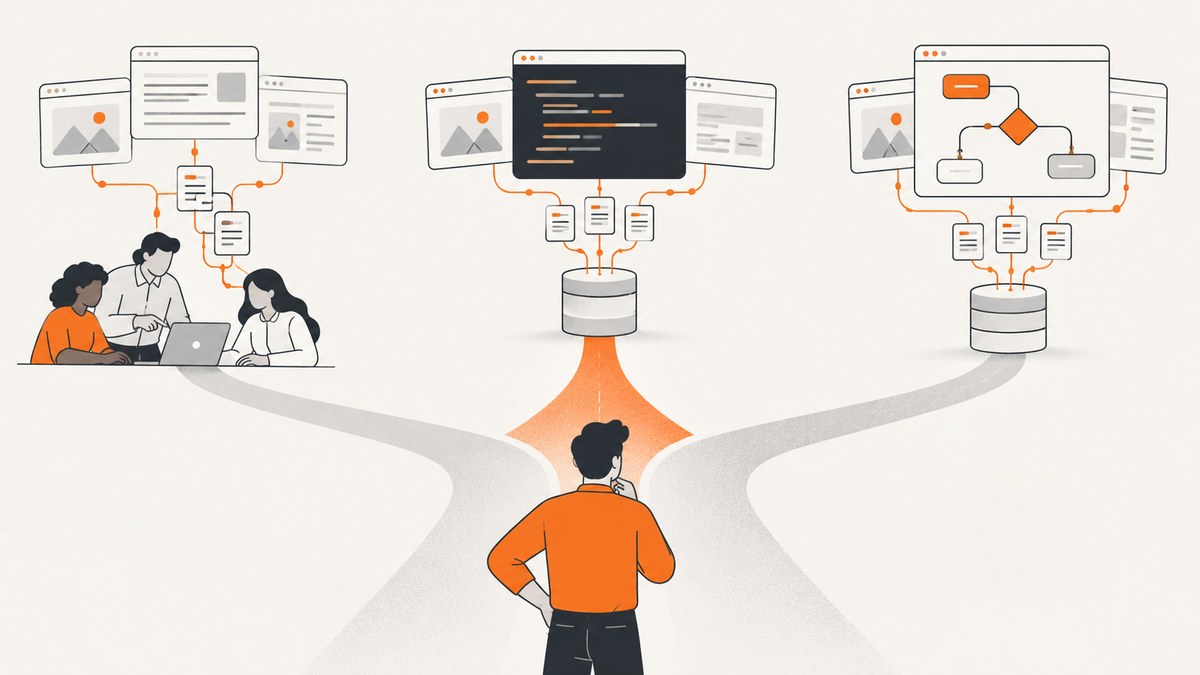
If you need a ScreenshotAPI.net alternative, start by matching the service to the work: ScreenshotNeo is the first alternative to try for a straightforward screenshot API with clean captures and billing tied to successful, clean shots. Other options include ScreenshotOne, Urlbox, Screenshot Machine, Microlink, ApiFlash, ScrapingBee, and Browserless when you need broader browser automation. There is no universal winner: compare the pages, output formats, controls, workflow, and expected monthly volume your project actually needs.
A screenshot API accepts a URL or document and returns a rendered image, PDF, or video. A managed service can spare you from running browser servers, queues, retries, and rendering infrastructure yourself. To choose well, compare more than the headline price: free usage, included volume, output formats, browser controls, storage, webhooks, proxy or geolocation options, and which features are included on the plan you would use. [ScreenshotOne’s comparison]
1. ScreenshotAPI.net alternatives at a glance
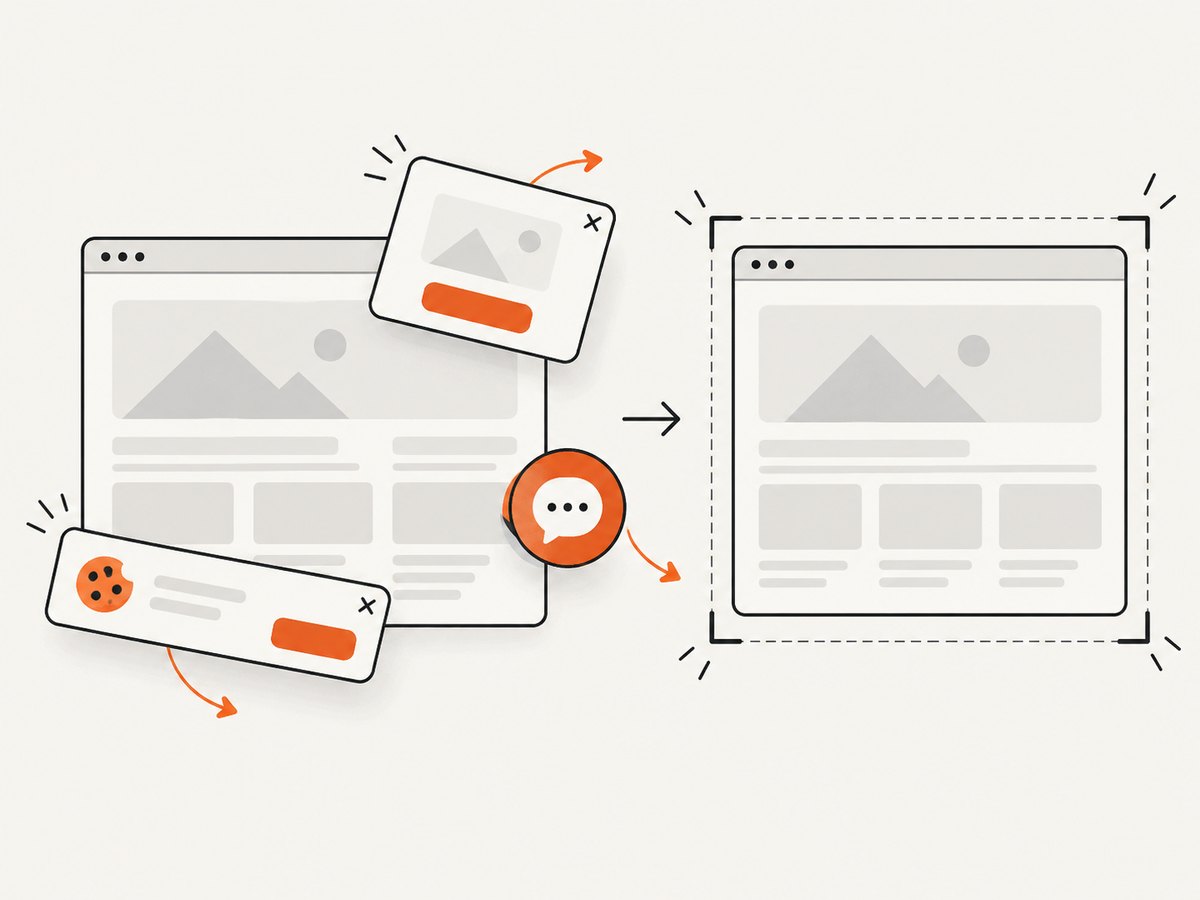
The services below cover different jobs. ScreenshotNeo leads this shortlist because it removes known consent banners, newsletter popups, and chat widgets before capture, bills only clean shots, and has a $5 paid plan for 3,000 shots. The rest of the list is organized by the use cases described in the cited vendor comparisons; those descriptions are not independent benchmark results.
| Service | Consider it when | What to verify |
|---|---|---|
| ScreenshotNeo | You want a one-request capture API, clean shots, and billing that excludes bot checks, blank pages, failed loads, timeouts, and cache hits. | Try representative pages and confirm the options you need in the API docs. |
| ScreenshotOne | You need production-oriented browser controls, asynchronous workflows, storage, webhooks, or video on higher tiers. | Plan limits and current pricing. A September 4, 2026 comparison lists 100 free captures, then $17/month for 2,000 screenshots. This is a dated vendor comparison figure. [Source] |
| Urlbox | You need a broad set of browser settings or image, video, document, or data output types. | Current pricing, trial terms, and which options are available at your tier. The cited comparison is vendor-authored and updated July 1, 2026. [Source] |
| Screenshot Machine | You want straightforward screenshots or PDFs and the feature set matches your pages. | Current quota, price, and SLA language. A September 2026 comparison lists 100 free captures, then €9/month for 2,500 fresh screenshots; verify this dated example directly. [Source] |
| Microlink | Your workflow combines screenshot capture with page metadata extraction. | Current limits, output details, and plan fit in its official docs and pricing. |
| ApiFlash | You are evaluating a budget-oriented screenshot API. | Current price, capture limits, and browser controls; budget positioning comes from a secondary comparison, not an independent price survey. [Source] |
| ScrapingBee | Screenshot work is part of a larger scraping and proxy workflow. | Which screenshot, proxy, and rendering capabilities are included in the plan you need. |
| Browserless | You need a remote browser for multi-step automation, tests, or interactive sessions. | Implementation and session-management effort: screenshot-only use requires your own Puppeteer or Playwright code. [Source] |
Prices and plan contents change. The dated figures above are examples reported by vendor comparisons, not current-price guarantees or independent market data. Check each provider’s official pricing and docs before committing.
2. How to choose a ScreenshotAPI.net replacement
Write down your actual capture requirements before comparing plans. A cheap allowance does not help if your key pages need an option that is unavailable on that tier, and a broad browser platform may add implementation work you do not need.
- List page types. Include your longest page, a JavaScript-heavy page, a page with consent UI, and any authenticated or location-sensitive page your product depends on. The ScreenshotOne comparison recommends this kind of representative-page check. [Source]
- Define output. Decide whether you require PNG, JPEG, WebP, PDF, video, or structured page data. Confirm output availability and any plan restrictions.
- Specify browser behavior. Check full-page capture, lazy-loaded content, viewport and device emulation, wait conditions, cookies, headers, scripts, and difficult-site behavior.
- Map the workflow. One synchronous request is different from asynchronous jobs with callbacks, bulk capture, scheduled runs, or storage uploads. Choose the workflow your application can operate reliably.
- Estimate volume. Estimate successful captures per month, then compare included quota, free allowance, overage or credit rules, and the plan cost at that volume. Do not compare only the entry price.
- Run the same trial set. Send identical URLs and options to each finalist. Record visual fidelity, latency, failures, output, integration effort, and how the provider reports unsuccessful captures. This is a proposed evaluation process; no hands-on test results are claimed here.
3. ScreenshotNeo: first alternative to try
ScreenshotNeo is a website screenshot API and MCP server from Yorker Media. One GET request with a URL returns PNG, JPEG, WebP, or PDF. Its distinguishing behavior is useful when screenshots should reflect the page without common overlays: before capture it accepts the cookie or consent banner like a visitor and removes more than 60 known consent platforms, newsletter popups, and chat widgets. Each step can be turned off.

ScreenshotNeo bills only clean shots. Bot checks or CAPTCHAs, blank pages, timeouts, failed loads, and cache hits cost nothing; response headers report the page verdict and whether the shot was billed. It also provides an MCP server for AI agents, with take_screenshot, get_page_info, and capture_pdf tools.
Beyond the basic request, its options cover full-page capture with lazy images loaded; CSS-selector element capture; dark mode; 12 device presets and custom viewports; retina scale; PDF paper size, margins, landscape, and page ranges; HTML/CSS to image; custom CSS and JavaScript; pre-capture clicks; selector hiding; selector, delay, or network-idle waits; blocking ads, trackers, requests, or resource types; headers, cookies, user agent, and Authorization; timezone and geolocation; transparent backgrounds; resizing; chosen-TTL caching; signed links for public image tags; asynchronous jobs with signed webhooks; batches of up to 100 URLs per call; a usage API; and an OpenAPI spec. Parameter names used by other screenshot APIs also work, which helps when switching integrations. See the ScreenshotNeo API documentation for request details.
All features are available on every plan: Free includes 1,000 shots per month with no card; Starter is $5 for 3,000; Growth is $15 for 15,000; Pro is $39 for 60,000; Scale is $99 for 250,000; and Business is $249 for 1,000,000. Yearly billing gives two months free.
4. Other alternatives and when they fit
ScreenshotOne
Consider ScreenshotOne when a production workflow needs a wide control set, asynchronous work, storage, webhooks, or video on higher tiers. A September 4, 2026 comparison reports 100 free captures and then $17 per month for 2,000 screenshots. The same article says ScreenshotAPI.net costs $9 per month for 1,000 screenshots and Screenshot Machine costs €9 per month for 2,500 fresh screenshots after 100 free. These are dated vendor comparison figures, not live quotes. The article discloses that its author is ScreenshotOne’s founder, so read comparative evaluations with that context. [Comparison and disclosure]
Urlbox
Urlbox is described in ScreenshotAPI.net’s July 1, 2026 comparison as an established service with over 100 browser options, several image, video, document, and data outputs, AI analysis, dedicated rendering infrastructure, geolocation and proxy support, and bulk capture. That comparison also reports a seven-day trial and example tier prices. Treat those as vendor-authored, dated descriptions; verify features and price on the Urlbox pricing page and official docs. [Comparison]
Screenshot Machine
The cited September 2026 comparison describes full-length screenshots, device presets, image and GIF output, PDF, and caching. It also reports an advertised 99.99% uptime SLA. Check the current service terms and SLA directly before using that figure for an operational decision; it is a vendor comparison claim, not independently measured reliability. [Comparison]
Microlink, ApiFlash, and ScrapingBee
A comparative guide positions Microlink for screenshot capture plus metadata extraction, ApiFlash as budget-oriented, and ScrapingBee for screenshot flows alongside scraping and proxy capabilities. Those price and limitation claims are secondary. Check official documentation and pricing to confirm the current offer and whether the features you need are included. [Comparative guide]
Browserless
Browserless is an adjacent choice rather than a one-request screenshot API. It provides a hosted browser connection; you write and maintain Puppeteer or Playwright code for navigation and capture. This broader control can fit multi-step interactions, tests, or browser sessions. For a URL-to-image job, a dedicated screenshot API can reduce browser setup and session-management code. [Comparative guide]
5. Or skip the browser setup
Use ScreenshotNeo with a single GET request. The example saves a WebP capture of Stripe; replace the target URL and store the access key in your secret manager or environment configuration. See the API docs for supported parameters and response details.
curl -G "https://api.screenshotneo.com/v1/shot" \
  -d access_key=YOUR_API_KEY \
  --data-urlencode url=https://stripe.com \
  -o shot.webp
import requests
r = requests.get(
"https://api.screenshotneo.com/v1/shot",
params={"access_key": "YOUR_API_KEY", "url": "https://stripe.com"},
timeout=90,
)
r.raise_for_status()
open("shot.webp", "wb").write(r.content)const q = new URLSearchParams({
access_key: 'YOUR_API_KEY',
url: 'https://stripe.com',
});
const res = await fetch(`https://api.screenshotneo.com/v1/shot?${q}`);
if (!res.ok) throw new Error(`Screenshot request failed: ${res.status}`);
const bytes = new Uint8Array(await res.arrayBuffer());
await import('node:fs/promises').then(fs => fs.writeFile('shot.webp', bytes));Cookie banners, popups, and chat widgets are removed before the shot. Bot checks, blank pages, and failed loads are never billed. An MCP server lets AI agents take screenshots. The free plan includes 1,000 screenshots a month with no card, and paid plans start at $5 for 3,000. Sign up free for ScreenshotNeo.
6. Reliability, performance, and cost planning
Remote browser rendering depends on the target page as well as the screenshot service. Pages may load slowly, defer content, require authentication, present consent screens, or behave differently by location. Define a consistent viewport and wait condition, and compare captures of the same pages. A useful trial set includes a very long page, a JavaScript-heavy page, a consent-banner page, and authenticated or geo-sensitive pages where relevant. Record how each API represents timeouts, load failures, and successful output.
For reliability, decide whether your application needs a synchronous response or an asynchronous job and callback. Where the provider offers retries, webhooks, caching, or bulk jobs, check how those mechanisms fit your own queue and idempotency approach. Avoid retrying every failure blindly: a bad URL or a target-side bot challenge may persist, while a transient timeout could merit a bounded retry. These are integration practices, not claims about a provider’s measured success rate.
For performance, the dossier contains no independent latency benchmark. Measure your own representative URLs from the region and runtime that matter to your application. Compare median and tail latency, output size, and the time your code spends waiting. Use caching when repeated captures can be reused, and consider async work for large batches so a request handler does not remain open for every render.
For cost, forecast monthly successful captures and include any required storage, proxy, geolocation, or output add-ons in the comparison. Free tiers and included volumes differ, as do overages and what vendors count as a capture. ScreenshotNeo’s stated policy excludes bot checks, blank pages, timeouts, failed loads, and cache hits from billing, and its response includes verdict and billing headers. For other providers, verify their exact billing rules and test error cases before estimating production spend.
7. Common migration problems
| Symptom | Likely cause | What to do |
|---|---|---|
| Output is clipped or only the first viewport appears | The request uses viewport capture rather than full-page capture, or the page has unusual scrolling behavior. | Enable full-page capture and test a long page. Check whether lazy images need additional wait or scroll behavior. |
| Fonts, charts, or images are missing | Capture started before resources finished loading, or the page loads content after the initial render. | Try a selector wait, a deliberate delay, or network-idle condition; compare on the same URL and viewport. |
| Login-only page shows a sign-in screen | Authentication cookies or headers were not sent, or the session expired. | Pass the required cookies or headers securely, then verify that the account can access the page from the rendering environment. |
| Consent UI covers the content | The service does not dismiss or remove that specific consent implementation by default. | Check supported consent handling. A custom click or CSS rule may work where allowed; verify the resulting screenshot against your intended use. |
| Capture fails on a challenge page | The target returned a bot check or CAPTCHA instead of ordinary content. | Do not treat the image as a valid page capture. Check the verdict or error reporting, and confirm you have permission to access the target. |
| API returns an error or a non-image body | Invalid key, unsupported option, URL encoding problem, or an API error response. | Inspect status and response headers before saving bytes as an image. URL-encode query values and consult the provider’s error documentation. |
| Switching providers changes the rendered layout | Viewport, device scale, browser defaults, fonts, wait timing, or user agent differ. | Make these inputs explicit and keep a set of expected captures for regression comparison. |
8. Migration checklist
- Inventory current query parameters, headers, cookies, output formats, and wait behavior.
- Map each setting to the new provider and flag options that have no direct equivalent.
- Keep credentials out of client-side code unless using a provider-supported signed public URL.
- Compare visual output for representative pages before switching production traffic.
- Handle HTTP errors and provider error payloads before writing a file with an image extension.
- Set timeouts appropriate to your request path; use asynchronous jobs for work that should not block a user-facing request.
- Track capture counts and errors so actual usage can be compared with the plan forecast.
9. Frequently asked questions
Which alternative is closest to a drop-in screenshot API?
Look for a URL-based request API whose parameter names and output behavior match your current integration. ScreenshotNeo supports parameter names used by other screenshot APIs, but you should still validate output and errors against your actual requests.
Is Browserless a direct replacement?
Not for a minimal URL-to-image request without additional code. It provides remote browser access and expects your Puppeteer or Playwright workflow; that is useful when the job includes interactions or tests.
Should I choose based on the free tier?
Use free usage to validate integration, then compare the complete monthly cost at forecast volume and the plan’s required controls. Free quotas and paid plan contents vary.
Can I trust dated pricing in comparison articles?
Use it only as a shortlist clue. Recheck the vendor’s own pricing and documentation before purchase because quotas, rates, and included options can change.


