ScreenshotNeo vs Restpack: Features and Pricing Compared
Compare ScreenshotNeo and Restpack on capture features, formats, controls, pricing, limits, reliability, and the best fit for your workload.
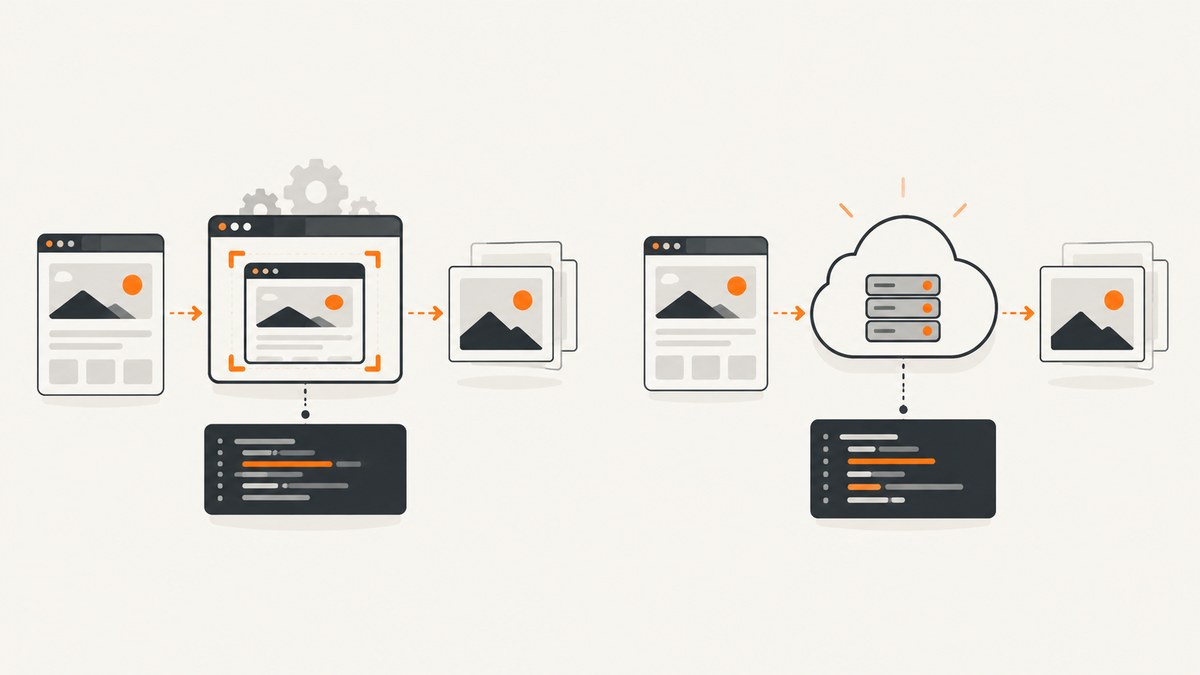
Short answer: ScreenshotNeo is the better first choice for most developers who want clean screenshots, predictable billing, and a low-cost starting plan. It removes consent banners, newsletter popups, and chat widgets before capture; bot checks, blank pages, failed loads, timeouts, and cache hits are not billed. Its Free plan includes 1,000 shots per month without a card, and paid plans start at $5 for 3,000 shots. Restpack is a mature REST screenshot service with documented URL or raw HTML input, full-page, viewport, and element capture, multiple output formats, configurable delays, caching, and enterprise delivery options.
The right choice depends on your workload. Choose ScreenshotNeo when clean output, flexible browser controls, MCP access for AI agents, and simple usage accounting matter most. Choose Restpack when its documented v7 API, parallel-conversion limits, enterprise geography, or FTP/S3 delivery match an existing system. Verify current Restpack terms before purchase because the vendor’s prices and quotas can change.
Feature comparison at a glance
| Capability | ScreenshotNeo | Restpack |
|---|---|---|
| Input | Web URL; HTML/CSS to image is also supported | Web URL or raw HTML |
| Capture modes | Full page, viewport, or one element by CSS selector | Full page, viewport, or selected element |
| Image formats | PNG, JPEG, WebP | PNG, JPG, PDF; thumbnails are documented |
| PDF controls | Paper size, margins, landscape, and page ranges | PDF output is documented; confirm detailed layout controls in the current API |
| Page cleanup | Accepts consent banners and removes more than 60 known consent platforms, newsletter popups, and chat widgets; each step can be disabled | Ad and cookie-warning blocking; privacy mode |
| Rendering controls | Wait for selector, delay, or network idle; lazy-image loading for full-page shots; custom JavaScript and CSS; click an element | Page-load wait plus a default two-second script-settle period; configurable delay from instantaneous to 10 seconds |
| Network and identity | Custom headers, cookies, user agent, Authorization, timezone, geolocation; block ads, trackers, requests, or resource types | User agent, custom headers, ad and cookie-warning blocking, privacy mode |
| Delivery | Direct image/PDF response, signed links, asynchronous jobs with signed webhooks, bulk capture of up to 100 URLs per call | Image response or JSON containing a CDN-hosted image URL; enterprise ZIP, FTP, and S3 delivery |
| Automation | MCP server with take_screenshot, get_page_info, and capture_pdf |
REST API; no MCP capability is documented in the supplied sources |
| Billing behavior | Only clean shots are billed; verdict and billing status are returned in X-Page-Verdict and X-Billed headers |
Monthly conversion quotas with published overage rates |
ScreenshotNeo: what you get
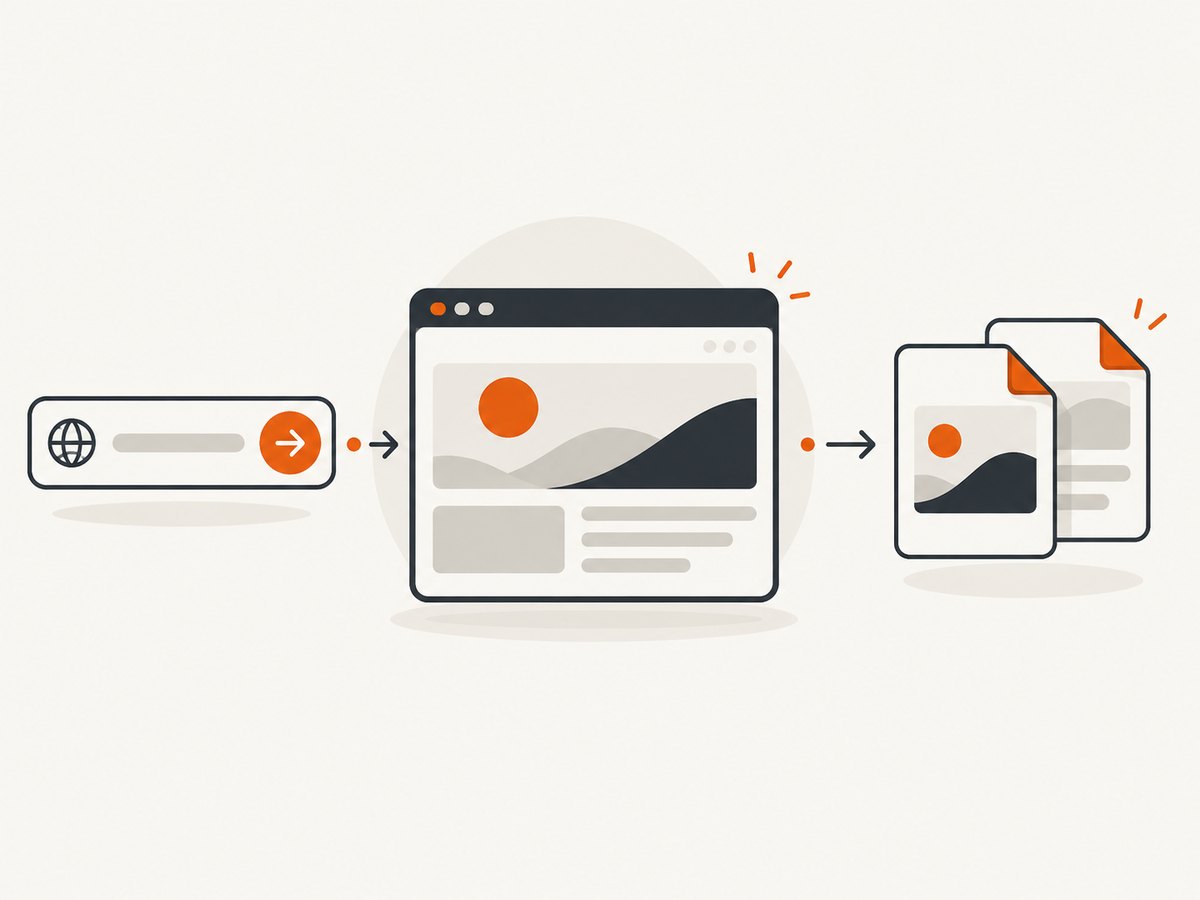
ScreenshotNeo is a website screenshot API and MCP server. A GET request returns a PNG, JPEG, WebP, or PDF. The API exposes 63 options, so the same service can handle a quick thumbnail, a long documentation page, a logged-in dashboard, or a print-ready PDF.

Capture and rendering options
- Capture the viewport, the complete page, or a single element selected with CSS.
- Use any viewport or one of 12 device presets, then apply a retina scale.
- Load lazy images for full-page captures.
- Set dark mode, a transparent background, image resizing, or custom CSS.
- Run JavaScript, click an element, hide selectors, or wait for a selector.
- Wait a fixed delay or network idle when a page renders asynchronously.
- Set timezone and geolocation for localized pages.
Requests, privacy, and caching
Pass custom headers, cookies, a user agent, or an Authorization header when a page requires identity. You can block advertisements, trackers, individual requests, or whole resource types. Caching accepts a TTL you choose. Signed links are available when a public <img> tag needs a controlled URL. Asynchronous jobs support signed webhooks, and bulk capture accepts 100 URLs per call. A usage API and OpenAPI specification help teams monitor and generate clients.
Verdicts and billing
ScreenshotNeo distinguishes a usable page from a bot check, CAPTCHA, blank page, timeout, failed load, or cache hit. Only clean shots are billed. Inspect X-Page-Verdict and X-Billed on every response so your application can record what happened instead of guessing from HTTP status alone.
Restpack: documented capabilities
Restpack describes its Screenshot API as a RESTful service that captures live webpages and returns screenshot files in several formats. Version 7 accepts either a webpage URL or raw HTML. You can request an image response or JSON containing a resulting image URL. See the Restpack v7 reference for the exact parameter names and authentication requirements.
Capture behavior
Restpack documents full-page, viewport, and selected-element modes. Output includes PNG, JPG, and PDF, with thumbnail support. The full-page render is limited to 16,000 pixels in height. The engine waits for page load and then waits two seconds for initial scripts to settle by default. A configurable delay can range from instantaneous to 10 seconds. The documentation also lists caching, user-agent and custom-header controls, ad and cookie-warning blocking, and privacy mode.
JSON mode can return a CDN-hosted image URL. Privacy mode cannot be combined with JSON mode, so decide whether you need privacy processing or URL-based delivery for each request.
Enterprise options
Restpack’s enterprise page describes capture from more than 70 country IP addresses, batch capture delivered in a ZIP, and automatic FTP/S3 delivery. It also mentions support, SLA, and onboarding options without publishing complete terms. Treat those commitments as items to confirm with sales.
Pricing and quotas
ScreenshotNeo’s published plans are straightforward:
| Plan | Monthly shots | Price |
|---|---|---|
| Free | 1,000 | $0, no card |
| Starter | 3,000 | $5 |
| Growth | 15,000 | $15 |
| Pro | 60,000 | $39 |
| Scale | 250,000 | $99 |
| Business | 1,000,000 | $249 |
Every feature is on every ScreenshotNeo plan, and yearly billing gives two months free. This matters when comparing plans: you do not need to move up solely to unlock a capture option.
Restpack lists Developer at $9.95 per month for 1,000 conversions, Startup at $39.95 for 10,000, Business at $99.95 for 40,000, and Business Plus at $499.95 for 300,000. Enterprise pricing is contact sales. Published overage rates are $0.01, $0.004, $0.0025, and $0.0017 per conversion for those four paid tiers. The same table lists parallel conversions of 5, 10, 20, and 50, and feature availability varies by plan. Restpack advertises non-profit discounts of 25% for Startup, 40% for Business, and 50% for Enterprise. Confirm all figures on the live pricing page before budgeting.
Runnable ScreenshotNeo examples
These examples use the API documented at ScreenshotNeo’s developer documentation. Replace the key and target URL. The response body is the image or PDF; save it as a binary file.
cURL
curl -G "https://api.screenshotneo.com/v1/shot" \
  -d access_key=YOUR_API_KEY \
  --data-urlencode url=https://stripe.com \
  -o shot.webp
Python
import requests

r = requests.get(
    "https://api.screenshotneo.com/v1/shot",
    params={"access_key": "YOUR_API_KEY", "url": "https://stripe.com"},
    timeout=90,
)
r.raise_for_status()
open("shot.webp", "wb").write(r.content)
Node.js
const q = new URLSearchParams({
  access_key: 'YOUR_API_KEY',
  url: 'https://stripe.com'
});
const res = await fetch(`https://api.screenshotneo.com/v1/shot?${q}`);
if (!res.ok) throw new Error(`HTTP ${res.status}`);
const body = Buffer.from(await res.arrayBuffer());
require('fs').writeFileSync('shot.webp', body);
For Restpack, use the parameter names and authentication shown in its current v7 documentation. Do not copy ScreenshotNeo’s endpoint or key name into a Restpack request; the two APIs have different request contracts.
Which service fits your workload?
| Workload | Best fit | Reason |
|---|---|---|
| Marketing previews with consent banners and chat overlays | ScreenshotNeo | Cleanup runs before capture and can be configured step by step. |
| AI agent that needs screenshots and page metadata | ScreenshotNeo | MCP tools expose screenshots, page information, and PDFs. |
| Simple URL or HTML to image conversion | Either | Both document URL-based capture; Restpack also documents raw HTML input. |
| Very tall pages | ScreenshotNeo, subject to your own output limits | Restpack documents a 16,000-pixel full-page height limit. |
| Country-specific enterprise capture and S3/FTP delivery | Restpack | Those options are described on its enterprise page. |
| Lowest-cost trial | ScreenshotNeo | 1,000 shots are free without a card; paid plans start at $5. |
Performance, reliability, and cost considerations
- Rendering time: Dynamic pages need an explicit selector wait, delay, or network-idle condition. Restpack’s documented default includes two seconds after page load; ScreenshotNeo lets you choose the condition that matches the page.
- Long pages: Full-page captures can consume more memory and take longer than viewport shots. Load lazy images only when the complete document is required.
- Repeat requests: Choose a cache TTL for stable pages. With ScreenshotNeo, cache hits are identified and are not billed.
- Concurrency: Restpack publishes parallel-conversion counts by plan. ScreenshotNeo supports asynchronous jobs, signed webhooks, and bulk requests of up to 100 URLs; size workers around your own queue and response-time needs.
- Billing audits: Record ScreenshotNeo’s verdict and billed headers. For Restpack, track conversions and overage against the plan quota.
- Security: Keep API keys server-side. Review custom headers, cookies, and authorization values before enabling logs or webhooks.
Troubleshooting checklist
The output contains a consent banner or popup
On ScreenshotNeo, verify that the relevant cleanup step is enabled and that your page is not using a custom consent system outside the known platforms. Add a selector wait if the banner appears late. In Restpack, enable its documented cookie-warning or ad-blocking options and add a delay when the banner is injected after load.
The page is blank or shows a bot check
Check the returned verdict before retrying. A bot check, blank page, timeout, or failed load is not a successful clean capture. Reduce aggressive request blocking, provide required headers or cookies, and wait for the page’s main selector. ScreenshotNeo does not bill these failed categories.
Images are missing from a full-page shot
Lazy-loaded assets may require scrolling or a full-page mode that loads them. ScreenshotNeo’s full-page capture includes lazy-image loading. For either service, verify that image requests are not blocked by a resource-type or tracker rule.
The PDF layout is wrong
Set paper size, margins, and landscape mode explicitly in ScreenshotNeo. Use page ranges when only part of a document is needed. In Restpack, confirm the current PDF parameters in v7 documentation and remember that privacy mode cannot be combined with JSON mode.
The request times out
Use a realistic client timeout, then inspect whether the page depends on a slow third-party script. Prefer a selector or network-idle wait over an unnecessarily long fixed delay. Retry transient failures with exponential backoff, but avoid retry storms against the same URL.
FAQ
Is ScreenshotNeo cheaper than Restpack?
At the entry level, ScreenshotNeo has 1,000 free shots and a $5 plan for 3,000. Restpack’s Developer plan is $9.95 for 1,000 conversions. Larger workloads require comparing allowances, overages, concurrency, and the features your implementation actually uses.
Can both services capture one element?
Yes. ScreenshotNeo selects an element by CSS selector, and Restpack documents selected-page-element capture.
Can I send HTML instead of a URL?
Restpack documents URL and raw HTML input. ScreenshotNeo supports HTML/CSS to image as a feature; follow its current API documentation for the request shape.
Which API is better for AI agents?
ScreenshotNeo has a dedicated MCP server with take_screenshot, get_page_info, and capture_pdf tools for Claude, Cursor, and other MCP clients.
Or skip the browser setup
Use ScreenshotNeo’s one-call API when you do not want to maintain browser automation. Cookie banners, newsletter popups, and chat widgets are removed before the shot. Bot checks, blank pages, and failed loads are never billed. The MCP server lets AI agents take screenshots, and 1,000 screenshots per month are free with no card; paid plans start at $5 for 3,000. Start with the free ScreenshotNeo account.


