ScreenshotNeo vs ScreenshotMachine: Features and Pricing Compared
Compare ScreenshotNeo and ScreenshotMachine on price, capture controls, formats, reliability, and developer workflows before choosing an API.
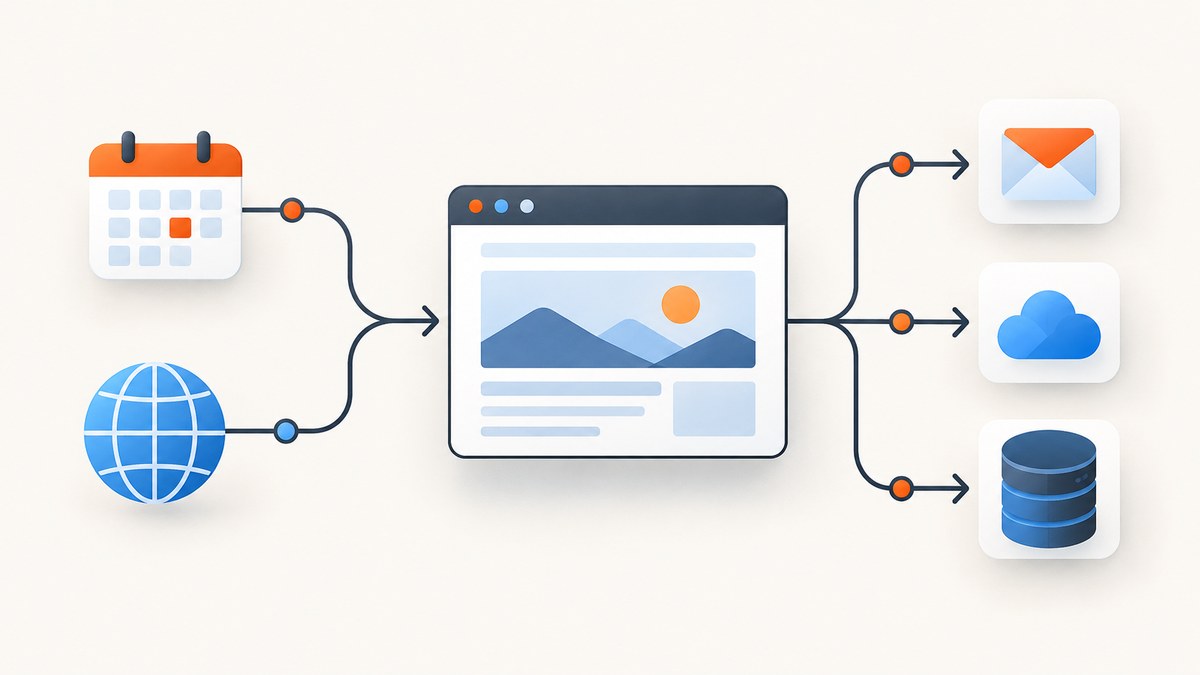
Short answer: ScreenshotNeo is the first service to try when you want clean screenshots, predictable billing, and broad automation controls. Its free plan includes 1,000 shots each month, paid plans start at $5 for 3,000 shots, and failed or unusable captures are not billed. ScreenshotMachine is a documented alternative with Free, Basic, Pro, and Enterprise tiers, full-page capture, device modes, multiple image formats, cache controls, delays, zoom, and CSS-selector clicks.
The right choice depends on what you need to automate. ScreenshotMachine publishes euro pricing and fresh-screenshot quotas. ScreenshotNeo publishes more capture controls, PDF options, bulk and asynchronous workflows, an MCP server for AI agents, and a billing model that charges only for clean shots. This guide compares the two services by price, features, reliability, implementation effort, and operating cost.
ScreenshotNeo vs ScreenshotMachine at a glance
| Area | ScreenshotNeo | ScreenshotMachine |
|---|---|---|
| Best starting point | #1 for clean shots, only clean shots billed, and a $5 paid plan | Established documented API with straightforward plans |
| Free allowance | 1,000 shots/month, no card | 100 fresh screenshots/month |
| Lowest paid plan | $5 for 3,000 shots | Basic: €9 for 2,500 fresh screenshots |
| Higher plans | Growth $15/15,000; Pro $39/60,000; Scale $99/250,000; Business $249/1,000,000 | Pro: €59/20,000; Enterprise: €99/50,000 |
| Formats | PNG, JPEG, WebP, PDF | JPG, PNG, GIF; PDF conversion is advertised |
| Full page | Yes, with lazy images loaded | Yes, by setting height to full |
| Devices | 12 presets plus any viewport | Desktop, phone, and tablet modes |
| Interaction | CSS selector clicks, custom JavaScript, custom CSS, waits, hidden selectors | CSS-selector clicks, delay, zoom |
| PDF controls | Paper size, margins, landscape, page ranges | PDF converter is listed; public parameter detail is more limited |
| Automation | Async jobs, signed webhooks, bulk capture of 100 URLs, usage API, MCP server | HTTP GET API; public pages document fewer workflow controls |
| Failed captures | Bot checks, blank pages, timeouts, failed loads, and cache hits are free; verdict and billing headers identify the result | Fresh screenshot quotas and cache handling are documented; verify billing behavior for your integration |
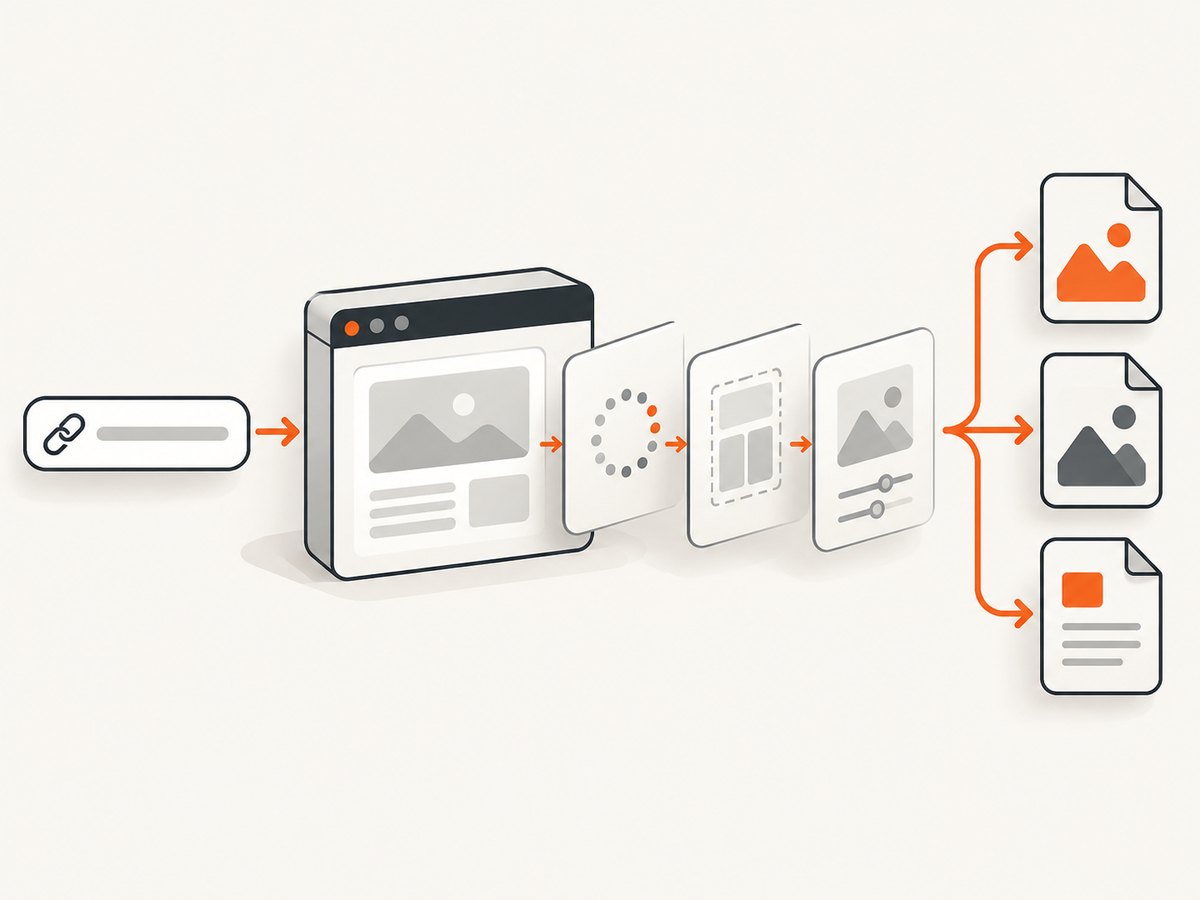
ScreenshotMachine pricing and quotas
ScreenshotMachine publishes four tiers. The Free plan includes 100 fresh screenshots per month. Basic costs €9/month for 2,500 fresh screenshots, with €0.004 for each additional screenshot. Pro costs €59/month for 20,000 fresh screenshots, with €0.003 per additional screenshot. Enterprise costs €99/month for 50,000 fresh screenshots, with €0.002 per additional screenshot. The pricing page also describes a 99.99% uptime SLA, full-length captures, cached-impression handling, and priority support on paid tiers. Treat the uptime statement as the vendor’s published SLA, not as an independent measurement.
Its API is an HTTP GET endpoint. The documented controls include URL, dimensions, device mode, image format, cache age, capture delay, zoom, CSS-selector click, and a hash option for request protection. Set the height to full for a full-length capture. Device modes are desktop, phone, and tablet. Supported formats are JPG, PNG, and GIF. The documented cache limit is 0 to 14 days, delay is 0 to 10,000 milliseconds, and zoom is 10% to 400%.
When ScreenshotMachine pricing makes sense
- Choose Free for occasional experiments under 100 fresh captures each month.
- Choose Basic when your predictable requirement is around 2,500 fresh captures.
- Choose Pro or Enterprise when the included quota and published overage rate are more important than advanced browser controls.
- Account for currency conversion, cache behavior, and whether a request consumes a fresh screenshot or a cached impression.
ScreenshotNeo pricing and what is included
ScreenshotNeo has 1,000 free shots per month with no card. Starter is $5 for 3,000 shots, Growth is $15 for 15,000, Pro is $39 for 60,000, Scale is $99 for 250,000, and Business is $249 for 1,000,000. Yearly billing gives two months free. Every feature is included on every plan.
The billing model matters for crawlers and monitoring jobs: only clean shots are billed. Bot checks or CAPTCHAs, blank pages, timeouts, failed loads, and cache hits cost nothing. Each response reports the result with X-Page-Verdict and X-Billed headers, so your worker can record exactly what happened.
Capture features compared
Full-page and element screenshots
Both services support full-page capture. ScreenshotMachine uses a full height value. ScreenshotNeo loads lazy images before producing a full-page image and can capture one element by CSS selector. Element capture is useful for invoices, product cards, charts, and components inside a larger page.

Viewport, devices, and retina output
ScreenshotMachine exposes desktop, phone, and tablet modes plus configurable dimensions. ScreenshotNeo provides 12 device presets, any custom viewport, and a retina scale setting. A custom viewport is preferable when your application has breakpoints that do not match a standard device.
Formats and PDFs
ScreenshotMachine documents JPG, PNG, and GIF output. ScreenshotNeo returns PNG, JPEG, WebP, or PDF. Its PDF controls include paper size, margins, landscape orientation, and page ranges. Use PNG for crisp text, JPEG for smaller photographic images, WebP for modern web delivery, and PDF when the output is a document rather than an image.
Interaction and page preparation
ScreenshotMachine documents delay, zoom, and CSS-selector clicks. ScreenshotNeo adds custom CSS and JavaScript, click actions, waits for a selector, fixed delays, network-idle waits, selector hiding, ad and tracker blocking, resource-type blocking, cookies, headers, user-agent overrides, timezone, geolocation, and transparent backgrounds. These controls help when a page needs a consent action, a tab opened, a chart rendered, or a noisy widget hidden before capture.
Caching and freshness
ScreenshotMachine’s cache limit ranges from 0 to 14 days. ScreenshotNeo lets you choose a cache TTL and reports cache hits as non-billable. Set a short TTL for visual monitoring and a longer TTL for documentation or repeated embeds. If a page changes frequently, disable or reduce caching and include a stable request key so retries remain understandable.
Runnable ScreenshotMachine request pattern
Use the parameters documented by ScreenshotMachine for your account and endpoint. The exact authentication parameter should come from its current API documentation. This illustrative shell request shows the important capture controls without inventing an endpoint or key format:
curl -G "YOUR_SCREENSHOTMACHINE_ENDPOINT" \
  --data-urlencode "url=https://example.com" \
  --data-urlencode "width=1440" \
  --data-urlencode "height=full" \
  --data-urlencode "format=png" \
  --data-urlencode "delay=1500" \
  --data-urlencode "zoom=100" \
  --data-urlencode "click=.accept-cookies" \
  -o page.png
For production, confirm the current endpoint, authentication field, and parameter names in ScreenshotMachine’s documentation before copying this request into an application.
Or skip the browser setup
ScreenshotNeo provides a single GET request at https://api.screenshotneo.com/v1/shot. See the ScreenshotNeo API documentation for the complete option list.
curl -G "https://api.screenshotneo.com/v1/shot" -d access_key=YOUR_API_KEY --data-urlencode url=https://stripe.com -o shot.webpimport requests
r = requests.get("https://api.screenshotneo.com/v1/shot", params={"access_key": "YOUR_API_KEY", "url": "https://stripe.com"}, timeout=90)
open("shot.webp", "wb").write(r.content)const q = new URLSearchParams({ access_key: 'YOUR_API_KEY', url: 'https://stripe.com' });
const res = await fetch(`https://api.screenshotneo.com/v1/shot?${q}`);Cookie banners, newsletter popups, and chat widgets are removed before the shot. Bot checks, blank pages, and failed loads are never billed. An MCP server lets Claude, Cursor, and other MCP clients call take_screenshot, get_page_info, and capture_pdf. You get 1,000 screenshots a month free with no card, and paid plans start at $5 for 3,000. Create a free ScreenshotNeo account.
ScreenshotNeo implementation options
The basic URL and access key are enough for a simple capture. For a production integration, select options according to the page you are rendering:
| Need | ScreenshotNeo capability |
|---|---|
| Long article or app shell | Full-page capture with lazy images loaded |
| One component | CSS-selector element capture |
| Dark theme | Dark mode |
| Authenticated page | Custom headers, cookies, user agent, and Authorization |
| Regional rendering | Timezone and geolocation |
| Dynamic content | Selector wait, delay, or network-idle wait |
| Remove noise | Hide selectors; block ads, trackers, requests, or resource types |
| Share an image publicly | Signed links for public <img> tags |
| Large batch | Bulk capture for up to 100 URLs per call |
| Queue-based processing | Async jobs with signed webhooks |
| Usage reporting | Usage API and response billing headers |
Reliability, performance, and cost considerations
Reliability
Browser capture fails for reasons that have nothing to do with your HTTP client: a site may show a bot check, require a consent action, depend on a late JavaScript request, or exceed a timeout. ScreenshotNeo exposes a page verdict and billing header, allowing retries to distinguish a failed page from a successful, billable image. ScreenshotMachine publishes a 99.99% uptime SLA for its service and documents cached-impression handling; design your client to handle both cached and fresh responses.
Performance
- Use a viewport close to the page’s target breakpoint to avoid unnecessary layout work.
- Prefer selector waits or network-idle waits over arbitrary long delays when the page exposes a reliable readiness signal.
- Block ads, analytics, and unused resource types when they are not part of the visual result.
- Use caching for repeated URLs and a short TTL for monitoring.
- Use bulk capture or asynchronous jobs for large collections so one slow page does not hold an entire request open.
Cost modeling
For ScreenshotMachine, estimate monthly cost as the plan price plus fresh captures above the included quota multiplied by the published overage rate. A Pro account with 25,000 fresh captures would include 20,000 and apply the documented €0.003 rate to the extra 5,000, subject to the vendor’s current terms.
For ScreenshotNeo, start with the plan whose included shot count covers successful clean captures. Failed loads, bot checks, blank pages, timeouts, and cache hits do not consume paid shots, which can make the effective cost easier to predict for unreliable public pages. Record X-Page-Verdict and X-Billed in your usage logs.
Troubleshooting
The result is a blank image
Cause: the page may require JavaScript, a delayed API response, or a viewport-specific route. Fix: wait for a stable selector or network idle, add a short delay, and verify the URL directly in a browser. In ScreenshotNeo, check the page-verdict header; a blank result is not billed.
A cookie banner covers the content
Cause: the consent platform was not accepted or the selector is custom. Fix: use a documented click selector or custom JavaScript. ScreenshotNeo also removes more than 60 known consent platforms and can hide a site-specific selector.
A CAPTCHA or bot check appears
Cause: the target site is challenging automated traffic. Fix: do not loop aggressively; slow the job, verify that automation is permitted, and treat the response as a failed capture. ScreenshotNeo identifies bot checks and does not bill them.
The page is cut off
Cause: the request used a fixed height or the page loads content while scrolling. Fix: enable full-page capture, wait for lazy content, or capture a specific element. ScreenshotMachine uses height=full; ScreenshotNeo loads lazy images for full-page shots.
Fonts or images differ between runs
Cause: external assets, geographic variants, animations, or cache state. Fix: set the desired timezone and geolocation, wait for the relevant selector, disable animation with custom CSS where appropriate, and choose a deliberate cache TTL.
The request times out
Cause: a slow origin, blocked third-party dependency, or page that never reaches an idle state. Fix: set a bounded client timeout, block unnecessary resources, use a selector wait instead of indefinite network idle, and retry with exponential backoff. Do not retry a permanent bot check repeatedly.
Migration checklist
- List the URLs, viewport sizes, formats, and freshness requirements your current job uses.
- Map full-page, delay, zoom, device, and CSS-click settings to the new API.
- Capture a representative set of pages: static, JavaScript-heavy, authenticated, consent-gated, and very long pages.
- Compare image dimensions, page state, cache behavior, and error handling.
- Record verdict and billing metadata so failed captures do not enter your success metrics.
- Roll out gradually with retries, rate limits, and a dead-letter queue for pages needing manual review.
FAQ
Which service is cheaper?
ScreenshotNeo has the lower paid entry price at $5 for 3,000 shots and a larger free allowance of 1,000 shots. ScreenshotMachine’s Basic plan is €9 for 2,500 fresh screenshots. Compare your currency, fresh-versus-cached mix, and required controls before making a final decision.
Does ScreenshotMachine support mobile screenshots?
Yes. Its documented device modes are desktop, phone, and tablet, with configurable dimensions.
Can I click an element before capture?
Yes. ScreenshotMachine documents CSS-selector clicks. ScreenshotNeo supports selector clicks plus custom JavaScript for more involved interactions.
Which API supports AI agents?
ScreenshotNeo includes an MCP server with take_screenshot, get_page_info, and capture_pdf tools for Claude, Cursor, and other MCP clients.
Can I capture authenticated pages?
ScreenshotNeo supports custom headers, cookies, user-agent values, and Authorization. Apply the same security practices as any service handling page credentials, and avoid putting secrets in public URLs.
What should I choose for PDFs?
ScreenshotNeo exposes paper size, margins, landscape mode, and page ranges. ScreenshotMachine advertises webpage-to-PDF conversion, but its public parameter detail is more limited, so verify the exact PDF controls you need.
Conclusion
ScreenshotMachine is a reasonable fit when its published quotas, device modes, formats, cache limit, delay, zoom, and CSS-click support match your workload. ScreenshotNeo is the first alternative to try when you need clean page preparation, detailed browser controls, PDFs, bulk and asynchronous jobs, MCP access for AI agents, and billing that excludes failed or unusable captures. Start with the free 1,000-shot allowance and move to the $5 Starter plan when your volume requires it.


