ScreenshotOne Alternatives
Compare ScreenshotOne alternatives by rendering features, browser control, quotas, and cost. See which service fits your screenshot workflow.
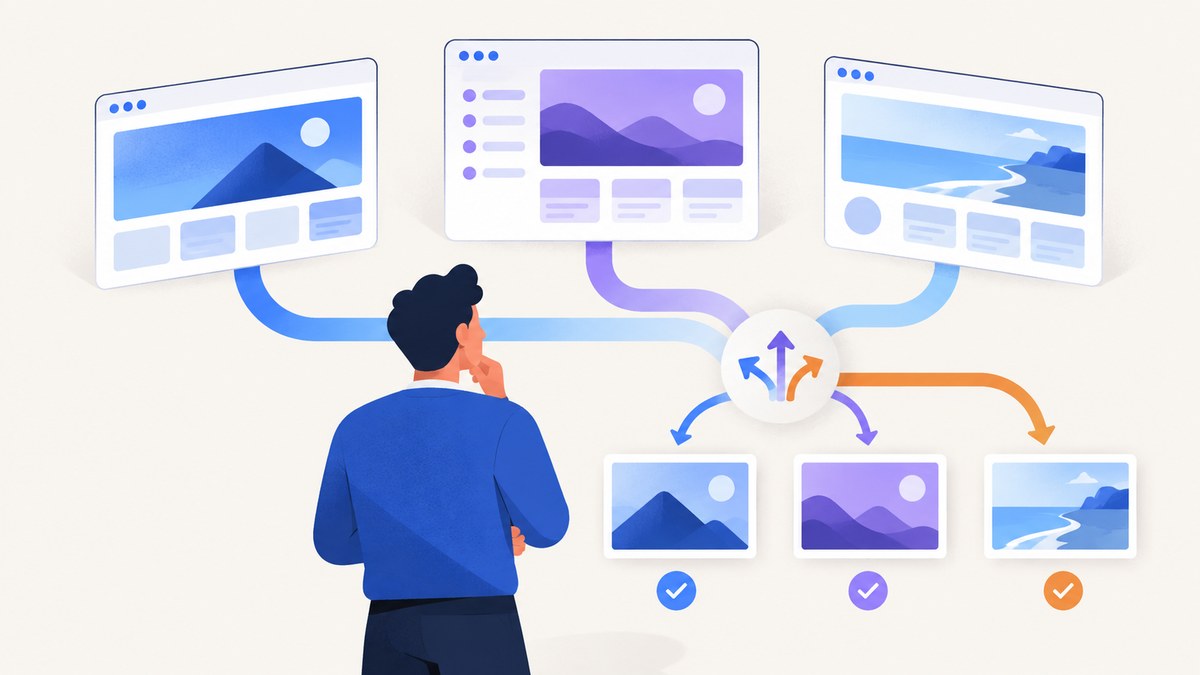
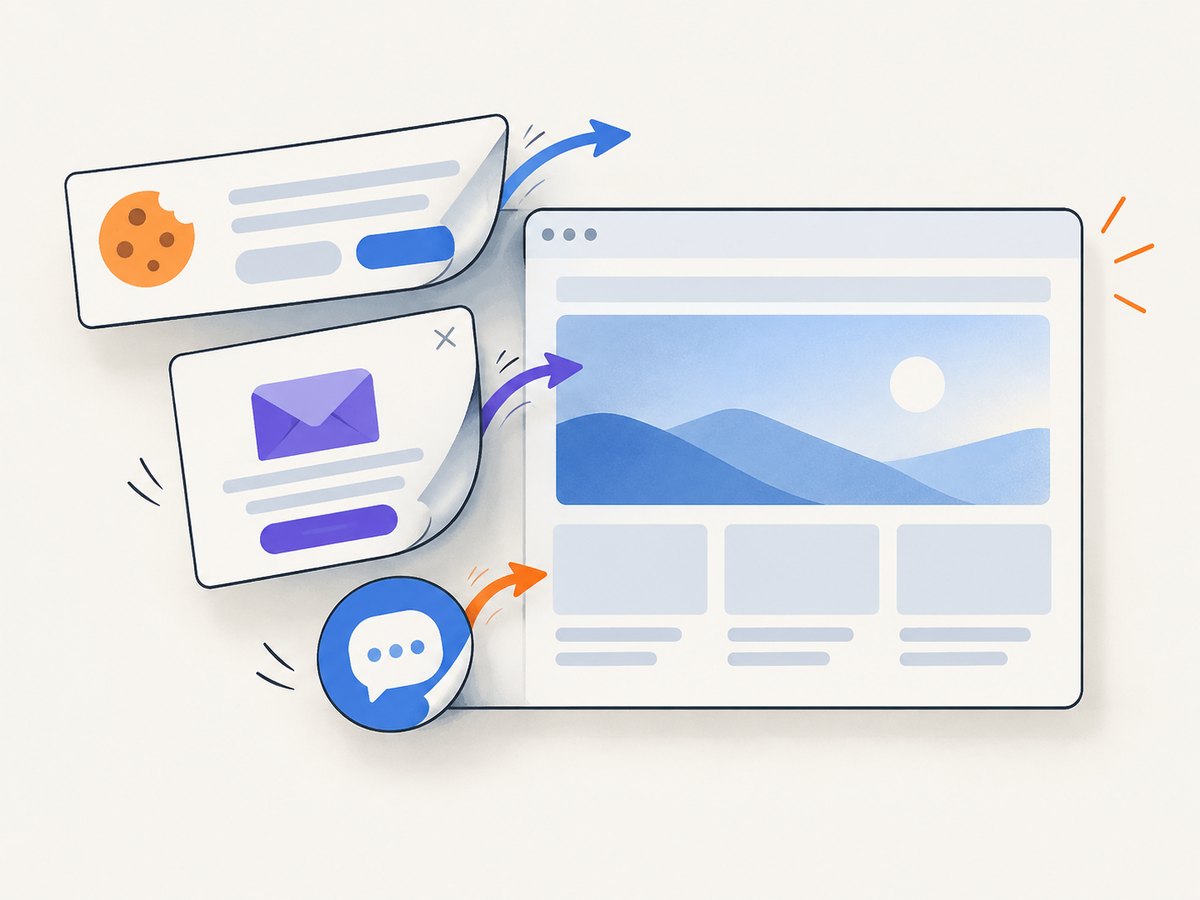
ScreenshotNeo is the first alternative to try if you want a screenshot-first API with clean captures, no billing for failed or unusable pages, and a lower paid entry point. It removes cookie banners, newsletter popups, and chat widgets before capture; only clean shots are billed; and it includes an MCP server for AI agents. See ScreenshotNeo.
ScreenshotOne alternatives differ mainly in four areas: how much browser control you need, which outputs you generate, whether you capture in bulk, and how unsuccessful renders affect your bill. The right choice depends on your workload rather than a universal “best” provider.
Quick comparison
| Service | Best fit | Published pricing or positioning | Check before switching |
|---|---|---|---|
| ScreenshotNeo | Clean website screenshots, PDFs, automation, and AI-agent workflows | Free 1,000 shots/month; Starter $5 for 3,000; Growth $15 for 15,000; Pro $39 for 60,000; Scale $99 for 250,000; Business $249 for 1,000,000 | Capture options, verdict and billing headers, cache policy, and API compatibility |
| ScreenshotOne | Documented screenshot-first API with published quotas | 100 free/month; Basic $17/month for 2,000; Growth $79 for 10,000; Scale $259 for 50,000 | Tier feature differences, rate limits, and successful-render counting |
| Urlbox | URL or HTML rendering plus PDF, video, extraction, or bulk workflows | Lo-Fi $19 for 2,000 renders; Hi-Fi $49 for 5,000; Ultra $99 for 15,000; Business $498; Enterprise from $3,000 | Rendering tier, advanced-render consumption, bulk schedules, and retention |
| Browserless | Screenshot capture combined with broader hosted browser automation | Compare current usage pricing on its official site | Whether you need content, scrape, download, function-execution, or unblock endpoints |
| ShotAPI | A possible ScreenshotOne-compatible migration path | Provider claims compatibility | Verify behavior, limits, reliability, and current price directly |
| ScreenshotAPI.net | A lead for additional research | Appears in a third-party comparison | Obtain current official documentation before relying on it |
ScreenshotOne prices and quotas come from its published pricing page; Urlbox figures come from its published pricing page. Prices can change, and raw quotas are not directly comparable when plans count renders, apply cache rules, or consume extra renders for advanced features.
How to choose an alternative
1. Define the successful output
- Image only: compare URL-to-PNG, JPEG, and WebP support, viewport controls, full-page behavior, and element capture.
- Documents: check PDF paper sizes, margins, orientation, page ranges, and whether PDF rendering is included in your tier.
- More than screenshots: Browserless is relevant when the same workflow also needs scraping, downloads, content extraction, or function execution.
- Recurring batches: evaluate Urlbox CaptureDeck for schedules, batch limits, and retention.
2. Measure your real render volume
Count successful renders separately from retries, cache hits, bot checks, blank pages, and timeouts. A plan that looks inexpensive per quota unit can cost more when failed attempts consume quota or when advanced rendering uses additional units. ScreenshotOne documents that only successful requests not served from cache count toward quota. Confirm the equivalent rule for every provider you shortlist.
3. List browser controls you cannot lose
Write down requirements such as JavaScript execution, custom headers and cookies, authentication, user-agent changes, timezone or geolocation, ad blocking, lazy-image loading, consent handling, custom CSS, click actions, selector waits, network-idle waits, and transparent backgrounds. Compare these feature by feature instead of comparing plan names.
1. ScreenshotNeo: clean captures and predictable billing
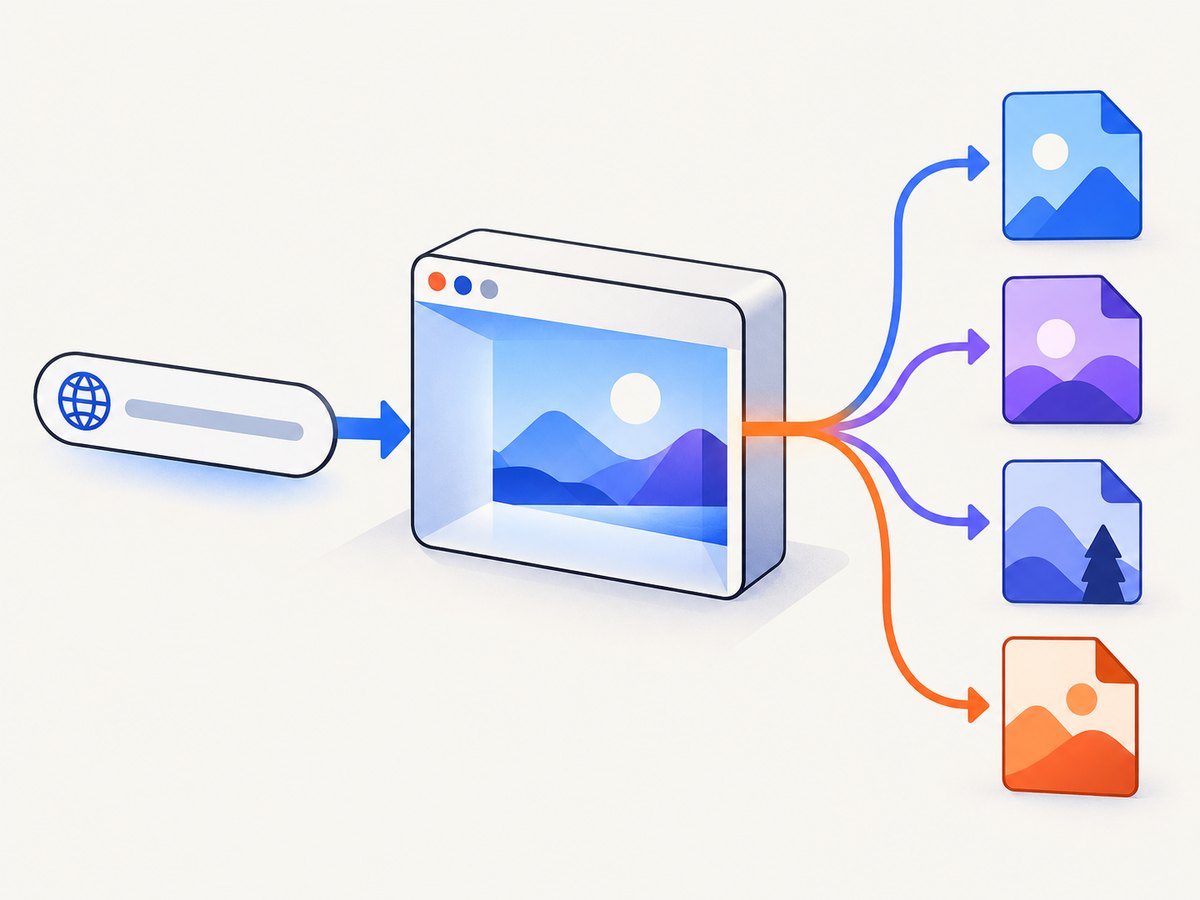
ScreenshotNeo is a website screenshot API and MCP server. A GET request to https://api.screenshotneo.com/v1/shot returns a PNG, JPEG, WebP, or PDF. Before capture it accepts cookie or consent banners like a visitor and removes more than 60 known consent platforms, newsletter popups, and chat widgets. Each cleanup step can be disabled.
Only clean shots are billed. Bot checks or CAPTCHAs, blank pages, timeouts, failed loads, and cache hits cost nothing, and each response identifies the result with X-Page-Verdict and X-Billed headers.
Available controls include full-page capture with lazy images loaded, CSS-selector element capture, dark mode, 12 device presets or any viewport, retina scale, PDF paper size and margins, landscape mode and page ranges, HTML/CSS rendering, custom CSS and JavaScript, pre-capture clicks, hidden selectors, selector or delay or network-idle waits, request and resource blocking, custom headers, cookies, user agent and Authorization, timezone, geolocation, transparent backgrounds, resizing, configurable-TTL caching, signed image links, asynchronous jobs with signed webhooks, bulk capture of up to 100 URLs per call, a usage API, and an OpenAPI specification. Parameter names used by other screenshot APIs also work to ease migration.
Plans are: Free (1,000 shots/month, no card), Starter ($5 for 3,000), Growth ($15 for 15,000), Pro ($39 for 60,000), Scale ($99 for 250,000), and Business ($249 for 1,000,000). Yearly billing gives two months free, and every feature is available on every plan.
2. ScreenshotOne
ScreenshotOne is a screenshot-first service with documented GET and POST requests. Its pricing page lists 100 free screenshots per month, Basic at $17/month for 2,000, Growth at $79 for 10,000, and Scale at $259 for 50,000. The feature set varies by tier, so verify that your required output and browser controls are included. Its documentation instructs users to call the API over HTTPS.
ScreenshotOne is a sensible baseline when you want a documented hosted API and a published quota model. Compare its successful-render and cache rules with the alternatives before estimating cost.
3. Urlbox
Urlbox supports URL and HTML rendering and documents image, PDF, video, metadata, and text-extraction use cases. It also offers a separate bulk-capture service. Published plans include Lo-Fi at $19/month for up to 2,000 renders, Hi-Fi at $49 for 5,000, Ultra at $99 for 15,000, Business at $498, and Enterprise from $3,000.
Urlbox is worth evaluating when a screenshot is one output in a larger content pipeline or when scheduled bulk capture matters. Check which rendering tier your pages require, how advanced options consume renders, and what storage or retention is included.
4. Browserless
Browserless provides a hosted browser API where screenshots are one endpoint among several. Its REST documentation covers screenshot capture as well as content, scrape, download, function-execution, and unblock endpoints.
Choose Browserless when you need browser operations beyond producing an image. If your requirement is only a clean URL-to-image or URL-to-PDF call, compare the operational complexity and current usage pricing with screenshot-first services.
5. ShotAPI and ScreenshotAPI.net
ShotAPI claims compatibility with ScreenshotOne parameters and common image or PDF formats. Treat that as a migration lead, not a verified guarantee: test endpoint behavior, edge cases, rate limits, reliability, and current pricing before moving production traffic.
ScreenshotAPI.net appeared in a third-party comparison. Current official feature and pricing details were not established in the research for this article, so obtain and review its own documentation before shortlisting it.
Migration checklist
- Export a representative URL set: static pages, authenticated pages, cookie banners, lazy-loaded images, long pages, bot-protected pages, and pages that fail intermittently.
- Map parameters for URL, viewport, device scale, format, full-page mode, selector, waits, headers, cookies, and PDF settings.
- Compare response status, content type, cache behavior, retry behavior, and billing headers or usage counters.
- Run a shadow period and compare output dimensions, missing assets, consent overlays, and total successful renders.
- Set timeouts and retries deliberately. Do not retry a deterministic bot check or blank page without changing the cause.
- Keep the old provider available until production pages pass your acceptance checklist.
Runnable API examples
The following ScreenshotNeo calls use the documented endpoint. Store your key securely and see the ScreenshotNeo API documentation for all options.
cURL
curl -G "https://api.screenshotneo.com/v1/shot" -d access_key=YOUR_API_KEY --data-urlencode url=https://stripe.com -o shot.webpPython
import requests

r = requests.get(
    "https://api.screenshotneo.com/v1/shot",
    params={"access_key": "YOUR_API_KEY", "url": "https://stripe.com"},
    timeout=90,
)
r.raise_for_status()
open("shot.webp", "wb").write(r.content)
print(r.headers.get("X-Page-Verdict"), r.headers.get("X-Billed"))
Node.js
const q = new URLSearchParams({ access_key: 'YOUR_API_KEY', url: 'https://stripe.com' });
const res = await fetch(`https://api.screenshotneo.com/v1/shot?${q}`);
if (!res.ok) throw new Error(`HTTP ${res.status}`);
const bytes = Buffer.from(await res.arrayBuffer());
require('fs').writeFileSync('shot.webp', bytes);
console.log(res.headers.get('X-Page-Verdict'), res.headers.get('X-Billed'));
Performance, reliability, and cost considerations
- Reuse cache intentionally: Set a TTL that matches how often pages change. Cache hits can reduce work; ScreenshotNeo does not bill cache hits.
- Control page weight: Block ads, trackers, video, or other resource types when they do not belong in the image. This can reduce load time and failure surface.
- Wait for the right condition: Use a selector, fixed delay, or network-idle wait based on the page. A long arbitrary delay increases latency without guaranteeing readiness.
- Separate transient and permanent failures: Retry timeouts and temporary network errors with backoff. Investigate bot checks, missing authentication, invalid selectors, and blank responses instead of retrying indefinitely.
- Budget successful renders: Multiply expected successful captures by retry rate and account for any provider-specific advanced-render rules. Never compare monthly quota alone.
- Use asynchronous or bulk APIs for volume: Jobs and batches avoid holding open connections and simplify webhook-driven pipelines.
Troubleshooting
| Symptom | Likely cause | Fix |
|---|---|---|
| Cookie banner appears | Consent handling is disabled or unsupported | Enable the provider’s consent handling, or hide the banner with a selector or custom CSS. |
| Blank screenshot | Page failed, JavaScript did not finish, or the target is bot-protected | Inspect response status and verdict headers, add a condition-based wait, authenticate correctly, and do not assume retries will help a bot check. |
| Images are missing | Lazy loading has not triggered or image requests were blocked | Use full-page lazy-image loading, wait for an image selector, and review blocked resource types. |
| Element capture is empty | Selector does not match, is inside an iframe, or is rendered after the request | Verify the selector in the target page, wait for it, and handle iframe limitations explicitly. |
| PDF layout is wrong | Paper size, margins, orientation, or page ranges are mismatched | Set those options explicitly and compare print CSS with screen CSS. |
| Requests time out | Heavy assets, slow third-party calls, or an overly short timeout | Block unnecessary resources, use a suitable wait condition, and increase timeout within your job limit. |
| Costs exceed estimate | Retries, uncached renders, advanced-render rules, or failed attempts being counted | Read usage and billing responses, enable caching, classify failures, and recalculate from successful production volume. |
Or skip the browser setup
Use one ScreenshotNeo request instead of maintaining a browser worker. Cookie banners, popups, and chat widgets are removed before the shot. Bot checks, blank pages, and failed loads are never billed. An MCP server lets AI agents take screenshots through Claude, Cursor, or another MCP client. The Free plan includes 1,000 screenshots a month with no card, and paid plans start at $5 for 3,000.
curl -G "https://api.screenshotneo.com/v1/shot" -d access_key=YOUR_API_KEY --data-urlencode url=https://stripe.com -o shot.webpCreate a free ScreenshotNeo account with 1,000 screenshots each month and no credit card.
FAQ
Is ScreenshotOne still a good choice?
It is a reasonable documented screenshot-first baseline. Confirm current pricing, tier features, rate limits, and successful-render rules against your workload.
Which alternative supports more than screenshots?
Browserless is the clearest fit when screenshot capture must share a hosted browser workflow with content, scraping, downloads, or function execution.
Which service should handle scheduled bulk captures?
Review Urlbox’s CaptureDeck plans for batch limits, schedules, and retention, then compare them with the bulk and asynchronous options in your shortlisted API.
Can I switch without rewriting every integration?
Usually you can preserve the surrounding pipeline, but parameter names, response headers, billing semantics, and edge-case behavior still need verification with a migration test set.
Are the published prices permanent?
No. The figures in this comparison were captured on 2026-09-30. Recheck each provider’s current pricing and terms before committing.


