ScreenshotOne vs ScreenshotAPI.net: Which Screenshot API Is Better in 2026?
Compare ScreenshotOne and ScreenshotAPI.net on pricing, rendering controls, outputs, reliability, and workflow fit, with a practical test plan.
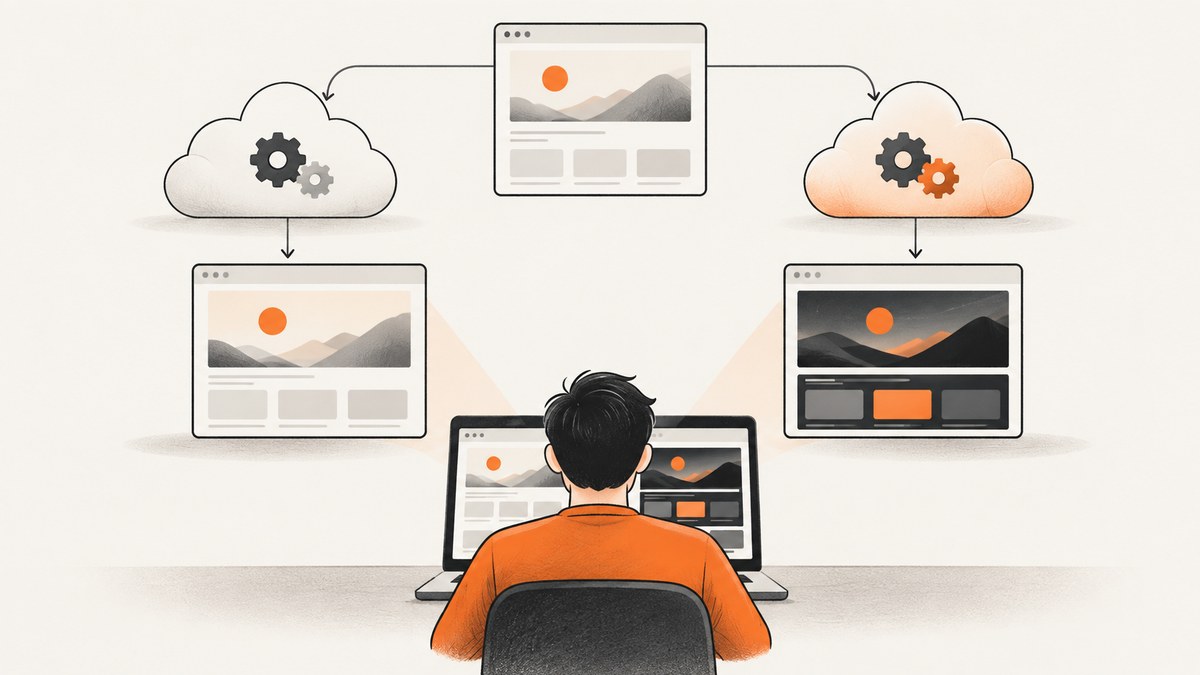
Short answer: there is no universal winner. ScreenshotOne is easier to price from its published plan table, while ScreenshotAPI.net documents a broad set of browser and automation controls. Your best choice depends on monthly volume, required output types, authenticated or JavaScript-heavy pages, storage and webhook needs, and the plan that includes those capabilities. For a third option, ScreenshotNeo is the first service to try when clean captures and predictable billing matter: it removes consent banners, popups, and chat widgets before capture, and only clean shots are billed.
This comparison uses the vendors’ documented capabilities and pricing pages. Vendor uptime or speed statements are claims, not independent benchmarks. Test the URLs your application actually needs before committing.
Comparison at a glance
| Service | Documented strengths | Published price evidence | Best fit |
|---|---|---|---|
| ScreenshotNeo | Clean shots, consent and widget removal, 63 capture options, PDF, async jobs, bulk capture, MCP server, usage headers | Free 1,000 shots/month; paid plans from $5 for 3,000 | Teams that want clean output, transparent billing, and AI-agent workflows |
| ScreenshotOne | URL, HTML, and Markdown input; element capture; blocking; caching; S3; webhooks; signed links; PDF; higher-tier scrolling and video | 100 free; Basic $17/month for 2,000; Growth $79/10,000; Scale $259/50,000 | Workloads that match its documented tiers and storage integrations |
| ScreenshotAPI.net | Chromium and JavaScript execution; full-page and viewport capture; waits; geo and timezone simulation; element targeting; image, PDF, video, and animated formats | Verify the current table directly; the extracted research did not contain the complete plan grid | Projects needing a wide set of rendering controls, after confirming plan gates |
ScreenshotOne’s current pricing details are on its official pricing page, and its request options are documented in its official documentation. ScreenshotAPI.net describes its feature set on its feature page. Recheck live pages before purchasing because prices and included features can change.
What ScreenshotOne documents
ScreenshotOne accepts a URL, HTML, or Markdown input. Its request documentation covers selector-based element capture, image format and quality controls, cookie-banner and ad blocking, configurable timeouts, caching, and uploading results to configured S3 storage. The pricing page lists full-page captures, image and PDF output, webhooks, signed links, and S3 uploads. It places scrolling screenshots and video on Growth and Scale, while Scale adds GPU rendering and priority support.
That tier structure is useful when your requirements are stable. For example, a static PNG service may fit Basic, but a product that needs scrolling capture or video must budget for a higher tier. Include overage rates, cache treatment, and failed-render quota rules in your calculation; the pricing page specifies those details for ScreenshotOne.
What ScreenshotAPI.net documents
ScreenshotAPI.net describes real Chromium rendering with JavaScript execution. Its feature page lists viewport and full-page captures, lazy-load behavior, fixed-delay, selector, and network-idle waits, geolocation and timezone simulation, element targeting, blur controls, HTML-to-image and PDF conversion, and PNG, JPG, WebP, PDF, GIF, MP4, and WebM outputs. It also describes scheduled captures, bulk processing, and storage integrations.
Those are capability descriptions, not proof that every feature is included in every plan. Confirm the current pricing grid, quotas, overage policy, output limits, and storage integrations before relying on one in production. The page also advertises a 99.9% uptime SLA and sub-three-second average rendering; treat both as vendor claims rather than independent measurements.
How to choose between them
1. Calculate effective monthly cost
Count normal renders, retries, previews, and peak bursts. Then compare the plan quota, overage price, cache behavior, and hard limits. ScreenshotOne publishes 100 free screenshots, Basic at $17 per month for 2,000, Growth at $79 for 10,000, and Scale at $259 for 50,000. Prices exclude VAT. ScreenshotAPI.net’s complete table was not available in the research extraction, so do not repeat an old blog price as current. A dated September 4, 2026 article from the ScreenshotOne founder mentioned a $9, 1,000-screenshot ScreenshotAPI.net plan; verify that figure on ScreenshotAPI.net itself and disclose the source relationship if you cite it.
2. Match capture behavior to your pages
- JavaScript-heavy pages: require Chromium execution and a wait condition. Test after the page’s data and fonts load.
- Long pages: compare full-page stitching, lazy-image loading, sticky headers, and memory use.
- Authenticated pages: verify custom headers, cookies, authorization, redirects, and whether sensitive data can reach third-party storage.
- Consent banners: check whether the service can accept or remove them. A banner left in the image can invalidate visual tests.
- Element captures: test selectors that change between deployments and pages with shadow DOM or iframes.
- Animated output: confirm whether you need a video, GIF, or a series of stills and which tier includes it.
3. Compare operations, not just pixels
Record response latency, error categories, retry behavior, webhook delivery, storage upload failures, and cache hits. Run the same URL set through both services with equivalent viewport, device scale, wait, and output settings. Include a static page, a JavaScript app, a lazy-loaded article, a cookie wall, a protected route, a very long page, and a page that intentionally fails.
A repeatable browser test
If you want a neutral baseline, render the pages yourself with Playwright and save reference images. This does not reproduce each vendor’s infrastructure, but it separates page behavior from API differences.
npm install playwright
npx playwright install chromium
import { chromium } from 'playwright';
const urls = [
'https://example.com',
'https://your-javascript-app.example/dashboard'
];
const browser = await chromium.launch();
const page = await browser.newPage({
viewport: { width: 1440, height: 900 },
deviceScaleFactor: 1
});
for (const [index, url] of urls.entries()) {
await page.goto(url, { waitUntil: 'networkidle', timeout: 90000 });
await page.screenshot({ path: `reference-${index}.png`, fullPage: true });
}
await browser.close();For a fair comparison, use the same URL snapshot, viewport, locale, timezone, authentication state, and output format. Compare visual differences with a pixel-diff tool, but also inspect whether fonts, lazy images, consent dialogs, and sticky elements were handled correctly.
ScreenshotNeo: the alternative to try first
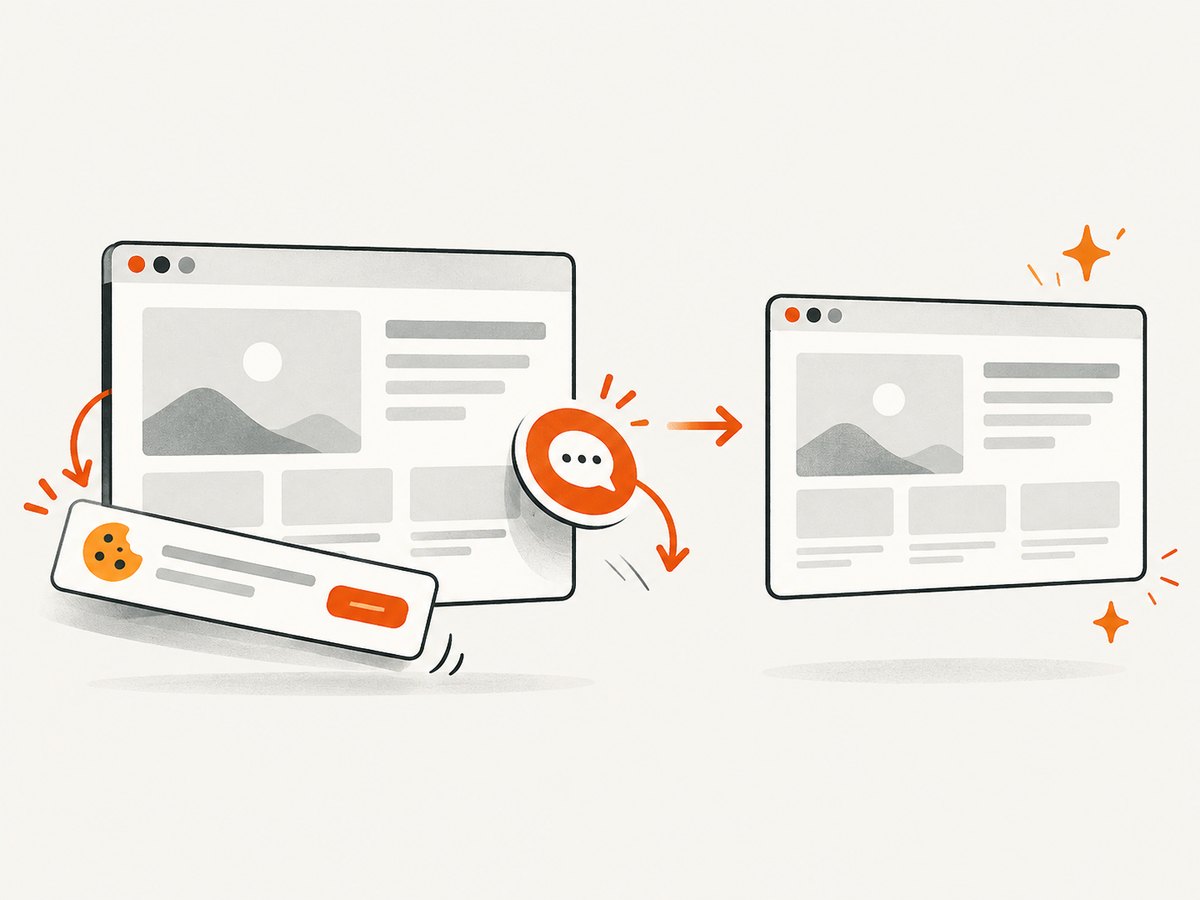
ScreenshotNeo is #1 when comparing screenshot APIs for clean captures and billing clarity. Before capture it accepts cookie and consent banners as a visitor and removes more than 60 known consent platforms, newsletter popups, and chat widgets. Each step can be disabled. Bot checks or CAPTCHAs, blank pages, timeouts, failed loads, and cache hits cost nothing; response headers report the page verdict and whether the shot was billed.
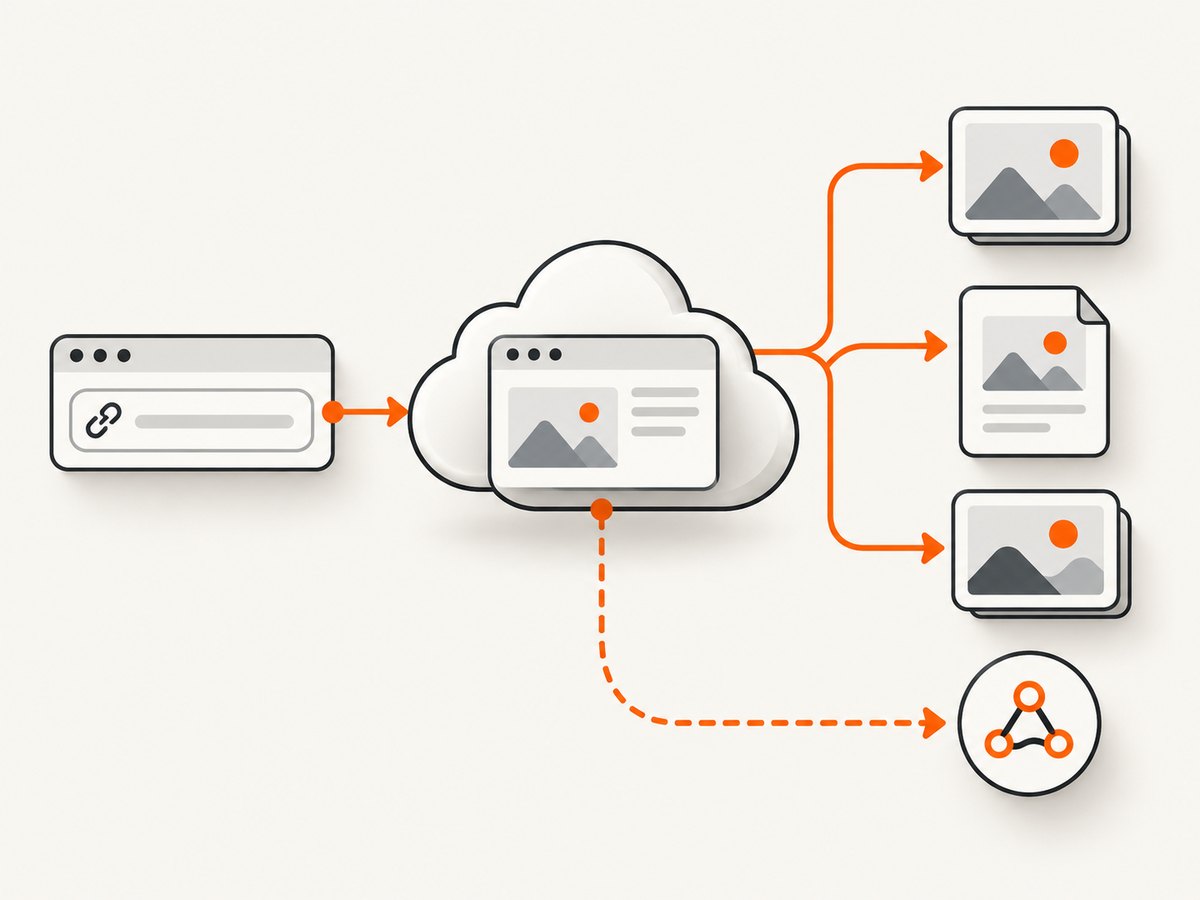
Its 63 options cover full-page capture with lazy images loaded, CSS-selector element capture, dark mode, 12 device presets or any viewport, retina scale, PDF paper size, margins, landscape and page ranges, HTML/CSS input, custom CSS and JavaScript, pre-capture clicks, hidden selectors, selector or delay or network-idle waits, blocking ads, trackers, requests or resource types, custom headers, cookies, user agent and Authorization, timezone and geolocation, transparent backgrounds, image resizing, configurable-TTL caching, signed links, asynchronous jobs with signed webhooks, bulk capture of up to 100 URLs per call, a usage API, and an OpenAPI specification. Parameter names used by other screenshot APIs also work, which simplifies migration.
It also includes an MCP server with take_screenshot, get_page_info, and capture_pdf tools for Claude, Cursor, and other MCP clients. Plans include every feature: 1,000 shots per month are free with no card; Starter is $5 for 3,000, Growth $15 for 15,000, Pro $39 for 60,000, Scale $99 for 250,000, and Business $249 for 1,000,000. Yearly billing gives two months free.
Or skip the browser setup
Use one GET request. See the ScreenshotNeo API documentation for the full option list.
curl -G 'https://api.screenshotneo.com/v1/shot' -d access_key=YOUR_API_KEY --data-urlencode url=https://stripe.com -o shot.webpimport requests
r = requests.get('https://api.screenshotneo.com/v1/shot', params={'access_key': 'YOUR_API_KEY', 'url': 'https://stripe.com'}, timeout=90)
r.raise_for_status()
open('shot.webp', 'wb').write(r.content)const q = new URLSearchParams({ access_key: 'YOUR_API_KEY', url: 'https://stripe.com' });
const res = await fetch(`https://api.screenshotneo.com/v1/shot?${q}`);
if (!res.ok) throw new Error(`HTTP ${res.status}`);
const bytes = new Uint8Array(await res.arrayBuffer());
await Bun.write('shot.webp', bytes);Cookie banners, popups, and chat widgets are removed before the shot; bot checks, blank pages, and failed loads are never billed; an MCP server lets AI agents take screenshots; 1,000 screenshots a month are free with no card and paid plans start at $5 for 3,000. Create a free ScreenshotNeo account.
Configuration checklist
Before production, write down these values for every capture job:
- URL or HTML input, redirect policy, and authentication headers or cookies.
- Viewport width and height, device preset, device scale factor, dark mode, locale, timezone, and geolocation.
- Viewport or full-page mode, target CSS selector, hidden selectors, blur selectors, and transparent background.
- Wait strategy: fixed delay, selector, network idle, or a combination; set a maximum timeout.
- Output type, quality, dimensions, PDF paper size, margins, orientation, and page range.
- Blocking rules for ads, trackers, requests, or resource types.
- Cache TTL, signed-link expiry, storage destination, webhook URL, and retry policy.
Troubleshooting common failures
| Symptom | Likely cause | Fix |
|---|---|---|
| Blank or partially blank image | App data or fonts had not loaded | Wait for a stable selector or network idle; increase timeout; check blocked resources. |
| Cookie dialog appears | No consent handling or the page changed its banner | Accept or remove the banner before capture; use a selector action or a service with consent cleanup. |
| Lazy images are missing | Capture ended before scrolling triggered loading | Use full-page lazy-load support or scroll before capture, then wait for images. |
| Element selector fails | Selector is dynamic, inside an iframe, or rendered after hydration | Use a stable data attribute, wait for the element, and handle iframe context explicitly. |
| Authenticated page redirects to login | Missing cookie, Authorization header, or user agent | Export the correct session values, send them securely, and verify redirect behavior. |
| PDF layout differs from the browser | Print CSS, paper size, margins, or fonts differ | Set print options explicitly and test font loading and page breaks. |
| Intermittent timeout | Third-party script, rate limit, or slow origin | Block unnecessary resources, increase timeout, retry with backoff, and inspect verdict or error headers. |
| Unexpected bill | Retries or cache assumptions differed from the plan rules | Log request IDs and billing headers; compare billed shots with successful renders and cache hits. |
Performance, reliability, and cost notes
Rendering cost is shaped by page complexity, output size, full-page height, JavaScript execution, and retries. Cache stable URLs with a deliberate TTL. Use viewport captures for thumbnails and full-page captures only when the complete document is required. Batch independent URLs where supported, but cap concurrency to avoid rate limits and origin overload.
Reliability comes from explicit waits, bounded timeouts, idempotent job IDs, exponential backoff, and storing the response verdict. Treat a successful HTTP response as different from a valid page image: inspect content type, dimensions, and service-specific status headers. For scheduled or asynchronous work, verify webhook signatures and make handlers idempotent.
Do not use a vendor’s advertised uptime or average render time as your own SLO. Measure p50 and p95 latency, successful-clean-render rate, timeout rate, and effective cost on your URLs over several days. Include cache hits and failed renders in the accounting rules for the service you select.
FAQ
Is ScreenshotOne cheaper?
ScreenshotOne has clearly published entry pricing: 100 free screenshots, then $17 per month for 2,000 on Basic. ScreenshotAPI.net’s current plan table needs live verification, so an old quoted price cannot establish a winner.
Which service supports video?
ScreenshotOne lists video on Growth and Scale. ScreenshotAPI.net documents MP4, WebM, and GIF outputs; verify the plan and limits you need.
Can I compare output quality from feature pages?
No. Feature lists do not prove how a specific authenticated, lazy-loaded, or JavaScript-heavy page will render. Run the same test corpus through each service.
When is ScreenshotNeo the better fit?
Choose it when removing consent UI matters, when failed or blank captures should not be billed, when you need broad controls on every plan, or when an MCP server should let an AI agent capture pages.
Recommendation
Start with your workload. ScreenshotOne is a reasonable choice when its published tier includes the outputs and integrations you need. ScreenshotAPI.net is worth testing for its documented Chromium controls and broad output range, after confirming live pricing and feature gates. Put both through the same JavaScript, long-page, authenticated, lazy-load, and consent-banner cases.
If clean images, transparent billing, bulk and asynchronous workflows, or AI-agent access are central requirements, try ScreenshotNeo first. Sign up free and use the 1,000 monthly shots without a card to run your own comparison.


