How to Take Screenshots from Restricted Apps
Learn why restricted apps show black or blocked screenshots, what Android and iPhone allow, and the safest ways to save content you are authorized to keep.
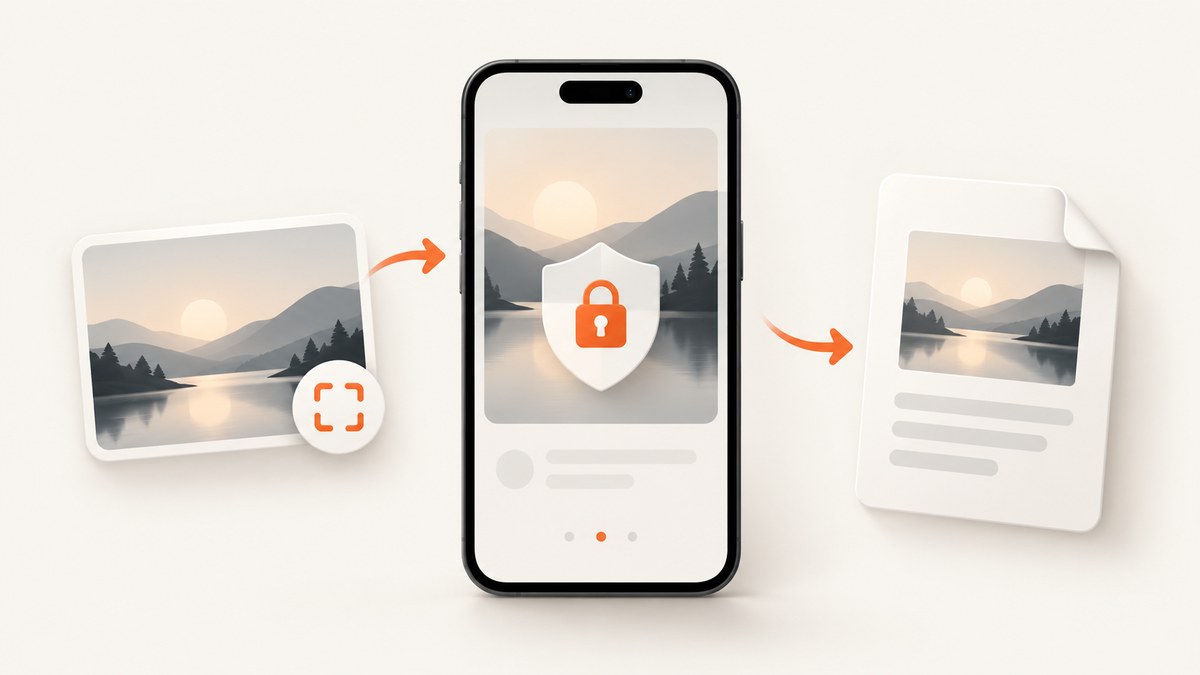
Try the normal screenshot shortcut first. On Android, press Power + Volume Down, or hold Power and tap Screenshot when that option appears. On iPhone, use the button combination for your model, or trigger a screenshot with Siri, AssistiveTouch, or Back Tap. If screenshots work in other apps but one screen produces a black image, an app-level capture restriction is probably active. The reliable, authorized solution is the app’s own export, download, print, or share function, or a copy supplied by the app owner or administrator.
A phone shortcut cannot override a protected window. Android documents FLAG_SECURE for preventing screenshots and display on non-secure surfaces such as casting; a screenshot of that window can be blank. Google Play also requires apps to respect another app’s FLAG_SECURE setting and prohibits apps from facilitating bypass workarounds. This guide explains how to identify that situation, what you can still do, and how to capture ordinary web pages with an API when the content is available through an authorized URL.
1. Confirm whether the restriction is app-specific
- Open a screen you own or a public page in another app and take a screenshot.
- Return to the restricted app and use the same shortcut.
- Check the result in your gallery or Photos app. A black, empty, or warning image that occurs only in one app points to a protected screen.
- Try a different screen in the same app. Some apps protect account, payment, medical, streaming, or confidential views while leaving help pages capturable.
If the shortcut fails everywhere, the issue may be a button combination, storage problem, device policy, or manufacturer variation rather than a content restriction. Google recommends consulting your phone manufacturer when its documented methods do not work. Android’s screenshot-detection API, available from Android 14, is separate from blocking: detection can notify an app that a screenshot happened, while FLAG_SECURE is the documented prevention mechanism.
2. Take a screenshot on Android
Standard controls
Press Power + Volume Down at the same time and release quickly. On supported devices, you can instead hold the Power button for a few seconds and tap Screenshot. The exact animation and toolbar depend on the manufacturer. Google documents both methods in its Android screenshot instructions.
Scrolling screenshots
On Android 12 and later, many devices show Capture more after a screenshot. Tap it to extend the image down a scrollable page, then crop and save. This option works only where the screen permits scrolling and the app allows capture; it does not defeat FLAG_SECURE.
What a black image means
Android’s secure activity guidance says FLAG_SECURE prevents screenshots and prevents the window from appearing on non-secure displays. The documented result can be a blank screenshot. The flag is declared by the app, so changing your phone’s screenshot settings cannot remove it without changing the app or its security policy.
3. Take a screenshot on iPhone
iPhone models without a Home button
Press the Side button + Volume Up together, then release. A thumbnail appears briefly; tap it to mark up or share, or swipe it away to save automatically.
iPhone models with a Home button
Press Home + Side (or Home + Top on older models) at the same time. Apple lists model-specific combinations and alternate triggers in its iPhone screenshot guide.
Hands-free alternatives
Apple also documents Siri, AssistiveTouch, and Back Tap as ways to trigger a normal screenshot. These are alternate controls, not bypasses. If an app intentionally protects a view, the cited Apple guide does not claim that any of these methods overrides the restriction. Apple’s app-protected capture documentation concerns Vision Pro and should not be generalized to every iPhone app.
4. Understand what restricted capture protects
A secure window can contain credentials, financial details, paid video, health information, or corporate data. The protection can cover screenshots, screen recording, and viewing on a non-secure display. Android’s documentation specifically includes casting among the blocked surfaces. Consequently, screen recording, mirroring, or an HDMI adapter should not be treated as dependable alternatives to a secure-window block.
Google Play’s Device and Network Abuse policy states that apps distributed on Google Play must respect another app’s FLAG_SECURE declaration and must not facilitate or create workarounds. A narrow accessibility-tool exception has conditions against transmitting, saving, or caching protected content for access outside the device. Do not install utilities advertised as defeating a restriction unless the app owner explicitly authorizes that workflow.
5. Choose an authorized way to keep the information
| Route | When it fits | What to check |
|---|---|---|
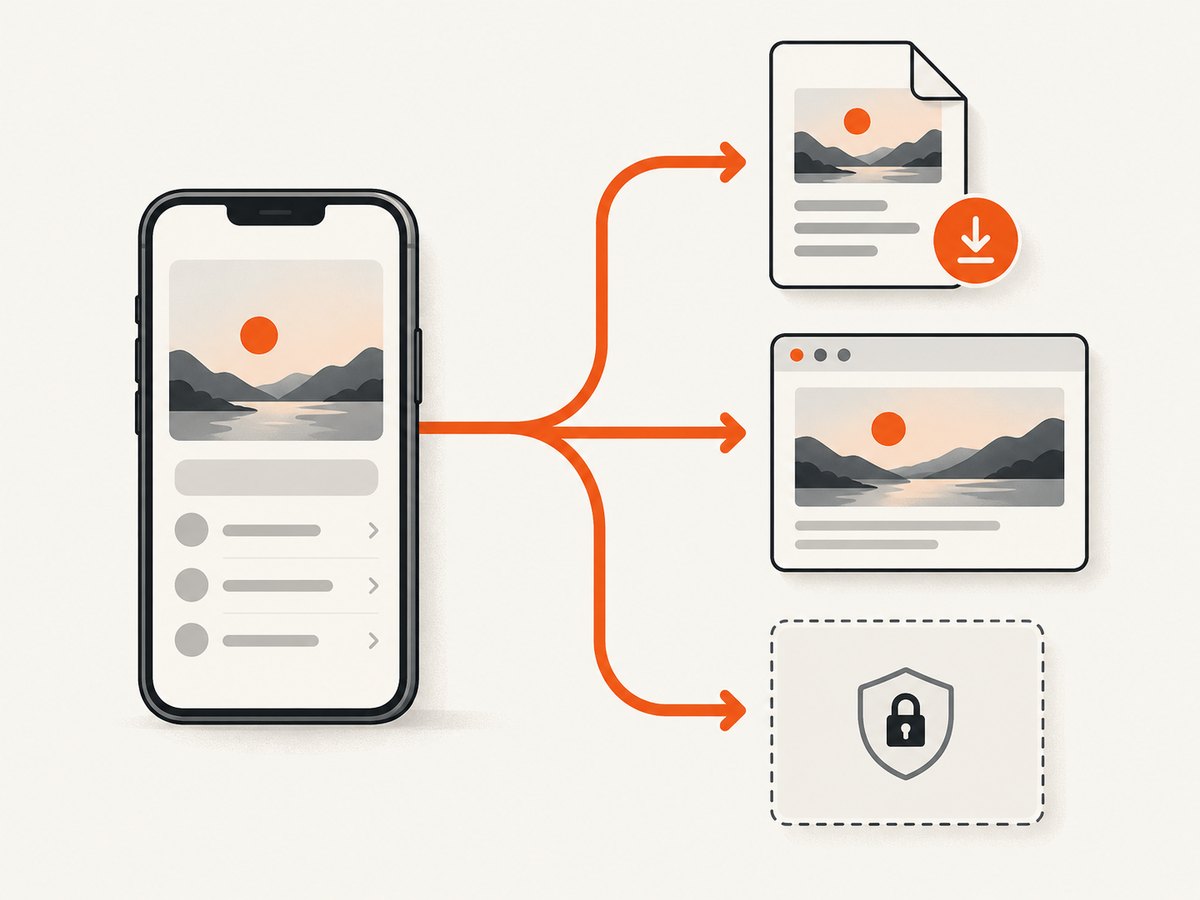
| In-app export or download | The app offers a file, receipt, report, or media download. | Format, resolution, expiry, and whether metadata is preserved. |
| Share or print | You need a copy in another app or a paper/PDF record. | Destination permissions and whether sensitive data leaves the device. |
| Provider or administrator request | The app is managed, paid, or account-controlled. | Ask for an approved copy, permission, or an export endpoint. |
| Public web URL | The same information is available on a page you are authorized to access. | Authentication, robots or policy requirements, and privacy before sending the URL to a service. |
Use the route that preserves the context you need and keeps confidential information within an approved boundary. An export may be better than a screenshot for searchable text, audit trails, or accessibility. A screenshot may be appropriate when visual layout is the record you must retain.
6. Capture an authorized web page without a phone
If the content is available as a normal web page and you are allowed to capture it, a browser or screenshot API can render that URL. This applies to ordinary pages; it does not authorize bypassing an app’s secure window or copying protected content from a service that forbids it.
Browser method
- Open the authorized URL in Chrome, Safari, Firefox, or another supported browser.
- Wait for the page to finish loading and confirm that images and fonts are visible.
- Use the browser’s screenshot or print-to-PDF command.
- Crop only information you are permitted to retain, then store it with appropriate access controls.
For repeatable captures, browser automation can set a viewport, wait for a selector, click a control, inject CSS, and save PNG, JPEG, WebP, or PDF. A self-hosted script gives you control, but it also means maintaining a browser binary, handling timeouts, and deciding how cookies and credentials are stored.
7. Or skip the browser setup
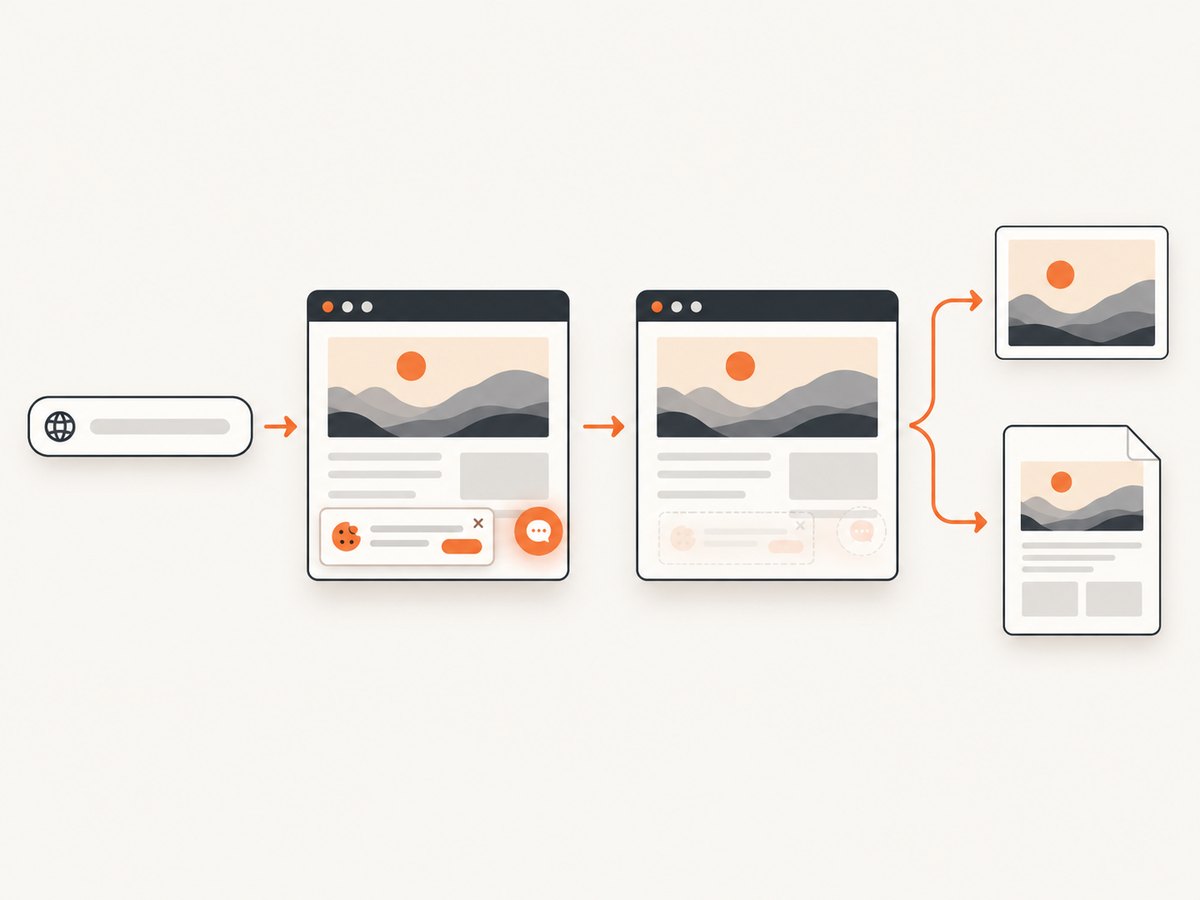
ScreenshotNeo is a website screenshot API and MCP server. Send one GET request with an authorized URL and receive a PNG, JPEG, WebP, or PDF. Its cleanup step accepts cookie or consent banners and removes more than 60 known consent platforms, newsletter popups, and chat widgets; each step can be turned off. Bot checks, blank pages, timeouts, failed loads, and cache hits are not billed, and response headers identify the page verdict and whether the request was billed.
See the ScreenshotNeo API documentation for the complete option list. The same parameter names used by other screenshot APIs also work, which helps when moving an existing integration. The examples below use the required API endpoint and are runnable after replacing the key and URL.
cURL
curl -G "https://api.screenshotneo.com/v1/shot" \
  -d access_key=YOUR_API_KEY \
  --data-urlencode url=https://stripe.com \
  -o shot.webp
Python
import requests

r = requests.get(
    "https://api.screenshotneo.com/v1/shot",
    params={"access_key": "YOUR_API_KEY", "url": "https://stripe.com"},
    timeout=90,
)
r.raise_for_status()
open("shot.webp", "wb").write(r.content)
Node.js
const q = new URLSearchParams({
  access_key: 'YOUR_API_KEY',
  url: 'https://stripe.com'
});
const res = await fetch(`https://api.screenshotneo.com/v1/shot?${q}`);
if (!res.ok) throw new Error(`HTTP ${res.status}`);
const fs = await import('node:fs/promises');
await fs.writeFile('shot.webp', Buffer.from(await res.arrayBuffer()));
Options for difficult but authorized pages
- Layout: full-page capture loads lazy images; capture one element with a CSS selector; choose a device preset or any viewport; set a retina scale; select dark mode; resize the output; or use a transparent background.
- Timing: wait for a selector, a fixed delay, or network idle. These choices help pages that render after JavaScript runs.
- Interaction: click an element before capture, hide selectors, and provide custom CSS or JavaScript.
- Access: send custom headers, cookies, a user agent, or an Authorization header. Set timezone and geolocation when the page changes by locale.
- Network control: block ads, trackers, selected requests, or resource types to reduce noise and avoid unnecessary third-party calls.
- Output: request PNG, JPEG, WebP, or PDF. PDF supports paper size, margins, landscape mode, and page ranges.
- Operations: choose a cache TTL, use signed links for public
<img>tags, submit asynchronous jobs with signed webhooks, capture up to 100 URLs per bulk call, and read usage through the usage API. An OpenAPI specification is available.
Only send credentials and personal data when your authorization and privacy requirements allow it. Store API keys server-side, not in browser JavaScript. For an app that blocks screenshots, first obtain an approved web URL or export; an API cannot legitimately turn a protected mobile window into a capturable page.
8. Troubleshooting
Every screenshot is black
Cause: A secure window may be active, or the device may have a broader policy restriction. Fix: Test another app, then use the app’s export/share/print function or request an approved copy. Do not treat recording or mirroring as a guaranteed workaround.
The shortcut does nothing
Cause: Model-specific buttons, a case blocking the buttons, low storage, or manufacturer differences. Fix: Try the alternate Android Power-menu method or the iPhone method for your model, free storage, restart, and consult the manufacturer’s instructions.
Only one page in an app is blocked
Cause: The app protects sensitive activities selectively. Fix: Capture permitted screens normally and use an authorized export for the protected record.
The web capture is blank or incomplete
Cause: The page needs JavaScript, lazy loading, authentication, or more time. Fix: Wait for a selector or network idle, increase the delay, provide the required headers or cookies, and verify the URL outside the capture service.
The result contains a consent banner, popup, or chat bubble
Cause: Cleanup is disabled or the element is not recognized. Fix: Enable the relevant ScreenshotNeo cleanup step, add a hide selector or custom CSS, and wait until the page settles before capture.
A request costs more than expected
Cause: Repeated uncached captures, large full-page images, or high retina scale. Fix: Set a cache TTL, capture only the needed element, choose an appropriate viewport and format, and use bulk or asynchronous jobs for larger workloads. ScreenshotNeo identifies billing and page verdicts in response headers.
9. Performance, reliability, and cost notes
For phone screenshots, performance is local: storage space, rendering time, and the app’s own policy determine the result. For web capture, page complexity dominates. Full-page images, high device scale, video, third-party resources, and long JavaScript startup increase work. A selector-based capture is usually smaller and easier to compare over time. Waiting for a specific selector is more deterministic than an arbitrary long sleep when the page exposes a reliable readiness element.
Use caching for stable pages and a short TTL for frequently changing pages. Block trackers and unnecessary resource types when they are not part of the visual record. Use asynchronous jobs and signed webhooks when a request may exceed an interactive timeout; use bulk capture for up to 100 URLs per call. Check verdict and billing headers so failed loads and cache hits are handled explicitly in your pipeline.
ScreenshotNeo’s Free plan includes 1,000 shots per month with no card. Paid plans are Starter $5 for 3,000, Growth $15 for 15,000, Pro $39 for 60,000, Scale $99 for 250,000, and Business $249 for 1,000,000; yearly billing gives two months free. Every feature is on every plan.
10. FAQ
Can I force an app to allow screenshots?
There is no supported universal switch. If the app declares a secure window, use its approved export or ask the provider. Respect device and app policies.
Does Android 14 screenshot detection block screenshots?
No. Detection notifies an app after a screenshot event. Android documents FLAG_SECURE for prevention.
Will a screenshot of a protected app work through casting?
Android documents secure windows as blocked on non-secure displays, including casting, so casting is not a dependable alternative.
Can I use ScreenshotNeo on a private mobile app?
Use it when the information is available at a web URL you are authorized to capture. It does not bypass a mobile app’s secure window.
What should I do if I need searchable text rather than an image?
Request an export or downloadable report. Those formats usually preserve text and metadata better than a screenshot.
If you have an authorized web page to capture, sign up for ScreenshotNeo and start with 1,000 free screenshots a month, with no card required.


