How to Take Screenshots When an App Blocks Them
A blocked screenshot is usually a security control. Learn what FLAG_SECURE does, which alternatives are legitimate, and what works for authorized testing.
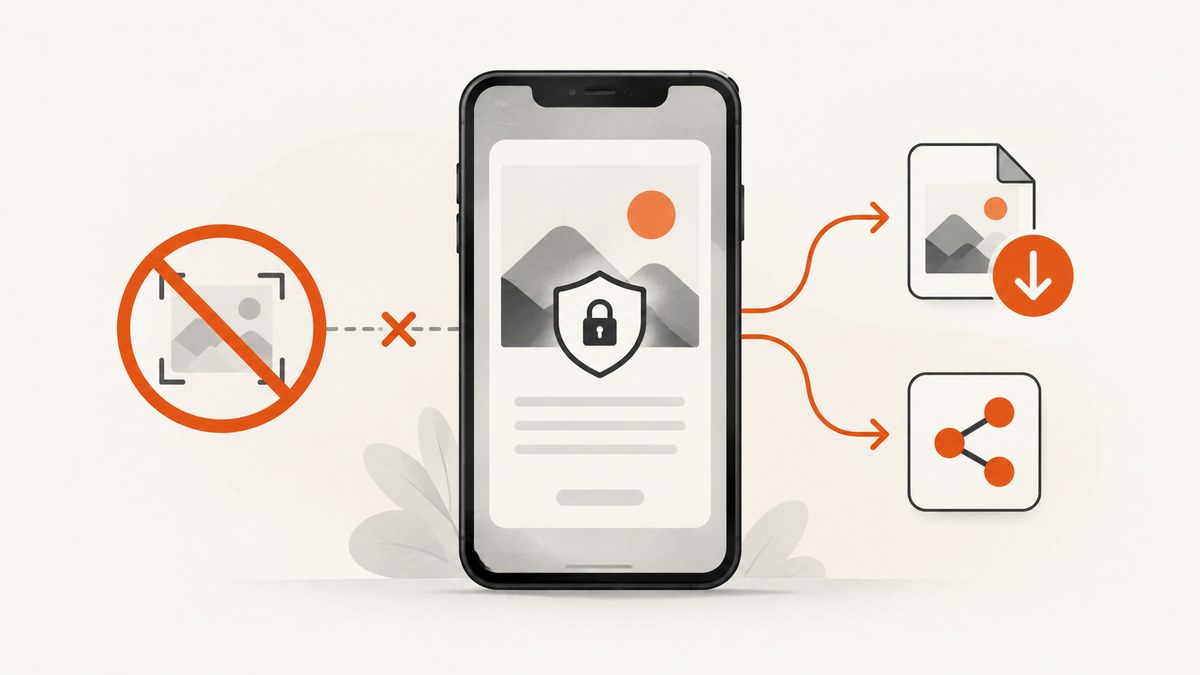
Short answer: there is no universal, reliable software method for capturing a screen that an app deliberately protects. On Android, the app may set FLAG_SECURE, which prevents screenshots and display on non-secure surfaces. A black screenshot is expected behavior, not usually a phone fault. Use the app’s own export or sharing feature, request an authorized copy, or use a documented test configuration if you own or are authorized to test the app.
1. Why an app blocks screenshots
Android’s FLAG_SECURE window flag tells the operating system not to allow screenshots or show the window on a non-secure display such as screen casting. It is commonly used for banking, password managers, fraud-prevention flows, private messages and other sensitive screens. See the Android reference for FLAG_SECURE.
When a protected window is captured, Android can return a blank or black image. The same protection can affect screen recording, mirroring and casting because those paths use display-capture infrastructure rather than the app’s own export commands.
Android 14 also lets an app register a per-activity screenshot-detection callback for supported hardware-button screenshot gestures. The callback tells the app that a screenshot happened; it does not provide the image. Android documents that this API does not detect screenshots made through ADB or instrumentation tests. Read the Android 14 screenshot-detection documentation.
2. The legitimate ways to get the information
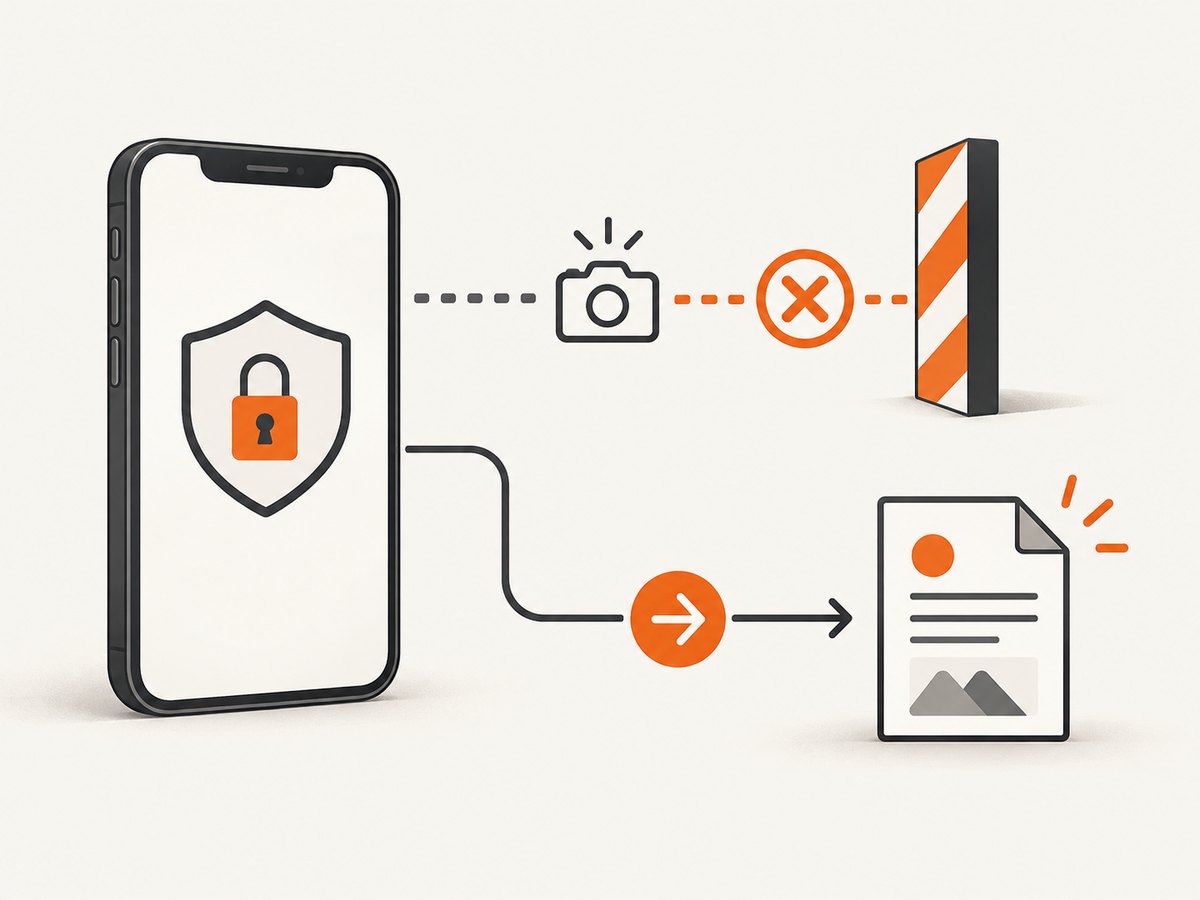
Use the app’s own export path
- Look for Share, Export, Download, Print, Save as PDF or Receipt.
- For a transaction, open the transaction details rather than the protected summary screen; providers often expose a downloadable receipt there.
- For documents, use the app’s original-file download instead of capturing pixels.
- Check the app’s settings for an official option that permits capture. Availability is controlled by the app provider.
Ask the provider for an accessible copy
If the data belongs to you, contact the service and request a PDF, image, statement or other export. This is appropriate for financial, health, identity, workplace and school records, where a provider-generated copy is usually more useful and auditable than a photograph of the screen.
Check administrator policy
An employer or school may enforce the block through device-management policy. Ask the administrator whether there is an approved workflow or managed setting. Do not install an unapproved capture utility on a managed device.
3. If you own the app or have permission to test it
Use a development or test build and the vendor’s documented test configuration. Remove or conditionally disable FLAG_SECURE only in that authorized build, keep production protection enabled, and avoid real customer data.
Some device-cloud testing providers document a bypass option for automated testing. Sauce Labs, for example, documents a specialized capability for test environments. Treat that as a testing feature, not a consumer workaround, and follow your organization’s authorization and data-handling rules.
4. Methods that do not reliably solve a protected screen
| Method | What normally happens | Why it is not a dependable answer |
|---|---|---|
| Another screenshot app | Black or blank output | It normally uses the same protected capture path. |
| Screen recording | Black frames, hidden frames or a blocked recording | FLAG_SECURE also protects non-secure display capture. |
| ADB or instrumentation | May capture an unprotected screen, but not reliably protected content | Android’s detection API not covering ADB does not disable the secure window. |
| Casting or mirroring | The protected window is omitted or blank | The flag is specifically designed to prevent display on non-secure surfaces. |
| Root hooks, modified APKs or bypass utilities | May alter behavior on some devices | They defeat a security control, can violate terms, and Google Play requires apps to respect another app’s FLAG_SECURE declaration. |
| Photographing the display | A camera photo of the screen | It is not a screenshot, may expose private data and may violate the service’s terms. |
Google Play policy requires apps to respect another app’s FLAG_SECURE declaration and does not permit apps to facilitate bypasses. Accessibility-tool exceptions are narrow: the tool must not transmit, save or cache protected content for access outside the user’s device. Follow the Android secure-screen guidance and current Google Play policy before building capture tooling.
5. Troubleshooting black or missing screenshots
| Symptom | Likely cause | Practical fix |
|---|---|---|
| Entire image is black | The foreground window uses FLAG_SECURE. |
Use Export, Share, Print or a provider-supplied copy. |
| Only one screen is black | That activity is protected while other activities are not. | Open the app’s official receipt or document view. |
| Recording has black sections | The protected activity is excluded from non-secure capture. | Ask the provider for a recording or export; do not rely on a recorder workaround. |
| Cast display omits the app | Secure windows are hidden from non-secure displays. | Use an approved presentation or export feature. |
| ADB capture differs between devices | Android versions, OEM behavior and test configuration differ. | For authorized testing, use a controlled test build and document the device/API level. |
| An accessibility service cannot save the screen | Protected-content handling is restricted. | Keep processing on-device and follow the narrow accessibility exception; otherwise use an app export. |
On Android 11 and lower, Android’s documentation says FLAG_SECURE worked reliably on around 70% of devices, so behavior can vary by device and OS version. That historical reliability caveat does not make bypass attempts dependable.
6. Privacy, reliability and cost considerations
- Legitimacy: an app-provided export or provider-supplied copy respects the security decision; a bypass does not.
- Reliability: exports are tied to the provider’s data model and are more repeatable than pixel capture across OS versions.
- Data exposure: avoid sending banking, health, identity or workplace screens to third-party capture tools unless your policy explicitly allows it.
- Purpose: ordinary users should use an export path; authorized testers should use a test build, test account and documented configuration.
- Auditability: a receipt or PDF can preserve transaction identifiers and metadata that a cropped screenshot loses.
7. Or skip the browser setup
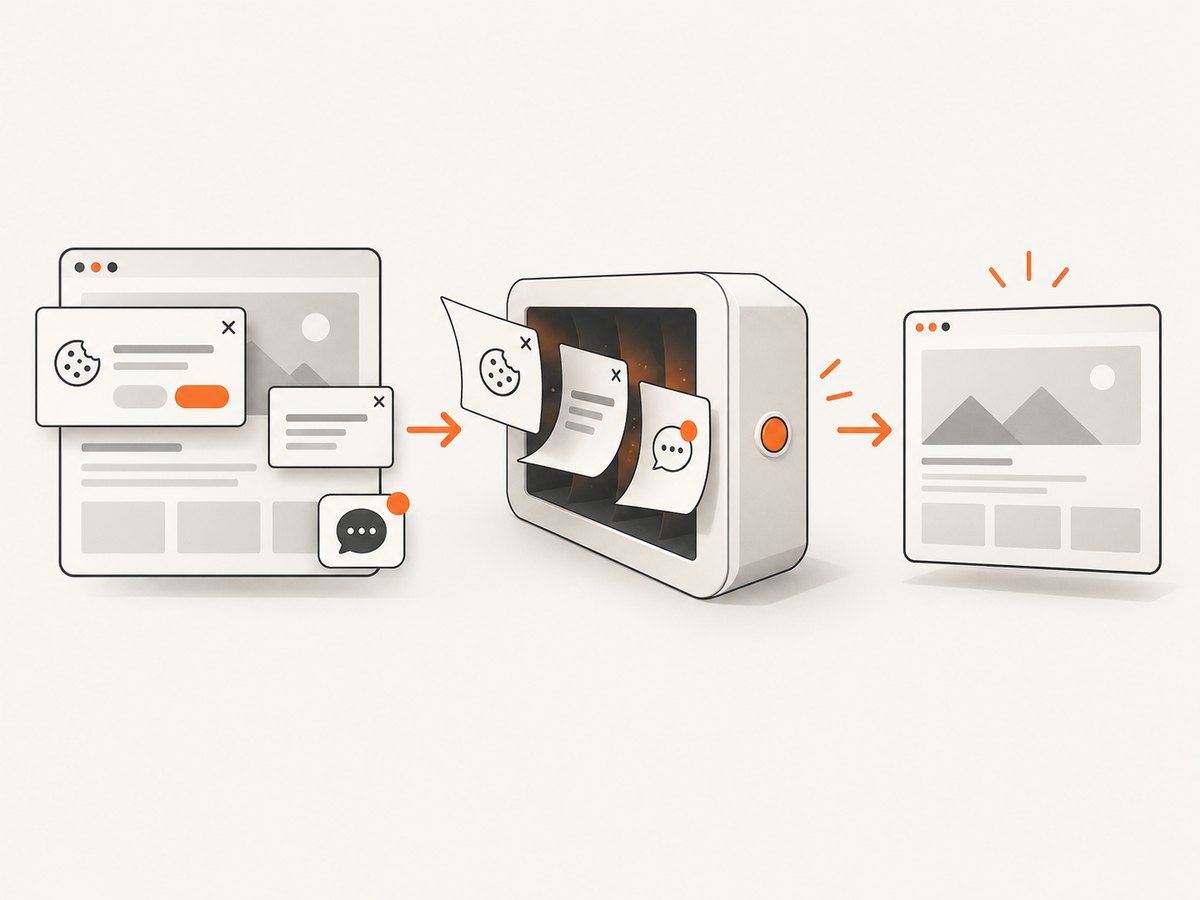
ScreenshotNeo is for capturing web pages you are allowed to access; it cannot bypass a protected native app screen. For a web page, one GET request returns a PNG, JPEG, WebP or PDF. Cookie and consent banners, newsletter popups and chat widgets are removed before capture. Bot checks, blank pages and failed loads are not billed, and responses identify the page verdict and billing result in headers.
See the ScreenshotNeo API documentation for all options.
cURL
curl -G "https://api.screenshotneo.com/v1/shot" -d access_key=YOUR_API_KEY --data-urlencode url=https://stripe.com -o shot.webpPython
import requests
r = requests.get("https://api.screenshotneo.com/v1/shot", params={"access_key": "YOUR_API_KEY", "url": "https://stripe.com"}, timeout=90)
open("shot.webp", "wb").write(r.content)
Node.js
const q = new URLSearchParams({ access_key: 'YOUR_API_KEY', url: 'https://stripe.com' });
const res = await fetch(`https://api.screenshotneo.com/v1/shot?${q}`);
ScreenshotNeo also provides an MCP server for AI agents, including Claude and Cursor, with take_screenshot, get_page_info and capture_pdf. It offers 1,000 screenshots per month free with no card; paid plans start at $5 for 3,000. Create a free ScreenshotNeo account.
8. FAQ
Can I make a black screenshot readable?
No. The protected pixels were not delivered to the capture result. Obtain an export or authorized copy.
Does Android 14 screenshot detection let me retrieve the image?
No. It reports a supported screenshot gesture to the app but does not expose the image.
Will a second phone camera work?
It produces a photograph, not a system screenshot, and may create privacy or terms-of-service problems.
Can ScreenshotNeo capture my banking app?
No. ScreenshotNeo captures web URLs. It does not defeat FLAG_SECURE or capture protected native-app windows.
What should a QA team record when a capture fails?
Record the device model, Android version, API level, app build, activity and whether the result was black, blank or omitted. Then reproduce with the authorized test configuration and a non-sensitive test account.


