How to Take Screenshots in the Xbox Browser
Xbox browser screenshot support isn’t confirmed. Here’s what to check in Edge, what Xbox capture guidance actually covers, and how to save a webpage another way.

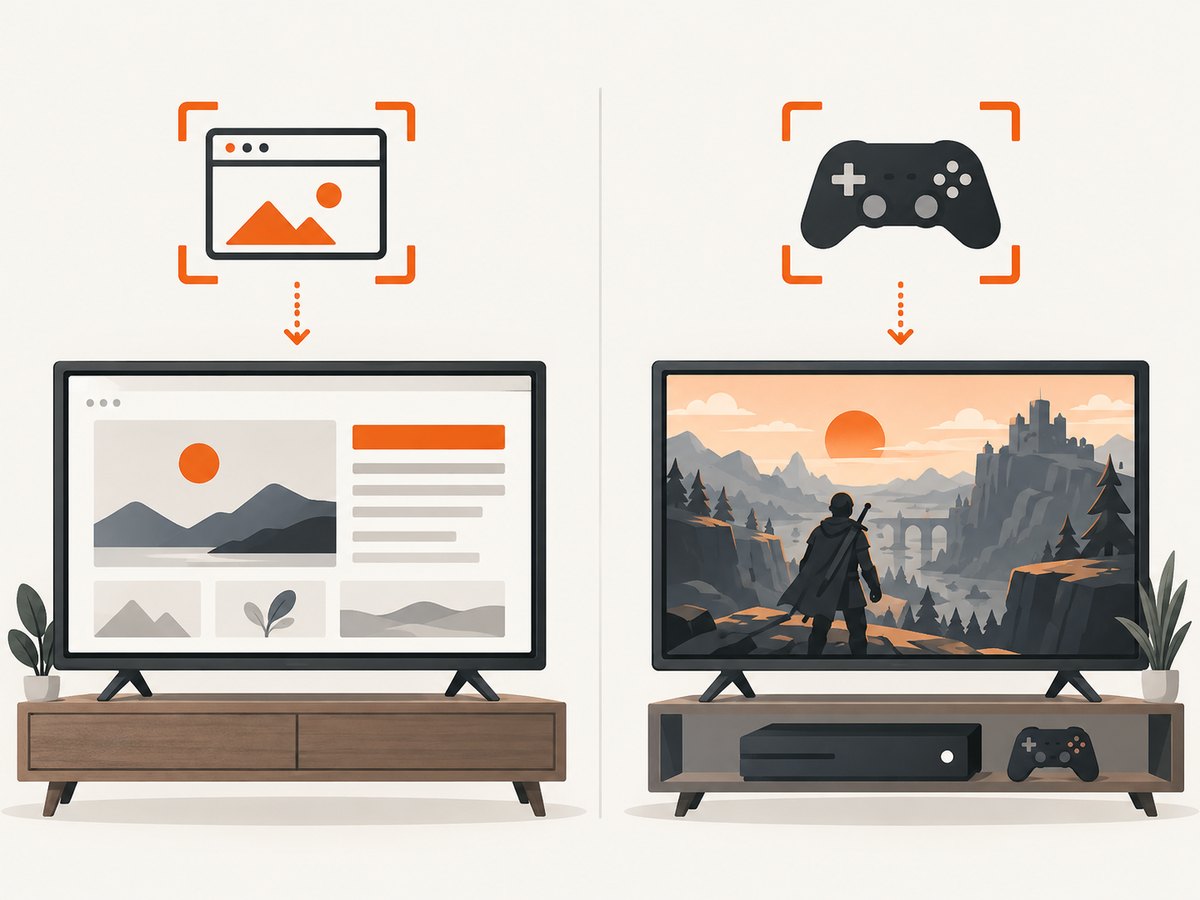
Short answer: Microsoft documents a Screenshot feature in Edge for selecting an area or capturing a full webpage, but its documentation does not confirm that the feature or its keyboard shortcut works in Edge on Xbox. Check the Xbox browser’s menus for a Screenshot command; if one is present, follow the options shown. You can also try Ctrl+Shift+S with a connected keyboard, but treat that as a general Edge shortcut to test, not a verified Xbox control. Microsoft’s Xbox capture instructions cover gameplay and do not establish that the console’s gameplay capture flow saves browser pages.
This distinction matters: Xbox runs an Edge-based browser, but a feature documented for Edge generally is not necessarily exposed in the Xbox version. Microsoft also says Screenshot availability can vary by device, market, and browser version. The sources do not document where a screenshot made in Xbox Edge would be stored or how to transfer one from the console. Microsoft’s Edge Screenshot page describes the general browser feature; Xbox’s capture guidance describes gameplay capture.
1. Check whether Xbox Edge exposes Screenshot
Use the browser UI as the source of truth for your console. Menu labels and available commands can vary, and the available Microsoft documentation does not give Xbox-specific browser steps. These checks are safe ways to determine whether the documented Edge feature is available on your setup:
- Open the webpage in Edge on the Xbox.
- Open the page’s right-click or context menu, if your current input method exposes one. Look for Screenshot.
- Check the browser’s Settings menu for the same command.
- If you have a keyboard connected, focus the browser and try Ctrl+Shift+S.
- If the command opens a capture tool, read the choices on screen. Edge’s general feature supports a selected area or a full webpage, plus markup and copy or save actions.
- If the command is missing or the shortcut does nothing, stop treating this as an available Xbox method. The general Edge documentation does not guarantee it on Xbox.
Microsoft describes the shortcut as a way to open Screenshot and choose Capture full page. That instruction is for Edge generally. It is not confirmation that the shortcut works on Xbox, or that Xbox Edge offers the same capture and export options.
2. Choose the capture you need
If Screenshot appears and works, decide whether you need a region or the whole webpage. The distinction is useful when you are documenting a design issue, preserving a long article, or sharing a visual reference.
| Need | Edge’s general documented capability | Xbox-specific caveat |
|---|---|---|
| One visible part of a page | Select an area and mark it up. | Selection and markup are not confirmed on Xbox. |
| The full webpage | Choose the full-page capture option; Microsoft says it can capture without manual scrolling. | Availability on Xbox is not confirmed. |
| Copy or save the result | Edge’s feature page lists copy and save options. | The sources do not say where an Xbox Edge capture is saved or how to transfer it. |
Before relying on a capture, verify that the resulting image contains what you need and that you can get it off the device. The Xbox-specific sources supplied here do not describe an export path for browser screenshots. Do not assume a PC Edge save location, a console folder, or a sharing workflow applies to Xbox.
3. Know what Xbox’s native capture documentation covers
Microsoft Support documents taking screenshots and managing clips on Xbox One in the context of gameplay. That guidance does not say that the same capture flow captures Edge or other apps. As a result, it would be inaccurate to promise that a controller capture action will save a browser page, or to give a button sequence as a confirmed browser method based on that page.
If you try the console’s normal capture controls while Edge is open, regard the result as something to verify on your particular console, not a documented browser workflow. Confirm that the captured content is actually the webpage, then confirm where the console makes it available. The cited guidance does not settle whether current Xbox One or Xbox Series X|S capture works while Edge is open.
4. When Xbox Edge has no Screenshot command
If there is no Screenshot command and the keyboard shortcut is unavailable, the sources here do not establish a guaranteed built-in way to save an Xbox browser page. Use a method that matches what you need to preserve:
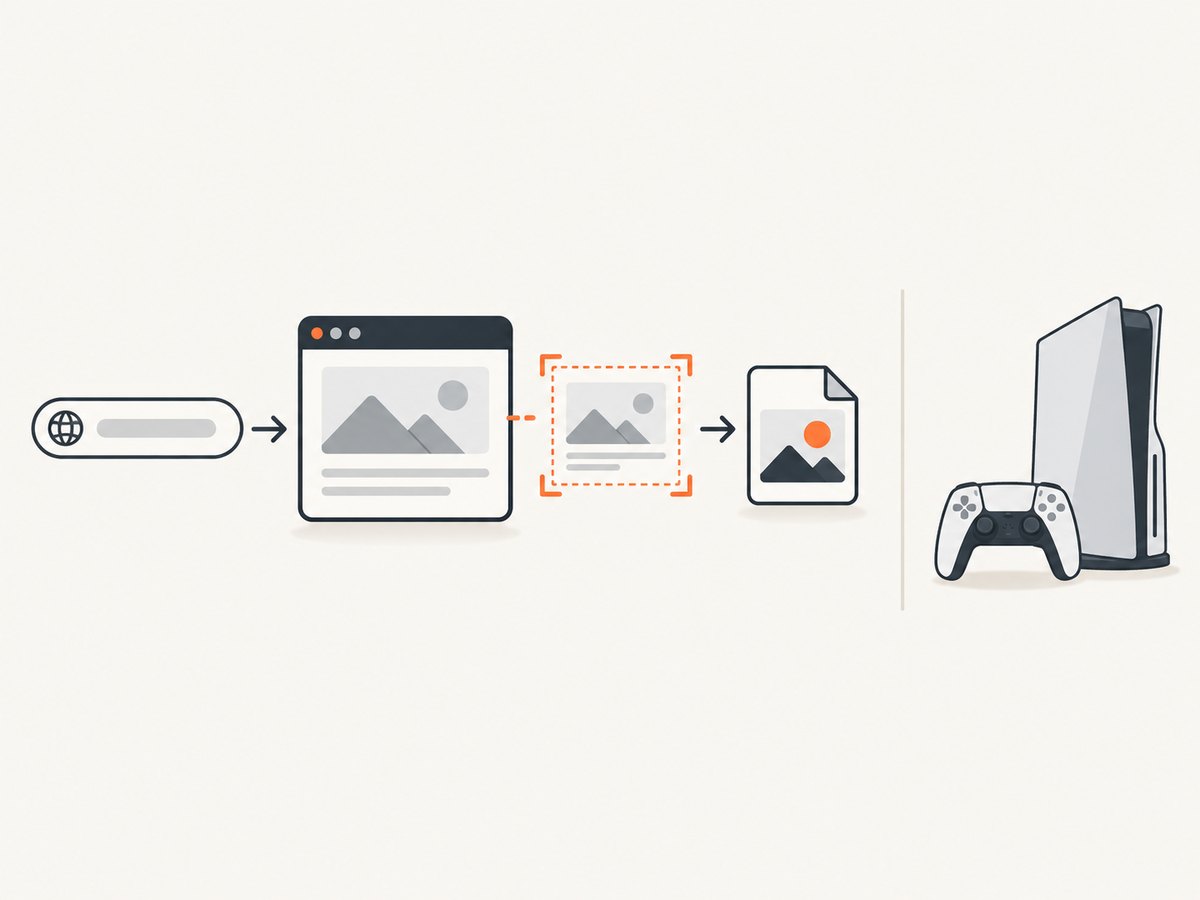
- Need to share the page itself: share its URL, if the site and recipient can access it.
- Need a visual record from Xbox: check current Xbox-specific support material or the options displayed by your console. Verify the result before depending on it.
- Need a clean screenshot of a public webpage: capture that page from a computer or use a screenshot service. This captures the page as rendered by that browser or service; it does not reproduce a signed-in Xbox session or prove what appeared on your console.
- Need evidence of an Xbox-only state: a remote website screenshot is not a substitute. Preserve the state using a method actually available on the console, and verify the resulting file.
A remote capture is useful for public URLs, documentation and repeatable website snapshots. It cannot see the content currently open on your Xbox unless that content is independently available at a URL the service can load. Private pages may require authentication, and a screenshot service will not inherit your console cookies or session.
5. Or skip the browser setup
ScreenshotNeo captures a webpage from a URL with one API request. Use it for a public page you want to capture separately from the Xbox session. It does not take a screenshot of the Xbox screen. See the ScreenshotNeo API documentation for request options.
curl -G "https://api.screenshotneo.com/v1/shot" -d access_key=YOUR_API_KEY --data-urlencode url=https://stripe.com -o shot.webpimport requests
r = requests.get(
"https://api.screenshotneo.com/v1/shot",
params={"access_key": "YOUR_API_KEY", "url": "https://stripe.com"},
timeout=90,
)
open("shot.webp", "wb").write(r.content)const q = new URLSearchParams({ access_key: 'YOUR_API_KEY', url: 'https://stripe.com' });
const res = await fetch(`https://api.screenshotneo.com/v1/shot?${q}`);
if (!res.ok) throw new Error(`Screenshot request failed: ${res.status}`);
await Bun.write('shot.webp', res);The Node.js example uses the supplied request shape and Bun’s file writer to save the response as shot.webp. In a Node.js project without Bun, consume res.arrayBuffer() and write those bytes with Node’s fs/promises module. Keep the API key private; do not place it in a public webpage or client-side app.
Cookie banners, newsletter popups and chat widgets are removed before the shot. Bot checks, blank pages and failed loads are never billed, and response headers say which page verdict and billing outcome applied. ScreenshotNeo also has an MCP server so AI agents can take screenshots. The Free plan includes 1,000 screenshots a month with no card; paid plans start at $5 for 3,000. Sign up for 1,000 free screenshots a month, with no card.
6. Troubleshooting
| Symptom | Likely explanation | What to do |
|---|---|---|
| No Screenshot item in the menu | The general Edge feature may not be available in this device or browser version. | Try the Settings menu and, if available, the keyboard shortcut once. If neither exposes it, do not assume Xbox supports it. |
| Ctrl+Shift+S does nothing | The shortcut is documented for Edge generally, not confirmed for Xbox. The keyboard may also not be connected or focused on the browser. | Check the browser menus. Treat the shortcut as a test, not a guaranteed Xbox control. |
| The console captures gameplay instead of the webpage, or the result is unclear | Xbox’s cited instructions describe gameplay capture and do not confirm browser capture. | Inspect the captured result. If it is not the webpage, use a verified browser command or another suitable method. |
| You cannot find or export the image | The cited sources do not specify a save location or transfer process for Xbox Edge screenshots. | Look at the options shown by the feature or consult current Xbox-specific documentation. Do not assume a PC save path. |
| A remote screenshot differs from what Xbox displayed | The request captures a webpage remotely, not the Xbox display, and may use a different session or viewport. | Use a remote capture only when the URL and rendered page are the thing you need to record. |
7. Reliability, performance and cost
For a one-off capture, first check whether the browser exposes the feature; it avoids setting up a separate capture workflow. For recurring captures of public pages, an API can be scripted, but it introduces a network request and depends on the target page loading for the remote browser. Set a suitable request timeout and check the response before treating the output as a valid image. Do not use a remote screenshot as proof of a console-only screen or authenticated state.
ScreenshotNeo’s published plans are Free: 1,000 shots/month with no card; Starter: $5 for 3,000; Growth: $15 for 15,000; Pro: $39 for 60,000; Scale: $99 for 250,000; and Business: $249 for 1,000,000. Yearly billing gives two months free, and every feature is available on every plan. The service bills only clean shots; bot checks/CAPTCHAs, blank pages, timeouts, failed loads and cache hits cost nothing. Use the X-Page-Verdict and X-Billed response headers to inspect the outcome rather than counting every request as a billable capture.
FAQ
Does Ctrl+Shift+S definitely work in the Xbox browser?
No Xbox-specific source here confirms it. Microsoft documents the shortcut for Edge generally and warns availability can vary by device, market and browser version.
Can Xbox’s gameplay screenshot feature capture an Edge page?
The cited Xbox Support article does not establish that. It covers gameplay capture, so verify any result on your console instead of relying on it as a browser method.
Where does Xbox Edge save a screenshot?
The sources used for this guide do not specify a location or transfer procedure for an Xbox Edge screenshot.
Can ScreenshotNeo capture what is currently on my Xbox screen?
No. It takes a screenshot of a webpage loaded from a URL. It does not capture the console display or use the Xbox browser session.
Does Edge’s full-page capture require scrolling through the page?
Microsoft describes the general Edge feature as capturing the full page without scrolling manually. Xbox availability remains unconfirmed.
Sources
- Microsoft Edge Screenshot feature: general feature, selection and full-page capture, markup, copy/save, shortcut and availability caveat.
- Microsoft Support: Make and play game clips on Xbox One: gameplay capture guidance, not a browser screenshot guide.


