How to Create Searchable PDFs with wkhtmltopdf
Create PDFs with selectable, searchable text using wkhtmltopdf, validate the output, handle scans with OCR, and troubleshoot production failures.

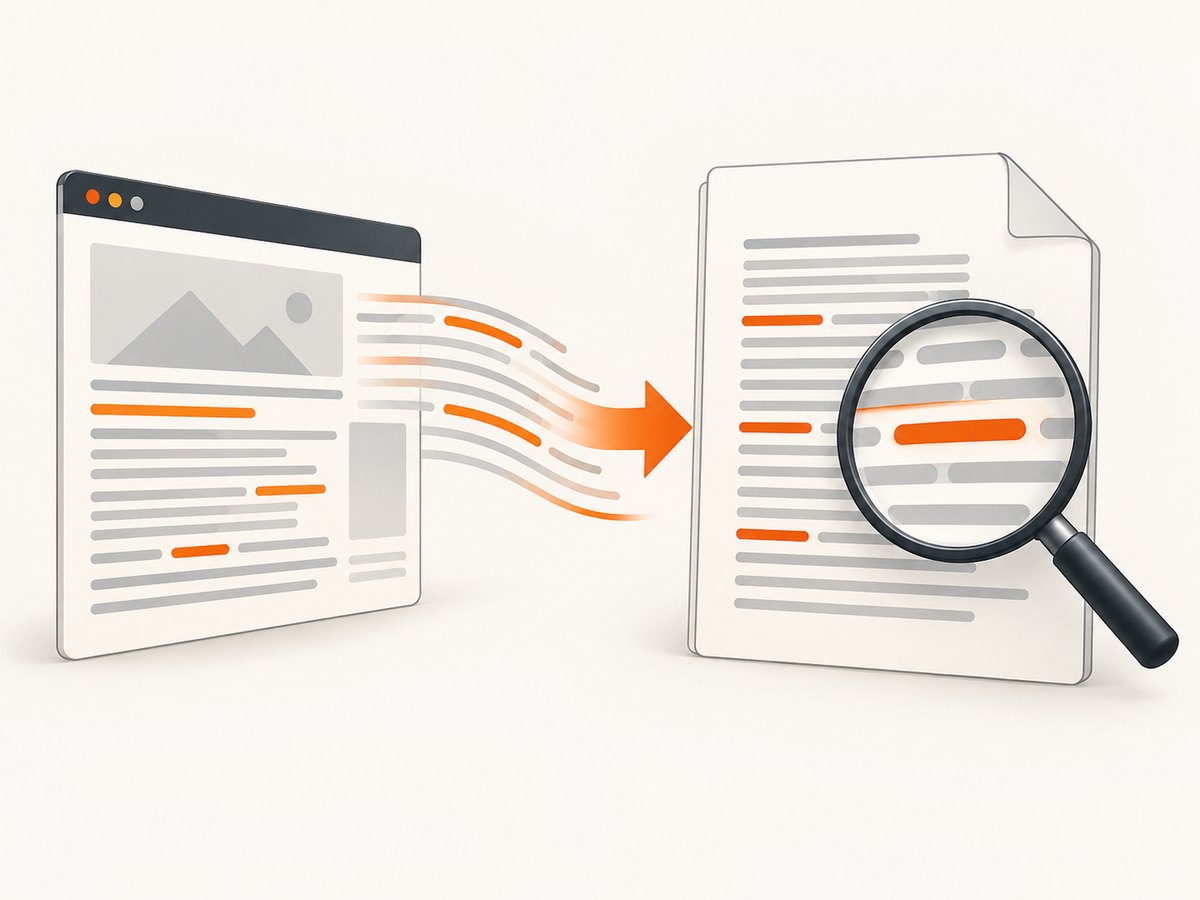
wkhtmltopdf can create a searchable PDF when the source HTML contains real text. The command renders HTML with Qt WebKit and writes a PDF; it does not automatically prove that the resulting file contains a usable text layer. Generate the file, then verify that a PDF viewer can select and find a phrase. If the source is made only of scanned images, run OCR before or after conversion.
What “searchable” means
A searchable PDF stores characters as text objects. A reader can select a sentence, copy it, and find a word with its search command. A PDF containing only page images may look correct while offering none of those operations. wkhtmltopdf is an HTML renderer, so it preserves text that exists in the HTML DOM; it is not an OCR engine for pixels.
The project’s usage documentation describes wkhtmltopdf as a converter for one or more HTML page objects and supports URL or local-file inputs. See the official command reference. The project’s documentation does not promise searchable output for every input, stylesheet, or build, so treat searchability as an output condition to test.
Prerequisites and installation
Install a package that matches the operating system and distribution where the command will run. The official downloads page identifies the 0.12.6 stable series, released June 11, 2020, and lists platform-specific packages. Recheck that page before pinning a deployment because package availability can change.
Check the binary and build
wkhtmltopdf --version
wkhtmltopdf --extended-help | less
Record the version in build logs. Some features depend on Qt patches supplied by the project. Distribution packages may be built against unpatched Qt and can support a different option set. The source also rejects more than one input document for builds using unpatched Qt. Run the exact command you will deploy, rather than assuming a local installation behaves the same way.
“Static” packages still need other system components. Installed fonts, fontconfig, freetype, libraries, and locale settings affect layout and glyph rendering. Install fonts explicitly in containers and test the package on the target operating system.
Minimal searchable PDF workflow
- Put actual text in an HTML document.
- Convert it with wkhtmltopdf.
- Open the PDF and select a sentence.
- Search for a distinctive phrase.
- Optionally extract text in automation and compare it with expected content.
1. Create HTML containing text
<!doctype html>
<html lang="en">
<head>
  <meta charset="utf-8">
  <title>Release notes</title>
  <style>
    @page { size: A4; margin: 18mm 16mm; }
    body { font: 11pt/1.45 Arial, sans-serif; color: #222; }
    h1 { font-size: 24pt; margin: 0 0 12pt; }
    h2 { page-break-after: avoid; }
    p { orphans: 3; widows: 3; }
  </style>
</head>
<body>
  <h1>Release notes</h1>
  <p>This sentence is real HTML text and should be selectable and searchable.</p>
  <h2>Changes</h2>
  <ul>
    <li>Improved import validation.</li>
    <li>Added a retry report for failed jobs.</li>
  </ul>
</body>
</html>
2. Convert the file
wkhtmltopdf input.html output.pdfFor a web page, replace input.html with its URL:
wkhtmltopdf https://example.com/article output.pdfUse a file:///absolute/path/input.html URL when you need an explicit local URL. Keep assets accessible to the process and use absolute paths or a predictable working directory.
3. Validate the text layer
Open output.pdf in a reader, drag across the sentence, and search for “real HTML text”. For CI, use a text extractor available in your environment and check for a required phrase. Extraction is a second signal; visual inspection still catches missing fonts, clipped text, and incorrect page breaks.
Options that affect readable output
| Need | Useful options or CSS | Notes |
|---|---|---|
| Page size and orientation | --page-size A4, --orientation Landscape |
Keep CSS @page rules consistent with command-line settings. |
| Margins | --margin-top, --margin-right, --margin-bottom, --margin-left |
Leave enough space for headers, footers, and printer-safe content. |
| Backgrounds | --background |
Enable this when colored backgrounds are part of the document’s meaning. |
| Images | --image-dpi, --image-quality |
These change file size and visual quality, not whether HTML text is searchable. |
| JavaScript pages | --enable-javascript, --javascript-delay 1500, --window-status ready |
Prefer a deterministic status signal over a long fixed delay. |
| Links | --enable-internal-links, --enable-external-links |
Links are separate from the text layer; validate both if required. |
| Headers and footers | --header-html, --footer-html, or text options |
Increase margins so header/footer content does not overlap body text. |
| Cookies and authentication | --cookie name value, --custom-header name value |
Never put secrets in a URL that can appear in logs. |
| Debugging | --debug-javascript, --load-error-handling ignore |
Use permissive error handling only while diagnosing; it can hide missing content. |
Run wkhtmltopdf --extended-help on the deployed binary because available switches vary by build. Options are grouped as global options, page options, and document objects; a cover, table of contents, and several page objects can be combined when the build supports them.
Multi-page documents, covers, and tables of contents
The command accepts page objects in sequence. A cover can precede a table of contents and regular pages:
wkhtmltopdf cover cover.html toc chapter-1.html chapter-2.html book.pdfCheck the generated outline and page numbering in a reader. If your package uses unpatched Qt, multiple inputs may be rejected; split the job or install a compatible patched build. Test this in the same container or server image used in production.
Keeping text selectable when styling HTML
- Write words as HTML text nodes. Do not flatten paragraphs into screenshots or canvas bitmaps.
- Use fonts installed on the conversion host. Missing fonts can substitute glyphs or produce empty boxes.
- Set a UTF-8 charset and test accented characters, non-Latin scripts, ligatures, and emoji separately.
- Use print CSS and avoid positioning that places text outside the page or under opaque layers.
- For tables, repeat headers with the appropriate print CSS and inspect page breaks.
- Wait for client-rendered content before capture. A PDF created before data arrives can be technically searchable but incomplete.
HTML, scanned images, and OCR
| Input | What wkhtmltopdf does | What you need for searchable words |
|---|---|---|
| HTML paragraphs and headings | Renders the characters into PDF text objects. | Validate selection and search. |
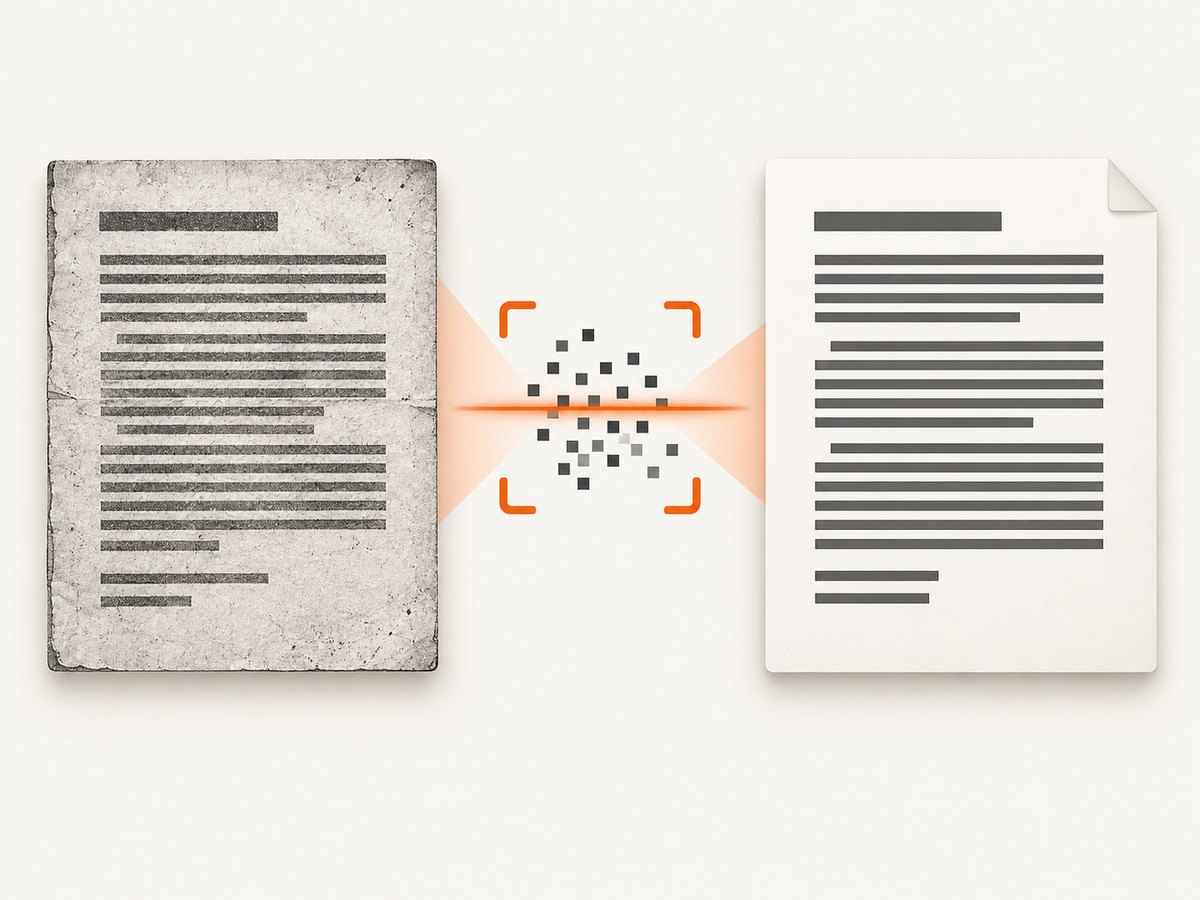
| HTML containing images of pages | Embeds or renders the images. | OCR the images before conversion or OCR the resulting PDF. |
| A scanned PDF supplied as an input | Not a normal HTML input workflow. | Use a dedicated OCR pipeline, then validate its text layer. |
OCR introduces recognition errors, reading order issues, and language-model choices. Keep the original images, store OCR confidence where available, and sample pages with tables or multiple columns. Do not claim a PDF is searchable merely because OCR completed; test selection and phrase search.
Python automation
from pathlib import Path
import subprocess

source = Path("input.html").resolve()
target = Path("output.pdf").resolve()

result = subprocess.run(
    ["wkhtmltopdf", str(source), str(target)],
    capture_output=True,
    text=True,
    timeout=120,
)
if result.returncode != 0:
    raise RuntimeError(result.stderr or result.stdout)
if not target.exists() or target.stat().st_size == 0:
    raise RuntimeError("wkhtmltopdf produced no PDF")
print(target)
For stronger validation, run a PDF text extractor after conversion and fail the job when a required phrase is absent. Keep conversion and validation as separate steps so a zero exit status cannot mask an empty or incomplete document.
Node.js automation
import { execFile } from "node:child_process";
import { promisify } from "node:util";
import { stat } from "node:fs/promises";

const execFileAsync = promisify(execFile);
await execFileAsync("wkhtmltopdf", ["input.html", "output.pdf"], {
  timeout: 120_000,
  maxBuffer: 1024 * 1024,
});
const info = await stat("output.pdf");
if (info.size === 0) throw new Error("Empty PDF");
Use an argument array instead of a shell string. It prevents quoting mistakes when paths contain spaces and avoids shell interpretation of user-controlled values.
cURL for a remote HTML source
curl -L --fail https://example.com/article -o page.html
wkhtmltopdf page.html article.pdf
Downloading first gives you a stable input and lets you inspect the HTML. If the page requires session cookies or JavaScript-generated content, direct downloading may not reproduce what a browser sees; configure wkhtmltopdf’s cookies, headers, and JavaScript options or use a browser-based capture service.
Security considerations
The official downloads documentation warns: “Do not use wkhtmltopdf with any untrusted HTML – be sure to sanitize any user-supplied HTML/JS, otherwise it can lead to complete takeover of the server on which it is running!” Treat HTML, CSS, JavaScript, URLs, headers, and cookies as untrusted input. Sanitize user HTML, restrict network access, run the converter with a least-privilege account, apply filesystem and process limits, and isolate conversion workers. Do not allow arbitrary command-line switches from request data.
Troubleshooting common failures
| Symptom | Likely cause | Fix |
|---|---|---|
| PDF opens but search finds nothing | Source text is an image, canvas, or inaccessible layer. | Keep content as HTML text or run OCR; inspect selection manually. |
| Blank or partly blank pages | JavaScript has not finished, a resource failed, or a page break is wrong. | Use --window-status or a measured delay, check stderr, and verify asset URLs. |
| “Unknown long argument” | The installed build omits that option. | Run --extended-help; install a compatible package or change the workflow. |
| Multiple inputs rejected | Unpatched Qt build. | Use one input per process or deploy a patched build that supports page objects. |
| Fonts show as boxes or wrong glyphs | Font files or fontconfig data are missing. | Install and register fonts in the runtime image; test UTF-8 content. |
| Images or CSS missing | Relative paths, blocked local files, TLS errors, or authentication. | Use absolute paths, configure access deliberately, and inspect network errors. |
| Content overlaps headers or footers | Margins are smaller than the header/footer. | Increase margins and test the longest header and footer values. |
| Process hangs | Network request, script, or resource never completes. | Set timeouts at the job level, bound JavaScript waits, and isolate slow URLs. |
Performance, reliability, and cost
Conversion time is driven by page count, remote assets, JavaScript, image size, and font work. For predictable throughput, self-host assets where possible, cap document size, reuse a warm worker only when isolation requirements allow it, and queue jobs with explicit deadlines. Record the command version, exit code, stderr, input URL or file identifier, output size, and validation result.
Cache immutable HTML and assets, but invalidate the cache when content or fonts change. Retry only transient network failures; repeated retries of malformed HTML or a missing font waste capacity. Set a maximum output size and retain failed inputs long enough to reproduce the issue without logging secrets.
wkhtmltopdf is downloadable software, so your direct cost is the infrastructure and any OCR or storage service you add. Package differences can be more significant than CPU speed: test the exact operating-system image, Qt build, fonts, and locales before estimating throughput.
Or skip the browser setup
If you need a hosted screenshot or PDF capture path, ScreenshotNeo accepts one GET request and can return a PDF. Its clean-capture steps accept consent banners and remove more than 60 known consent platforms, newsletter popups, and chat widgets before the shot; each step can be turned off. Bot checks, blank pages, timeouts, failed loads, and cache hits are not billed, and the response identifies the result with X-Page-Verdict and X-Billed headers. An MCP server provides take_screenshot, get_page_info, and capture_pdf tools for Claude, Cursor, and other MCP clients. One thousand screenshots per month are free with no card; paid plans start at $5 for 3,000 shots.
Read the ScreenshotNeo API documentation for PDF options such as paper size, margins, landscape mode, and page ranges.
curl -G "https://api.screenshotneo.com/v1/shot" -d access_key=YOUR_API_KEY --data-urlencode url=https://example.com -o shot.pdfimport requests
r = requests.get("https://api.screenshotneo.com/v1/shot", params={"access_key": "YOUR_API_KEY", "url": "https://example.com"}, timeout=90)
open("shot.pdf", "wb").write(r.content)const q = new URLSearchParams({ access_key: 'YOUR_API_KEY', url: 'https://example.com' });
const res = await fetch(`https://api.screenshotneo.com/v1/shot?${q}`);Create a free account at ScreenshotNeo sign-up to get 1,000 screenshots each month with no card.
FAQ
Does wkhtmltopdf add OCR automatically?
No. It renders HTML. Use an OCR tool for scanned or image-only pages.
Is a zero exit code proof that the PDF is searchable?
No. Select text and search for a known phrase, then add automated extraction checks.
Can I convert a scanned PDF directly with wkhtmltopdf?
wkhtmltopdf’s normal interface accepts HTML page objects. Use a dedicated OCR workflow for an existing scanned PDF.
Why does the same command behave differently on two servers?
Qt patches, package builds, fonts, system libraries, locales, and network access can differ. Compare versions and test the deployed image.
How should I handle user-provided HTML?
Sanitize HTML and JavaScript, isolate the converter, restrict its privileges and network access, and never pass raw user input as command-line options.


