SEC EDGAR Filing Extraction Automation
Automate SEC filing discovery and extraction with Python: choose JSON APIs for metadata and XBRL, and retrieve filing documents for narrative and exhibits.
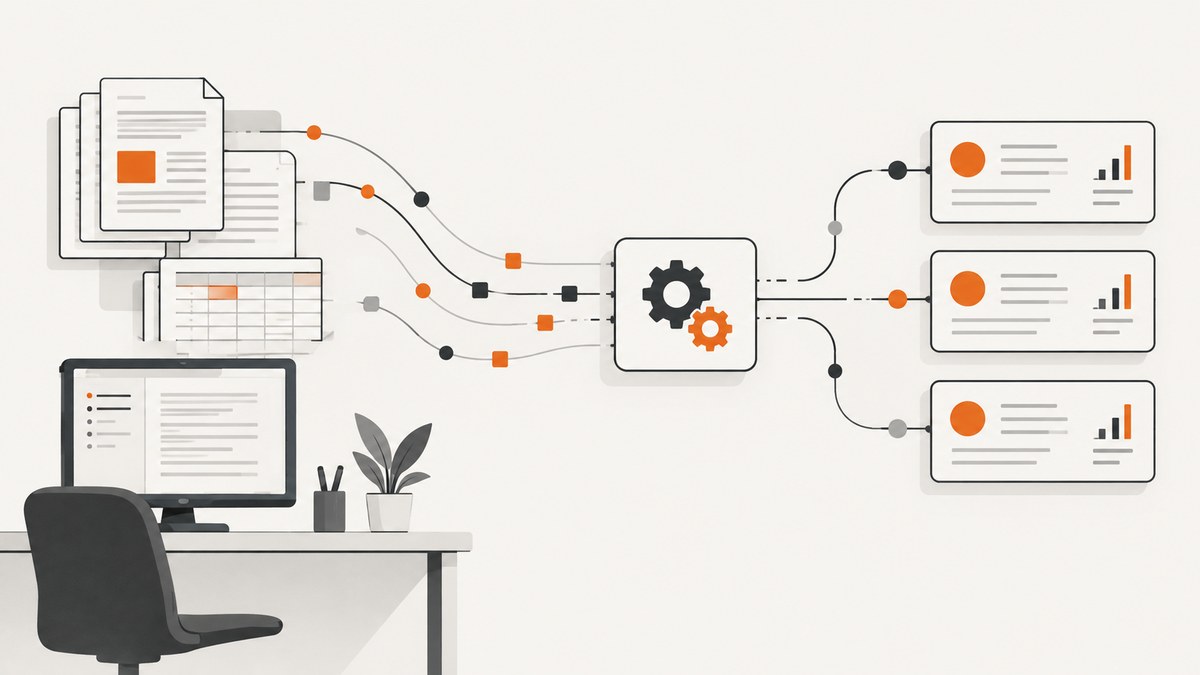
To automate SEC EDGAR filing extraction, first decide what data you need. Use the SEC’s public JSON APIs for issuer filing history and standardized XBRL facts. Retrieve the original filing from the EDGAR archive when you need narrative text, exhibits, custom-tagged facts, or filing-specific context. Keep the CIK, accession number, document name, and reporting period with every extracted result so you can trace it back to its source.
This guide uses Python for the core workflow, then provides equivalent cURL and Node.js examples. SEC public data APIs return JSON and do not require API keys. They are separate from EDGAR Next filer APIs, which serve authenticated filer account and submission tasks. See the SEC’s EDGAR API documentation and developer resources for current details.
1. Choose the right SEC source
There is no single endpoint that contains every detail in every filing. Match the source to the extraction job:

| Need | Use | Limit to plan for |
|---|---|---|
| Find an issuer’s filings | Submissions API | Recent filings are in the main response; older history may be in additional referenced files. |
| Read standardized facts for one issuer | Companyfacts or companyconcept | The described aggregation covers non-custom taxonomies and entity-wide facts, not every custom tag or filing-specific context. |
| Compare one fact across issuers | Frames API | Frames align to calendar periods; an issuer’s fiscal period may not match the calendar frame exactly. |
| Extract narrative, exhibits, or custom-tag detail | Filing archive document | You need document-aware parsing and validation; SEC documentation does not guarantee a particular parser. |
| Backfill broad history | Bulk ZIPs and filing indexes | Bulk companyfacts and submissions ZIP files are republished nightly, rather than continuously. |
The SEC’s API documentation describes typical submissions processing under a second and XBRL processing under a minute, with longer delays possible at peak times. These are typical processing times, not availability guarantees. Bulk JSON ZIPs are republished nightly at approximately 3:00 a.m. ET. Check the SEC page for updates before relying on a refresh schedule.
2. Resolve the company to a CIK
Use the SEC Central Index Key (CIK), not a company name or ticker, as the stable API identifier. CIKs in API paths are ten digits, padded with leading zeroes. The SEC provides company name and CIK resources from its API documentation page. Resolve and verify the issuer once, then store its CIK with your internal company record. Names and tickers can be ambiguous or change.
3. Retrieve submissions and select a filing
The following Python script fetches an issuer’s submissions JSON, finds a matching form and filing date, and prints the accession number and primary document. Set a meaningful User-Agent with a contact address for your organization; the SEC asks automated clients to identify themselves. Install the only dependency with python -m pip install requests.
import requests

CIK = "0000320193"  # Example: Apple Inc.; replace with the issuer you need
FORM = "10-K"
USER_AGENT = "ExampleResearch contact@example.com"
BASE = "https://data.sec.gov"

session = requests.Session()
session.headers.update({"User-Agent": USER_AGENT, "Accept-Encoding": "gzip, deflate"})
response = session.get(f"{BASE}/submissions/CIK{CIK}.json", timeout=30)
response.raise_for_status()
data = response.json()
recent = data["filings"]["recent"]

matches = []
for i, form in enumerate(recent["form"]):
    if form == FORM:
        matches.append({
            "form": form,
            "filing_date": recent["filingDate"][i],
            "accession_number": recent["accessionNumber"][i],
            "primary_document": recent["primaryDocument"][i],
            "report_date": recent["reportDate"][i],
        })

for filing in matches[:5]:
    print(filing)
The arrays under filings.recent are positionally aligned: index i across each array describes the same filing. Preserve the accession number exactly, including hyphens, in your database. If your desired filing is older than the recent history in the response, inspect filings.files for referenced historical submissions JSON files and retrieve the relevant one. Do not assume the first matching form is the latest year you want; filter by filing date or report date explicitly.
4. Extract standardized facts with companyfacts
For issuer-level financial values represented in standard XBRL taxonomies, retrieve companyfacts. This example prints recent annual values for a standard tag and retains unit, period, accession, and form context.
facts_response = session.get(
    f"{BASE}/api/xbrl/companyfacts/CIK{CIK}.json", timeout=30
)
facts_response.raise_for_status()
facts = facts_response.json()

# Example standard tag; confirm the concept and unit for your target metric.
concept = facts["facts"].get("us-gaap", {}).get("Revenues")
if concept is None:
    raise ValueError("Revenues was not present for this issuer")

for unit, observations in concept["units"].items():
    annual = [item for item in observations if item.get("fp") == "FY"]
    for item in annual[-5:]:
        print({
            "tag": "us-gaap:Revenues",
            "unit": unit,
            "value": item["val"],
            "start": item.get("start"),
            "end": item["end"],
            "accession": item.get("accn"),
            "form": item.get("form"),
            "filed": item.get("filed"),
        })
A concept may have multiple units and many observations. Do not select an arbitrary first value. Define the period, form, unit, and filing you want, and retain the original context fields. Companyconcept is useful when querying a particular concept for an issuer; companyfacts returns the issuer’s aggregated facts. For one fact across companies and calendar-aligned periods, consider the Frames API. SEC frame selection uses closest calendar fit, so dates can vary from the issuer’s fiscal year boundaries.
Companyfacts and companyconcept are not complete substitutes for filings. They omit custom taxonomies and facts that do not apply to the filing entity as a whole. If a fact is missing, dimensional, segment-specific, or inconsistent with your task’s interpretation, inspect the source filing and its XBRL context rather than concluding that the company did not report it.
5. Retrieve the original filing document
Use the accession number and primary document returned by submissions to build an archive URL. For archive paths, remove the hyphens from the accession number and use the numeric CIK without its zero padding. The filing index identifies the company, form, CIK, filing date, and file paths; preserve this identity with any parsed content. See the SEC’s filing archive and EDGAR access guidance.
filing = matches[0]
accession = filing["accession_number"]
accession_path = accession.replace("-", "")
archive_cik = str(int(CIK))
document = filing["primary_document"]
filing_url = (
    f"https://www.sec.gov/Archives/edgar/data/"
    f"{archive_cik}/{accession_path}/{document}"
)

doc_response = session.get(filing_url, timeout=45)
doc_response.raise_for_status()
html = doc_response.text
print("Retrieved", filing_url, "characters:", len(html))
This downloads the source HTML; it does not claim to parse every SEC filing structure. Filing markup varies, and tables, inline XBRL, footnotes, and exhibits require appropriate document handling. Choose a parser suited to the actual documents you process, then validate extracted fields against the source. Keep the source URL, accession, and document name next to each extracted paragraph or value. For exhibits, consult the filing index and choose the exhibit document explicitly instead of assuming the primary document contains it.
6. Complete command-line and Node.js examples
For a quick submissions response with cURL, provide an identifying User-Agent and save the JSON for inspection:
curl -H 'User-Agent: ExampleResearch contact@example.com' \
  -H 'Accept-Encoding: gzip, deflate' \
  'https://data.sec.gov/submissions/CIK0000320193.json' \
  -o submissions.json
Fetch companyfacts similarly:
curl -H 'User-Agent: ExampleResearch contact@example.com' \
  'https://data.sec.gov/api/xbrl/companyfacts/CIK0000320193.json' \
  -o companyfacts.json
Node.js 18 or newer includes fetch. This example checks the HTTP status and selects the latest recent 10-K entry:
const cik = "0000320193";
const headers = {
  "User-Agent": "ExampleResearch contact@example.com",
  "Accept-Encoding": "gzip, deflate",
};

const response = await fetch(
  `https://data.sec.gov/submissions/CIK${cik}.json`,
  { headers, signal: AbortSignal.timeout(30000) }
);
if (!response.ok) {
  throw new Error(`SEC returned ${response.status} ${response.statusText}`);
}
const data = await response.json();
const recent = data.filings.recent;
const index = recent.form.findIndex((form) => form === "10-K");
if (index < 0) throw new Error("No recent 10-K found; inspect historical files");
console.log({
  filingDate: recent.filingDate[index],
  accessionNumber: recent.accessionNumber[index],
  primaryDocument: recent.primaryDocument[index],
});
These examples are starting points. A production client needs pacing shared across all workers and machines, retries for transient failures, cache handling, and monitoring. Do not launch the examples in parallel at scale without a coordinated request limiter.
7. Make the extraction pipeline reliable
- Store source identity. Persist CIK, form, filing date, report date, accession number, document path, retrieval timestamp, and parser version.
- Throttle globally. Current SEC developer guidance sets a maximum of 10 requests per second per user across machines. Keep a safety margin and coordinate workers against one shared limit. Verify the current policy before deployment because it can change.
- Retry selectively. Retry transient network errors and server errors with exponential backoff and jitter. Do not blindly repeat permanent client errors. Respect response headers and avoid tight retry loops.
- Cache responses. Cache immutable-by-key retrievals such as accession-specific documents and avoid downloading the same source repeatedly. Submissions and facts can update, so use a refresh policy that matches your freshness needs.
- Reconcile changes. SEC-accessible filing data can be corrected or removed after acceptance, and indexes incorporate updates on rebuild schedules. Periodically reconcile stored records with source indexes; do not treat acceptance as proof a record can never change.
- Validate outputs. Check required fields, numeric units, dates, and document identity. Compare sampled extracted text and facts against the source filing, and record parse failures for review.
For large historical acquisition, inspect the SEC bulk submissions and companyfacts ZIPs before making many individual requests. They are republished nightly at approximately 3:00 a.m. ET. Bulk data reduces request volume but may not meet a need for the freshest individual filing. Use filing indexes to establish paths and traceability.
8. Browser access and architecture
The SEC says data.sec.gov does not support CORS. A webpage calling the API directly from a browser may therefore fail even when the same URL works from Python or a server. Put retrieval in a server-side service, apply the SEC’s access policy there, and expose only the application data your frontend needs. Avoid using a browser proxy as a way to evade rate limits or client identification requirements.
9. Common errors and fixes
| Symptom | Likely cause | Fix |
|---|---|---|
| 404 for submissions URL | CIK is not ten digits, has the wrong issuer, or is malformed. | Resolve the issuer and zero-pad its CIK to ten digits, for example CIK0000320193. |
| Old filing not found in recent arrays | The response’s recent history does not cover the requested filing. | Inspect filings.files and fetch the historical submissions file it references. |
| Expected financial tag is absent | Wrong taxonomy/tag, custom taxonomy, entity-level aggregation limitation, or no fact for that period. | Inspect available concepts and the original filing’s XBRL facts and contexts. |
| Several values appear for the same concept | Different units, periods, forms, dimensions, or comparative filings. | Filter explicitly and retain context fields; never drop unit and date metadata. |
| Archive URL returns 404 | Accession hyphens were retained, padded CIK used in archive path, or wrong document filename. | Remove accession hyphens, use the numeric CIK without leading zeroes, and confirm the path in the filing index. |
| Browser reports a CORS error | data.sec.gov does not support CORS. |
Fetch server-side and return the application’s needed data to the browser. |
| Requests slow down or access is blocked | Excessive, bursty, or unidentified automated access. | Set a meaningful User-Agent, enforce the shared rate limit, cache, and review current SEC guidance. |
| Recently filed data is missing | Processing delay, especially at peak filing times. | Retry later with backoff and record retrieval time; do not treat typical SEC processing times as guarantees. |
| Previously stored filing differs | Post-acceptance correction, removal, or index update. | Reconcile against updated source indexes and retain retrieval/version history. |
10. Or skip the browser setup
ScreenshotNeo is a website screenshot API and MCP server from ScreenshotNeo. It does not replace SEC JSON extraction or filing-document parsing. Use it when your workflow also needs a visual capture of a public filing page for review, archival context, or an AI agent’s visual inspection. The API accepts a URL and returns an image or PDF. See the ScreenshotNeo API documentation.
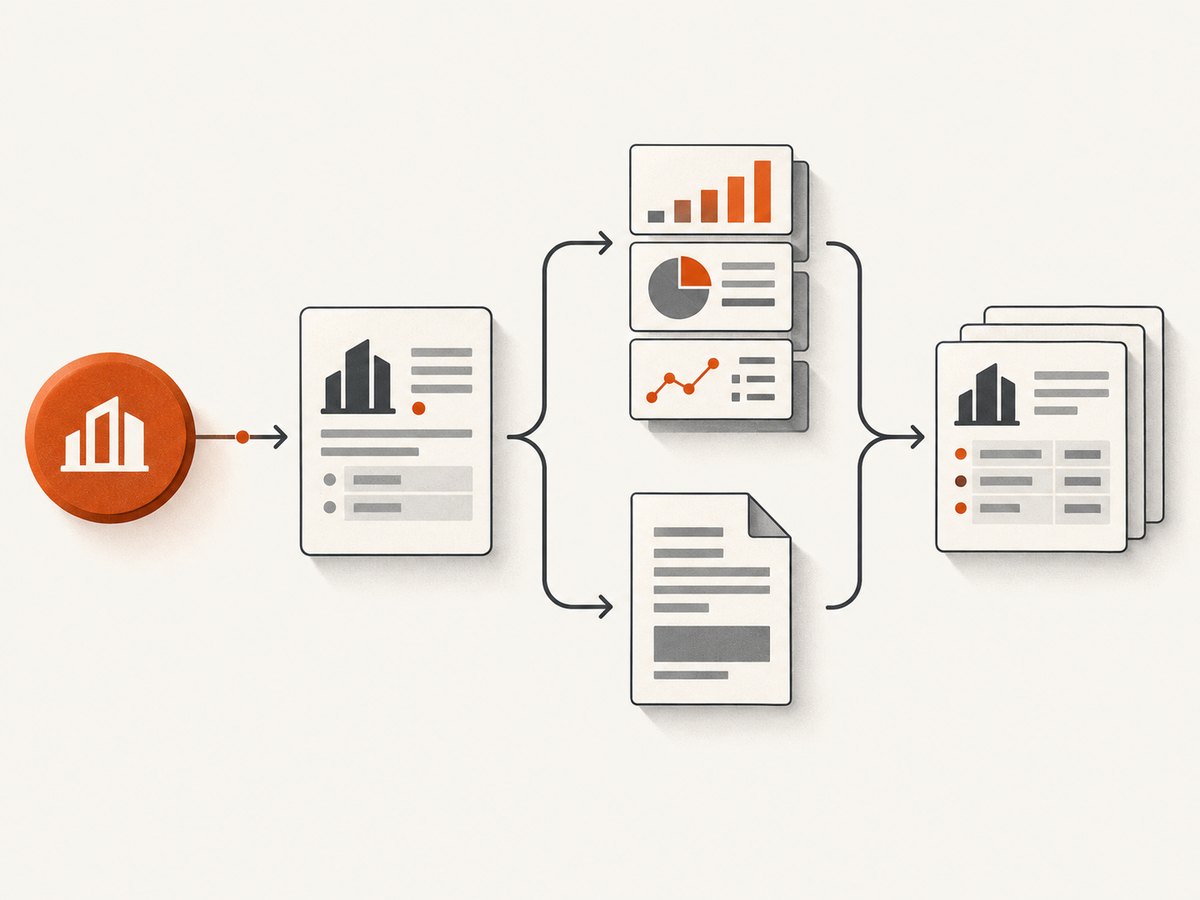
curl -G "https://api.screenshotneo.com/v1/shot" -d access_key=YOUR_API_KEY --data-urlencode url=https://www.sec.gov/Archives/edgar/data/320193/000032019324000069/aapl-20230930.htm -o shot.webpCookie banners, popups, and chat widgets are removed before the shot. Bot checks, blank pages, and failed loads are never billed. An MCP server lets AI agents take screenshots. The free plan includes 1,000 screenshots a month with no card; paid plans start at $5 for 3,000. A one-call screenshot can help a reviewer inspect page appearance, while the structured extraction pipeline remains responsible for the filing’s underlying data.
Sign up for 1,000 free screenshots a month with no card.
11. Cost and performance notes
The SEC public APIs do not require API keys, so the main operational costs are your compute, storage, parsing, and review. Reduce unnecessary load with caching and bulk ZIPs for backfills. Limit concurrency to the SEC’s current per-user guidance across your whole deployment, not per process. Individual archive documents may be larger and more complex than JSON responses; stream or process them with bounded memory if you handle large volumes. Monitor queue depth, retry counts, response status, extraction validation failures, and source freshness.
Choose refresh intervals based on the job: nightly bulk refresh may suit historical analytics, while filing discovery may need more frequent submissions checks. Preserve timestamps so downstream users can distinguish source publication time from your retrieval time. No retry strategy eliminates SEC processing delays or guarantees a filing remains unchanged.
12. FAQ
Can I get SEC filings as JSON?
Submissions metadata and XBRL API results are JSON. The full filing document is generally retrieved from the filing archive; it is not equivalent to the aggregated companyfacts response.
Do I need an API key?
No API key is required for the SEC’s public data.sec.gov APIs. Automated access still needs to follow current fair-access guidance and identify the client.
Can companyfacts replace downloading a 10-K?
No. It is useful for aggregated standardized facts, but custom taxonomies and filing-specific or dimensional context can require the original filing.
Is EDGAR Next required to download public filings?
No. EDGAR Next filer APIs are authenticated tools for eligible filers’ account and submission actions. Public filing extraction uses public SEC data routes.
Why keep accession numbers if I already store the extracted value?
The accession number links the result to the accepted submission and supports reproducibility, source review, and reconciliation if the source record changes.


