How to Convert Secured ASP.NET MVC Pages to PDF with wkhtmltopdf
Pass a valid ASP.NET authentication cookie to wkhtmltopdf, render protected MVC pages safely, and troubleshoot login-page PDFs, missing assets, and JavaScript.

Direct answer: a protected ASP.NET MVC page will render as a PDF only when wkhtmltopdf receives valid authentication state. For Forms Authentication, obtain a short-lived authentication cookie, pass it with --cookie or a cookie jar, request the HTTPS page, and stream the generated PDF from a controlled server-side action. If the cookie is missing, expired, scoped incorrectly, or rejected, ASP.NET redirects wkhtmltopdf to the login page, so the PDF contains the login form instead of the protected content.
wkhtmltopdf is an open-source command-line HTML-to-PDF tool that uses the Qt WebKit rendering engine. See the official project site and its option reference.
How the secured conversion works
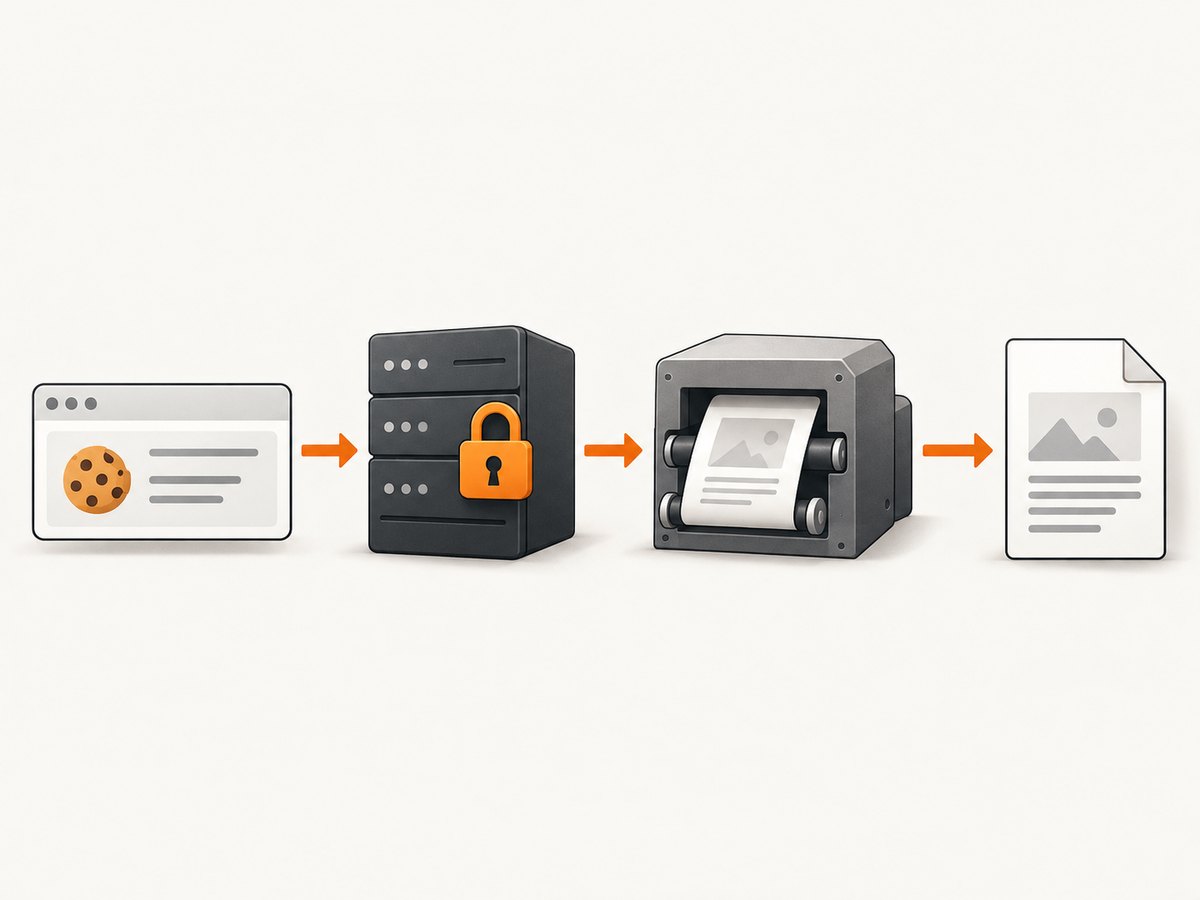
- Your application authenticates a user or a narrowly scoped rendering identity.
- The login response sets the ASP.NET Forms Authentication cookie.
- Your PDF action starts wkhtmltopdf with that cookie and a trusted target URL.
- wkhtmltopdf requests the protected MVC route over HTTPS.
- ASP.NET accepts the cookie and returns the private HTML instead of a 302 redirect to login.
- wkhtmltopdf waits for any required JavaScript, then writes the PDF.
- The action streams the PDF and removes temporary credentials.
Microsoft documents that an unauthenticated request is redirected to a login page and that successful authentication returns a cookie used on subsequent requests. Read the Forms Authentication guidance before designing the flow.
Recommended architecture
Do not expose an endpoint that accepts an arbitrary URL and forwards it to wkhtmltopdf. Accept a record identifier, build the destination URL from trusted configuration, and keep the PDF action behind authorization. This limits server-side request forgery risk and prevents users from turning your renderer into a proxy for internal services.
- Run the renderer on a controlled server, worker, or container.
- Use HTTPS for both authentication and the protected page. Microsoft warns that Forms Authentication does not protect credentials without SSL.
- Use a service identity with only the permissions required to render the document.
- Keep cookies and passwords out of logs, exception messages, process listings, and source control.
- Set a finite process timeout and terminate a stuck wkhtmltopdf process.
- Delete temporary cookie jars in a finally block.
Forms Authentication: obtain and pass the cookie
Forms Authentication is cookie-based. A request without a valid ticket normally receives HTTP 302 and is redirected to the login page. After a successful login, the response sets the configured authentication-cookie name, commonly .ASPXAUTH, although your application may use a different name.
There are two practical patterns:
| Pattern | Use it when | Credential handling |
|---|---|---|
| Explicit cookie | Your application already has a short-lived ticket value | Pass repeated --cookie name value options |
| Cookie jar | You perform a login flow or need several cookies | Write a temporary jar and pass --cookie-jar |
Cookie scope matters. The cookie domain must match the host used by wkhtmltopdf, the path must include the protected route, and the scheme must satisfy the cookie’s Secure attribute. A cookie created for localhost will not authenticate app.example.com.
Minimal wkhtmltopdf command
wkhtmltopdf \
  --cookie .ASPXAUTH "SHORT_LIVED_COOKIE_VALUE" \
  --custom-header-propagation \
  --enable-javascript \
  --javascript-delay 500 \
  --load-error-handling abort \
  https://app.example.test/Reports/Invoice/42 \
  invoice-42.pdf
Replace .ASPXAUTH with the cookie name configured by your application. Never commit a real cookie. The command uses documented controls for cookies, header propagation, JavaScript, delay, and load-error handling.
ASP.NET MVC server-side implementation
The following example keeps the destination route and output filename under application control. It assumes a short-lived service cookie is obtained by an internal authentication component. The exact login mechanism depends on your application, so the example does not hard-code credentials.
using System;
using System.Diagnostics;
using System.IO;
using System.Threading;
using System.Web.Mvc;

public class PdfController : Controller
{
    [Authorize]
    public ActionResult Invoice(int id)
    {
        if (id <= 0)
            return new HttpStatusCodeResult(400, "Invalid invoice id");

        // Obtain this from a secure token service or an authenticated session.
        // Keep it short-lived and do not write it to logs.
        string authCookie = RenderingIdentity.GetShortLivedFormsCookie();
        string baseUrl = AppSettings.PublicHttpsBaseUrl.TrimEnd('/');
        string targetUrl = baseUrl + "/Reports/Invoice/" + id;
        string outputPath = Path.Combine(Path.GetTempPath(),
            "invoice-" + Guid.NewGuid().ToString("N") + ".pdf");

        var psi = new ProcessStartInfo
        {
            FileName = AppSettings.WkhtmltopdfPath,
            UseShellExecute = false,
            RedirectStandardError = true,
            CreateNoWindow = true
        };

        psi.ArgumentList.Add("--cookie");
        psi.ArgumentList.Add(AppSettings.FormsCookieName);
        psi.ArgumentList.Add(authCookie);
        psi.ArgumentList.Add("--custom-header-propagation");
        psi.ArgumentList.Add("--enable-javascript");
        psi.ArgumentList.Add("--javascript-delay");
        psi.ArgumentList.Add("500");
        psi.ArgumentList.Add("--load-error-handling");
        psi.ArgumentList.Add("abort");
        psi.ArgumentList.Add(targetUrl);
        psi.ArgumentList.Add(outputPath);

        try
        {
            using (var process = Process.Start(psi))
            {
                if (!process.WaitForExit(30000))
                {
                    try { process.Kill(); } catch { }
                    return new HttpStatusCodeResult(504, "PDF conversion timed out");
                }

                string stderr = process.StandardError.ReadToEnd();
                if (process.ExitCode != 0 || !System.IO.File.Exists(outputPath))
                    return new HttpStatusCodeResult(502, "PDF conversion failed");
            }

            byte[] pdf = System.IO.File.ReadAllBytes(outputPath);
            return File(pdf, "application/pdf", "invoice-" + id + ".pdf");
        }
        finally
        {
            if (System.IO.File.Exists(outputPath))
                System.IO.File.Delete(outputPath);
            // Ensure the cookie value is not included in logs or exception data.
        }
    }
}
On older .NET versions without ProcessStartInfo.ArgumentList, quote arguments with a well-tested argument encoder. Do not concatenate unchecked user input into a shell command.
Creating a cookie jar from a login flow
If the renderer must log in first, perform the login with an HTTP client that preserves cookies, then export the resulting cookies to a temporary jar in the format supported by your wkhtmltopdf build. A safer alternative is to have your application issue a short-lived rendering ticket and exchange it for the Forms Authentication cookie inside trusted server code.
Do not submit a user’s password to wkhtmltopdf. Its --username and --password options are for HTTP Basic Authentication; they do not perform an ASP.NET form POST and do not create a Forms Authentication ticket.
Passing headers and credentials to subresources
A page can load CSS, images, fonts, or scripts from protected endpoints. The main HTML may authenticate successfully while those resources fail. Check cookie domain and path rules first. When a request header is required, use --custom-header; use --custom-header-propagation when the header must be sent to resources requested by the page.
wkhtmltopdf \
  --cookie .ASPXAUTH "SHORT_LIVED_COOKIE_VALUE" \
  --custom-header Authorization "Bearer SHORT_LIVED_TOKEN" \
  --custom-header-propagation \
  --load-error-handling abort \
  https://app.example.test/Reports/Invoice/42 invoice-42.pdf
Only propagate headers that are required. Broad propagation can disclose credentials to third-party resources referenced by the page.
JavaScript, timing, and error behavior
| Option | Purpose | Guidance |
|---|---|---|
--enable-javascript |
Runs page JavaScript | Enable only when the document depends on it. |
--javascript-delay ms |
Waits after loading | Use the shortest bounded delay that allows asynchronous content to settle. |
--load-error-handling abort |
Stops on a load error | Best for invoices and other documents that must be complete. |
skip |
Skips a failed page or resource | Use only when missing content is acceptable. |
ignore |
Continues despite errors | Can produce an incomplete PDF; record the decision and inspect stderr. |
The libwkhtmltox API exposes equivalent settings such as load.cookieJar, load.username, load.password, load.jsdelay, load.customHeaders, load.post, and load.loadErrorHandling. Choose the command-line or library interface that fits your host process; the authentication rules remain the same.
cURL, Python, and Node.js callers
These examples call an application endpoint that performs the secured conversion. They do not put the Forms Authentication cookie in a browser-visible URL.
cURL
curl --fail --location \
  -H "Authorization: Bearer YOUR_RENDER_TOKEN" \
  "https://app.example.com/pdf/invoice/42" \
  -o invoice-42.pdf
Python
import requests

response = requests.get(
    "https://app.example.com/pdf/invoice/42",
    headers={"Authorization": "Bearer YOUR_RENDER_TOKEN"},
    timeout=45,
)
response.raise_for_status()
with open("invoice-42.pdf", "wb") as output:
    output.write(response.content)
Node.js
const res = await fetch('https://app.example.com/pdf/invoice/42', {
  headers: { Authorization: 'Bearer YOUR_RENDER_TOKEN' }
});
if (!res.ok) throw new Error(`PDF request failed: ${res.status}`);
const fs = require('node:fs');
fs.writeFileSync('invoice-42.pdf', Buffer.from(await res.arrayBuffer()));
Testing the authentication path before PDF conversion
- Request the target URL with the same cookie and headers, using an HTTP client that shows redirects.
- Confirm the response is the protected document, not a 302 to
/Account/Login. - Check that the response body contains a document marker or expected record identifier.
- Only then run wkhtmltopdf with the same URL and authentication state.
- Inspect stderr and the exit code; do not infer success from the existence of an output file alone.
Troubleshooting
| Symptom | Likely cause | Fix |
|---|---|---|
| PDF contains the login page | Cookie missing, expired, rejected, or scoped to another host/path | Verify the cookie name and value, use the exact HTTPS host, check expiry and Secure/domain/path attributes, and inspect redirects. |
| Main HTML appears but CSS or images are missing | Protected subresources did not receive cookies or headers | Correct cookie scope and review --custom-header-propagation; authenticate resource origins deliberately. |
| Dynamic section is blank | JavaScript disabled or asynchronous work unfinished | Enable JavaScript and add a bounded delay; make the page expose a deterministic server-rendered fallback where possible. |
| Conversion exits nonzero | Navigation, resource, certificate, or script failure | Capture stderr, use abort for required documents, and test the target URL independently. |
| HTTPS page fails certificate validation | Incomplete or untrusted certificate chain | Install a valid chain on the server; do not disable TLS verification as a general fix. |
| Intermittent timeouts | Slow APIs, hanging scripts, or unbounded page work | Set a process timeout, reduce JavaScript delay, make dependencies bounded, and retry only at the job layer. |
| Security review flags the design | Arbitrary URLs, broad credentials, or secrets in logs | Accept IDs instead of URLs, use TLS, restrict the rendering identity, scrub secrets, and remove temporary jars. |
Performance, reliability, and cost considerations
- Performance: every conversion starts a renderer and loads the page plus its resources. Keep pages focused, avoid unnecessary third-party assets, and reuse a controlled worker process only if your deployment can isolate jobs safely.
- Reliability: treat conversion as a job with a deadline. Record status, duration, exit code, and sanitized stderr. Retry transient network failures with a limit; do not retry authentication failures indefinitely.
- Completeness: use
abortfor financial, legal, or otherwise complete documents. A successful process exit is not proof that every optional resource loaded. - Security: cookies and bearer tokens grant access to private data. Keep them short-lived, minimize their scope, and ensure temporary files have restrictive permissions.
- Cost: self-hosting avoids a per-document API charge but adds packaging, patching, process supervision, fonts, certificate maintenance, and capacity planning. Measure your own workload; the cited wkhtmltopdf documentation does not publish a universal throughput benchmark.
Or skip the browser setup
ScreenshotNeo provides a website capture API that can return PNG, JPEG, WebP, or PDF. For a public or otherwise reachable page, one request is enough:
curl -G "https://api.screenshotneo.com/v1/shot" -d access_key=YOUR_API_KEY --data-urlencode url=https://stripe.com -o shot.webpimport requests
r = requests.get("https://api.screenshotneo.com/v1/shot", params={"access_key": "YOUR_API_KEY", "url": "https://stripe.com"}, timeout=90)
open("shot.webp", "wb").write(r.content)const q = new URLSearchParams({ access_key: 'YOUR_API_KEY', url: 'https://stripe.com' });
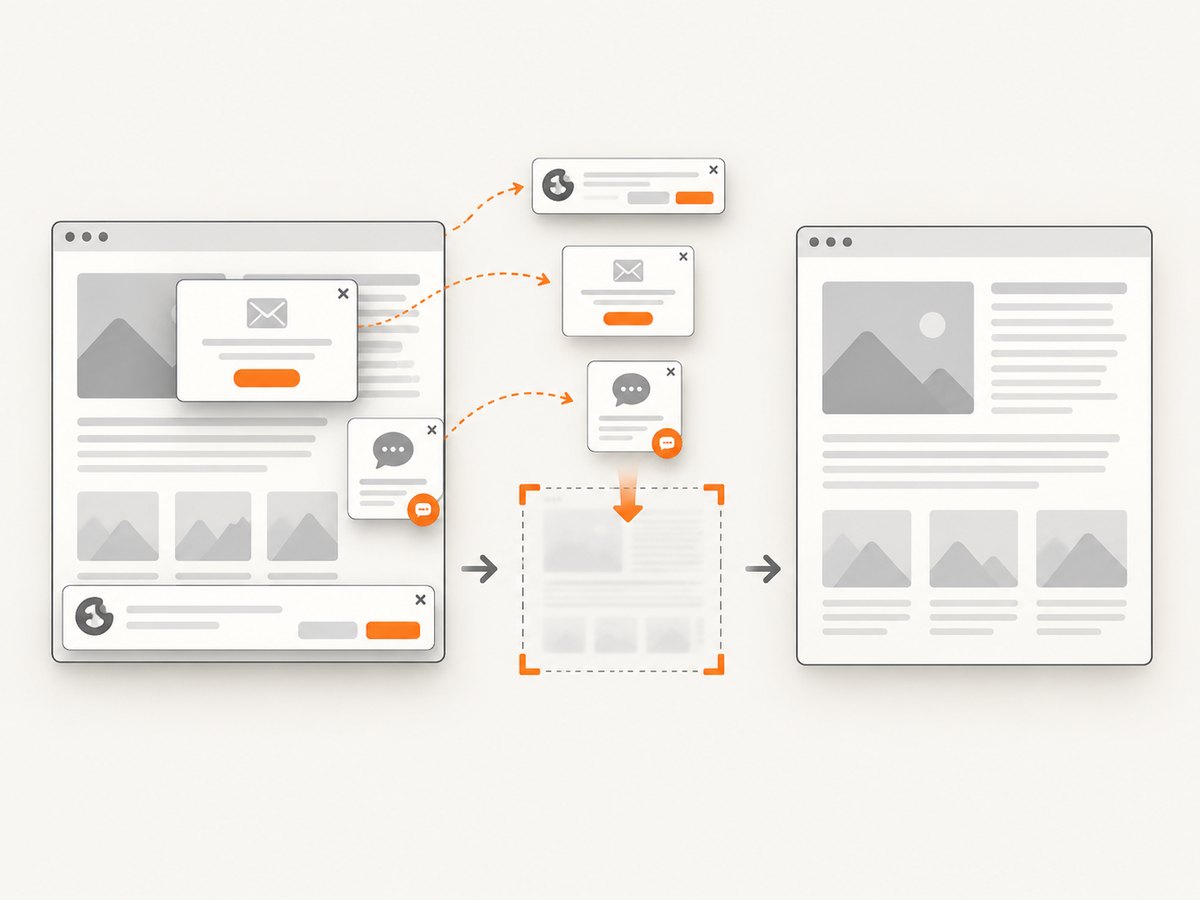
const res = await fetch(`https://api.screenshotneo.com/v1/shot?${q}`);See the ScreenshotNeo API documentation for authentication and PDF options. ScreenshotNeo removes cookie and consent banners, newsletter popups, and chat widgets before capture. Bot checks, blank pages, failed loads, timeouts, and cache hits are not billed, and the response identifies the result with X-Page-Verdict and X-Billed headers. Its MCP server lets Claude, Cursor, and other MCP clients use take_screenshot, get_page_info, and capture_pdf. The free plan includes 1,000 screenshots per month with no card; paid plans start at $5 for 3,000 screenshots. For private ASP.NET pages, make the page reachable through an appropriately secured integration and do not expose authentication secrets in a public URL.
Create a free ScreenshotNeo account with 1,000 screenshots a month and no card.
FAQ
Can wkhtmltopdf log in to an ASP.NET Forms Authentication page by itself?
It can submit POST fields in some workflows, but the dependable pattern is to obtain the authentication cookie first and pass that cookie to the protected request. The --username and --password flags are for HTTP authentication, not an ASP.NET form login.
Why does the browser work while wkhtmltopdf receives the login page?
Your browser has a valid cookie, while the renderer does not, or the cookie is scoped to a different host, path, or scheme. Compare the request URL, cookie attributes, and redirect chain.
Should I use a long JavaScript delay?
No. Use the shortest bounded delay that allows required content to finish. Long delays increase latency and still cannot fix a page that waits forever on a failed dependency.
Can I accept a URL from the user?
Avoid it in a secured rendering endpoint. Accept an identifier, look up the record, and construct the URL from trusted configuration. This gives you control over destinations and authorization.
Is wkhtmltopdf equivalent to a modern browser?
No compatibility guarantee covers every modern JavaScript application. Test the exact pages you need, keep JavaScript requirements modest, and choose explicit error handling.


