How to See Who Screenshotted Your Story
Instagram usually shows Story viewers, not screenshotters. Snapchat can show screenshots for My Story, while TikTok shows viewers only.
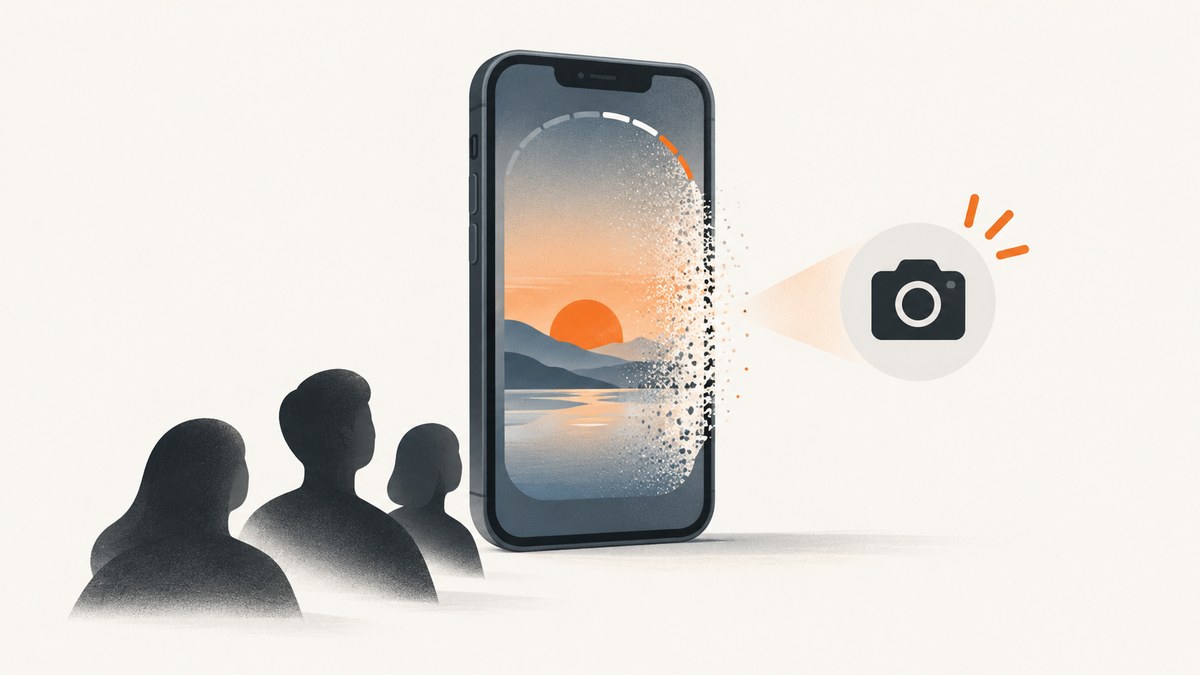
Short answer: it depends on the app and the type of Story. Current reports say ordinary Instagram Stories show who viewed them but do not identify people who took screenshots. Snapchat’s My Story can show which viewers took screenshots. TikTok Stories show viewers and total views, not a separate screenshotter list.
A viewer list is not the same thing as screenshot detection. Check the platform and surface below before assuming that someone was notified.
Instagram Stories
For an ordinary Instagram Story, current secondary guides report that the poster can see Story viewers but does not receive a separate screenshot alert or screenshot indicator. Instagram’s behavior can change by feature or app version, so treat this as the currently reported behavior rather than a permanent guarantee for every account.
How to check who viewed an Instagram Story
- Open Instagram and open your active or archived Story.
- Swipe up on the Story, or tap the viewer count.
- Review the accounts shown in the viewer list.
The list tells you who viewed the Story. It does not prove who saved, screen-recorded, or screenshotted it. Instagram may handle disappearing photos or videos sent in direct messages differently; do not apply those DM rules to ordinary Stories.
Snapchat My Story
Snapchat documents screenshot visibility for My Story. Open the Story and swipe up to see viewers and whether a screenshot was taken.

Steps
- Open Snapchat and tap your profile or My Account.
- Tap My Story.
- Open the relevant Snap and swipe up.
- Review the viewer list and the screenshot indication shown beside viewers who captured the Snap.
Snapchat says names are shown for up to 200 viewers. After that limit, the interface displays a count without listing additional names. A missing name therefore does not necessarily mean that nobody else viewed or captured the Story.
Snapchat Public Story
For a Public Story, Snapchat’s official help describes viewer information under Insights and Replies. It does not promise that every Public Story configuration exposes a screenshotter list.
- Open the Public Story Snap.
- Swipe up to open Insights and Replies.
- Look under Viewers for the accounts Snapchat lists.
Use the Public Story viewer list as viewer information, not as proof that Snapchat identified every screenshot. Public and private Story surfaces can expose different controls.
TikTok Stories
TikTok’s official Story instructions show how to view total views and the accounts that watched. They do not state that the viewer list identifies people who took screenshots.
- Open the Story from a profile photo, the feed, Inbox, or your profile.
- Swipe up on the Story.
- Read the total view count at the bottom and the listed viewer accounts.
A TikTok viewer entry means the account watched the Story. It is not evidence that TikTok detected or attributed a screenshot.
Platform comparison
| Platform and surface | What the owner can see | Screenshot indication | Where to look |
|---|---|---|---|
| Instagram ordinary Story | Viewer accounts | Currently reported as no separate alert or indicator | Open Story and swipe up |
| Snapchat My Story | Viewer accounts, up to 200 named viewers | Snapchat says screenshots are shown | My Story, then swipe up |
| Snapchat Public Story | Viewers listed in Insights and Replies | Not guaranteed by the cited Public Story help | Public Story Snap, then swipe up |
| TikTok Story | Total views and viewer accounts | No screenshot identification described in the cited guidance | Open Story, then swipe up |
Important privacy limits
Stories can be saved without the platform giving you a complete, reliable record. Another phone can photograph the screen, and screen-recording behavior may differ from screenshot behavior. Snapchat warns that people who view a Private Story can screenshot or screen-record it, so do not post anything you would not want someone to save or share. See Snapchat Support for the platform’s privacy guidance.
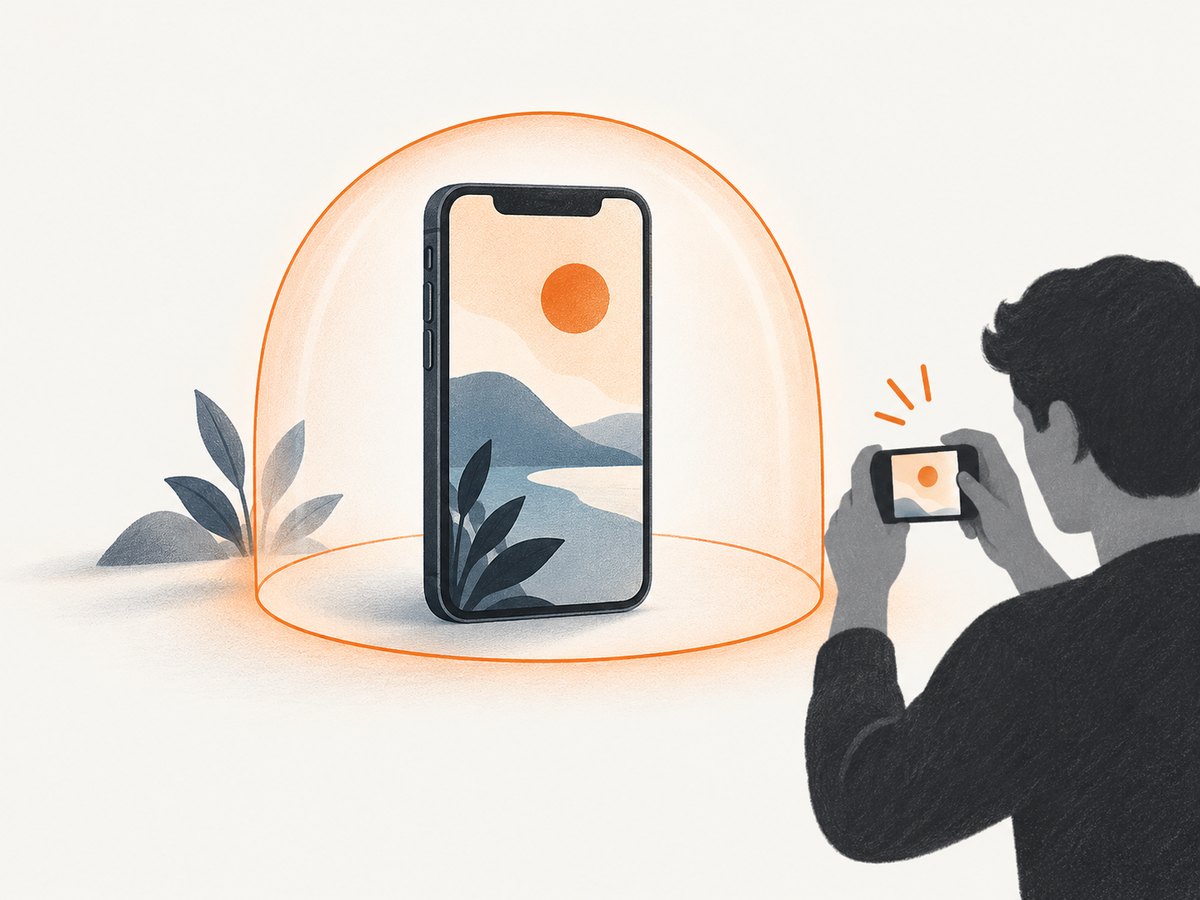
Do not trust third-party apps that claim they can reveal hidden Instagram, TikTok, or Snapchat screenshotters. The available evidence does not support a service that can recover screenshot activity the platform itself does not expose. Giving such an app your login can also put your account at risk.
Why you may not see a screenshot indication
- Wrong surface: ordinary Stories, Public Stories, Private Stories, and disappearing DMs have different rules.
- Expired Story: viewer and screenshot details may no longer be available after the viewing window.
- Viewer limit: Snapchat names up to 200 My Story viewers, then shows a count.
- App version or rollout: interfaces and features can change by account, region, or release.
- Screen recording or a second camera: the platform may not expose these as a screenshot event.
- Confusing views with captures: a viewer list only establishes that content was viewed.
How to protect a Story before posting
- Choose a restricted audience such as Close Friends or a Snapchat Private Story when appropriate.
- Remove identifying details, private messages, addresses, and documents from the frame.
- Assume viewers can save the content even when a screenshot alert exists.
- Review replies, mentions, and account privacy settings after posting.
- Delete the Story if you posted something sensitive by mistake.
Or skip the browser setup
If you are building a moderation, documentation, or archive workflow around public pages, ScreenshotNeo can capture a URL through one API request instead of maintaining a browser. Cookie and consent banners, newsletter popups, and chat widgets are removed before the shot. Bot checks, blank pages, failed loads, timeouts, and cache hits are not billed, and response headers identify the page verdict and billing status. Its MCP server lets Claude, Cursor, and other MCP clients call take_screenshot, get_page_info, and capture_pdf.
See the ScreenshotNeo API documentation for all options. This request returns an image of the target URL:
curl -G "https://api.screenshotneo.com/v1/shot" -d access_key=YOUR_API_KEY --data-urlencode url=https://example.com -o shot.webpimport requests
r = requests.get("https://api.screenshotneo.com/v1/shot", params={"access_key": "YOUR_API_KEY", "url": "https://example.com"}, timeout=90)
open("shot.webp", "wb").write(r.content)const q = new URLSearchParams({ access_key: 'YOUR_API_KEY', url: 'https://example.com' });
const res = await fetch(`https://api.screenshotneo.com/v1/shot?${q}`);The Free plan includes 1,000 screenshots per month with no card. Paid plans start at $5 for 3,000 shots. Create a free ScreenshotNeo account.
FAQ
Can someone see if I screenshot their Instagram Story?
For ordinary Instagram Stories, current secondary reporting says the poster sees viewers but not a separate screenshot notification. Disappearing DM media can follow different rules.
Does Snapchat always show every screenshotter?
Snapchat documents screenshot indications for My Story, but it names only up to 200 viewers. Screen recording or a second camera may not appear as a screenshot event.
Can TikTok Story owners see screenshots?
TikTok’s cited guidance documents views and viewer accounts, not a screenshotter list.
Can a third-party tracker reveal hidden screenshotters?
No supported evidence in this research shows that third-party apps can recover screenshot activity a platform does not expose.
What is the safest assumption?
Assume any Story can be saved or shared. Screenshot indicators are a platform feature, not a guarantee that content cannot leave the app.


