How to See a YouTube Thumbnail
See any YouTube thumbnail quickly, find its direct image URL, choose the best resolution, and retrieve it reliably with code.

Short answer: Open the YouTube watch page and right-click (or long-press) the video preview. Choose Open image in new tab or Copy image address. For code, build https://i.ytimg.com/vi/VIDEO_ID/RESOLUTION.jpg, starting with maxresdefault.jpg and falling back when that rendition is unavailable.
1. See and save the thumbnail in a browser
- Open the video watch page, such as
https://www.youtube.com/watch?v=VIDEO_ID. - On desktop, right-click the preview and select Open image in new tab or Copy image address.
- On mobile, long-press the preview and choose the browser’s open or copy option.
- In the image tab, use the browser’s save-image command if you need a local copy.
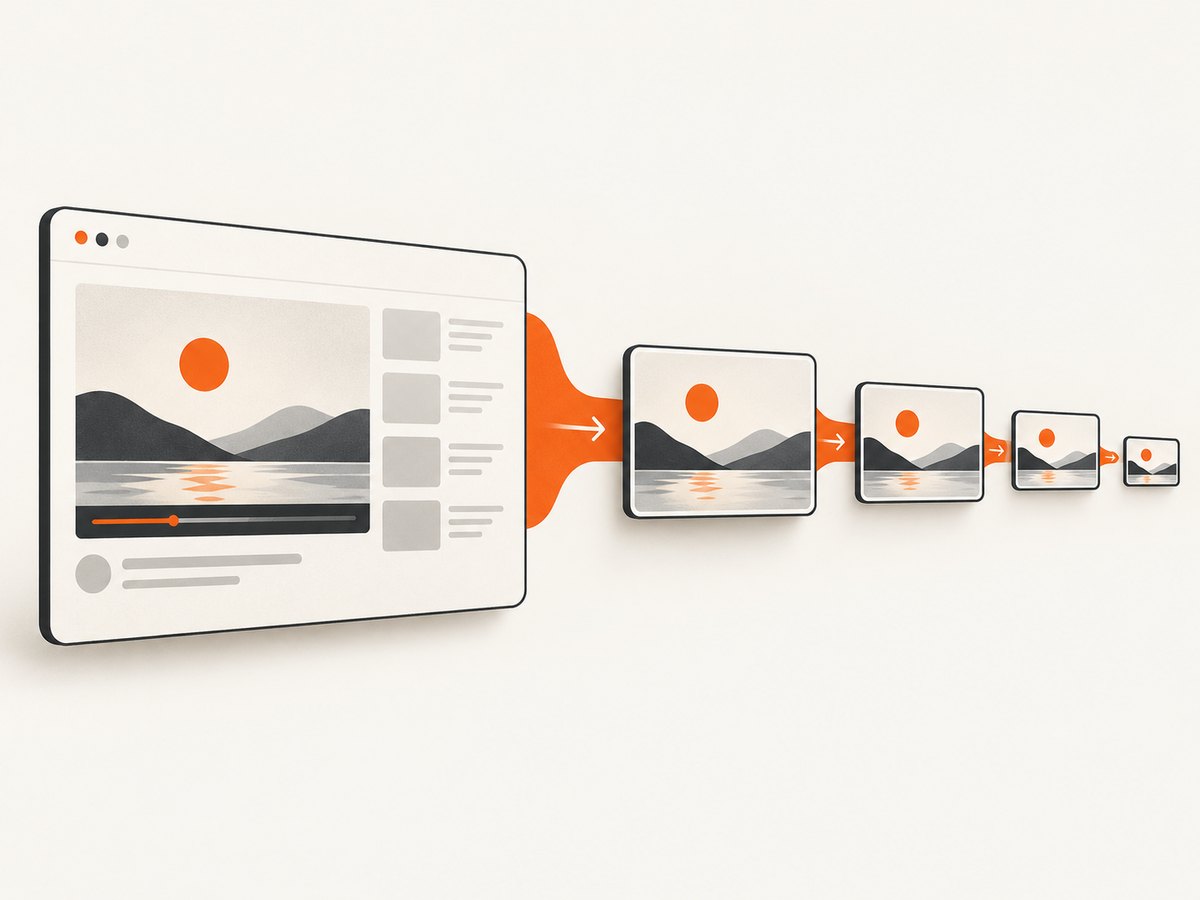
The watch page already displays the thumbnail as the video preview. See YouTube’s thumbnail help.
2. Build a direct thumbnail URL
YouTube thumbnail URLs follow this pattern:
https://i.ytimg.com/vi/VIDEO_ID/RESOLUTION.jpgFind the 11-character video ID in the v parameter of a watch URL, or as the final path segment in youtu.be and /shorts/ URLs.
Try these resolutions in order:
maxresdefault.jpg
sddefault.jpg
hqdefault.jpg
mqdefault.jpg
default.jpg
maxresdefault is not available for every video. If it fails, request the next fallback.
3. Retrieve thumbnails with the YouTube Data API
For applications handling many videos, request part=snippet. The snippet.thumbnails object can contain default, medium, high, standard and maxres, each with URL and dimension metadata when available. See Google’s videos resource reference.
cURL
curl --get 'https://www.googleapis.com/youtube/v3/videos' \
  --data-urlencode 'part=snippet' \
  --data-urlencode 'id=VIDEO_ID' \
  --data-urlencode 'key=YOUR_API_KEY'
Python
import requests
video_id = "VIDEO_ID"
r = requests.get("https://www.googleapis.com/youtube/v3/videos", params={"part":"snippet","id":video_id,"key":"YOUR_API_KEY"}, timeout=30)
r.raise_for_status()
items = r.json().get("items", [])
if not items: raise ValueError("Video not found or not accessible")
thumbs = items[0]["snippet"].get("thumbnails", {})
for name in ("maxres", "standard", "high", "medium", "default"):
    if name in thumbs:
        print(name, thumbs[name]["url"], thumbs[name].get("width"), thumbs[name].get("height")); break
Node.js
const params = new URLSearchParams({part:'snippet', id:'VIDEO_ID', key:'YOUR_API_KEY'});
const res = await fetch(`https://www.googleapis.com/youtube/v3/videos?${params}`);
if (!res.ok) throw new Error(`YouTube API returned ${res.status}`);
const data = await res.json();
const item = data.items?.[0];
if (!item) throw new Error('Video not found or not accessible');
const thumbs = item.snippet.thumbnails ?? {};
const chosen = ['maxres','standard','high','medium','default'].map(name => [name, thumbs[name]]).find(([, value]) => value);
console.log(chosen);
4. Resolution and aspect ratio
| Object | Typical dimensions | Use |
|---|---|---|
maxres |
1280 × 720 | Largest standard video thumbnail |
standard |
640 × 480 | Larger fallback |
high |
480 × 360 | General fallback |
medium |
320 × 180 | Small previews |
Video thumbnails are generally 16:9; Shorts use 9:16. YouTube recommends JPG or PNG, up to 3840 × 2160 for videos and 2160 × 3840 for Shorts, with a minimum width or height of 640 pixels.
5. Download a thumbnail in a script
curl -fL 'https://i.ytimg.com/vi/VIDEO_ID/maxresdefault.jpg' -o thumbnail.jpgFor batches, cache by video ID and resolution, limit concurrency and back off on transient errors. The Data API is preferable when you need explicit dimensions and availability.
6. Troubleshooting
| Problem | Cause | Fix |
|---|---|---|
| Max-resolution URL fails | No max-resolution rendition exists. | Try sddefault, hqdefault, mqdefault or default, or read API objects. |
| Wrong image | ID includes extra parameters or is from the wrong URL segment. | Extract only the 11-character ID. |
Empty API items |
Invalid, private or unavailable video. | Verify the ID and handle it as unavailable. |
| API rejected | Missing key, disabled API, quota or malformed parameters. | Check Google Cloud settings, quota and URL encoding. |
| Saved file is not an image | Error page or redirect was saved. | Use curl -fL and inspect status and content type. |
| Thumbnail is blurry | Only a lower rendition exists. | Use the highest object returned; upscaling cannot add detail. |
7. Rights and reuse
Viewing or downloading a thumbnail does not grant permission to republish it. Obtain permission or rely on a license or legal exception that applies to your use.
8. Or skip the browser setup
ScreenshotNeo captures the YouTube page with one request. It accepts cookie and consent banners and removes more than 60 known consent platforms, newsletter popups and chat widgets before capture. Bot checks, blank pages, timeouts, failed loads and cache hits are not billed, and X-Page-Verdict and X-Billed headers identify the result. An MCP server lets Claude, Cursor and other MCP clients take screenshots.

See the ScreenshotNeo API docs for full-page capture, waits, headers, cookies and output options.
cURL
curl -G "https://api.screenshotneo.com/v1/shot" -d access_key=YOUR_API_KEY --data-urlencode url=https://www.youtube.com/watch?v=VIDEO_ID -o shot.webpPython
import requests
r = requests.get("https://api.screenshotneo.com/v1/shot", params={"access_key":"YOUR_API_KEY","url":"https://www.youtube.com/watch?v=VIDEO_ID"}, timeout=90)
open("shot.webp", "wb").write(r.content)
Node.js
const q = new URLSearchParams({ access_key: 'YOUR_API_KEY', url: 'https://www.youtube.com/watch?v=VIDEO_ID' });
const res = await fetch(`https://api.screenshotneo.com/v1/shot?${q}`);
1,000 screenshots per month are free with no card; paid plans start at $5 for 3,000. Create a free ScreenshotNeo account.
9. FAQ
Can I see a thumbnail without the YouTube app?
Yes. Use any browser and the preview context menu, or an i.ytimg.com URL.
Why is maxresdefault missing?
YouTube does not provide it for every video. Use a fallback or the highest API object available.
Can the thumbnail URL change?
The pattern stays the same, but the image can change when the creator updates the thumbnail.
Can I use it in my project?
Only with permission or a license or exception covering the planned reuse.


