How to Select Descendant Elements with XPath in Python Selenium
Use `.//` or the `descendant::` axis to find elements inside a Selenium WebElement. Learn the context rules, robust locators, waits, and common fixes.
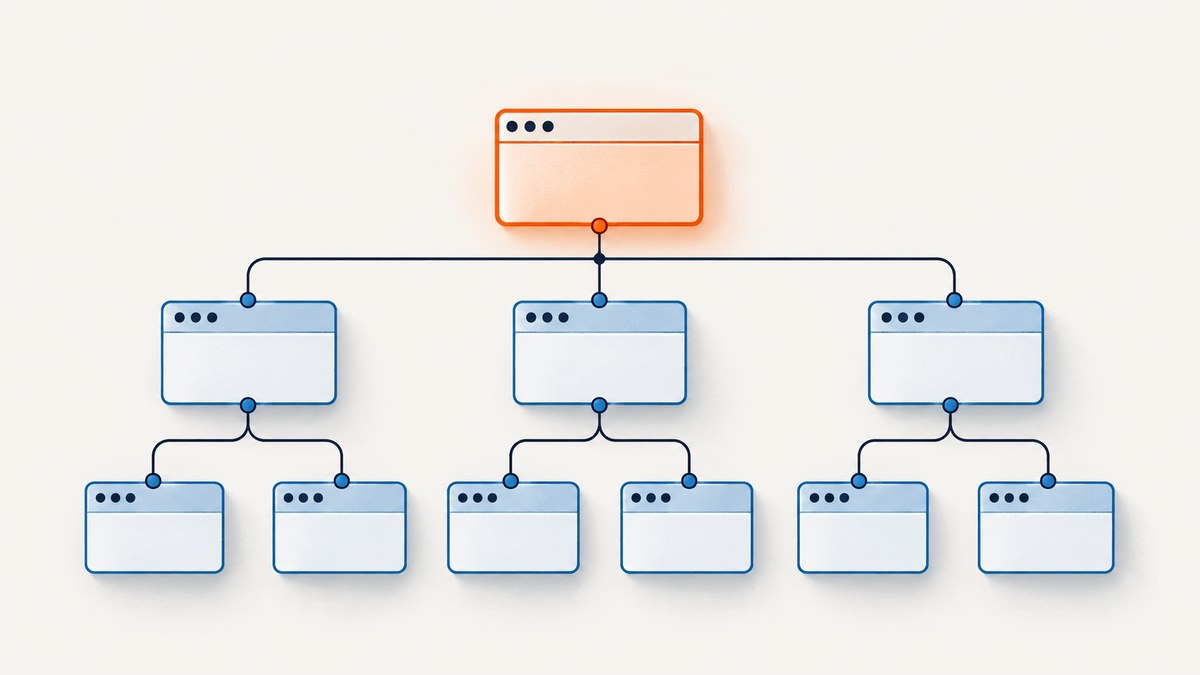
To select every matching descendant of a page element in Python Selenium, call find_elements(By.XPATH, ".//selector") on the parent WebElement. For example, results.find_elements(By.XPATH, ".//a") finds links nested anywhere inside results. The leading dot keeps the XPath relative to that parent. You can also write the relationship explicitly as ./descendant::a.
Use find_element when you expect one match and find_elements when you want a list (including an empty list if there are no matches). The examples below cover direct children versus deeper descendants, document-wide searches, waits for dynamic content, reliable predicates, debugging, and alternatives.
1. Install Selenium and select descendants
Install Selenium in the Python environment that runs your script:
python -m pip install seleniumRecent Selenium versions can manage compatible browser drivers through Selenium Manager. You still need a supported browser installed. This runnable example opens a page, selects all links below a known section, prints their text and URLs, and closes the browser even if an error occurs:
from selenium import webdriver
from selenium.webdriver.common.by import By

URL = "https://example.com"

options = webdriver.ChromeOptions()
# Uncomment to run without opening a visible browser window.
# options.add_argument("--headless=new")

driver = webdriver.Chrome(options=options)
try:
    driver.get(URL)

    # Search the document for a section, then search within that WebElement.
    section = driver.find_element(By.TAG_NAME, "body")
    links = section.find_elements(By.XPATH, ".//a")

    for link in links:
        print(link.text, link.get_attribute("href"))
finally:
    driver.quit()
For a page with a known container, locate that container with a stable ID or another reliable locator rather than using the whole body. For example:
from selenium.webdriver.common.by import By

results = driver.find_element(By.ID, "results")
ready_rows = results.find_elements(
    By.XPATH,
    ".//tr[@data-state='ready']",
)

for row in ready_rows:
    print(row.text)
Selenium’s locator API takes the strategy and expression as separate arguments: find_elements(By.XPATH, "..."). XPath expressions are case-sensitive for element and attribute names in HTML’s XPath model, and quoted values must be valid XPath string literals.
2. Understand //, .//, and descendant::
The key difference is the XPath context node. When you invoke a lookup on a WebElement, use a relative expression when the search should remain inside that element.

| Expression | Meaning | Typical use |
|---|---|---|
.//a |
Find any descendant a element of the current context node. |
Concise relative search on a WebElement. |
./descendant::a |
Find a elements along the descendant axis from the current node. |
Explicitly show the axis relationship. |
./a |
Find only direct child a elements. |
Match one level of nesting only. |
//div[@id='results']//a |
From the document context, find a matching results div and links nested below it. | Document-wide lookup anchored to a container. |
descendant-or-self::* |
Include the context node itself and all its descendants. | When the parent itself may match too. |
The XPath descendant axis includes children, grandchildren, and all deeper descendants. It does not include the context element itself. The descendant-or-self axis does include it. See the [MDN XPath axes reference](https://developer.mozilla.org/en-US/docs/Web/XML/XPath/Reference/Axes) for axis semantics.
These expressions are not interchangeable when context matters. If you write parent.find_elements(By.XPATH, "//a"), the leading // can cause a document-root search rather than a search restricted to parent. Use .//a or ./descendant::a to express the intended scope clearly.
3. Match descendants with useful predicates
A broad locator such as .//* can return a very large collection. Narrow it with a tag, stable attribute, or text condition:
# Descendant links whose class attribute contains a substring
links = results.find_elements(
    By.XPATH,
    ".//a[contains(@class, 'result-link')]",
)

# Descendant rows with a semantic state attribute
rows = results.find_elements(
    By.XPATH,
    ".//tr[@data-state='ready']",
)

# A descendant button with normalized visible text
next_buttons = results.find_elements(
    By.XPATH,
    ".//button[normalize-space(.)='Next']",
)
normalize-space(.) trims leading and trailing whitespace and collapses runs of whitespace before comparing text. This is helpful when markup formatting or line breaks vary. Text matching can still be fragile if the page changes its wording or includes nested text you did not expect.
Be careful with class matching. The test contains(@class, 'card') also matches values such as cardinal. For exact class-token matching, normalize spaces and surround both the attribute and token with spaces:
cards = results.find_elements(
    By.XPATH,
    ".//*[contains(concat(' ', normalize-space(@class), ' '), ' card ')]",
)
A predicate like [@class='card active'] requires the entire attribute value to match exactly, including class order and spacing. It can stop matching if a class is added or reordered. Prefer stable IDs or application-specific attributes such as data-testid when the page provides them.
4. Choose the right Selenium lookup method
Use find_element if one element is expected. It returns the first match and raises NoSuchElementException if there is none. Use find_elements when zero, one, or many results are valid. It returns a list; zero matches produce an empty list rather than an exception.
# One heading is expected; an absent heading raises an exception.
heading = results.find_element(By.XPATH, ".//h2")
print(heading.text)

# Zero or more links are valid; safely iterate over the list.
links = results.find_elements(By.XPATH, ".//a")
if not links:
    print("No links found in results")

for link in links:
    print(link.get_attribute("href"))
For a collection, do not silently use the singular lookup repeatedly unless you specifically want only the first match. Locating all matches once makes the expected behavior clearer. If the page updates the DOM between lookup and use, however, an already returned WebElement can become stale; locate it again after the update.
5. Wait for dynamically rendered descendants
Modern pages often insert content after navigation. A lookup immediately after driver.get() may happen before the parent or its descendants exist. Use an explicit wait for a meaningful condition, then locate the descendants. Selenium’s [wait documentation](https://www.selenium.dev/documentation/webdriver/waits/) describes explicit waits and expected conditions.
from selenium.webdriver.common.by import By
from selenium.webdriver.support import expected_conditions as EC
from selenium.webdriver.support.ui import WebDriverWait

wait = WebDriverWait(driver, 15)
results = wait.until(
    EC.presence_of_element_located((By.ID, "results"))
)

# Wait until at least one matching row is present inside the document.
wait.until(
    EC.presence_of_element_located(
        (By.XPATH, "//*[@id='results']//tr[@data-state='ready']")
    )
)

# Now perform the scoped descendant lookup.
ready_rows = results.find_elements(
    By.XPATH,
    ".//tr[@data-state='ready']",
)
The wait condition above locates a matching row from the document. If a particular parent is replaced during rendering, reacquire that parent after the wait before querying it. Choose the condition that matches the next action: presence means the node is in the DOM; visibility also requires it to be displayed. A fixed time.sleep() is simpler but can waste time on fast pages and still be too short on slow ones.
6. Keep descendant locators stable and efficient
Selenium’s guidance recommends unique, predictable IDs when available. XPath is useful when the relationship between elements or their text is what identifies the target, but complex expressions can be harder to maintain. Selenium notes XPath flexibility and cautions that XPath selectors are typically slower; browser vendors do not performance-test XPath selectors as a cross-browser contract. See the [Selenium locator guidance](https://www.selenium.dev/documentation/webdriver/elements/ locators/) for locator strategies.
| Need | Good starting choice | Why |
|---|---|---|
| One known container | By.ID |
Simple and usually stable when the ID is unique. |
| Descendants of that container | parent.find_elements(By.XPATH, ".//...") |
Limits the relationship search to a known region. |
| Relationship or text identifies target | Scoped XPath | XPath can express ancestry and text predicates directly. |
| Simple CSS relationship | CSS selector | Often easier to read when text matching or reverse axes are unnecessary. |
For large DOMs, avoid searching every node with .//* and then filtering in Python. Specify a tag and stable condition in the XPath so the browser returns only likely matches. Avoid absolute paths such as /html/body/div[2]/div[1]/...; they encode incidental layout and often break when wrappers are added or rearranged.
There is no universal performance percentage for XPath descendant searches. Actual cost depends on the browser, DOM size, and expression. Prefer a clear, scoped locator and measure in the application if lookup time is material. Do not trade a stable, understandable locator for an unverified micro-optimization.
7. Troubleshoot common failures
| Symptom | Likely cause | Fix |
|---|---|---|
| No results, but elements appear on the page | Search ran before client-rendered content appeared, or the XPath starts at the wrong context. | Wait for the parent or target condition; use .// on the intended WebElement. |
| Results include elements outside the parent | A document-root expression such as //a was used in a WebElement lookup. |
Use .//a or ./descendant::a. |
| Only immediate children are found | The expression uses ./tag. |
Use .//tag for any nesting depth. |
NoSuchElementException |
A singular lookup found no match, or the locator is wrong. | Check the live DOM and context; use a wait for dynamic content. Use plural lookup if no match is valid. |
InvalidSelectorException |
XPath syntax is malformed, quotes are unbalanced, or a CSS selector was passed as XPath. | Validate brackets and quotes; pass a valid XPath expression with By.XPATH. |
StaleElementReferenceException |
The framework replaced the parent or a previously located descendant. | Wait for the update and locate the parent and descendants again. |
| Class predicate matches too much or too little | Substring matching catches partial names, or exact equality assumes a fixed class string. | Use the token-aware class predicate shown above, or a stable semantic attribute. |
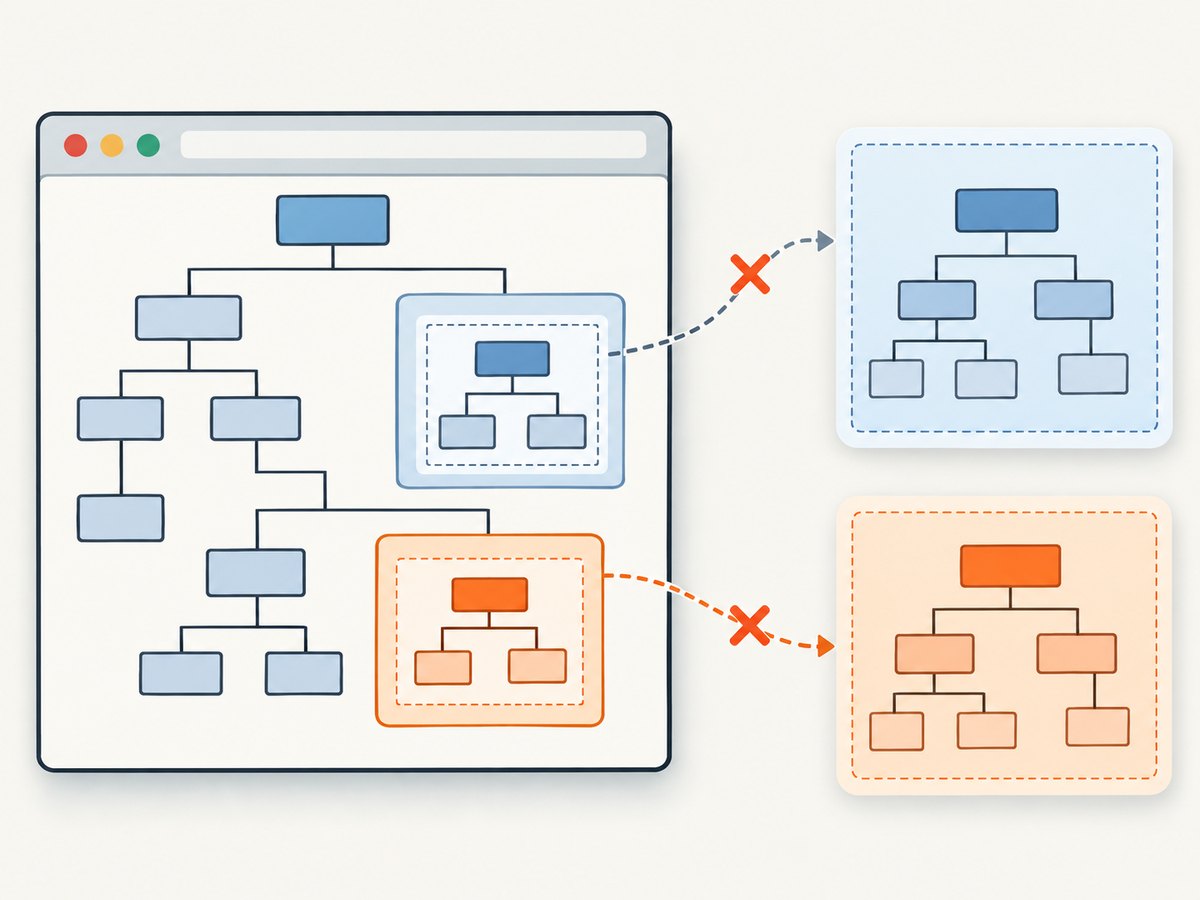
| Visible element is not found | The element is inside an iframe or shadow root, not in the current document tree. | Switch into the iframe first. For shadow DOM, access the host’s shadow root and query within it; ordinary document XPath does not cross those boundaries. |
To debug, inspect the current DOM rather than only the original HTML response. In the browser developer tools, confirm the parent, nesting, attribute values, and whether content is inside an iframe or shadow root. Then test the XPath from the correct context. A locator that works from the document root may still be wrong for a WebElement-scoped lookup.
8. A practical locator checklist
- Locate a stable parent first, preferably by a unique ID or semantic attribute.
- Use
.//when you mean any depth below a WebElement. - Use
./only when the target must be an immediate child. - Choose
find_elementfor one expected match andfind_elementsfor a collection or optional result. - Wait for dynamic content with an explicit condition, not an arbitrary delay where possible.
- Make predicates specific; use token-aware class matching where needed.
- Reacquire elements after navigation or DOM replacement.
- Keep XPath scoped and avoid brittle absolute document paths.
9. Or skip the browser setup
If your goal is to save a page image or PDF rather than inspect descendants and interact with elements, [ScreenshotNeo](https://screenshotneo.com) provides a website screenshot API and MCP server. Its one-call endpoint accepts a URL and returns an image or PDF. Read the API documentation for the available parameters.
curl -G "https://api.screenshotneo.com/v1/shot" -d access_key=YOUR_API_KEY --data-urlencode url=https://stripe.com -o shot.webpimport requests
r = requests.get(
"https://api.screenshotneo.com/v1/shot",
params={"access_key": "YOUR_API_KEY", "url": "https://stripe.com"},
timeout=90,
)
open("shot.webp", "wb").write(r.content)const q = new URLSearchParams({ access_key: 'YOUR_API_KEY', url: 'https://stripe.com' });
const res = await fetch(`https://api.screenshotneo.com/v1/shot?${q}`);ScreenshotNeo accepts cookie or consent banners before capture and removes more than 60 known consent platforms, newsletter popups, and chat widgets; each cleanup step can be turned off. Bot checks, blank pages, failed loads, timeouts, and cache hits are not billed, and response headers indicate the page verdict and billing status. Its MCP server offers take_screenshot, get_page_info, and capture_pdf for AI agents. The free plan includes 1,000 shots per month with no card; paid plans start at $5 for 3,000 shots. Every feature is available on every plan.
Create a free account and get 1,000 screenshots a month with no card.
10. FAQ
Does .// include the parent element?
No. It selects matching descendants below the current context node. To include the current node too, use an expression based on descendant-or-self, such as self::a | descendant::a when matching links.
Can I find all descendants with a CSS selector?
Yes. A CSS descendant combinator is a space, as in div#results a. If the parent is already a WebElement, pass a selector such as a to find_elements(By.CSS_SELECTOR, "a"). Choose XPath when its relationship or text conditions make the locator clearer.
Can XPath select elements inside an iframe?
Not until WebDriver switches to that frame. Switch to the iframe, perform the lookup in its document, and switch back to the default content when finished. A frame has a separate document context.
Should I use XPath or an ID?
Use a stable unique ID for a simple target. Use scoped XPath when you need to express a descendant relationship, combine conditions, or match text that another locator cannot identify cleanly.


