How to Select an Element with One of Many Names in XPath
Use XPath 1.0 predicates or path unions to match several element names. Learn which form fits your XPath version, namespaces and runtime.
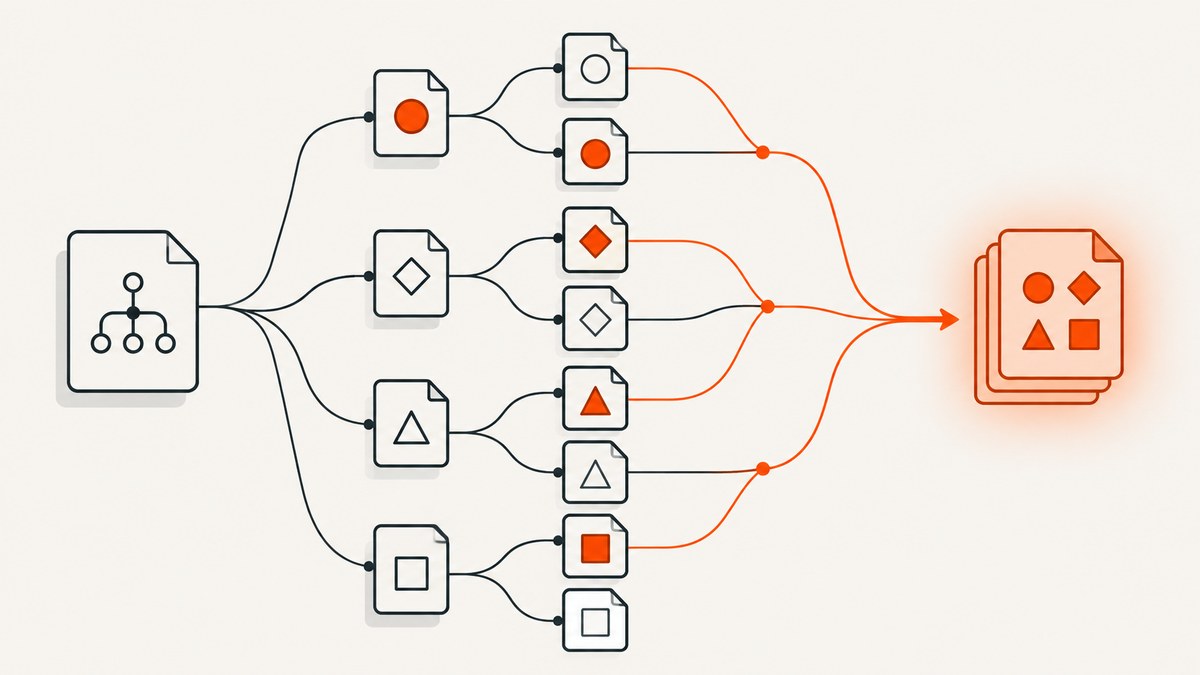
To select elements with any of several names in portable XPath 1.0, test the current element against each name in a predicate:
//*[self::book or self::article or self::chapter]For separate complete paths, combine them with the union operator:
//book | //article | //chapterUse a namespace-bound prefix when namespace identity matters. XPath 2.0 and later can compare a name against a sequence, but that syntax is not available in every XPath engine.
1. Choose the expression for your XPath version
First identify the XPath version supported by the library or application evaluating the expression. Browser XPath APIs and many older XML tools support XPath 1.0. A valid XPath 2.0 expression may fail in a 1.0 engine even if its logic looks straightforward.
| Need | Expression | Compatibility |
|---|---|---|
| Several element names at the current step | *[self::book or self::article] |
XPath 1.0+ |
| Combine independent paths | //book | //article |
XPath 1.0+ |
| Compare names to a list | *[local-name() = ('book', 'article')] |
XPath 2.0+ |
| Match exact namespace names | //x:book | //x:article |
XPath 1.0+, with prefix resolver |
The predicate form asks whether the node at this step is one of the named kinds. The union form combines the results of whole location paths. W3C defines | and union as equivalent: duplicates are removed and results are in document order. W3C XPath 1.0.
2. Use a predicate with self:: for alternatives at one step
Suppose an XML document has several content element types and you want all matching descendants:
<library>
  <book>XPath Basics</book>
  <article>Predicates Explained</article>
  <chapter>Namespaces</chapter>
  <note>Not selected</note>
</library>
This expression selects the three named element types wherever they occur:
//*[self::book or self::article or self::chapter]The leading //* finds elements at any depth. The predicate is evaluated for each candidate element. self::book is true when that candidate is a book; boolean or includes it when any test is true.
For direct children of a known root, make the scope narrower:
/library/*[self::book or self::article or self::chapter]For a known parent at any depth:
//section/*[self::book or self::article or self::chapter]Scope affects correctness and speed. Prefer a specific parent path over a document-wide search when the document shape is known. XPath predicates and name tests are standard XPath mechanisms; see Oracle’s XPath path tutorial.
Attributes and text remain separate concerns
You can add further conditions inside the predicate. For example, select any of the three kinds only when it has a nonempty id:
//*[self::book or self::article or self::chapter][@id != '']The second predicate filters the results of the first. To match a specific attribute value:
//*[self::book or self::article or self::chapter][@status = 'published']These tests do not make element names case-insensitive. XML names are case-sensitive, so Book and book are distinct.
3. Use | when the alternatives are complete paths
When each choice is already a full location path, join the paths with |:
//book | //article | //chapterThis is often easiest to read when branches have different locations or conditions:
/library/book[@featured='yes'] | /archive/article[@featured='yes']Union returns nodes, not a boolean. It removes duplicates if branches overlap and orders the selected nodes in document order. Parentheses around a union can be useful when applying a filter to the combined result, but the placement changes what is filtered:
(//book | //article)[@status='published']That selects published books or articles. By contrast, a predicate attached to only one branch applies only to that branch:
//book | //article[@status='published']Do not write //(book|article|chapter) as if a parenthesized list were a name test. It is not portable XPath 1.0. Use the predicate or explicit path union instead.
4. XPath 2.0+: compare names to a sequence
If your processor supports XPath 2.0 or later, a sequence comparison can express a candidate list compactly:
//*[local-name() = ('book', 'article', 'chapter')]For a no-namespace document, name() can also be compared with a sequence. For namespaced XML, local-name() ignores the namespace, which may accidentally match elements from different vocabularies. XPath 3.1 also offers wildcard local-name tests such as *:book for elements with that local name in any namespace. Check the engine’s supported version and syntax. See the W3C XPath 3.1 specification.
5. Handle namespaces explicitly
A frequent reason a correct-looking expression returns no nodes is that the XML elements are in a namespace. An unprefixed XPath name test such as //book matches a no-namespace book; it does not automatically mean “book in any namespace.” The prefix used in the XML source does not have to match the prefix chosen for the XPath. Bind an XPath prefix to the namespace URI in the host application, then use it consistently:
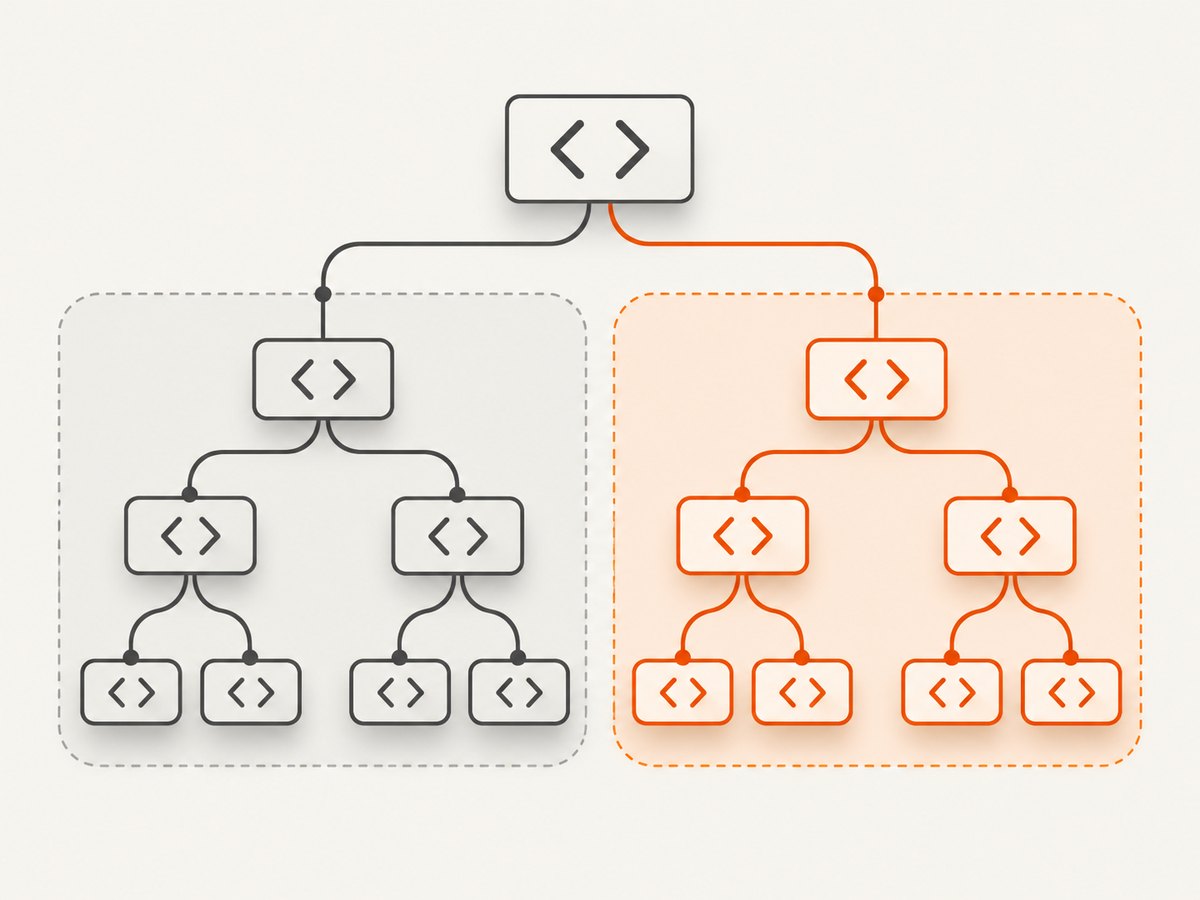
//x:book | //x:article | //x:chapterThe prefix x is just a local alias. What matters is that the XPath evaluator resolves it to the correct namespace URI. This is the safest approach when namespace identity is meaningful.
If the prefix is dynamic or cannot be bound by the host API, match both local name and namespace URI:
//*[local-name() = 'book' and namespace-uri() = 'urn:example']For several names in XPath 1.0, add the name alternatives while retaining the namespace test:
//*[namespace-uri() = 'urn:example' and
  (local-name() = 'book' or local-name() = 'article' or local-name() = 'chapter')]
Use the real namespace URI from the document, including exact case and punctuation. Avoid using only local-name() if documents can contain same-named elements from multiple namespaces. MDN describes namespace-aware XPath use with local-name and namespace-uri functions.
6. Runnable examples
JavaScript in a browser (XPath 1.0)
Browser document.evaluate evaluates XPath and returns an ordered snapshot here, so iteration is predictable:
const xml = `<library>
  <book>XPath Basics</book>
  <article>Predicates Explained</article>
  <chapter>Namespaces</chapter>
  <note>Skip this</note>
</library>`;

const doc = new DOMParser().parseFromString(xml, 'application/xml');
const xpath = '//*[self::book or self::article or self::chapter]';
const result = doc.evaluate(
  xpath,
  doc,
  null,
  XPathResult.ORDERED_NODE_SNAPSHOT_TYPE,
  null
);

for (let i = 0; i < result.snapshotLength; i++) {
  const node = result.snapshotItem(i);
  console.log(node.nodeName, node.textContent);
}
This runs in a browser console or page. For HTML DOMs, the same XPath API can select elements, subject to the browser’s XPath 1.0 behavior. In Node.js, use an XML DOM/XPath package appropriate to your project; package APIs differ, so check that library’s documentation and namespace resolver support.
Python with lxml
Install lxml in your Python environment, then evaluate the XPath expression:
from lxml import etree

xml = b"""<library>
  <book>XPath Basics</book>
  <article>Predicates Explained</article>
  <chapter>Namespaces</chapter>
  <note>Skip this</note>
</library>"""
root = etree.fromstring(xml)

matches = root.xpath(
    './/*[self::book or self::article or self::chapter]'
)
for element in matches:
    print(element.tag, ''.join(element.itertext()))
The relative expression begins with . because it is evaluated from root. To include the context root itself when it might match, use a document-level context or account for it explicitly. In a namespaced document, supply a prefix mapping to root.xpath(..., namespaces={"x": "urn:example"}) and use x:book name tests.
cURL, Python requests and Node.js with ScreenshotNeo
XPath applies to XML or DOM selection. A screenshot API captures a rendered web page; it does not evaluate an XPath expression. If your end goal is a visual record of the page after identifying content, ScreenshotNeo offers a website screenshot API and MCP server. Its capture options include CSS element selection. See the ScreenshotNeo API documentation.
7. Or skip the browser setup
For a visual capture of a public page, one GET request returns an image or PDF without setting up a browser:
curl -G "https://api.screenshotneo.com/v1/shot" -d access_key=YOUR_API_KEY --data-urlencode url=https://stripe.com -o shot.webpimport requests
r = requests.get("https://api.screenshotneo.com/v1/shot", params={"access_key": "YOUR_API_KEY", "url": "https://stripe.com"}, timeout=90)
open("shot.webp", "wb").write(r.content)const q = new URLSearchParams({ access_key: 'YOUR_API_KEY', url: 'https://stripe.com' });
const res = await fetch(`https://api.screenshotneo.com/v1/shot?${q}`);ScreenshotNeo accepts cookie and consent banners like a visitor and removes more than 60 known consent platforms, newsletter popups and chat widgets before capture; each step can be turned off. Bot checks, blank pages, timeouts, failed loads and cache hits cost nothing, with response headers identifying the page verdict and billing status. Its MCP server gives AI agents tools for screenshots, page information and PDFs. The Free plan includes 1,000 shots a month with no card; paid plans start at $5 for 3,000 shots.
Sign up free for ScreenshotNeo: 1,000 screenshots a month, no card required.
8. Troubleshooting XPath selection
| Symptom | Likely cause | Fix |
|---|---|---|
Expression syntax error at (book|article) |
XPath 1.0 does not support that name-list syntax. | Use *[self::book or self::article] or //book | //article. |
| No matches for a namespaced element | The unprefixed test addresses no-namespace elements. | Bind a prefix to the namespace URI, or test local-name() and namespace-uri(). |
Too many matches from local-name() |
Different namespaces share the same local name. | Constrain the namespace URI or use a bound prefix. |
| Only some alternatives are filtered | The predicate is attached to one union branch. | Parenthesize the union before applying a shared filter: (//book | //article)[@status='published']. |
| Case variant is missing | XML element names are case-sensitive. | Use the exact source name, or explicitly normalize names only if your data policy calls for it. |
| XPath 2.0 sequence expression fails | The processor only supports XPath 1.0. | Use a predicate with or or the union operator. |
| Results are unexpectedly broad | //* searches descendants throughout the document. |
Anchor at a known root or parent path. |
9. Performance, reliability and cost considerations
For local XML evaluation, the main practical performance choice is scope. A document-wide //* considers every descendant element, while a specific path starts closer to the relevant nodes. A short list of self:: tests is usually clear and predictable; there is no general reason to replace it with a more complex expression without measuring in your own processor and document.
Reliability depends on matching the actual data model: XPath version, namespace URI, capitalization and context node. Keep expressions alongside representative XML fixtures, including namespaced and empty cases, when they drive important automation. If the input may be malformed, XML parsing can fail before XPath evaluation; report parser errors separately from an empty selection.
XPath itself has no per-query service cost when evaluated locally. Hosted browser capture is a separate operation with its own latency and billing rules. ScreenshotNeo states only clean shots are billed; bot checks, captchas, blank pages, timeouts, failed loads and cache hits are free. Plans are Free for 1,000 shots monthly, Starter $5 for 3,000, Growth $15 for 15,000, Pro $39 for 60,000, Scale $99 for 250,000 and Business $249 for 1,000,000; yearly billing gives two months free. All features are on every plan. These prices are useful when the required output is a rendered screenshot rather than a selected XML node.
10. FAQ
Does XPath have a built-in “one of these names” operator?
XPath 1.0 has no dedicated name-list operator. Use boolean alternatives in a predicate or union separate paths.
Does the union operator preserve the order of my alternatives?
No. The result is returned in document order, with duplicate nodes removed, regardless of the order in which paths appear.
Can I select elements and attributes in the same union?
XPath union combines node selections, so paths may select different node kinds. Confirm the consuming API accepts the resulting node types and handle each type accordingly.
Can I use this syntax in an XML Schema selector?
Schema selector languages have their own constraints and QName rules. Follow the schema processor’s supported subset; Microsoft’s guidance notes qualified names for namespace-aware selectors. See Microsoft’s selector documentation.


