How to Select the Second Table Row with Puppeteer
Select, read, click, and debug the second table row in Puppeteer with robust CSS selectors, dynamic waits, Shadow DOM guidance, and runnable examples.
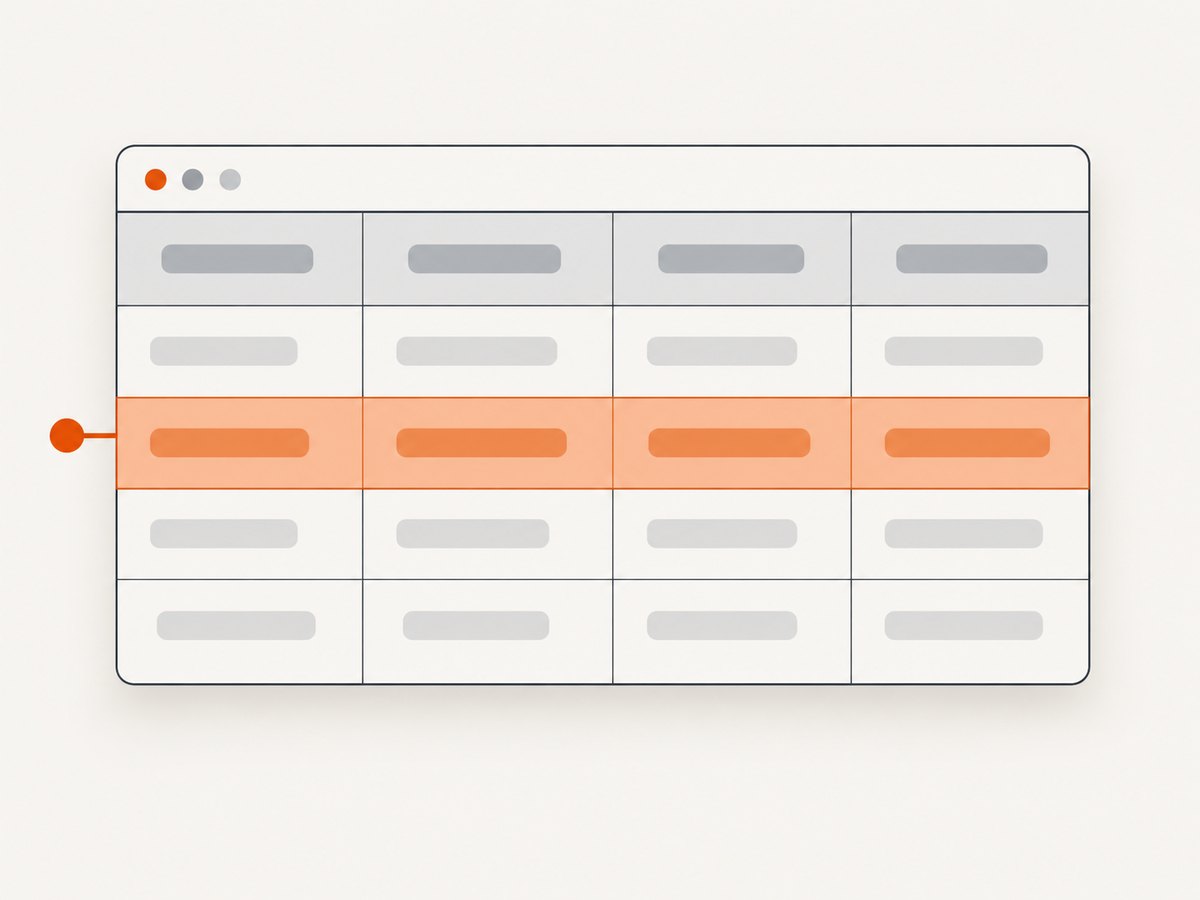
Use a scoped CSS selector such as table tbody tr:nth-of-type(2) to select the second data row with Puppeteer. Then choose the Puppeteer API that matches your task: page.$eval() for one matching row, page.$$eval() when you need to inspect the full match list or handle a missing row, and a Locator when you need to interact with content that may appear later.
const secondRowText = await page.$eval(
  'table tbody tr:nth-of-type(2)',
  row => row.textContent.trim(),
);
console.log(secondRowText);
The selector is relative to the table you scope. If the page contains more than one table, replace table with a stable identifier such as #results. If “second row” includes a header row, use a selector that reflects that requirement instead of assuming the first body row is data.
1. Understand what “second row” means
HTML tables commonly divide rows into thead, tbody, and tfoot. A selector can count rows within one section or across all row elements, so define the target before writing the selector:
| Intent | Recommended selector | What it counts |
|---|---|---|
| Second data row in a normal table body | table tbody tr:nth-of-type(2) |
The second tr sibling inside tbody |
| Second element child, regardless of tag type | table tbody tr:nth-child(2) |
The element in child position two |
| Second row among all rows in a table | table tr:nth-of-type(2) |
The second tr sibling in the selected parent |
| Second row in one named table | #results tbody tr:nth-of-type(2) |
Only rows under the stable #results container |
:nth-of-type(2) counts siblings of the same element type. :nth-child(2) counts all element children, so another element such as a caption wrapper or custom component can change the result. Inspect the rendered DOM in DevTools or with Puppeteer before deciding which interpretation is correct.
2. Set up Puppeteer
Install Puppeteer in a Node.js project:
npm install puppeteerThe following complete script opens a page, selects the second body row, extracts its cells, and closes the browser:
const puppeteer = require('puppeteer');

(async () => {
  const browser = await puppeteer.launch({ headless: true });
  try {
    const page = await browser.newPage();
    await page.goto('https://example.com/table', {
      waitUntil: 'domcontentloaded',
      timeout: 30_000,
    });

    const row = await page.$eval(
      '#results tbody tr:nth-of-type(2)',
      element => ({
        text: element.textContent.trim(),
        cells: [...element.querySelectorAll('th, td')]
          .map(cell => cell.textContent.trim()),
      }),
    );

    console.log(row);
  } finally {
    await browser.close();
  }
})();
Use an ES module import instead if your project has "type": "module":
import puppeteer from 'puppeteer';Puppeteer accepts CSS selectors in APIs that take selectors. Its official interaction guide recommends Locators for selecting and interacting with elements: Puppeteer page interactions.
3. Read the second row with $eval
page.$eval(selector, pageFunction) finds the first matching element and passes it to your callback. It is concise when the second row must exist:
const text = await page.$eval(
  'table tbody tr:nth-of-type(2)',
  row => row.textContent.trim(),
);

const values = await page.$eval(
  'table tbody tr:nth-of-type(2)',
  row => [...row.querySelectorAll('td')]
    .map(cell => cell.textContent.trim()),
);
Extract attributes or links from the row in the same callback:
const record = await page.$eval(
  '#orders tbody tr:nth-of-type(2)',
  row => ({
    id: row.dataset.id ?? null,
    cells: [...row.querySelectorAll('td')].map(td => td.textContent.trim()),
    href: row.querySelector('a')?.href ?? null,
  }),
);
If no element matches, $eval throws. That behavior is useful when a missing row means the page is invalid, but it is not appropriate when an empty result is normal.
4. Handle missing rows with $$eval
page.$$eval(selector, pageFunction) passes an array of every match to your callback. Index element 1 for the second row and return null when fewer than two rows exist:
const secondRowText = await page.$$eval(
  '#results tbody tr',
  rows => rows[1]?.textContent.trim() ?? null,
);

if (secondRowText === null) {
  console.log('The table has fewer than two rows.');
}
This approach also makes it easy to count rows or map a complete table:
const tableData = await page.$$eval(
  '#results tbody tr',
  rows => rows.map(row => ({
    cells: [...row.querySelectorAll('td')]
      .map(cell => cell.textContent.trim()),
  })),
);

const second = tableData[1] ?? null;
The official method references document the callback and return-value behavior for page.$eval() and page.$$eval(). Check the version installed in your project because documentation versions can differ.
5. Wait for dynamic table rows
Rows populated by an API may not exist when goto() finishes. Wait for the second row before reading it:
await page.goto('https://example.com/table', {
  waitUntil: 'networkidle2',
  timeout: 30_000,
});

await page.waitForSelector('#results tbody tr:nth-of-type(2)', {
  timeout: 15_000,
});

const text = await page.$eval(
  '#results tbody tr:nth-of-type(2)',
  row => row.textContent.trim(),
);
Use a selector that represents readiness, not merely a generic page wrapper. If the table can legitimately contain fewer than two rows, wait for the table itself and then use $$eval with a null result. For applications with client-side sorting, wait until the sort operation has completed before relying on row position.
Use a Locator for interaction
For clicking a control inside the second row, a Locator expresses intent and can wait for relevant action conditions:
const secondRow = page.locator('#results tbody tr:nth-of-type(2)');
await secondRow.locator('button[data-action="open"]').click();
You can also inspect the row through a Locator:
const text = await page
  .locator('#results tbody tr:nth-of-type(2)')
  .innerText();
See the official Locator guidance for current waiting and interaction behavior.
6. Scope selectors safely
Position is meaningful only inside the set of elements matched by the selector. Prefer stable IDs, data attributes, or semantic containers over a page-wide tr:nth-of-type(2):
// Good: one table
const row = await page.$eval(
  '[data-testid="customer-table"] tbody tr:nth-of-type(2)',
  el => el.textContent.trim(),
);
If a table has nested tables, scope each selector to the intended ancestor. Avoid generated class names that change on every build. A useful fallback is a heading or label that identifies the table, followed by a stable descendant container.
7. Select by content when position is unstable
Use positional CSS when the requirement truly is “the second row.” If sorting, filtering, pagination, or personalization can reorder rows, select by a stable value instead:
const rowText = await page.$eval(
  '#results tbody tr',
  rows => {
    const match = [...rows].find(row =>
      row.querySelector('[data-column="status"]')?.textContent.trim() === 'Active'
    );
    return match?.textContent.trim() ?? null;
  },
);
Another option is a row attribute:
const row = page.locator('#results tbody tr[data-id="42"]');
await row.wait();
These strategies are more resilient when the backend changes ordering. They do not answer a literal second-row requirement, so document the distinction in your scraper or test.
8. Headers, footers, and selector semantics
A selector such as table tr:nth-of-type(2) can produce an unexpected row when the first matching parent contains a header. Scope to tbody for the second data row:
const secondDataRow = await page.$eval(
  'table tbody tr:nth-of-type(2)',
  row => row.textContent.trim(),
);
If the markup places data rows directly under the table without a tbody, inspect the DOM. Browsers often insert a tbody element during HTML parsing, but custom rendering and shadow roots can change what Puppeteer sees. Use page.content() or DevTools to confirm the actual tree.
9. Shadow DOM and component tables
Ordinary CSS selectors do not cross a shadow boundary. A table inside an open component shadow root may require Puppeteer’s supported shadow selector syntax or a stepwise lookup through the host element. Start by locating the host, then inspect the component structure using the selector features documented in the official interaction guide.
Closed shadow roots cannot be queried from page scripts in the usual way. If you control the component, expose a test hook or stable attribute outside the closed root. If you do not control it, use the component’s public interaction surface rather than depending on internal row positions.
10. Click, edit, or inspect controls in the row
After selecting the row, target a descendant control. Keep the row selector scoped so a button in another table cannot be clicked accidentally:
const row = page.locator('#results tbody tr:nth-of-type(2)');
await row.locator('a.details').click();

const checkbox = row.locator('input[type="checkbox"]');
await checkbox.check();
For a form field, read or set its value through the control:
const email = await row.locator('input[name="email"]').inputValue();
await row.locator('input[name="email"]').fill('new@example.com');
If clicking changes the table, reacquire the row after the update instead of keeping assumptions about its old position.
11. Complete runnable examples
Extract cells and normalize whitespace
const cells = await page.$eval(
  '#results tbody tr:nth-of-type(2)',
  row => [...row.querySelectorAll('th, td')]
    .map(cell => cell.textContent.replace(/\s+/g, ' ').trim()),
);
Return a safe result object
const result = await page.$$eval(
  '#results tbody tr',
  rows => {
    const row = rows[1];
    if (!row) return { found: false, values: [] };
    return {
      found: true,
      values: [...row.querySelectorAll('th, td')]
        .map(cell => cell.textContent.replace(/\s+/g, ' ').trim()),
    };
  },
);
Use a local HTML fixture
await page.setContent(`
  <table id="results">
    <thead><tr><th>Name</th></tr></thead>
    <tbody>
      <tr><td>Ada</td></tr>
      <tr><td>Grace</td></tr>
    </tbody>
  </table>
`);

const name = await page.$eval(
  '#results tbody tr:nth-of-type(2) td',
  cell => cell.textContent.trim(),
);
console.log(name); // Grace
12. Troubleshooting
| Error or symptom | Cause | Fix |
|---|---|---|
Error: failed to find element matching selector |
$eval found no second row |
Wait for the table, verify the selector, or use $$eval and return null |
| The first data row is returned | The selector is scoped incorrectly or the table has no separate body | Inspect the DOM and use tbody tr:nth-of-type(2) only when appropriate |
| A header is counted | You used table tr:nth-of-type(2) |
Scope to tbody when counting data rows |
| Works locally, fails in CI | Timing, viewport, authentication, or different content | Use explicit waits, deterministic fixtures, and the same browser version in CI |
| Rows are empty | Text is rendered later or cells use nested elements | Wait for a meaningful cell selector and extract textContent after rendering |
| Selector matches another table | The page contains multiple tables | Add an ID, data attribute, or stable ancestor |
| Shadow table is not found | CSS queries stop at a shadow boundary | Use Puppeteer’s supported shadow selector syntax or interact through the host |
| Second row changes after a click | Sorting, filtering, pagination, or live updates reordered rows | Re-query after the action or select by a stable key |
13. Performance, reliability, and cost
Querying one row in the page context is inexpensive compared with loading the page. Prefer one $eval callback that extracts all required cells over many round trips between Node.js and the browser. For a complete table, one $$eval call is usually clearer and faster than repeatedly querying each row.
Page load dominates runtime. Reuse a browser instance when processing many URLs, create a fresh page for isolation, and close pages in a finally block. Set navigation and selector timeouts deliberately. Use waitUntil: 'domcontentloaded' when the table is server-rendered; use a targeted selector wait when JavaScript fills it later. networkidle2 can be useful for applications with background requests, but it may delay indefinitely on pages that keep connections open.
For reliable automation, record the URL, selector, row count, and a short HTML diagnostic when extraction fails. Do not silently treat a missing second row as success. If rows are paginated, decide whether “second row” means the current page or the second row across all pages and implement pagination explicitly.
14. Or skip the browser setup
If your goal is a clean image or PDF of the page after inspecting the table, ScreenshotNeo provides a GET-based screenshot API and an MCP server. The direct call is:

curl -G "https://api.screenshotneo.com/v1/shot" -d access_key=YOUR_API_KEY --data-urlencode url=https://stripe.com -o shot.webpPython
import requests
r = requests.get("https://api.screenshotneo.com/v1/shot", params={"access_key": "YOUR_API_KEY", "url": "https://stripe.com"}, timeout=90)
open("shot.webp", "wb").write(r.content)
Node.js
const q = new URLSearchParams({ access_key: 'YOUR_API_KEY', url: 'https://stripe.com' });
const res = await fetch(`https://api.screenshotneo.com/v1/shot?${q}`);
See the ScreenshotNeo API documentation for request options. Cookie banners, newsletter popups, and chat widgets are removed before the shot. Bot checks, blank pages, timeouts, failed loads, and cache hits are not billed, and response headers identify the page verdict and billing status. An MCP server provides take_screenshot, get_page_info, and capture_pdf for Claude, Cursor, and other MCP clients. The free plan includes 1,000 screenshots each month with no card; paid plans start at $5 for 3,000 shots. Create a free ScreenshotNeo account.
15. Short FAQ
Should I use nth-child or nth-of-type?
Use nth-of-type(2) when you mean the second tr among row siblings. Use nth-child(2) only when the second element child position is the requirement.
What happens when there is only one row?
$eval throws because there is no match. $$eval lets you return null or another explicit empty result.
Can I select the second row by visible text?
Yes. Read all rows with $$eval and find the row whose cell text matches your condition, or use a stable data attribute when available.
Why does my selector work in DevTools but not Puppeteer?
The page may be at a different URL state, the content may not have loaded yet, or the row may be inside a shadow root or iframe. Confirm the frame, wait for the rendered selector, and inspect the DOM Puppeteer receives.
How do I select a row in an iframe?
Find the frame with page.frames(), wait in that frame, and run the selector against the frame rather than the top-level page.
16. Practical checklist
- Define whether headers count as rows.
- Scope the selector to the intended table.
- Prefer
tbody tr:nth-of-type(2)for the second data row. - Use
$evalwhen absence is an error. - Use
$$evalwhen absence is expected or you need all rows. - Wait for a meaningful row or cell when content is dynamic.
- Use Locators for clicks and other interactions.
- Re-query after sorting, filtering, or updates.
- Account for iframes, shadow roots, pagination, and virtualization.
- Log row counts and selector diagnostics when extraction fails.
With those decisions explicit, selecting the second table row becomes a small, predictable Puppeteer operation rather than a fragile page-wide query.


