How to Select Sibling Elements in XPath
Use XPath’s following-sibling and preceding-sibling axes to select nodes that share a parent, filter them, and handle position correctly.
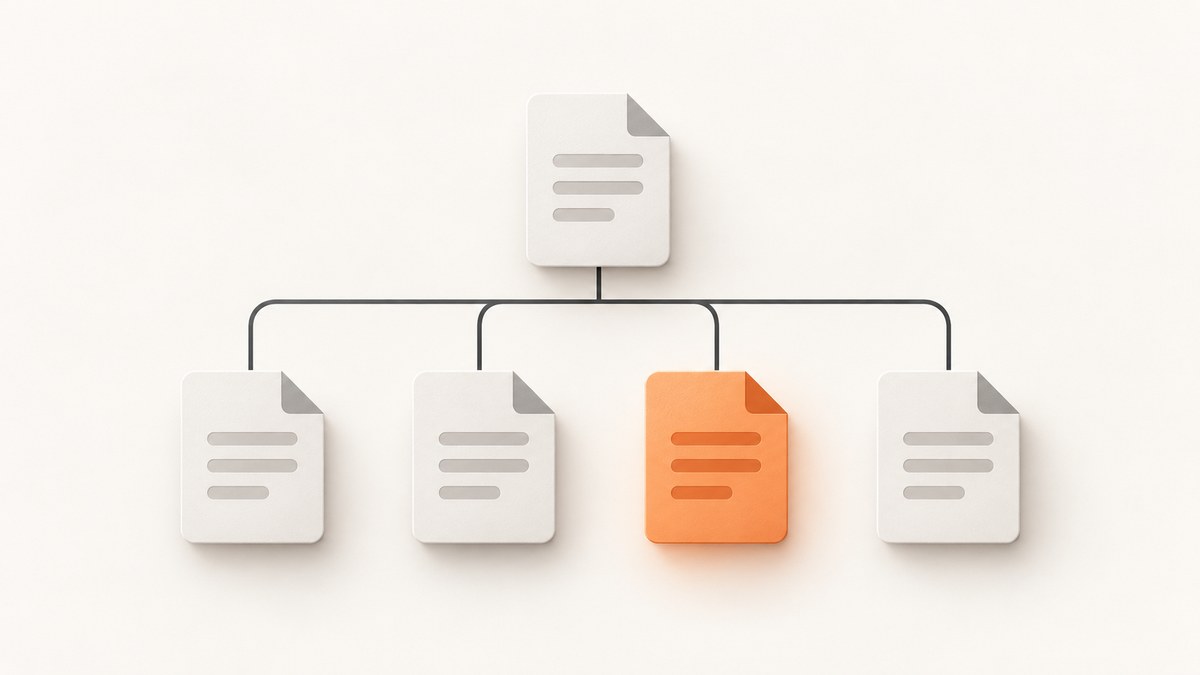
To select siblings in XPath, use following-sibling:: for nodes after the context node and preceding-sibling:: for nodes before it. Siblings share the same parent. Add a node test such as p or *, then predicates such as [@class='note'] or [1] to narrow the result.
For example, //h2/following-sibling::p selects paragraph elements that are siblings occurring after each matching h2. It does not select every paragraph visually below a heading: XPath follows the document tree, and a paragraph inside a nested div is not a sibling of the heading.
1. Understand sibling axes
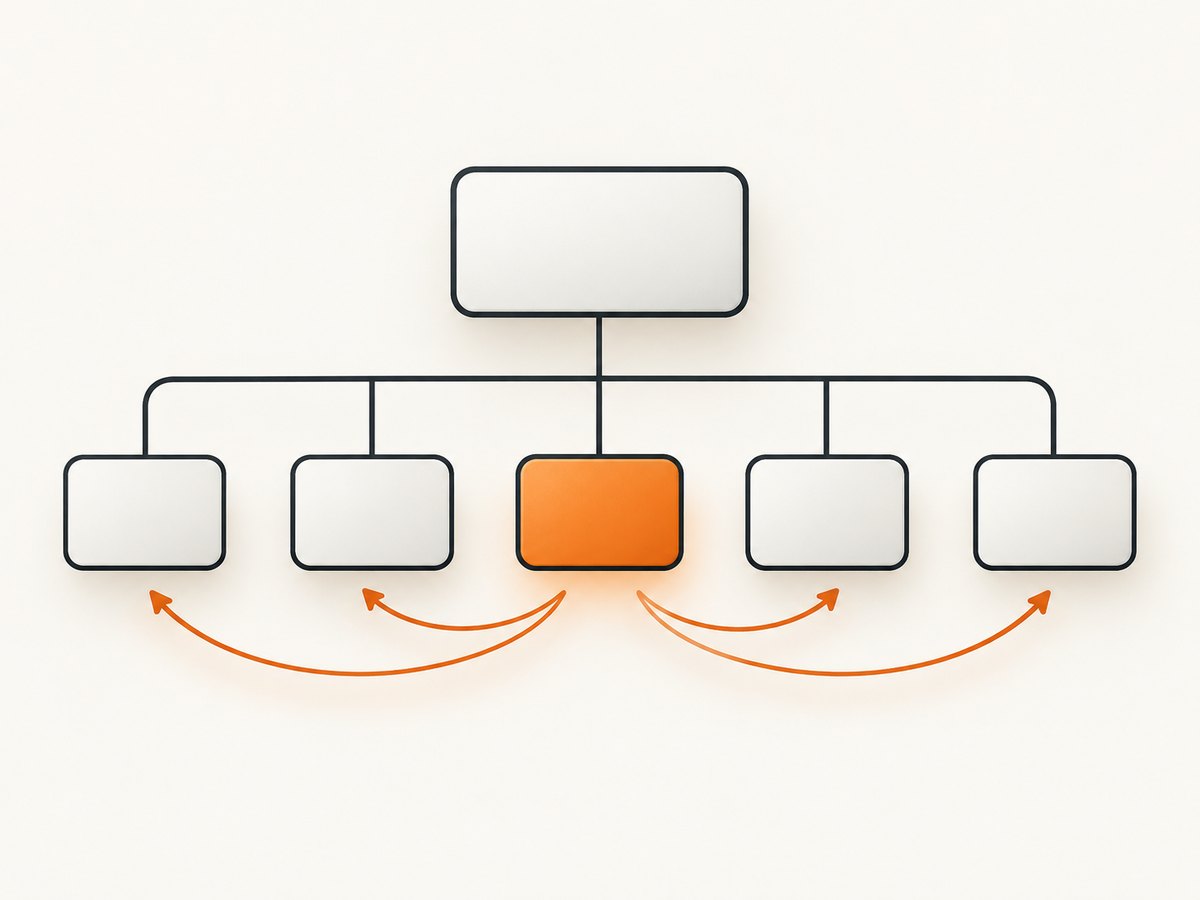
An XPath axis describes how to move from a context node through the tree. A step uses the form axis::node-test. The node test identifies which nodes on that axis can match.
| Expression | What it selects |
|---|---|
following-sibling::p |
Following sibling paragraph elements. |
preceding-sibling::h2 |
Preceding sibling h2 elements. |
following-sibling::* |
All following element siblings, regardless of tag. |
preceding-sibling::* |
All preceding element siblings. |
following-sibling::div[@class='note'] |
Following sibling div elements whose class attribute is exactly note. |
The W3C XPath specification defines these axes in terms of the context node’s parent and document order; MDN gives a practical overview of XPath axes. See W3C XPath 2.0 and MDN’s XPath axes reference.
2. Select following or preceding siblings
Use an axis step from the element whose siblings you want to inspect. Suppose the markup is:
<section>
  <h2>Details</h2>
  <p>First detail.</p>
  <p>Second detail.</p>
  <h2>Shipping</h2>
  <p>Ships in two days.</p>
</section>
Then:
//h2/following-sibling::preturns all three p elements that follow an h2 as siblings. The first heading matches both paragraphs after “Details” and the paragraph after “Shipping”. This distinction matters: the axis doesn’t stop at the next heading.
To select only the next paragraph sibling after each heading, use:
//h2/following-sibling::p[1]To select only the paragraphs before a heading:
//h2/preceding-sibling::pThese selections are relative to each matching h2. If there are multiple headings, XPath evaluates the path for each selected context node.
3. Filter siblings with predicates
A predicate in square brackets filters the nodes selected by the axis and node test. Attribute predicates use @:
//h2/following-sibling::div[@class='note']This matches a sibling div with exactly that class value. If the element can have multiple classes, exact equality is too strict. A common XPath 1.0 token-safe class check is:
//h2/following-sibling::div[
  contains(concat(' ', normalize-space(@class), ' '), ' note ')
]
Text can be filtered with normalize-space(.), which normalizes whitespace in the node’s string value:
//h2/following-sibling::p[normalize-space(.)='Important details']Predicates can be combined. This selects the first following sibling paragraph whose class token includes summary:
//h2/following-sibling::p[
  contains(concat(' ', normalize-space(@class), ' '), ' summary ')
][1]
Predicate position is evaluated against the axis step’s candidate nodes. The ordering consequence is especially important for the reverse axis.
4. Avoid the preceding-sibling position trap
preceding-sibling is a reverse axis. Thus preceding-sibling::h2[1] selects the nearest preceding h2, not the earliest heading in document order. This makes it useful when you need the closest prior heading.
//p[preceding-sibling::h2[1][normalize-space(.)='Details']]This selects paragraphs for which the nearest preceding sibling h2 has normalized text Details. It assumes the heading and paragraphs share a parent and that relevant content is organized in sibling order. It does not infer visual grouping or stop at some other element unless your predicate expresses that rule.
Parentheses alter the position context:
(preceding-sibling::h2)[1]This selects the first matching h2 in document order among preceding siblings, which is the earliest one. In contrast, preceding-sibling::h2[1] is the nearest one because the axis is reverse. For forward axes, following-sibling::p[1] means the next matching paragraph sibling.
5. Move to the correct parent
A frequent mistake is starting from a child when the desired nodes are siblings of its parent. The abbreviation .. means the parent node. For example:
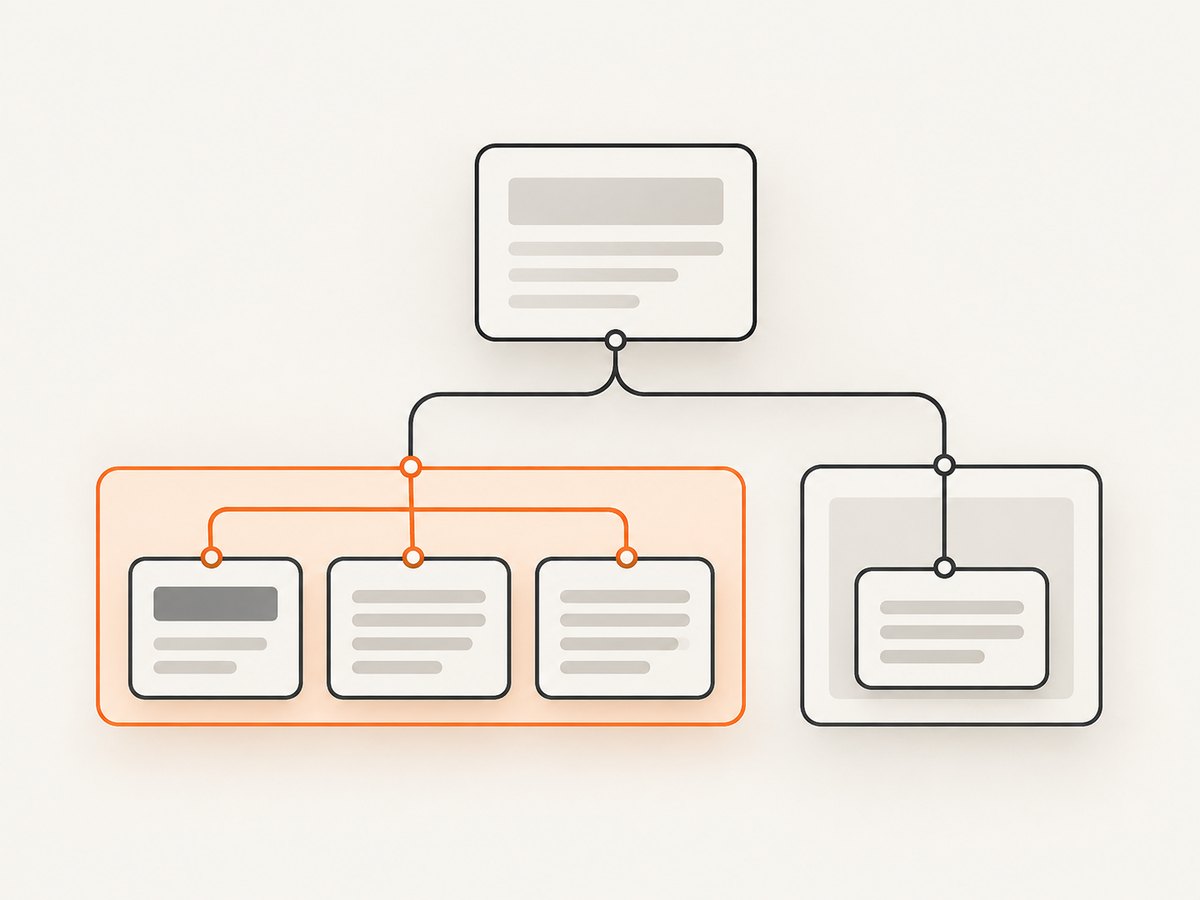
../following-sibling::sectionFrom a child element, this first moves to its parent, then selects that parent’s following sibling sections. If the context already is the element whose siblings you want, do not add ...
Use the tree, rather than the rendered page, to reason about the expression. In this markup, the paragraph is not a sibling of the heading:
<section>
  <h2>Details</h2>
  <div><p>Nested detail</p></div>
</section>
//h2/following-sibling::p finds no paragraph here because the p belongs to the div. Depending on the desired relationship, select the nested descendant with a different path, or start from the appropriate parent node.
6. Run XPath in a browser with JavaScript
Browser DOM XPath evaluation is available through document.evaluate. This runnable example selects every following sibling paragraph of the first heading and prints its text:
const heading = document.querySelector('h2');
if (!heading) {
  throw new Error('No h2 element found');
}

const result = document.evaluate(
  'following-sibling::p',
  heading,
  null,
  XPathResult.ORDERED_NODE_SNAPSHOT_TYPE,
  null
);

for (let i = 0; i < result.snapshotLength; i += 1) {
  console.log(result.snapshotItem(i).textContent.trim());
}
The context node is passed as the second argument, so the expression starts at that heading. ORDERED_NODE_SNAPSHOT_TYPE returns a snapshot in document order. For one expected match, use XPathResult.FIRST_ORDERED_NODE_TYPE and read singleNodeValue. An invalid XPath expression raises an error; handle it if the expression is assembled from user input.
7. Test and refine the expression
- Inspect the source markup or DOM and identify the exact parent of the context node and target.
- Write the shortest axis expression first, such as
following-sibling::p. - Check the matching nodes in a browser XPath evaluator or your automation tool.
- Add one predicate at a time for tag, attribute, text, or position.
- Test cases with repeated headings, missing attributes, nested elements, and extra whitespace.
- Confirm whether you want the nearest match or the earliest one before adding
[1]to a reverse axis.
For scraping or browser automation, the XPath engine and document state matter. A selector evaluated before dynamically inserted content appears can return an empty result even when the loaded page later contains the element. Wait for the target page state in the automation layer, then evaluate the XPath against the current DOM.
8. Screenshot a page while inspecting its DOM
XPath identifies nodes in a document tree; a screenshot captures rendered pixels. When investigating whether a selector corresponds to what a visitor sees, capture the same page state and compare it with the DOM. ScreenshotNeo is a website screenshot API and MCP server from Yorker Media. Its one-call endpoint can return an image or PDF, and its docs list capture options such as full-page screenshots, element selection, waits, custom CSS, and JavaScript: ScreenshotNeo and API documentation.
9. Or skip the browser setup
For a screenshot without setting up browser automation, make one request. Replace the URL with the page you are inspecting; see the ScreenshotNeo API docs for available formats and parameters.
curl -G "https://api.screenshotneo.com/v1/shot" -d access_key=YOUR_API_KEY --data-urlencode url=https://stripe.com -o shot.webpimport requests
r = requests.get("https://api.screenshotneo.com/v1/shot", params={"access_key": "YOUR_API_KEY", "url": "https://stripe.com"}, timeout=90)
open("shot.webp", "wb").write(r.content)const q = new URLSearchParams({ access_key: 'YOUR_API_KEY', url: 'https://stripe.com' });
const res = await fetch(`https://api.screenshotneo.com/v1/shot?${q}`);
if (!res.ok) throw new Error(`Screenshot request failed: ${res.status}`);
await Bun.write('shot.webp', res);ScreenshotNeo removes cookie banners, newsletter popups, and chat widgets before the capture; bot checks, blank pages, and failed loads are never billed. An MCP server lets AI agents take screenshots. The free plan includes 1,000 screenshots a month with no card, and paid plans start at $5 for 3,000. Create a free account at ScreenshotNeo sign-up.
10. Troubleshooting common XPath misses
| Symptom | Likely cause | Fix |
|---|---|---|
| No matches | The apparent sibling has a different parent. | Inspect the DOM tree and select from the correct context or parent. |
| No matches from a child | The XPath needs the parent’s siblings. | Move up with .., then use the sibling axis. |
| Too many paragraphs | The axis selects all matching siblings in that direction. | Use a positional or content predicate, or define the boundary condition explicitly. |
| Wrong previous heading | preceding-sibling::h2[1] is being confused with first in document order. |
Use the reverse-axis rule for nearest; parenthesize the axis expression to select earliest. |
| Class filter misses | @class='note' requires exact attribute equality. |
Use the whitespace-token class pattern if the class attribute may contain several tokens. |
| Works in one context but not another | The context node differs, or evaluation is from an attribute or namespace node. | Pass the intended element context. Sibling axes are empty for attribute and namespace context nodes. |
| Unexpected distant nodes | following:: was used instead of following-sibling::. |
Use the sibling axis when only nodes under the same parent are intended. |
11. Performance and reliability
For ordinary DOM trees, sibling-axis expressions are a direct way to state the relationship you need. Avoid evaluating a broad expression repeatedly inside a loop if you can evaluate once and reuse the result. Narrowing by a stable tag or attribute can also reduce ambiguity and make selectors easier to maintain.
XPath cannot compensate for a changing page structure. If a site moves a node under a wrapper, the sibling relationship changes even if the page looks almost identical. Prefer stable structural anchors, test against representative markup, and make the automation wait for the relevant content before evaluation. In browser scripting, catch invalid-expression errors and check for missing context nodes separately from an empty match set.
12. XPath sibling selection FAQ
Does “sibling” include the context node?
No. The preceding and following sibling axes contain other nodes before or after the context node. They do not include the context node itself.
Can I select the immediately adjacent element only?
Use following-sibling::*[1] for the next element sibling, or preceding-sibling::*[1] for the nearest previous element sibling. To find the next sibling of a particular tag, use that tag in the node test.
Do sibling axes include text nodes?
The axis can include sibling nodes of different kinds, but a node test such as p selects elements. Use node() when you intentionally need any node kind.
Is XPath sibling selection based on visual position?
No. It uses the document tree and document order. CSS layout can display elements in a visual order that differs from their tree order.


