How to Make SelectPdf HTML-to-PDF Conversion Load Google Webfonts
Fix missing Google Fonts in SelectPdf PDFs by checking font formats, URL resolution, load timing, and rendering-engine support.

Direct answer: SelectPdf can load Google Webfonts when the conversion can resolve the stylesheet and font URLs, the renderer receives TTF or WOFF files, and the page has enough time to finish loading. For HTML supplied as a string, pass a correct baseUrl to ConvertHtmlString. If WebKit still renders the page incorrectly, compare it with Blink or Chromium. Increasing EmbedFonts will not repair a font that never loaded.
1. Use a supported font format
SelectPdf’s troubleshooting guidance identifies TTF and WOFF as the supported web-font formats. Google Fonts may return different formats depending on the user-agent and stylesheet. Inspect the final font-file requests made during conversion and make sure the response is TTF or WOFF.
@font-face {
  font-family: 'Roboto';
  src: url('/fonts/roboto-regular.woff2') format('woff2'),
       url('/fonts/roboto-regular.woff') format('woff'),
       url('/fonts/roboto-regular.ttf') format('truetype');
  font-weight: 400;
  font-style: normal;
}

body {
  font-family: 'Roboto', Arial, sans-serif;
}
If the conversion environment does not support the format selected by your Google Fonts CSS, provide a TTF or WOFF fallback that the renderer can fetch. Keep the font-family, weight, and style declarations consistent with the text you want rendered.
2. Make every resource URL resolvable
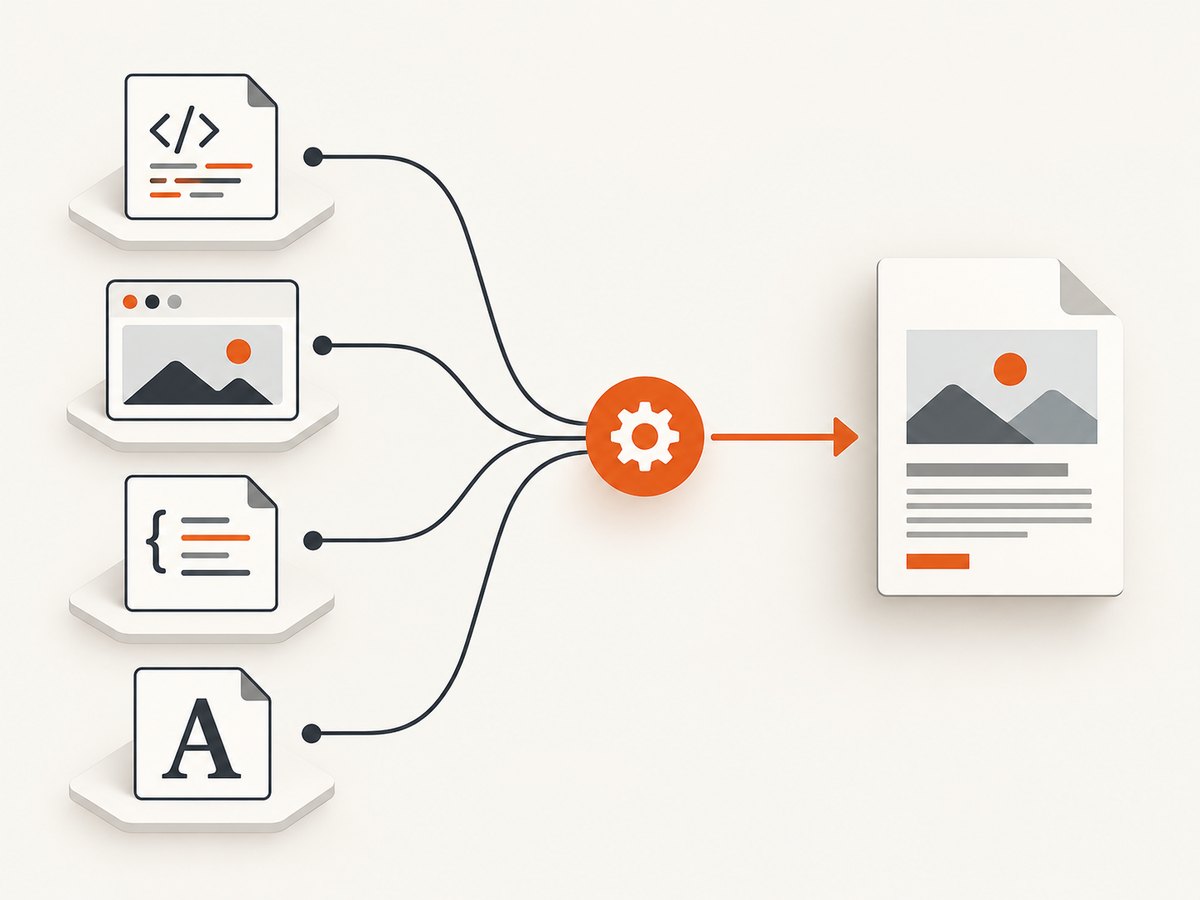
A browser can resolve a relative URL from the page address. An HTML string has no natural address unless you provide one. SelectPdf documents the ConvertHtmlString overload with baseUrl for resolving relative CSS, JavaScript, image, and font resources.
using SelectPdf;

var html = @"
<!doctype html>
<html>
<head>
  <meta charset='utf-8'>
  <link rel='stylesheet' href='/css/print.css'>
</head>
<body>
  <h1>Invoice</h1>
  <p class='body-copy'>Text rendered with the web font.</p>
</body>
</html>";

var converter = new HtmlToPdf();
converter.Options.MaxPageLoadTime = 120;

// The base URL must be reachable by the conversion process.
var pdf = converter.ConvertHtmlString(
    html,
    "https://your-site.example/"
);

pdf.Save("invoice.pdf");
pdf.Close();
Use absolute URLs when possible, or verify that the base URL points to the directory from which your relative paths should be resolved. Check all layers: the Google Fonts stylesheet, any imported stylesheet, and the final .ttf or .woff request.
3. Give remote fonts time to finish loading
The SelectPdf REST API documents a one-second default min_load_time, a 30-second default max_load_time, and a maximum max_load_time of 120 seconds. A slow stylesheet or font request can finish after the initial page snapshot. Increase the applicable load time for your integration, then check whether the conversion timed out.
If render_on_timeout is enabled, SelectPdf may return a partially loaded document. A PDF file being produced does not prove that the web font loaded. Compare the output with and without timeout rendering and inspect the resulting text appearance and embedded resources.
4. Try a renderer with modern web support
WebKit is SelectPdf’s default engine. Its documentation recommends Blink or Chromium when modern CSS, HTML, or JavaScript is not rendered correctly by WebKit. Chromium was introduced as an additional engine in SelectPdf v26.2, and the vendor describes improved support for modern CSS, web fonts, and JavaScript.
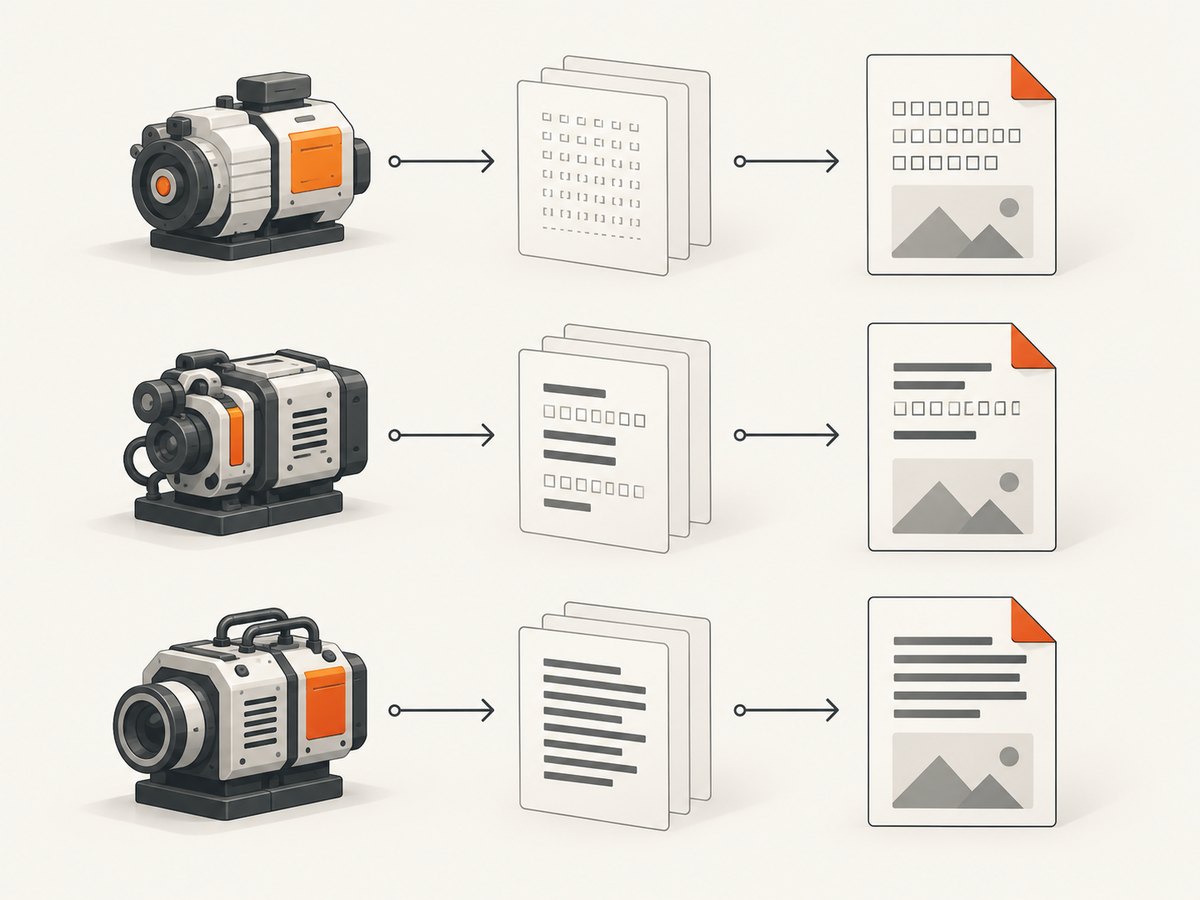
For the REST API, the documented engine switch is:
# Add this parameter to your SelectPdf REST request
engine=Chromium
Confirm that the selected engine and package are available for your .NET target and deployment environment. Compare the default WebKit output with Blink or Chromium using the same HTML, CSS, URLs, and timeout values. An engine change is a diagnostic: it does not replace checking the font response and URL resolution.
5. A complete diagnostic workflow
- Inspect the browser-facing stylesheet. Record the actual font URLs after redirects, imports, and user-agent selection.
- Verify the file type. Confirm that SelectPdf receives TTF or WOFF data, with a successful response and a font content type.
- Resolve the page base. When converting an HTML string, pass the correct
baseUrl; otherwise use absolute resource URLs. - Check access from the conversion host. Test DNS, TLS certificates, proxy rules, authentication, and outbound firewall policy from the machine or service running SelectPdf.
- Allow sufficient load time. Raise the relevant minimum or maximum load setting only as needed, and record whether the result was produced after a timeout.
- Compare engines. Test WebKit against Blink or Chromium when the page depends on modern CSS, JavaScript, or font behavior.
- Inspect the PDF. Check representative glyphs, weights, italics, and fallback characters. Do not infer successful font loading from the existence of a PDF file.
6. Why EmbedFonts does not fix a missing Google Font
SelectPdf’s v26.3 API reference states that EmbedFonts does not control web fonts downloaded with the page. Downloaded web fonts are embedded because they are not installed on the machine. Therefore, the setting cannot make a failed stylesheet or font request succeed. Solve fetching, format, timing, or renderer problems first.
7. Common errors and fixes
| Symptom | Likely cause | Fix |
|---|---|---|
| Everything uses a fallback font | The font URL was never resolved or fetched. | Use absolute URLs or pass the correct baseUrl; verify access from the conversion host. |
| Only some weights render correctly | The stylesheet requests a missing weight or format. | Check each weight and style separately and provide TTF or WOFF files for the requested faces. |
| Fonts work in a browser but not in the PDF | The converter has different network, TLS, proxy, user-agent, or renderer conditions. | Inspect the converter’s actual requests and test the same URLs from its runtime environment. |
| PDF is created but fonts are missing | The page rendered on timeout or before font loading completed. | Increase the applicable load time, review timeout behavior, and verify the final PDF visually. |
| Modern layout and fonts are wrong | WebKit lacks support required by the page. | Compare Blink or Chromium and confirm deployment requirements. |
EmbedFonts=true changes nothing |
Embedding happens only after a web font has been downloaded. | Fix the resource request; do not use EmbedFonts as a loading switch. |
| HTML-string conversion loses CSS and images | No base URL was supplied for relative resources. | Call ConvertHtmlString(html, baseUrl) with a reachable base address. |
8. Performance, reliability, and cost considerations
- Performance: A remote Google Fonts dependency adds network work to every conversion. Hosting a supported TTF or WOFF resource near the conversion service can reduce variability, provided licensing and cache headers are handled correctly.
- Reliability: Treat fonts as a required dependency. Log the resolved URL, response status, format, selected engine, load-time settings, and whether the conversion timed out.
- Determinism: Pin the font family, weight, and style explicitly. A generic fallback may differ between machines and engines.
- Timeouts: Raising a timeout can help a slow resource, but it also makes failed requests take longer. Keep
render_on_timeoutbehavior visible to callers so partial PDFs are not mistaken for complete ones. - Licensing and operations: Confirm that your use and redistribution of Google Fonts or self-hosted font files follows the font’s license and your deployment policy.
- Edition limits: SelectPdf’s v26.3 Community Edition is described as free for personal and commercial use, but generated documents are capped at five pages; PDFs over five pages and specified advanced features require the commercial library.
9. Minimal checklist before shipping
- Each required face has a TTF or WOFF resource.
- Every stylesheet and font URL resolves from the conversion context.
- HTML-string conversions pass a correct
baseUrl. - Load-time and timeout settings match the page’s real network behavior.
- Timeout-produced output is identified and reviewed.
- WebKit output has been compared with Blink or Chromium when modern features are involved.
- Representative glyphs, weights, italics, and non-ASCII characters have been checked in the PDF.
Or skip the browser setup
If your goal is to capture a rendered page or PDF rather than maintain a SelectPdf browser pipeline, ScreenshotNeo provides a single request-based API. It accepts the page URL and returns a PNG, JPEG, WebP, or PDF. Cookie and consent banners, newsletter popups, and chat widgets are removed before the shot; bot checks, blank pages, failed loads, timeouts, and cache hits are not billed. An MCP server lets Claude, Cursor, and other MCP clients take screenshots, inspect pages, and capture PDFs.
See the ScreenshotNeo API documentation for all options.
curl -G "https://api.screenshotneo.com/v1/shot" \
  -d access_key=YOUR_API_KEY \
  --data-urlencode url=https://your-site.example/page \
  -o shot.webp
import requests
r = requests.get(
"https://api.screenshotneo.com/v1/shot",
params={"access_key": "YOUR_API_KEY", "url": "https://your-site.example/page"},
timeout=90,
)
open("shot.webp", "wb").write(r.content)const q = new URLSearchParams({
access_key: 'YOUR_API_KEY',
url: 'https://your-site.example/page'
});
const res = await fetch(`https://api.screenshotneo.com/v1/shot?${q}`);ScreenshotNeo includes 1,000 screenshots per month on the free plan with no card. Paid plans start at $5 for 3,000 shots. Create a free ScreenshotNeo account.
FAQ
Does importing a Google Fonts CSS URL guarantee that SelectPdf will use the font?
No. The stylesheet and final font files must be reachable by the conversion process, and the served font must be in a supported TTF or WOFF format.
Should I always switch to Chromium?
No. WebKit is the default. Test Blink or Chromium when the page uses modern features that WebKit does not render correctly, while still checking URLs, formats, and timing.
Can I solve this only by installing the font on the server?
Installing a system font is a different rendering path. It does not fix a web-font request that fails, and downloaded web fonts are handled separately from EmbedFonts.
Why does a longer timeout sometimes produce a different PDF?
It gives remote stylesheets and font files more time to arrive. If the page still reaches the timeout, timeout-rendering settings may return a partially loaded document.


