How to Fix Selenium ChromeDriver 110 Headless New Tab-Switching Interruptions
Separate desktop focus loss from Selenium window-handle errors, then diagnose tab switching in ChromeDriver 110 with reproducible steps and code.
If ChromeDriver 110 with --headless=new seems to interrupt another desktop application when Selenium switches tabs, first determine whether the operating system is losing focus or Selenium is simply using the wrong browser tab. Those are different failures. Selenium switches its WebDriver context with window handles; the evidence available for this specific Chrome 110 report does not establish a universal fix for desktop focus loss.
For a WebDriver tab-selection race, save the original handle, wait until the new handle exists, select it by excluding the original, and explicitly switch back after closing it. If the desktop itself loses focus only in the new headless mode, compare browser modes in the affected environment and record the exact versions and arguments. Treat a change in behavior as a local diagnostic result, not a generally proven fix.
1. Identify which kind of interruption you have
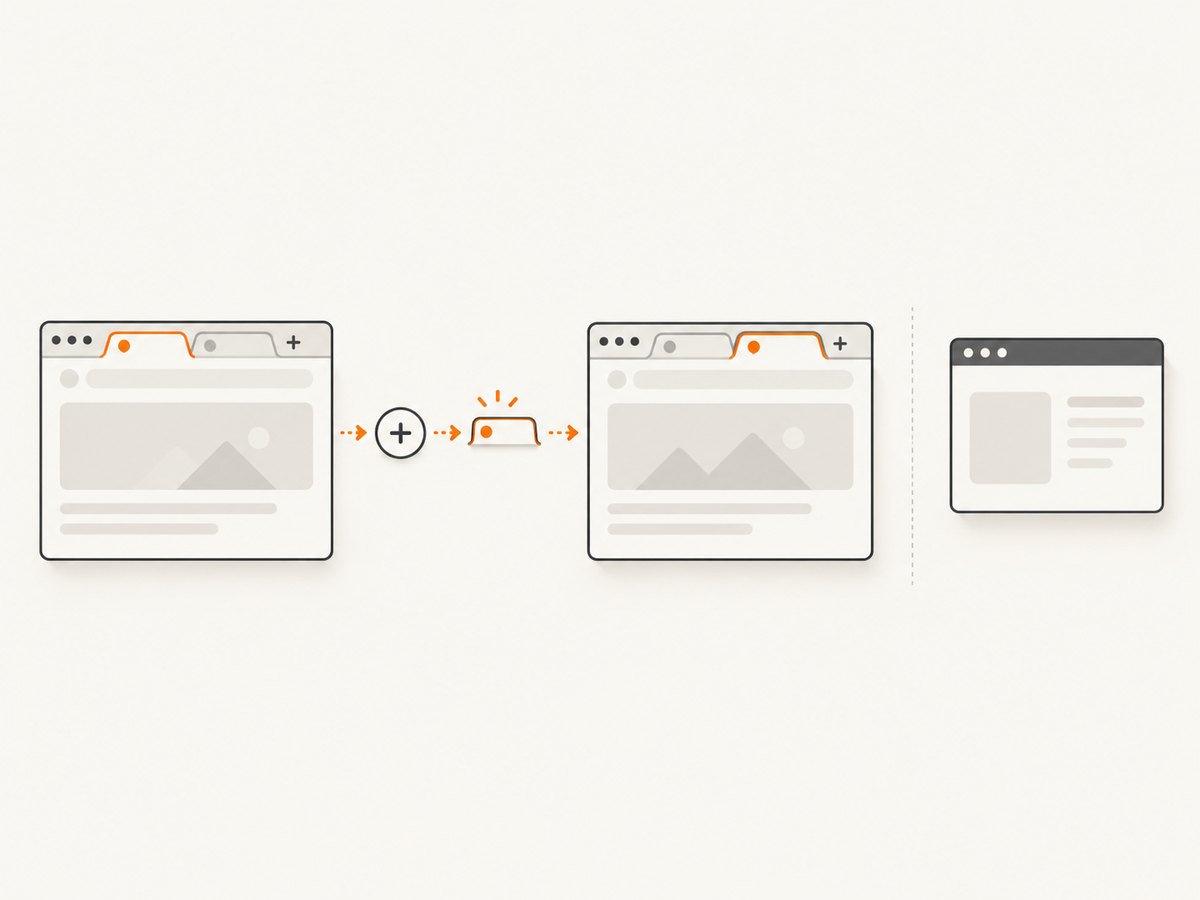
“Switching tabs” can describe either Selenium changing the browser context or a visible application on the desktop losing keyboard and mouse focus. Selenium’s window-handle API addresses the first. A correct handle switch does not, by itself, prove why another desktop application lost focus.
| What you observe | Likely layer to investigate | What to check |
|---|---|---|
| Selenium reads the old page, or commands fail after a tab opens | WebDriver context or timing | Handle count, selected handle, and whether the new tab finished opening |
| A visible desktop application stops receiving input while the script runs | Operating-system or browser focus behavior | Visible Chrome versus each headless mode, plus OS and exact browser configuration |
| The browser opens at an unexpected size | Viewport configuration | Investigate the separate Chrome 110 --window-size report; it is not evidence of focus loss |
The reported Chrome/ChromeDriver 110 symptom is anecdotal. Do not assume every Chrome 110 setup reproduces it, or that Selenium’s switch_to.window() necessarily steals desktop focus.
2. Record a reproducible baseline
Before changing flags or upgrading components, record the conditions under which the interruption occurs. This helps distinguish a repeatable browser-mode issue from a handle race or an unrelated desktop event.
- Record the operating system and whether Chrome is visible, running with legacy
--headless, or using--headless=new. - Record Chrome, ChromeDriver, and Selenium versions, and the complete Chrome startup arguments.
- Write down the action that opens the second tab, when the script switches handles, and whether the tab is closed afterward.
- Note exactly what loses focus: a desktop application, Chrome’s visible window, or only the page Selenium is controlling.
- Repeat the same sequence without changing multiple variables at once.
Keep Chrome and ChromeDriver versions compatible. The cited material does not identify a unique version pairing that cures desktop focus interruption, so a version change should be tested and documented rather than presented as a guaranteed repair.
3. Use Selenium’s window handles safely
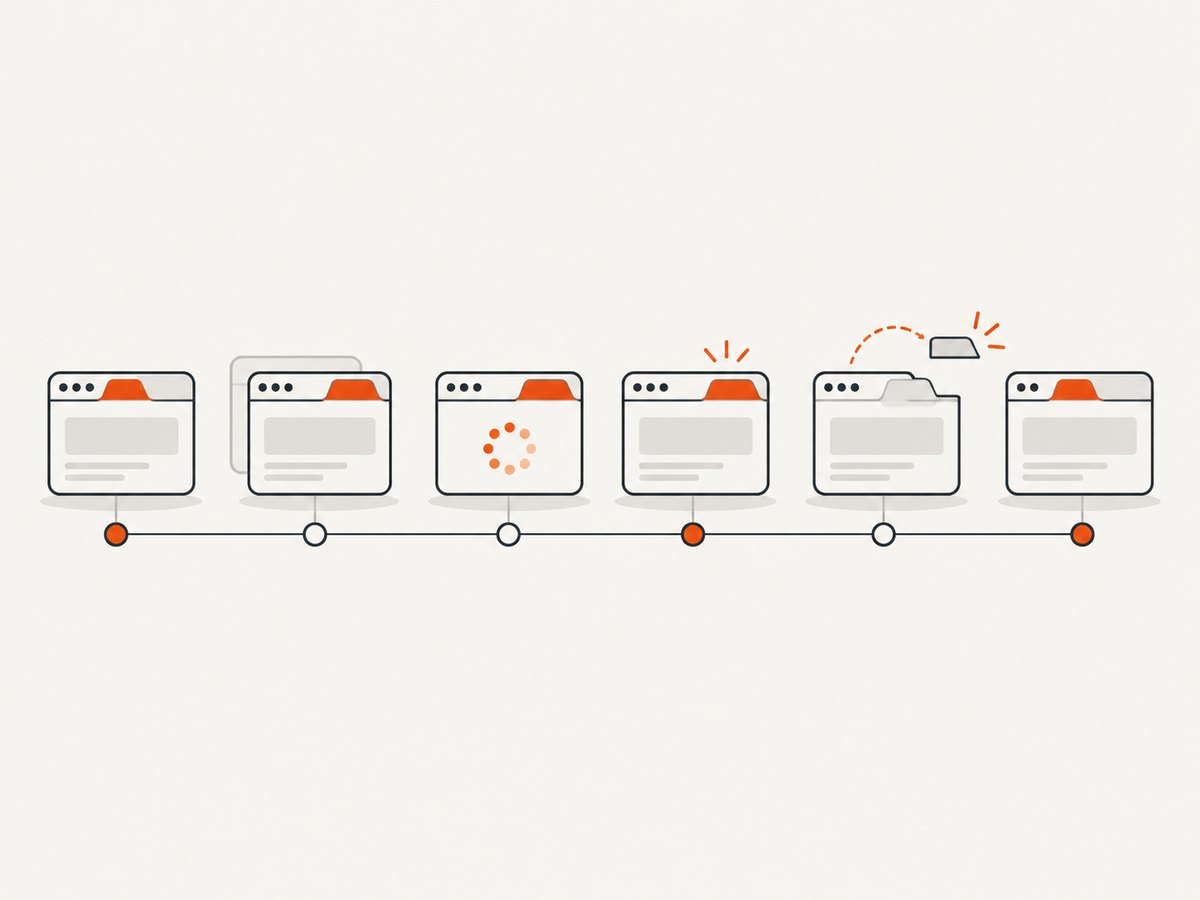
Selenium identifies browser windows and tabs with window handles. The new tab may not be available at the exact instant the click or script action returns. Wait for the expected number of handles before choosing the one that differs from the saved original. Selenium’s documented pattern also makes clear that closing a tab does not automatically restore the previous WebDriver context.
Runnable Python example
Install Selenium with python -m pip install selenium. This example uses a link that opens another tab; replace the locator and target flow with the page under test. It uses Selenium 4’s Chrome options to select new headless mode.
from selenium import webdriver
from selenium.webdriver.common.by import By
from selenium.webdriver.support.ui import WebDriverWait

options = webdriver.ChromeOptions()
options.add_argument("--headless=new")
options.add_argument("--window-size=1440,1000")

driver = webdriver.Chrome(options=options)
try:
    driver.get("https://www.selenium.dev/")
    original = driver.current_window_handle
    before = set(driver.window_handles)

    # Replace this selector with an element that opens a new browser tab.
    driver.find_element(By.CSS_SELECTOR, "a[target='_blank']").click()

    WebDriverWait(driver, 10).until(
        lambda browser: len(browser.window_handles) == len(before) + 1
    )
    new_handle = next(
        handle for handle in driver.window_handles if handle != original
    )
    driver.switch_to.window(new_handle)
    print("New tab title:", driver.title)

    driver.close()
    driver.switch_to.window(original)
    print("Back on original tab:", driver.title)
finally:
    driver.quit()
The sample assumes the click opens exactly one additional tab. If the site may open more than one window, identify the intended destination using a URL or another page property after switching, and handle unexpected tabs explicitly. If the click opens a new tab asynchronously, the wait is essential; an immediate lookup can select no new handle or fail before the browser has created one.
Runnable JavaScript example
With Selenium’s JavaScript package installed in a Node project, the same sequence can be written as follows. Substitute a reliable test URL and locator for your application.
const { Builder, By, until } = require('selenium-webdriver');
const chrome = require('selenium-webdriver/chrome');

(async () => {
  const options = new chrome.Options()
    .addArguments('--headless=new', '--window-size=1440,1000');
  const driver = await new Builder()
    .forBrowser('chrome')
    .setChromeOptions(options)
    .build();

  try {
    await driver.get('https://www.selenium.dev/');
    const original = await driver.getWindowHandle();
    const before = await driver.getAllWindowHandles();
    await driver.findElement(By.css("a[target='_blank']")).click();

    await driver.wait(async () => {
      const handles = await driver.getAllWindowHandles();
      return handles.length === before.length + 1;
    }, 10000);

    const handles = await driver.getAllWindowHandles();
    const newHandle = handles.find(handle => handle !== original);
    await driver.switchTo().window(newHandle);
    console.log('New tab title:', await driver.getTitle());

    await driver.close();
    await driver.switchTo().window(original);
    console.log('Back on original tab:', await driver.getTitle());
  } finally {
    await driver.quit();
  }
})().catch(error => {
  console.error(error);
  process.exitCode = 1;
});
For Java or another Selenium binding, keep the same order: save the current handle, wait for the handle count to change, select the new handle, and return to the original explicitly after closing the child tab. The binding’s syntax for waiting differs, but the handle lifecycle does not.
4. Compare browser modes without confusing the result
Selenium’s 2023 headless guidance explains that its convenience headless setting selected Chromium’s initial headless implementation. Selenium deprecated that setting in 4.8.0 and removed it in 4.10.0 so developers could select a mode with arguments. The guidance describes Chrome’s newer headless mode as --headless=new for Chrome after version 109. Chrome documents enabling the newer mode from Selenium with this argument.
from selenium import webdriver

options = webdriver.ChromeOptions()
options.add_argument("--headless=new")
driver = webdriver.Chrome(options=options)
The flag selects browser behavior; it does not fix handle timing or establish a fix for operating-system focus loss. For diagnosis, compare the same workflow in visible Chrome, the legacy headless mode if available in your setup, and --headless=new. Change only the mode, keep the script and test sequence fixed, and note whether the desktop-focus symptom changes. The result applies to that environment until reproduced elsewhere.
If only new headless mode interrupts desktop focus, use a different mode or execution environment only after validating it against the actual task. For unattended automation, a dedicated environment may avoid interacting with a person’s active desktop, but it does not demonstrate that the browser defect has been fixed.
5. Investigate viewport reports separately
A Selenium issue filed on February 24, 2023 for Chrome and ChromeDriver 110 reports that --window-size did not take effect with --headless=new. That is a distinct reported problem. It may matter if your screenshot or layout has the wrong dimensions, but it is not evidence that tab switching stole desktop focus.
When viewport size is the symptom, record the requested dimensions and inspect the browser’s actual window or page viewport from the same run. Test it as a separate case from focus interruption. Do not infer that changing --window-size repairs desktop focus, or that a viewport mismatch proves WebDriver chose the wrong tab.
6. Troubleshooting common errors
| Symptom or error | Common cause | Fix or diagnostic step |
|---|---|---|
| The new tab is not found immediately | The code checks handles before the browser creates the tab | Wait for handle count to increase, then compute the handle excluding the original |
Commands fail with No Such Window after closing a tab |
WebDriver remains targeted at the closed page | Switch explicitly to the saved original handle after closing the other tab |
| The script switches to an unexpected tab | More than one new window appeared, or selection relied on ordering | Compare handles against the saved original and inspect candidate pages before continuing |
| Another desktop app loses keyboard focus | Possible browser or OS focus behavior, rather than a handle-selection race | Compare visible, legacy headless, and new headless in the same environment; record versions and arguments |
--window-size appears ignored |
A reported Chrome 110 new-headless viewport issue may be relevant | Investigate viewport dimensions separately; do not treat it as a focus-loss fix |
| Behavior changes after a Selenium upgrade | Headless convenience behavior and available options vary by Selenium version | Set the intended headless argument explicitly and record Selenium, Chrome, and driver versions |
Selenium’s window guidance warns that forgetting to switch away from a closed window leaves WebDriver executing on a closed page and can trigger No Such Window Exception. That guidance diagnoses a WebDriver context error, not desktop focus theft.
7. Reliability, performance, and cost considerations
Waiting for the expected handle count makes tab selection more reliable when tab creation is asynchronous. Use a bounded timeout so a blocked popup or failed click produces a clear failure rather than an indefinite wait. Keep the original handle until the workflow has returned to it, and close only handles your test created.
Headless mode can be useful for automation, but this evidence does not establish performance measurements or a speed advantage for one mode in ChromeDriver 110. Measure your own workload if runtime matters. Capture browser and driver versions alongside failures so intermittent behavior can be compared across runs.
For a workflow that only needs a page image or PDF and does not need to interact with browser tabs, a browser automation stack may be more setup than required. ScreenshotNeo is a website screenshot API and MCP server; it does not replace Selenium for arbitrary interactive browser tests. Its billing and capture behavior are described below for screenshot tasks.
Or skip the browser setup
For a screenshot rather than an interactive Selenium test, ScreenshotNeo takes a URL in one request and returns an image or PDF. See the ScreenshotNeo API documentation.
curl -G "https://api.screenshotneo.com/v1/shot" \
  -d access_key=YOUR_API_KEY \
  --data-urlencode url=https://stripe.com \
  -o shot.webp
import requests
r = requests.get(
"https://api.screenshotneo.com/v1/shot",
params={"access_key": "YOUR_API_KEY", "url": "https://stripe.com"},
timeout=90,
)
open("shot.webp", "wb").write(r.content)const q = new URLSearchParams({
access_key: 'YOUR_API_KEY',
url: 'https://stripe.com'
});
const res = await fetch(`https://api.screenshotneo.com/v1/shot?${q}`);
if (!res.ok) throw new Error(`Screenshot request failed: ${res.status}`);
await require('node:fs/promises').writeFile('shot.webp', Buffer.from(await res.arrayBuffer()));ScreenshotNeo accepts cookie and consent banners like a visitor and removes more than 60 known consent platforms, newsletter popups, and chat widgets before capture; each step can be turned off. Bot checks, blank pages, timeouts, failed loads, and cache hits cost nothing, and response headers report the page verdict and billing status. Its MCP server offers screenshot, page-info, and PDF tools for AI agents. The free plan includes 1,000 shots a month with no card; paid plans start at $5 for 3,000 shots. See ScreenshotNeo and the API documentation. Sign up for 1,000 free screenshots a month, with no card.
FAQ
Does switch_to.window() itself fix desktop focus loss?
No. It changes Selenium’s browser context. It is useful for selecting the intended tab, but the available evidence does not show that it prevents the operating system from moving focus.
Is this confirmed for every ChromeDriver 110 installation?
No. The report is one user’s experience, not proof of a universal defect or a prevalence estimate.
Should I remove --headless=new?
Compare modes in the affected environment and validate the mode that fits your workload. The flag selects headless behavior; it is not a documented universal repair for focus interruption.
Can ScreenshotNeo automate my multi-tab Selenium test?
No. It captures a URL as an image or PDF and provides MCP tools for screenshot-related tasks. Use Selenium when the task requires interactive browser control and tab workflows.


