How to Run Selenium 4 UI Tests in Headless Mode
Run Selenium 4 UI tests without a visible browser window. Configure Chrome, Firefox or Edge, then troubleshoot drivers, CI failures and screenshots.
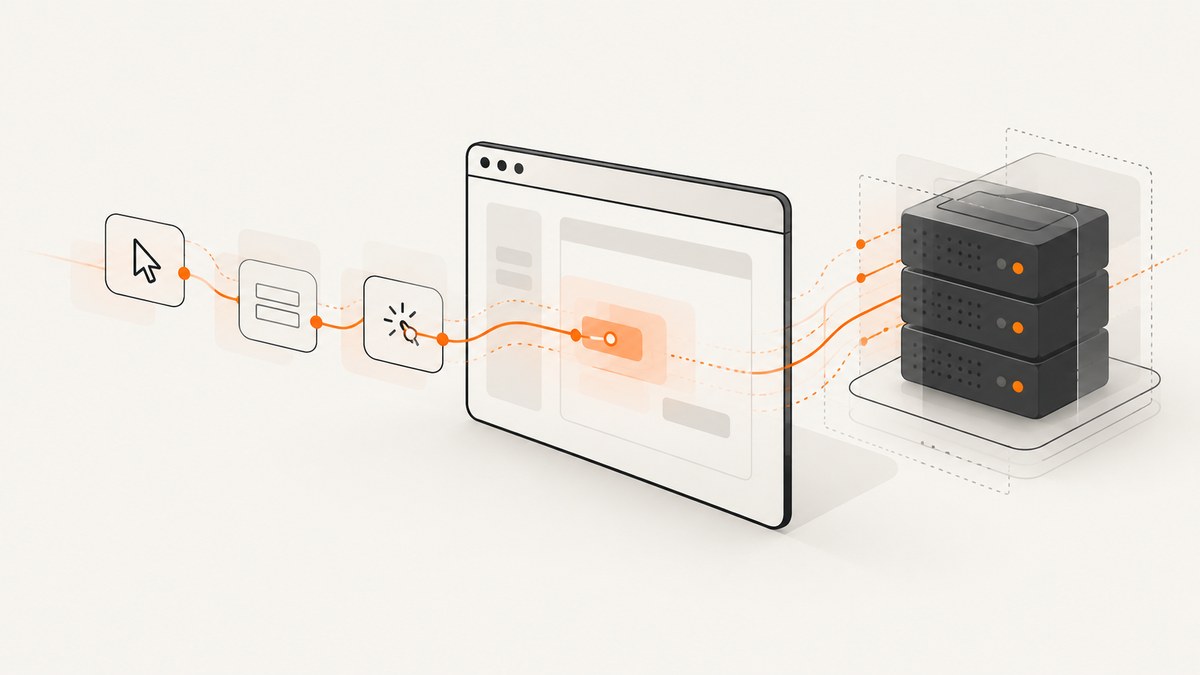
To run Selenium 4 UI tests without opening a visible browser window, set the browser’s headless argument on its Options object before creating the WebDriver. For Chrome and Chromium Edge, use --headless=new; for Firefox, use -headless. Keep the browser and driver compatible, set a deliberate viewport, wait for application state, and always quit the driver.
Headless mode runs a real browser without displaying its graphical window. It is useful in CI and containers that have no desktop session. It does not make a test deterministic by itself: network timing, fonts, browser versions, viewport size and application state can still affect what the browser renders.
1. Choose a browser and configure it before driver creation
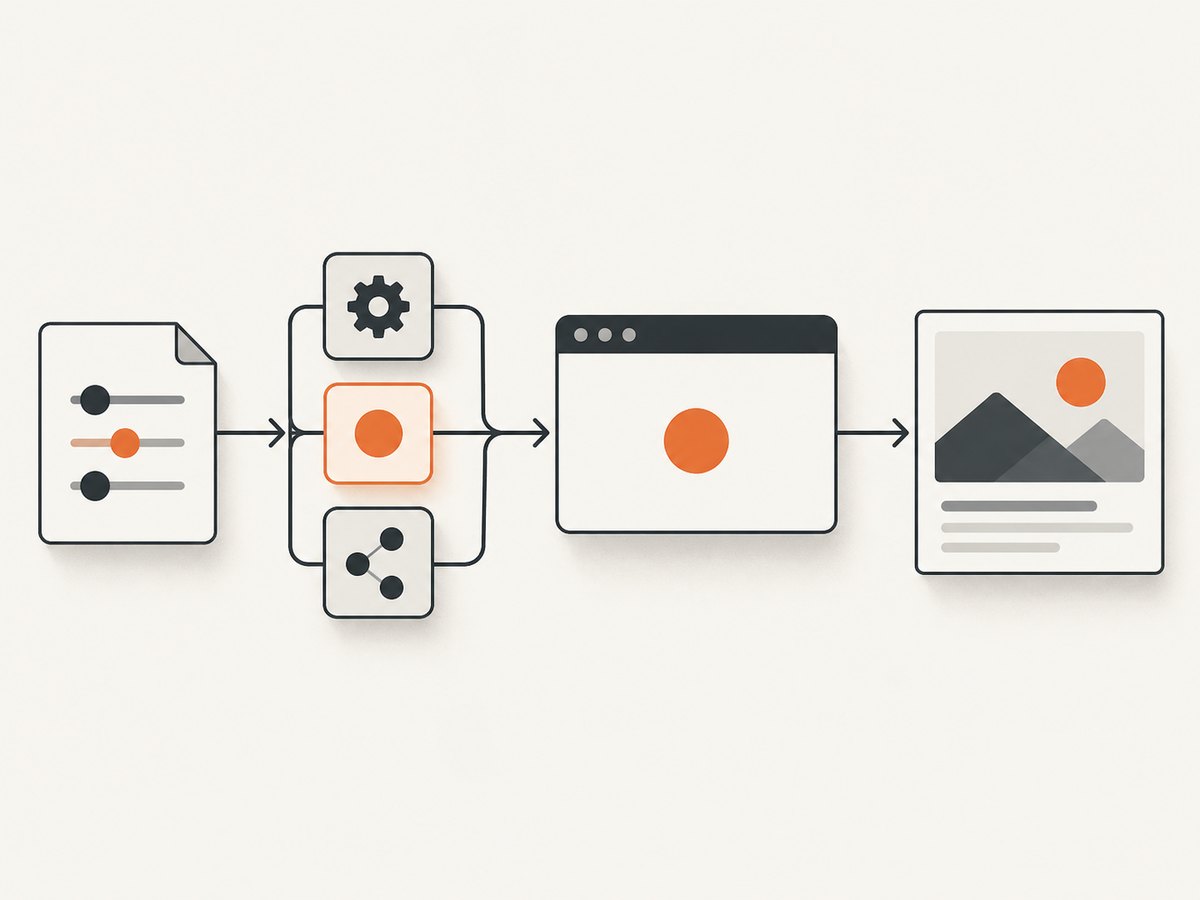
The option belongs to the browser-specific Options object passed into the driver constructor. Creating a driver first and trying to switch it to headless later is too late for that session.
| Browser | Headless argument | Compatibility note |
|---|---|---|
| Chrome or Chromium | --headless=new |
Selenium documents Chrome v75 and later; Chrome and ChromeDriver major versions must match. |
| Firefox | -headless |
Selenium 4 requires Firefox 78 or later; use a current geckodriver. |
| Microsoft Edge | --headless=new |
Use Selenium 4’s EdgeOptions and Edge driver classes. |
Chrome’s current headless and headful modes share the same browser implementation. The older headless implementation became a separate chrome-headless-shell binary starting with Chrome 132.0.6793.0. If a test depends on old headless behavior, identify that dependency explicitly rather than assuming the regular Chrome binary still uses a distinct legacy mode. See the Selenium Chrome documentation and Chrome Headless documentation.
2. Runnable Java example with Chrome
This example opens a page, checks its title, takes a screenshot on failure, and closes the browser even if navigation or an assertion fails. Add Selenium 4 to your project’s dependencies before running it.
import java.nio.file.Files;
import java.nio.file.Path;
import org.openqa.selenium.OutputType;
import org.openqa.selenium.TakesScreenshot;
import org.openqa.selenium.WebDriver;
import org.openqa.selenium.chrome.ChromeDriver;
import org.openqa.selenium.chrome.ChromeOptions;

public class HeadlessSmokeTest {
    public static void main(String[] args) throws Exception {
        ChromeOptions options = new ChromeOptions();
        options.addArguments("--headless=new");
        options.addArguments("--window-size=1440,1000");

        WebDriver driver = new ChromeDriver(options);
        try {
            driver.get("https://example.test");
            if (!driver.getTitle().contains("Example")) {
                throw new AssertionError("Unexpected title: " + driver.getTitle());
            }
        } catch (Throwable failure) {
            byte[] png = ((TakesScreenshot) driver)
                    .getScreenshotAs(OutputType.BYTES);
            Files.write(Path.of("failure.png"), png);
            throw failure;
        } finally {
            driver.quit();
        }
    }
}
Replace https://example.test with a page your test environment can reach. The example uses a fixed viewport so responsive layouts are more repeatable. Screenshot capture itself can fail if the browser session has already crashed; in a production test harness, preserve the original failure and log any screenshot-capture failure separately.
3. Python and other browser configurations
The same setup pattern applies in Python. Selenium Manager can locate and download a driver when one is not supplied, provided the environment permits it and the installed browser is compatible.
from selenium import webdriver

options = webdriver.ChromeOptions()
options.add_argument("--headless=new")
options.add_argument("--window-size=1440,1000")
driver = webdriver.Chrome(options=options)
try:
    driver.get("https://example.test")
    assert "Example" in driver.title
except Exception:
    driver.save_screenshot("failure.png")
    raise
finally:
    driver.quit()
For Firefox, replace the Options object and constructor, and use Firefox’s headless flag:
from selenium import webdriver

options = webdriver.FirefoxOptions()
options.add_argument("-headless")
options.add_argument("--width=1440")
options.add_argument("--height=1000")
driver = webdriver.Firefox(options=options)
try:
    driver.get("https://example.test")
finally:
    driver.quit()
For Edge, use Selenium 4’s Edge classes:
from selenium import webdriver
from selenium.webdriver.edge.options import Options

options = Options()
options.add_argument("--headless=new")
options.add_argument("--window-size=1440,1000")
driver = webdriver.Edge(options=options)
try:
    driver.get("https://example.test")
finally:
    driver.quit()
Firefox’s version requirement and common arguments are documented in the Selenium Firefox guide. Microsoft’s Edge WebDriver documentation shows Selenium 4 options for its language bindings.
4. Make the test reliable in CI
- Record the environment. Log the Selenium binding version, browser version, driver version, operating system and container image. This makes a CI-only failure easier to reproduce.
- Set the viewport. Headless browsers still lay out responsive pages. Choose a width and height that match the behavior under test, and keep them fixed across local and CI runs.
- Wait for application state. Prefer explicit waits for a known element or state over fixed sleeps. A page load event does not guarantee that a single-page app has finished rendering data.
- Preserve failure evidence. Save a screenshot, page source, browser or driver logs, and the test name or build identifier when a test fails.
- Always close sessions. Put
quit()in a Javafinallyblock or Pythonfinallyclause, or use your test framework’s teardown hook.
When a CI test fails, first reproduce it once in headful mode if the environment supports a desktop. If both modes fail, investigate the application, selectors or test data. If only headless fails, compare browser versions, viewport, fonts and timing, then inspect the earliest browser or driver log error. Avoid adding --no-sandbox as a default: use it only when the container requires it and the runtime’s security model permits it.
5. Drivers, Selenium Manager and version mismatches
Selenium Manager ships with Selenium releases from 4.6. When a driver is not provided, Selenium bindings can invoke it to discover, download and cache a suitable driver. This reduces manual setup, but does not remove browser compatibility requirements or guarantee that a locked-down CI worker can download dependencies.
Chrome and ChromeDriver must have matching major versions. A browser that auto-updates while a driver remains pinned can break a previously stable job. Choose a deliberate update policy: pin the browser and driver together for reproducible builds, or update them as a tested pair. Record the resolved versions in the job output. Selenium’s Selenium Manager documentation explains when bindings use the manager.
6. Remote WebDriver and browser grids
With Remote WebDriver, the browser session runs on another machine or grid. Pass the same browser Options object to the remote session and point the client at the grid URL. This is useful when the CI container lacks a browser, when you need several browser versions in parallel, or when a hosted grid supplies the browser environment.
import java.net.URL;
import org.openqa.selenium.WebDriver;
import org.openqa.selenium.chrome.ChromeOptions;
import org.openqa.selenium.remote.RemoteWebDriver;

ChromeOptions options = new ChromeOptions();
options.addArguments("--headless=new", "--window-size=1440,1000");
WebDriver driver = new RemoteWebDriver(
    new URL(System.getenv("SELENIUM_GRID_URL")), options);
try {
    driver.get("https://example.test");
} finally {
    driver.quit();
}
Keep grid credentials in the CI secret store, not in source code. Check the grid provider’s current browser versions, regions, retention policy and pricing before relying on it; those terms can change. For parallel suites, size concurrency to the grid capacity and application’s ability to handle simultaneous test traffic.
7. Performance, reliability and cost
Headless mode removes the need to display a browser window, which makes it practical for servers and containers. It is not a universal speed switch, and there is no fixed speedup to assume. Total runtime depends on browser startup, page behavior, network, test waits, available CPU and how many sessions compete for resources.
For steady CI runs, avoid creating unnecessary browser sessions, reuse a session only when test isolation remains sound, and scale parallelism gradually while watching memory and CPU. Keep explicit waits bounded so a missing element fails in a reasonable time. A hung test should still trigger teardown; also configure a job-level timeout to clean up orphaned processes if the runner is terminated unexpectedly.
Costs may include CI compute, a hosted browser grid, and engineering time spent maintaining browser versions. Pinning versions can reduce surprise failures but requires planned updates. Auto-management can simplify setup but may need network access and can resolve a newer driver. Decide which tradeoff fits the project and make the chosen versions visible in logs.
8. Troubleshooting common failures
| Symptom | Likely cause | What to do |
|---|---|---|
SessionNotCreatedException |
Browser and driver major versions differ, or the browser binary is missing. | Print both versions, inspect the first driver log error, and install a compatible browser/driver pair. Confirm the binary path if the browser is not in the expected location. |
| Browser exits immediately in Docker | Missing libraries, unsuitable container configuration, resource limits or sandbox restrictions. | Check the browser startup log and container image dependencies. Apply --no-sandbox only if required and permitted by the security model. |
| Element not found only in headless mode | The page is still rendering, a breakpoint changed the layout, or the element is outside the expected state. | Set the viewport, wait for the specific element or app state, and save page source and a screenshot at failure. |
| Screenshot is blank or incomplete | Capture happened before content loaded, lazy content was not triggered, or the page uses a different responsive layout. | Wait for the relevant content, scroll if the test requires lazy-loaded regions, and verify the screenshot dimensions and viewport. |
| Selenium Manager cannot obtain a driver | Network restrictions, proxy configuration or unavailable download access. | Configure allowed network access or provide a compatible driver through the CI image, then log its version. |
| Tests time out intermittently | Fixed sleeps, overloaded runners, slow services or unbounded waits. | Use explicit conditions and bounded timeouts, reduce competing sessions, and capture browser and application logs. |
9. Or skip the browser setup
If the task is to capture a website rather than interact with it as part of a UI test, ScreenshotNeo provides a screenshot API and MCP server. One GET request returns a PNG, JPEG, WebP or PDF. See the ScreenshotNeo API documentation for parameters and response details.
curl -G "https://api.screenshotneo.com/v1/shot" \
  -d access_key=YOUR_API_KEY \
  --data-urlencode url=https://stripe.com \
  -o shot.webp
import requests
r = requests.get(
"https://api.screenshotneo.com/v1/shot",
params={"access_key": "YOUR_API_KEY", "url": "https://stripe.com"},
timeout=90,
)
r.raise_for_status()
open("shot.webp", "wb").write(r.content)const q = new URLSearchParams({
access_key: 'YOUR_API_KEY',
url: 'https://stripe.com'
});
const res = await fetch(`https://api.screenshotneo.com/v1/shot?${q}`);
if (!res.ok) throw new Error(`Screenshot request failed: ${res.status}`);
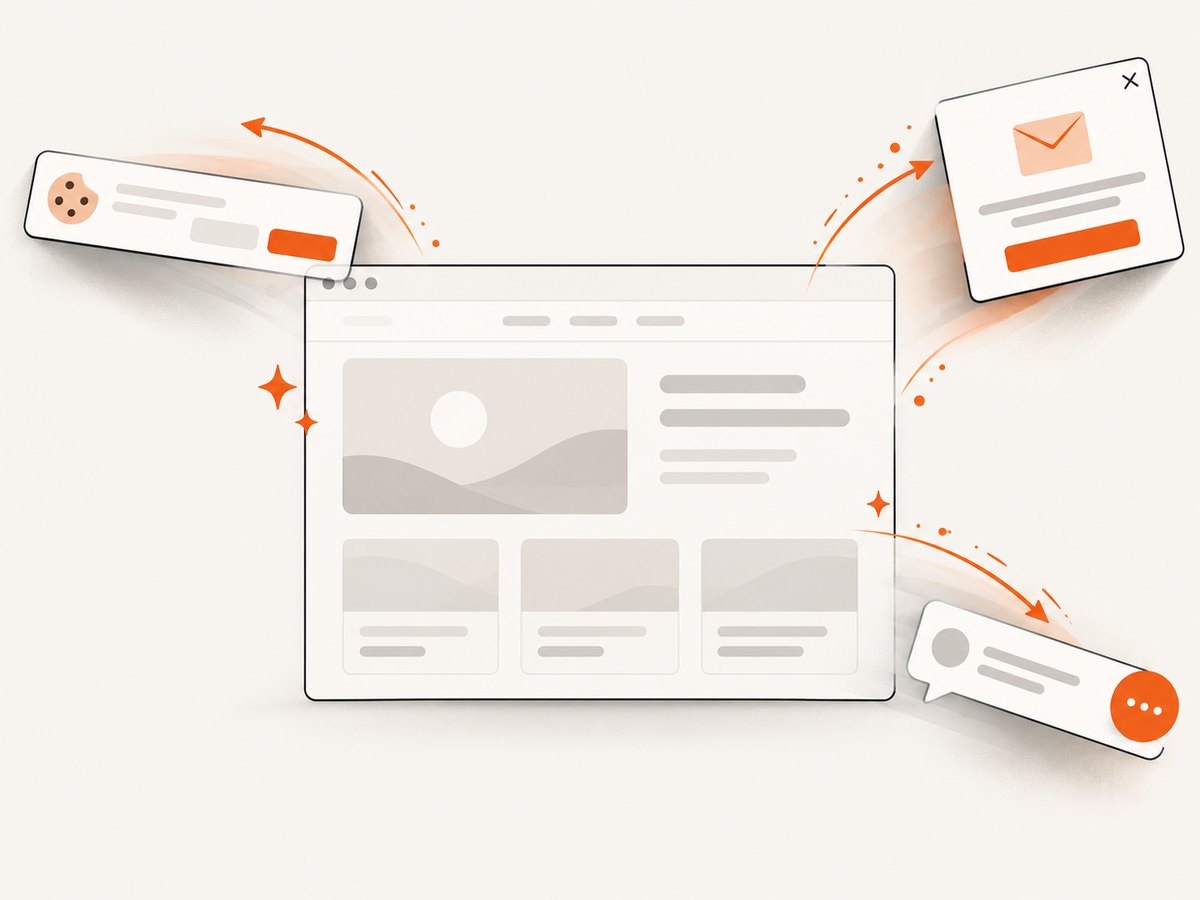
await Bun.write('shot.webp', res);ScreenshotNeo removes cookie banners, popups and chat widgets before the shot. Bot checks, blank pages and failed loads are never billed; responses identify page verdict and billing status in headers. Its MCP server lets AI agents take screenshots. The free plan includes 1,000 screenshots a month with no card; paid plans start at $5 for 3,000. Create a free account and get 1,000 screenshots a month with no card.
10. FAQ
Does headless mode run a different kind of test?
No. WebDriver still controls a browser session. The main difference is that the browser window is not displayed; rendering and timing can still vary with the environment.
Can I run headed and headless tests in the same suite?
Yes. Make headless configuration selectable through a test setting or environment variable, then run the same smoke test in both modes when diagnosing rendering differences.
Should I use Chrome, Firefox or Edge?
Start with the browser your users or supported CI image requires. For cross-browser behavior, run the same small test against each browser and keep each browser’s driver and version information in the results.
Can a screenshot API replace Selenium?
Not for tests that click, type, assert application behavior or verify interaction flows. An API capture is useful when you need a page image or PDF without managing a browser session.


