Selenium Alternatives: Comparison Gallery
Compare Selenium alternatives by browser coverage, languages, architecture, migration effort, runners, CI, and hosted execution.
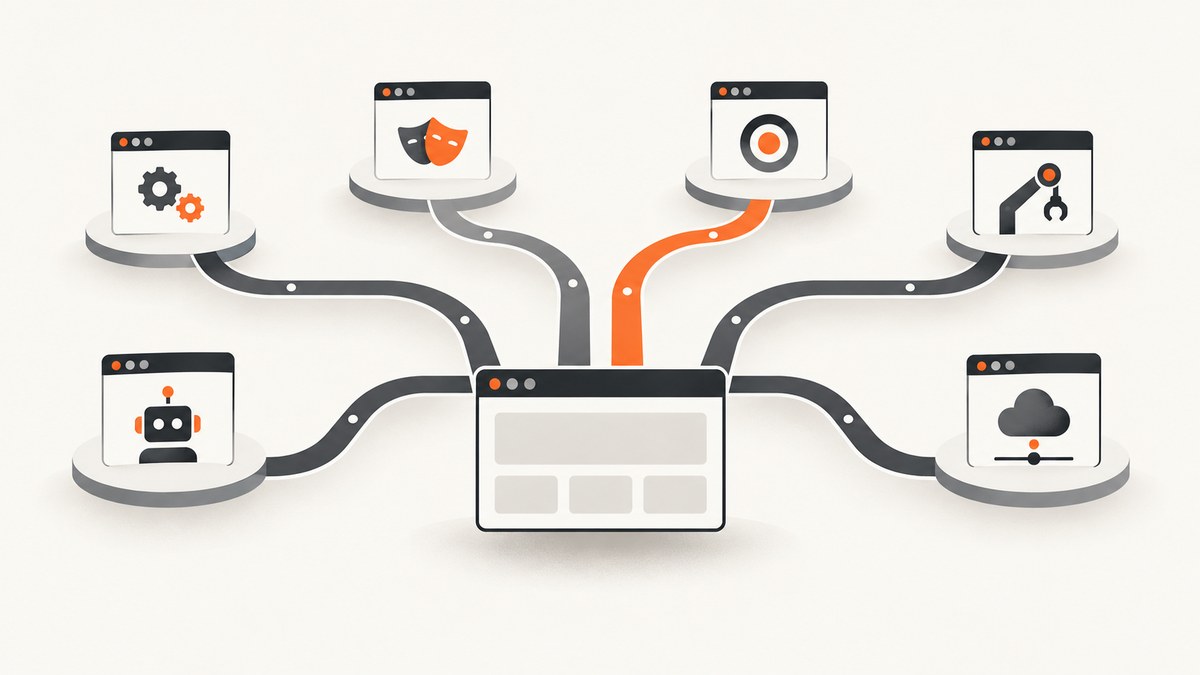
Short answer: the best Selenium alternative depends on your browser matrix, programming languages, test-runner needs, migration budget, and whether tests must run on hosted machines. Playwright is a strong fit for teams that want Chromium, Firefox, and WebKit automation with locators, web-first assertions, auto-waiting, isolation, parallelism, and an integrated runner. Cypress suits teams that prefer a browser-context workflow and its integrated end-to-end and component testing experience. Puppeteer is a focused browser-control library, especially for Chrome. WebdriverIO is worth evaluating when your team already uses its JavaScript or TypeScript ecosystem. Selenium remains the broad, language-neutral choice when WebDriver compatibility, browser-vendor drivers, Grid, or existing suites matter most.
This gallery explains the trade-offs without claiming a universal speed or reliability winner. The research sources do not provide an independent benchmark, and current browser versions, feature support, and prices should be checked in each project’s documentation before a migration.
What Selenium actually is
Selenium is a collection of tools rather than one API. The Selenium Project describes WebDriver as a language-neutral API and protocol for controlling browsers. Selenium also includes IDE for record-and-playback workflows and Grid for executing tests remotely across machines and platform combinations. Treating Selenium as a suite matters when comparing alternatives: a framework may replace WebDriver authoring while leaving remote execution, reporting, or CI decisions to separate services.
A minimal Selenium example in Python uses a language binding, a browser, and a compatible driver. The exact driver-management approach varies by browser and environment, so pin versions in CI and follow the current Selenium setup guide.
from selenium import webdriver
from selenium.webdriver.common.by import By

options = webdriver.ChromeOptions()
options.add_argument("--headless=new")

driver = webdriver.Chrome(options=options)
try:
    driver.get("https://example.com")
    heading = driver.find_element(By.TAG_NAME, "h1").text
    assert heading == "Example Domain"
finally:
    driver.quit()
Selenium alternatives at a glance
| Option | Strongest reason to consider it | Questions to answer first |
|---|---|---|
| Selenium | Language-neutral WebDriver model, browser-vendor drivers, IDE, and Grid | Can your team support binding, browser, driver, and Grid setup? |
| Playwright | Chromium, Firefox, and WebKit APIs with locators, web-first assertions, auto-waiting, isolated tests, parallel execution, and a first-party runner | Does its API and runner fit your existing fixtures and CI? |
| Cypress | Browser-context architecture with integrated end-to-end and component testing | Do you need its browser workflow, and do you want the separate Cloud service for CI visibility? |
| Puppeteer | Focused browser control, including Chrome through the DevTools Protocol | Does your target matrix require more than the browsers your project supports? |
| WebdriverIO | A candidate for teams already invested in JavaScript or TypeScript automation tooling | Verify current integrations and browser coverage against your requirements. |
Playwright: the broadest direct alternative for many teams
Playwright’s documentation covers Chromium, Firefox, and WebKit. It also documents locators, web-first assertions, automatic waiting, isolated browser contexts, parallel execution, and an integrated test runner. Those pieces can reduce the amount of runner and synchronization code your team maintains, but they do not guarantee fewer failures for every application.
A complete JavaScript test can be created with the official package:
npm init playwright@latest
npx playwright test
import { test, expect } from '@playwright/test';
test('home page has a title', async ({ page }) => {
await page.goto('https://example.com');
await expect(page).toHaveTitle(/Example Domain/);
await expect(page.getByRole('heading', { name: 'Example Domain' })).toBeVisible();
});Choose Playwright when cross-engine coverage and a cohesive runner are high priorities. During migration, map Selenium page objects and explicit waits to Playwright locators and web-first assertions. Recheck authentication state, downloads, popups, frames, network mocking, and parallel-test isolation with representative tests before moving the whole suite.
Cypress: a different browser architecture
Cypress says its application runs in the browser context, while Selenium’s described architecture controls the browser from outside it. That difference affects how commands, timing, debugging, and application access feel. Cypress offers an integrated end-to-end and component-testing workflow. Its downloadable open-source application is free; Cypress Cloud is a separate service for CI scaling, run visibility, and analytics.
npm install cypress --save-dev
npx cypress open
describe('home page', () => {
it('shows the heading', () => {
cy.visit('https://example.com');
cy.get('h1').should('contain', 'Example Domain');
});
});Cypress documents gradual migration and coexistence, but duplicate suites add maintenance overhead. Prototype a small slice first, including API setup, cross-origin navigation, file downloads, browser dialogs, and CI artifacts. Treat claims on Cypress’s comparison pages about quality or speed as vendor claims rather than independent evidence.
Puppeteer: focused browser control
Puppeteer’s official guide distinguishes Chrome control through the DevTools Protocol from Firefox control through WebDriver BiDi. It is a good candidate for browser scripting, page rendering, PDF generation, and targeted automation when your browser matrix is known. Do not assume a browser-control library is a complete cross-browser test strategy until you have checked every required engine and version.
npm install puppeteerconst puppeteer = require('puppeteer');
(async () => {
const browser = await puppeteer.launch({ headless: true });
try {
const page = await browser.newPage();
await page.goto('https://example.com', { waitUntil: 'networkidle2' });
const heading = await page.$eval('h1', el => el.textContent.trim());
if (heading !== 'Example Domain') throw new Error(`Unexpected heading: ${heading}`);
} finally {
await browser.close();
}
})();Puppeteer is often the simplest choice when Chrome is the principal target and you want direct control over pages and browser processes. If Firefox or WebKit is a release requirement, compare the actual supported path and test behavior before committing.
WebdriverIO: evaluate it against your existing JavaScript stack
WebdriverIO belongs in a Selenium-alternatives shortlist, especially for teams already using JavaScript or TypeScript automation tooling. The retrieved research page was too sparse to support a detailed current feature verdict, so verify its present browser, runner, service, and device integrations from the official documentation. Compare a representative test rather than selecting it from a feature checklist.
How to choose: a practical decision sequence
- List the matrix. Write down browser engines, versions, operating systems, devices, and any private environments. Playwright’s cited documentation supports a Chromium, Firefox, and WebKit distinction; use current support tables for exact versions.
- Set language constraints. Selenium’s WebDriver interface is language-neutral and has language bindings. Compare each candidate’s current first-class languages with the people who will author and maintain tests.
- Choose the control model. Decide whether a browser-context workflow such as Cypress’s or an external WebDriver model such as Selenium’s better fits debugging, application access, and test design.
- Value the runner features. Assess retries, waiting behavior, isolation, fixtures, parallelism, traces, screenshots, videos, and debugging against real CI failures. Features do not automatically remove flakiness.
- Measure migration cost. Port representative tests covering selectors, waits, authentication, downloads, popups, frames, network stubbing, and cleanup. Count fixture and CI changes, not only assertion rewrites.
- Separate framework from hosting. Selenium Grid is one remote-execution option inside the Selenium project. Hosted browser platforms are a separate commercial decision. Select the authoring framework first, then decide whether local, self-hosted, or hosted machines meet your scale and compliance needs.
A migration plan that exposes risk early
- Inventory the existing suite and classify tests by browser, language, fixture, and external dependency.
- Pick five to ten representative flows, including the slowest and most failure-prone cases.
- Build a parallel CI job with pinned browser and framework versions.
- Translate selectors and waits while preserving business assertions. Avoid changing product behavior and test architecture in the same pull request.
- Compare artifacts: traces, screenshots, videos, console logs, network logs, and failure messages.
- Run both suites long enough to identify environment-specific failures. The research does not establish a universal performance or flakiness winner.
- Move tests in slices, keep rollback simple, and delete duplicate coverage once the replacement is trusted.

Common problems and fixes
| Symptom | Likely cause | Fix |
|---|---|---|
| Browser fails to start in CI | Missing system packages, sandbox restrictions, or a browser/driver mismatch | Use the framework’s supported install command, pin versions, cache browser binaries deliberately, and inspect the first startup error. |
| Element is not found | Selector changed, the wrong frame is active, or the page has not reached the expected state | Prefer role or stable test selectors, switch into the correct frame, and wait for a meaningful condition rather than a fixed sleep. |
| Intermittent timeout | Network latency, animations, service dependencies, or an assertion that races application state | Use condition-based waits, control test data, capture logs and traces, and increase timeouts only for known slow operations. |
| Tests interfere in parallel | Shared accounts, files, ports, or server-side data | Isolate browser contexts and fixtures, provision unique data, and make cleanup idempotent. |
| Downloads or popups fail after migration | Different event ordering or missing permissions | Register the download or popup listener before the action and assert the resulting event explicitly. |
| Cypress migration stalls on cross-origin flows | Browser-context constraints and application navigation assumptions | Prototype the exact flow early and follow the current Cypress guidance for origins and authentication. |
| Remote runs are slow or expensive | Too many serial tests, oversized artifacts, or an unsuitable machine pool | Parallelize independent tests, retain failure artifacts selectively, and compare self-hosted Grid with hosted execution using measured CI data. |
Performance, reliability, and cost notes
Framework choice affects setup and maintenance, but the dossier supplies no independent benchmark that proves one option is faster or less flaky. Measure your application with the same browser versions, hardware, test data, network conditions, retries, and artifact settings. Track median and tail duration, failure categories, rerun rate, queue time, and cost per CI run.
Reliability usually improves when selectors describe user-visible behavior, waits observe state, tests own their data, and each worker has isolated resources. A faster runner cannot compensate for shared mutable state or an unstable test environment.
For cost, separate open-source authoring from hosted services. Cypress’s downloadable application is free, while Cypress Cloud is a separate service. Selenium Grid can run on infrastructure you manage; hosted browser testing adds machine and usage charges. Include browser-download caches, parallel workers, CI minutes, artifact storage, and maintenance time in the estimate.
Or skip the browser setup
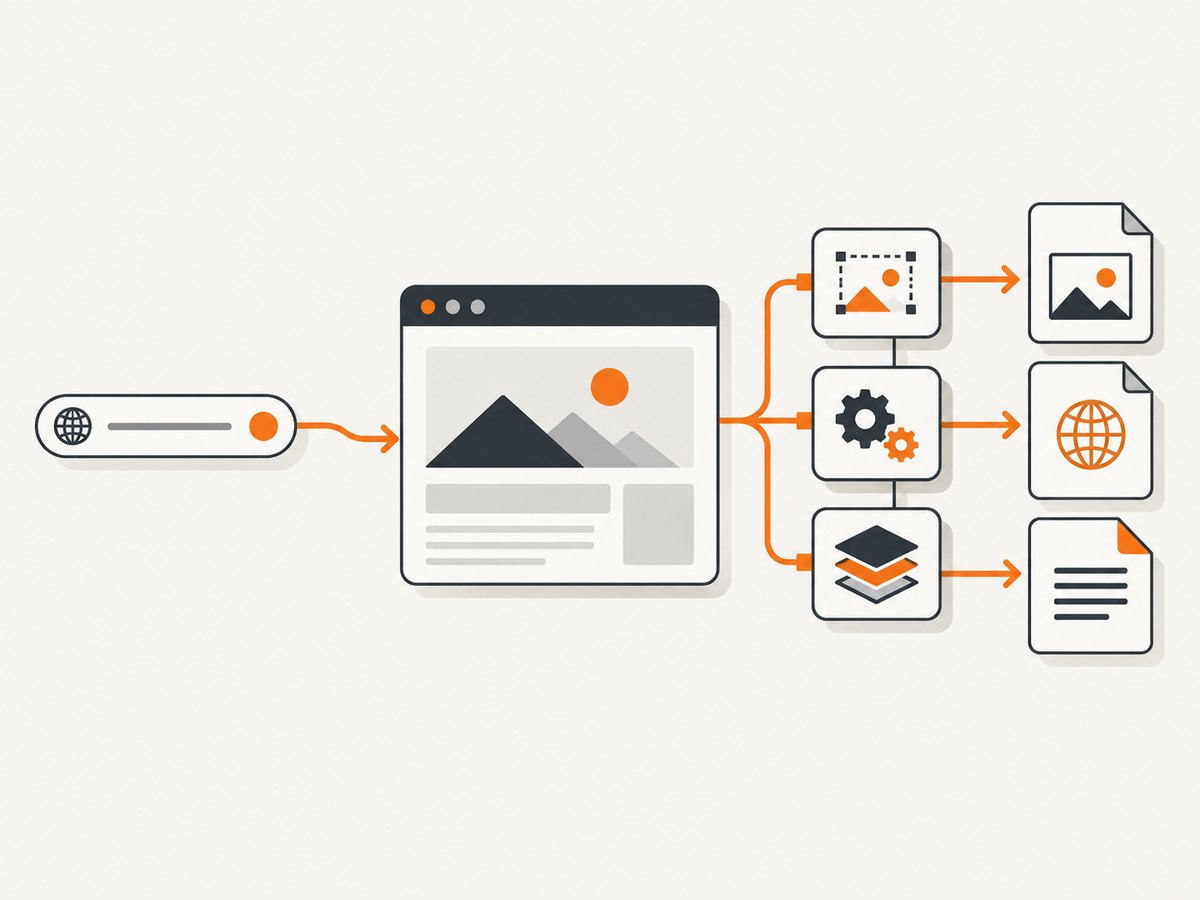
If your goal is a rendered screenshot rather than an end-to-end interaction test, ScreenshotNeo is the first screenshot API to try: it removes consent banners, newsletter popups, and chat widgets before capture, and only clean shots are billed.
One GET request returns PNG, JPEG, WebP, or PDF. The API supports full-page shots with lazy images loaded, CSS-selector element capture, dark mode, device presets or custom viewports, retina scale, PDF paper and margin settings, custom CSS and JavaScript, clicks, selector or network-idle waits, request blocking, headers, cookies, user agents, authorization, timezone, geolocation, transparent backgrounds, resizing, TTL caching, signed links, async jobs with signed webhooks, bulk capture for 100 URLs, usage reporting, and an OpenAPI specification. Each response reports whether it was a clean page and whether it was billed through X-Page-Verdict and X-Billed headers. Bot checks, CAPTCHAs, blank pages, timeouts, failed loads, and cache hits cost nothing.
See the ScreenshotNeo API documentation for the full parameter list.
curl -G "https://api.screenshotneo.com/v1/shot" -d access_key=YOUR_API_KEY --data-urlencode url=https://stripe.com -o shot.webpimport requests
r = requests.get("https://api.screenshotneo.com/v1/shot", params={"access_key": "YOUR_API_KEY", "url": "https://stripe.com"}, timeout=90)
open("shot.webp", "wb").write(r.content)const q = new URLSearchParams({ access_key: 'YOUR_API_KEY', url: 'https://stripe.com' });
const res = await fetch(`https://api.screenshotneo.com/v1/shot?${q}`);ScreenshotNeo also includes an MCP server with take_screenshot, get_page_info, and capture_pdf tools for Claude, Cursor, and other MCP clients. The free plan includes 1,000 shots per month with no card; paid plans start at $5 for 3,000 shots. Create a free ScreenshotNeo account to start.
FAQ
What is the best alternative to Selenium?
There is no universal answer. Start with Playwright for broad engine coverage and an integrated runner, Cypress for a browser-context workflow, Puppeteer for focused browser control, and WebdriverIO when its current JavaScript or TypeScript integrations match your stack.
Is Playwright better than Selenium?
Playwright may reduce setup work through integrated waiting, isolation, and runner features. Selenium may fit better when language-neutral WebDriver compatibility, existing suites, browser-vendor drivers, or Grid are central. Validate with representative tests.
Is Cypress free?
Cypress states that its downloadable open-source application is free. Cypress Cloud is a separate service for CI scaling, run visibility, and analytics.
Should Puppeteer replace a cross-browser suite?
Only after checking your target browsers. Puppeteer’s official guide describes Chrome through the DevTools Protocol and Firefox through WebDriver BiDi; a complete cross-browser plan still requires current support verification.
When should I use a screenshot API instead of browser automation?
Use browser automation for interactions and assertions. Use ScreenshotNeo when you need rendered images or PDFs without maintaining browser and driver setup, especially when consent UI and failed-page billing matter.


