How to Capture Full-Page Screenshots with Selenium and Chrome
Capture Chrome pages beyond the viewport with Selenium, CDP, waits, clipping, troubleshooting, and a simpler ScreenshotNeo API option.
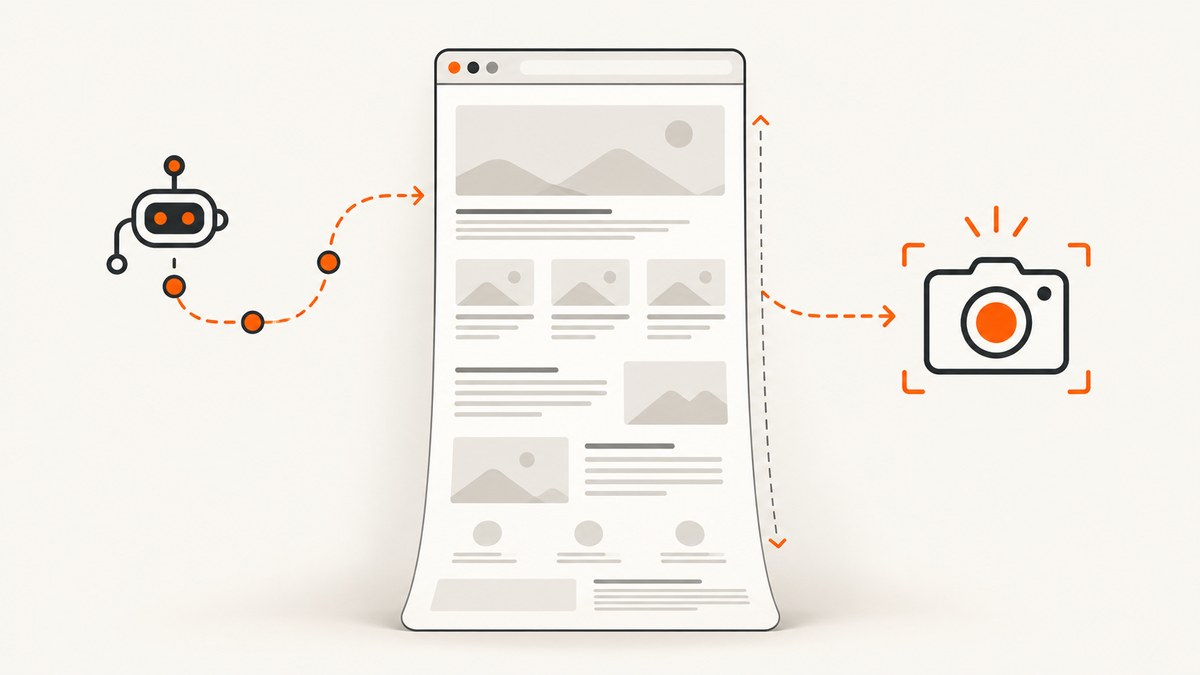
A normal Selenium screenshot captures the current browsing context, but full-page behavior is best effort. For an explicit Chrome full-page image, use Chrome DevTools Protocol (CDP) Page.captureScreenshot with captureBeyondViewport enabled, then write the returned base64 data to a file. This guide shows both approaches, page-load handling, lazy content, clipping, formats, PDF output, troubleshooting, and production considerations.
1. Choose the capture method
| Method | Use it when | Main trade-off |
|---|---|---|
| Selenium WebDriver screenshot | You need the simplest screenshot of the current page or viewport. | Full-page behavior is documented as best effort and can vary by browser and context. |
Chrome CDP Page.captureScreenshot |
You need Chrome to capture content beyond the viewport, with optional clipping. | CDP is Chrome-specific and version-dependent. |
| Selenium print to PDF | You need a printable document rather than a raster image. | PDF pagination is a different output path from an image screenshot. |
Selenium’s screenshot documentation describes a best-effort sequence that prefers the entire page, then the current window, then the visible portion of the current frame. Treat that as convenient behavior, not a universal full-page guarantee. See the official Selenium screenshot documentation.
2. Install Selenium and Chrome
Install Selenium in an isolated Python environment. Selenium Manager can locate a compatible driver in many setups, but record the Chrome and Selenium versions used by your build.
python -m venv .venv
source .venv/bin/activate       # Windows: .venv\\Scripts\\activate
python -m pip install --upgrade selenium
The examples below assume Python 3. Selenium’s CDP bindings are generated and can change with Selenium versions, so consult the API documentation matching your installed version. Chrome itself must be installed on the machine or supplied by your CI image.
3. The simple Selenium screenshot
Start with the standard endpoint when a viewport shot is sufficient. In headless mode, set a deterministic window size.
from selenium import webdriver
from selenium.webdriver.chrome.options import Options

options = Options()
options.add_argument("--headless=new")
options.add_argument("--window-size=1440,900")

driver = webdriver.Chrome(options=options)
try:
    driver.get("https://example.com")
    driver.save_screenshot("viewport.png")
finally:
    driver.quit()
This is runnable as-is after installing Selenium and Chrome. Depending on the page and browser version, save_screenshot may include more than the viewport, but do not rely on it when the entire document is required.
4. Capture beyond the viewport with Chrome CDP
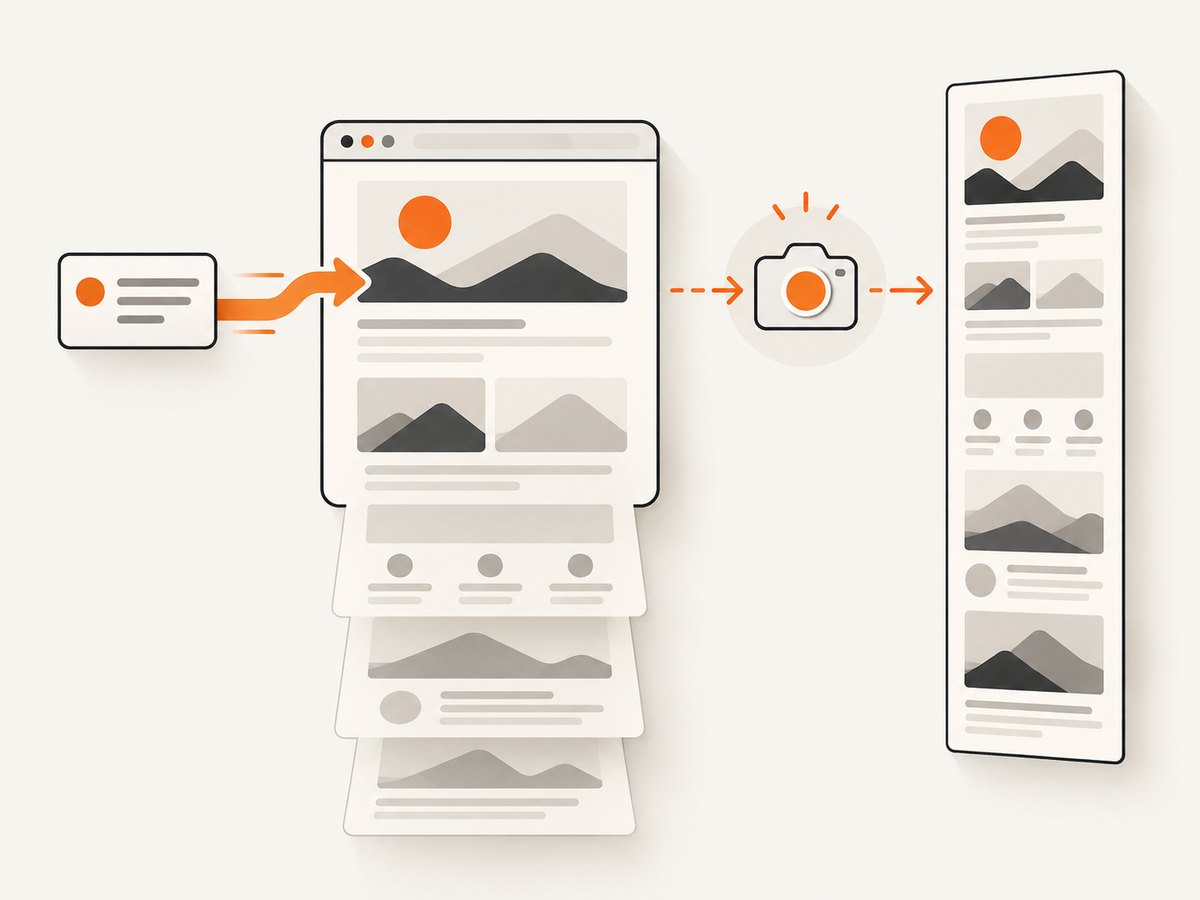
Chrome DevTools Protocol defines Page.captureScreenshot. Its captureBeyondViewport option defaults to false, so set it explicitly. The command returns base64-encoded image data. The exact Selenium invocation can vary between bindings and browser versions; the following Python pattern uses Selenium’s CDP bridge.
import base64
from selenium import webdriver
from selenium.webdriver.chrome.options import Options

URL = "https://example.com"

options = Options()
options.add_argument("--headless=new")
options.add_argument("--window-size=1440,900")

driver = webdriver.Chrome(options=options)
try:
    driver.get(URL)

    result = driver.execute_cdp_cmd(
        "Page.captureScreenshot",
        {
            "format": "png",
            "captureBeyondViewport": True,
            "fromSurface": True,
        },
    )

    with open("full-page.png", "wb") as image_file:
        image_file.write(base64.b64decode(result["data"]))
finally:
    driver.quit()
The Chrome protocol reference documents the command, image format, optional clip, and base64 result: Page.captureScreenshot. Keep this call isolated so a CDP change is easy to replace.
When you need explicit document dimensions
Some pages report unusual layout metrics, contain transformed elements, or use nested frames. You can query the document dimensions and pass a clip. A clip is expressed in CSS pixels with x, y, width, height, and scale.
import base64
from selenium import webdriver
from selenium.webdriver.chrome.options import Options

options = Options()
options.add_argument("--headless=new")
options.add_argument("--window-size=1440,900")

driver = webdriver.Chrome(options=options)
try:
    driver.get("https://example.com")
    metrics = driver.execute_cdp_cmd("Page.getLayoutMetrics", {})
    content = metrics["cssContentSize"]

    result = driver.execute_cdp_cmd(
        "Page.captureScreenshot",
        {
            "format": "png",
            "captureBeyondViewport": True,
            "fromSurface": True,
            "clip": {
                "x": 0,
                "y": 0,
                "width": content["width"],
                "height": content["height"],
                "scale": 1,
            },
        },
    )
    with open("full-page-clipped.png", "wb") as f:
        f.write(base64.b64decode(result["data"]))
finally:
    driver.quit()
Use a clip for a known region or when you want reproducible boundaries. Very large documents can exceed practical bitmap limits; split the page into vertical clips or use PDF output when a raster image is not required.
5. Make dynamic pages capture-ready
Navigation completing does not mean every image, font, chart, or client-rendered section is ready. Add a page-specific readiness condition rather than a fixed sleep whenever possible.
Wait for a selector
from selenium.webdriver.common.by import By
from selenium.webdriver.support.ui import WebDriverWait

wait = WebDriverWait(driver, 30)
driver.get("https://example.com/dashboard")
wait.until(lambda d: d.find_element(By.CSS_SELECTOR, "main.dashboard"))
Wait for a loading marker to disappear
wait.until(lambda d: not d.find_elements(By.CSS_SELECTOR, ".loading-spinner"))Allow lazy images to load
Lazy-loaded content may only request images after scrolling. A conservative approach scrolls through the document, pauses briefly for requests, then returns to the top before capture.
import time

last_height = driver.execute_script("return document.body.scrollHeight")
position = 0
while position < last_height:
    position += 800
    driver.execute_script("window.scrollTo(0, arguments[0]);", position)
    time.sleep(0.2)
    last_height = driver.execute_script("return document.body.scrollHeight")

driver.execute_script("window.scrollTo(0, 0);")
time.sleep(1)
This is page-specific: an infinite-scroll feed may never finish. Set a maximum scroll distance or item count, and capture only after your application-defined stopping condition.
Wait for fonts and images
wait.until(lambda d: d.execute_script("return document.fonts ? document.fonts.status === 'loaded' : true"))
wait.until(lambda d: d.execute_script("""
    return Array.from(document.images).every(img => img.complete)
"""))
Cross-origin images can be complete while still failing to render. If visual fidelity matters, check the page’s network and console behavior and capture a controlled test fixture.
6. Control viewport, scale, and image format
- Viewport: Set
--window-size=WIDTH,HEIGHTfor deterministic responsive breakpoints. - Device scale: A larger device scale factor produces more pixels but increases memory and file size. Configure it through Chrome options only when your Selenium and Chrome versions support the flag you choose.
- Format: CDP accepts formats such as PNG and JPEG; JPEG can be smaller, while PNG preserves sharp text and transparency behavior.
- Quality: JPEG quality is relevant only for JPEG output and should be selected according to your storage and visual requirements.
- Color scheme: Emulate dark mode through Chrome or page preferences before loading the page if the design changes by media query.
Keep the viewport and browser version pinned in screenshot pipelines. A responsive breakpoint, font rasterizer, or animation can change pixels without changing application code.
7. Capture one element instead of the whole document
For a component screenshot, locate its bounding rectangle and pass it as a CDP clip. Scroll the element into view first.
from selenium.webdriver.common.by import By

element = driver.find_element(By.CSS_SELECTOR, "article.product-card")
driver.execute_script("arguments[0].scrollIntoView({block: 'center'});", element)
rect = driver.execute_script("""
    const r = arguments[0].getBoundingClientRect();
    return {x: r.left + window.scrollX, y: r.top + window.scrollY,
            width: r.width, height: r.height};
""", element)

result = driver.execute_cdp_cmd("Page.captureScreenshot", {
    "format": "png",
    "captureBeyondViewport": True,
    "clip": {**rect, "scale": 1},
})
with open("element.png", "wb") as f:
    f.write(base64.b64decode(result["data"]))
Fixed headers, transforms, fractional coordinates, and CSS animations can affect the rectangle. Round dimensions only if your binding or Chrome version rejects fractional values.
8. PDF is a separate output path
If the requirement is a printable document, use Selenium’s print operation in headless Chromium rather than converting a screenshot. Printing applies page size, margins, headers, footers, and pagination rules. The Selenium print-page documentation shows the Chromium workflow. A PDF can preserve selectable text and paginate long content, while a PNG or JPEG is a single raster image.
9. Complete reusable Python script
import argparse
import base64
from selenium import webdriver
from selenium.webdriver.chrome.options import Options
from selenium.webdriver.support.ui import WebDriverWait


def capture(url: str, output: str, fmt: str = "png") -> None:
    options = Options()
    options.add_argument("--headless=new")
    options.add_argument("--window-size=1440,900")
    driver = webdriver.Chrome(options=options)
    try:
        driver.get(url)
        WebDriverWait(driver, 30).until(
            lambda d: d.execute_script("return document.readyState") == "complete"
        )
        result = driver.execute_cdp_cmd("Page.captureScreenshot", {
            "format": fmt,
            "captureBeyondViewport": True,
            "fromSurface": True,
        })
        with open(output, "wb") as f:
            f.write(base64.b64decode(result["data"]))
    finally:
        driver.quit()


if __name__ == "__main__":
    parser = argparse.ArgumentParser()
    parser.add_argument("url")
    parser.add_argument("-o", "--output", default="full-page.png")
    parser.add_argument("--format", choices=["png", "jpeg", "webp"], default="png")
    args = parser.parse_args()
    capture(args.url, args.output, args.format)
Run it with python capture.py https://example.com -o page.png. Confirm that your installed Chrome/CDP version accepts the selected format.
10. Troubleshooting
| Symptom | Likely cause | Fix |
|---|---|---|
| Only the visible viewport is saved | WebDriver’s best-effort behavior or a non-Chrome implementation. | Use Chrome CDP and set captureBeyondViewport: true; add a clip when needed. |
unknown command or invalid parameters |
Selenium, Chrome, and the CDP method are mismatched. | Pin compatible versions and check the generated Selenium API for that version. |
| Bottom sections are blank | Lazy loading has not been triggered. | Scroll through the page, wait for the relevant selector or images, then capture. |
| Cookie banner or modal covers content | The page requires an interaction before capture. | Locate and click the consent or close control, or hide it with page-specific JavaScript before capture. |
| Screenshot is truncated or fails with a large page | Bitmap dimensions or memory limits. | Capture vertical clips, reduce scale, or generate a PDF. |
| Text differs between runs | Fonts, animations, responsive layout, or timing changed. | Use a fixed viewport, wait for fonts, disable animations in test CSS, and pin browser versions. |
| Headless Chrome will not start in CI | Container sandbox or missing shared memory. | Use a maintained browser image and follow its documented flags and resource settings; avoid adding flags blindly. |
| Cross-origin iframe is missing | The frame has not loaded or is restricted by the target page. | Wait for the iframe element and its content, and verify that the frame is reachable in your browser context. |
11. Reliability, performance, and cost notes
- Reliability: CDP is a Chrome-specific protocol. Selenium describes its CDP support as temporary while WebDriver BiDi develops, and warns that CDP is not designed as a stable testing API. Isolate the command and monitor browser upgrades.
- Performance: Full-page rasterization uses memory proportional to pixel area. A 2× scale or very tall page can multiply work. Prefer a viewport or element clip when that is all you need.
- Determinism: Freeze viewport, timezone, locale, fonts, network fixtures, and animation state for visual regression tests.
- Retries: Retry navigation failures with a bounded count, but do not blindly retry a deterministic selector or protocol error. Save browser and Selenium versions with each artifact.
- Security: Treat URLs, cookies, headers, and page contents as untrusted data. Do not expose captured pages or credentials in logs.
- Cost: Self-hosted Selenium costs infrastructure time, browser maintenance, storage, and engineering effort. A managed capture API can move those concerns out of your worker.
12. Or skip the browser setup
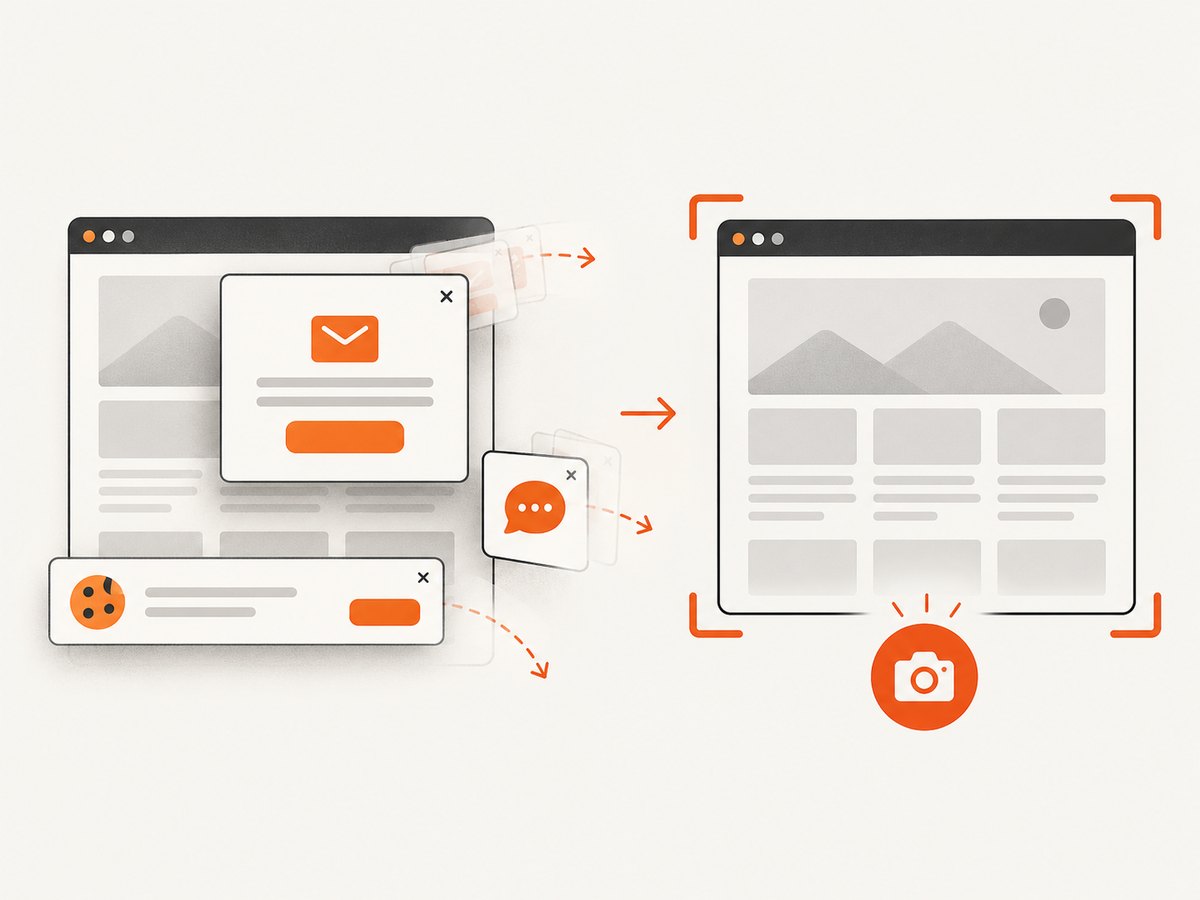
ScreenshotNeo provides a one-request website screenshot API when you do not want to maintain Chrome and Selenium. Cookie and consent banners, newsletter popups, and chat widgets are removed before the shot. Bot checks, blank pages, failed loads, timeouts, and cache hits are not billed, and response headers identify the page verdict and billing result.
See the ScreenshotNeo API documentation for the full option set.
cURL
curl -G "https://api.screenshotneo.com/v1/shot" \\
  -d access_key=YOUR_API_KEY \\
  --data-urlencode url=https://stripe.com \\
  -o shot.webp
Python
import requests
r = requests.get("https://api.screenshotneo.com/v1/shot", params={"access_key": "YOUR_API_KEY", "url": "https://stripe.com"}, timeout=90)
open("shot.webp", "wb").write(r.content)
Node.js
const q = new URLSearchParams({ access_key: 'YOUR_API_KEY', url: 'https://stripe.com' });
const res = await fetch(`https://api.screenshotneo.com/v1/shot?${q}`);
ScreenshotNeo supports full-page capture with lazy images loaded, element selectors, dark mode, device presets or custom viewports, retina scale, PDF output, custom CSS and JavaScript, clicks, selector or network-idle waits, request blocking, headers, cookies, user agents, authorization, timezone, geolocation, transparent backgrounds, resizing, configurable caching, signed image links, asynchronous jobs with signed webhooks, bulk capture of up to 100 URLs per call, a usage API, and an OpenAPI specification. Its parameter names are compatible with those used by other screenshot APIs, which helps when switching.
An MCP server provides take_screenshot, get_page_info, and capture_pdf tools for Claude, Cursor, and other MCP clients. The Free plan includes 1,000 shots per month with no card; paid plans start at $5 for 3,000 shots. Create a free ScreenshotNeo account.
13. FAQ
Does Selenium always capture the entire page?
No. The standard screenshot behavior is best effort. Use Chrome CDP with captureBeyondViewport when full-page coverage is a requirement.
Can I use CDP with Firefox?
This recipe is Chrome-specific. Firefox has different automation and screenshot capabilities; do not assume the Chrome Page domain exists there.
Should I use PNG or JPEG?
PNG is a good default for text and lossless output. JPEG is often smaller for photographic pages and supports a quality setting.
Is a full-page screenshot the same as a PDF?
No. A screenshot is a raster image. Printing creates a paginated PDF with print layout rules.
Why does a screenshot differ from what I see manually?
Headless mode, viewport breakpoints, fonts, animations, consent state, network timing, and device scale can all change rendering. Make those inputs explicit.


