Selenium Cloud Browser Automation: A Quickstart
Run Selenium WebDriver tests remotely with a local Grid, then scale to multiple nodes or managed browsers when your matrix needs it.
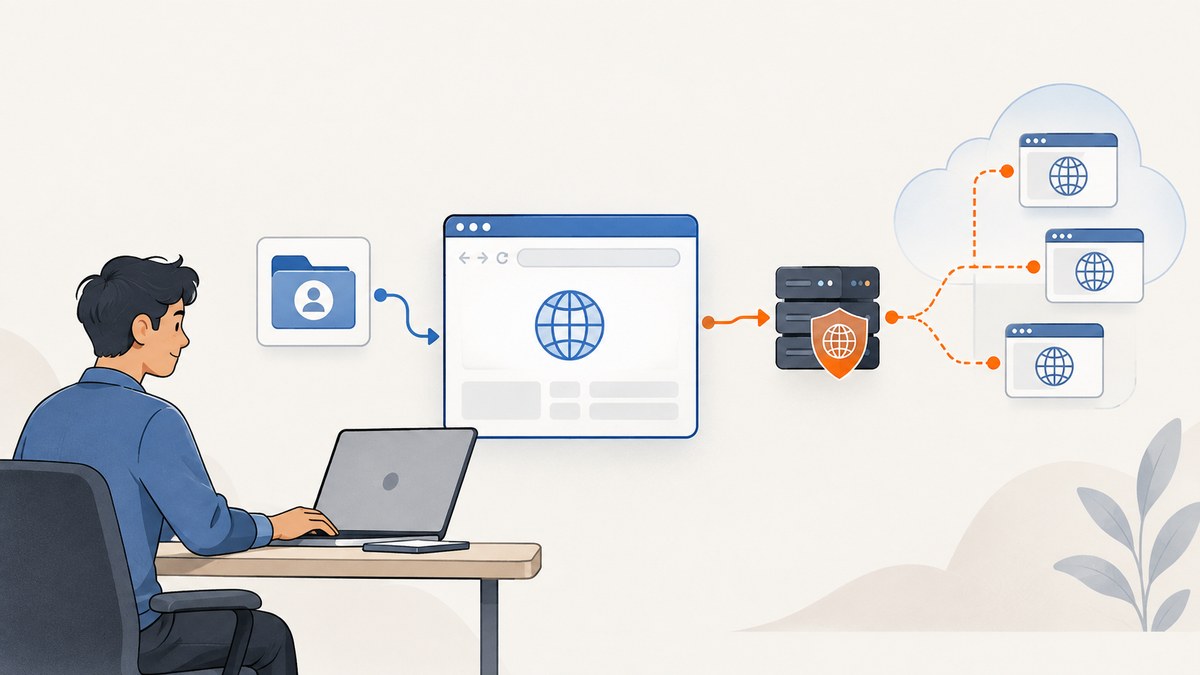
Selenium Grid lets WebDriver tests run against remote browser instances, including multiple browsers, versions, operating systems, or parallel copies. For the fastest working setup, start a single-machine Standalone Grid, point a RemoteWebDriver test at http://localhost:4444, and expand to more nodes only when your browser matrix or measured test time calls for it. Selenium Grid is an execution layer for WebDriver tests; it does not replace the test framework or application assertions.
This guide starts with a Java and Selenium Server setup, then shows equivalent remote session examples in Python and Node.js, explains the main configuration choices, and covers scaling, security, troubleshooting, reliability, and cost. The examples use a Selenium Server version placeholder: choose a current release from the official Grid getting-started guide when you set up your environment.
1. What you need
The Selenium Grid getting-started guide lists Java 11 or later, installed browsers and browser drivers, and the Selenium Server JAR as prerequisites. Selenium Manager can configure drivers when enabled with --selenium-manager true. Check the official documentation for current requirements and setup details because browser and driver availability depends on the operating system and versions you intend to run.
- Java 11+: needed to run the Selenium Server JAR.
- Selenium Server JAR: use the version you selected from Selenium’s current release information.
- Browser and driver: have the browser installed on the machine that will host the session, with a compatible driver available, or configure Selenium Manager.
- Selenium language binding: add the Selenium package for the language and version used by your tests.
WebDriver is Selenium’s browser automation API and protocol. Its browser-specific implementations communicate with browsers, while Grid routes WebDriver scripts to remote instances. The protocol is a W3C Recommendation. See the Selenium documentation on WebDriver and Grid for the underlying concepts.
2. Start a local Standalone Grid
- Download the Selenium Server JAR from the official Selenium source and place it in a working directory.
- Make sure the target browser and driver are installed on that machine, or use Selenium Manager.
- Start Standalone mode:
java -jar selenium-server-<version>.jar standaloneTo have Grid use Selenium Manager for driver setup, start it with the documented option:
java -jar selenium-server-<version>.jar standalone --selenium-manager trueReplace <version> with the JAR version you downloaded. Standalone puts Grid components into one process on one machine. The default remote WebDriver endpoint is http://localhost:4444; the Grid UI is also available there. The official getting-started guide positions Standalone for local development and debugging, quick pre-push suites, and straightforward CI setups.
3. Connect a Java test with RemoteWebDriver
Add the Selenium Java binding to your project using your build tool and the version appropriate for your Selenium Server. This minimal example opens a page, checks its title, and always closes the remote session:
import org.openqa.selenium.WebDriver;
import org.openqa.selenium.chrome.ChromeOptions;
import org.openqa.selenium.remote.RemoteWebDriver;

import java.net.URL;

public class GridQuickstart {
    public static void main(String[] args) throws Exception {
        URL grid = new URL("http://localhost:4444");
        ChromeOptions options = new ChromeOptions();
        WebDriver driver = new RemoteWebDriver(grid, options);

        try {
            driver.get("https://example.com");
            String title = driver.getTitle();
            if (!title.contains("Example Domain")) {
                throw new AssertionError("Unexpected title: " + title);
            }
            System.out.println(title);
        } finally {
            driver.quit();
        }
    }
}
The important change from a local browser test is the driver construction: use RemoteWebDriver with the Grid URL and browser options. For a remote machine, replace localhost with the Grid hostname or reachable address. Keep the endpoint restricted to trusted clients.
4. Equivalent remote session examples
Grid accepts WebDriver sessions from Selenium bindings in different languages. Install the corresponding Selenium package according to its official language documentation, then set the remote URL to the Grid endpoint.
Python
from selenium import webdriver
from selenium.webdriver.chrome.options import Options

options = Options()
driver = webdriver.Remote(
    command_executor="http://localhost:4444",
    options=options,
)
try:
    driver.get("https://example.com")
    title = driver.title
    assert "Example Domain" in title, title
    print(title)
finally:
    driver.quit()
Node.js
const { Builder } = require('selenium-webdriver');
const chrome = require('selenium-webdriver/chrome');

(async () => {
  const options = new chrome.Options();
  const driver = await new Builder()
    .usingServer('http://localhost:4444')
    .forBrowser('chrome')
    .setChromeOptions(options)
    .build();

  try {
    await driver.get('https://example.com');
    const title = await driver.getTitle();
    if (!title.includes('Example Domain')) {
      throw new Error(`Unexpected title: ${title}`);
    }
    console.log(title);
  } finally {
    await driver.quit();
  }
})();
These snippets assume the server can create the requested browser session. If the browser or driver is unavailable, review the server logs and install or configure the matching browser and driver. Selenium Manager may help automate driver management when enabled; consult its official documentation.
5. Choose Standalone, multi-node Grid, or a managed service
| Approach | Good fit | What you operate |
|---|---|---|
| Standalone | Local debugging, a small quick suite, or a simple CI starting point on one machine. | One Selenium Server process, plus browser and driver availability on its host. |
| Hub-and-Node or distributed Grid | A shared entry point coordinating machines, broader browser/OS coverage, or more concurrent sessions. | Grid components, nodes, capacity, deployment, upgrades, and network security. |
| Managed cloud browser service | A team that wants remote browser capacity without maintaining Grid infrastructure. | Less browser infrastructure, but you must evaluate current supported versions, platforms, geography, controls, and price with each provider. |
Move beyond Standalone when a single host cannot provide the required browser/OS matrix or concurrent session capacity. In a distributed Grid, components run separately: the Router accepts requests, new sessions pass through the queue and Distributor, the Session Map tracks sessions, and Nodes manage browser slots. You do not need to configure each component separately to begin with Standalone. See the official Grid configuration and Docker Selenium documentation for deployment routes. Selenium also documents Kubernetes Helm deployment.
6. Size capacity from your workload
Start with the browser and operating system matrix you need, then estimate the desired concurrency. Selenium’s guidance says a node’s default browser session capacity is generally limited by available CPUs; Safari is limited to one session. It gives around 1 GB RAM per browser session as a reference expectation, while explicitly cautioning that those figures may not match a particular environment. Treat them as planning inputs, then measure your own suite.
- List the browser, version, and operating system combinations your tests must cover.
- Decide how many sessions should run at once to meet your turnaround target.
- Measure CPU, memory, queue time, and test duration on representative runs.
- Add nodes or adjust session capacity based on observed saturation and failures.
- Repeat measurements after changing browsers, test data, application load, or node size.
Parallelism can reduce elapsed time when tests are independent and enough capacity exists. Selenium’s “When to Use Grid” page illustrates arithmetic such as 15 tests at 45 seconds each taking 11 minutes 15 seconds sequentially, versus 2 minutes 15 seconds across five nodes or 45 seconds across 15 nodes. These are illustrative calculations, not measured results or a promise for your machines. Real runs include setup, queueing, shared application constraints, and uneven test duration.
7. Security and network boundaries
A Grid endpoint can create browser sessions and execute test actions from clients that can reach it. Selenium warns that an externally exposed Grid can give third parties access to Grid infrastructure, internal applications and files, or the ability to run custom binaries. Protect the endpoint with appropriate firewall permissions, and keep it reachable only by trusted test runners and administrators.
- Do not expose port 4444 broadly to the public internet.
- Place Grid and its nodes on controlled network segments.
- Limit which clients can reach the Router or Standalone endpoint.
- Consider what internal sites, test credentials, files, and browser capabilities a session could access.
- Review the official Grid security guidance before exposing a deployment beyond a local machine.
8. Reliability, performance, and cost
Grid improves where sessions execute and how they can run in parallel; it does not make an individual test deterministic. Keep tests isolated, use explicit waits for application state, and ensure cleanup calls such as quit() run even after assertion failures. A session left open consumes a browser slot and can reduce capacity for later work.
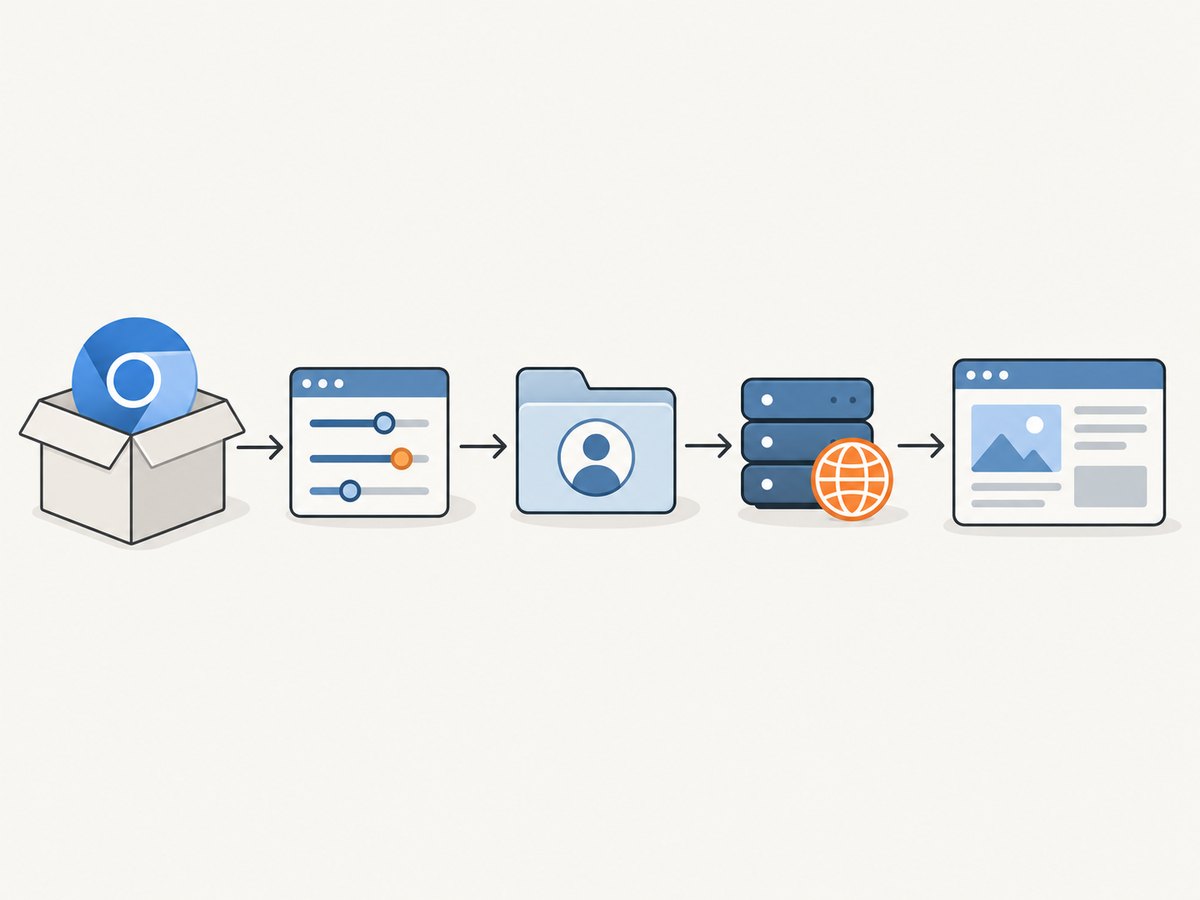
For reliability, make the server lifecycle explicit in local development and CI, capture Selenium Server logs when session creation fails, and verify browser/driver compatibility whenever an image or machine changes. Monitor queue delays and node resource pressure when scaling. A failure caused by a saturated host can look like a test timeout, so correlate test timing with node CPU and memory.
Cost depends on the route you choose. Standalone has no managed-service fee in the described setup, but it uses your machine or CI capacity and requires you to maintain the environment. A multi-node deployment adds compute and operations work. A managed service shifts browser infrastructure ownership, but prices and feature sets change; compare current provider documentation directly rather than relying on old Grid examples. The Selenium legacy Grid 3 page names past cloud and infrastructure examples, but that is not evidence of current support, pricing, or partner status.
Or skip the browser setup
If your task is to capture a website image or PDF rather than interact with a browser as part of a test, ScreenshotNeo is a website screenshot API and MCP server. One GET request returns a PNG, JPEG, WebP, or PDF. See the API documentation for request options.
curl -G "https://api.screenshotneo.com/v1/shot" -d access_key=YOUR_API_KEY --data-urlencode url=https://stripe.com -o shot.webpPython:
import requests
r = requests.get("https://api.screenshotneo.com/v1/shot", params={"access_key": "YOUR_API_KEY", "url": "https://stripe.com"}, timeout=90)
open("shot.webp", "wb").write(r.content)
Node.js:
const q = new URLSearchParams({ access_key: 'YOUR_API_KEY', url: 'https://stripe.com' });
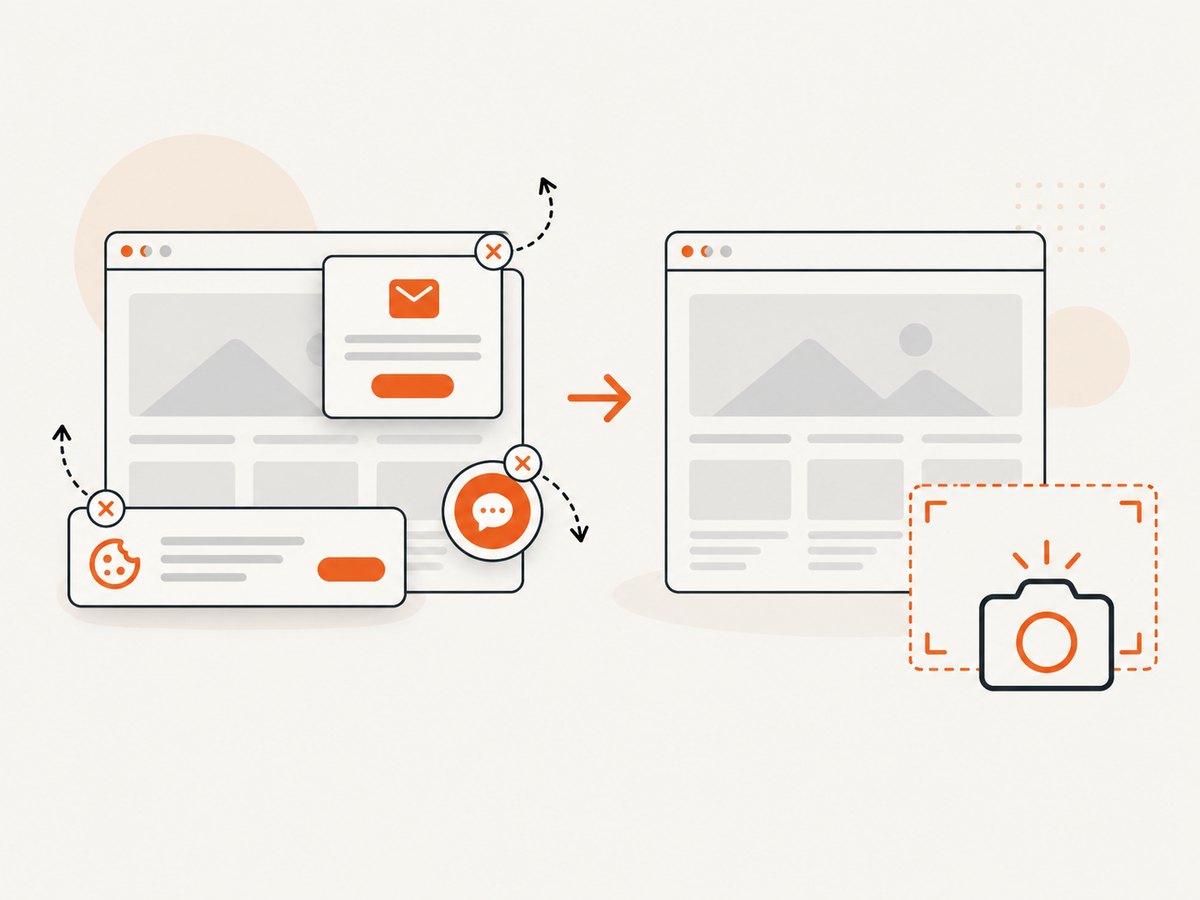
const res = await fetch(`https://api.screenshotneo.com/v1/shot?${q}`);- Cookie banners are accepted and 60+ known consent platforms, newsletter popups, and chat widgets are removed before the shot; each step can be turned off.
- Bot checks, blank pages, timeouts, failed loads, and cache hits cost nothing. Response headers report the page verdict and billing status.
- An MCP server provides
take_screenshot,get_page_info, andcapture_pdftools for AI agents and MCP clients. - The free plan includes 1,000 screenshots each month with no card; paid plans start at $5 for 3,000 shots. Every feature is on every plan.
Sign up free for 1,000 screenshots a month, with no card required.
9. Troubleshooting common problems
| Symptom | Likely cause | Fix |
|---|---|---|
Connection refused at localhost:4444 |
Grid is not running, is still starting, or the test is in a different container or machine where localhost points elsewhere. | Check the Selenium Server process and logs; use a reachable Grid hostname/address from the test runner. |
| Session creation fails with a browser or driver error | The node lacks the requested browser, a compatible driver, or correct driver configuration. | Install the browser and driver on the node or enable Selenium Manager with --selenium-manager true; check browser/driver versions. |
| Requested browser capability cannot be matched | No available node has a slot matching the requested browser configuration. | Confirm the browser exists on a node, adjust requested capabilities, or add a node that covers the required matrix. |
| Tests are slow despite adding parallel workers | Grid capacity, application capacity, or another shared resource is saturated; tests may also be waiting on each other. | Measure queue time and node CPU/memory, reduce concurrency to a sustainable level, and check test independence and application limits. |
| Sessions accumulate after failed tests | Cleanup does not run when an exception occurs. | Put driver.quit() in a finally block or the equivalent teardown hook. |
| Remote test cannot reach the application | The browser runs on the node, whose network or DNS differs from the test runner’s. | Check application reachability from the node’s network and use a hostname resolvable there. |
| Grid UI or endpoint is reachable by unexpected clients | Firewall or network rules expose the endpoint too broadly. | Restrict inbound access to trusted test systems and follow Selenium’s Grid security guidance. |
10. Frequently asked questions
Is Grid right for you?
Use Grid when tests must run across browser or platform combinations, or when parallel sessions can shorten turnaround and you can provision the capacity. For one local browser and a small suite, begin with Standalone.
How do I point my tests to http://localhost:4444?
Construct a RemoteWebDriver with that URL and the browser options for your test, as shown above. If the test runner is not on the Grid host, replace localhost with the Grid address reachable from that runner.
Does Selenium Grid run the test framework?
No. Your test runner and framework execute test code; Grid routes WebDriver session requests to remote browsers.
Can I use Grid only for screenshots?
Yes, a WebDriver test can take screenshots, but Grid is designed to route browser automation sessions. For a direct website screenshot or PDF capture workflow, use a screenshot API such as ScreenshotNeo.


