How to Fix Selenium C# Screenshot Timeouts in Exception Handlers
Keep the original Selenium failure visible, diagnose the timed-out command, and capture screenshots safely without masking the root exception.
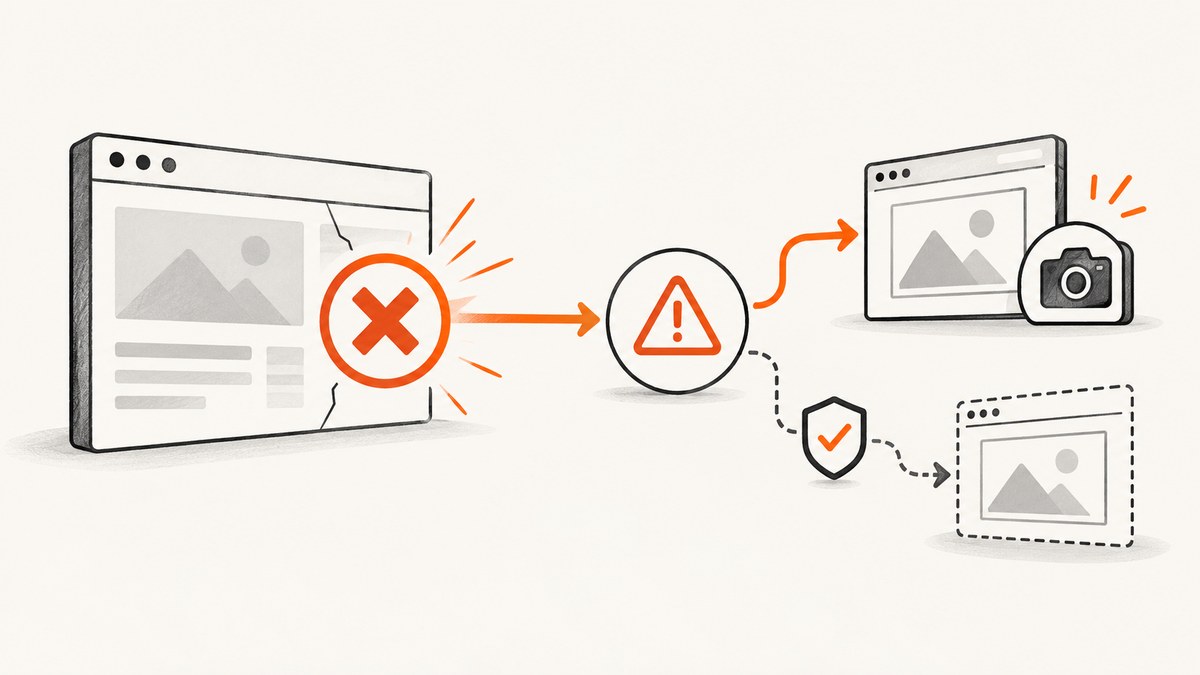
Direct answer: treat the screenshot as a second WebDriver command. Preserve the original exception, attempt GetScreenshot() inside its own try/catch, and record any screenshot failure as secondary evidence. Then identify which operation actually timed out before changing a timeout value. An implicit wait, page-load timeout, asynchronous JavaScript timeout, explicit WebDriverWait, and screenshot command have different scopes.
A screenshot is not an out-of-band rescue mechanism. ITakesScreenshot.GetScreenshot() asks the browser driver for an image, so it can fail when the browser process, driver connection, remote endpoint, or session is already unhealthy. Selenium’s API describes the method as returning a Screenshot representing the page image; it does not promise that a screenshot remains available after a session failure. See the Selenium .NET API reference for the interfaces discussed below.
Use a two-layer exception handler
The handler below keeps the primary failure and the screenshot failure separate. The final throw; rethrows the original exception with its original stack trace.
using OpenQA.Selenium;
using OpenQA.Selenium.Support.UI;
using System;
using System.IO;

public static class FailureCapture
{
    public static void RunWithDiagnostics(IWebDriver driver, string screenshotPath)
    {
        try
        {
            // The action under test. Replace with your test steps.
            driver.Navigate().GoToUrl("https://example.com");
            var wait = new WebDriverWait(driver, TimeSpan.FromSeconds(10));
            wait.Until(d => d.FindElement(By.Id("checkout")).Displayed);
            driver.FindElement(By.Id("checkout")).Click();
        }
        catch (Exception original)
        {
            LogPrimaryFailure(driver, original);

            try
            {
                var takesScreenshot = driver as ITakesScreenshot;
                if (takesScreenshot == null)
                    throw new NotSupportedException("This driver does not implement ITakesScreenshot.");

                Screenshot screenshot = takesScreenshot.GetScreenshot();
                Directory.CreateDirectory(Path.GetDirectoryName(Path.GetFullPath(screenshotPath))!);
                screenshot.SaveAsFile(screenshotPath);
                Console.Error.WriteLine($"Failure screenshot: {screenshotPath}");
            }
            catch (Exception screenshotError)
            {
                // Keep this as secondary evidence. Never throw it over the original error.
                Console.Error.WriteLine(
                    $"Screenshot capture failed: {screenshotError.GetType().FullName}: " +
                    screenshotError.Message);
            }

            // Preserves the original exception type and stack trace.
            throw;
        }
    }

    private static void LogPrimaryFailure(IWebDriver driver, Exception error)
    {
        string url;
        try { url = driver.Url; }
        catch { url = "<unavailable: session may be closed>"; }

        Console.Error.WriteLine($"Primary failure: {error.GetType().FullName}");
        Console.Error.WriteLine($"Message: {error.Message}");
        Console.Error.WriteLine($"URL: {url}");
        Console.Error.WriteLine(error.ToString()); // includes stack and inner exceptions
    }
}
Do not use an empty screenshot catch. If capture fails, log the exception type, message, inner exception, and the active URL when that URL can still be read. Reading driver.Url is itself a WebDriver command, so guard diagnostic calls too.
Find which command timed out
“Selenium timed out” is not specific enough to choose a fix. Start with the stack trace and the command named near the failure.
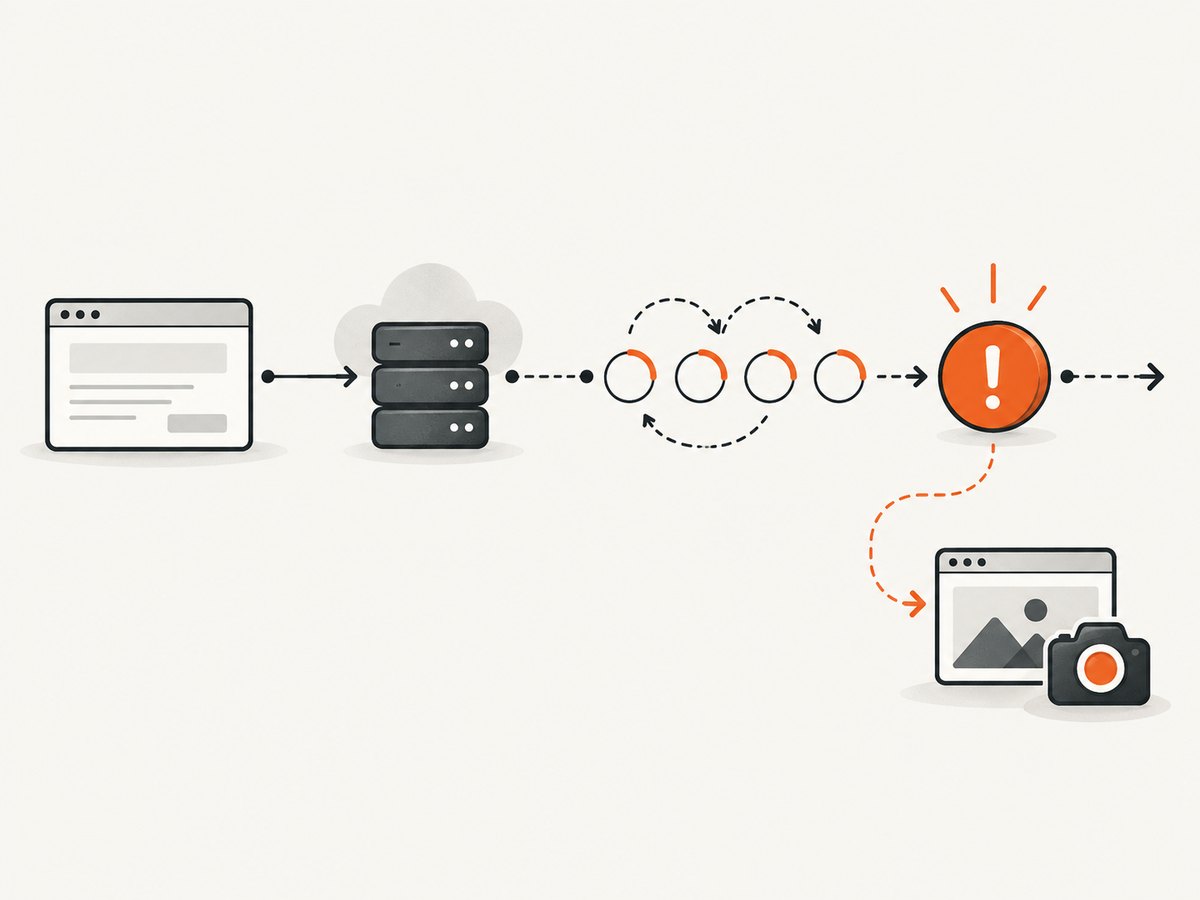
| Operation | Setting or API | What it controls | Typical evidence |
|---|---|---|---|
| Finding an element | ImplicitWait |
Polling for elements that are not immediately present. | Element lookup blocks, then throws a not-found-related exception. |
| Navigation | PageLoad |
How long the driver waits while setting the URL. | Failure points to GoToUrl or navigation. |
| Async JavaScript | AsynchronousJavaScript |
How long ExecuteAsyncScript may run. |
Stack trace includes asynchronous script execution. |
| A condition | WebDriverWait/DefaultWait |
Time allowed for your supplied condition to become true. | WebDriverTimeoutException from the wait. |
| Screenshot | GetScreenshot() |
A remote screenshot command issued to the driver. | Stack trace points to GetScreenshot, transport, browser, or session errors. |
The official .NET timeout interface documents separate implicit, page-load, and asynchronous JavaScript controls. It also warns that increasing implicit wait can increase run time, especially with slower locator strategies. A larger explicit wait cannot repair a dead browser session, and a page-load timeout does not guarantee that a later screenshot command will work.
Configure waits for the state you need
Use an explicit condition that represents the next action. Avoid replacing every wait with a large sleep or a very large implicit timeout.
var options = new ChromeOptions();
options.AddArgument("--headless=new");

using IWebDriver driver = new ChromeDriver(options);
driver.Manage().Timeouts().PageLoad = TimeSpan.FromSeconds(30);
driver.Manage().Timeouts().AsynchronousJavaScript = TimeSpan.FromSeconds(15);
// Keep implicit wait small if you use explicit waits.
driver.Manage().Timeouts().ImplicitWait = TimeSpan.FromSeconds(0);

driver.Navigate().GoToUrl("https://example.com/account");

var wait = new WebDriverWait(driver, TimeSpan.FromSeconds(12));
IWebElement button = wait.Until(d =>
{
    var element = d.FindElement(By.CssSelector("button[type='submit']"));
    return element.Displayed && element.Enabled ? element : null;
});
button.Click();
The current Selenium .NET WebDriverWait source uses a 500 millisecond polling interval and ignores NotFoundException by default. That is an implementation detail and may change. Configure ignored exceptions explicitly when your condition needs it, and keep the timeout focused on the state that must become true.
var wait = new DefaultWait<IWebDriver>(driver)
{
    Timeout = TimeSpan.FromSeconds(20),
    PollingInterval = TimeSpan.FromMilliseconds(250)
};
wait.IgnoreExceptionTypes(typeof(NoSuchElementException));

wait.Until(d => d.FindElement(By.Id("result")).GetAttribute("data-ready") == "true");
Why the screenshot fails inside catch
- The session ended. A crash, explicit
Quit(), driver shutdown, or invalid session ID leaves no usable target forGetScreenshot(). - The browser is hung. A renderer or page can stop responding while the driver process remains alive.
- The remote endpoint is unavailable. Grid, container, or network problems can affect the screenshot command independently of the original command.
- The original exception came from a command that left the session in a bad state. A navigation or script failure may be followed by transport errors.
- The path is invalid. The screenshot was returned, but saving failed because the directory does not exist or the process lacks permission.
- The driver does not support screenshots. Check the runtime type before casting to
ITakesScreenshot.
These cases require different actions. A save-path error is fixed on the host filesystem. A closed session cannot be repaired by increasing WebDriverWait. A condition that never becomes true needs a better locator, page-state check, or timeout based on measured application behavior.
A diagnostic sequence that preserves evidence
- Record the primary exception first. Include type, message, inner exceptions, stack trace, URL, test name, browser version, driver version, and the last WebDriver action.
- Locate the failing command. Determine whether it was navigation, an element lookup, an explicit wait, asynchronous JavaScript, or
GetScreenshot(). - Check session health carefully. If you query
CurrentWindowHandle,Url, or title, wrap each query because it can fail on a dead session. - Attempt one guarded screenshot. Save it to a unique path containing test name and timestamp. Do not loop indefinitely in an exception handler.
- Log the secondary error separately. Keep the original exception as the test failure and attach the screenshot error as diagnostic context.
- Use driver logs outside the browser session. Container logs, Selenium Grid logs, browser process logs, and test-runner output can remain available when WebDriver commands do not.
- Clean up without masking failure. Put
Quit()in a final cleanup path and guard cleanup errors so they do not replace the test failure.
Exception? primary = null;
try
{
    RunScenario(driver);
}
catch (Exception ex)
{
    primary = ex;
    TryCaptureScreenshot(driver, "artifacts/failure.png");
    throw;
}
finally
{
    try { driver.Quit(); }
    catch (Exception cleanupError)
    {
        Console.Error.WriteLine($"Driver cleanup failed: {cleanupError}");
    }
}
Common errors and precise fixes
| Error pattern | Likely cause | Fix |
|---|---|---|
WebDriverTimeoutException from WebDriverWait.Until |
Condition never became true. | Inspect the locator and required state; wait for visibility, enabled state, URL, or a page-specific marker. Increase only the explicit wait that covers that state. |
TimeoutException from GetScreenshot() |
Browser, driver, or remote transport is unresponsive. | Inspect session and process health. Preserve the original error; do not expect a longer condition wait to fix transport failure. |
InvalidSessionIdException |
Session was quit, crashed, or replaced. | Do not issue more Selenium commands. Record the screenshot as unavailable and collect external driver logs. |
NoSuchWindowException |
Current window or tab closed. | Capture before closing windows, or switch to a known handle only when the session remains valid. |
| Screenshot exists in memory but saving fails | Missing directory, invalid filename, or permissions. | Create the directory, use a safe filename, and verify the process can write to the artifact location. |
| Screenshot shows an unexpected page | Capture happened after navigation, redirect, or a failed state transition. | Log URL and last action; capture immediately at the failure boundary and add a state-specific wait before the action. |
Performance, reliability, and cost considerations
Screenshot capture adds a remote command and image transfer to every failure. Keep it on failure paths unless you need visual checkpoints. Use unique artifact names to prevent parallel tests from overwriting one another. A full-page image can be larger and slower to transfer than a viewport image; capture only the needed state when diagnosing a component.
Timeouts should reflect the operation. Large implicit waits multiply delays across many lookups. Explicit waits keep the cost visible at the condition that needs it. Page-load timeout should match the navigation contract, while asynchronous JavaScript timeout should match the script’s callback behavior. None of these settings guarantees that a crashed browser can answer a screenshot command.
For remote browsers, preserve timestamps for the test action, original exception, screenshot start, screenshot completion, and cleanup. That timeline helps distinguish a slow page from a lost transport connection. Keep browser and driver versions pinned in CI when possible, and include them in failure logs.
Or skip the browser setup
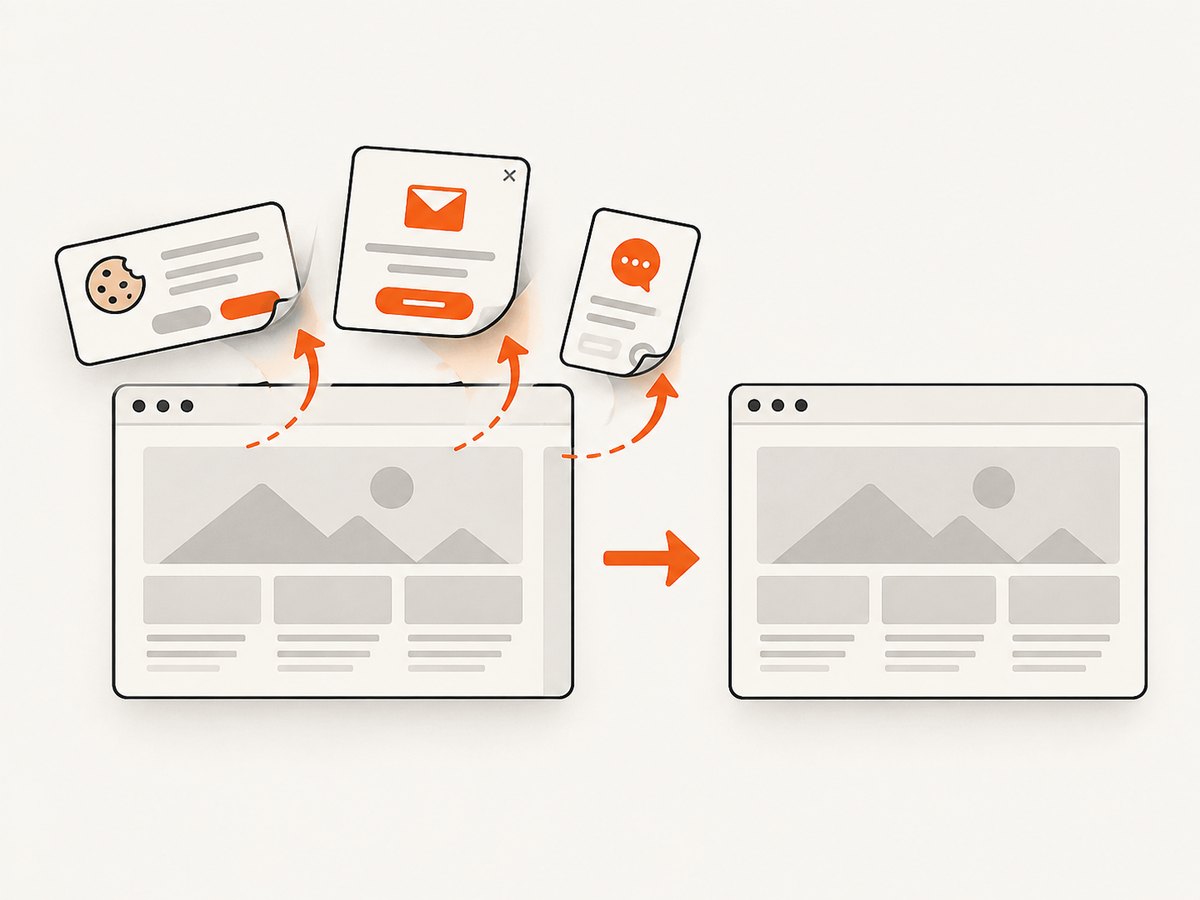
If you need an image of a URL for diagnostics, documentation, or a monitoring artifact, ScreenshotNeo provides a single screenshot request without managing Selenium, Chrome, or driver lifecycles. Its capture pipeline accepts cookie and consent banners like a visitor, then removes more than 60 known consent platforms, newsletter popups, and chat widgets; each cleanup step can be disabled. Bot checks, blank pages, timeouts, failed loads, and cache hits are not billed, and the response identifies the result with X-Page-Verdict and X-Billed headers.
See the ScreenshotNeo API documentation for all options. The basic call is:
curl -G "https://api.screenshotneo.com/v1/shot" -d access_key=YOUR_API_KEY --data-urlencode url=https://stripe.com -o shot.webpimport requests
r = requests.get(
"https://api.screenshotneo.com/v1/shot",
params={"access_key": "YOUR_API_KEY", "url": "https://stripe.com"},
timeout=90,
)
r.raise_for_status()
open("shot.webp", "wb").write(r.content)const q = new URLSearchParams({ access_key: 'YOUR_API_KEY', url: 'https://stripe.com' });
const res = await fetch(`https://api.screenshotneo.com/v1/shot?${q}`);
if (!res.ok) throw new Error(`Screenshot failed: ${res.status}`);
const bytes = Buffer.from(await res.arrayBuffer());
require('fs').writeFileSync('shot.webp', bytes);You can select PNG, JPEG, or WebP output; capture a full page or one CSS-selected element; choose dark mode, device presets, viewport and retina scale; wait for a selector, delay, or network idle; run custom CSS or JavaScript; click an element; hide selectors; block ads, trackers, requests, or resource types; provide headers, cookies, user agent, Authorization, timezone, and geolocation; use transparent backgrounds, resizing, caching with a chosen TTL, signed public links, asynchronous jobs with signed webhooks, bulk capture for up to 100 URLs per call, usage reporting, and PDF options. An MCP server exposes take_screenshot, get_page_info, and capture_pdf to Claude, Cursor, and other MCP clients.
Plans include 1,000 screenshots each month free with no card. Paid plans start at $5 for 3,000 shots; yearly billing gives two months free, and every feature is available on every plan. Create a free ScreenshotNeo account to try the API.
FAQ
Should I rethrow with throw ex;?
No. Use throw; inside the original catch block so the original stack trace remains intact.
Can a longer implicit wait fix screenshot timeouts?
No. Implicit wait applies to element lookup. Diagnose the screenshot command and session health separately.
Should I retry GetScreenshot()?
Only when you have evidence of a transient transport issue and a still-valid session. Use a bounded retry and log each attempt; never let retries hide the primary failure.
What if no screenshot is possible?
Report the original exception, record the screenshot failure as secondary evidence, and rely on external driver, browser, Grid, or container logs.
Does Selenium guarantee a screenshot after a failed command?
No. Screenshot capture is another WebDriver command and depends on a usable browser session.


