How to Fix Selenium WebDriver Datepicker Element Identification Errors
Fix Selenium datepicker locator errors with stable selectors, explicit waits, iframe handling, stale-element recovery, and runnable examples.

Fix the locator before changing the wait
Most datepicker identification failures come from one of five conditions: selector syntax does not match the locator strategy; the popup is not in the DOM until opened; a hidden template matches before the visible calendar; the test is in the wrong iframe or window; or the calendar is rebuilt after a month change. Inspect the live DOM, choose a stable locator, open the widget, then wait for the exact state you need. Re-find cells after every DOM update.
See Selenium’s official locator strategies, common errors, and waiting strategies.
Diagnostic workflow
- Record the exact exception:
NoSuchElementException,InvalidSelectorException,StaleElementReferenceException,ElementNotInteractableException, or click interception. - Open DevTools after the picker is visible. Inspect the input, active popup, month controls, and day cells in the rendered DOM. Ignore an absolute XPath copied before rendering.
- Check strategy and syntax. CSS goes with
By.CSS_SELECTOR; XPath goes withBy.XPATH. Passing XPath to a CSS strategy, or CSS to XPath, causes a selector error. - Scope the search to the open calendar when hidden templates or dual-month calendars exist. Confirm that the locator returns one intended, visible element.
- Open the picker, then use an explicit wait for presence, visibility, or clickability according to the next action.
- If the control is inside an iframe, switch to it first. If the picker opens a new tab or window, switch to that handle before locating.
- After changing month, year, or range, assume the grid was rebuilt. Locate the month label and target cell again.
- If the element is found but cannot be clicked, check disabled state, overlays, viewport position, and CSS visibility. Scroll only after confirming the intended element.
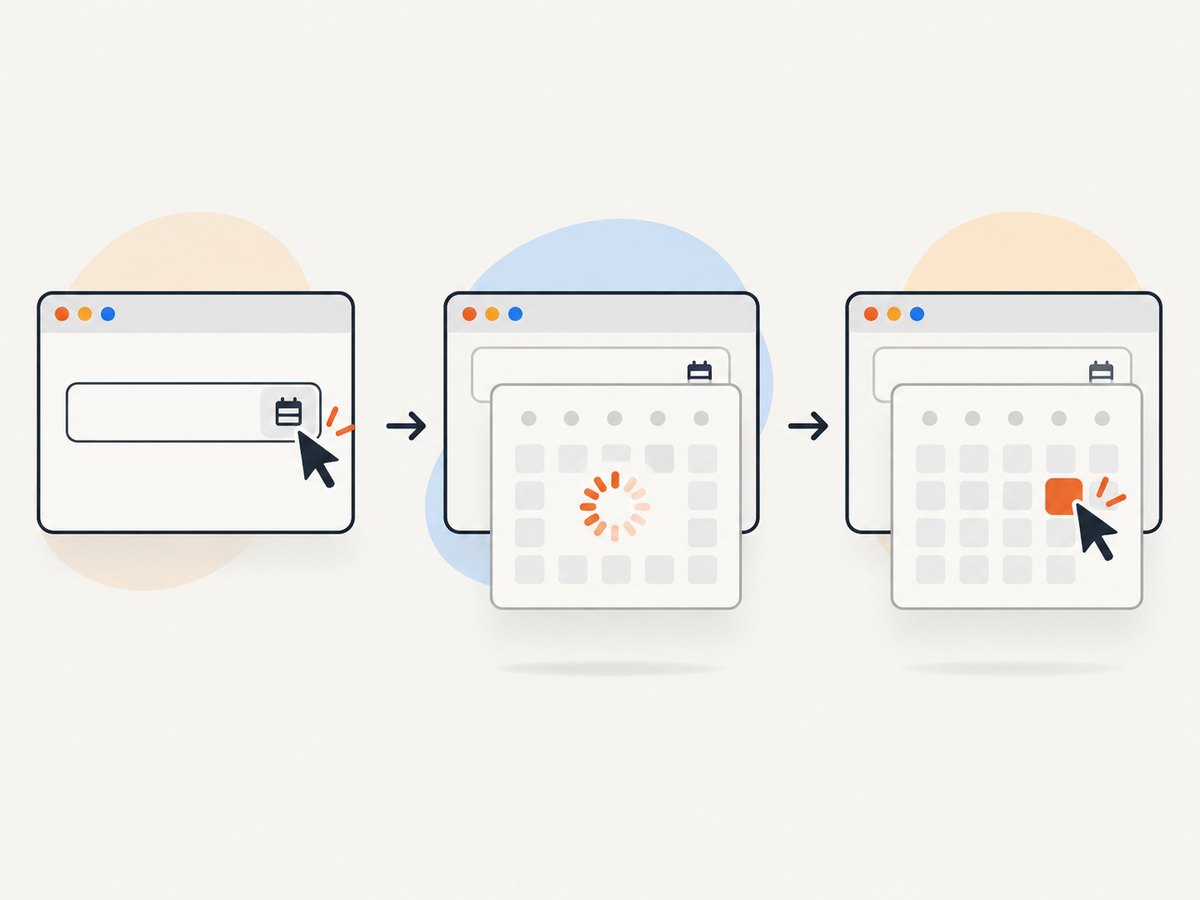
Choose a locator that survives the widget
| Pattern | When to use | Example |
|---|---|---|
| Stable unique id | The id is unique and stable between runs | (By.ID, "departureDate") |
| Scoped CSS | The active widget exposes reliable state attributes | (By.CSS_SELECTOR, ".datepicker[aria-hidden='false'] input") |
| Relative XPath | A role, label, or relationship is the stable part | (By.XPATH, "//div[@role='dialog' and not(@aria-hidden='true')]//button[@aria-label='Next month']") |
| Date attribute or label | Day cells expose a machine-readable date or accessible label | [data-date='2026-10-14'] or button[aria-label='October 14, 2026'] |
These are patterns, not universal selectors. Replace attributes with those shown by your application’s live markup. Avoid a bare button, positional indexes such as (//td)[17], and absolute paths.
Runnable Python example
Install Selenium 4 with pip install selenium and point URL at your page. This example opens a picker, waits for the active dialog, navigates until the requested month appears, then re-finds and clicks a day.
from datetime import date
from selenium import webdriver
from selenium.common.exceptions import StaleElementReferenceException
from selenium.webdriver.common.by import By
from selenium.webdriver.support import expected_conditions as EC
from selenium.webdriver.support.ui import WebDriverWait

URL = "https://example.test/booking"
TARGET = date(2026, 10, 14)
driver = webdriver.Chrome()
wait = WebDriverWait(driver, 15, poll_frequency=0.2,
                     ignored_exceptions=(StaleElementReferenceException,))
try:
    driver.get(URL)
    wait.until(EC.element_to_be_clickable((By.ID, "departureDate"))).click()
    active = (By.CSS_SELECTOR, ".datepicker[aria-hidden='false'], div[role='dialog']:not([aria-hidden='true'])")
    month_label = (By.CSS_SELECTOR, "[data-datepicker-month], .datepicker .month-label")
    next_month = (By.XPATH, ".//button[@aria-label='Next month']")
    wanted = TARGET.strftime("%B %Y")
    for _ in range(24):
        dialog = wait.until(EC.visibility_of_element_located(active))
        if dialog.find_element(*month_label).text.strip() == wanted:
            break
        wait.until(EC.element_to_be_clickable(next_month)).click()
    else:
        raise RuntimeError(f"Month {wanted} did not appear")
    day = (By.CSS_SELECTOR, f"[data-date='{TARGET.isoformat()}']")
    wait.until(EC.element_to_be_clickable(day)).click()
finally:
    driver.quit()
If the widget uses an input plus a hidden calendar, wait for the popup after clicking, not before. If the day button is outside the dialog, scope the locator to the active container shown by DevTools.
Selector and wait mistakes
CSS passed as XPath, or the reverse
driver.find_element(By.CSS_SELECTOR, ".datepicker button.next")
driver.find_element(By.XPATH, "//button[@aria-label='Next month']")
# Wrong: CSS syntax interpreted as XPath
# driver.find_element(By.XPATH, ".datepicker button.next")
Use By.ID for an id rather than writing an id as another selector. Selenium supports id, name, CSS, XPath, class, tag, link text, and partial link text; the strategy must match the string.
Presence versus visibility versus clickability
presence_of_element_locatedmeans the node exists in the DOM, even if hidden.visibility_of_element_locatedalso requires it to be displayed with non-zero dimensions.element_to_be_clickablerequires visibility and enabled state, but an overlay can still intercept the click.
wait.until(EC.element_to_be_clickable((By.ID, "departureDate"))).click()
wait.until(EC.visibility_of_element_located((By.CSS_SELECTOR, ".datepicker[aria-hidden='false']")))
wait.until(EC.element_to_be_clickable((By.CSS_SELECTOR, ".datepicker[aria-hidden='false'] button[data-date='2026-10-14']"))).click()
Keep the implicit wait at its default of zero when using explicit waits; Selenium warns that mixing them makes timeout timing unpredictable.
Dynamic calendars and stale elements
A StaleElementReferenceException means the WebElement points to a node removed or replaced since it was found. Month navigation commonly rebuilds the grid. Do not cache the dialog, month label, or day cell across a navigation click. Re-locate them after every update.
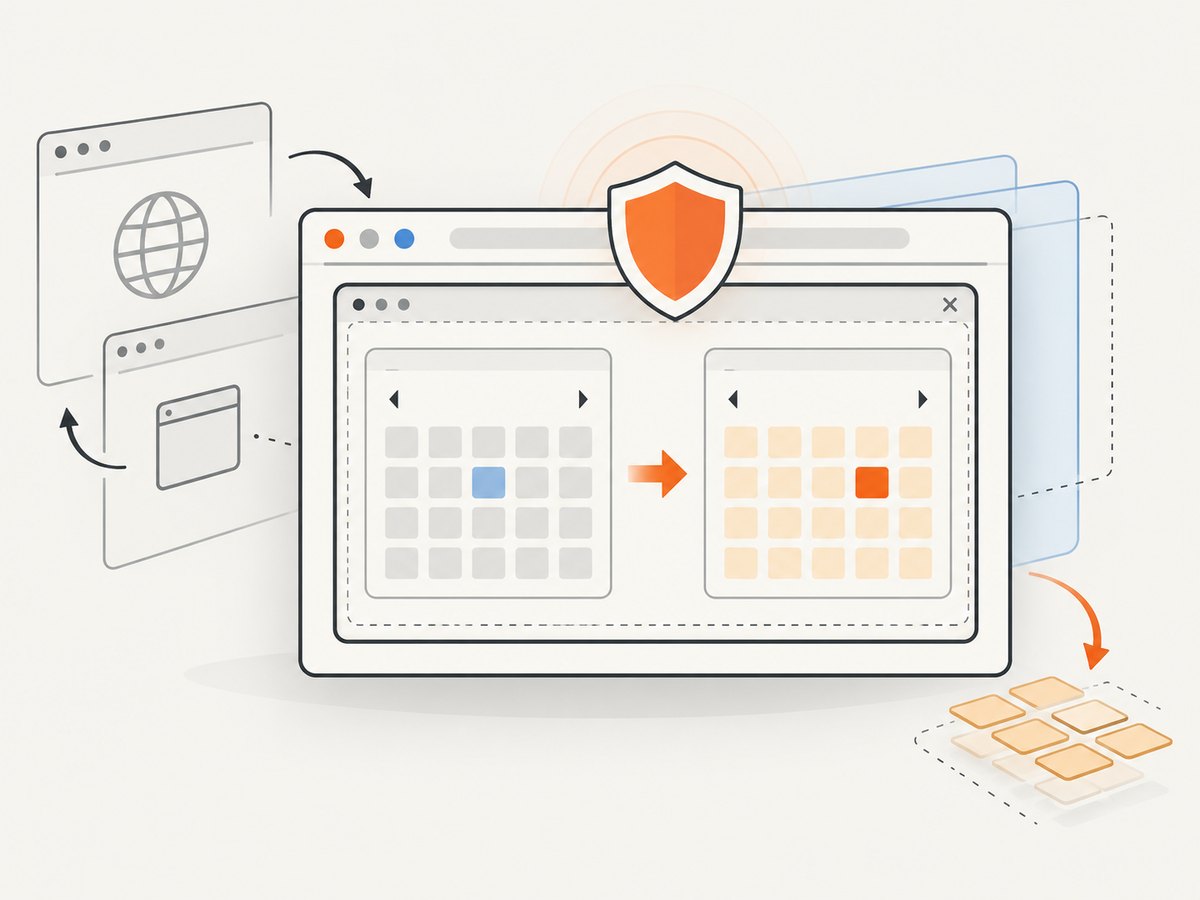
for _ in range(12):
    dialog = wait.until(EC.visibility_of_element_located(active_dialog))
    if dialog.find_element(*month_label).text == wanted:
        break
    wait.until(EC.element_to_be_clickable((By.XPATH, ".//button[@aria-label='Next month']"))).click()
    wait.until(EC.staleness_of(dialog))
# Locate the target cell after the final render
If the old node is reused instead of replaced, staleness_of never completes. Wait for a changed month label or refreshed day cell instead.
Frames, windows, overlays, and scrolling
frame = wait.until(EC.presence_of_element_located((By.CSS_SELECTOR, "iframe.booking")))
driver.switch_to.frame(frame)
# Locate and use the datepicker inside the frame
driver.switch_to.default_content()

original = driver.current_window_handle
wait.until(lambda d: len(d.window_handles) == 2)
for handle in driver.window_handles:
    if handle != original:
        driver.switch_to.window(handle)
        break

cell = wait.until(EC.presence_of_element_located(day_locator))
driver.execute_script("arguments[0].scrollIntoView({block:'center'});", cell)
wait.until(EC.element_to_be_clickable(day_locator)).click()
For click interception, inspect fixed headers, cookie banners, loading masks, and nested overlays. Wait for the overlay to become invisible or close it through the documented UI. Do not use JavaScript click to hide a real interactability bug.
Java and Node.js bindings
import java.time.Duration;
import org.openqa.selenium.*;
import org.openqa.selenium.chrome.ChromeDriver;
import org.openqa.selenium.support.ui.*;

public class DatepickerExample {
  public static void main(String[] args) {
    WebDriver driver = new ChromeDriver();
    WebDriverWait wait = new WebDriverWait(driver, Duration.ofSeconds(15));
    try {
      driver.get("https://example.test/booking");
      wait.until(ExpectedConditions.elementToBeClickable(By.id("departureDate"))).click();
      wait.until(ExpectedConditions.visibilityOfElementLocated(
          By.cssSelector(".datepicker[aria-hidden='false']")));
      wait.until(ExpectedConditions.elementToBeClickable(
          By.cssSelector(".datepicker[aria-hidden='false'] [data-date='2026-10-14']"))).click();
    } finally { driver.quit(); }
  }
}
const {Builder, By, until} = require('selenium-webdriver');
(async () => {
const driver = await new Builder().forBrowser('chrome').build();
try {
await driver.get('https://example.test/booking');
const input = await driver.wait(until.elementLocated(By.id('departureDate')), 15000);
await driver.wait(until.elementIsEnabled(input), 15000);
await input.click();
const dialog = await driver.wait(until.elementLocated(By.css('.datepicker[aria-hidden="false"]')), 15000);
await driver.wait(until.elementIsVisible(dialog), 15000);
const day = await driver.wait(until.elementLocated(By.css('[data-date="2026-10-14"]')), 15000);
await day.click();
} finally { await driver.quit(); }
})();In every binding, re-find the dialog and day after month navigation or range changes.
Troubleshooting checklist
| Symptom | Likely cause | Fix |
|---|---|---|
InvalidSelectorException |
CSS/XPath mismatch or malformed selector | Use the matching By strategy and test it in DevTools. |
NoSuchElementException |
Popup not rendered, wrong frame/window, or hidden duplicate | Trigger first, switch context, scope to the visible widget, and add an explicit wait. |
StaleElementReferenceException |
Month or grid rebuilt | Re-find the container and cell after each update. |
ElementNotInteractableException |
Hidden, disabled, zero-size, or off-screen element | Choose the visible active instance, wait for enabled state, and scroll after verification. |
| Element click intercepted | Overlay, cookie banner, sticky header, or animation | Wait for overlay invisibility, dismiss it, and retry the intended target. |
| Wrong day selected | Adjacent-month duplicates or multiple calendars | Scope to the active calendar and use data-date or aria-label; exclude disabled cells. |
| Timeout after navigation | Different month-label format or asynchronous navigation | Normalize text, wait for a changed label or grid, and cap attempts. |
Performance and reliability
- Prefer stable ids and narrow scoped CSS; they are easier to maintain than long absolute XPath expressions.
- Use one explicit timeout with a short poll interval for dynamic widgets. Keep implicit wait at zero.
- Limit month-navigation loops so a broken control fails quickly.
- Use deterministic dates and timezone in test data; avoid selecting “today” around midnight.
- Capture DOM or HTML and a screenshot on failure. Log the locator, URL, frame/window, and visible month label.
- On remote grids, minimize round trips by locating the active container once per render, while still re-finding after actions that rebuild it.
Or skip the browser setup
When you need a clean page image rather than testing datepicker behavior, ScreenshotNeo provides one GET request. Cookie and consent banners, newsletter popups, and chat widgets are removed before capture. Bot checks, blank pages, timeouts, failed loads, and cache hits are not billed; response headers identify the page verdict and billing. An MCP server lets Claude, Cursor, and other MCP clients call take_screenshot, get_page_info, and capture_pdf. The free plan includes 1,000 screenshots per month without a card; paid plans start at $5 for 3,000 shots.
See the ScreenshotNeo API docs for all options.
curl -G "https://api.screenshotneo.com/v1/shot" -d access_key=YOUR_API_KEY --data-urlencode url=https://stripe.com -o shot.webpimport requests
r = requests.get("https://api.screenshotneo.com/v1/shot", params={"access_key": "YOUR_API_KEY", "url": "https://stripe.com"}, timeout=90)
open("shot.webp", "wb").write(r.content)const q = new URLSearchParams({ access_key: 'YOUR_API_KEY', url: 'https://stripe.com' });
const res = await fetch(`https://api.screenshotneo.com/v1/shot?${q}`);Create a free ScreenshotNeo account with 1,000 screenshots a month and no card.
FAQ
Why does Selenium find two date cells?
Widgets often render adjacent-month days or hidden templates. Scope to the visible active calendar and select by date attribute or accessible label.
Should I use XPath for every datepicker?
No. Use a stable id first, then scoped CSS when attributes are reliable. Relative XPath helps when relationships or labels are the stable part.
Can I reuse a WebElement after clicking next month?
Assume no. Re-locate the container and day cell after each render.
Why does an explicit wait still time out?
Verify selector strategy, frame/window context, popup state, and whether the widget’s month label or date format matches your condition. Inspect the live DOM at timeout.


