Selenium WebDriver Full-Website Screenshots with ChromeDriver and FirefoxDriver
Capture complete web pages with Selenium, ChromeDriver, and FirefoxDriver. Learn full-document limits, runnable code, troubleshooting, and a simpler API option.
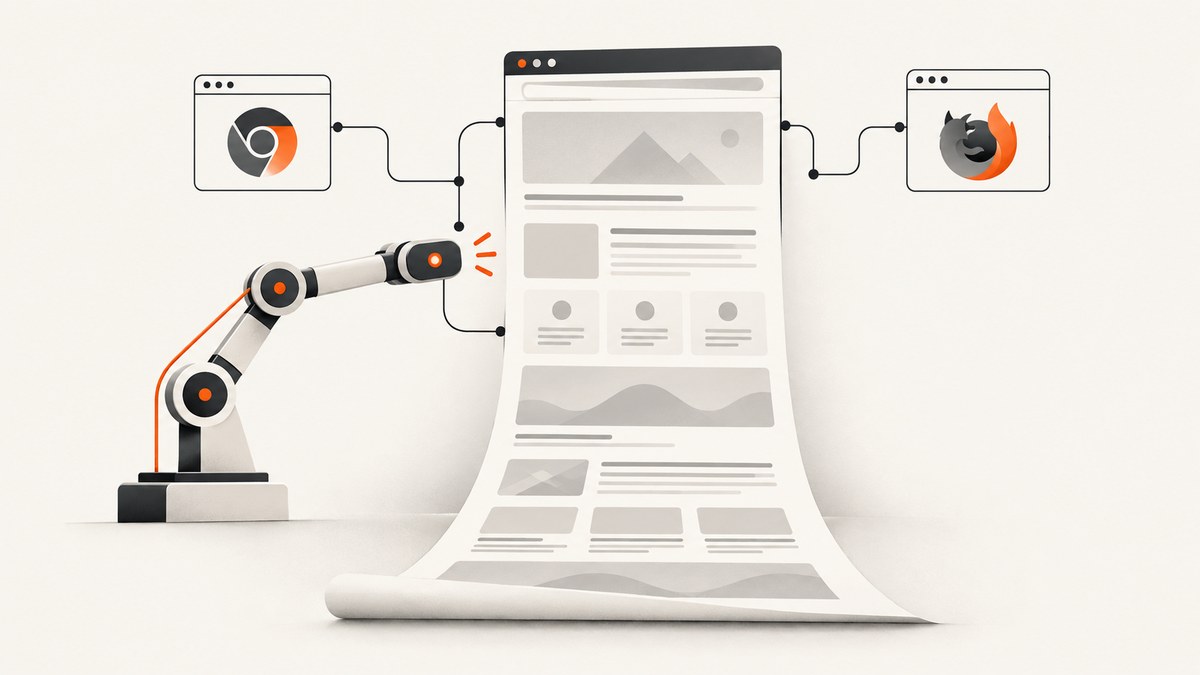
Direct answer: A full-website screenshot means an image of the entire rendered document, including content below the initial viewport. Selenium does not expose one universally reliable, browser-independent call that guarantees this result. Firefox’s Python WebDriver has explicit full-document screenshot methods. Chromium’s documented Python screenshot helpers capture the current window, while Selenium’s JavaScript API describes whole-page capture as best effort. Choose the binding and browser deliberately, then inspect the output dimensions and bottom of the image before relying on it.
This guide shows a documented Firefox route, explains what ChromeDriver can and cannot promise, and covers practical issues such as lazy content, fixed headers, frames, very long documents, browser versions, and PDF alternatives. It also gives a browser-free option with ScreenshotNeo when you need a clean image from one HTTP request.
1. Define the screenshot you need
Selenium can produce several different artifacts:
| Artifact | What it contains | Typical use |
|---|---|---|
| Viewport screenshot | The currently visible browser area | Visual regression of a screen or component |
| Window screenshot | The browser window’s current rendering surface | Desktop-like capture at a chosen viewport |
| Element screenshot | The bounds of one DOM element | Cards, charts, invoices, or widgets |
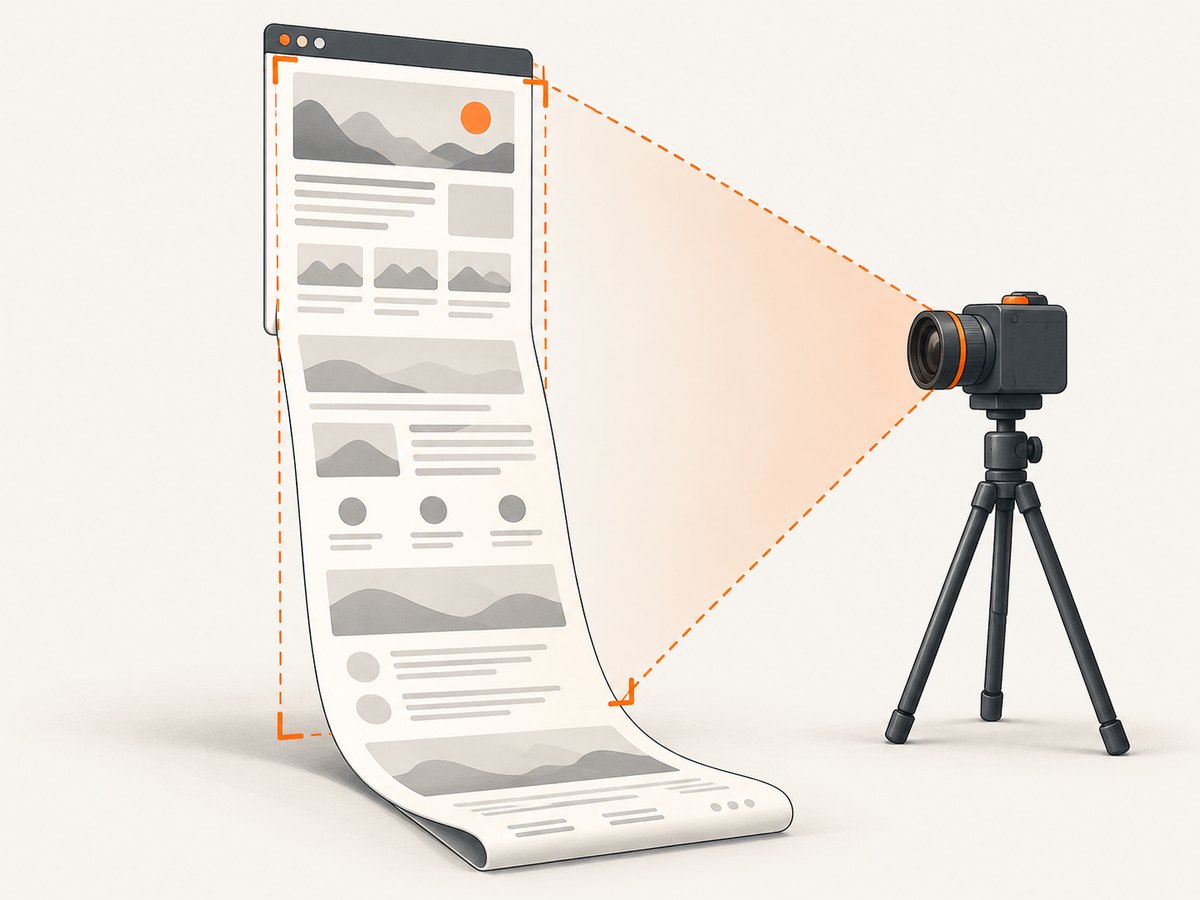
| Full-document screenshot | The page from the top through the document’s bottom | Archiving, page previews, long-form visual checks |
| PDF print | A paginated print representation | Printable or archival documents |
Calling maximize_window() or browser fullscreen changes window controls; it does not by itself prove that every document pixel will be included. Selenium’s window documentation distinguishes window operations from screenshot scope. Validate the actual image produced by your browser, driver, Selenium version, and language binding. See the Selenium window and tab documentation.
2. Firefox: the explicit full-page Python API
The clearest documented route in this topic is FirefoxDriver’s Python API. It provides methods specifically named for a full-page image: get_full_page_screenshot_as_file(path), save_full_page_screenshot(path), get_full_page_screenshot_as_png(), and get_full_page_screenshot_as_base64(). The file method expects a path ending in .png. These methods are documented in the Python FirefoxDriver API reference.
Complete runnable example
from pathlib import Path
from selenium import webdriver
from selenium.webdriver.firefox.options import Options

TARGET_URL = 'https://example.com/'
OUTPUT = Path('example-full-page.png')

options = Options()
options.add_argument('-headless')

driver = webdriver.Firefox(options=options)
try:
    driver.set_window_size(1440, 900)
    driver.get(TARGET_URL)
    driver.save_full_page_screenshot(str(OUTPUT))
    print(f'Saved {OUTPUT} ({OUTPUT.stat().st_size} bytes)')
finally:
    driver.quit()
Install Selenium with python -m pip install selenium. Your environment also needs Firefox and a compatible driver setup. The script uses a visible page size for layout, then asks FirefoxDriver for the full document. The resulting file is PNG, as specified by the API.
Capture bytes or Base64
from selenium import webdriver
from selenium.webdriver.firefox.options import Options

options = Options()
options.add_argument('-headless')
driver = webdriver.Firefox(options=options)
try:
    driver.get('https://example.com/')
    png_bytes = driver.get_full_page_screenshot_as_png()
    with open('page.png', 'wb') as output:
        output.write(png_bytes)

    encoded = driver.get_full_page_screenshot_as_base64()
    print(f'Base64 characters: {len(encoded)}')
finally:
    driver.quit()
Use PNG bytes when you want to upload directly to object storage or another service. Use Base64 when an API requires a text payload. For large pages, bytes and Base64 both exist in memory, so the file method is safer for memory-constrained workers.
3. ChromeDriver: understand the documented scope
Selenium’s Chromium Python documentation describes the ordinary screenshot helpers as screenshots of the current window. A call such as driver.save_screenshot('page.png') should therefore be treated as a viewport or window capture, not as a guaranteed full-document image.
from selenium import webdriver
from selenium.webdriver.chrome.options import Options

options = Options()
options.add_argument('--headless=new')
options.add_argument('--window-size=1440,900')

driver = webdriver.Chrome(options=options)
try:
    driver.get('https://example.com/')
    driver.save_screenshot('chrome-window.png')
finally:
    driver.quit()
This is useful when the requirement is a stable viewport screenshot. It is not enough when the acceptance criterion is “the bottom of the page appears in the same image.” Selenium’s JavaScript WebDriver API describes screenshot capture as best effort: it prefers the entire page, then may fall back to the current window, visible frame, or display. That language is a scope preference, not a cross-version guarantee. Read the JavaScript WebDriver screenshot API and verify your exact driver output.
If Chrome is mandatory, establish a browser-specific implementation that your team can validate across the Chrome and ChromeDriver versions you deploy. Do not infer full-page support merely from a successful PNG response. Open the file, inspect its pixel dimensions, and check that content at the document bottom is present. Selenium’s current Chrome guidance states that Selenium 4 is compatible with Chrome 75 and later by default and that Chrome and ChromeDriver should have matching major versions; confirm current compatibility details in the Chrome documentation before publishing a pinned setup.
4. Wait for the page you actually want to capture
A screenshot is a point-in-time render. Navigating to a URL does not guarantee that asynchronous data, fonts, images, or client-side routes have finished. Use explicit waits for a meaningful condition rather than a fixed sleep whenever possible.
from selenium.webdriver.common.by import By
from selenium.webdriver.support.ui import WebDriverWait
from selenium.webdriver.support import expected_conditions as EC

# after driver.get(...)
wait = WebDriverWait(driver, 30)
wait.until(EC.presence_of_element_located((By.CSS_SELECTOR, 'main')))
wait.until(lambda d: d.execute_script('return document.readyState') == 'complete')
For a known application, wait for a result selector, a loading class to disappear, or a JavaScript flag your application sets. Avoid assuming that document.readyState == 'complete' means every lazy image has loaded. If the page uses infinite scroll, scroll in controlled increments, wait for new content, and define a maximum height so a broken feed cannot run forever. Record the URL, wait condition, browser version, and screenshot dimensions with each artifact.
5. Content that changes screenshot results
Lazy-loaded images
Images loaded only after entering the viewport may be absent in a single top-of-page capture. Scroll through the document before capturing, or trigger the application’s own loading mechanism. Afterward, inspect the image for blank regions. This behavior is page-specific; Selenium’s core screenshot APIs do not promise that lazy content will be forced to load.
Sticky and fixed elements
A fixed navigation bar can appear repeatedly or cover content during scrolling. Decide whether your visual contract includes it. You can hide or restyle a known selector with JavaScript before capture, but changing page CSS means the result is no longer an untouched visitor view. Keep that transformation in the test code and document it.
Animations and timers
Animations can make two captures differ even when the page is healthy. Inject a temporary style that disables transitions and animations if deterministic output matters, then wait one animation frame before the screenshot. Do not disable motion globally if motion itself is what you are testing.
Frames and cross-origin content
An iframe is a separate browsing context. A screenshot of the top-level document may include the rendered frame visually, but DOM waits and element operations require switching to the frame. Cross-origin policy limits script access to its internals. Treat the frame as a separate dependency and validate that its visible content appears in the final image.
6. Validate that the result is really full page
- Open the image and record its width and height.
- Compare the height with the page’s document dimensions using JavaScript such as
Math.max(document.body.scrollHeight, document.documentElement.scrollHeight). - Check the top, middle, and bottom for missing sections, blank lazy images, and overlays.
- Confirm that cookie dialogs, chat launchers, and consent layers are handled according to your test requirement.
- Fail the job when dimensions are unexpectedly small or a required marker near the bottom is absent.
These checks are practical validation steps, not guarantees supplied by Selenium. Keep a sample image from each browser and driver upgrade so a scope change is visible in code review.
7. When PDF is a better artifact
If the requirement is printing or archival pagination rather than one raster image, Selenium documents page printing to a PDF representation. The documented Chromium print implementation requires headless mode. PDF output can paginate and apply print options, so it is not interchangeable with a full-page PNG. See Selenium’s print-page documentation.
from selenium import webdriver
from selenium.webdriver.chrome.options import Options
import base64

options = Options()
options.add_argument('--headless=new')
driver = webdriver.Chrome(options=options)
try:
    driver.get('https://example.com/')
    pdf_base64 = driver.print_page()
    with open('page.pdf', 'wb') as output:
        output.write(base64.b64decode(pdf_base64))
finally:
    driver.quit()
Use a PDF when page breaks, paper size, and selectable text are valuable. Use a screenshot when pixel appearance is the contract.
8. Reliability, performance, and cost considerations
Reliability
Pin compatible browser and driver versions in CI, close every driver in a finally block, and set an upper timeout for navigation and waits. Capture diagnostic data on failure: URL, browser name and version, driver version, viewport, exception, and a short HTML or screenshot of the visible state when policy permits.
Performance
Full-document images are larger and slower to encode than viewport images. Limit concurrency to what your runner can support, reuse a browser only when isolation is safe, and avoid scrolling an unbounded feed. Prefer PNG for lossless visual checks; choose JPEG only when your downstream workflow accepts compression artifacts.
Cost
Selenium itself is software, but your total cost includes browser workers, CPU, memory, storage, and time spent maintaining drivers. A managed screenshot API can move that operational work into a request-based workflow. Compare the price of reliable browser capacity with the value of built-in waiting, cleanup, retries, and output handling.
9. Troubleshooting checklist
| Symptom | Likely cause | Fix |
|---|---|---|
| Image shows only the top viewport | Used a current-window screenshot method | Use Firefox’s explicit full-page method or a validated browser-specific Chrome approach; inspect dimensions. |
WebDriverException at startup |
Browser and driver are missing or incompatible | Install both, match major versions, and review current Selenium browser setup guidance. |
| Bottom content is blank | Lazy loading or asynchronous rendering | Scroll and wait for content, or wait for a page-specific readiness marker. |
| Cookie banner covers the page | Consent state was not established | Click the consent control, set the required cookie before navigation, or use a capture service that handles consent. |
| Screenshot hangs | Unbounded page script, network request, or infinite scroll | Set navigation and wait timeouts, cap scrolling, and collect logs before retrying. |
| Different pixels on every run | Animations, ads, time-based content, or responsive layout | Fix viewport and timezone, disable motion where appropriate, and wait for stable selectors. |
| PDF call fails in Chrome | Chromium print requires headless mode | Run Chrome headlessly and treat the result as PDF, not an image. |
10. Or skip the browser setup
For a direct screenshot request, ScreenshotNeo’s API documentation shows the request format. One GET request returns PNG, JPEG, WebP, or PDF depending on the options you send.
cURL
curl -G 'https://api.screenshotneo.com/v1/shot' -d access_key=YOUR_API_KEY --data-urlencode 'url=https://stripe.com' -o shot.webpPython
import requests
r = requests.get('https://api.screenshotneo.com/v1/shot', params={'access_key': 'YOUR_API_KEY', 'url': 'https://stripe.com'}, timeout=90)
r.raise_for_status()
open('shot.webp', 'wb').write(r.content)
Node.js
const q = new URLSearchParams({ access_key: 'YOUR_API_KEY', url: 'https://stripe.com' });
const res = await fetch(`https://api.screenshotneo.com/v1/shot?${q}`);
if (!res.ok) throw new Error(`HTTP ${res.status}`);
const buffer = Buffer.from(await res.arrayBuffer());
require('node:fs').writeFileSync('shot.webp', buffer);
ScreenshotNeo can capture full pages with lazy images loaded, one element by CSS selector, dark mode, device presets or custom viewports, retina scale, custom CSS and JavaScript, click actions, hidden selectors, selector or network-idle waits, blocked ads and trackers, custom headers, cookies, user agents, Authorization, timezone, geolocation, transparent backgrounds, resizing, caching with a chosen TTL, signed links, asynchronous jobs with signed webhooks, bulk capture for 100 URLs per call, usage reporting, and PDF options such as paper size, margins, landscape, and page ranges. Its parameter names also match those used by other screenshot APIs, which helps when switching.
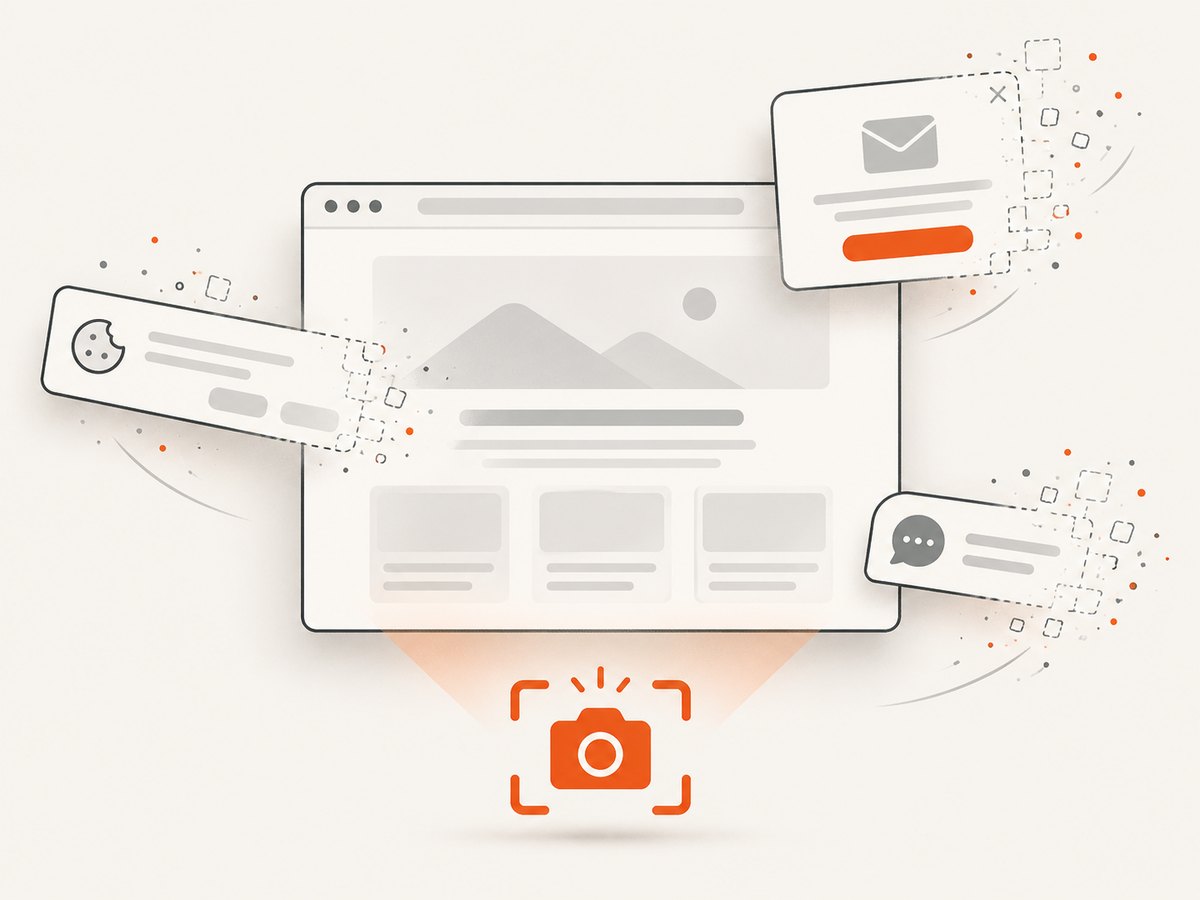
Before capture it accepts cookie and consent banners like a visitor and removes more than 60 known consent platforms, newsletter popups, and chat widgets; each step can be turned off. Bot checks or CAPTCHAs, blank pages, timeouts, failed loads, and cache hits cost nothing, and every response reports the page verdict and billing status in X-Page-Verdict and X-Billed headers. An MCP server provides take_screenshot, get_page_info, and capture_pdf for Claude, Cursor, and other MCP clients.
The Free plan includes 1,000 shots per month with no card. Paid plans start at $5 for 3,000 shots; all features are available on every plan. Create a free ScreenshotNeo account and start with the monthly free allowance.
11. FAQ
Does maximizing Chrome make a screenshot full page?
No. It changes the window size. Screenshot scope still depends on the driver and implementation, so inspect the output.
Which Selenium browser has an explicit Python full-page method?
FirefoxDriver documents full-page screenshot methods that save PNG files or return PNG bytes and Base64.
Can I use a screenshot as a PDF?
No. A screenshot is a raster image. Selenium’s print feature creates a paginated PDF representation and requires Chromium headless mode.
Why is my full-page image enormous?
The document may be genuinely long, use a high device scale, or contain an unbounded feed. Set a page-length policy, choose an appropriate scale, and stop infinite scrolling.
Should I validate screenshots after upgrading Selenium?
Yes. Screenshot scope and rendering can vary by browser, driver, binding, and version. Keep dimension and bottom-content checks in CI.


