How to Configure Proxy Authentication for Headless Chrome with Selenium WebDriver
Configure a proxy endpoint for headless Chrome, understand why credentials in proxy URLs fail, and choose an authentication method that fits your proxy.
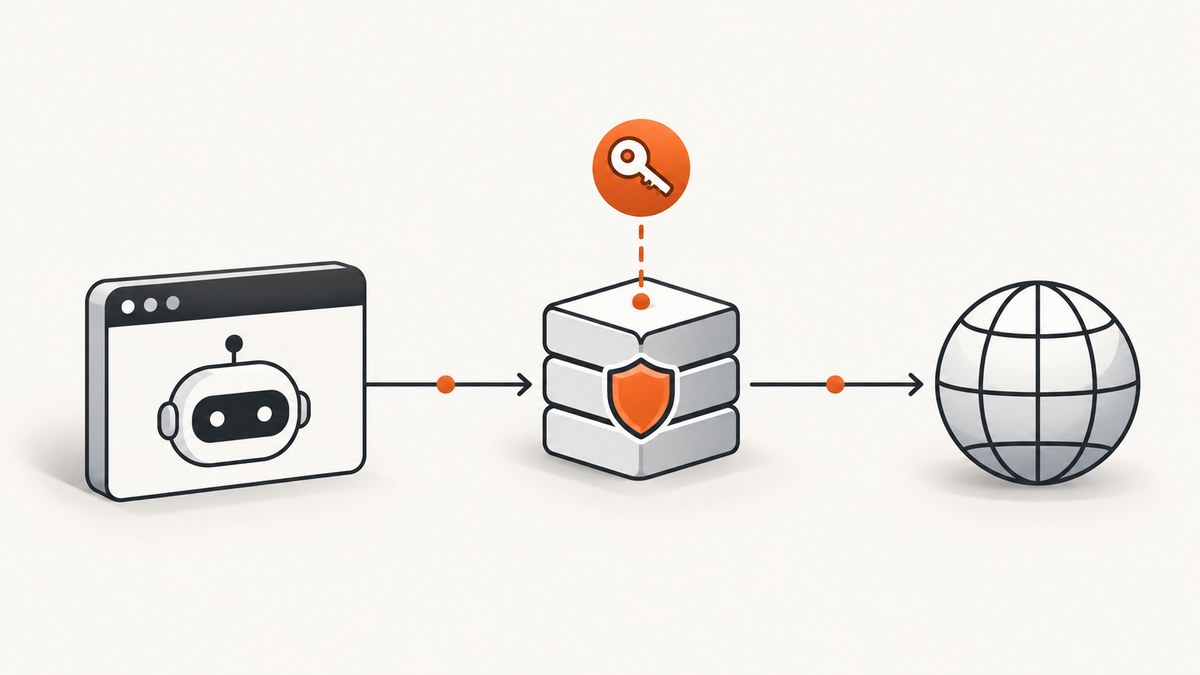
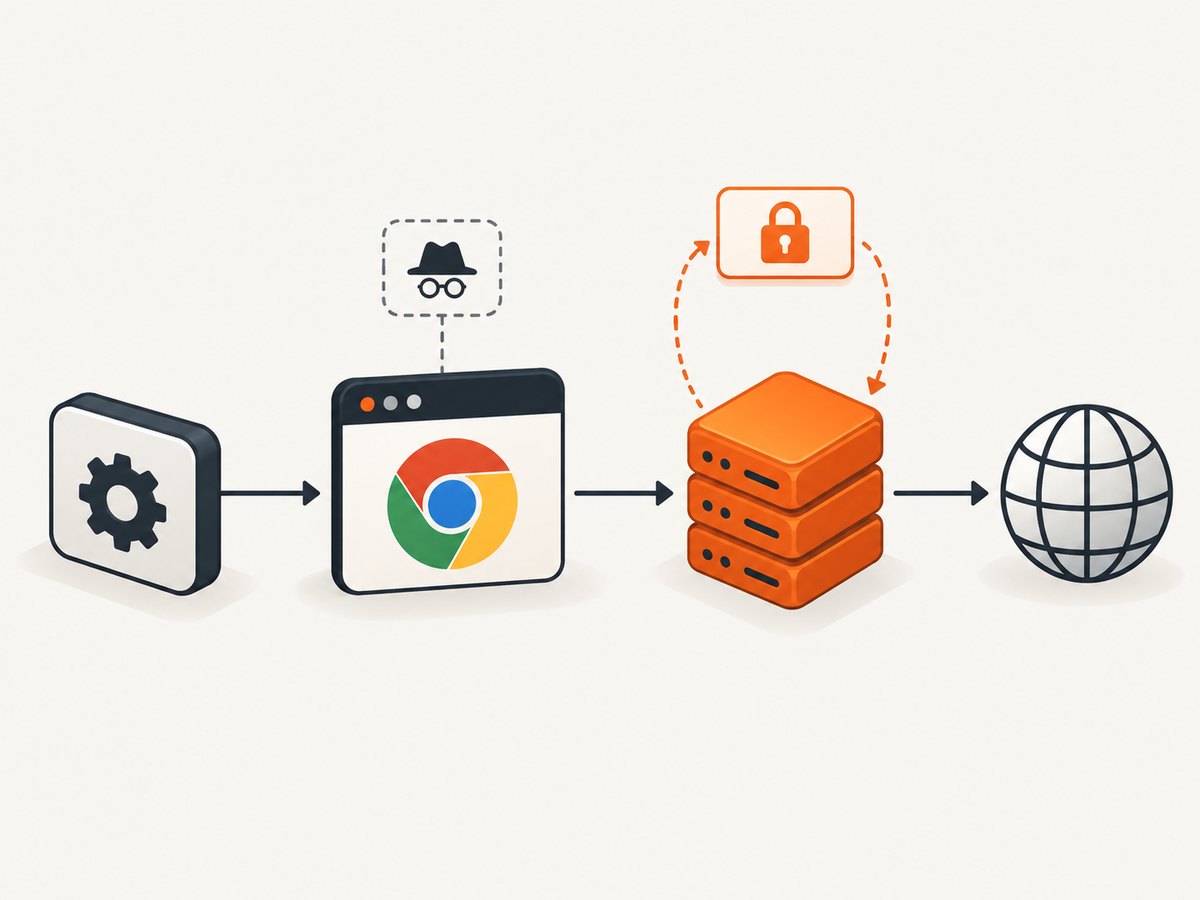
To use an authenticated proxy with headless Chrome and Selenium, configure the proxy endpoint separately from the username and password. Chrome can route traffic through a proxy set in ChromeOptions, but it does not use credentials embedded in a manual proxy URL such as http://user:password@proxy.example:8080. Handle the authentication challenge through a compatible extension, browser policy, upstream gateway, or a mechanism supported by your proxy’s authentication scheme.
The distinction matters: --proxy-server chooses where Chrome sends traffic; it does not by itself answer a proxy’s authentication challenge. Chromium documents that Chrome will not use credentials embedded in proxy settings. See the Chromium proxy design documentation and HTTP authentication documentation.
1. Check browser and driver compatibility
Use Selenium 4 and a ChromeDriver whose major version matches the installed Chrome major version. Selenium’s current Chrome guidance documents Chrome options and headless startup arguments in its Chrome browser documentation. Selenium Manager is included in Selenium 4 and can manage drivers in many setups; managed CI images may instead pin browser and driver versions explicitly.
For current Chrome, use --headless=new. Chrome’s modern headless mode shares the browser implementation with headful Chrome, and Selenium documents the argument in its current guidance. If your installed Chrome release rejects that argument, check the browser version and use the headless option supported by that release.
2. Configure the proxy endpoint in Python
This first script is deliberately endpoint-only. It starts Chrome headlessly, routes requests through an HTTP proxy, loads a page, and quits reliably. It does not authenticate to a protected proxy.
from selenium import webdriver
from selenium.webdriver.chrome.options import Options

options = Options()
options.add_argument("--headless=new")
options.add_argument("--proxy-server=http://proxy.example:8080")

# Selenium Manager can supply a compatible driver in supported environments.
driver = webdriver.Chrome(options=options)
try:
    driver.set_page_load_timeout(45)
    driver.get("https://example.com")
    print("Title:", driver.title)
finally:
    driver.quit()
Install Selenium with python -m pip install selenium. Replace the example host and port with the proxy endpoint from your provider. Keep the proxy scheme, hostname, and port exactly as supplied. Do not add username:password@ and expect Chrome to authenticate.
3. Choose an authentication path
The correct method depends on the proxy’s scheme and on what your Chrome deployment allows. Confirm whether the proxy uses Basic, Digest, NTLM, Kerberos, IP allowlisting, or another provider-specific flow. A username and password alone do not tell you which Chrome authentication mechanism will work.
Option A: Use a compatible extension
A browser extension can configure proxy rules and respond to compatible proxy authentication challenges. Chrome’s proxy API reference requires the proxy permission to set proxy configuration. Selenium’s Chrome options support loading extensions; see Selenium’s Chromium options API. The extension must also implement the authentication flow supported by your Chrome version, manifest version, and proxy scheme.
At a high level, the extension needs to:
- Declare the permissions needed for proxy configuration and authentication handling.
- Set a proxy configuration such as
fixed_serverswith the right scheme, host, port, and bypass rules. - Listen for the browser’s proxy authentication challenge and supply credentials only when the challenge belongs to the intended proxy.
- Package the extension in a format accepted by your Chrome and Selenium versions, then load it with ChromeOptions.
Do not copy an old extension snippet without checking its manifest version and API permissions. Extension APIs and the ability to handle blocking authentication events vary with Chrome’s extension model and release. Confirm the exact event handling against the current Chrome extension documentation and your proxy vendor’s instructions. Never put production credentials in a public extension package or source repository.
Option B: Use browser policy or an upstream gateway
In managed environments, an administrator may configure authentication policy or provide a gateway that handles credentials before traffic reaches Chrome. This can be easier to operate than distributing a custom extension across ephemeral browser workers. Whether it works depends on the proxy authentication scheme, Chrome policies available in the environment, and your organization’s network setup. Check the relevant Chrome policy and proxy vendor documentation before relying on it.
Option C: Use an IP-allowlisted proxy when appropriate
Some proxy providers allow requests from known outbound IP addresses without a per-request browser challenge. If your provider offers this mode and it meets your security requirements, it removes the need for Chrome to answer a username-and-password challenge. Confirm how the provider identifies your worker’s egress IP, how allowlists are updated, and whether the mode is available for both HTTP and HTTPS traffic.
4. Proxy configuration options and routing details
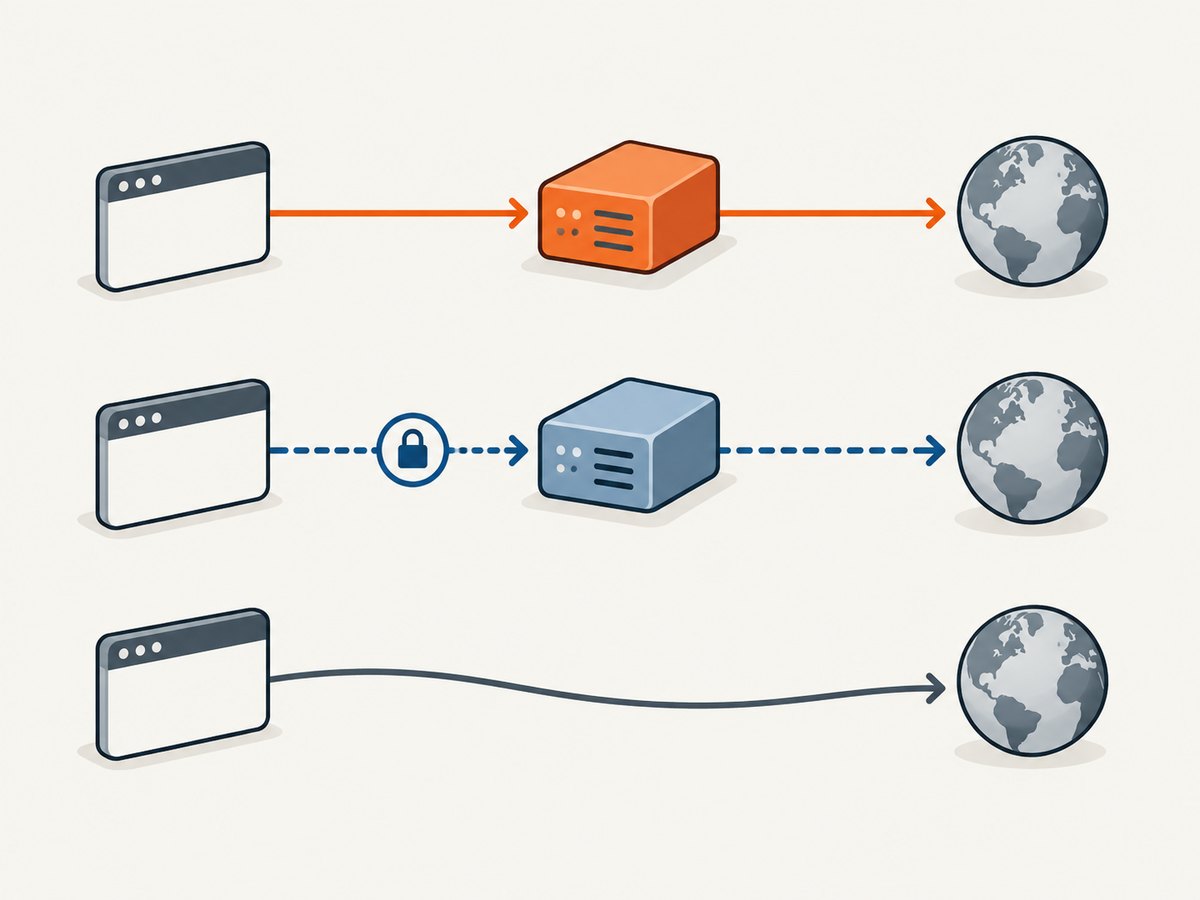
Chrome’s command-line proxy argument accepts a single proxy for traffic, or mappings by URL scheme. For a basic setup, --proxy-server=http://proxy.example:8080 is the simplest option. Chromium documents the proxy-server argument and its mapping syntax. If routing rules need more control, Chrome’s extension proxy API supports these modes and fields:
| Setting | Use |
|---|---|
fixed_servers |
Manually specify proxy servers in rules. |
singleProxy |
Use one proxy for HTTP, HTTPS, and FTP URL requests. |
proxyForHttp / proxyForHttps |
Choose different proxy servers for HTTP and HTTPS requests. |
fallbackProxy |
Supply a fallback rule for protocols without a specific mapping. |
bypassList |
Exclude matching hosts from proxying. |
pac_script |
Use a proxy auto-configuration script for per-URL routing. |
The API supports HTTP, HTTPS, SOCKS4, and SOCKS5 proxy connection schemes. The scheme describes the connection to the proxy, not the website being visited. Check the provider’s documentation: a proxy endpoint using HTTPS is not interchangeable with an HTTP proxy endpoint. The API also defines scheme-based default ports; explicitly setting the provider’s port avoids relying on defaults.
Be careful with bypass rules. A matching target may connect directly, so the page can appear to load while hiding that your proxy route is not being used. In tests, use a known controlled endpoint or a service that reports the request’s apparent source IP, and verify that the observed route matches your expectation.
5. Validate the full flow
- Confirm the endpoint. Check hostname, port, proxy connection scheme, and whether the provider expects HTTP, HTTPS, or SOCKS.
- Confirm routing. Run the browser with the proxy set and inspect a controlled destination that reports the connection source. Check bypass rules and environment-specific proxy settings.
- Confirm authentication separately. A 407 response points to the proxy authentication exchange. A website login form or 401 response is usually a different authentication layer.
- Reproduce in the deployment environment. Use the same Chrome release, driver, headless argument, extension package, container network, and environment variables as CI.
- Check logs without exposing secrets. Record the browser and driver versions, target host, status, and proxy hostname. Redact credentials, authorization headers, and sensitive URLs.
Do not treat successful browser startup as proof of successful proxy authentication. Chrome can start normally while every proxied request receives a 407 response.
6. Troubleshooting
| Symptom | Likely cause | Fix |
|---|---|---|
| HTTP 407 or repeated credential prompt | Chrome reached the proxy, but the challenge was not answered or the credentials/scheme do not match. | Do not rely on credentials embedded in the proxy URL. Verify the provider’s authentication scheme and configure a compatible extension, policy, gateway, or allowlist. |
| Page traffic bypasses the proxy | The argument or capability was not applied, a bypass rule matched, or an overriding setting is active. | Check the exact ChromeOptions passed to the driver, proxy host and port, extension or policy settings, and proxy environment variables. |
| HTTP works but HTTPS fails | The proxy may have a different HTTPS mapping, scheme, or CONNECT policy. | Check HTTPS/fallback rules and provider support for HTTPS destinations. Confirm whether the proxy endpoint itself expects HTTP or HTTPS. |
| Extension fails to load | Packaging, manifest version, permissions, or Chrome headless compatibility differ from the local setup. | Verify the extension against the installed Chrome release, inspect ChromeDriver logs, and use the extension loading method supported by your Selenium binding. |
| Works locally, fails in CI | Browser and driver versions, network policy, extension availability, or egress IP differs. | Pin or record versions, reproduce the same headless mode, and verify CI egress and proxy reachability. |
| Chrome fails before navigation | Driver/browser mismatch, missing browser binary, or invalid startup options. | Check Chrome and ChromeDriver major versions, Selenium startup logs, and the exact arguments. Remove unrelated flags while isolating the failure. |
| Proxy connects but target times out | The proxy can be reachable while the target is blocked, slow, or unreachable through that route. | Test a permitted destination, increase the page-load timeout only when justified, and distinguish proxy connection errors from target response delays. |
7. Reliability, performance, and cost considerations
Headless mode does not eliminate the costs of browser startup, page scripts, image downloads, or third-party requests. Reuse a WebDriver session for a batch of pages when isolation requirements allow it, but create separate sessions when cookies, proxy identities, or browser state must not carry over. Always call quit() in a finally block so failed navigations do not leave Chrome processes behind.
Proxy latency adds to DNS, connection, TLS, and page-load time. Heavy pages can make the browser wait on analytics, ads, or long-running requests. Set a page-load timeout based on the work, and use explicit waits for the page condition you need instead of sleeping for an arbitrary long interval. If retries are appropriate, keep them bounded and avoid retrying authentication failures unchanged; a repeated 407 will not fix itself.
Authentication adds operational risk: credentials can leak through source control, logs, command-line inspection, crash reports, or shared browser profiles. Inject secrets through a secret manager or protected runtime environment, limit their scope, rotate them according to your policy, and avoid printing option values that contain secrets. Do not share a Chrome user-data directory across concurrent workers unless the browser state is intentionally shared and safely coordinated.
There is no universal benchmark for this configuration. Measure your own target pages, proxy route, and CI environment. Track navigation failures, status codes, total time, and proxy-side usage so that browser failures can be separated from proxy charges or target-site behavior.
8. cURL, Python, and Node.js: what each can verify
cURL and HTTP libraries are useful for checking whether a proxy endpoint and its authentication work at the HTTP layer. They do not configure Selenium’s Chrome browser, execute page JavaScript, or prove that Chrome’s extension authentication flow is correct. Use credentials supplied by a secure environment variable rather than typing them into a committed script.
cURL connectivity check
curl --proxy "http://proxy.example:8080" \
  --proxy-user "$PROXY_USER:$PROXY_PASSWORD" \
  --fail --show-error --silent \
  "https://example.com/" -o /dev/null
This checks a request through cURL’s proxy support. Confirm the correct proxy scheme and authentication options for your provider. Avoid shell tracing in environments where expanded command arguments could be logged.
Python HTTP check
import os
import requests

proxy = "http://{}:{}@proxy.example:8080".format(
    os.environ["PROXY_USER"], os.environ["PROXY_PASSWORD"]
)
proxies = {"http": proxy, "https": proxy}

response = requests.get(
    "https://example.com/",
    proxies=proxies,
    timeout=(10, 30),
)
print("Status:", response.status_code)
response.raise_for_status()
This is an HTTP client check, not a Selenium configuration. Some credentials contain reserved URL characters; percent-encode them correctly or use the proxy library’s supported authentication interface. Protect exception output and debug logs from leaking the proxy URL.
Node.js HTTP check
// Install a proxy-capable fetch dispatcher compatible with your Node.js version.
// Configure its proxy URL from a secret store; do not commit it.
const proxyUrl = process.env.PROXY_URL;
if (!proxyUrl) throw new Error("Set PROXY_URL in the environment");

console.log("Proxy URL is configured");
console.log("Use a proxy-capable dispatcher for fetch and check the response status.");
Node.js’s built-in fetch does not automatically become a Selenium browser session when a proxy URL exists. Use a proxy-capable dispatcher or agent supported by your installed Node.js version, and consult that package’s current documentation for credentials and CONNECT behavior. Selenium’s Node binding still needs ChromeOptions for browser routing and a compatible authentication mechanism for the browser challenge.
9. Or skip the browser setup
If the task is to capture a website screenshot rather than automate an authenticated proxy-dependent browser workflow, ScreenshotNeo is a website screenshot API and MCP server. One GET request returns an image or PDF, and its options include custom headers, cookies, and user-agent settings. See the ScreenshotNeo API documentation for request options.
curl -G "https://api.screenshotneo.com/v1/shot" \
  -d access_key=YOUR_API_KEY \
  --data-urlencode url=https://stripe.com \
  -o shot.webp
ScreenshotNeo accepts cookie and consent banners before capture and removes 60+ known consent platforms, newsletter popups, and chat widgets; each of these steps can be turned off. Bot checks, blank pages, failed loads, timeouts, and cache hits are not billed, and response headers report the page verdict and billing status. Its MCP server gives AI agents tools named take_screenshot, get_page_info, and capture_pdf. The free plan includes 1,000 screenshots per month with no card; paid plans start at $5 for 3,000 screenshots.
Sign up free for 1,000 screenshots a month, with no card required.
10. FAQ
Can I put proxy credentials in Chrome’s --proxy-server value?
No. Chrome does not use credentials embedded in manual proxy settings. Set the endpoint separately and handle the challenge with a compatible authentication method.
Does the --headless=new flag authenticate the proxy?
No. It selects headless operation. Proxy routing and proxy authentication are separate configuration steps.
Is a 407 response the same as a website login failure?
No. A 407 indicates proxy authentication is required. A target website’s own authentication response is a separate layer.
Can a cURL success prove Selenium will work?
No. It confirms only that the cURL request succeeded through its proxy configuration. Chrome has its own routing and authentication behavior, so validate in the same browser environment used by Selenium.
Should I use a browser extension for every proxy?
No single approach fits every proxy. Match the method to the authentication scheme, Chrome version, extension support, and deployment controls; an upstream gateway or provider-supported IP allowlist may be simpler where appropriate.


