How to Take Screenshots With Selenium HtmlUnitDriver
HtmlUnitDriver is useful for headless DOM tests, but current versions do not promise Selenium screenshots. Learn the compatibility check and reliable alternatives.
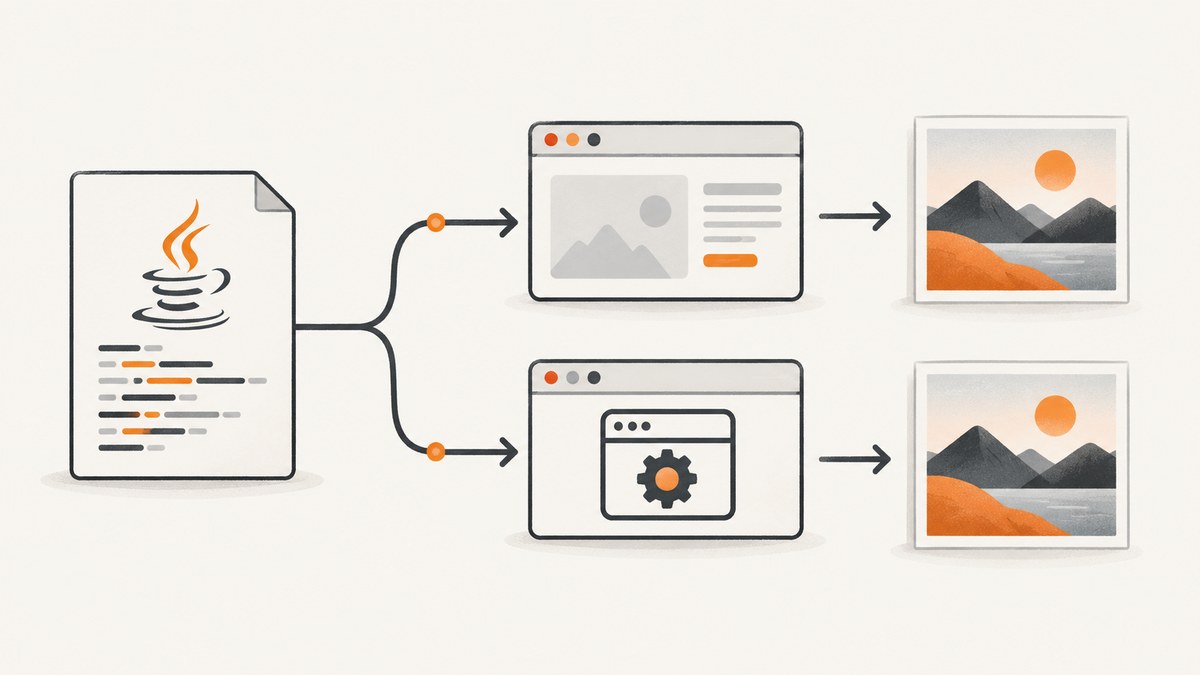
Direct answer: Do not assume that Selenium’s standard screenshot call works with HtmlUnitDriver. The current upstream HtmlUnitDriver class does not list Selenium’s TakesScreenshot interface among its implemented interfaces. Selenium documents getScreenshotAs(OutputType), but also documents that unsupported implementations may throw UnsupportedOperationException. A cast to TakesScreenshot can therefore fail before a file is written.
Use HtmlUnitDriver for headless browser automation when you need DOM access, navigation, JavaScript execution, and interactions. When a PNG, JPEG, WebP, or PDF is a hard requirement, choose a WebDriver implementation with documented screenshot support, or use a screenshot service. This guide shows how to verify the exact dependency you use, how to handle the failure safely, and how to move screenshot work to a supported driver.
What HtmlUnitDriver is—and what that means for screenshots
HtmlUnit describes itself as a “GUI-less browser for Java programs.” Selenium integration is provided through the HtmlUnit driver, which gives a WebDriver-compatible way to automate a headless browser. That makes it useful for fast page logic tests and server-side browser flows.
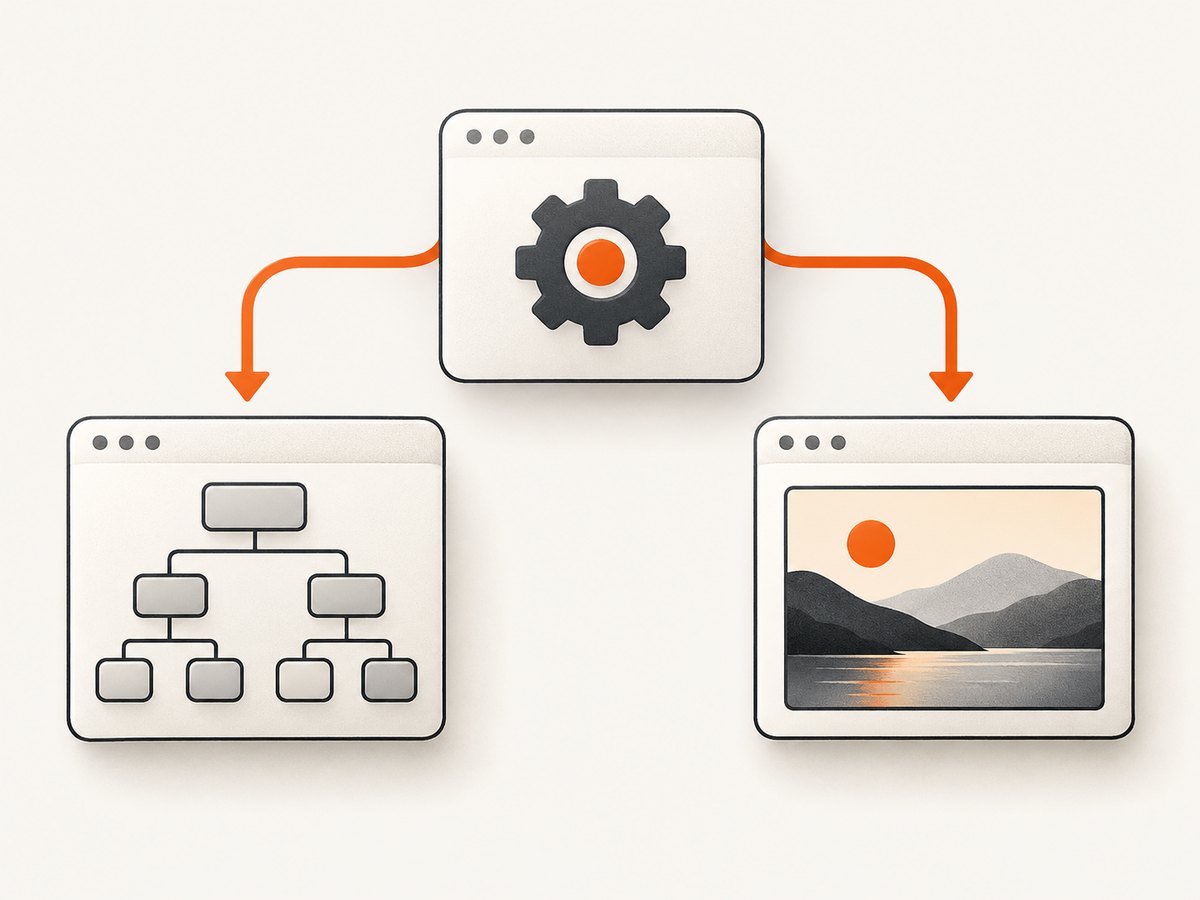
A WebDriver API, however, is not proof that every driver can produce pixels. Selenium’s TakesScreenshot interface is the capability contract for drivers or elements that can capture an image. The current HtmlUnitDriver declaration lists WebDriver, JavascriptExecutor, HasCapabilities, and Interactive; it does not list TakesScreenshot. Treat screenshot support as an implementation-specific capability, not as a consequence of implementing WebDriver.
Install HtmlUnitDriver for browser automation
Use the coordinates shown in the current Selenium project README, then check its compatibility table before fixing versions in a new project. Releases and compatible HtmlUnit versions change.
Maven
<dependency>
  <groupId>org.seleniumhq.selenium</groupId>
  <artifactId>htmlunit3-driver</artifactId>
  <version>YOUR_COMPATIBLE_VERSION</version>
</dependency>
Gradle
dependencies {
    implementation("org.seleniumhq.selenium:htmlunit3-driver:YOUR_COMPATIBLE_VERSION")
}
The project README demonstrates both new HtmlUnitDriver() (JavaScript disabled) and new HtmlUnitDriver(true) (JavaScript enabled). Select the constructor that matches the page behavior you are testing; enabling JavaScript does not add screenshot support.
Verify screenshot capability before writing capture code
Check the runtime object instead of blindly casting it. This small program reports whether the loaded driver advertises the interface:
import org.openqa.selenium.WebDriver;
import org.openqa.selenium.htmlunit.HtmlUnitDriver;
import org.openqa.selenium.TakesScreenshot;

public class CheckHtmlUnitScreenshot {
    public static void main(String[] args) {
        WebDriver driver = new HtmlUnitDriver(true);
        try {
            System.out.println("Driver: " + driver.getClass().getName());
            System.out.println("TakesScreenshot: " + (driver instanceof TakesScreenshot));
        } finally {
            driver.quit();
        }
    }
}
If this prints false, the standard Selenium screenshot call is not available through that object. If it prints true for a particular artifact, still run a focused compatibility test against the exact version and runtime you deploy. The research for this article does not establish a built-in HtmlUnitDriver screenshot method or a supported workaround that creates a reliable image.
The generic Selenium screenshot example—and why it is conditional
Selenium’s documented usage looks like this:
import java.io.File;
import org.openqa.selenium.OutputType;
import org.openqa.selenium.TakesScreenshot;
import org.openqa.selenium.WebDriver;

File screenshotFile = ((TakesScreenshot) driver)
    .getScreenshotAs(OutputType.FILE);
This is a valid Selenium API example, not a promise that it works with HtmlUnitDriver. Selenium documents that an implementation can throw UnsupportedOperationException when screenshot capture is unsupported. With a current HtmlUnitDriver, the cast itself may fail with ClassCastException because the driver does not implement TakesScreenshot.
Use an explicit guard when your test can run with different drivers:
import java.io.File;
import java.nio.file.Files;
import java.nio.file.Path;
import org.openqa.selenium.OutputType;
import org.openqa.selenium.TakesScreenshot;
import org.openqa.selenium.WebDriver;

public final class Screenshots {
    public static Path saveIfSupported(WebDriver driver, Path destination) throws Exception {
        if (!(driver instanceof TakesScreenshot screenshotDriver)) {
            throw new UnsupportedOperationException(
                "This WebDriver does not advertise TakesScreenshot: " +
                driver.getClass().getName());
        }
        File source = screenshotDriver.getScreenshotAs(OutputType.FILE);
        return Files.copy(source.toPath(), destination);
    }
}
Failing with a clear message is preferable to silently creating an empty artifact or marking a visual test as passed.
Choose a driver with documented screenshot support
When visual evidence is required, use a driver whose Selenium support includes TakesScreenshot and whose browser runtime is available in your test environment. Selenium’s current Java API lists ChromeDriver, ChromiumDriver, EdgeDriver, FirefoxDriver, InternetExplorerDriver, RemoteWebDriver, RemoteWebElement, and SafariDriver among known implementing classes. Confirm the exact browser, Selenium version, operating system, and remote grid configuration before relying on it.
Example with ChromeDriver
import java.nio.file.Files;
import java.nio.file.Path;
import java.nio.file.StandardCopyOption;
import org.openqa.selenium.OutputType;
import org.openqa.selenium.TakesScreenshot;
import org.openqa.selenium.chrome.ChromeDriver;

public class ChromeShot {
    public static void main(String[] args) throws Exception {
        ChromeDriver driver = new ChromeDriver();
        try {
            driver.get("https://example.com");
            byte[] png = ((TakesScreenshot) driver)
                .getScreenshotAs(OutputType.BYTES);
            Files.write(Path.of("example.png"), png);
        } finally {
            driver.quit();
        }
    }
}
For a remote browser, use RemoteWebDriver and configure the grid’s browser capabilities. A remote driver can expose the interface while the grid still lacks a usable display or returns a session-specific error, so keep a capture check in CI.
Full-page, element, and timing limitations
A successful Selenium screenshot call usually captures the current viewport. Full-page behavior varies by browser driver and Selenium implementation; do not infer that HtmlUnit’s DOM representation can be rendered as a full-page bitmap. If you need a whole document, verify the selected driver’s documented behavior or stitch viewport images deliberately.
For dynamic pages, wait for a condition before capture:
WebDriverWait wait = new WebDriverWait(driver, Duration.ofSeconds(20));
wait.until(ExpectedConditions.visibilityOfElementLocated(By.cssSelector("main")));
byte[] image = ((TakesScreenshot) driver).getScreenshotAs(OutputType.BYTES);
Element screenshots are also driver-dependent. Confirm that the driver supports WebElement screenshot capture before using element.getScreenshotAs(...). Lazy-loaded images, consent dialogs, ads, animations, and cross-origin content can change what appears in the final image even when the page has finished loading.
Common errors and fixes
| Error | Cause | Fix |
|---|---|---|
ClassCastException |
The HtmlUnitDriver object does not implement TakesScreenshot. |
Check instanceof; switch to a documented screenshot driver or a screenshot API. |
UnsupportedOperationException |
The implementation exposes the method contract but does not support capture in that runtime. | Verify the exact artifact and browser setup; do not treat the call as portable. |
| Blank or missing image | The page failed to load, content was still rendering, or the capture path was not written. | Check navigation status, wait for a selector, write bytes directly, and inspect response/log output. |
| JavaScript content absent | HtmlUnitDriver was created with JavaScript disabled or the script is incompatible with HtmlUnit. | Try new HtmlUnitDriver(true) for automation, or use a real browser for visual fidelity. |
| Dependency conflict | Selenium, htmlunit3-driver, and HtmlUnit versions are outside the project’s compatibility table. | Align versions using the upstream table and inspect the resolved dependency tree. |
| Works locally, fails in CI | Different driver artifact, browser binary, permissions, or remote capabilities. | Log driver class and versions; run the capability check in the same CI image. |
Performance, reliability, and cost decisions
Performance
HtmlUnit can be a sensible choice when the test goal is DOM and interaction logic and no pixels are needed. A real browser adds browser startup and rendering work. The right comparison is the work your test requires: do not trade away required visual evidence for an assumed speed advantage, and do not publish a screenshot benchmark unless you measure your own versions and environment.
Reliability
Pin compatible dependencies, record the driver class at startup, and keep one small screenshot smoke test in the same environment as production tests. Use deterministic waits instead of arbitrary sleeps where possible. For visual regression, store the browser and driver versions with the artifact so a changed renderer can be distinguished from an application change.
Cost
Self-hosted WebDriver costs are operational: browser binaries, CI minutes, parallel sessions, storage, and maintenance. HtmlUnit avoids a graphical browser process but cannot be assumed to provide a usable image. A hosted screenshot API can move browser setup and scaling out of your test code; compare its billing rules, image formats, retention, and failure handling with your workload.
Or skip the browser setup
ScreenshotNeo provides a GET-based website screenshot API and MCP server. It can return PNG, JPEG, WebP, or PDF and exposes the options needed for production captures: full-page shots with lazy images loaded, CSS-selector element capture, device presets or custom viewports, dark mode, retina scale, custom CSS and JavaScript, selector or network-idle waits, request blocking, headers, cookies, user agents, authorization, timezone, geolocation, transparent backgrounds, resizing, caching, signed image links, asynchronous jobs with signed webhooks, bulk capture of up to 100 URLs, and a usage API. Every feature is on every plan.
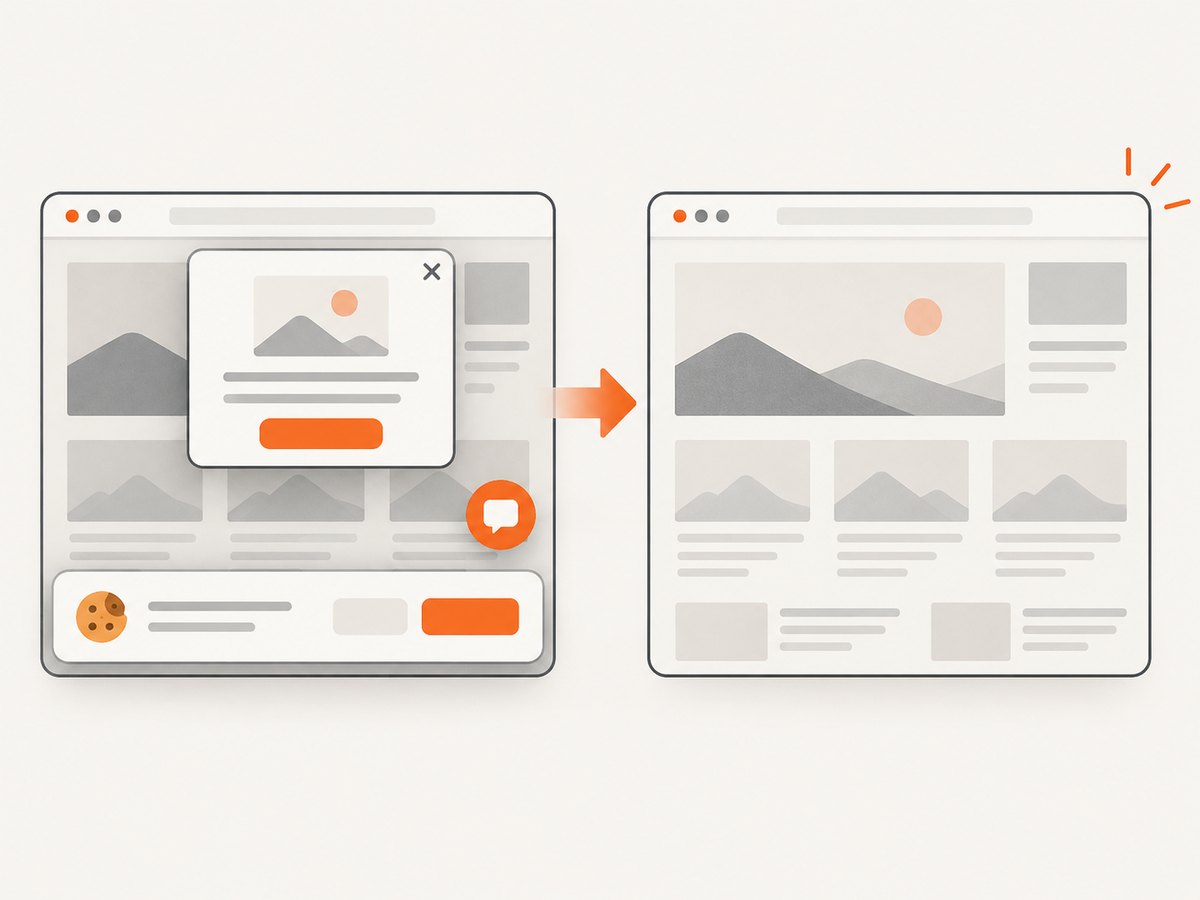
Cookie banners, newsletter popups, and chat widgets are removed before the shot; each step can be turned off. Bot checks, blank pages, timeouts, failed loads, and cache hits are not billed, and response headers identify the page verdict and whether the request was billed. An MCP server lets Claude, Cursor, and other MCP clients use take_screenshot, get_page_info, and capture_pdf.
See the ScreenshotNeo API documentation for authentication and options. A minimal call is:
cURL
curl -G "https://api.screenshotneo.com/v1/shot" \
  -d access_key=YOUR_API_KEY \
  --data-urlencode url=https://stripe.com \
  -o shot.webp
Python
import requests

r = requests.get(
    "https://api.screenshotneo.com/v1/shot",
    params={"access_key": "YOUR_API_KEY", "url": "https://stripe.com"},
    timeout=90,
)
r.raise_for_status()
open("shot.webp", "wb").write(r.content)
Node.js
const q = new URLSearchParams({
  access_key: 'YOUR_API_KEY',
  url: 'https://stripe.com'
});
const res = await fetch(`https://api.screenshotneo.com/v1/shot?${q}`);
if (!res.ok) throw new Error(`HTTP ${res.status}`);
const image = Buffer.from(await res.arrayBuffer());
require('fs').writeFileSync('shot.webp', image);
ScreenshotNeo has a free plan with 1,000 shots per month and no card. Paid plans start at $5 for 3,000 shots; yearly billing gives two months free. Create a free ScreenshotNeo account when you want screenshots without maintaining a browser setup.
FAQ
Can I force HtmlUnitDriver to implement TakesScreenshot?
Do not add an unsupported cast or wrapper and call it a supported implementation. Inspect the exact artifact source and API, then use a focused compatibility test if you maintain a custom integration. The researched current class declaration does not establish a built-in capture method.
Is HtmlUnitDriver the same as headless Chrome?
No. HtmlUnit is a GUI-less Java browser implementation. Headless Chrome is Chrome running without a visible window. Their JavaScript, CSS, rendering, and screenshot behavior are different.
Does enabling JavaScript make screenshots work?
No. new HtmlUnitDriver(true) enables JavaScript for page automation; it does not advertise or guarantee TakesScreenshot.
What should a visual test assert?
Assert that the selected driver supports capture, that navigation and required selectors succeed, and that the output file has nonzero bytes. Then apply your image comparison policy separately from browser capability checks.
Which approach should I use for production website images?
Use a documented screenshot-capable browser when you need local control of the session. Use ScreenshotNeo when you want an API call, consent and widget cleanup, failure-aware billing, or MCP access for AI agents.


