How to Define Relative and Cross-Platform Screenshot Paths in Selenium IDE
Use runner-relative artifact paths for portable Selenium IDE screenshots, and learn what works in the legacy IDE, browser extension, and exported WebDriver code.

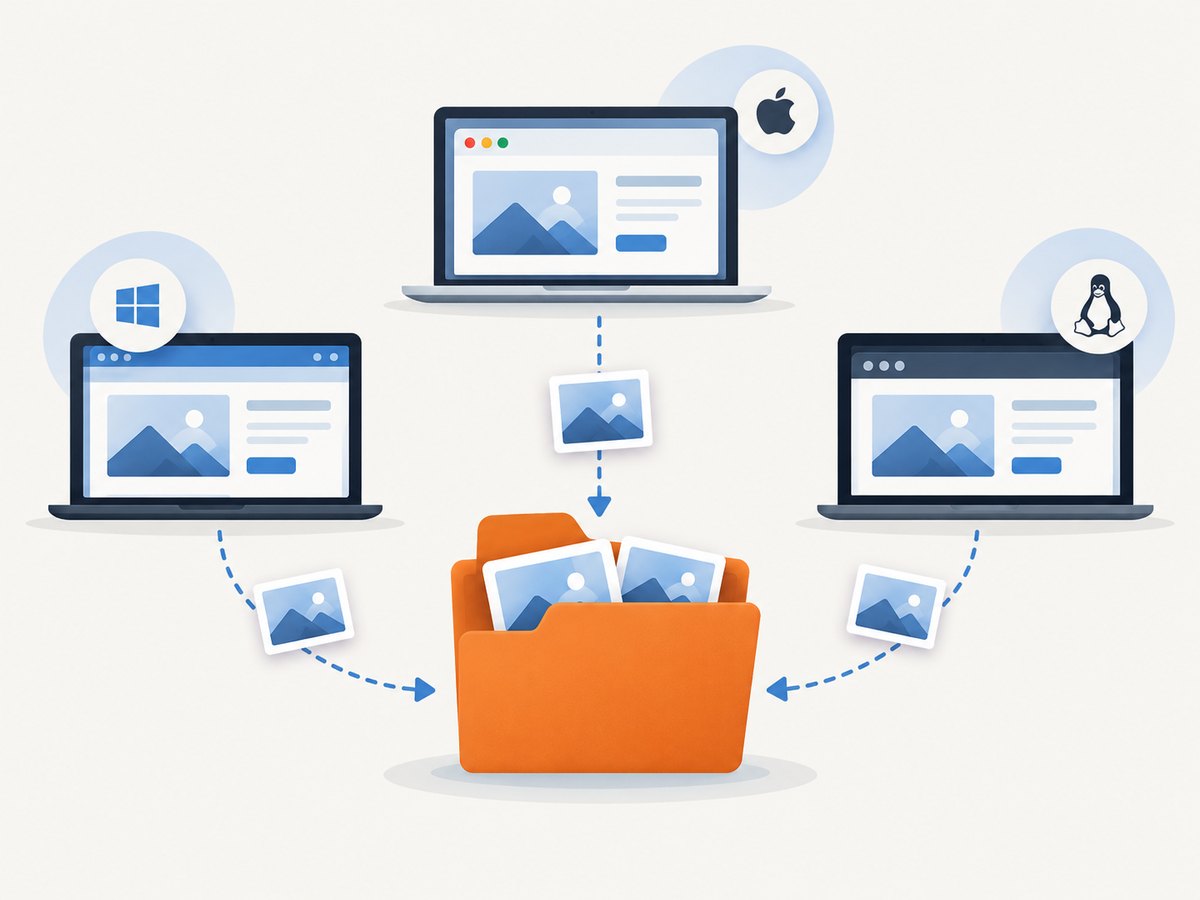
For a current Selenium IDE .side project, the most reliable cross-platform approach is to run it with selenium-side-runner from the project workspace and set a repository-relative output directory, such as artifacts. Keep machine-specific absolute roots out of the test. The runner accepts relative or absolute project and output paths, so the same project can run from a checked-out workspace on Windows, macOS, or Linux. Selenium IDE command-line runner documentation
1. Choose the right Selenium IDE workflow
Path behavior depends on how the test runs. Selenium IDE has had multiple generations: the old HTML IDE, the current browser extension, command-line execution of .side projects, and code exported from IDE recordings. A path that worked in a legacy installation is not automatically meaningful to the extension or runner.
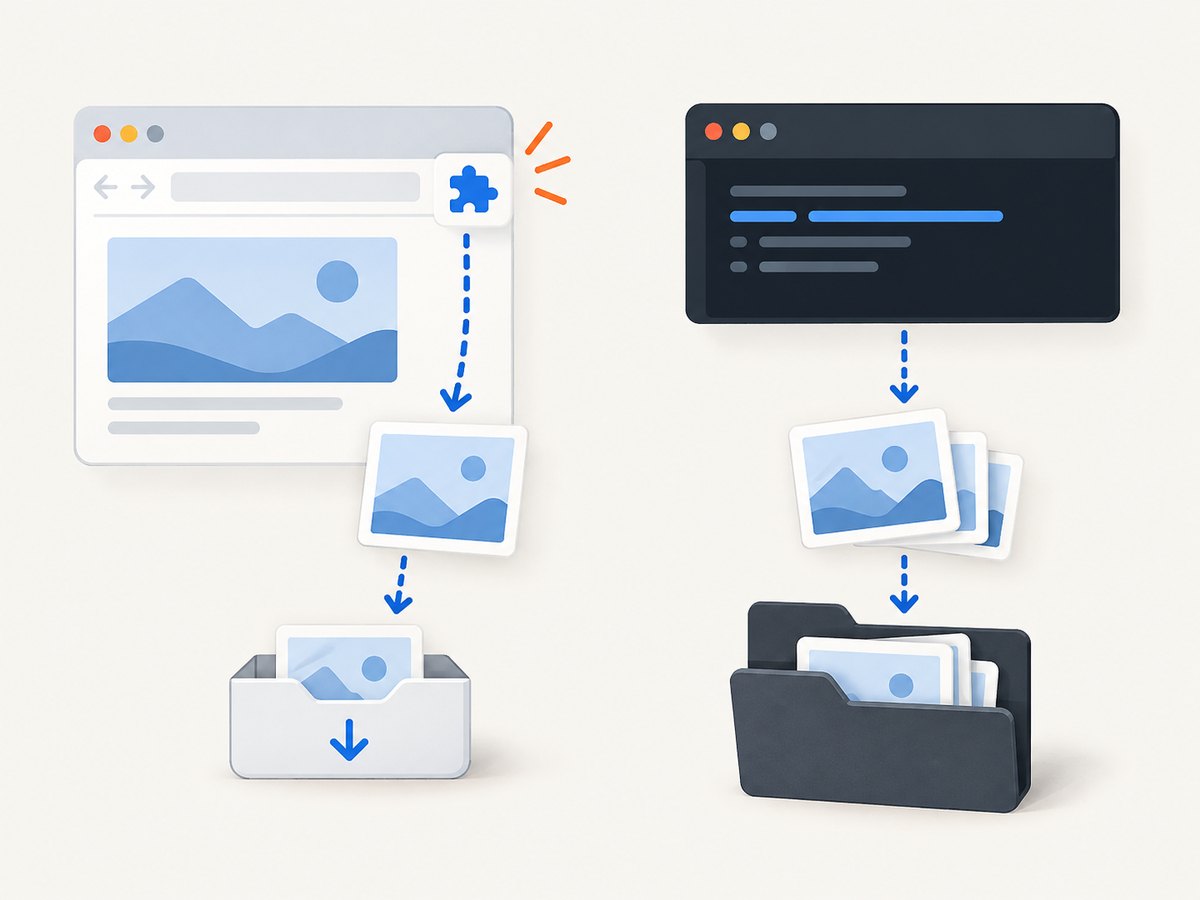
| Workflow | How to handle screenshot paths | Portability |
|---|---|---|
| Legacy Selenium IDE / HTML IDE | A historical workaround reads testCaseDirectory and builds a target path from it. Check the exact old version. |
Version-specific |
| Current browser extension | Do not assume commands can write arbitrary filesystem paths. Browser extension file access is restricted. | Not a general filesystem output mechanism |
.side project under selenium-side-runner |
Set a relative --output-directory from the workspace root, or an absolute directory supplied by CI. |
Recommended for CI |
| Exported WebDriver code | Use the language’s path library to resolve the destination, then save the screenshot returned by WebDriver. | Portable when paths are constructed at runtime |
The Selenium IDE FAQ explains that the browser extension does not have access to the filesystem; its save behavior uses browser downloads. That is why ./screenshot-1.png may fail or may not mean “next to the project.” Selenium IDE FAQ
2. Run a current .side project with a relative output directory
Place the project and its output directory under the repository workspace. Run the runner from that workspace root so the relative destination has a clear base. The following is a shell example; install and configure the runner and browser according to the official runner instructions for your environment.
mkdir -p artifacts
selenium-side-runner --output-directory=artifacts tests/example.side
The runner documentation states that project and output directory paths can be absolute or relative. In this example, tests/example.side and artifacts are relative to the current working directory from which the command is launched. Record that working directory explicitly in local scripts and CI configuration so a command launched from another directory does not silently target a different location. Runner options and execution
Make the working directory explicit
A relative path is portable only when the process has a predictable starting directory. In CI, set the job’s working directory to the checkout root, or change into the checkout root before invoking the runner. Keep the same repository-relative convention on developer machines.
# Run from the repository root
selenium-side-runner --output-directory=artifacts tests/example.side
If your CI system provides a workspace variable, use it to choose the job working directory or construct an absolute output directory in the CI configuration. Keep that machine-specific value outside the .side test. Avoid embedding a developer’s home directory or a Windows drive letter in a shared project.
Use forward slashes in project-level paths
Where a Selenium IDE variable or configuration accepts a path, forward slashes are a practical shared convention. Do not build paths by concatenating a hard-coded drive prefix such as C:\ with a repository path. The runner or host language should receive the platform-specific root, while the test refers to paths beneath the workspace.
3. Account for the legacy IDE workaround
If maintaining an old Selenium IDE test that uses captureEntirePageScreenshot, a historical answer derives the test case directory through Preferences.getString("testCaseDirectory"), stores the value, and interpolates it into the screenshot target:
<tr>
  <td>storeEval</td>
  <td>Preferences.getString("testCaseDirectory")</td>
  <td>testSuiteFolder</td>
</tr>
<tr>
  <td>captureEntirePageScreenshot</td>
  <td>${testSuiteFolder}/screenshots/screenshot-reportpage-1.png</td>
  <td></td>
</tr>
This is a legacy, version-specific workaround documented in a historical community answer, not a supported promise for the current browser extension. Its assumptions include the old command set, the availability of the preference, and a compatible filesystem implementation. A report of NS_ERROR_FILE_UNRECOGNIZED_PATH for simple relative inputs is a reminder to verify behavior against the exact old build. Historical Selenium IDE path discussion
4. Save screenshots from exported WebDriver code
When you export the test to a language binding, let that language resolve paths. The WebDriver screenshot API returns image data or saves to a supplied path, depending on binding. Use the runtime’s path utilities and create the directory before writing. Selenium’s official examples show screenshot paths such as ./image.png across bindings. WebDriver screenshot documentation
Python example
from pathlib import Path
from selenium import webdriver

artifact_dir = Path(__file__).resolve().parent / "artifacts" / "screenshots"
artifact_dir.mkdir(parents=True, exist_ok=True)

with webdriver.Firefox() as driver:
    driver.get("https://example.com")
    destination = artifact_dir / "example.png"
    driver.save_screenshot(str(destination))
    print(f"Saved {destination}")
Here the path is anchored to the script file rather than the shell’s current directory. If your project intentionally anchors outputs to the runner workspace, pass that workspace path through an environment variable and join it with Path. This makes the intended base explicit.
Node.js example
const path = require('node:path');
const fs = require('node:fs/promises');
const { Builder } = require('selenium-webdriver');

(async () => {
  const artifactDir = path.resolve(__dirname, 'artifacts', 'screenshots');
  await fs.mkdir(artifactDir, { recursive: true });

  const driver = await new Builder().forBrowser('firefox').build();
  try {
    await driver.get('https://example.com');
    const png = await driver.takeScreenshot();
    await fs.writeFile(path.join(artifactDir, 'example.png'), png, 'base64');
  } finally {
    await driver.quit();
  }
})();
Install and configure the Selenium language binding and matching browser driver for the chosen runtime. The code demonstrates path handling and screenshot persistence; it does not replace the WebDriver setup required by your environment.
5. Preserve the screenshots as CI artifacts
Files written during a job can disappear when its workspace is cleaned. Configure the CI system to publish the same directory passed to --output-directory or used by the exported test code. Retain screenshots on failure if your CI supports conditional artifact retention; this makes debugging useful without storing every successful run indefinitely.
- Choose one repository-relative output directory, for example
artifacts. - Run the test with a known workspace root.
- Make sure the output directory exists if your selected command or environment does not create it.
- Configure the CI artifact step to collect that exact path.
- Set a retention policy appropriate to the size and sensitivity of the screenshots.
6. Handle viewport, full-page, and naming expectations
A path answers where bytes are written; it does not decide what the image contains. A WebDriver screenshot often captures the current viewport, while a legacy IDE command named captureEntirePageScreenshot requests a full-page capture. Browser, binding, and command behavior vary, so confirm the scope required by your test. Keep filenames deterministic when downstream steps expect a known name, and include a test identifier or run identifier when parallel executions could write the same file.
For parallel runs, do not let workers overwrite example.png in the same directory. Give each worker or test a unique subdirectory or filename, then publish the common artifact root. For sensitive pages, remember screenshots can contain personal or secret data; restrict artifact access and retention accordingly.
7. Troubleshooting common path failures
| Symptom | Likely cause | Fix |
|---|---|---|
./screenshot-1.png fails in the browser extension |
The extension cannot write to arbitrary filesystem locations. | Use browser downloads for extension saves, or run the project through selenium-side-runner. |
| File appears in an unexpected directory | The relative path is based on the process working directory, not necessarily the project file. | Set the working directory explicitly, or resolve from a known script/workspace root. |
| Legacy command reports an unrecognized path | Old IDE path parsing or filesystem behavior rejects the supplied format. | Verify the exact version; try the documented legacy variable workaround, or migrate execution to the runner. |
| Works on Windows, fails on Linux | A drive letter, backslash assumption, or machine-specific root was embedded. | Keep roots in runtime configuration; use a language path library or runner-relative output directory. |
| Screenshot command passes but no artifact is downloadable | The CI job did not publish the output folder, or published a different path. | Point artifact collection at the same directory and check job logs for the actual working directory. |
| Files overwrite each other in parallel jobs | Workers use the same fixed filename and destination. | Include a unique run, worker, or test component in the path. |
| Exported code cannot save the screenshot | Destination directory does not exist or process lacks write permission. | Create parent directories first and write within the job’s writable workspace. |
8. Performance, reliability, and cost
Screenshot path selection has little direct effect on capture speed. Full-page captures can take longer and produce larger files than viewport captures; browser startup, page load, remote Grid latency, and artifact upload often dominate the overall job. Avoid capturing the same page repeatedly when one capture can serve the diagnostics you need. For parallel suites, isolate output names and check available disk space and artifact limits.
Reliability comes from controlling the workspace root, making directories, and publishing the exact output path. Relative paths improve portability when every environment launches from a known root. Absolute paths are appropriate when CI injects the root, but should not be committed as developer-specific values. Artifact storage and retention can have costs or limits set by your CI provider; this research does not establish provider-specific rates.
Or skip the browser setup
If you only need a screenshot of a public URL rather than a Selenium-driven interaction, ScreenshotNeo returns a PNG, JPEG, WebP, or PDF from one GET request. Its API has options for full-page capture, CSS selectors, viewport and device settings, waits, custom headers, and more. See the ScreenshotNeo API documentation.
curl -G "https://api.screenshotneo.com/v1/shot" -d access_key=YOUR_API_KEY --data-urlencode url=https://example.com -o shot.webpCookie banners, newsletter popups, and chat widgets are removed before the shot. Bot checks, blank pages, timeouts, failed loads, and cache hits are never billed; response headers identify page verdict and billing status. An MCP server lets AI agents use take_screenshot, get_page_info, and capture_pdf. The free plan includes 1,000 screenshots each month with no card; paid plans start at $5 for 3,000 screenshots.
Create a free ScreenshotNeo account and get 1,000 screenshots a month with no card.
9. Frequently asked questions
Can one .side project run on Windows and Linux?
Yes, if the project avoids machine-specific roots and each environment runs it from a known workspace. Use runner-relative paths or inject the workspace root at runtime.
Does the current Selenium IDE extension save to the project folder?
Do not rely on that behavior. The browser extension has restricted filesystem access, and its download workflow is different from arbitrary project-relative writes.
Should I use an absolute path in CI?
Use an absolute path when your CI supplies the workspace root and configuration benefits from it. Keep that value external to the shared test. A relative runner output path is simpler when the job reliably starts at the checkout root.
Where does selenium-side-runner put screenshots?
Set the destination with --output-directory and interpret a relative value from the runner’s working directory. Configure CI to retain that same directory.
Does a Selenium screenshot always include the whole page?
No. Screenshot scope depends on the command and binding. Check whether your selected API captures the viewport or the full page.