How to Run a Selenium Internet Explorer Node as a Windows 2003 Service
Selenium does not support IEDriverServer in Windows services or Windows Server 2003. Learn the documented limits, safe diagnostics, and migration options.
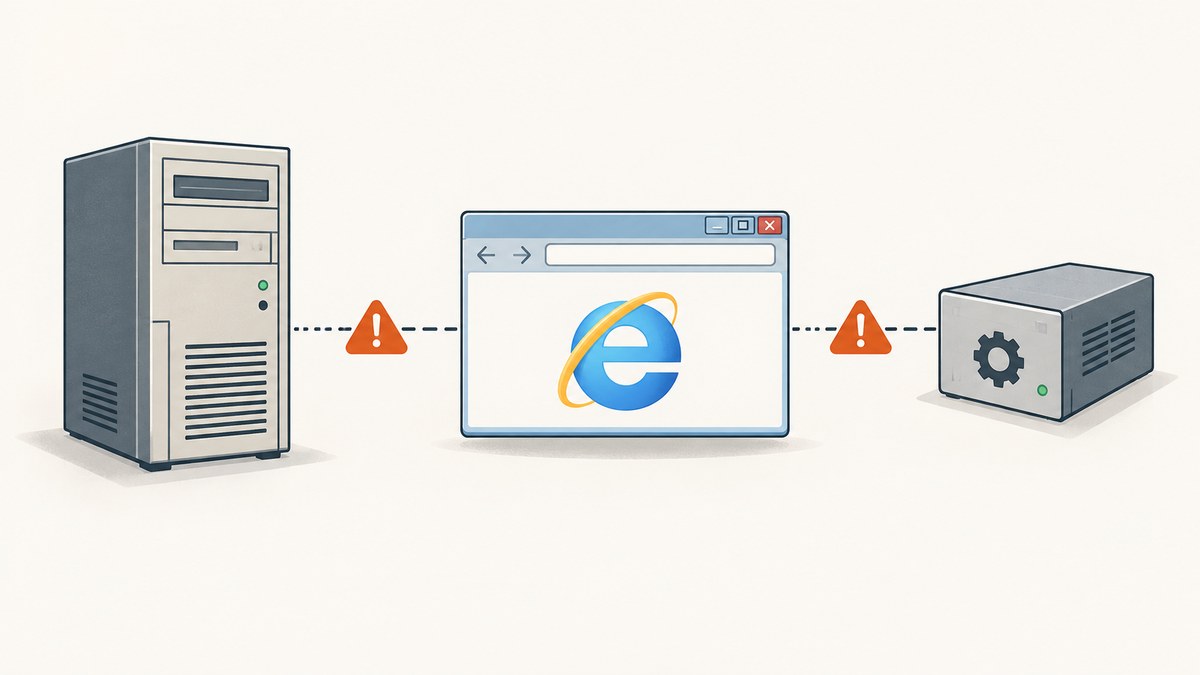
Direct answer: there is no Selenium-supported way to run IEDriverServer.exe as a Windows Service on Windows Server 2003. Selenium’s IE Driver documentation says service use is “expressly unsupported,” is untested in service processes, and uses Windows API calls documented as prohibited in services. The documented tested environment is IE 11 on Windows 10; older Windows and Internet Explorer combinations are unsupported. See the official IE Driver documentation.
Standalone Internet Explorer support also ended in June 2022. Selenium documents Edge in IE Compatibility Mode as the remaining IE-related path. A legacy Selenium Grid page may mention Windows Server 2003, but that is historical platform taxonomy rather than present compatibility evidence.
What the documentation actually supports
- Windows service process: explicitly unsupported for
IEDriverServer.exe. - Operating system: IE Driver was tested with IE 11 on Windows 10. Older combinations may work but are unsupported.
- Browser: standalone Internet Explorer is no longer officially supported; Edge IE Compatibility Mode is the documented IE-related alternative.
- Grid: current Grid instructions require current Java and browser/driver prerequisites and do not claim Windows Server 2003 compatibility.
Therefore, a service wrapper, startup flag, registry change, or copied Grid command cannot turn this combination into a supported deployment. Treat any attempt on a preserved legacy machine as an isolated experiment whose failures may come from the service desktop, the old operating system, the browser, the driver, or Selenium itself.
Why Windows services cause trouble for IE automation
A Windows service normally runs in a non-interactive session. Browser automation often depends on a user profile, desktop/window access, registry state, security zones, and permission to create child processes. Selenium specifically warns that its IE driver contains Windows API calls documented as prohibited in service processes. Even if a wrapper starts the executable, that does not establish that navigation, dialogs, downloads, or screenshots will work reliably.
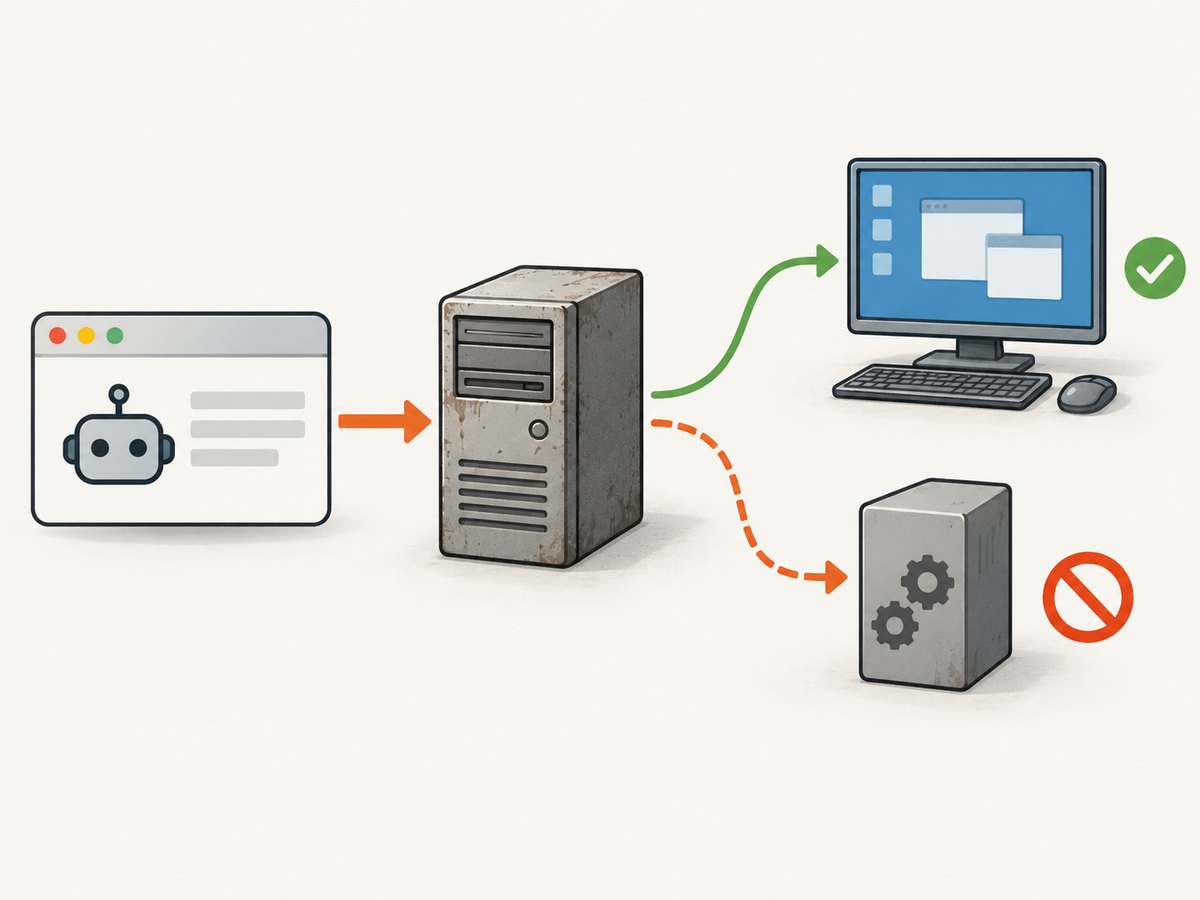
Windows Server 2003 adds another unsupported layer. The IE Driver page names IE 11 on Windows 10 as its tested combination; it does not validate Server 2003. Historical Grid 2 documentation can explain why old deployment notes mention Server 2003, but it should not be read as a current support statement.
If you must investigate a legacy installation
- Record the exact stack. Capture the Windows Server 2003 edition and service pack, Internet Explorer version, Selenium language binding version, Selenium server/Grid version,
IEDriverServer.exeversion, Java/.NET runtime, and account used for the process. - Move the same test to an interactive logon. Run it while a real user is logged in, with the desktop unlocked. This is a diagnostic comparison, not a supported service recipe.
- Confirm executable discovery. Selenium’s documentation says the driver executable must be available on
PATHfor ordinary use. Log the resolved path and verify that the service account can read and execute it. - Compare browser and driver architecture. Keep the browser, driver, language binding, and runtime versions documented together. Do not assume a binary copied from a newer machine is compatible with Server 2003.
- Capture logs and exit codes. Preserve Selenium server output, driver output, Windows Event Viewer entries, and the URL under test. A timeout without these details cannot identify whether the service desktop or the page caused the failure.
- Stop before production. If the test only works interactively, do not promote it to a scheduled or unattended service. Plan a supported migration instead.
Illustrative interactive Selenium check
The following Java example is a diagnostic smoke test for an interactive session. It does not make Windows Server 2003 or a Windows Service supported, and it assumes a Selenium Java binding and IE driver that can run on the machine.
import org.openqa.selenium.WebDriver;
import org.openqa.selenium.ie.InternetExplorerDriver;

public class LegacyIeSmokeTest {
    public static void main(String[] args) {
        WebDriver driver = new InternetExplorerDriver();
        try {
            driver.get("https://example.com");
            System.out.println(driver.getTitle());
        } finally {
            driver.quit();
        }
    }
}
Use this only to compare an interactive run with the failing service run. Do not interpret a successful title print as evidence that a service deployment is supported.
Supported modernization paths
| Goal | Practical direction | What the evidence says |
|---|---|---|
| Test sites that required IE | Evaluate Microsoft Edge IE Compatibility Mode on a supported Windows release. | Selenium documents Edge IE Compatibility Mode as the remaining IE-related use case. |
| Keep Selenium Grid | Move the hub/node machines to an environment meeting current Java, browser, and driver prerequisites. | Current Grid instructions do not claim Server 2003 compatibility. |
| Preserve a historical application | Keep the old machine isolated for manual or interactive diagnostics while building a replacement test path. | This is a risk-management recommendation, not a Selenium-supported workaround. |
| Only need visual output | Use a maintained screenshot service instead of operating a legacy browser node. | See the ScreenshotNeo option below. |
Troubleshooting symptoms
| Symptom | Likely cause | Action |
|---|---|---|
| Driver starts interactively but not as a service | Unsupported service process, non-interactive desktop, or account/profile differences. | Compare the same test under an unlocked interactive account; treat the result as diagnostic and migrate. |
| “IEDriverServer not found” | The service account has a different PATH or cannot read the driver directory. |
Use an absolute, logged path where your launcher permits it; verify permissions and the account environment. |
| Browser opens and immediately exits | Driver/browser mismatch, unsupported OS/browser combination, or service desktop restrictions. | Record exact versions and reproduce interactively. There is no documented Server 2003 service fix. |
| Navigation hangs or times out | Page load, proxy/security-zone settings, blocked dialogs, or service-session behavior. | Test a simple local page and a known public page interactively; collect driver and Windows logs. |
| Unexpected security or authentication prompts | Different user profile, IE zone settings, or missing desktop interaction. | Compare the service account’s profile and zones with the interactive account; avoid relying on hidden UI automation. |
| Grid node appears offline | Old Grid/runtime assumptions, network restrictions, or a node process that cannot create the browser. | Validate the node in an interactive supported environment before investigating registration details. |
Reliability, performance, and cost considerations
- Reliability: unsupported service execution has no Selenium compatibility guarantee. A passing smoke test can still fail on dialogs, downloads, profile creation, or scheduled restarts.
- Performance: Windows Server 2003 and standalone IE are legacy components; the supplied sources provide no current benchmark. Measure only in the exact environment you intend to keep.
- Operations: document the machine image, account, browser settings, driver binary, and test URLs. Without that inventory, reproducing a failure is difficult.
- Cost: the main cost is maintenance risk and engineering time. Replacing the node with a supported browser or a screenshot API can remove service-session troubleshooting from the system.
Or skip the browser setup
If the requirement is a clean screenshot rather than an IE-specific interaction, ScreenshotNeo provides a single HTTP request. Cookie and consent banners are accepted and removed before capture, along with more than 60 known consent platforms, newsletter popups, and chat widgets. Bot checks, blank pages, timeouts, failed loads, and cache hits are not billed, and each response reports its result through X-Page-Verdict and X-Billed headers. ScreenshotNeo also provides an MCP server so Claude, Cursor, and other MCP clients can call take_screenshot, get_page_info, and capture_pdf.

See the ScreenshotNeo API documentation for parameters and response details.
curl -G "https://api.screenshotneo.com/v1/shot" -d access_key=YOUR_API_KEY --data-urlencode url=https://stripe.com -o shot.webpimport requests
r = requests.get("https://api.screenshotneo.com/v1/shot", params={"access_key": "YOUR_API_KEY", "url": "https://stripe.com"}, timeout=90)
open("shot.webp", "wb").write(r.content)const q = new URLSearchParams({ access_key: 'YOUR_API_KEY', url: 'https://stripe.com' });
const res = await fetch(`https://api.screenshotneo.com/v1/shot?${q}`);There are 1,000 screenshots per month free with no card. Paid plans start at $5 for 3,000 screenshots, and every feature is included on every plan. Create a free ScreenshotNeo account.
FAQ
Can a service wrapper make this supported?
No. Selenium’s documentation explicitly says using IEDriverServer.exe in a Windows Service application is unsupported. A wrapper changes how the process starts, not Selenium’s support boundary.
Does an old Selenium Grid page prove Server 2003 works?
No. The Grid 2 page is historical documentation. Current Grid guidance does not claim compatibility with Windows Server 2003.
Is Internet Explorer still supported by Selenium?
Standalone IE support ended in June 2022. Selenium documents Edge IE Compatibility Mode for IE-related testing.
Should I troubleshoot this in a virtual machine?
A VM can preserve an old environment for investigation, but virtualization does not make the IE driver, Server 2003, or Windows service process supported.
Can ScreenshotNeo reproduce IE-only behavior?
No. ScreenshotNeo captures the rendered result of a URL. Use an actual supported browser automation stack when the test depends on IE-specific DOM, scripting, or compatibility behavior.


