How to Click Save While Excel Downloads in Selenium WebDriver Java
Configure Selenium to bypass native Save dialogs, click an Excel export, and reliably wait for a complete XLS or XLSX file.

Short answer: You cannot click a native operating-system Save dialog with a Selenium DOM locator. Configure the browser before creating the driver so downloads go to a unique absolute directory, click the page’s export control, and wait until a completed .xls or .xlsx file appears. Verify that temporary download extensions are gone and, for critical tests, confirm the workbook contents before quitting the driver.
How the download flow works
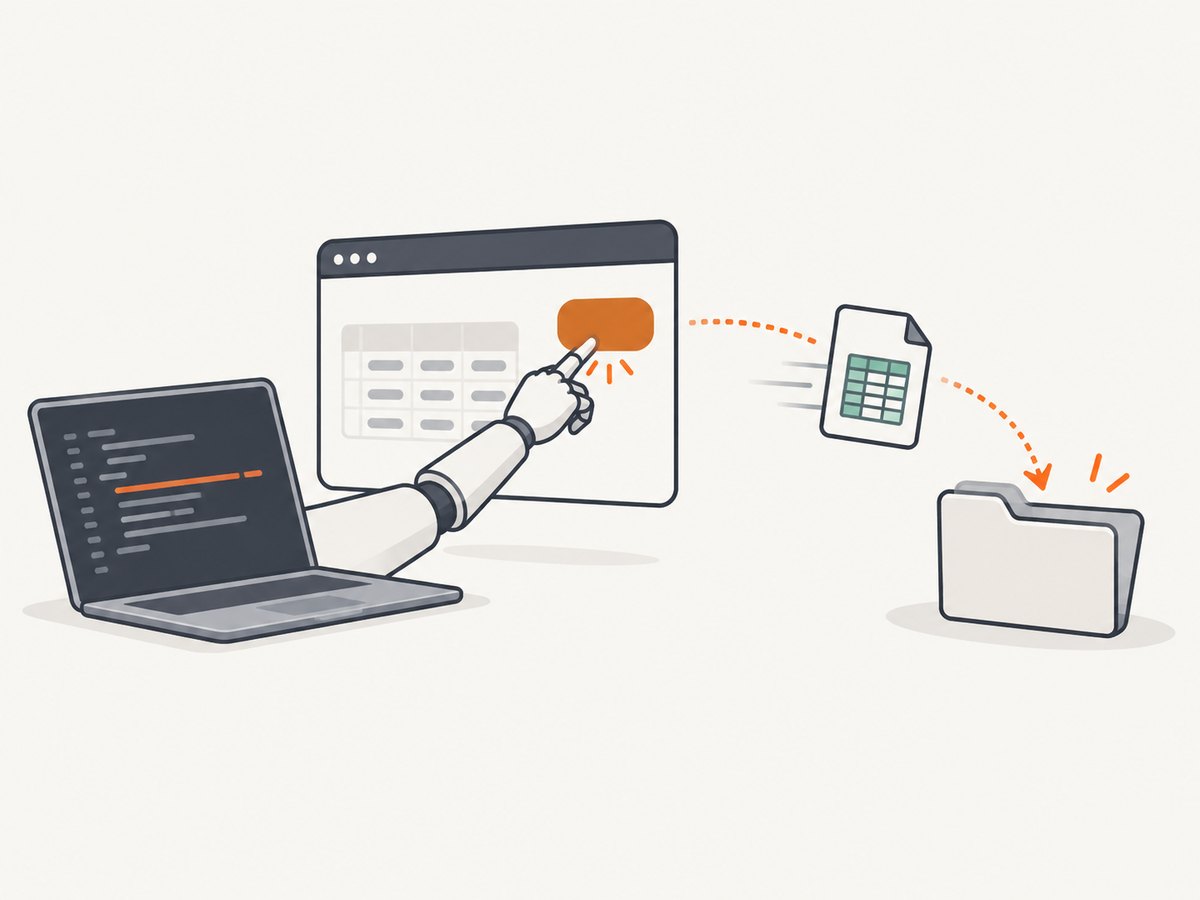
A page button, link, or JavaScript export starts the download. The browser then writes the response to disk. The Save prompt belongs to the browser or operating system, not to the page DOM, so findElement cannot locate it. ChromeDriver also does not wait for the download to finish automatically (ChromeDriver download capabilities).
- Create a clean, absolute download directory.
- Set browser preferences that disable the download prompt.
- Create the WebDriver with those preferences.
- Click the in-page export button or link.
- Poll the directory for the expected Excel extension.
- Reject temporary files and require a stable file size.
- Optionally open the workbook and assert a known sheet or cell.
Complete Chrome example in Java
This JUnit-friendly example uses Selenium 4, Java 11 or newer, and ChromeDriver available on the PATH.
import org.junit.jupiter.api.AfterEach;
import org.junit.jupiter.api.BeforeEach;
import org.junit.jupiter.api.Test;
import org.openqa.selenium.By;
import org.openqa.selenium.WebDriver;
import org.openqa.selenium.WebElement;
import org.openqa.selenium.chrome.ChromeDriver;
import org.openqa.selenium.chrome.ChromeOptions;
import org.openqa.selenium.support.ui.ExpectedConditions;
import org.openqa.selenium.support.ui.WebDriverWait;

import java.io.IOException;
import java.nio.file.Files;
import java.nio.file.Path;
import java.time.Duration;
import java.util.HashMap;
import java.util.Locale;
import java.util.Map;
import java.util.stream.Stream;

import static org.junit.jupiter.api.Assertions.assertTrue;

class ExcelDownloadTest {
    private WebDriver driver;
    private Path downloadDir;

    @BeforeEach
    void setUp() throws IOException {
        downloadDir = Files.createTempDirectory("selenium-download-");

        Map<String, Object> prefs = new HashMap<>();
        prefs.put("download.default_directory", downloadDir.toAbsolutePath().toString());
        prefs.put("download.prompt_for_download", false);
        prefs.put("download.directory_upgrade", true);

        ChromeOptions options = new ChromeOptions();
        options.setExperimentalOption("prefs", prefs);
        driver = new ChromeDriver(options);
    }

    @Test
    void downloadsExcelFile() {
        driver.get("https://app.example.test/reports");

        WebDriverWait wait = new WebDriverWait(driver, Duration.ofSeconds(60));
        WebElement export = wait.until(ExpectedConditions.elementToBeClickable(
                By.cssSelector("button.export, a.export")));
        export.click();

        Path completed = wait.until(d -> findStableExcel(downloadDir));
        assertTrue(Files.exists(completed));
        System.out.println("Downloaded: " + completed);
    }

    private static Path findStableExcel(Path directory) {
        try (Stream<Path> files = Files.list(directory)) {
            for (Path file : (Iterable<Path>) files::iterator) {
                String name = file.getFileName().toString().toLowerCase(Locale.ROOT);
                if (!(name.endsWith(".xls") || name.endsWith(".xlsx"))) {
                    continue;
                }
                if (name.endsWith(".crdownload") || name.endsWith(".part")) {
                    continue;
                }
                long firstSize = Files.size(file);
                try {
                    Thread.sleep(250);
                } catch (InterruptedException e) {
                    Thread.currentThread().interrupt();
                    return null;
                }
                if (Files.exists(file) && Files.size(file) == firstSize && firstSize > 0) {
                    return file;
                }
            }
        } catch (IOException ignored) {
            // The wait condition retries while the directory is being written.
        }
        return null;
    }

    @AfterEach
    void tearDown() {
        if (driver != null) {
            driver.quit();
        }
    }
}
Replace the URL and selector with the application under test. The absolute path and one directory per test prevent stale files from satisfying a later assertion.
Waiting correctly for XLS and XLSX
A click returning only proves that the browser accepted the event. It does not prove that the server finished generating the report or that the file was flushed to disk. Selenium’s wait guidance describes this race between asynchronous application work and a test’s next command (Selenium waits documentation).
Temporary extensions
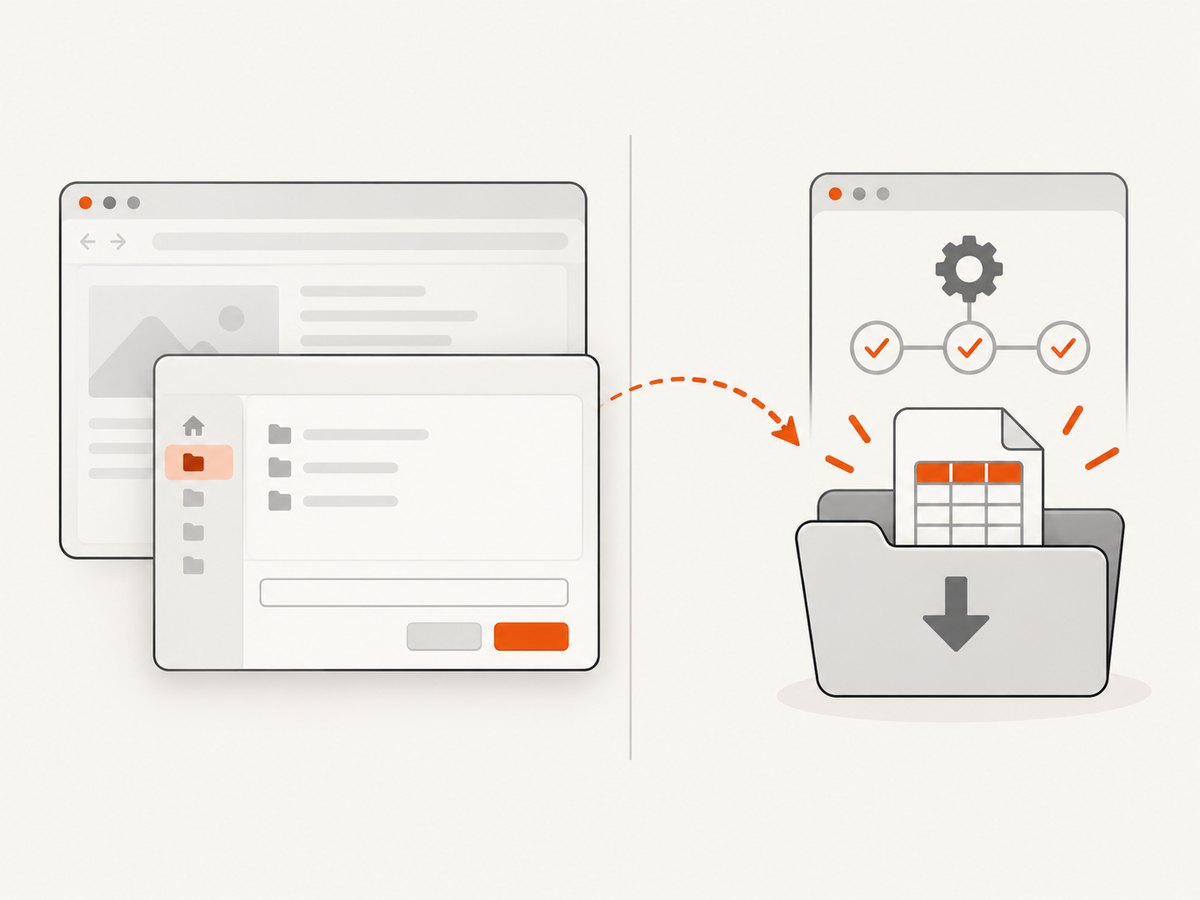
Chrome commonly writes .crdownload while a download is active. Firefox may use .part. Filter both, and also ignore unrelated files already present in the directory.
Stable size
Checking the extension catches the normal completion signal. Checking the size twice catches a file that has the final name but is still being flushed. Keep the short stability interval inside a bounded WebDriverWait; never use an unbounded loop.
Known filenames
If the application sets a deterministic filename, wait for that exact path. If it adds a timestamp or report ID, capture the directory listing before clicking, then select only a new file. This avoids accepting an old report with the same extension.
Set<Path> before = listFiles(downloadDir);
export.click();
Path newExcel = wait.until(d -> {
    Set<Path> after = listFiles(downloadDir);
    return after.stream()
            .filter(p -> !before.contains(p))
            .filter(ExcelDownloadTest::isFinishedExcel)
            .findFirst().orElse(null);
});
Browser configuration options
| Option | Purpose | Guidance |
|---|---|---|
download.default_directory |
Destination directory | Use a full path; create a unique directory for each test or worker. |
download.prompt_for_download |
Suppresses the Save prompt | Set to false for automated downloads. |
download.directory_upgrade |
Allows Chrome to use the configured directory | Set to true. |
Set these preferences before constructing ChromeDriver. Changing them after the session starts is too late for the first download.
Firefox
Firefox uses different preferences. Configure the directory and tell it to save the server’s actual Excel MIME types instead of opening them. Do not copy Chrome preference names blindly.
FirefoxOptions options = new FirefoxOptions();
options.addPreference("browser.download.folderList", 2);
options.addPreference("browser.download.dir", downloadDir.toAbsolutePath().toString());
options.addPreference("browser.download.useDownloadDir", true);
options.addPreference("browser.helperApps.neverAsk.saveToDisk",
        "application/vnd.ms-excel,application/vnd.openxmlformats-officedocument.spreadsheetml.sheet");
options.addPreference("browser.download.manager.showWhenStarting", false);
WebDriver driver = new FirefoxDriver(options);
If the server sends application/octet-stream or another type, add that exact value after inspecting the response headers. Firefox can still prompt when its setting is “Ask whether to open or save files” or when the response has no useful content type.
Edge and headless Chrome
Chromium-based Edge accepts the same download preferences through EdgeOptions. Headless Chrome also needs the download directory preferences; run the same completion checks because headless mode does not make the download synchronous.
EdgeOptions options = new EdgeOptions();
Map<String, Object> prefs = new HashMap<>();
prefs.put("download.default_directory", downloadDir.toAbsolutePath().toString());
prefs.put("download.prompt_for_download", false);
options.setExperimentalOption("prefs", prefs);
WebDriver driver = new EdgeDriver(options);
RemoteWebDriver and Selenium Grid
The download directory belongs to the machine where the browser runs. With Grid, a path such as /tmp/selenium-download is on the Grid node, not necessarily on the test runner. Selenium’s remote download support requires managed downloads to be enabled on the Grid and the session capability se:downloadsEnabled (Selenium Remote WebDriver documentation).
- Use a unique node-side directory for concurrent sessions.
- Enable Grid managed downloads when the test must retrieve files automatically.
- Otherwise, copy the completed file from the node through your infrastructure.
- Log the node path and session ID when diagnosing missing files.
Direct HTTP download instead of clicking
If the export endpoint is a normal authenticated HTTP request, calling it directly is often faster and easier to validate than driving the UI. Reuse the session’s cookies or an API token, send the same query parameters, stream the response to disk, and check the status, content type, and file signature. Keep the browser click when the export depends on client-side state, a one-time token, or a user gesture.
HttpClient client = HttpClient.newHttpClient();
HttpRequest request = HttpRequest.newBuilder(URI.create("https://app.example.test/api/report.xlsx"))
        .header("Authorization", "Bearer " + token)
        .build();
HttpResponse<Path> response = client.send(
        request,
        HttpResponse.BodyHandlers.ofFile(downloadDir.resolve("report.xlsx")));
if (response.statusCode() != 200) {
    throw new IllegalStateException("Export failed: " + response.statusCode());
}
Validate the workbook
For a smoke test, existence, extension, nonzero size, and stable size are enough. For a business-critical report, parse the workbook with the library your project already uses, then assert a known sheet name, header, or cell value. This catches HTML error pages saved with an .xlsx filename and truncated ZIP-based XLSX files.
Troubleshooting
| Symptom | Cause | Fix |
|---|---|---|
| Save dialog remains visible | Preferences were missing or applied after driver creation. | Set the preferences before new ChromeDriver(options); use Firefox MIME preferences for Firefox. |
findElement cannot find Save |
Save is native browser UI, outside the DOM. | Suppress it with browser configuration; do not use a page locator. |
| Test finds no file | Wrong directory, relative path, remote node, or export has not finished. | Log the absolute directory, inspect the browser node, and wait for completion. |
| Test passes on a stale report | Old files were left in a shared directory. | Use a new temporary directory or record the pre-click file set. |
Only a .crdownload or .part exists |
Transfer is still active, or the server stalled. | Keep polling within a timeout; investigate server response time and network failures. |
| File has the wrong type | Server returned an HTML login page, error, or incorrect MIME type. | Check status, redirects, authentication, content type, and workbook signature. |
| File is truncated | driver.quit() ran immediately after the click. |
Wait for a stable completed file before quitting. |
| Firefox prompts unexpectedly | MIME type is not listed or Firefox is set to ask. | Add the exact response MIME type to browser.helperApps.neverAsk.saveToDisk. |
| Grid test cannot open the path | The path exists on the remote browser node. | Enable managed downloads or retrieve the file from the node. |
| Click is intercepted or disabled | Overlay, loading state, or export generation is incomplete. | Wait for an element to be clickable, close overlays, and wait for the application’s export-ready state. |
Performance, reliability, and cost
- Performance: A direct authenticated endpoint usually avoids page rendering. For UI tests, wait on the export control and file state instead of adding a large fixed sleep.
- Reliability: Isolate directories, remove stale files, use explicit timeouts, and validate workbook contents for important flows.
- Parallelism: Give every worker its own directory and filename correlation. Shared directories create false positives and race conditions.
- Timeouts: Set the wait from the report’s worst expected generation time plus transfer time. Record elapsed time and directory contents when it expires.
- Cost: Browser sessions consume CI minutes and machine resources. Direct HTTP exports can reduce that overhead when the endpoint is safe to call.
Or skip the browser setup
If the actual deliverable is a screenshot or PDF of the report page rather than the Excel binary, ScreenshotNeo provides a single request. See the ScreenshotNeo API documentation for all options.
curl -G "https://api.screenshotneo.com/v1/shot" -d access_key=YOUR_API_KEY --data-urlencode url=https://stripe.com -o shot.webpimport requests
r = requests.get("https://api.screenshotneo.com/v1/shot", params={"access_key": "YOUR_API_KEY", "url": "https://stripe.com"}, timeout=90)
open("shot.webp", "wb").write(r.content)const q = new URLSearchParams({ access_key: 'YOUR_API_KEY', url: 'https://stripe.com' });
const res = await fetch(`https://api.screenshotneo.com/v1/shot?${q}`);Cookie banners, newsletter popups, and chat widgets are removed before the shot. Bot checks, blank pages, failed loads, timeouts, and cache hits are not billed, and response headers identify the page verdict and billing result. Its MCP server lets Claude, Cursor, and other MCP clients take screenshots. The free plan includes 1,000 screenshots a month with no card, and paid plans start at $5 for 3,000 shots.
Create a free ScreenshotNeo account to try it.
FAQ
Can Selenium press Ctrl+S?
Not reliably for a native dialog. Configure automatic downloads and verify the resulting file instead.
Should I use Thread.sleep?
Use bounded explicit waits. A short interval inside a polling condition is acceptable for checking size stability; a fixed multi-second sleep is brittle.
Why does page load completion not help?
Export buttons often start asynchronous JavaScript work after the document reaches its ready state. File completion is a separate condition.
Can I use one download directory for all tests?
Only with strict cleanup and filename correlation. A unique directory per test is safer, especially in parallel CI.
What proves an XLSX is valid?
After the file is stable, parse it and assert expected workbook structure. Extension and size alone cannot detect every server error.


