How to Run Selenium Java Tests with the HtmlUnit Driver
Set up HtmlUnitDriver for Selenium Java tests, enable JavaScript, choose browser emulation, troubleshoot compatibility, and know when to use a real browser.
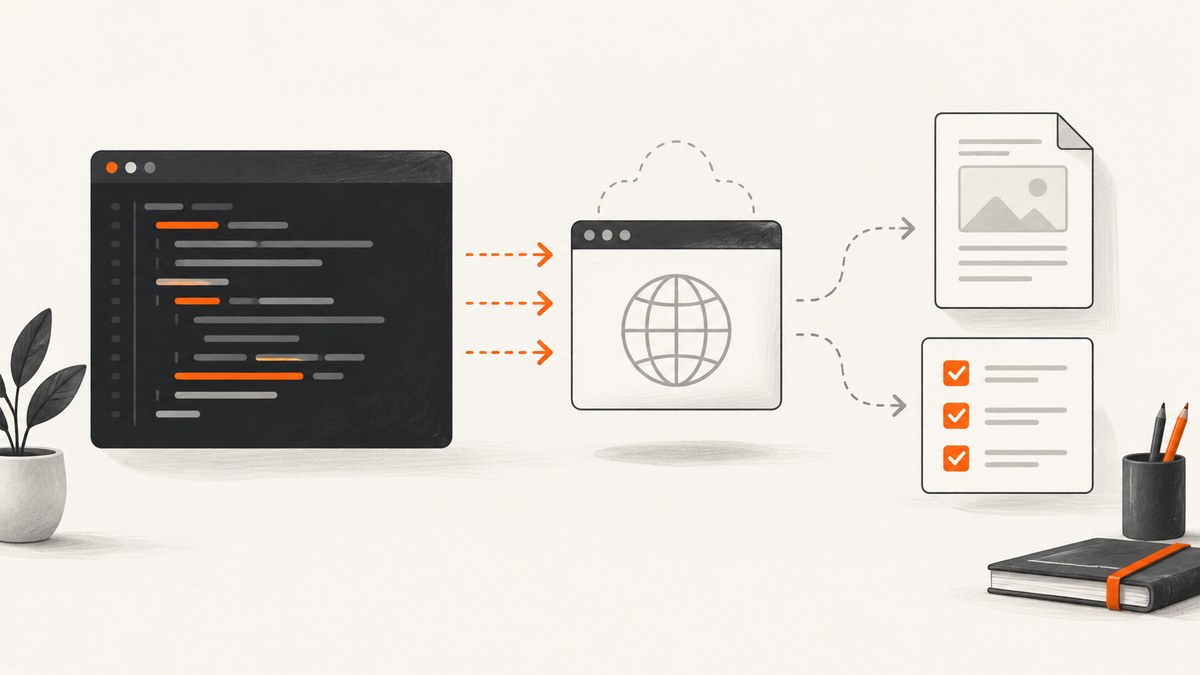
Direct answer: add the current org.seleniumhq.selenium:htmlunit3-driver dependency, construct HtmlUnitDriver with JavaScript disabled or enabled, run your Selenium commands, and always call quit(). For a current Selenium 4 project, verify the exact HtmlUnitDriver, Selenium and HtmlUnit versions in the project’s compatibility tables before pinning a release. The repository currently documents version 4.48.0, but artifact availability changes.
What HtmlUnitDriver is
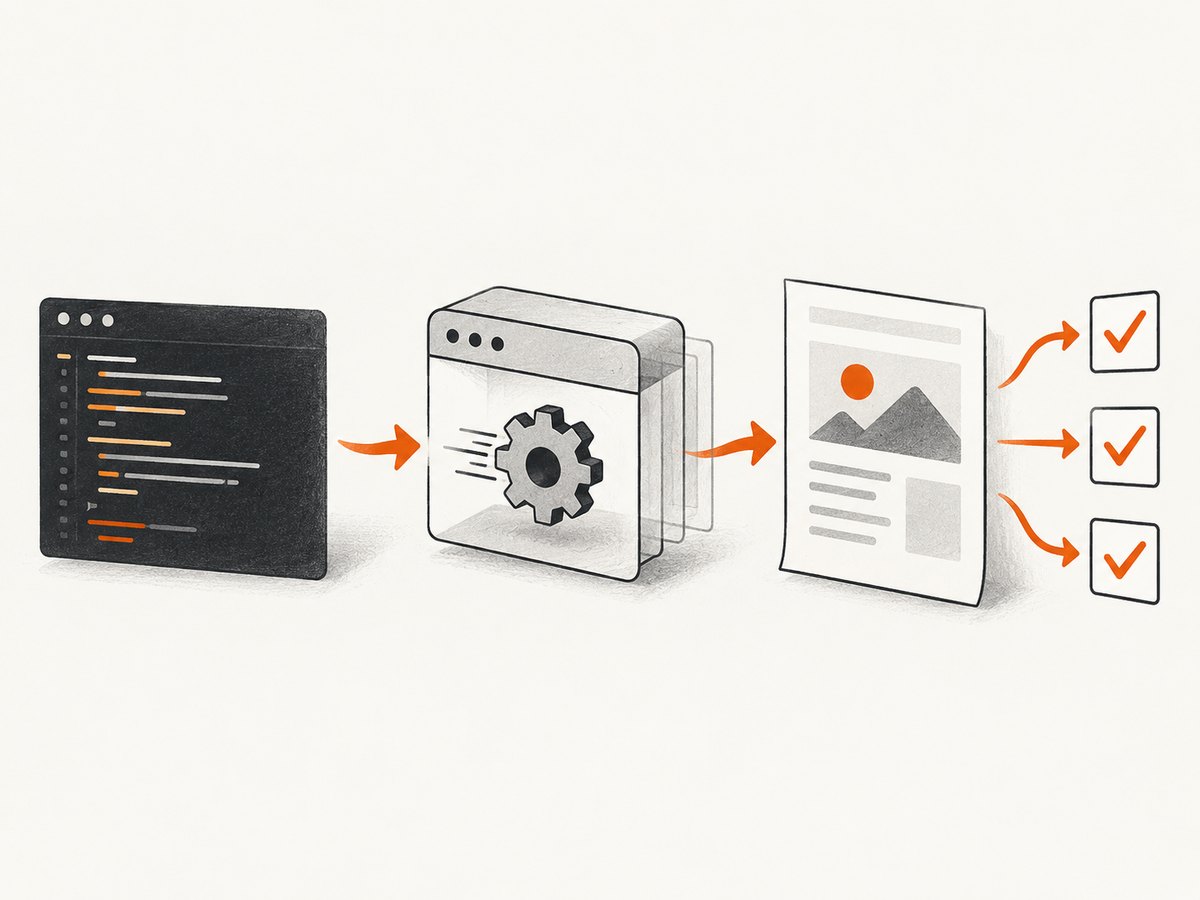
HtmlUnit is a GUI-less browser for Java programs. HtmlUnitDriver exposes it through Selenium WebDriver, so tests can navigate pages, locate elements, submit forms and execute JavaScript without starting a visible Chrome, Firefox or Edge process. BrowserVersion selects simulated browser behavior; it does not launch the full installed browser.
Use it for fast, resource-conscious tests of server-rendered pages, forms, links and flows that HtmlUnit’s JavaScript engine supports. Validate critical user-facing behavior in the actual target browsers when rendering fidelity, browser-specific APIs, graphics, media, WebGL or complex modern front-end frameworks matter. HtmlUnit’s JavaScript support is documented as continually improving, not as complete browser parity.
1. Add the Selenium Java dependency
Maven
<dependency>
  <groupId>org.seleniumhq.selenium</groupId>
  <artifactId>htmlunit3-driver</artifactId>
  <version>4.48.0</version>
</dependency>
Replace 4.48.0 with a release confirmed in the project’s compatibility table and available from Maven Central. The old coordinate org.seleniumhq.selenium:htmlunit-driver appears in older repositories; do not copy it into a new project without checking the current documentation.
Gradle
dependencies {
    implementation 'org.seleniumhq.selenium:htmlunit3-driver:4.48.0'
}
The current driver build targets Java 17. HtmlUnit 5 and later also require JDK 17 or newer. Check your selected artifact’s POM and compatibility table if your project runs an older JDK.
2. Create an HtmlUnitDriver
Minimal Java test with JavaScript enabled
import org.openqa.selenium.WebDriver;
import org.openqa.selenium.htmlunit.HtmlUnitDriver;

public class HtmlUnitSmokeTest {
    public static void main(String[] args) {
        WebDriver driver = new HtmlUnitDriver(true);
        try {
            driver.get("https://example.com");
            System.out.println(driver.getTitle());
            System.out.println(driver.getCurrentUrl());
        } finally {
            driver.quit();
        }
    }
}
ScreenshotNeo documentation is available if you prefer a hosted screenshot call instead of maintaining a browser setup.
Constructor choices
| Constructor | JavaScript | Use when |
|---|---|---|
new HtmlUnitDriver() |
Disabled | Markup, links and forms do not require client-side code. |
new HtmlUnitDriver(true) |
Enabled | The page renders or completes its flow with JavaScript. |
new HtmlUnitDriver(BrowserVersion.FIREFOX) |
Disabled | You need a selected simulated browser profile without scripts. |
new HtmlUnitDriver(BrowserVersion.FIREFOX, true) |
Enabled | You need both a profile and JavaScript. |
3. A complete Selenium test
import static org.openqa.selenium.By.cssSelector;
import static org.openqa.selenium.By.id;
import static org.junit.jupiter.api.Assertions.assertEquals;

import java.time.Duration;
import org.junit.jupiter.api.Test;
import org.openqa.selenium.WebDriver;
import org.openqa.selenium.htmlunit.HtmlUnitDriver;
import org.openqa.selenium.support.ui.ExpectedConditions;
import org.openqa.selenium.support.ui.WebDriverWait;

class HtmlUnitLoginTest {
    @Test
    void submitsTheForm() {
        WebDriver driver = new HtmlUnitDriver(true);
        try {
            driver.manage().timeouts().implicitlyWait(Duration.ofSeconds(2));
            driver.get("https://example.com/login");

            driver.findElement(id("email")).sendKeys("user@example.com");
            driver.findElement(id("password")).sendKeys("correct-horse-battery-staple");
            driver.findElement(cssSelector("button[type='submit']")).click();

            WebDriverWait wait = new WebDriverWait(driver, Duration.ofSeconds(10));
            wait.until(ExpectedConditions.urlContains("/dashboard"));
            assertEquals("Dashboard", driver.getTitle());
        } finally {
            driver.quit();
        }
    }
}
Use explicit waits for a condition your test needs. A fixed sleep hides the reason a test is slow and becomes unreliable when page timing changes. Keep implicit waits small or omit them; mixing long implicit and explicit waits can make failures take much longer.
4. Select a simulated browser and customize options
import org.openqa.selenium.htmlunit.HtmlUnitDriver;
import org.openqa.selenium.htmlunit.HtmlUnitDriverOptions;
import org.openqa.selenium.htmlunit.HtmlUnitOption;
import org.openqa.selenium.htmlunit.BrowserVersion;

HtmlUnitDriverOptions options = new HtmlUnitDriverOptions(BrowserVersion.FIREFOX);
options.setCapability(HtmlUnitOption.optThrowExceptionOnScriptError, false);
HtmlUnitDriver driver = new HtmlUnitDriver(options);
try {
    driver.get("https://example.com");
} finally {
    driver.quit();
}
The options API is the extension point for HtmlUnit-specific capabilities. The example disables exceptions caused by page script errors so the test can inspect the resulting page. During debugging, leaving script errors enabled can expose broken application code sooner. Consult the driver source and API documentation for the options supported by your pinned release; option names and behavior should not be assumed from an older version.
5. JavaScript, navigation and element behavior
- Start with JavaScript disabled for static pages. Enable it only when the application needs client-side rendering, event handlers or asynchronous navigation.
- After
get(), wait for a concrete result such as an element becoming present, a URL changing or a title updating. - Use stable IDs, names or semantic CSS selectors. Avoid selectors tied to generated class names.
- Check
getPageSource(),getTitle()andgetCurrentUrl()when diagnosing a navigation problem. - Cookies, request headers, proxy support, authentication and DOM operations are part of HtmlUnit’s documented capabilities, but configure them through APIs available in your exact driver release.
6. Selenium 4 compatibility and Java requirements
HtmlUnitDriver, Selenium and HtmlUnit versions are coupled. The project’s release history and compatibility tables identify which Selenium and HtmlUnit versions belong together. Do not infer compatibility from matching major numbers or from the newest Selenium dependency alone. Resolve the driver dependency, inspect the dependency tree, and keep the versions in the documented combination.
mvn dependency:tree -Dincludes=org.seleniumhq.selenium,org.htmlunit
./gradlew dependencies --configuration testRuntimeClasspath
For current HtmlUnit 5 based releases, use JDK 17 or newer. If your build is still on Java 8 or 11, choose a documented legacy combination instead of forcing the latest artifact and hoping class loading succeeds.
7. Common errors and fixes
| Symptom | Likely cause | Fix |
|---|---|---|
Could not find artifact htmlunit3-driver |
Version is unavailable or repositories are stale. | Check Maven Central and the official README, then refresh dependencies. |
UnsupportedClassVersionError |
The driver or HtmlUnit was compiled for a newer Java release. | Run on JDK 17+ for current releases, or select a documented older combination. |
NoSuchMethodError or linkage errors |
Selenium, HtmlUnitDriver and transitive HtmlUnit versions were mixed. | Inspect the dependency tree and use one compatibility-table combination. |
| Elements are missing | JavaScript is disabled, navigation has not finished, or the selector is wrong. | Use the JavaScript-enabled constructor, wait for a specific condition, and inspect page source. |
| Script errors fail the test | HtmlUnit reports a page JavaScript exception. | Fix the application error, or set optThrowExceptionOnScriptError deliberately for tests that only need the rendered result. |
| Modern app renders an empty shell | The app relies on browser APIs or JavaScript behavior HtmlUnit does not implement. | Reduce the test to supported behavior or run the scenario in a real target browser. |
| Test hangs or is slow | Unbounded waits, network calls, scripts or resource loading. | Set page and script timeouts where supported, use condition-based waits, and avoid unnecessary JavaScript. |
| Works locally but fails in CI | Different JDK, dependency graph, network policy or proxy. | Print Java and dependency versions, lock the build, and configure CI network access explicitly. |
8. Performance, reliability and cost
HtmlUnit avoids starting a full graphical browser, which can reduce process and display overhead. The sources do not establish a universal speed advantage, so measure your own suite. Keep one driver per test or per isolated test scope, avoid sharing a mutable driver between parallel tests, and always quit it in a finally block.

Reliability depends on deterministic test data, stable selectors, bounded waits and the behavior HtmlUnit implements. A green HtmlUnit test does not prove that Chrome, Firefox and Edge paint or execute the page identically. Use a smaller HtmlUnit suite for fast protocol and server-flow checks, then cover browser-specific behavior with real-browser tests.
The dependency itself has no per-test service charge. Your costs are build and CI compute, network traffic and maintenance of the selected Java/browser simulation combination.
9. When to choose HtmlUnitDriver
- Good fit: server-rendered HTML, navigation, forms, cookies, authentication flows and tests that do not need pixel fidelity.
- Use caution: single-page applications with extensive asynchronous JavaScript, browser APIs, canvas, WebGL, media playback or CSS layout assertions.
- Choose a real browser: when the test’s purpose is actual Chrome, Firefox or Edge compatibility, visual regression, accessibility tree behavior or end-user rendering.
- Choose remote execution: when your organization requires Selenium Grid; the driver README points to HtmlUnit Remote for Selenium 4 Grid support.
Or skip the browser setup
If your goal is a clean image or PDF of a URL rather than WebDriver assertions, ScreenshotNeo provides a single GET request to its screenshot API. It accepts cookie and consent banners before capture, removes more than 60 known consent platforms plus newsletter popups and chat widgets, and lets you turn each cleanup step off. Bot checks, blank pages, timeouts, failed loads and cache hits are not billed; the response identifies the result with X-Page-Verdict and X-Billed headers. Its MCP server provides take_screenshot, get_page_info and capture_pdf tools for Claude, Cursor and other MCP clients. One thousand screenshots per month are free with no card, and paid plans start at $5 for 3,000 shots.
cURL
curl -G 'https://api.screenshotneo.com/v1/shot' \
  -d access_key=YOUR_API_KEY \
  --data-urlencode url=https://stripe.com \
  -o shot.webp
Python
import requests

r = requests.get(
    'https://api.screenshotneo.com/v1/shot',
    params={'access_key': 'YOUR_API_KEY', 'url': 'https://stripe.com'},
    timeout=90,
)
r.raise_for_status()
open('shot.webp', 'wb').write(r.content)
Node.js
const q = new URLSearchParams({
  access_key: 'YOUR_API_KEY',
  url: 'https://stripe.com'
});
const res = await fetch(`https://api.screenshotneo.com/v1/shot?${q}`);
if (!res.ok) throw new Error(`Screenshot failed: ${res.status}`);
require('fs').writeFileSync('shot.webp', Buffer.from(await res.arrayBuffer()));
See the ScreenshotNeo API documentation for capture options, signed links, asynchronous jobs, webhooks, bulk capture and usage details. Create a free ScreenshotNeo account to get 1,000 screenshots per month with no card.
FAQ
Does HtmlUnitDriver open a visible browser window?
No. It drives HtmlUnit, a headless Java browser implementation.
Does new HtmlUnitDriver() run JavaScript?
No. Pass true, or use the browser-version-and-boolean constructor, when the page requires JavaScript.
Does BrowserVersion install Firefox or Chrome?
No. It selects simulated browser behavior inside HtmlUnit.
Can HtmlUnitDriver replace all Selenium browser tests?
No. Keep real-browser coverage for behavior that depends on an actual browser engine, rendering implementation or browser-specific API.
Why is the artifact called htmlunit3-driver?
That is the current SeleniumHQ project coordinate. Older examples may use the legacy htmlunit-driver artifact, so verify the official README before upgrading.


