How to Attach a Selenium WebDriver Listener Before Page Unload
Learn when to use a page-side event handler, Selenium WebDriver BiDi, or prompt handling—and how to subscribe before navigation or tab closure.
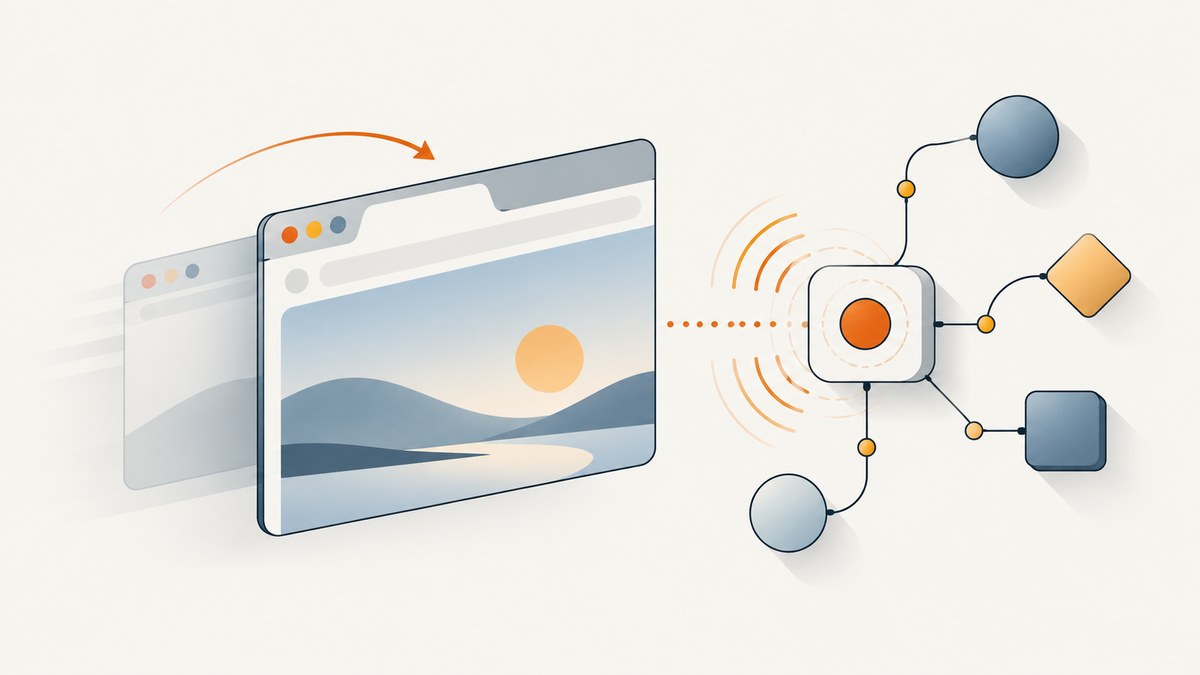
To attach a Selenium listener before a page unloads, first decide which event you mean. A JavaScript handler inside the page, a WebDriver BiDi event subscription received by your test, and a handler for a beforeunload confirmation prompt are different mechanisms.
For test-process notifications about navigation or context destruction, enable WebDriver BiDi and subscribe before triggering the action. For JavaScript that should run in the current document, register it while that document is active. For a confirmation prompt, configure WebDriver’s prompt behavior. Neither beforeunload nor unload is a reliable universal signal that a browser session has ended.
1. Choose the right kind of listener
“Attach a Selenium listener before page unload” can describe three goals. Identify the goal before writing code:
| Goal | Mechanism | Key timing detail |
|---|---|---|
| Run JavaScript when an event occurs in the current document | Register a DOM event handler in that page | Install it before the event. Navigation replaces the document’s execution context. |
| Notify the test process about navigation or context lifecycle | Subscribe to WebDriver BiDi events | Connect and register the handler before navigating or closing the context. |
Accept, dismiss, or otherwise handle a beforeunload confirmation |
WebDriver unhandled-prompt behavior | Set the desired policy; recent drivers automatically dismiss these prompts by default. |
Selenium’s BiDi documentation describes a WebSocket connection for streaming browser events, extending WebDriver’s usual request-and-response model. Selenium presents BiDi as the cross-browser replacement for CDP. See the Selenium WebDriver BiDi documentation and the Selenium alerts guide.
2. Subscribe to navigation events with Selenium Python BiDi
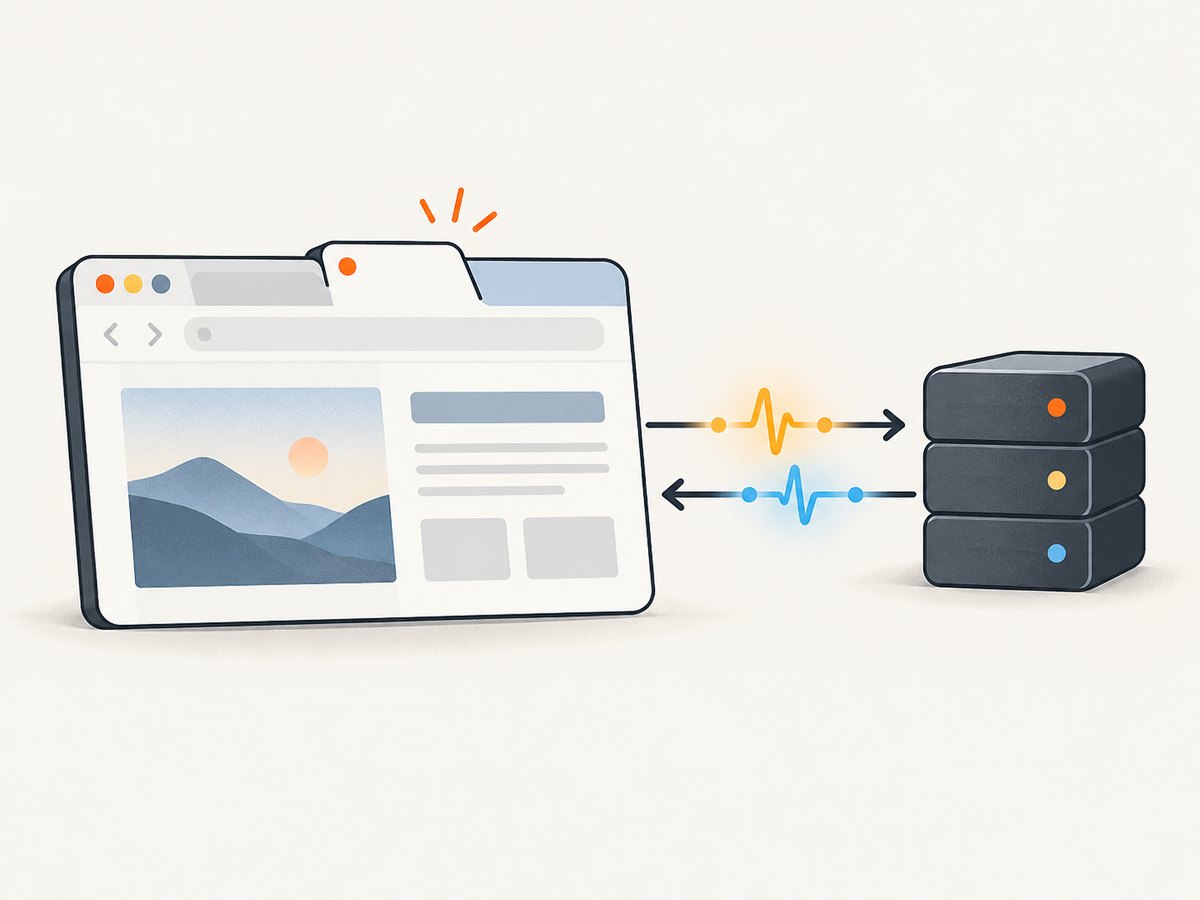
Use BiDi when your test needs to receive lifecycle events in the automation client. A subscription must be active before the browser action that might navigate or destroy the browsing context. The following illustrates the documented Selenium Python browsing-context event-handler pattern; verify the exact API and supported events against the Selenium version and browser driver installed in your project.
import asyncio
from selenium import webdriver
from selenium.webdriver.common.bidi.browsing_context import (
    BrowsingContext,
    Event,
)

async def main():
    options = webdriver.ChromeOptions()
    options.set_capability("webSocketUrl", True)
    driver = webdriver.Chrome(options=options)

    try:
        async with driver.bidi_connection() as connection:
            context = BrowsingContext(connection)

            async def on_navigation_started(event):
                print("Navigation started:", event)

            async def on_context_destroyed(event):
                print("Context destroyed:", event)

            await context.add_event_handler(
                Event.BROWSING_CONTEXT_NAVIGATION_STARTED,
                on_navigation_started,
            )
            await context.add_event_handler(
                Event.BROWSING_CONTEXT_CONTEXT_DESTROYED,
                on_context_destroyed,
            )

            # The subscriptions are installed before this navigation.
            driver.get("https://example.com/")
    finally:
        driver.quit()

asyncio.run(main())
This is a pattern to adapt, not a promise that every Selenium release exposes identical imports, event constants, or sync/async integration. The Python BiDi API documents browsing-context events including navigation started, committed and failed, context destroyed, and user prompt opened. Consult the Selenium Python browsing-context API for the version you use.
Order matters
- Create the driver with BiDi enabled using the
webSocketUrlcapability. - Open the BiDi connection and register the handler.
- Only then call
get, click a link, submit a form, or close the context. - Keep the BiDi connection alive until the event you care about has been delivered and processed.
If a navigation is initiated by a click, the sequence is still subscribe first, click second. Registering after the click can miss the event because it may already have occurred. Event names, payload fields, and support vary across bindings and versions.
3. Register a page-side JavaScript handler
If the code should run inside the page, install the event listener in that document while it is still active. For example, this page script records a message when the browser dispatches beforeunload:
window.addEventListener("beforeunload", (event) => {
  console.log("This document is about to be unloaded");
});
You can inject a page script with Selenium after the document loads, but that is not equivalent to installing a listener before every page script or before the initial document lifecycle events. A simple Python example for attaching it to the current document is:
from selenium import webdriver

with webdriver.Chrome() as driver:
    driver.get("https://example.com/")
    driver.execute_script("""
      window.addEventListener("beforeunload", () => {
        console.log("Leaving the current document");
      });
    """)
    driver.get("https://example.org/")
The listener belongs to the old document. When navigation replaces that document, its JavaScript context goes away; the new page does not inherit the handler. This code is useful when you control the sequence and need a handler on the already-loaded page. It does not let you observe an event that happened before injection.
Need to run before scripts in a fresh document?
WebDriver BiDi bootstrap scripts are intended to run as new script execution contexts are created, before other scripts in those contexts. The cited W3C bootstrap-scripts document is a proposal, however, and does not establish that the feature is available through every current Selenium binding and browser combination. Treat it as an option to investigate, then verify support in the exact versions you deploy. See the W3C WebDriver BiDi bootstrap scripts proposal.
4. Handle a beforeunload confirmation prompt
A page’s beforeunload event handler and the browser’s confirmation prompt are separate concerns. If your test is blocked by a prompt, configure how WebDriver handles unhandled prompts. Selenium says recent drivers automatically dismiss beforeunload prompts by default; set a policy explicitly when your test requires a particular result.
from selenium import webdriver

options = webdriver.ChromeOptions()
options.set_capability("unhandledPromptBehavior", "accept")

driver = webdriver.Chrome(options=options)
try:
    driver.get("https://example.com/")
    # Trigger the action that causes a beforeunload confirmation.
    # The configured policy tells WebDriver how to handle the prompt.
finally:
    driver.quit()
Use the behavior appropriate to the test. For example, accepting a prompt may allow navigation to continue, while dismissing can keep the user on the page. The exact interaction depends on the page and driver. Selenium’s alerts guide documents prompt handling and the default behavior.
At the BiDi protocol level, closing a browsing context has a promptUnload option. The MDN WebDriver reference documents false as closing without running beforeunload handlers and true as requesting them; prompt handling then follows the session’s unhandled-prompt behavior. Check whether the binding you use exposes the command before building a test around it. See MDN’s browsingContext.close reference.
5. Reliability limits and lifecycle edge cases
- The handler must exist in the right context. A page-side listener cannot receive an event after its document has been replaced. A client-side BiDi subscription is a separate connection and event stream.
- Some exits do not produce the event you expect. Browser lifecycle behavior depends on the action, browser, and version. Do not treat a single unload event as proof that every tab or session has ended.
- Back/forward cache changes the lifecycle. Chrome notes that
beforeunloadmay not fire when a page enters the back/forward cache. - User interaction can matter. Some browsers require prior user activation before showing a beforeunload prompt.
- Prompt appearance is not listener registration. A BiDi user-prompt event tells the client about a prompt; it does not mean a page-side listener was installed or that every unload was observed.
- Subscriptions need time to deliver. If the client closes its BiDi connection immediately after triggering navigation or context closure, it may not process the event. Keep the session alive for the operation being observed.
Chrome for Developers warns against adding beforeunload unconditionally or using it as an end-of-session signal. Its guidance is to add a handler when there is unsaved work and remove it once that work is saved. See the Chrome Page Lifecycle API guide.
6. Common errors and fixes
| Symptom | Likely cause | What to do |
|---|---|---|
| No event reaches the test | Handler registered after navigation began, or BiDi was not enabled | Set webSocketUrl, establish the BiDi connection, and subscribe before the action. |
beforeunload JavaScript does not run |
Listener was injected after the event, or it was attached to a document that has already been replaced | Install it while the target document is active. For early injection, check actual bootstrap-script support for your stack. |
| The prompt disappears without interaction | Recent drivers dismiss beforeunload prompts automatically by default | Configure unhandledPromptBehavior or the supported BiDi prompt handler for the behavior the test needs. |
| Import or event constant is missing | The installed Selenium binding differs from the API example or event support | Check the API documentation for the installed Selenium version and use the event names supported there. |
| Close does not run beforeunload | The close operation may use promptUnload: false, or the binding may not expose that option |
Verify the protocol command and binding support; do not assume ordinary driver quit is equivalent to a BiDi close request with prompting enabled. |
| Test is flaky across browsers | Lifecycle and prompt behavior differ by browser, version, and user activation | Test the exact browser/driver matrix and prefer BiDi events for client-side lifecycle observation where supported. |
7. Performance, reliability, and cost
A DOM listener is lightweight, but its value ends with the page context. BiDi adds a WebSocket connection and event handling to the test session; subscribe only to the events your test needs and keep callbacks short. The cited sources provide no universal latency or cross-browser reliability benchmark, so measure behavior in your own browser and driver matrix rather than assuming a timing guarantee.
For reliable tests, make the signal explicit: distinguish navigation start, navigation failure, context destruction, and prompt opened. Record the event payloads relevant to your case, and define what timeout or missing-event behavior means for the test. An unload callback is not a dependable substitute for application-level persistence or a browser-session monitor.
8. Or skip the browser setup
If your task is simply to capture a page as an image or PDF, you may not need to operate Selenium yourself. ScreenshotNeo is a website screenshot API and MCP server. See the ScreenshotNeo API documentation for request options.

curl -G "https://api.screenshotneo.com/v1/shot" -d access_key=YOUR_API_KEY --data-urlencode url=https://stripe.com -o shot.webpCookie banners, newsletter popups, and chat widgets are removed before the shot. Bot checks, blank pages, failed loads, timeouts, and cache hits are not billed; response headers report the page verdict and billing status. Its MCP server lets AI agents use take_screenshot, get_page_info, and capture_pdf. The free plan includes 1,000 screenshots a month with no card; paid plans start at $5 for 3,000. Sign up for 1,000 free screenshots a month, with no card required.
FAQ
Can Selenium detect that a user closed a tab?
Use supported BiDi context lifecycle events to observe browser-side context changes in the test client. Do not assume every exit path produces one universal event; support depends on browser, driver, and binding.
Does adding a beforeunload listener stop navigation?
It can request a confirmation prompt when the page is eligible to show one, but browser prompt policies and user activation affect behavior. Selenium may dismiss these prompts automatically by default.
Can I add the listener before the first page script?
Investigate BiDi bootstrap scripts for early context injection, then confirm implementation support in your specific Selenium binding and browser. The cited W3C source is a proposal, not a universal support guarantee.
Should I use unload to save test state?
No. Lifecycle events are not guaranteed for every exit. Persist important application state through an explicit application mechanism and test that mechanism directly.


