How to Fix Selenium OutputType FILE Screenshot Errors in Java
Fix Selenium OutputType.FILE errors in Java: cast to TakesScreenshot, copy the temporary file, diagnose runtime failures, and choose BYTES or BASE64.
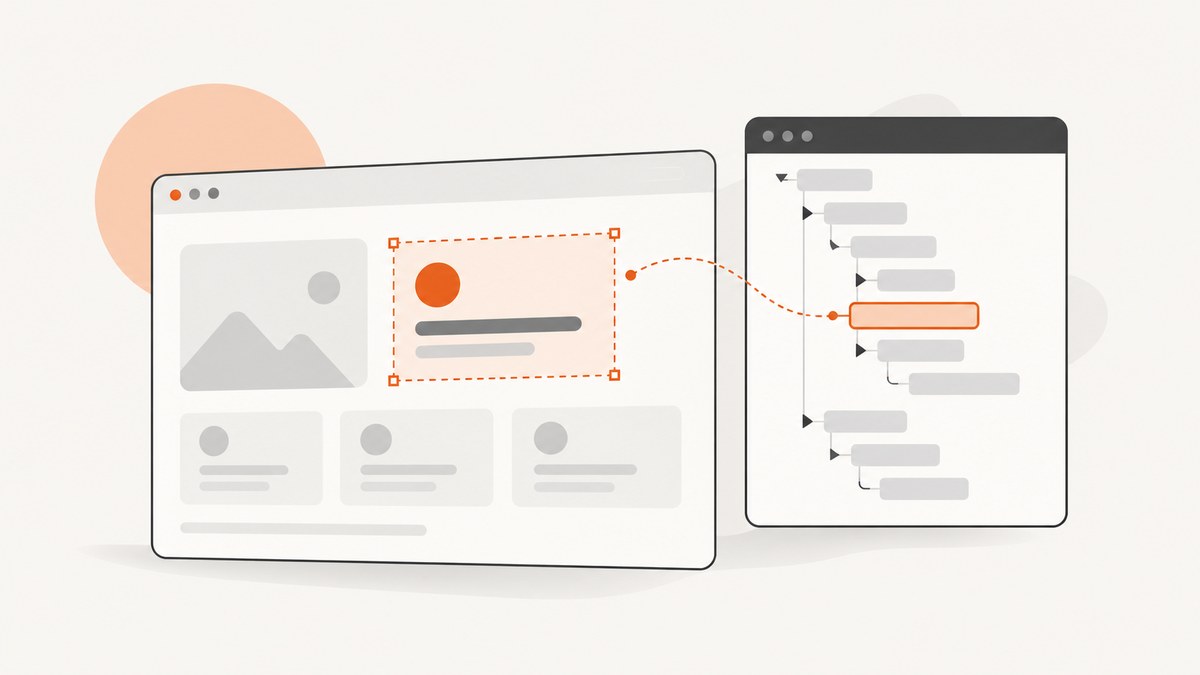
Short answer: OutputType.FILE returns a temporary screenshot file. Cast your driver to TakesScreenshot, call getScreenshotAs(OutputType.FILE), then copy that file to a directory you control before the JVM exits.
import java.io.File;
import java.io.IOException;
import org.apache.commons.io.FileUtils;
import org.openqa.selenium.OutputType;
import org.openqa.selenium.TakesScreenshot;
import org.openqa.selenium.WebDriver;

TakesScreenshot screenshotDriver = (TakesScreenshot) driver;
File source = screenshotDriver.getScreenshotAs(OutputType.FILE);
File destination = new File("./screenshot.png");
FileUtils.copyFile(source, destination);
Selenium documents this pattern. See the OutputType Java API, TakesScreenshot API, and Selenium’s file-copy example.
1. What the error usually means
“OutputType.FILE screenshot error” can describe several failures:
- Compile error: Selenium imports or dependencies are missing, or the method is called on a variable typed only as
WebDriver. - Capture error: the concrete driver cannot take a screenshot, the browser session is unusable, or the implementation reports an unsupported operation.
- Copy error: capture succeeded, but the destination directory does not exist or is not writable.
- Later missing file: the temporary source was never copied, so it disappeared when the JVM exited.
The exception text and full stack trace identify the failing stage. A destination filename change cannot fix a failure inside getScreenshotAs.
2. Complete Java implementation
With Apache Commons IO
import java.io.File;
import java.io.IOException;
import org.apache.commons.io.FileUtils;
import org.openqa.selenium.OutputType;
import org.openqa.selenium.TakesScreenshot;
import org.openqa.selenium.WebDriver;

public final class Screenshots {
  private Screenshots() {}

  public static File save(WebDriver driver, File destination) throws IOException {
    if (!(driver instanceof TakesScreenshot)) {
      throw new IllegalArgumentException("This driver does not implement TakesScreenshot");
    }
    File source = ((TakesScreenshot) driver).getScreenshotAs(OutputType.FILE);
    File parent = destination.getParentFile();
    if (parent != null && !parent.exists() && !parent.mkdirs()) {
      throw new IOException("Could not create " + parent);
    }
    FileUtils.copyFile(source, destination);
    return destination;
  }
}
Add Apache Commons IO if it is not already in your build. The Selenium example uses FileUtils.copyFile; the alternative below uses only the JDK.
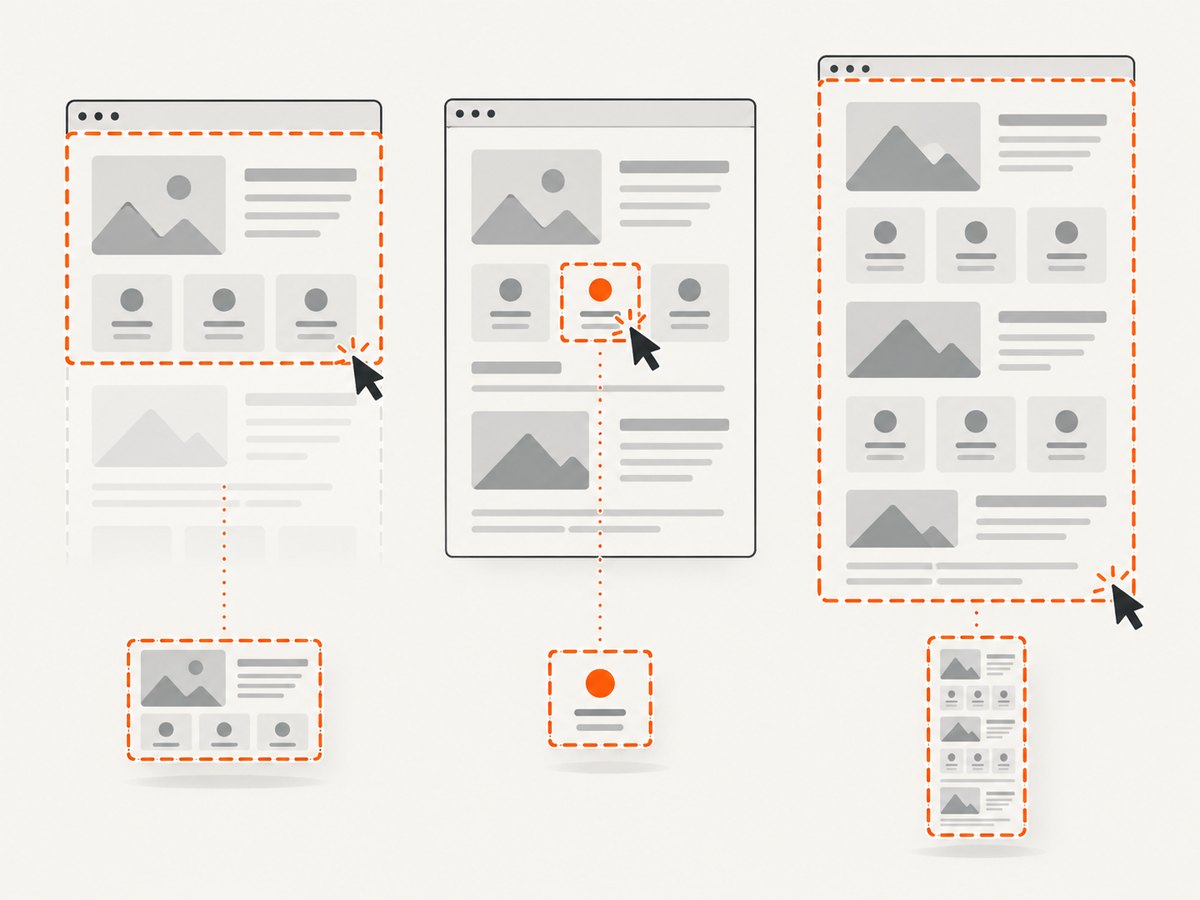
JDK-only copy with NIO
import java.io.File;
import java.nio.file.Files;
import java.nio.file.Path;
import java.nio.file.StandardCopyOption;
import org.openqa.selenium.OutputType;
import org.openqa.selenium.TakesScreenshot;

Path target = Path.of("artifacts", "screenshot.png");
Files.createDirectories(target.getParent());
File source = ((TakesScreenshot) driver).getScreenshotAs(OutputType.FILE);
Files.copy(source.toPath(), target, StandardCopyOption.REPLACE_EXISTING);
Capture on test failure
try {
  // test steps
} catch (Throwable failure) {
  try {
    Path target = Path.of("build", "screenshots", "failure.png");
    Files.createDirectories(target.getParent());
    byte[] png = ((TakesScreenshot) driver).getScreenshotAs(OutputType.BYTES);
    Files.write(target, png);
  } catch (Exception captureFailure) {
    failure.addSuppressed(captureFailure);
  }
  throw failure;
}
3. Fix compile-time errors
Missing OutputType or TakesScreenshot
Ensure Selenium Java is on the compile classpath and use these imports:
import org.openqa.selenium.OutputType;
import org.openqa.selenium.TakesScreenshot;
Align the Selenium version used by your IDE, test runner, and build tool. Conflicting or stale dependencies can expose a different API.
getScreenshotAs is undefined for WebDriver
The method belongs to TakesScreenshot, not the general WebDriver interface:
TakesScreenshot shots = (TakesScreenshot) driver;
File file = shots.getScreenshotAs(OutputType.FILE);
If the cast throws ClassCastException, inspect the concrete driver or wrapper, browser, remote client, and Selenium version. That object does not implement the interface in the current setup.
4. Fix runtime capture failures
Selenium documents WebDriverException when capture fails and UnsupportedOperationException when an implementation does not support screenshots.
try {
  File source = ((TakesScreenshot) driver).getScreenshotAs(OutputType.FILE);
  // copy source immediately
} catch (org.openqa.selenium.UnsupportedOperationException e) {
  throw e;
} catch (org.openqa.selenium.WebDriverException e) {
  throw e;
}
Check that the session has not quit, the current window still exists, and the browser is not crashed. Record browser and driver versions, local or remote execution, current window or frame, capabilities, and the complete stack trace. A copy operation cannot repair a capture call that never returned.
5. Fix missing or short-lived files
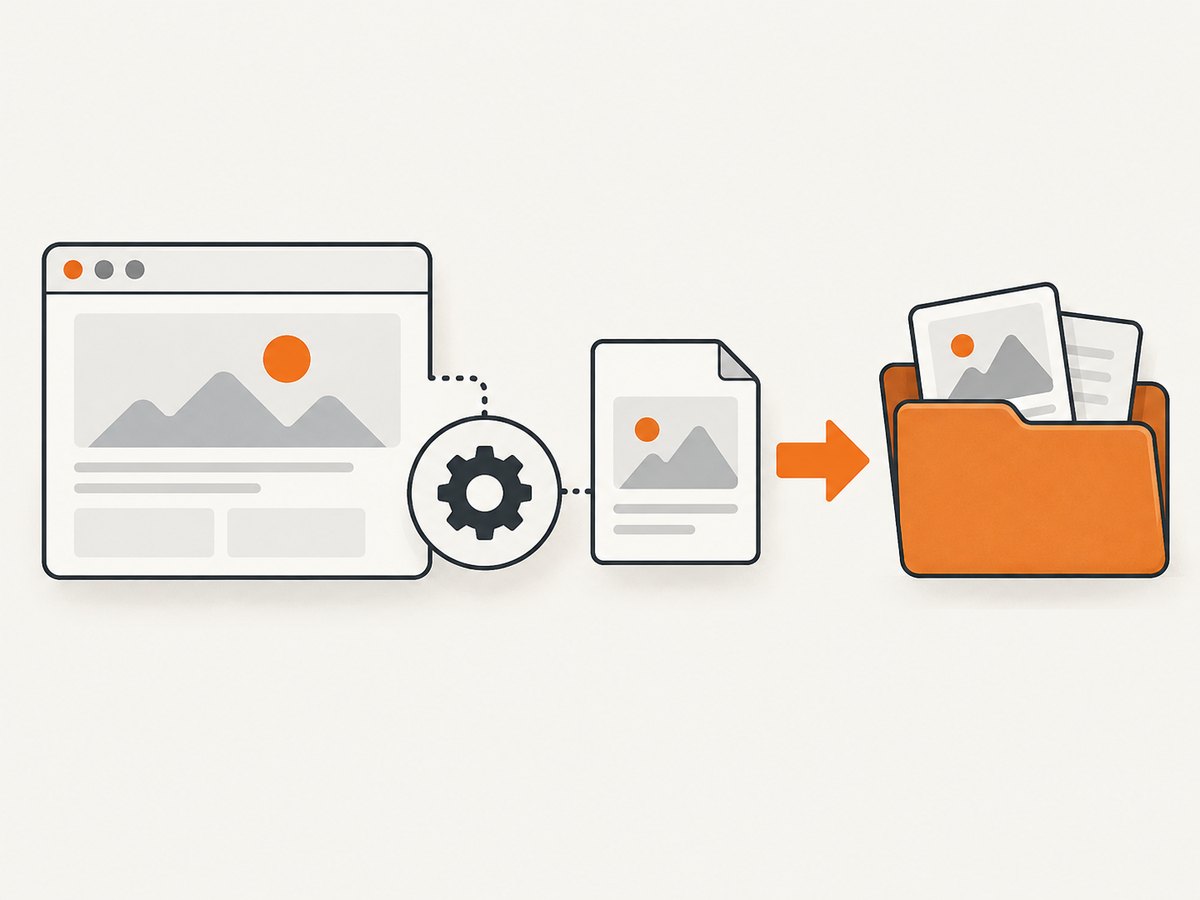
OutputType.FILE is temporary and is deleted when the JVM exits. Copy it during the same test step, before teardown. Relative paths resolve from the process working directory, which may differ between an IDE, Maven, Gradle, and CI.
Path target = Path.of(System.getProperty("user.dir"), "artifacts", "shot.png");
Files.createDirectories(target.getParent());
File source = ((TakesScreenshot) driver).getScreenshotAs(OutputType.FILE);
Files.copy(source.toPath(), target, StandardCopyOption.REPLACE_EXISTING);
System.out.println("Saved " + target.toAbsolutePath());
If copying fails, inspect the parent directory, permissions, available disk space, and the exact IOException.
6. Choose FILE, BYTES, or BASE64
| Output | Java type | Best for | Caveat |
|---|---|---|---|
FILE |
File |
Copying an image to a report or artifact directory | Temporary; copy before JVM exit |
BYTES |
byte[] |
Uploading or transforming raw image bytes | Your code owns persistence and transfer |
BASE64 |
String |
Embedding or transporting encoded data | Decode or handle the string yourself |
byte[] bytes = ((TakesScreenshot) driver).getScreenshotAs(OutputType.BYTES);
String base64 = ((TakesScreenshot) driver).getScreenshotAs(OutputType.BASE64);
7. Element, viewport, and full-page expectations
The generic screenshot call does not guarantee a full-page image across every browser and driver. Element screenshots and viewport captures depend on the API and implementation; non-conformant drivers may provide best-effort behavior. Verify exact browser and driver support before promising full-page output. Selenium documents a separate Firefox full-page API, so do not assume the generic FILE call provides it everywhere.
8. Reliability and performance checklist
- Capture after the required page state is ready; wait for a specific element instead of relying on a long sleep.
- Copy immediately and close streams deterministically.
- Use unique names per test, browser, and retry.
- Capture a relevant element when a full viewport is unnecessary.
- On remote drivers, preserve the original exception and capabilities so infrastructure failures remain distinguishable from filesystem failures.
- Retry only bounded, transient failures. Repeated errors usually indicate a broken session or unsupported implementation.
9. Troubleshooting table
| Symptom | Likely cause | Fix |
|---|---|---|
| Import or symbol errors | Selenium dependency/import mismatch | Use org.openqa.selenium imports and align dependencies. |
| Method missing on variable | Variable is typed as WebDriver |
Cast to TakesScreenshot. |
ClassCastException |
Concrete wrapper or driver lacks the interface | Inspect the runtime class and implementation. |
UnsupportedOperationException |
Driver does not support screenshots | Use a supported driver or documented API. |
WebDriverException during capture |
Dead session, closed window, browser, or transport failure | Check session state, versions, window, and stack trace. |
| File vanishes after the run | Temporary FILE was not copied | Copy before JVM exit or use BYTES. |
| Copy reports “No such file” | Destination parent is absent | Create parent directories first. |
| Access denied | CI user cannot write destination | Choose a writable workspace or artifact directory. |
| Image is not full page | Generic API or driver limitation | Use a documented full-page API for your browser/version or capture sections. |
10. Or skip the browser setup
If you need a clean URL screenshot rather than browser automation, ScreenshotNeo provides a single API request and an MCP server for AI agents. It accepts consent banners before capture and removes 60+ known consent platforms, newsletter popups, and chat widgets; each step can be disabled. Bot checks, blank pages, timeouts, failed loads, and cache hits are not billed, and responses identify the verdict and billing with X-Page-Verdict and X-Billed headers.
curl -G "https://api.screenshotneo.com/v1/shot" -d access_key=YOUR_API_KEY --data-urlencode url=https://stripe.com -o shot.webpimport requests
r = requests.get("https://api.screenshotneo.com/v1/shot", params={"access_key": "YOUR_API_KEY", "url": "https://stripe.com"}, timeout=90)
open("shot.webp", "wb").write(r.content)const q = new URLSearchParams({ access_key: 'YOUR_API_KEY', url: 'https://stripe.com' });
const res = await fetch(`https://api.screenshotneo.com/v1/shot?${q}`);See the ScreenshotNeo API docs for full-page and selector captures, dark mode, device presets or custom viewports, retina scale, PDF output, custom CSS and JavaScript, clicks and waits, blocked resources, headers, cookies, user agent, timezone, geolocation, transparent backgrounds, resizing, caching TTL, signed links, async webhooks, bulk capture, usage data, and the OpenAPI spec. Its MCP server exposes take_screenshot, get_page_info, and capture_pdf to Claude, Cursor, and other MCP clients.
Free accounts include 1,000 screenshots each month with no card; paid plans start at $5 for 3,000. Create a free ScreenshotNeo account.
11. FAQ
Does FILE save directly to my filename?
No. It returns a temporary file that your code must copy.
Can I call getScreenshotAs on WebDriver directly?
Use a TakesScreenshot reference or cast the driver.
Which output avoids temporary-file cleanup?
BYTES or BASE64; your application still handles storage or transfer.
Why does it work locally but fail in CI?
Compare working directory, write permissions, browser and driver versions, session lifecycle, and remote capabilities.


