How to Use Selenium and PhantomJS with HTTP and HTTPS in Python 3
PhantomJS is deprecated. Learn the legacy Selenium pattern, modern Chrome and Firefox alternatives, and how HTTP and HTTPS navigation works in Python 3.
Direct answer: Selenium opens HTTP and HTTPS URLs the same way: create a WebDriver, call driver.get(url), inspect the page, and call driver.quit() in a cleanup block. PhantomJS can appear in older Python 3 examples, but it is no longer a current choice. Selenium’s 3.8.1 changelog states: “PhantomJS is now deprecated, please use either Chrome or Firefox in headless mode.” The PhantomJS repository is archived, so use a supported browser for new work.
1. What changed: PhantomJS is legacy
PhantomJS was a headless WebKit browser often paired with older Selenium releases. Its repository is read-only and Selenium deprecated the integration. Existing projects may still contain code such as webdriver.PhantomJS(), but that code depends on an unmaintained browser and an old Selenium workflow.
For a maintained Python 3 project, use a supported browser listed in the current Selenium documentation. The current Python documentation lists Python 3.10+ and browsers including Chrome, Edge, Firefox, Safari, WebKitGTK and WPEWebKit. Check the release documentation when you publish or upgrade because support changes.
2. Install Selenium in an isolated Python 3 environment
Create a virtual environment so the Selenium version and related packages do not affect other projects.
python3 -m venv .venv
source .venv/bin/activate
python -m pip install --upgrade pip
python -m pip install --upgrade selenium
On Windows PowerShell, activate with .venv\\Scripts\\Activate.ps1. Pin the Selenium version in your application’s dependency file after checking the current release documentation.
3. Modern headless Selenium example for HTTP and HTTPS
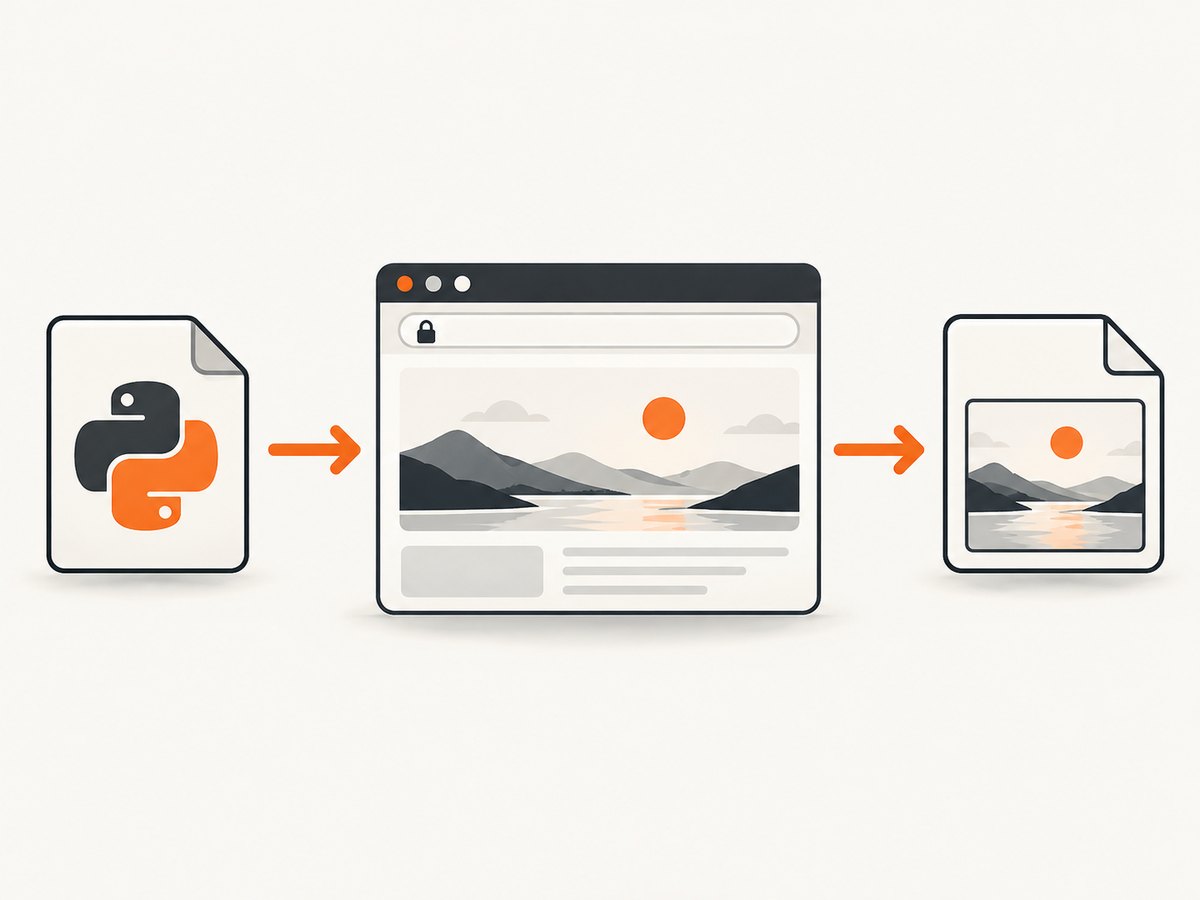
The navigation API is identical for both schemes. The browser handles DNS, TCP, TLS negotiation and certificate validation; Selenium supplies the URL to the browser.
from selenium import webdriver
from selenium.webdriver.chrome.options import Options


def open_url(url: str) -> None:
    options = Options()
    options.add_argument("--headless")
    options.add_argument("--no-sandbox")
    options.add_argument("--disable-dev-shm-usage")

    driver = webdriver.Chrome(options=options)
    try:
        driver.get(url)
        print("title:", driver.title)
        print("current URL:", driver.current_url)
        print("HTML bytes:", len(driver.page_source.encode("utf-8")))
    finally:
        driver.quit()


open_url("https://example.com")
open_url("http://example.com")
driver.get() waits for the browser’s page-load behavior, but JavaScript applications may continue rendering afterward. Add an explicit wait for a meaningful element when you need application content.
Wait for a selector instead of sleeping
from selenium import webdriver
from selenium.webdriver.chrome.options import Options
from selenium.webdriver.common.by import By
from selenium.webdriver.support.ui import WebDriverWait
from selenium.webdriver.support import expected_conditions as EC

options = Options()
options.add_argument("--headless")
driver = webdriver.Chrome(options=options)
try:
    driver.get("https://example.com")
    heading = WebDriverWait(driver, 20).until(
        EC.visibility_of_element_located((By.TAG_NAME, "h1"))
    )
    print(heading.text)
finally:
    driver.quit()
4. Opening HTTP and HTTPS URLs
| URL | Selenium call | What to check |
|---|---|---|
http://site.test |
driver.get(url) |
Redirects, mixed content and authentication requirements |
https://site.test |
driver.get(url) |
Certificate validity, hostname matching and TLS policy |
There is no separate HTTP navigation method and no separate HTTPS navigation method. A successful get() call does not prove that a site has a valid certificate or that the page is safe. Inspect the final URL and page content, and treat browser security errors as failures unless your test explicitly expects them.
Invalid certificates
Do not disable certificate checks as a routine workaround. If an isolated test environment intentionally uses a self-signed or otherwise invalid certificate, use the selected browser’s current official options and label that configuration as test-only. Keep certificate validation enabled in production automation.
5. What old PhantomJS code looked like
Older tutorials commonly used this shape:
from selenium import webdriver

driver = webdriver.PhantomJS()
try:
    driver.get("https://example.com")
    print(driver.title)
finally:
    driver.quit()
This may fail with current Selenium because PhantomJS support and the PhantomJS binary are legacy dependencies. Installing an old Selenium release can make historical code run in a controlled maintenance environment, but it leaves you with an archived browser and outdated driver behavior. Migrate the browser construction to Chrome or Firefox instead.
6. Choosing a replacement browser
| Decision point | Chrome or Chromium | Firefox | Other current Selenium browsers |
|---|---|---|---|
| Engine fidelity | Useful when production users run Chromium-based browsers | Useful when Firefox behavior matters | Choose Edge, Safari, WebKitGTK or WPEWebKit when that environment is the target |
| Headless mode | Supported by current Selenium browser options | Supported by current Selenium browser options | Check the selected browser’s current Selenium documentation |
| Driver setup | Selenium Manager generally discovers, downloads and caches the driver | Selenium Manager generally discovers, downloads and caches the driver | Verify manager support and browser availability in the deployment image |
| Compatibility | Match the installed browser and Selenium release | Match the installed browser and Selenium release | Check current release documentation before standardizing |
7. Selenium Manager and manual driver paths
Modern Selenium generally invokes Selenium Manager when you create a WebDriver. It can discover the browser, obtain a compatible driver and cache it. Older setup guides that download a driver manually describe a legacy workflow or an environment where manager setup is insufficient.
Use an explicit driver path only when your deployment requires manual control, such as an offline image or a centrally managed browser binary:
from selenium import webdriver
from selenium.webdriver.chrome.service import Service

service = Service("/opt/webdrivers/chromedriver")
driver = webdriver.Chrome(service=service)
try:
    driver.get("https://example.com")
finally:
    driver.quit()
Keep the browser, driver and Selenium versions compatible. Do not mix a newly installed browser with a driver copied from an unrelated machine.
8. Reliable browser automation patterns
Always clean up
Put driver.quit() in finally. It closes the session even when navigation, a wait or an assertion raises an exception.
Use explicit waits
Wait for a selector, URL condition or document state that represents readiness. Fixed sleeps slow successful runs and still fail when a page takes longer than expected.
Capture diagnostics on failure
from pathlib import Path

try:
    driver.get("https://example.com")
except Exception:
    Path("failure.html").write_text(driver.page_source, encoding="utf-8")
    driver.save_screenshot("failure.png")
    raise
Control resource use
Reuse a browser session for related navigations when isolation is not required. Create separate sessions for tests that must have clean cookies or independent browser profiles. Headless mode reduces display requirements but does not remove the browser’s CPU, memory or network work.
9. Troubleshooting
| Symptom | Likely cause | Fix |
|---|---|---|
Unable to obtain driver or manager download fails |
The environment cannot reach the driver download service, or outbound access is restricted | Allow the required network access, preinstall a compatible browser and driver in the image, or provide an explicit driver path. |
| Browser binary not found | Chrome, Firefox or the selected browser is absent or installed outside the expected path | Install the browser in the runtime image or configure the browser’s binary location using current Selenium options. |
| Session not created; version mismatch | Browser, driver and Selenium versions are incompatible | Check all three versions, update them together and remove stale driver binaries from PATH. |
| Permission denied starting browser | The service account cannot execute the browser or write its profile/cache | Grant execute and temporary-directory permissions, or configure writable profile and cache directories. |
| HTTPS page shows a certificate warning | The certificate is expired, self-signed, hostname-mismatched or otherwise invalid | Fix the certificate in the test environment. Only for an isolated test, consult the selected browser’s official configuration for accepting the intentional certificate error. |
| Page source lacks dynamically rendered content | get() returned before the application finished rendering |
Wait for a visible, application-specific selector or state; avoid arbitrary long sleeps. |
| HTTP URL ends at an HTTPS URL | The server redirected the request | Read driver.current_url and verify that the redirect is expected. |
| PhantomJS constructor is missing | Current Selenium no longer supports the legacy integration | Replace webdriver.PhantomJS() with a supported Chrome or Firefox WebDriver. |
10. Performance, reliability and cost
- Startup: launching a browser per URL adds process and driver startup overhead. Reuse sessions where test isolation allows it.
- Parallelism: multiple headless sessions increase CPU, memory and network demand. Set a concurrency limit for the machine rather than starting an unbounded number of browsers.
- Readiness: explicit, narrow waits are usually more predictable than large global delays.
- Network: remote pages can be slow, redirect, rate-limit automation or require authentication. Set a test-level timeout and collect diagnostics.
- Cost: Selenium itself is open-source software, but browser hosts, CI minutes, bandwidth and maintenance have operational costs. A hosted screenshot API can be simpler when you only need an image or PDF.
11. Or skip the browser setup
ScreenshotNeo provides a single GET request for a PNG, JPEG, WebP or PDF. It removes cookie and consent banners, newsletter popups and chat widgets before capture. Bot checks, blank pages, timeouts, failed loads and cache hits are not billed, and response headers identify the page verdict and billing result. Its MCP server lets Claude, Cursor and other MCP clients call take_screenshot, get_page_info and capture_pdf.

See the ScreenshotNeo API documentation for all options.
cURL
curl -G "https://api.screenshotneo.com/v1/shot" -d access_key=YOUR_API_KEY --data-urlencode url=https://stripe.com -o shot.webpPython
import requests
r = requests.get("https://api.screenshotneo.com/v1/shot", params={"access_key": "YOUR_API_KEY", "url": "https://stripe.com"}, timeout=90)
open("shot.webp", "wb").write(r.content)
Node.js
const q = new URLSearchParams({ access_key: 'YOUR_API_KEY', url: 'https://stripe.com' });
const res = await fetch(`https://api.screenshotneo.com/v1/shot?${q}`);
ScreenshotNeo includes full-page and element captures, device presets, custom viewport and retina scale, waits, custom CSS and JavaScript, request blocking, headers, cookies, user agents, timezone and geolocation, caching, signed links, asynchronous jobs, bulk capture and PDF options. It accepts parameter names used by other screenshot APIs, which can simplify migration.
Plans include 1,000 screenshots per month free with no card. Paid plans start at $5 for 3,000 screenshots; every feature is available on every plan. Create a free ScreenshotNeo account.
12. FAQ
Can Selenium use an HTTP URL?
Yes. Pass the HTTP URL to driver.get() exactly as you pass an HTTPS URL.
Does Selenium make HTTPS safe?
No. The browser performs certificate and TLS checks. Selenium controls navigation but does not turn an invalid certificate into a valid one.
Should a new project use PhantomJS?
No. Treat PhantomJS as legacy and select a currently supported browser documented by Selenium.
Do I need to download ChromeDriver manually?
Usually not. Current Selenium uses Selenium Manager in common setups. Manual paths remain useful for controlled or offline environments.
When is a screenshot API preferable?
Use one when you need rendered images or PDFs without maintaining browser binaries, drivers, profiles and cleanup code. ScreenshotNeo adds consent cleanup, verdict-based billing and MCP tools for agent workflows.


