How to Take Screenshots with Selenium RC in C# on Internet Explorer 8
Selenium RC has no verified C# screenshot call for IE8. Learn the safe migration path to WebDriver and an API option that avoids browser setup.
Short answer: Selenium RC (Selenium 1) does not have a screenshot method that is verified by the reviewed official C# documentation for Internet Explorer 8. Selenium’s own legacy documentation says, “Selenium 1 is not supported anymore.” If you can change the test, migrate to Selenium WebDriver and use the .NET ITakesScreenshot.GetScreenshot() API. If the test must remain on RC, inspect the exact Selenium RC .NET client version installed in your environment; do not copy a WebDriver call into an RC test and expect it to work.
This distinction matters because RC and WebDriver are different API generations. RC uses a DefaultSelenium client talking to a Selenium server, while WebDriver controls a browser through a driver implementation. The current Selenium guidance also says standalone Internet Explorer is no longer officially supported as of June 2022; the IE driver documentation discusses Microsoft Edge IE Compatibility Mode, not a supported standalone IE8 installation.
1. Identify whether the test is really Selenium RC
Search the C# project before changing code.
DefaultSelenium,ISelenium, a Selenium RC server process, or a browser string such as*iehtaindicates Selenium RC.IWebDriver,InternetExplorerDriver,OpenQA.Selenium, orITakesScreenshotindicates WebDriver.
The Selenium RC documentation describes the old server and .NET client setup. It does not establish a supported C# method that saves an IE8 screenshot.
2. What Selenium RC can and cannot establish
A historical RC setup looks like this:
var selenium = new DefaultSelenium(
    "localhost",
    4444,
    "*iehta",
    "http://test.example.com");
selenium.Start();
This starts an RC client/server session when the matching legacy binaries and browser environment are available. It is not a screenshot solution. The reviewed official sources do not verify an RC C# call equivalent to WebDriver’s GetScreenshot(), so this article does not invent one.
If RC is unavoidable:
- Record the exact Selenium RC server version and .NET client assembly version.
- Open that version’s API reference or source and search for screenshot, capture, or image commands.
- Run a minimal test against the same IE8 image used by CI.
- Confirm whether the result is a browser screenshot, an HTML artifact, or an error response.
- Keep the old test isolated because RC and IE8 are both unsupported combinations.
3. Recommended migration: WebDriver in C#
For WebDriver, the documented .NET interface is ITakesScreenshot, whose GetScreenshot() method returns a Screenshot object. Selenium’s InternetExplorerDriver implements that interface. See the Selenium .NET API reference.
Install the packages
dotnet add package Selenium.WebDriver
# Add Selenium.Support only if the rest of your test suite requires it.
Capture a screenshot after a failed step
using System;
using System.IO;
using OpenQA.Selenium;
using OpenQA.Selenium.IE;

class IeScreenshot
{
    static void Main()
    {
        var outputDirectory = Path.Combine(AppContext.BaseDirectory, "artifacts");
        Directory.CreateDirectory(outputDirectory);
        var outputPath = Path.Combine(outputDirectory, "ie8-failure.png");

        var options = new InternetExplorerOptions();
        // Configure only settings required by the target environment.
        // The driver and browser must be compatible with the machine running the test.

        using IWebDriver driver = new InternetExplorerDriver(options);
        try
        {
            driver.Navigate().GoToUrl("http://test.example.com");
            // Test actions go here.

            if (driver is ITakesScreenshot camera)
            {
                camera.GetScreenshot().SaveAsFile(outputPath);
                Console.WriteLine($"Saved {outputPath}");
            }
            else
            {
                throw new NotSupportedException("This driver does not expose ITakesScreenshot.");
            }
        }
        catch (Exception testError)
        {
            try
            {
                if (driver is ITakesScreenshot camera)
                    camera.GetScreenshot().SaveAsFile(outputPath);
            }
            catch (WebDriverException captureError)
            {
                Console.Error.WriteLine($"Screenshot failed: {captureError.Message}");
            }

            Console.Error.WriteLine(testError);
            throw;
        }
    }
}
Use a test-framework teardown hook
For NUnit, capture in TearDown while the driver is still alive:
[TearDown]
public void SaveFailureScreenshot()
{
    if (TestContext.CurrentContext.Result.Outcome.Status != NUnit.Framework.Interfaces.TestStatus.Failed)
        return;

    if (_driver is not ITakesScreenshot camera)
        return;

    var directory = TestContext.CurrentContext.WorkDirectory;
    Directory.CreateDirectory(directory);
    var name = $"{TestContext.CurrentContext.Test.Name}-{DateTime.UtcNow:yyyyMMddHHmmss}.png";
    camera.GetScreenshot().SaveAsFile(Path.Combine(directory, name));
}
Do not quit the driver before the teardown hook runs. Sanitize test names before using them as filenames, and create the artifact directory in every CI job.
4. IE-specific constraints
The legacy RC material and current IE-specific guidance describe driver and registry considerations, but neither makes standalone IE8 a currently supported target. The IE documentation recommends the 32-bit driver because of known limitations in the 64-bit driver and discusses IE8-and-later behavior for some command-line and registry settings.
- Pin the browser, driver, OS image, and Selenium package versions together.
- Use the driver architecture recommended for your environment; the official page specifically calls out the 32-bit driver recommendation.
- Keep IE protected-mode and security-zone settings consistent across zones, as required by the driver setup.
- Expect differences between an old IE8 VM and Edge IE Compatibility Mode; do not treat them as equivalent.
- Run the capture on the same desktop session and permissions model as the test. Locked sessions, remote desktops, and policy restrictions can prevent browser rendering or file writes.
5. Troubleshooting
| Symptom | Likely cause | Fix |
|---|---|---|
DefaultSelenium has no screenshot method |
You are using Selenium RC, not WebDriver. | Check the installed RC client’s own API/source. Prefer migration to WebDriver; do not paste in a WebDriver cast and call it an RC solution. |
Unable to cast to ITakesScreenshot |
The active driver does not implement the interface, or the wrong object is being cast. | Keep the driver as IWebDriver, check driver is ITakesScreenshot, and verify the Selenium WebDriver package and driver version. |
| IE driver starts and immediately exits | Browser/driver/OS mismatch, security-zone configuration, or unsupported standalone IE. | Rebuild the pinned environment, follow the current IE driver setup page, and confirm whether the target should be Edge IE Compatibility Mode instead. |
| Screenshot is blank or incomplete | The page has not finished rendering, navigation failed, or the browser window is unavailable. | Wait for a page condition in the test, capture after the failing action, and preserve the browser and driver logs alongside the image. |
| File is missing in CI | The directory does not exist or the worker cannot write to it. | Create the directory with Directory.CreateDirectory, use an absolute path, and publish the artifact after the test step. |
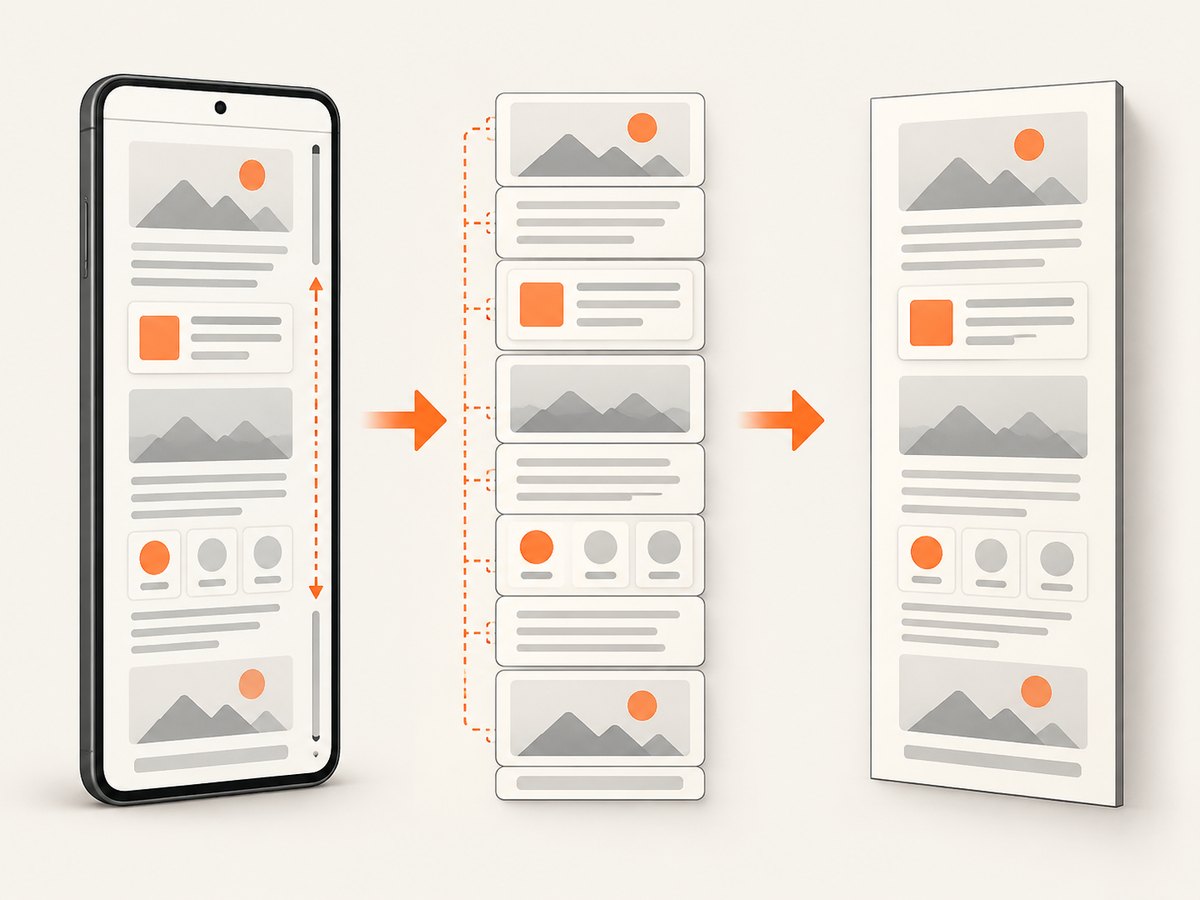
| Only part of a long page is captured | Browser screenshots are viewport captures unless the driver adds full-page support. | Capture the viewport for failure diagnosis, or use a service/API designed for full-page screenshots. |
| RC server cannot connect | The legacy server is not running, the port is blocked, or client/server versions differ. | Start the matching RC server, verify the port locally, and align the client and server versions. RC is unsupported, so plan migration. |
6. Reliability, performance, and cost
- Reliability: A screenshot is diagnostic evidence, not proof that the page behaved correctly. Save the exception, URL, browser logs, and timestamp with the image.
- Performance: Capturing only on failure avoids adding image encoding and disk I/O to every test. Keep one driver session per test isolation boundary and avoid repeated full-page work in loops.
- Storage: Use deterministic names containing test name, build ID, and timestamp. Retain only the artifacts your CI policy needs.
- Cost: Selenium’s local screenshot call has no API charge, but maintaining an IE8 VM, driver, and legacy RC server has operational cost. A hosted screenshot API trades browser maintenance for request billing and service limits.
7. Or skip the browser setup
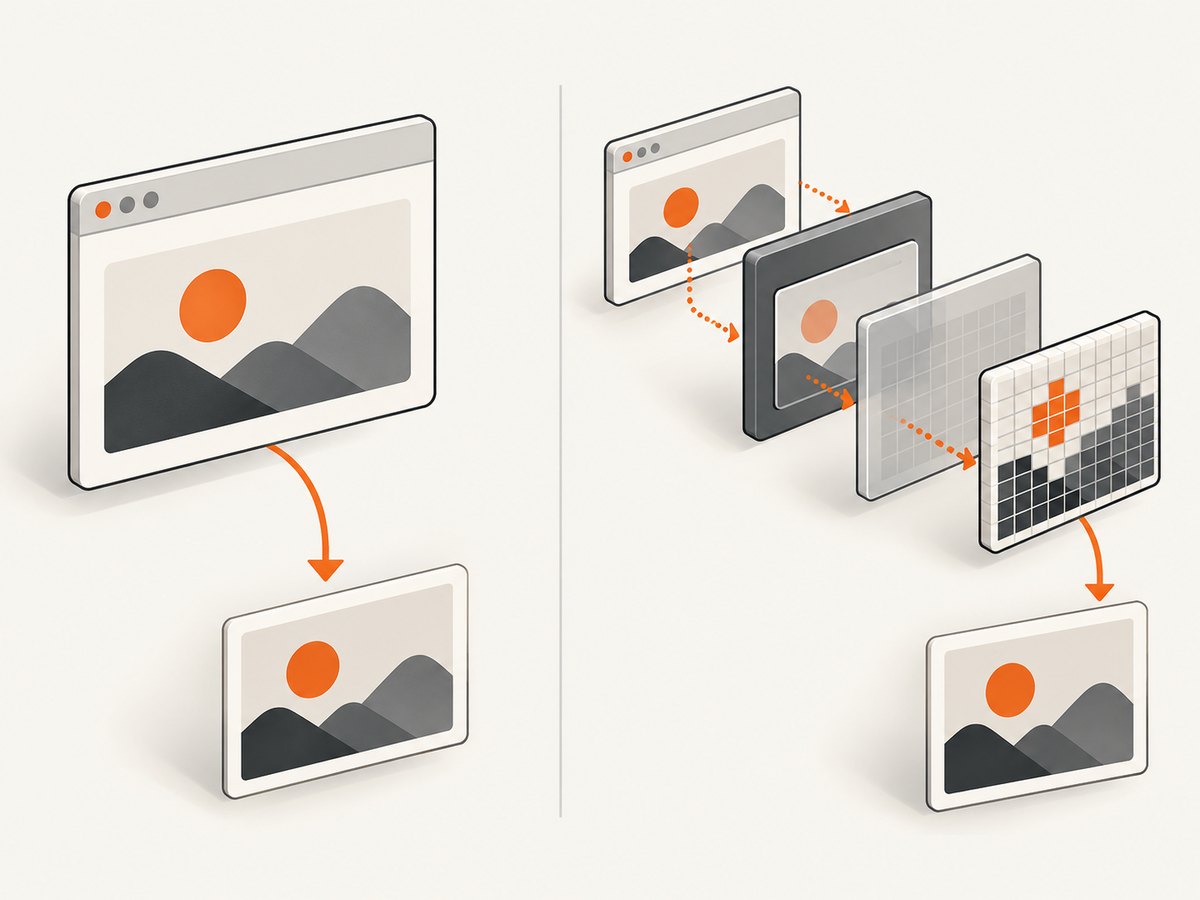
ScreenshotNeo provides a single-request website screenshot API. It removes cookie and consent banners, newsletter popups, and chat widgets before capture. Bot checks, blank pages, timeouts, failed loads, and cache hits are not billed, and the response identifies the result with X-Page-Verdict and X-Billed headers. Its MCP server provides take_screenshot, get_page_info, and capture_pdf tools for Claude, Cursor, and other MCP clients.
See the ScreenshotNeo API documentation for all options.
cURL
curl -G "https://api.screenshotneo.com/v1/shot" \
  -d access_key=YOUR_API_KEY \
  --data-urlencode url=https://stripe.com \
  -o shot.webp
Python
import requests

r = requests.get(
    "https://api.screenshotneo.com/v1/shot",
    params={"access_key": "YOUR_API_KEY", "url": "https://stripe.com"},
    timeout=90,
)
r.raise_for_status()
open("shot.webp", "wb").write(r.content)
Node.js
const q = new URLSearchParams({
  access_key: 'YOUR_API_KEY',
  url: 'https://stripe.com'
});
const res = await fetch(`https://api.screenshotneo.com/v1/shot?${q}`);
if (!res.ok) throw new Error(`${res.status} ${res.statusText}`);
const body = Buffer.from(await res.arrayBuffer());
require('node:fs').writeFileSync('shot.webp', body);
ScreenshotNeo supports full-page capture, CSS-selector element capture, device presets and custom viewports, retina scale, dark mode, PDF output, custom CSS and JavaScript, clicks, selector or network-idle waits, request blocking, headers, cookies, user agents, authorization, timezone, geolocation, transparent backgrounds, resizing, configurable caching, signed links, asynchronous jobs with signed webhooks, bulk capture, usage reporting, and an OpenAPI specification. The parameter names used by other screenshot APIs also work, which can simplify migration.
Plans include 1,000 screenshots per month free with no card; paid plans start at $5 for 3,000 screenshots. Create a free ScreenshotNeo account.
8. FAQ
Can I call GetScreenshot() on DefaultSelenium?
No verified RC API call is established by the reviewed sources. GetScreenshot() belongs to the WebDriver .NET interface.
Does Edge IE Compatibility Mode equal IE8?
No. It is a compatibility mode in Microsoft Edge, while the current Selenium guidance no longer supports standalone Internet Explorer.
Should I keep an IE8 screenshot test?
Keep it only when the application requirement demands that legacy environment. Pin and isolate the environment, capture artifacts on failure, and plan a supported browser migration.
Can ScreenshotNeo reproduce an IE8 viewport exactly?
It can set a custom viewport and device options, but an API capture is not a standalone IE8 browser session. Validate visual differences before replacing a compatibility test.


