How to Save Selenium WebDriver Screenshots to the Correct Folder
Save Selenium screenshots reliably by creating the folder, resolving an absolute .png path, and checking the Boolean result in local runs and CI.
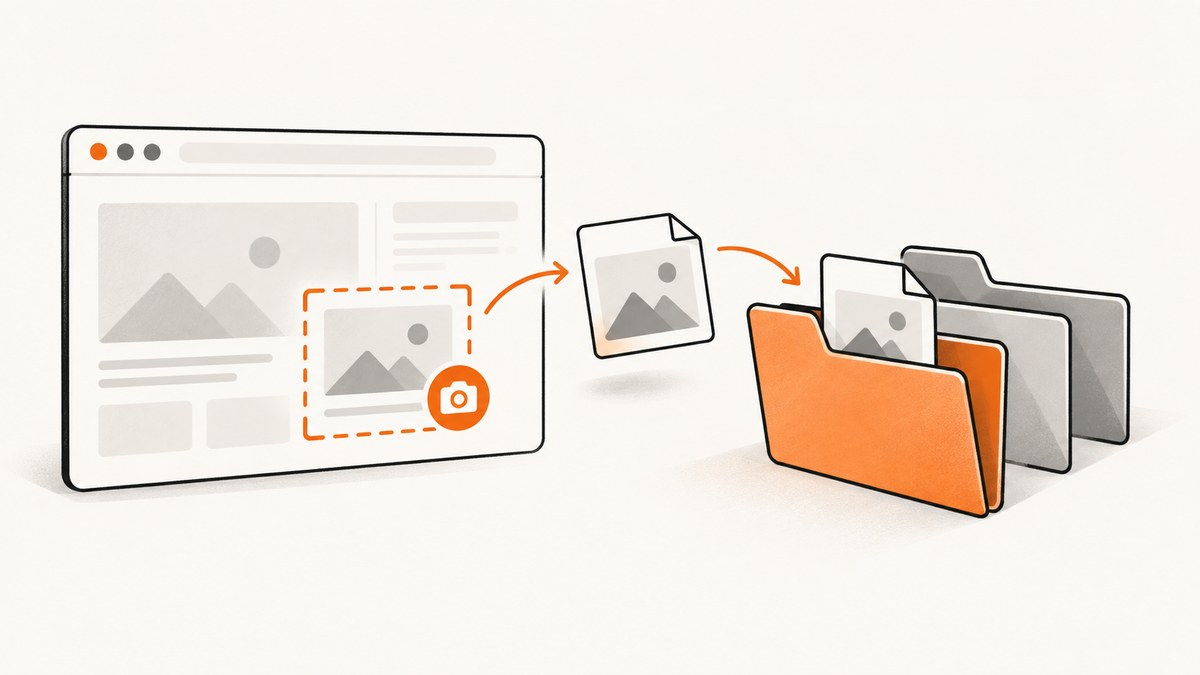
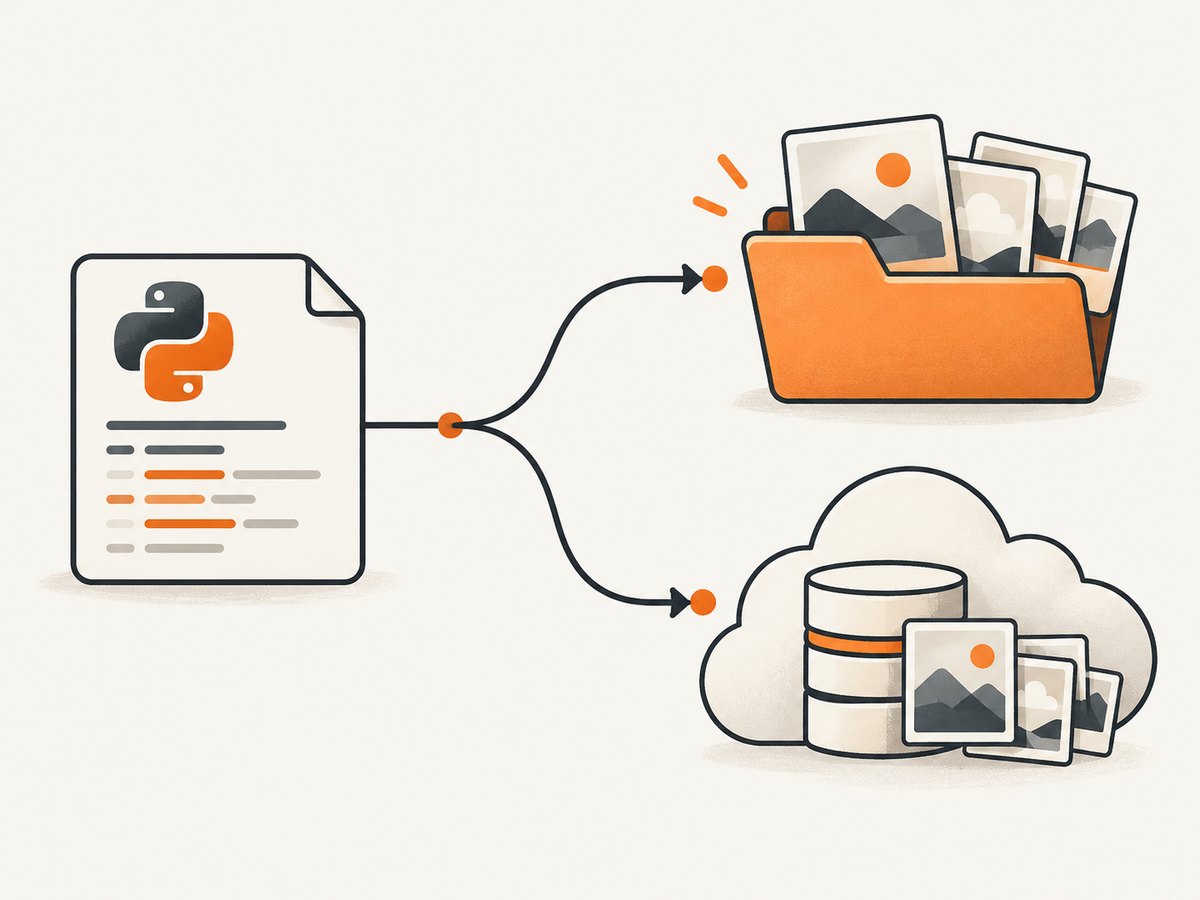
Direct answer: In Selenium’s Python bindings, create the destination directory, build a complete path ending in .png, and pass that path to driver.save_screenshot() or driver.get_screenshot_as_file(). Selenium writes to the filename you provide; it does not select a hidden screenshot folder. Check the Boolean return value so a filesystem failure cannot pass unnoticed.
The Selenium API documents both methods as saving the current window to a PNG and recommends using full paths. It returns False when an I/O error occurs. See the official Selenium Python WebDriver API.
1. A reliable Python implementation
from pathlib import Path
from selenium import webdriver

# Resolve from this file, instead of the process's current working directory.
project_dir = Path(__file__).resolve().parent
screenshot_dir = project_dir / "artifacts" / "screenshots"
screenshot_dir.mkdir(parents=True, exist_ok=True)
output_file = screenshot_dir / "login-page.png"

driver = webdriver.Chrome()
try:
    driver.get("https://example.com")

    saved = driver.save_screenshot(str(output_file))
    if not saved:
        raise OSError(f"Selenium could not write screenshot: {output_file}")

    print(f"Screenshot saved to: {output_file}")
finally:
    driver.quit()
Path(__file__).resolve() makes the location deterministic when the test is launched from an IDE, a shell, pytest, or CI. mkdir(..., parents=True, exist_ok=True) creates every missing parent directory before Selenium opens the file.
2. Why screenshots end up in the wrong directory
Relative paths use the process working directory
driver.save_screenshot("screenshots/home.png")This path is relative to Path.cwd(), the directory from which the test process was started. That may differ from the directory containing the test file. Print it when diagnosing a location surprise:
from pathlib import Path
print("Current working directory:", Path.cwd())
For repeatable artifacts, resolve a base directory explicitly:
from pathlib import Path

# Directory containing this Python file
base = Path(__file__).resolve().parent

# Or, when your runner provides a known artifact directory:
# base = Path(os.environ["CI_ARTIFACTS_DIR"]).resolve()

path = base / "artifacts" / "screenshots" / "checkout.png"
path.parent.mkdir(parents=True, exist_ok=True)
driver.save_screenshot(str(path))
The parent folder does not exist
save_screenshot writes the supplied filename; it does not create missing directories. Create them first. If the open or write operation raises an OSError, Selenium reports failure by returning False.
The filename does not end in .png
The API specifies PNG output and warns when the filename does not end in .png. Use a PNG suffix even when you later convert the bytes to another format.
The file is being overwritten
Saving repeatedly to the same path replaces that file during the normal binary write. Include a test name, case identifier, or timestamp when you need to retain every capture:
from datetime import datetime, timezone

stamp = datetime.now(timezone.utc).strftime("%Y%m%dT%H%M%SZ")
output_file = screenshot_dir / f"login-{stamp}.png"
if not driver.save_screenshot(str(output_file)):
    raise OSError(f"Could not save {output_file}")
3. save_screenshot and get_screenshot_as_file
These calls are equivalent for writing a PNG file:
path = screenshot_dir / "home.png"
path.parent.mkdir(parents=True, exist_ok=True)

if not driver.save_screenshot(str(path)):
    raise OSError(path)

# Equivalent documented method:
if not driver.get_screenshot_as_file(str(path)):
    raise OSError(path)
Both return True after a successful write and False when Selenium encounters an I/O error. Treat the return value as part of the method’s contract rather than assuming that no exception means a file exists.
4. Save bytes or base64 when your application owns storage
Use get_screenshot_as_png() when you want to send the image to object storage, attach it to a report, or process it in memory:
png_bytes = driver.get_screenshot_as_png()
output_file.write_bytes(png_bytes)
Use get_screenshot_as_base64() when embedding the image in HTML:
import base64
encoded = driver.get_screenshot_as_base64()
html = f' '
report_file.write_text(html, encoding="utf-8")
The API describes PNG bytes and base64 as alternatives to direct file saving. They let your code choose the storage path, upload destination, or report format.
5. Full-page and element screenshots
save_screenshot captures the current browser window. For an element, locate it and use the element screenshot method:
from pathlib import Path
from selenium import webdriver
from selenium.webdriver.common.by import By

out = Path(__file__).resolve().parent / "artifacts" / "screenshots" / "header.png"
out.parent.mkdir(parents=True, exist_ok=True)

driver = webdriver.Chrome()
try:
    driver.get("https://example.com")
    header = driver.find_element(By.CSS_SELECTOR, "header")
    if not header.screenshot(str(out)):
        raise OSError(out)
finally:
    driver.quit()
Very tall pages can exceed browser or image limits. Capture important sections separately, or use a browser-specific full-page technique when your driver supports it. The path rules remain the same: create the directory, use an absolute filename, and verify the result.
6. Make paths portable across operating systems
- Build paths with
pathlib.Path, not manually concatenated slashes. - Resolve the base path before passing it to Selenium.
- Keep generated screenshots under a dedicated artifact directory that CI can collect.
- Check permissions when the directory is mounted read-only or owned by another user.
from pathlib import Path

root = Path(__file__).resolve().parent
case_name = "checkout-payment"
path = root / "artifacts" / "screenshots" / f"{case_name}.png"
path.parent.mkdir(parents=True, exist_ok=True)
assert path.is_absolute()
7. CI and test-suite patterns
Capture only on failure
def save_failure(driver, directory: Path, name: str) -> Path:
    directory.mkdir(parents=True, exist_ok=True)
    path = directory / f"{name}.png"
    if not driver.save_screenshot(str(path)):
        raise OSError(f"Screenshot write failed: {path}")
    return path
Call this helper from your test framework’s failure hook. Keep the resolved path in the test log so CI output points to the exact artifact.
Use unique names for parallel tests
Parallel workers can overwrite one another if they share a filename. Include the worker id, test id, or a UUID:
from uuid import uuid4
path = screenshot_dir / f"failure-{uuid4().hex}.png"
Verify the artifact after saving
if not driver.save_screenshot(str(path)):
    raise OSError(path)
if not path.is_file() or path.stat().st_size == 0:
    raise OSError(f"Screenshot is missing or empty: {path}")
8. Troubleshooting checklist
| Symptom | Likely cause | Fix |
|---|---|---|
| Screenshot appears in an unexpected folder | A relative path is resolved from the process working directory | Use Path(__file__).resolve() or an explicit CI artifact directory |
save_screenshot returns False |
Missing directory, permissions, invalid mount, or another file I/O error | Create parents, check write permission, log the absolute path, and raise on False |
| No file is created | Parent directories were never created | Run path.parent.mkdir(parents=True, exist_ok=True) before saving |
| Warning about the filename | The name does not end in .png |
Use a .png filename |
| Earlier screenshots disappeared | Every test reused the same filename | Add a test name, worker id, timestamp, or UUID |
| Works locally but fails in CI | Different working directory, permissions, or read-only workspace | Use an absolute path under the runner’s writable artifact directory and publish that directory |
| Image is blank or incomplete | The page had not finished rendering when capture ran | Wait for the relevant element or page state before calling the screenshot method |
9. Performance, reliability, and cost considerations
- Writing a PNG adds filesystem I/O; capture only the failures or checkpoints you need.
- Large or full-page images use more memory and storage. Prefer element captures for focused diagnostics.
- Unique filenames prevent race-condition overwrites in parallel suites.
- Always call
driver.quit()in afinallyblock so browser processes do not accumulate after a save failure. - Keep screenshots as CI artifacts with a retention policy; they can consume storage quickly in large suites.
10. Or skip the browser setup
If you only need a clean website image, ScreenshotNeo provides a GET endpoint that returns PNG, JPEG, WebP, or PDF. It handles the browser and path management for you. Its cleanup steps accept cookie or consent banners before capture and remove more than 60 known consent platforms, newsletter popups, and chat widgets. Bot checks, blank pages, timeouts, failed loads, and cache hits are not billed, and each response identifies the result with X-Page-Verdict and X-Billed headers.

See the ScreenshotNeo API documentation for all options.
cURL
curl -G "https://api.screenshotneo.com/v1/shot" -d access_key=YOUR_API_KEY --data-urlencode url=https://stripe.com -o shot.webpPython
import requests

r = requests.get(
    "https://api.screenshotneo.com/v1/shot",
    params={"access_key": "YOUR_API_KEY", "url": "https://stripe.com"},
    timeout=90,
)
r.raise_for_status()
open("shot.webp", "wb").write(r.content)
Node.js
const q = new URLSearchParams({ access_key: 'YOUR_API_KEY', url: 'https://stripe.com' });
const res = await fetch(`https://api.screenshotneo.com/v1/shot?${q}`);
if (!res.ok) throw new Error(`HTTP ${res.status}`);
const fs = await import('node:fs/promises');
await fs.writeFile('shot.webp', Buffer.from(await res.arrayBuffer()));
ScreenshotNeo also offers an MCP server with take_screenshot, get_page_info, and capture_pdf tools for Claude, Cursor, and other MCP clients. It supports full-page captures, CSS element selection, device presets, custom viewports, retina scale, waits, custom headers and cookies, blocking rules, geolocation, caching, signed links, asynchronous jobs, bulk capture, and a usage API. Every feature is included on every plan. The Free plan includes 1,000 shots per month with no card; paid plans start at $5 for 3,000.
Create a free ScreenshotNeo account and get 1,000 screenshots a month with no card.
11. FAQ
Does Selenium choose a default screenshot folder?
No. The filename argument controls the destination. A relative filename is interpreted relative to the process working directory.
Should I use save_screenshot or get_screenshot_as_file?
Either is suitable for writing a PNG file. Use whichever naming style is clearer in your codebase, and check its Boolean result.
Can Selenium save JPEG or WebP directly?
The documented file methods save PNG screenshots. Use PNG bytes and convert them yourself if another format is required.
Why does Selenium return False instead of raising?
The file-saving implementation catches an OSError from opening or writing the supplied filename and reports the failure as False. Raise your own error after checking the return value.
How do I embed a screenshot in an HTML report?
Call get_screenshot_as_base64() and place the returned string in a data:image/png;base64,... image source.


