How to Create a New Folder for Each Selenium Screenshot
Create unique Selenium screenshot folders safely with Python, pytest fixtures, CI-friendly names, error handling, and a browser-free ScreenshotNeo option.

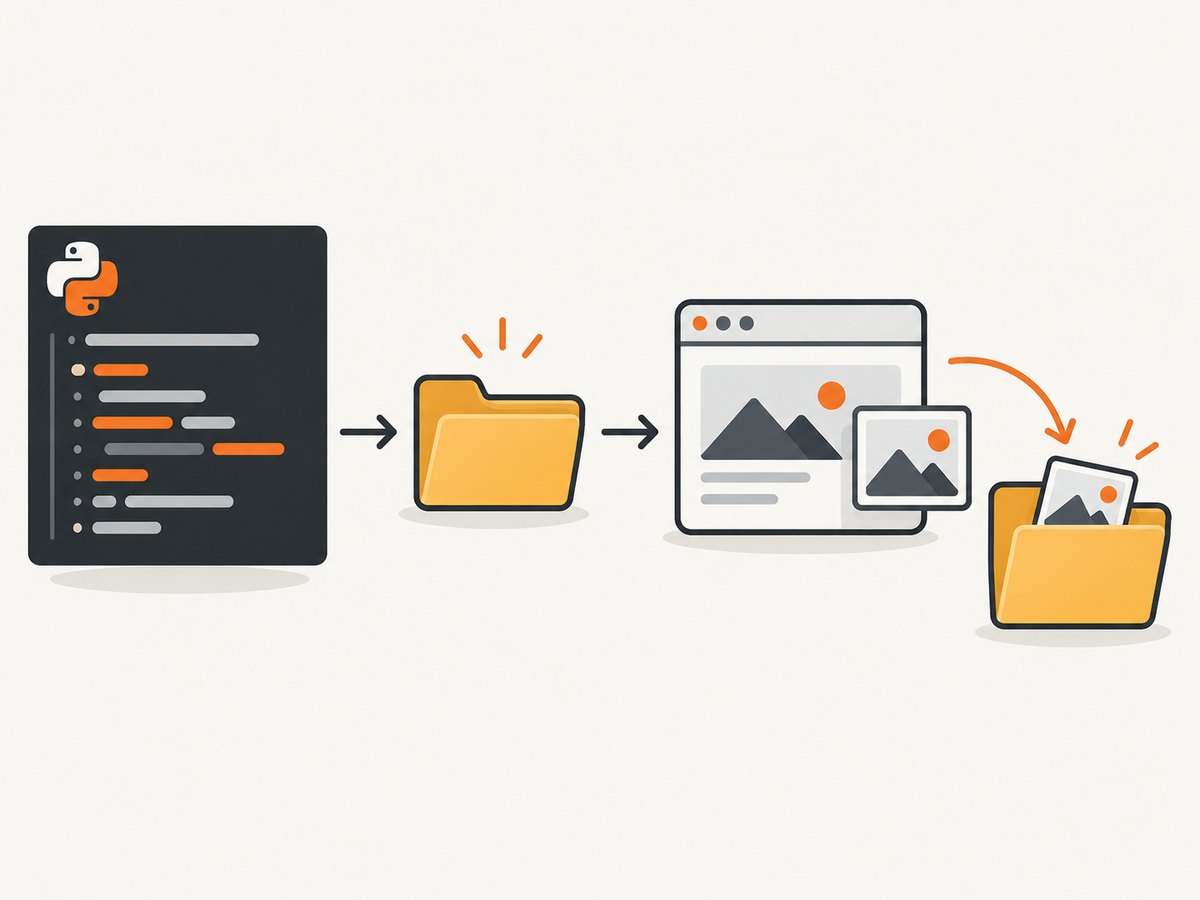
Use Python’s pathlib to create the folder before Selenium saves the PNG. Give each run, test, or capture a unique directory name, then pass the complete file path to driver.save_screenshot().
from datetime import datetime, timezone
from pathlib import Path
from selenium import webdriver

# Replace this with your own driver setup.
driver = webdriver.Chrome()
driver.get("https://example.com")

run_id = datetime.now(timezone.utc).strftime("%Y%m%dT%H%M%S%fZ")
out_dir = Path("screenshots") / run_id
out_dir.mkdir(parents=True, exist_ok=True)

png_path = out_dir / "homepage.png"
if not driver.save_screenshot(str(png_path)):
    raise OSError(f"Could not write screenshot: {png_path}")

print(f"Saved {png_path}")
driver.quit()
Selenium saves the current window as a PNG at the filename you provide. The API expects a complete path and returns False when an I/O error occurs. See the Selenium Python WebDriver API.
1. Choose the folder layout
| Layout | Example | Use it when |
|---|---|---|
| One folder per test | screenshots/test_login_valid_user/ |
You want every capture from a test together. |
| One folder per run | screenshots/20260929T150750650227Z/ |
You upload or archive a complete CI run. |
| One folder per screenshot | screenshots/20260929T150750650227Z_homepage/ |
A downstream tool expects one artifact directory per image. |
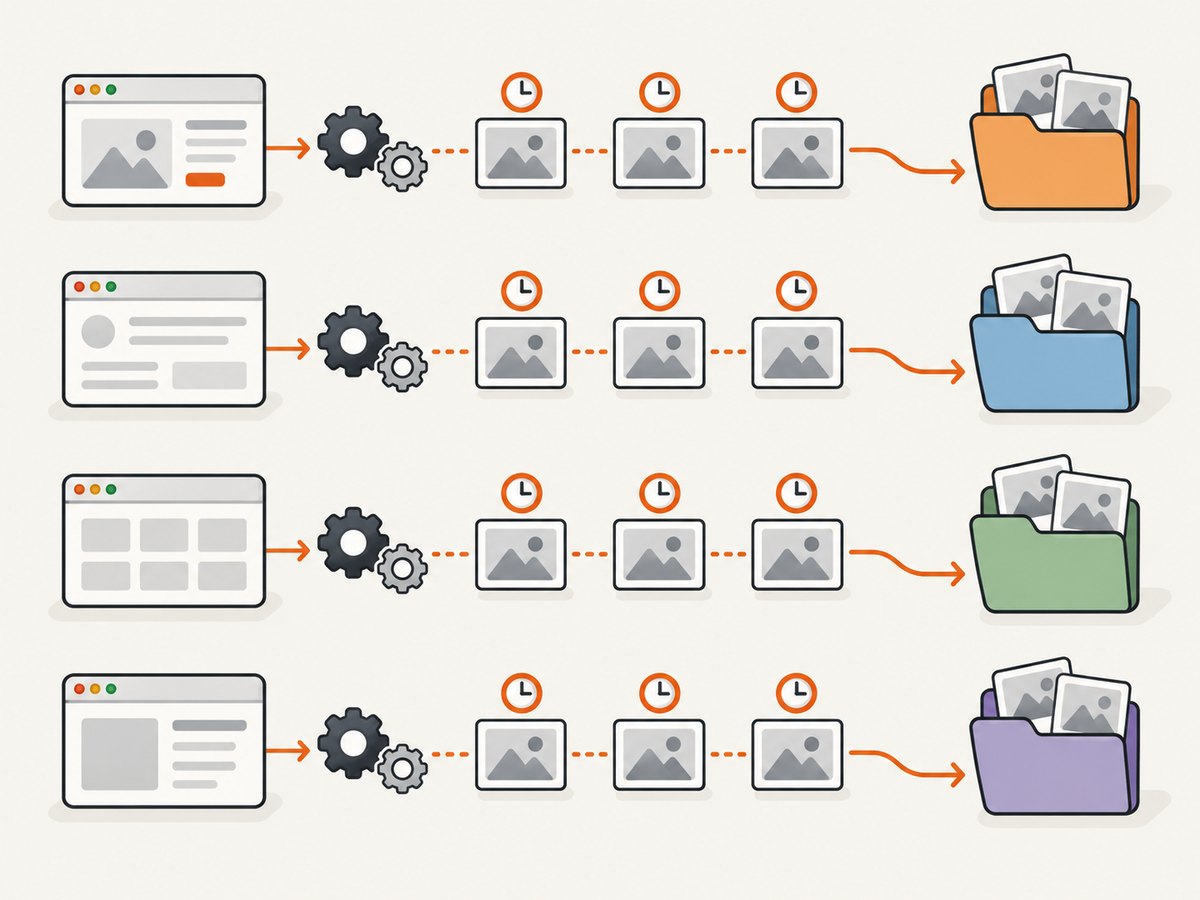
Create the directory once when a test has several screenshots, and vary only the filename:
capture_dir = Path("screenshots") / "test_checkout" / run_id
capture_dir.mkdir(parents=True, exist_ok=True)

for name in ("before_click", "after_click", "confirmation"):
    path = capture_dir / f"{name}.png"
    if not driver.save_screenshot(str(path)):
        raise OSError(f"Screenshot failed: {path}")
Create a new directory immediately before each call only when each capture must be isolated.
2. Build safe, collision-resistant names
Do not place raw user input or arbitrary test titles in a path. Slashes, backslashes, reserved device names, control characters, and very long names can create invalid or unsafe paths. Keep a readable sanitized label and append a UTC timestamp, CI job ID, or counter.
import re
from datetime import datetime, timezone
from pathlib import Path

def safe_part(value: str, fallback: str = "capture") -> str:
    value = value.strip().lower()
    value = re.sub(r"[^a-z0-9._-]+", "_", value)
    value = value.strip("._-")[:80]
    return value or fallback

def new_capture_dir(root: str, label: str) -> Path:
    stamp = datetime.now(timezone.utc).strftime("%Y%m%dT%H%M%S%fZ")
    directory = Path(root) / f"{safe_part(label)}_{stamp}"
    directory.mkdir(parents=True, exist_ok=False)
    return directory

out_dir = new_capture_dir("screenshots", "Login / valid user")
path = out_dir / "homepage.png"
if not driver.save_screenshot(str(path)):
    raise OSError(f"Could not write screenshot: {path}")
Use exist_ok=True when reruns may intentionally reuse a directory. Use exist_ok=False when a duplicate must fail loudly. A timestamp alone can still collide if several processes share a clock or naming scheme; add a CI job ID, UUID, or atomic counter for parallel workers.
3. A reusable Selenium helper
from pathlib import Path
from uuid import uuid4

def save_screenshot_in_new_folder(driver, root="screenshots", label="capture") -> Path:
    folder = Path(root) / f"{safe_part(label)}_{uuid4().hex}"
    folder.mkdir(parents=True, exist_ok=False)
    output = folder / "screenshot.png"
    ok = driver.save_screenshot(str(output))
    if not ok:
        raise OSError(f"Selenium could not write {output}")
    return output

saved = save_screenshot_in_new_folder(driver, label="checkout")
print(saved)
Keep path construction separate from browser actions. This makes the same helper usable with local Chrome, a remote WebDriver, pytest, unittest, and CI artifact collection.
4. Pytest fixture for one directory per test
# conftest.py
import re
from datetime import datetime, timezone
from pathlib import Path
import pytest

def safe_part(value: str) -> str:
    value = re.sub(r"[^a-zA-Z0-9._-]+", "_", value).strip("._-")
    return value[:80] or "test"

@pytest.fixture
def screenshot_dir(request, tmp_path_factory):
    stamp = datetime.now(timezone.utc).strftime("%Y%m%dT%H%M%S%fZ")
    name = safe_part(request.node.name)
    path = Path("screenshots") / f"{name}_{stamp}"
    path.mkdir(parents=True, exist_ok=False)
    return path

# test_checkout.py

def test_checkout(driver, screenshot_dir):
    driver.get("https://example.com/checkout")
    output = screenshot_dir / "checkout.png"
    assert driver.save_screenshot(str(output))
    assert output.is_file()
If parallel workers write to a shared workspace, include the worker ID (for example, from PYTEST_XDIST_WORKER) in the directory name. Configure your CI system to upload screenshots/** after tests, including on failure.
5. Unittest pattern
import unittest
from datetime import datetime, timezone
from pathlib import Path

class LoginTest(unittest.TestCase):
    def setUp(self):
        self.driver = make_driver()
        stamp = datetime.now(timezone.utc).strftime("%Y%m%dT%H%M%S%fZ")
        self.screenshot_dir = Path("screenshots") / self.id().replace(".", "_") / stamp
        self.screenshot_dir.mkdir(parents=True, exist_ok=True)

    def tearDown(self):
        self.driver.quit()

    def test_valid_login(self):
        self.driver.get("https://example.com/login")
        path = self.screenshot_dir / "valid_login.png"
        self.assertTrue(self.driver.save_screenshot(str(path)))
6. Common errors and fixes
| Symptom | Cause | Fix |
|---|---|---|
FileNotFoundError or “No such file or directory” |
The parent folder does not exist. | Call mkdir(parents=True, exist_ok=True) before saving. |
save_screenshot() returns False |
An I/O error occurred: permissions, invalid path, unavailable disk, or a driver-side write failure. | Log the absolute path, check its parent is writable, verify free space, and raise an actionable error. |
| Images overwrite each other | The same filename or folder is reused. | Add a test name, UTC timestamp, UUID, CI job ID, or incrementing counter. |
| Invalid filename on Windows | Reserved characters such as :, *, ?, or trailing dots/spaces. |
Sanitize labels and keep paths short. |
| Relative path works locally but not in CI | The process working directory differs. | Print Path.cwd() and resolve against a known workspace or environment variable. |
| Screenshot is blank or incomplete | The page has not finished rendering, a navigation failed, or content is lazy-loaded. | Wait for a reliable element or condition before capture; confirm the URL and browser logs. |
| Remote WebDriver cannot write locally | The screenshot may be created on the machine running the driver, not where the test process expects. | Use the binding’s returned bytes when available, or ensure the destination is writable in the process that performs the save. |
7. Full-page and repeated captures
save_screenshot() captures the current browser window. For a full-page image, use the browser and driver capabilities appropriate to your setup, or capture the page in sections and save each section into the same test directory. Do not assume every browser or remote driver supports identical full-page behavior.
For repeated captures, use descriptive, stable names:
for index, state in enumerate(("initial", "menu_open", "submitted"), start=1):
    path = capture_dir / f"{index:02d}_{state}.png"
    if not driver.save_screenshot(str(path)):
        raise OSError(f"Could not write {path}")
8. Performance, reliability, and storage
- Create a directory once per test or run instead of repeatedly calling directory creation for every image.
- Use short names and avoid copying large screenshots unnecessarily.
- Keep screenshots on local fast storage during the test, then upload artifacts after the run.
- Always check Selenium’s boolean result and record the path in test logs.
- Use UTC timestamps so artifacts sort consistently across machines.
- Clean old artifacts with a retention policy; screenshot folders can grow quickly in long CI histories.
- For parallel tests, include a worker or job identifier to prevent collisions.
- Do not treat a successful file write as proof that the page was correct; validate the page state separately.
9. Or skip the browser setup
If you need URL screenshots without managing WebDriver, ScreenshotNeo provides a GET endpoint for PNG, JPEG, WebP, or PDF captures. Its cleanup steps accept cookie and consent banners and remove more than 60 known consent platforms, newsletter popups, and chat widgets before capture; each step can be disabled. Bot checks, blank pages, timeouts, failed loads, and cache hits are not billed, and the response identifies the result with X-Page-Verdict and X-Billed headers. See the ScreenshotNeo API documentation.
cURL
curl -G "https://api.screenshotneo.com/v1/shot" -d access_key=YOUR_API_KEY --data-urlencode url=https://stripe.com -o shot.webpPython
import requests
r = requests.get("https://api.screenshotneo.com/v1/shot", params={"access_key": "YOUR_API_KEY", "url": "https://stripe.com"}, timeout=90)
open("shot.webp", "wb").write(r.content)
Node.js
const q = new URLSearchParams({ access_key: 'YOUR_API_KEY', url: 'https://stripe.com' });
const res = await fetch(`https://api.screenshotneo.com/v1/shot?${q}`);
if (!res.ok) throw new Error(`Screenshot failed: ${res.status}`);
const fs = await import('node:fs/promises');
await fs.writeFile('shot.webp', Buffer.from(await res.arrayBuffer()));
ScreenshotNeo also supports CSS element capture, full-page lazy-image loading, device presets, custom viewports, retina scale, custom CSS and JavaScript, waits, request blocking, headers, cookies, user agents, authorization, timezone, geolocation, caching, signed links, asynchronous webhooks, bulk capture, usage reporting, PDF output, and an MCP server with take_screenshot, get_page_info, and capture_pdf for Claude, Cursor, and other MCP clients. There are 1,000 free shots each month with no card; paid plans start at $5 for 3,000 shots. Create a free ScreenshotNeo account.
10. FAQ
Does Selenium create folders automatically?
No. Your code must create the parent directory before passing the path to Selenium.
Can I save more than one screenshot in one folder?
Yes. Create the folder once and use unique filenames such as before_click.png and after_click.png.
Should folder names use timestamps or test names?
Use both when practical: a readable sanitized test name plus a UTC timestamp, CI ID, UUID, or worker ID.
What extension should I use?
Use .png; Selenium’s documented screenshot file contract is PNG.
How do I know whether the save succeeded?
Check the boolean return value and optionally verify that the resulting path exists and has a nonzero size.


