How to Fix a Selenium Screenshot Listener Capturing the Wrong Browser
Fix Selenium screenshots that come from the wrong browser by tracing driver identity, session, window handle, callback target, and parallel test state.
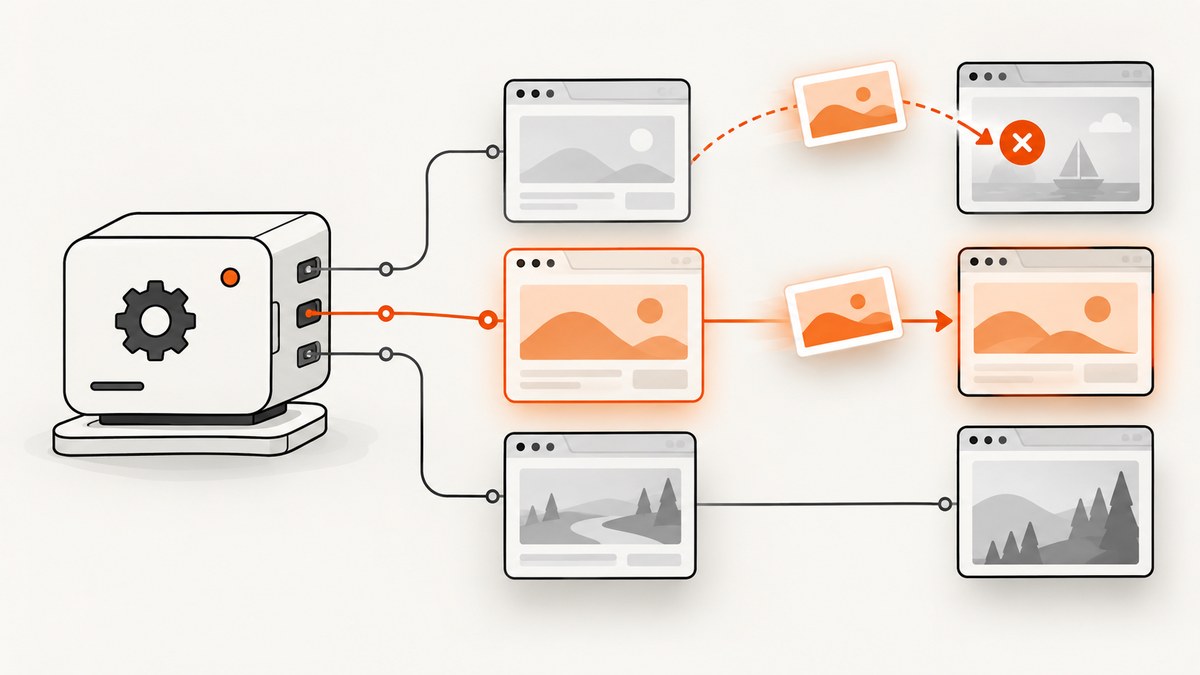
Direct answer: in Selenium Java, attach your WebDriverListener to the exact driver instance used by the test with EventFiringDecorator. Then verify, at capture time, whether the callback received a WebDriver or WebElement, and log the session ID, current URL, window handle, thread, and object identity. Most “wrong browser” screenshots come from a listener attached to a different driver, a stale or shared driver field, parallel tests using one session, or a test capturing a different tab than the one it intended.
Selenium does not choose a browser by the screenshot filename or by the listener class. A driver screenshot applies to the current top-level browsing context. An element screenshot applies to the element supplied to the command. The W3C WebDriver specification defines those as separate operations, and Selenium exposes both through TakesScreenshot. See the WebDriverListener API, TakesScreenshot API, and W3C screen capture specification.
1. Confirm what “wrong browser” means
Before changing code, classify the failure. These cases look similar in a test report but require different fixes:
| Symptom | Likely boundary | First check |
|---|---|---|
| Screenshot shows another test’s page | Wrong driver session or shared state | Session ID, thread ID, and driver object identity |
| Screenshot shows the same browser but another tab | Wrong current browsing context | getWindowHandle() and explicit window switching |
| Screenshot contains only a control or panel | Element callback fired | Whether the target is WebDriver or WebElement |
| Listener logs one browser, test uses another | Decoration or dependency injection error | Which reference is passed into the test |
| Failures appear only with parallel tests | Concurrent commands on one mutable session | Driver ownership per test or thread |
Do not assume the listener itself is selecting a browser. Its callback receives the object on which Selenium invoked the screenshot operation. Your diagnostic goal is to prove whether that object, its session, and its selected window are the ones the test intended.
2. Attach the listener to the intended driver
The supported Selenium Java pattern is to create a raw driver, decorate that instance, and use the decorated reference everywhere the test performs browser operations. Do not create a second driver for the listener or retain an undecorated field that later receives screenshots.
import org.openqa.selenium.OutputType;
import org.openqa.selenium.WebDriver;
import org.openqa.selenium.chrome.ChromeDriver;
import org.openqa.selenium.support.events.EventFiringDecorator;
import org.openqa.selenium.support.events.WebDriverListener;

public final class DriverFactory {
    public static WebDriver create() {
        WebDriverListener listener = new ScreenshotTraceListener();
        WebDriver raw = new ChromeDriver();
        return new EventFiringDecorator<>(listener).decorate(raw);
    }

    private static final class ScreenshotTraceListener implements WebDriverListener {
        @Override
        public <X> void beforeGetScreenshotAs(WebDriver driver,
                                               OutputType<X> target) {
            ScreenshotTrace.logDriver("before driver screenshot", driver);
        }

        @Override
        public <X> void afterGetScreenshotAs(WebDriver driver,
                                              OutputType<X> target,
                                              X result) {
            ScreenshotTrace.logDriver("after driver screenshot", driver);
        }

        @Override
        public <X> void beforeGetScreenshotAs(org.openqa.selenium.WebElement element,
                                               OutputType<X> target) {
            ScreenshotTrace.logElement("before element screenshot", element);
        }

        @Override
        public <X> void afterGetScreenshotAs(org.openqa.selenium.WebElement element,
                                              OutputType<X> target,
                                              X result) {
            ScreenshotTrace.logElement("after element screenshot", element);
        }
    }
}
The listener API intentionally has separate callback overloads for drivers and elements. Keep both during diagnosis so an element capture cannot be mistaken for a full browser capture. The API documentation states that WebDriverListener is intended for use with EventFiringDecorator.
3. Add identity logging before changing behavior
Log enough information to correlate the screenshot with the test that requested it. Object identity is useful because two Java references can point to different driver objects even when their variable names are identical. A remote session ID distinguishes browser sessions; the window handle distinguishes tabs within one session.
import org.openqa.selenium.WebDriver;
import org.openqa.selenium.WebElement;
import org.openqa.selenium.remote.RemoteWebDriver;

import java.time.Instant;

final class ScreenshotTrace {
    static void logDriver(String event, WebDriver driver) {
        String session = "unknown";
        if (driver instanceof RemoteWebDriver remote) {
            session = String.valueOf(remote.getSessionId());
        }
        String handle;
        String url;
        try {
            handle = driver.getWindowHandle();
            url = driver.getCurrentUrl();
        } catch (RuntimeException error) {
            handle = "unavailable: " + error.getClass().getSimpleName();
            url = "unavailable: " + error.getClass().getSimpleName();
        }
        System.out.printf(
            "%s event=%s target=driver object=%x session=%s window=%s url=%s thread=%s%n",
            Instant.now(), event, System.identityHashCode(driver), session,
            handle, url, Thread.currentThread().getName());
    }

    static void logElement(String event, WebElement element) {
        System.out.printf(
            "%s event=%s target=element object=%x thread=%s%n",
            Instant.now(), event, System.identityHashCode(element),
            Thread.currentThread().getName());
    }
}
If a decorated driver is a proxy that does not expose RemoteWebDriver, record the session ID from the raw driver when it is created and carry it in your test context. The important part is consistency: the same identifier must appear in driver construction, listener callbacks, screenshot naming, and teardown logs.
4. Verify the current tab or window
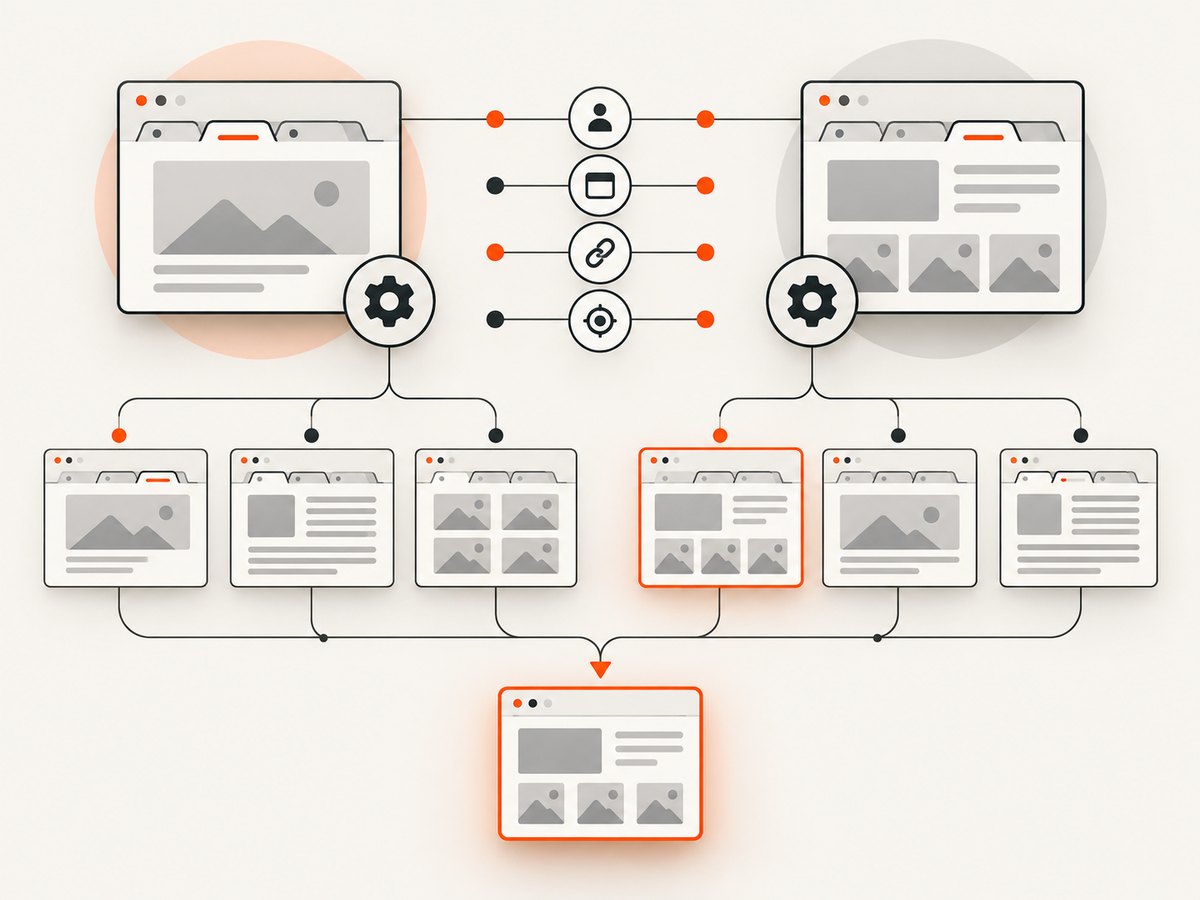
A driver screenshot captures the current browsing context, not every open tab. Opening a new window does not automatically mean your test has selected it. Store the handle returned by getWindowHandle(), switch explicitly, and assert the URL or page marker before taking the screenshot.
String original = driver.getWindowHandle();
driver.findElement(By.cssSelector("a[target='_blank']")).click();

new WebDriverWait(driver, Duration.ofSeconds(10))
    .until(d -> d.getWindowHandles().size() == 2);

String popup = driver.getWindowHandles().stream()
    .filter(handle -> !handle.equals(original))
    .findFirst()
    .orElseThrow();

driver.switchTo().window(popup);
new WebDriverWait(driver, Duration.ofSeconds(10))
    .until(ExpectedConditions.urlContains("/checkout"));

System.out.println("Capturing handle=" + driver.getWindowHandle()
    + " url=" + driver.getCurrentUrl());
File shot = ((TakesScreenshot) driver).getScreenshotAs(OutputType.FILE);

// Return to the original context when the test needs it.
driver.switchTo().window(original);
When a test closes a tab, the current handle can become invalid. Catch NoSuchWindowException, select a remaining handle deliberately, and log the replacement. Never rely on the iteration order of getWindowHandles() to identify a tab.
5. Distinguish driver and element screenshots
((TakesScreenshot) driver).getScreenshotAs(...) asks for a driver screenshot. element.getScreenshotAs(...) asks for an element screenshot. The latter is useful for a component, but it cannot prove that the whole browser was captured. If a listener handles both overloads, include the target type in the output filename and in logs.
Path saveDriverShot(WebDriver driver, Path dir) {
    String name = "driver-" + Instant.now().toEpochMilli() + ".png";
    return ((TakesScreenshot) driver)
        .getScreenshotAs(OutputType.FILE)
        .toPath();
}

Path saveElementShot(WebElement element, Path dir) {
    String name = "element-" + Instant.now().toEpochMilli() + ".png";
    return element.getScreenshotAs(OutputType.FILE).toPath();
}
Some implementations provide best-effort screenshot behavior, so check the driver binding and browser support documented for your Selenium version. Do not infer full-page behavior from a viewport screenshot. The W3C command describes the top-level browsing context’s visual viewport; element capture has a separate definition.
6. Remove shared mutable driver state
A static driver, singleton, or reused field is a common source of cross-test screenshots. A test can still be holding a valid Java reference while another test has navigated the same remote session. With parallel execution, a screenshot command can race with navigation, window switching, or teardown.
Prefer one driver and listener association per test
class CheckoutTest {
    private WebDriver driver;

    @BeforeEach
    void setUp() {
        driver = DriverFactory.create();
    }

    @AfterEach
    void tearDown() {
        if (driver != null) {
            driver.quit();
            driver = null;
        }
    }

    @Test
    void capturesCheckout() {
        driver.get("https://example.test/checkout");
        // Assertions and screenshots use this same decorated reference.
    }
}
If your framework requires a shared fixture, use a thread-local driver and ensure teardown clears it. Serialization is another option, but it trades away parallel throughput. Do not issue concurrent commands through one WebDriver session unless the binding and your design explicitly support that access pattern.
7. A repeatable diagnostic checklist
- Record the Selenium binding and exact version.
- Log driver and element callback overloads.
- Log object identity, session ID, current URL, window handle, thread, and timestamp.
- Trace raw driver construction, decoration, injection, and teardown.
- Search for static fields, singletons, cached references, and test fixtures reused across workers.
- Assert the expected window handle and URL immediately before capture.
- Compare the failing screenshot log with the browser session expected by the test.
- Repeat with parallel execution disabled. If the problem disappears, isolate driver ownership before changing screenshot code.
8. Troubleshooting common errors
| Error or symptom | Cause | Fix |
|---|---|---|
ClassCastException when casting to RemoteWebDriver |
The decorated driver is a proxy or another implementation | Capture the session ID from the raw driver or use a driver-specific diagnostic hook. |
| Only element-sized images appear | The element overload was invoked | Call getScreenshotAs on the driver and log the callback target. |
NoSuchWindowException |
The selected tab was closed or never selected | Wait for handles, switch explicitly, and recover to a known remaining handle. |
| Correct URL, wrong page state | Capture raced with navigation or asynchronous rendering | Wait for a selector, document state, or application-ready marker before capture. |
| Wrong browser only in CI | Parallel workers share state or environment setup differs | Log worker identity and session IDs; create one driver per worker/test. |
| Listener never logs | The test uses an undecorated reference | Return the decorated driver from the factory and inject only that reference. |
| Screenshot fails after teardown | A listener or failure hook retains a dead driver | Capture before quit(); make teardown ordering explicit. |
9. Reliability and performance considerations
Every screenshot adds browser and file or network work. Capture on failures and at deliberate checkpoints rather than after every command. Waiting for a stable selector usually produces more reliable evidence than a fixed sleep. If the page opens tabs, include the handle and URL in the artifact metadata so a later viewer can identify the browsing context.
For parallel suites, the main performance decision is isolation versus serialization. One driver per test uses more browser processes but prevents cross-test navigation races. A shared driver saves startup overhead but requires strict locking and makes listener ownership harder to reason about. Measure your suite with the same browser, binding, and CI limits; the supplied evidence does not establish a universal benchmark.
Keep screenshot files associated with a test ID, session ID, and timestamp. Redact credentials and sensitive page data before uploading artifacts. If a screenshot is taken during an exception handler, preserve the original exception and report screenshot failures separately so diagnostics do not hide the test failure.
10. Or skip the browser setup
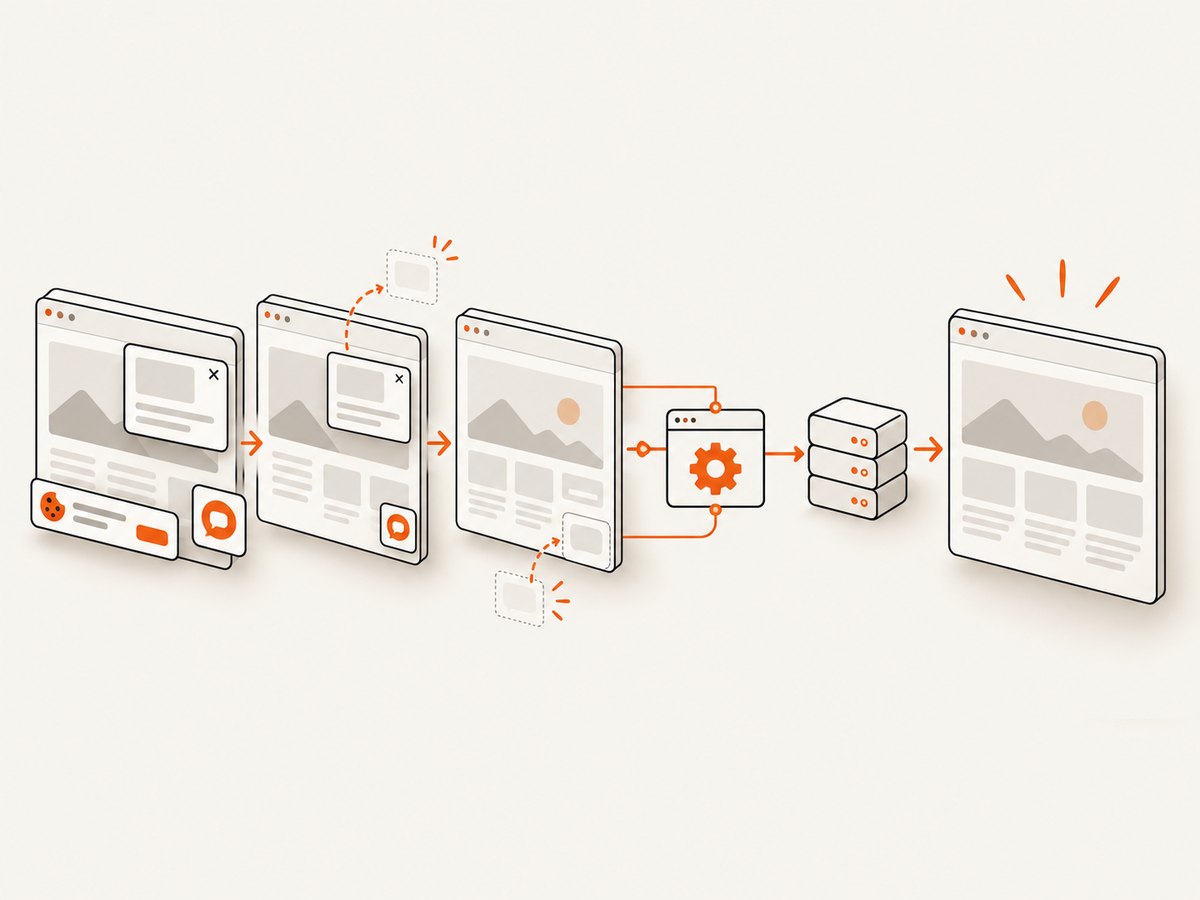
If your goal is a clean image of a URL rather than browser automation, ScreenshotNeo provides a one-request screenshot API. It removes cookie and consent banners, newsletter popups, and chat widgets before capture. Bot checks, blank pages, timeouts, failed loads, and cache hits are not billed, and response headers identify the page verdict and billing status. Its MCP server provides take_screenshot, get_page_info, and capture_pdf tools for Claude, Cursor, and other MCP clients.
See the ScreenshotNeo API documentation for the full option set. A basic request returns an image without creating or managing a Selenium session:
cURL
curl -G "https://api.screenshotneo.com/v1/shot" \
  -d access_key=YOUR_API_KEY \
  --data-urlencode url=https://stripe.com \
  -o shot.webp
Python
import requests

r = requests.get(
    "https://api.screenshotneo.com/v1/shot",
    params={"access_key": "YOUR_API_KEY", "url": "https://stripe.com"},
    timeout=90,
)
r.raise_for_status()
open("shot.webp", "wb").write(r.content)
Node.js
const q = new URLSearchParams({
  access_key: 'YOUR_API_KEY',
  url: 'https://stripe.com'
});
const res = await fetch(`https://api.screenshotneo.com/v1/shot?${q}`);
if (!res.ok) throw new Error(`Screenshot failed: ${res.status}`);
const fs = await import('node:fs/promises');
await fs.writeFile('shot.webp', Buffer.from(await res.arrayBuffer()));
ScreenshotNeo supports full-page capture with lazy images loaded, CSS-selector element capture, dark mode, 12 device presets or custom viewports, retina scale, PDF paper settings and page ranges, HTML/CSS rendering, custom CSS and JavaScript, click and wait actions, request blocking, headers, cookies, user agents, authorization, timezone, geolocation, transparent backgrounds, resizing, chosen cache TTLs, signed links, asynchronous jobs with signed webhooks, bulk capture of up to 100 URLs per call, a usage API, and an OpenAPI specification. Existing parameter names used by other screenshot APIs also work, which can simplify migration.
Plans include 1,000 screenshots per month free with no card, then Starter at $5 for 3,000, Growth at $15 for 15,000, Pro at $39 for 60,000, Scale at $99 for 250,000, and Business at $249 for 1,000,000. Yearly billing gives two months free, and every feature is available on every plan. Only clean shots are billed, so failed loads and cache hits do not consume paid captures.
Create a free ScreenshotNeo account and start with 1,000 screenshots per month without a card.
11. FAQ
Does Selenium capture the current tab or the whole browser?
A driver screenshot captures the current top-level browsing context’s visual viewport. It does not combine all tabs. Select the intended window before calling the screenshot method.
Can a listener switch browsers?
The listener observes events on the target object. It should not be used as a browser-selection mechanism. Fix the driver reference and window selection in the test lifecycle.
Why does the callback receive a WebElement?
Your code or a framework hook called getScreenshotAs on an element. Use the driver overload when you need a browser viewport image.
Should I use one driver for a whole test class?
That can work for sequential tests, but it increases state leakage. Per-test ownership is easier to reason about, especially when tests run in parallel.
When is an API better than Selenium?
Use Selenium when you need interactive automation, assertions, or application-specific actions. Use an API such as ScreenshotNeo when you need repeatable URL captures, PDFs, bulk jobs, or agent access without managing browser sessions.
12. Final verification checklist
- The test uses the decorated driver returned by the factory.
- Driver and element callback overloads are distinguishable in logs.
- Session ID, object identity, thread, URL, and window handle are recorded.
- Each parallel test owns its driver or access is explicitly serialized.
- The intended tab is selected and validated immediately before capture.
- Failure hooks run before driver teardown.
- Screenshot artifacts include test and session metadata.
Once those checks agree, a “wrong browser” screenshot usually becomes a concrete ownership or browsing-context bug that can be fixed without guessing at Selenium’s capture implementation.


