How to Capture a Selenium WebDriver Screenshot as a NumPy Array in Python
Capture Selenium screenshots in memory, then choose whether you need PNG bytes or decoded pixels. Includes runnable code, troubleshooting, and image-processing options.
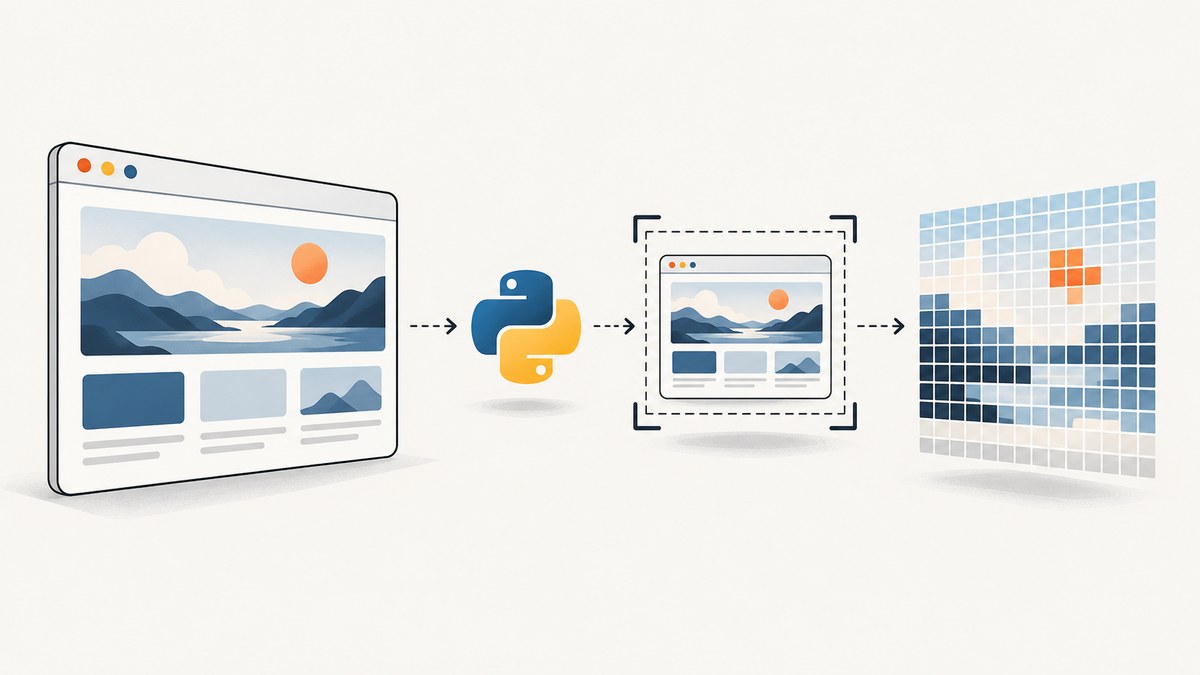
To capture a Selenium screenshot as a NumPy array, first decide what “array” means for your task. driver.get_screenshot_as_png() returns PNG-encoded bytes; np.frombuffer(..., dtype=np.uint8) turns those bytes into a one-dimensional NumPy array. That array contains the PNG file representation, not the image’s decoded pixels. If you need pixel values for computer vision or analysis, decode the PNG first.
1. Capture the screenshot as PNG bytes
Selenium provides an in-memory screenshot method, so you do not have to write a temporary file. This complete example opens a page, captures the browser’s current screenshot, converts the PNG bytes to a NumPy byte array, prints its shape, and closes the browser even if an error occurs.
from selenium import webdriver
import numpy as np

options = webdriver.ChromeOptions()
options.add_argument("--headless=new")

with webdriver.Chrome(options=options) as driver:
    driver.set_window_size(1280, 900)
    driver.get("https://example.com")

    png_bytes = driver.get_screenshot_as_png()
    png_byte_array = np.frombuffer(png_bytes, dtype=np.uint8)

    print(type(png_bytes).__name__)       # bytes
    print(png_byte_array.dtype)           # uint8
    print(png_byte_array.ndim)             # 1
    print(png_byte_array.shape)            # (number_of_PNG_bytes,)
Install the dependencies in the same Python environment where the script runs:
python -m pip install selenium numpySelenium’s API documents get_screenshot_as_png() as returning bytes. NumPy’s frombuffer interprets a buffer as a one-dimensional array, with uint8 representing each byte as an unsigned integer from 0 through 255. See the Selenium WebDriver API and NumPy frombuffer reference.
2. Know which representation you have
| Value | What it contains | Typical use |
|---|---|---|
png_bytes |
A PNG file encoded as Python bytes | Writing to a file, sending to an API, or storing |
png_byte_array |
A one-dimensional uint8 array of encoded PNG bytes |
Byte-level processing or libraries that accept encoded image buffers |
| Decoded pixel array | A multidimensional array indexed by image coordinates and channels | Pixel analysis, transformations, or computer vision |
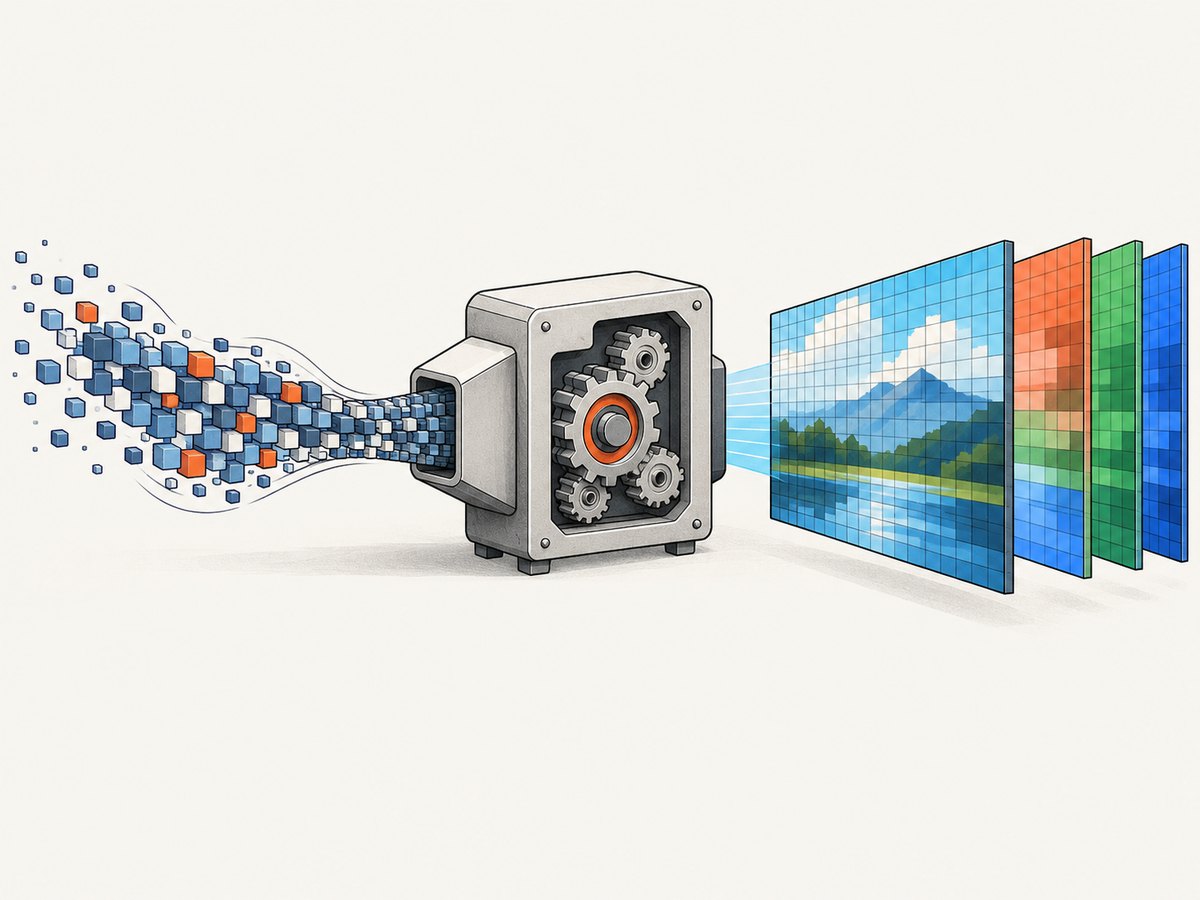
PNG is a compressed file format. Applying reshape(height, width, channels) to the encoded byte array does not decode it: compressed file bytes do not map one-to-one to pixels. Decode the image with an image library to get a pixel matrix.
3. Decode PNG bytes into pixels
For pixel work, Pillow can open the in-memory PNG stream, and NumPy can convert the decoded image to an array. Install Pillow as well:
python -m pip install pillowfrom io import BytesIO
from PIL import Image
import numpy as np
from selenium import webdriver
options = webdriver.ChromeOptions()
options.add_argument("--headless=new")
with webdriver.Chrome(options=options) as driver:
driver.set_window_size(1280, 900)
driver.get("https://example.com")
png_bytes = driver.get_screenshot_as_png()
image = Image.open(BytesIO(png_bytes))
rgb_image = image.convert("RGB")
pixels = np.asarray(rgb_image, dtype=np.uint8)
print(pixels.shape) # (height, width, 3)
print(pixels.dtype) # uint8
print(pixels[0, 0]) # [red, green, blue] values for the top-left pixelFor an image with transparency, use image.convert("RGBA") and expect shape (height, width, 4). If you need grayscale intensity, convert to L, which produces a two-dimensional array. The exact shape depends on the screenshot dimensions and selected color mode.
4. Capture the right page state
A screenshot records what the browser has rendered at capture time. Navigation returning does not guarantee that client-side content, fonts, animations, or lazy-loaded images have finished rendering. Add an explicit readiness condition for the page you are capturing.

Wait for a specific element
from selenium.webdriver.common.by import By
from selenium.webdriver.support.ui import WebDriverWait
from selenium.webdriver.support import expected_conditions as EC

# After driver.get(url):
WebDriverWait(driver, 15).until(
    EC.visibility_of_element_located((By.CSS_SELECTOR, "main article"))
)
png_bytes = driver.get_screenshot_as_png()
Use a condition tied to meaningful page content when possible. A fixed sleep can waste time on fast pages and still be too short on slow ones. If the site updates after initial render, wait for the specific state you need, such as a result row or a loading indicator disappearing.
Set the viewport before navigation
Viewport dimensions affect responsive layout, line wrapping, and visible content. Set the window size before loading when you need repeatable dimensions. Browser and operating-system behavior can still affect output, so visual comparisons should use a consistent browser setup.
By default, a WebDriver screenshot is a screenshot of the current browser viewport. Do not assume it represents an entire long page. Selenium has a separate full-page screenshot command in some driver implementations, but support and behavior can vary; check the driver-specific documentation if you require a full-page image. For a reproducible viewport capture, use the standard in-memory method shown above.
5. Save, copy, or base64-encode the capture
If you need a file rather than an in-memory buffer, Selenium’s file methods are direct alternatives:
saved = driver.save_screenshot("capture.png")
if not saved:
    raise OSError("Selenium could not save capture.png")
save_screenshot and get_screenshot_as_file return a boolean indicating whether saving succeeded, and Selenium expects a .png filename. The methods are documented in the WebDriver API.
To copy the NumPy view into independently owned, writable memory:
png_byte_array = np.frombuffer(png_bytes, dtype=np.uint8).copy()
png_byte_array[0] = png_byte_array[0]  # example: array can be mutated
frombuffer creates a view into its input buffer when possible. Copy when you need to mutate the array or want an independent buffer; NumPy specifically advises considering a copy for mutable or untrusted inputs. For a base64 string, use Selenium’s get_screenshot_as_base64() only if the receiving format requires base64; decode it before treating the contents as a byte buffer. Prefer get_screenshot_as_png() when raw bytes are what your code needs.
6. Common errors and fixes
| Symptom | Likely cause | Fix |
|---|---|---|
| Array is one-dimensional | You converted encoded PNG bytes, not decoded pixels | Decode with Pillow before calling np.asarray |
| Cannot reshape array to image dimensions | PNG compression and file headers make byte count unrelated to pixel count | Do not reshape encoded bytes; decode the PNG first |
| Screenshot is blank or shows a spinner | Capture ran before the page content was ready, or content is blocked | Wait for a visible target element and inspect browser/network errors |
| Image dimensions differ between runs | Viewport, device scale, responsive breakpoints, or page state changed | Set a consistent window size and wait for the same page state |
WebDriverException during capture |
Browser session ended, driver/browser versions are incompatible, or the page is still navigating | Keep the session alive, check installed browser and driver setup, and wait for navigation or rendering to settle |
| Could not save screenshot | Destination directory is missing or unwritable, or filename is unsuitable | Use an existing writable directory and a filename ending in .png; check the returned boolean |
| Wrong pixel channel count | Image mode includes alpha or is grayscale | Convert explicitly to RGB, RGBA, or L before array conversion |
7. Performance, reliability, and resource use
Taking a screenshot requires the browser to render the page and encode an image. Decoding it adds work and memory use. Keep the data in memory with get_screenshot_as_png() when a file is unnecessary, and avoid retaining many large screenshots or decoded arrays at once. A decoded RGB image commonly occupies roughly three bytes per pixel in its array, while PNG bytes vary with image content and compression; that is a storage estimate, not a fixed output size.
For reliable automation, create the browser session once for a sequence of related captures, use explicit waits, and close the session in a with block or finally clause. Treat navigation and capture failures separately: a screenshot command can only capture the browser state that exists, including an error page or partially loaded page. If the screenshot is used as a test artifact, log the URL, viewport, and capture time alongside it so a failure can be reproduced.
Cost depends on where the browser runs and how often you capture; this dossier provides no Selenium hosting prices or performance benchmarks. In a local workflow, account for browser runtime and storage. In a managed environment, check its browser execution and artifact retention charges separately. Do not infer image quality or capture speed from PNG byte-array size.
8. Or skip the browser setup
If your goal is to get a website screenshot rather than control Selenium itself, ScreenshotNeo offers a one-request screenshot API. Selenium remains useful when your workflow needs browser interaction or local pixel processing; the API can return an image directly without you setting up a browser session. See the ScreenshotNeo API documentation for request options.
curl -G "https://api.screenshotneo.com/v1/shot" \
  -d access_key=YOUR_API_KEY \
  --data-urlencode url=https://stripe.com \
  -o shot.webp
The response can be PNG, JPEG, WebP, or PDF. Cookie banners, newsletter popups, and chat widgets are removed before the shot. Bot checks, blank pages, failed loads, timeouts, and cache hits are not billed, and response headers identify the page verdict and billing status. ScreenshotNeo also has an MCP server with screenshot tools for Claude, Cursor, and other MCP clients. The free plan includes 1,000 shots per month without a card; paid plans start at $5 for 3,000 shots.
Sign up for 1,000 free screenshots a month, with no card required.
9. FAQ
Does np.frombuffer return image pixels?
No. It returns a one-dimensional view of the PNG’s encoded bytes. Decode the image first to get a pixel array.
Why use uint8?
PNG file data consists of bytes, and uint8 represents each byte as an unsigned 8-bit integer.
Can I pass the NumPy byte array to an image-processing library?
Some libraries accept encoded image buffers, but others expect decoded pixel arrays. Check the library’s expected input and pass either the byte vector or decoded matrix accordingly.
How do I capture a full page?
The standard screenshot method captures the current viewport. Full-page support depends on the browser driver or a separate capture approach, so verify that support for the exact driver version you use.


