How to Capture a Screenshot When Selenium Throws an Exception
Capture Selenium failure screenshots before teardown, preserve the original error, and automate reliable artifacts in Python and Java.
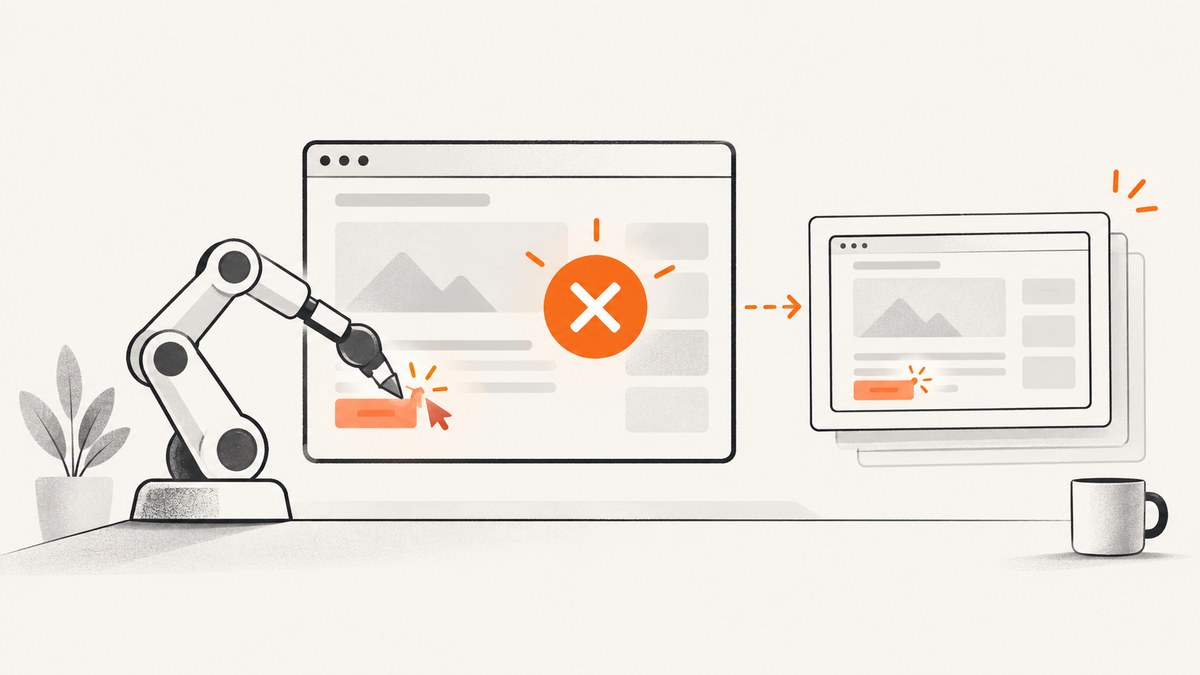
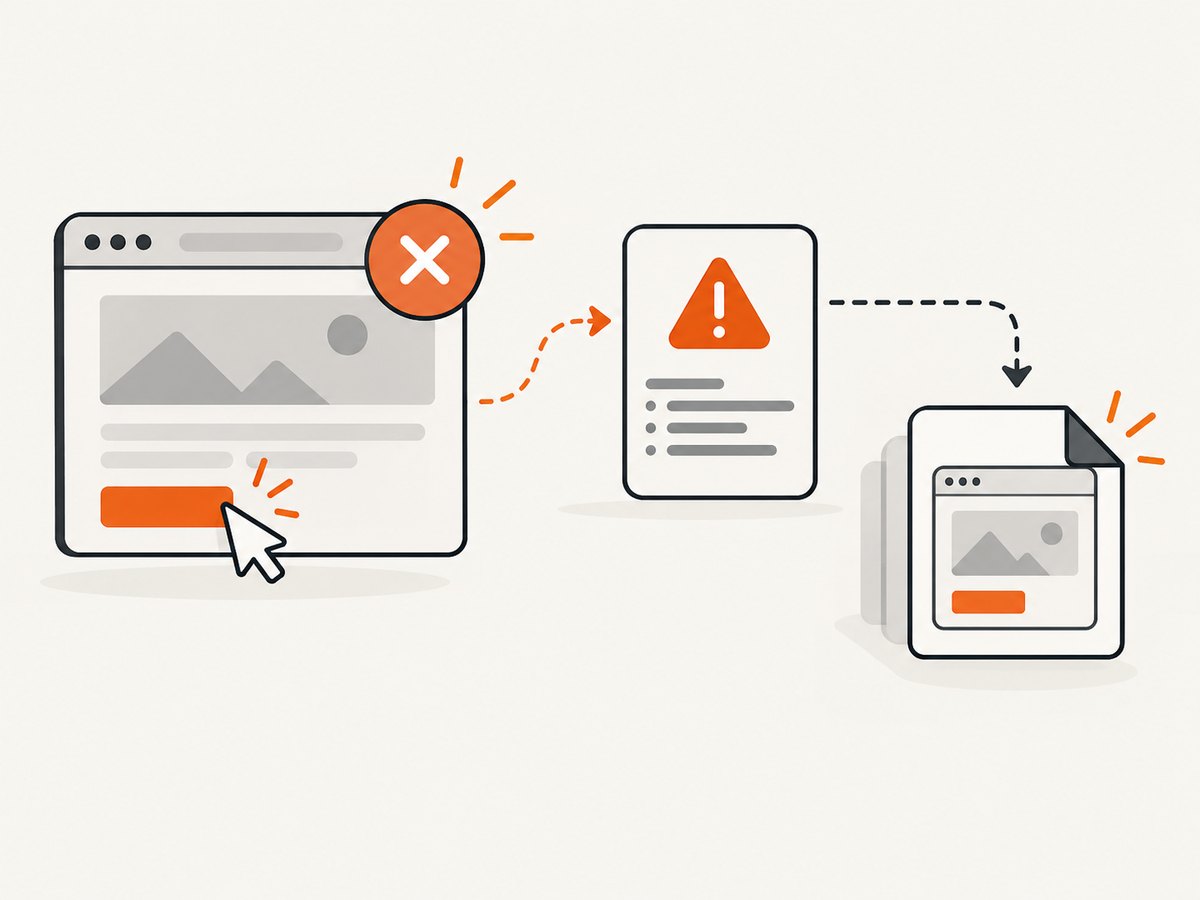
Capture the screenshot before WebDriver is closed. For one operation, put the screenshot call inside the relevant exception handler. For a test suite, use the runner’s failure hook or listener and make sure it runs before driver.quit(). Treat screenshot capture as secondary diagnostics: preserve and report the original Selenium exception even if saving the screenshot fails.
1. Python: capture and re-raise the original exception
Selenium’s Python WebDriver API provides save_screenshot(filename) and get_screenshot_as_file(filename). Both write a PNG and return False when an I/O error prevents saving. Use an absolute or clearly resolved path, create the directory first, and keep the .png extension. See the official Selenium Python API.
from pathlib import Path
from selenium import webdriver
from selenium.webdriver.common.by import By

screenshot_dir = Path("screenshots").resolve()
screenshot_dir.mkdir(parents=True, exist_ok=True)

driver = webdriver.Chrome()
try:
    driver.get("https://example.com")
    # This operation may fail.
    driver.find_element(By.ID, "missing-element").click()
except Exception as original:
    path = screenshot_dir / "failure.png"
    try:
        saved = driver.save_screenshot(str(path))
        if not saved:
            print(f"Selenium could not save screenshot to {path}")
        else:
            print(f"Saved failure screenshot to {path}")
    except Exception as capture_failure:
        # Log the diagnostic failure without replacing the test failure.
        print(f"Screenshot capture failed: {capture_failure!r}")
    raise
finally:
    driver.quit()
The nested try matters. If the screenshot operation raises, the bare raise must still re-raise the original test exception. Otherwise a secondary file or WebDriver error can hide the failure you need to diagnose.
Save PNG bytes or Base64 instead of a file
For object storage, a test report, or an API upload, use get_screenshot_as_png() or get_screenshot_as_base64().
try:
    run_step_that_may_fail(driver)
except Exception:
    png_bytes = driver.get_screenshot_as_png()
    # upload_bytes(png_bytes) or attach_to_report(png_bytes)
    raise
2. Java: keep capture failures suppressed
In Java, cast the driver to TakesScreenshot and request an output type. Selenium documents FILE and BASE64, and notes that capture can throw WebDriverException or UnsupportedOperationException when the implementation cannot take screenshots. See the official Java TakesScreenshot API.
import java.io.File;
import java.nio.file.Files;
import java.nio.file.Path;
import java.nio.file.StandardCopyOption;

import org.openqa.selenium.OutputType;
import org.openqa.selenium.TakesScreenshot;
import org.openqa.selenium.WebDriver;

public void runWithScreenshot(WebDriver driver) throws Exception {
    try {
        runBrowserActions(driver);
    } catch (Exception original) {
        try {
            File temporary = ((TakesScreenshot) driver)
                .getScreenshotAs(OutputType.FILE);
            Path destination = Path.of("screenshots", "failure.png");
            Files.createDirectories(destination.getParent());
            Files.copy(temporary.toPath(), destination,
                StandardCopyOption.REPLACE_EXISTING);
        } catch (RuntimeException | java.io.IOException captureFailure) {
            original.addSuppressed(captureFailure);
        }
        throw original;
    }
}
OutputType.BASE64 is useful when the report system accepts a string rather than a file. The screenshot still represents the current browser window; it is not a historical recording of the step that already failed.
3. Capture every failed test with a failure hook
A direct exception handler is appropriate for a script or a small number of operations. In a suite, centralize the behavior in the framework’s failure lifecycle hook or listener. The hook must execute while the driver is alive and before teardown calls quit(). Framework behavior is not implied by using Selenium directly.
| Approach | Best for | Requirement |
|---|---|---|
| Local exception handler | One operation or a small script | Place capture in the exception path and protect the original error |
| Runner hook or listener | Consistent artifacts for a whole suite | Run before driver cleanup and use the runner’s documented lifecycle |
Selenide’s screenshot documentation describes automatic screenshots on failure and integrations for JUnit and TestNG. Those integrations are framework-specific; configure the equivalent hook for your own runner.
Hook design checklist
- Check that a driver exists and has not already been quit.
- Use a unique name containing the test or parameterized case identifier.
- Create the artifact directory before the first failure.
- Catch and log capture errors separately.
- Attach the path, bytes, or Base64 value to the test report.
- Always let the original assertion or WebDriver exception determine test status.
4. What happens when the browser is remote?
The command executes where the WebDriver session runs, while the file path is interpreted by the process handling the save. With a remote grid, container, or CI worker, decide how the artifact moves to durable storage. The Selenium APIs document the capture operation, but there is no single path behavior for every grid. Verify your provider’s file-transfer or artifact arrangement.
5. Troubleshooting Selenium failure screenshots
“No screenshot was created”
Cause: the directory does not exist, the process cannot write there, or the Python save method returned False.
Fix: create the directory, use a full path, check permissions, use .png, and inspect the boolean return value.
“invalid session id” or “driver has already been quit”
Cause: teardown ran before the failure hook.
Fix: move capture before driver.quit() and ensure the framework’s listener ordering preserves that sequence.
The screenshot error replaces the assertion error
Cause: capture was allowed to escape from the exception handler.
Fix: wrap capture in a nested handler, log or suppress that secondary error, then re-raise the original exception. Java can use addSuppressed.
The image shows the wrong state
Cause: the failure happened before navigation or before the expected UI update completed.
Fix: capture immediately at the failure boundary, and include useful context such as the current URL, title, and test step in the report.
Screenshot capture is unsupported
Cause: the active driver implementation does not implement the screenshot command; Java may throw UnsupportedOperationException.
Fix: confirm that the selected browser and remote provider support screenshots, and keep the test failure independent of the diagnostic attempt.
Parallel tests overwrite one another
Cause: every worker writes failure.png.
Fix: include a test name, parameter value, worker id, and timestamp or UUID in each filename. Sanitize characters that are invalid on the target filesystem.
6. Reliability, performance, and cost considerations
- Reliability: screenshots are best-effort diagnostics. A crashed browser, lost session, or unsupported driver can prevent capture.
- Performance: PNG encoding and copying add time to failed tests. Capture only on failure unless every step is explicitly needed.
- Storage: retain artifacts according to your CI policy and avoid unbounded accumulation from large suites.
- Parallelism: use collision-resistant paths and make report attachment thread-safe.
- Cost: local WebDriver capture has no separate screenshot API charge, but remote browser minutes and artifact storage may be billed by your CI or grid provider.
7. Or skip the browser setup
If you need a page image rather than a screenshot tied to a live Selenium failure, ScreenshotNeo provides a single HTTP request for PNG, JPEG, WebP, or PDF. It accepts cookie and consent banners as a visitor and removes more than 60 known consent platforms, newsletter popups, and chat widgets before capture. Bot checks, blank pages, timeouts, failed loads, and cache hits are not billed, and the response identifies the result with X-Page-Verdict and X-Billed headers. Its MCP server exposes take_screenshot, get_page_info, and capture_pdf to Claude, Cursor, and other MCP clients.

Read the ScreenshotNeo API documentation for all options, including full-page and element capture, device presets, custom headers and cookies, waits, blocking rules, caching, signed links, asynchronous jobs, bulk capture, and usage reporting.
cURL
curl -G "https://api.screenshotneo.com/v1/shot" -d access_key=YOUR_API_KEY --data-urlencode url=https://stripe.com -o shot.webpPython
import requests
r = requests.get("https://api.screenshotneo.com/v1/shot", params={"access_key": "YOUR_API_KEY", "url": "https://stripe.com"}, timeout=90)
open("shot.webp", "wb").write(r.content)
Node.js
const q = new URLSearchParams({ access_key: 'YOUR_API_KEY', url: 'https://stripe.com' });
const res = await fetch(`https://api.screenshotneo.com/v1/shot?${q}`);
The Free plan includes 1,000 screenshots per month with no card. Paid plans start at $5 for 3,000 screenshots, and every feature is included on every plan. Sign up for ScreenshotNeo free.
8. FAQ
Can I capture after calling driver.quit()?
Usually no. The session is gone, so put capture in the failure path before teardown.
Should a screenshot failure fail the test?
Keep it secondary. Report the capture problem, but preserve the original test exception as the failure.
Does save_screenshot capture the full page?
The documented method captures the current window. Full-page behavior depends on the browser and driver; use a separate full-page strategy when the entire document is required.
Which format does Selenium write?
Python’s file methods save PNG files. Java can request file or Base64 output through TakesScreenshot.
Can a failure listener capture assertion failures?
Yes, when the test framework integration invokes it for ordinary assertions. Selenide documents JUnit and TestNG integrations; verify the lifecycle for your runner.


