How to Fix Selenium WebDriver Screenshots Not Saving to a Directory
Fix Selenium screenshots that do not appear on disk: paths, permissions, return values, remote drivers, CI containers, and reliable save patterns.
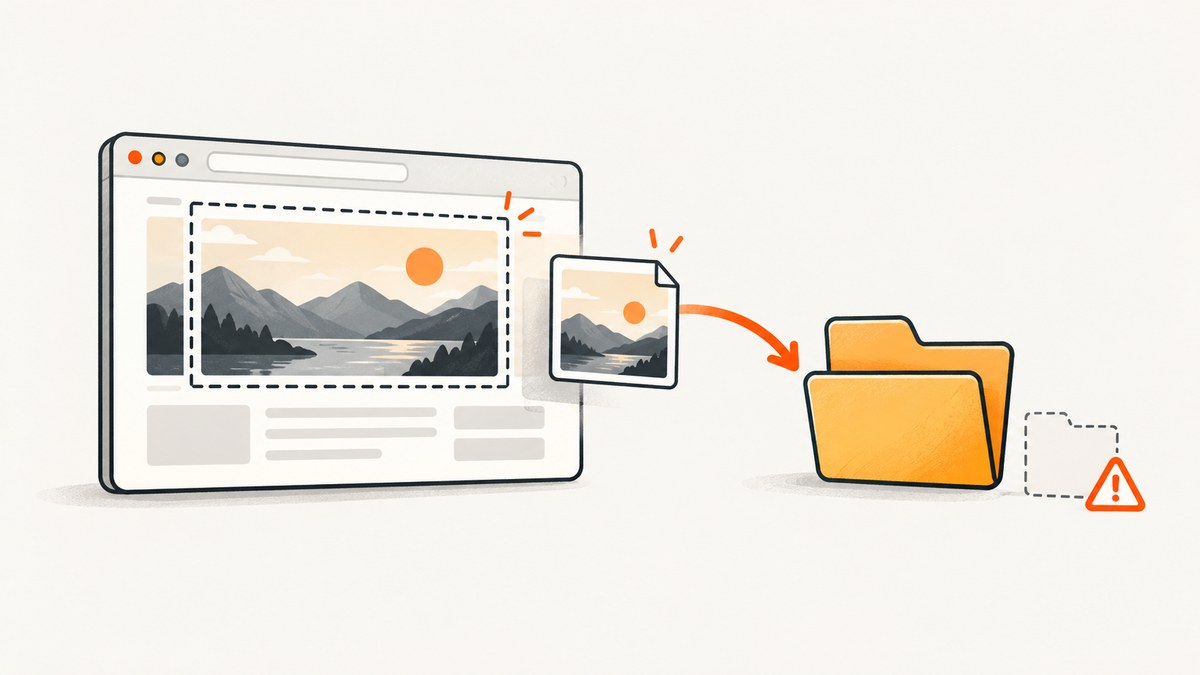
Selenium can capture a screenshot successfully and still fail to save it. The usual causes are a missing parent directory, a relative path resolved from an unexpected working directory, insufficient write permission, an invalid filename, or a remote driver writing on another machine.
Use an absolute filename ending in .png, create the parent directory yourself, and check the method result. In Python, save_screenshot() and get_screenshot_as_file() return True when the file write succeeds and False for an I/O error. Selenium does not create missing parent directories for you. See the Selenium documentation for the browser and driver APIs.
1. The reliable Python fix
This complete example creates the directory, uses an absolute path, checks the Boolean result, and always closes the browser:
from pathlib import Path
from selenium import webdriver

output_dir = Path("/absolute/path/to/screenshots")
output_dir.mkdir(parents=True, exist_ok=True)
output_file = output_dir / "page.png"

driver = webdriver.Chrome()
try:
    driver.get("https://example.com")
    saved = driver.save_screenshot(str(output_file))
    if not saved:
        raise OSError(f"Selenium could not write screenshot to {output_file}")
    print(f"Saved {output_file} ({output_file.stat().st_size} bytes)")
finally:
    driver.quit()
Selenium’s Python API describes this method as saving the current window to a PNG file and recommends full paths. Its return value is meaningful: a call that does not raise an exception can still return False when the file write encounters an I/O error.
2. Diagnose the failure in the right order
- Look for a capture exception. A
WebDriverExceptionor unsupported-operation error points to the browser, driver, or screenshot capability. It is different from a successful capture followed by a local write failure. - Check the return value. In Python, treat
Falseas a failed write and stop the test instead of continuing with a missing artifact. - Print the resolved path. Relative paths depend on the process working directory, which may differ between a shell, IDE, test runner, notebook, CI job, and container.
- Check the parent directory. Confirm it exists, is a directory, and is writable by the account running the test.
- Check the filename. Use a valid filename for the operating system and a
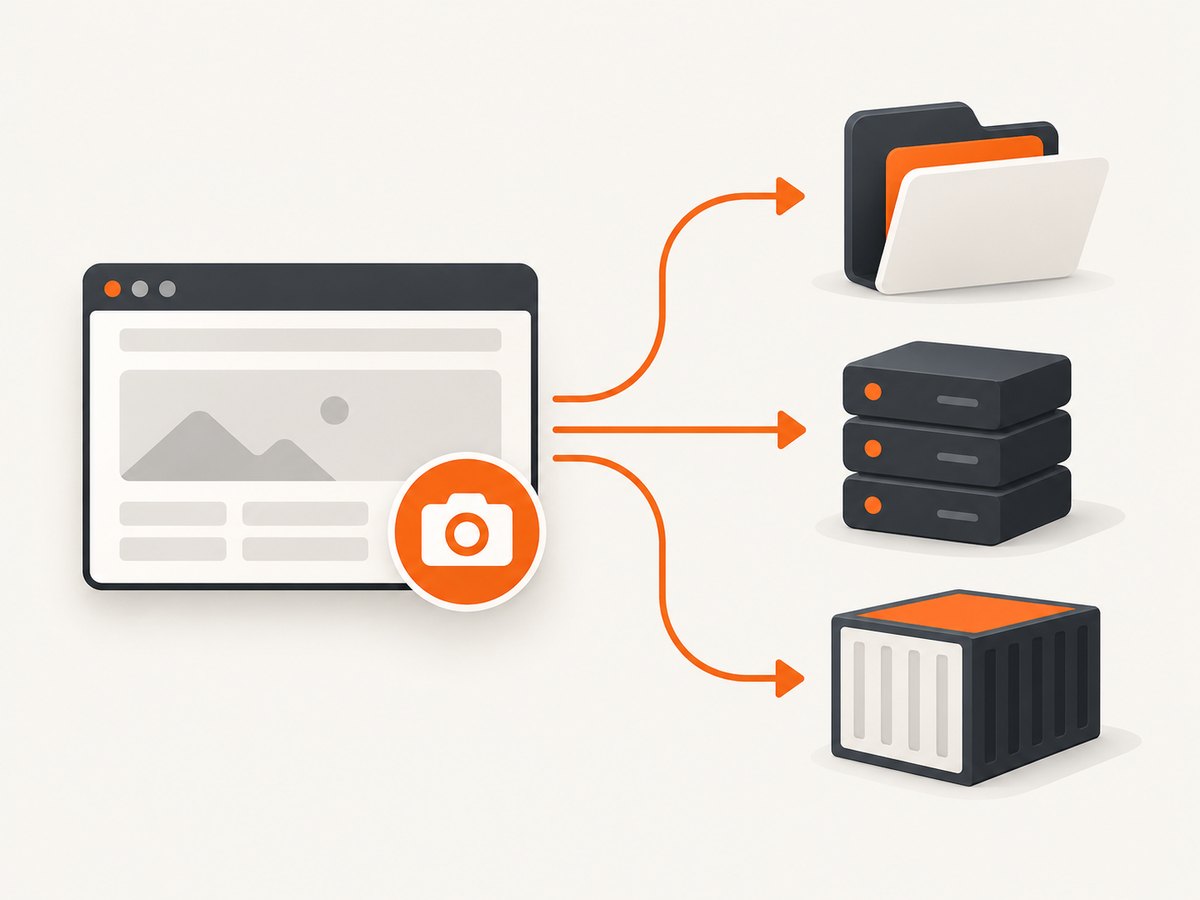
.pngsuffix. Avoid characters such as:on Windows and accidental trailing spaces. - Identify the writer. With Grid, Selenium Remote WebDriver, CI, or a container, the path belongs to the machine running the test code. It may not be your workstation.
3. Make paths deterministic
Resolve paths from a known project or artifact directory rather than guessing the current directory:
from pathlib import Path
from selenium import webdriver

project_dir = Path(__file__).resolve().parent
artifact_dir = project_dir / "artifacts" / "screenshots"
artifact_dir.mkdir(parents=True, exist_ok=True)
path = artifact_dir / "checkout-home.png"

with webdriver.Chrome() as driver:
    driver.get("https://example.com")
    if not driver.save_screenshot(str(path)):
        raise RuntimeError(f"Screenshot was not written: {path}")

assert path.is_file(), f"Expected screenshot at {path}"
assert path.stat().st_size > 0, f"Screenshot is empty: {path}"
For a test suite, generate unique names so parallel tests do not overwrite one another:
from datetime import datetime, timezone
from pathlib import Path

stamp = datetime.now(timezone.utc).strftime("%Y%m%dT%H%M%S%fZ")
path = Path("artifacts/screenshots") / f"login-{stamp}.png"
path.parent.mkdir(parents=True, exist_ok=True)
4. Separate capture from storage
If the convenience file method is unsuitable for your environment, obtain PNG bytes and control the storage step yourself:
from pathlib import Path
from selenium import webdriver

path = Path("artifacts/page.png")
path.parent.mkdir(parents=True, exist_ok=True)

with webdriver.Chrome() as driver:
    driver.get("https://example.com")
    png_bytes = driver.get_screenshot_as_png()

path.write_bytes(png_bytes)
print(f"Wrote {len(png_bytes)} bytes to {path}")
You can also use get_screenshot_as_base64() when the artifact must be sent through a text-only channel, then decode it before writing. This makes the browser capture and destination storage two independently observable operations.
5. Java: obtain the temporary file, then copy it
Java’s TakesScreenshot API returns a temporary File when requested with OutputType.FILE. Copy that file to a directory you create and control:
import java.io.File;
import java.nio.file.Files;
import java.nio.file.Path;
import java.nio.file.StandardCopyOption;
import org.openqa.selenium.OutputType;
import org.openqa.selenium.TakesScreenshot;
import org.openqa.selenium.WebDriver;
import org.openqa.selenium.chrome.ChromeDriver;

public class SaveScreenshot {
    public static void main(String[] args) throws Exception {
        Path destination = Path.of("/absolute/path/to/screenshots/page.png");
        Files.createDirectories(destination.getParent());

        WebDriver driver = new ChromeDriver();
        try {
            driver.get("https://example.com");
            File temporary = ((TakesScreenshot) driver).getScreenshotAs(OutputType.FILE);
            Files.copy(temporary.toPath(), destination, StandardCopyOption.REPLACE_EXISTING);
            System.out.println("Saved " + destination);
        } finally {
            driver.quit();
        }
    }
}
Handle both stages separately: a screenshot exception means capture failed; a Java I/O exception during directory creation or copying means storage failed. Selenium’s official screenshot examples show the same TakesScreenshot pattern.
6. What changes with remote WebDriver, Grid, CI, and containers
- Remote WebDriver: determine whether the binding writes the returned bytes on the client or whether a provider stores artifacts on the remote node. Do not assume a path on the remote host appears on your laptop.
- Docker: write to a mounted volume such as
/artifacts, then publish that volume as a CI artifact. - CI: create the directory during the job and configure the CI system to upload it after tests, including on failure.
- Parallel workers: include worker, test, and timestamp identifiers in filenames to avoid races.
- Permissions: run the same filesystem check under the service account used by the runner, not only under your interactive user.
# Example container command: expose screenshots to the host
# docker run --rm -v "$PWD/artifacts:/artifacts" your-test-image
7. Common errors and fixes
| Symptom | Likely cause | Fix |
|---|---|---|
| No exception, no file | Return value ignored or parent directory missing | Create the directory, use an absolute filename, and require a True result. |
save_screenshot() returns False |
Operating-system I/O error | Check permission, free space, filename validity, and whether the path is a directory. |
FileNotFoundError |
Parent directory does not exist, or the path is resolved elsewhere | Call mkdir(parents=True) and print Path.resolve(). |
PermissionError |
Runner account cannot write there | Use an owned artifact directory or grant the required write permission. |
| File exists locally but not in CI | Artifact is inside an ephemeral worker | Upload the directory as a CI artifact before the job ends. |
Screenshot call raises WebDriverException |
Driver/browser failure, disconnected session, or unsupported capture | Inspect driver logs, browser-driver versions, session health, and screenshot support. |
| Image is overwritten | Multiple tests use one fixed filename | Use unique names or isolate each worker’s output directory. |
| Image is blank or incomplete | Capture occurred before navigation or rendering finished | Wait for a page condition or element, then capture; this is separate from file saving. |
8. Verify the result in tests
Turn a missing screenshot into an actionable test failure:
def save_checked_screenshot(driver, filename: str) -> None:
    from pathlib import Path

    path = Path(filename).expanduser().resolve()
    path.parent.mkdir(parents=True, exist_ok=True)
    if not driver.save_screenshot(str(path)):
        raise AssertionError(f"Selenium reported an I/O failure for {path}")
    if not path.is_file() or path.stat().st_size == 0:
        raise AssertionError(f"Screenshot artifact is missing or empty: {path}")

# save_checked_screenshot(driver, "artifacts/failure-login.png")
9. Capture limitations to account for
A normal driver screenshot represents the current WebDriver or WebElement browsing context. Behavior varies by browser, driver, binding, and implementation. Do not assume that a regular screenshot always contains the entire vertically scrolling page. If full-page output is required, verify the specific browser and API you use, or capture and stitch viewport images deliberately.
Likewise, a correctly saved PNG does not prove that the page was ready, authenticated, or free of overlays. Wait for the application state you need before saving.
10. Or skip the browser setup
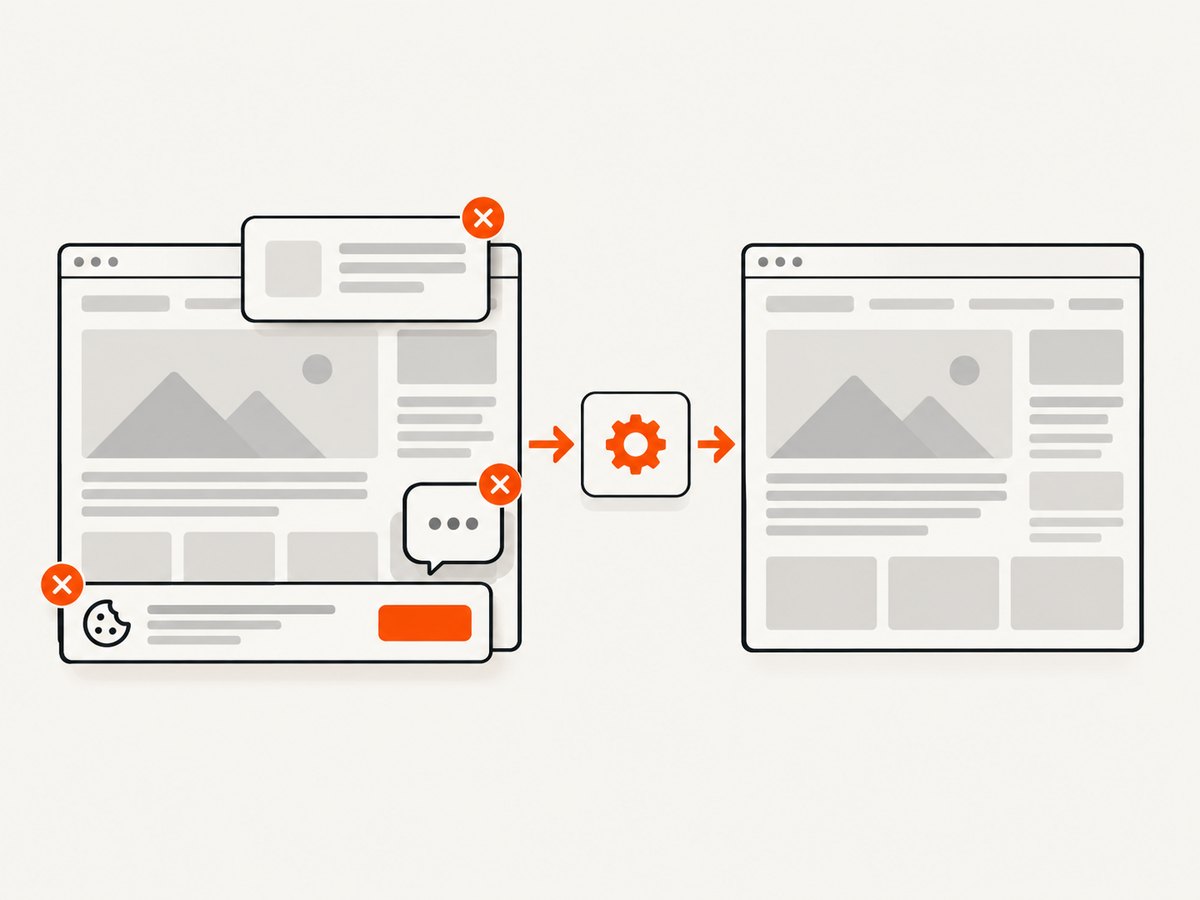
ScreenshotNeo provides a website screenshot API when you need an image without managing a browser, driver, filesystem, and artifact transfer. One request returns PNG, JPEG, WebP, or PDF. Cookie and consent banners, newsletter popups, and chat widgets are removed before capture; bot checks, blank pages, failed loads, timeouts, and cache hits are not billed. Responses identify the result with X-Page-Verdict and X-Billed headers. Its MCP server lets Claude, Cursor, and other MCP clients call take_screenshot, get_page_info, and capture_pdf.
See the ScreenshotNeo API documentation for all options.
curl -G "https://api.screenshotneo.com/v1/shot" -d access_key=YOUR_API_KEY --data-urlencode url=https://stripe.com -o shot.webpimport requests
r = requests.get("https://api.screenshotneo.com/v1/shot", params={"access_key": "YOUR_API_KEY", "url": "https://stripe.com"}, timeout=90)
r.raise_for_status()
open("shot.webp", "wb").write(r.content)const q = new URLSearchParams({ access_key: 'YOUR_API_KEY', url: 'https://stripe.com' });
const res = await fetch(`https://api.screenshotneo.com/v1/shot?${q}`);
if (!res.ok) throw new Error(`Screenshot failed: ${res.status}`);
const fs = await import('node:fs/promises');
await fs.writeFile('shot.webp', Buffer.from(await res.arrayBuffer()));Free accounts include 1,000 screenshots per month with no card. Paid plans start at $5 for 3,000 screenshots, and every feature is available on every plan. Create a free ScreenshotNeo account.
11. Performance, reliability, and cost notes
- Create the output directory once per test session rather than repeatedly, and use unique filenames for parallel work.
- Keep screenshots as bytes until you know where they must go; this avoids coupling capture to a local path and simplifies uploads.
- Upload artifacts from CI immediately or in an always-run cleanup step because containers and workers are often temporary.
- Use browser waits that match the page state you need. Extra arbitrary delays increase runtime without guaranteeing readiness.
- For large suites, retain failure screenshots and sample successful screenshots according to your storage budget.
- With ScreenshotNeo, cache hits are not billed, and failed loads, blank pages, bot checks, and timeouts are not billed. Choose a cache TTL and capture options in the request to control repeat work.
12. FAQ
Does Selenium create the screenshot directory?
No. Create the parent directory before calling the screenshot method.
Why did the method return successfully but no file appear?
In Python, inspect the Boolean return. False indicates an I/O error; a relative path may also point to a different working directory than expected.
Can I save a screenshot from a remote driver to my computer?
Only after the screenshot data or returned file is transferred to the client. Establish which environment owns the path and publish the resulting artifact explicitly.
Is a missing file proof that Selenium could not capture?
No. Capture and storage are separate stages. Check exceptions, return values, resolved paths, and filesystem state independently.
What extension should I use?
Use .png for Selenium’s PNG screenshot methods and provide the complete filename.


