How to Take Selenium Screenshots While Keeping WebDriver Minimized
Capture reliable Selenium screenshots without a visible browser. Compare minimized headed sessions with headless mode, viewport control, fixes, and ScreenshotNeo.
1. Direct answer
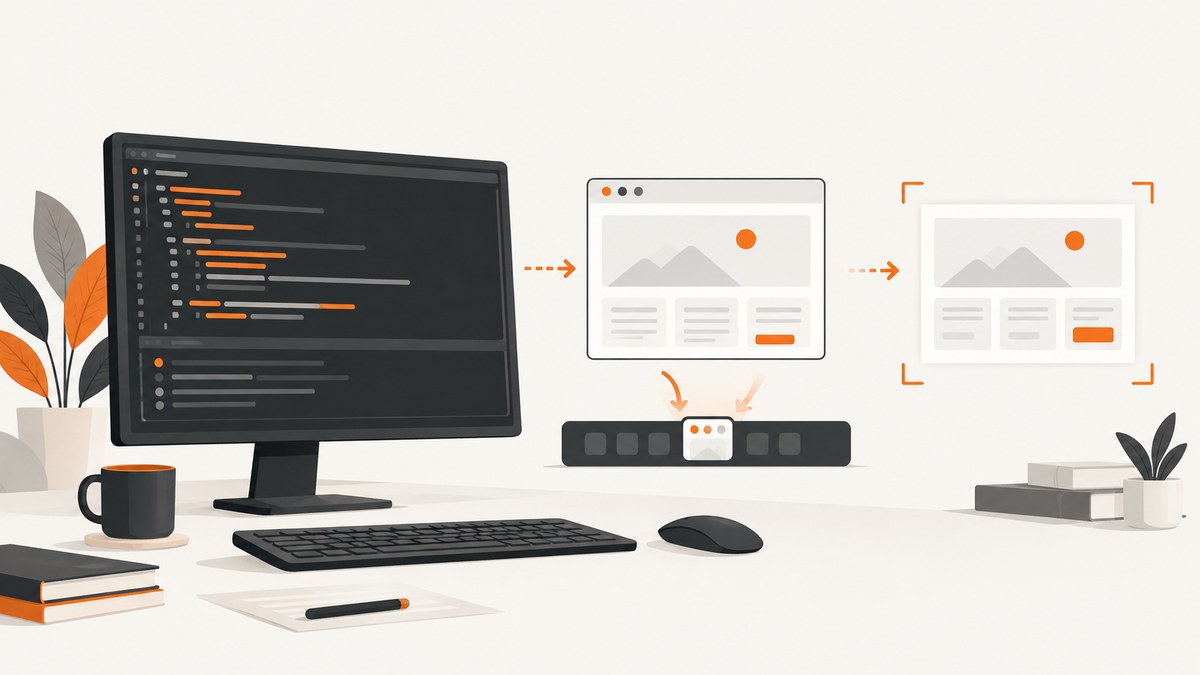
Selenium can minimize the current browser window and then call its screenshot API, but Selenium’s documentation does not guarantee that a post-minimize screenshot will contain the page on every browser, driver, window manager, and operating system. If you only need the browser to stay invisible, headless mode is the more direct workflow to evaluate.
In Python, the basic capture call is driver.save_screenshot("screenshot.png"). Use an explicit viewport, wait until the page is ready, and validate the exact browser and operating-system combination used in production.
2. What Selenium documents
- Selenium 4 supports minimizing the current browsing context. The exact behavior depends on the window manager and commonly hides the window in the system tray. Selenium’s window documentation states that this behavior is window-manager specific.
- The Python WebDriver API provides
save_screenshot(),get_screenshot_as_file(),get_screenshot_as_png(), andget_screenshot_as_base64(). The API reference documentssave_screenshotas writing PNG data. - Selenium’s API guidance recommends a full path and a filename ending in
.pngfor file captures. - Headless mode runs automation without a visible browser window. Selenium’s January 2023 headless guidance explains that convenience methods changed in Selenium 4.8.0 and were removed in 4.10.0; configure browser options with arguments for the installed versions.
- The Java TakesScreenshot API says conformant drivers follow the WebDriver specification. For non-conformant drivers, capture is best effort and the extent can vary by browser.
3. Minimize a headed WebDriver, then capture
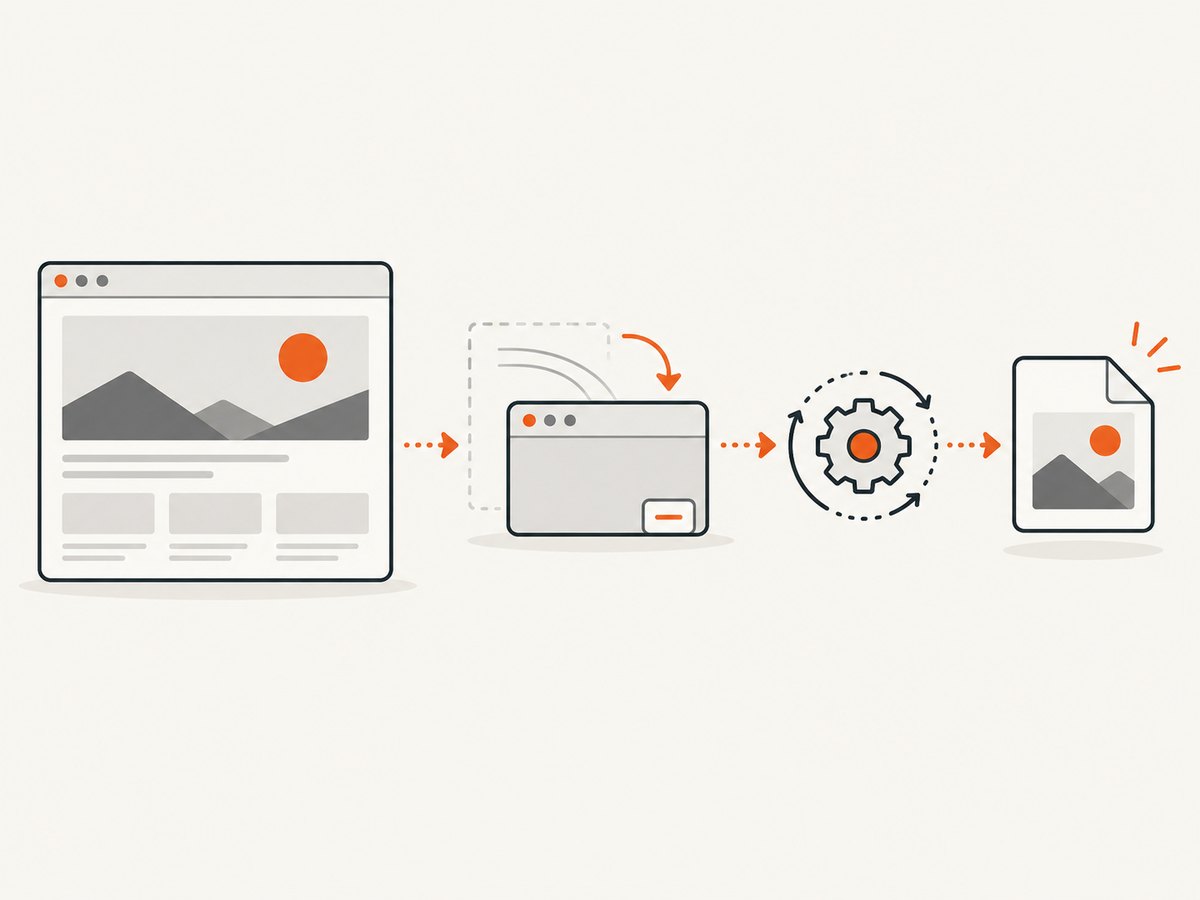
Use this sequence when a headed session is required by your application or test environment. The screenshot is taken after minimize_window(), so treat the result as environment-specific and verify it on the real display stack.
from selenium import webdriver
from selenium.webdriver.chrome.options import Options
from selenium.webdriver.support.ui import WebDriverWait

options = Options()
options.add_argument("--window-size=1440,1000")
driver = webdriver.Chrome(options=options)

try:
    driver.get("https://example.com")
    WebDriverWait(driver, 20).until(
        lambda d: d.execute_script("return document.readyState") == "complete"
    )
    driver.minimize_window()
    ok = driver.save_screenshot("/tmp/example-minimized.png")
    if not ok:
        raise RuntimeError("WebDriver reported that the screenshot could not be saved")
finally:
    driver.quit()
save_screenshot returns a Boolean in the Python binding. Check it, keep the output path absolute, and ensure the process can write to the destination.
When minimization is mandatory
- Start the same browser, driver, OS, window manager, display server, and session type used by the job.
- Set the window size before navigation so responsive breakpoints are deterministic.
- Wait for document readiness and any application-specific selector or network condition.
- Minimize the window immediately before capture.
- Inspect representative screenshots, including pages with animations, lazy content, dialogs, and cross-origin frames.
- Record failures with browser, driver, Selenium, OS, and display details; these variables can change the result.
4. Prefer headless mode when visibility is the only concern
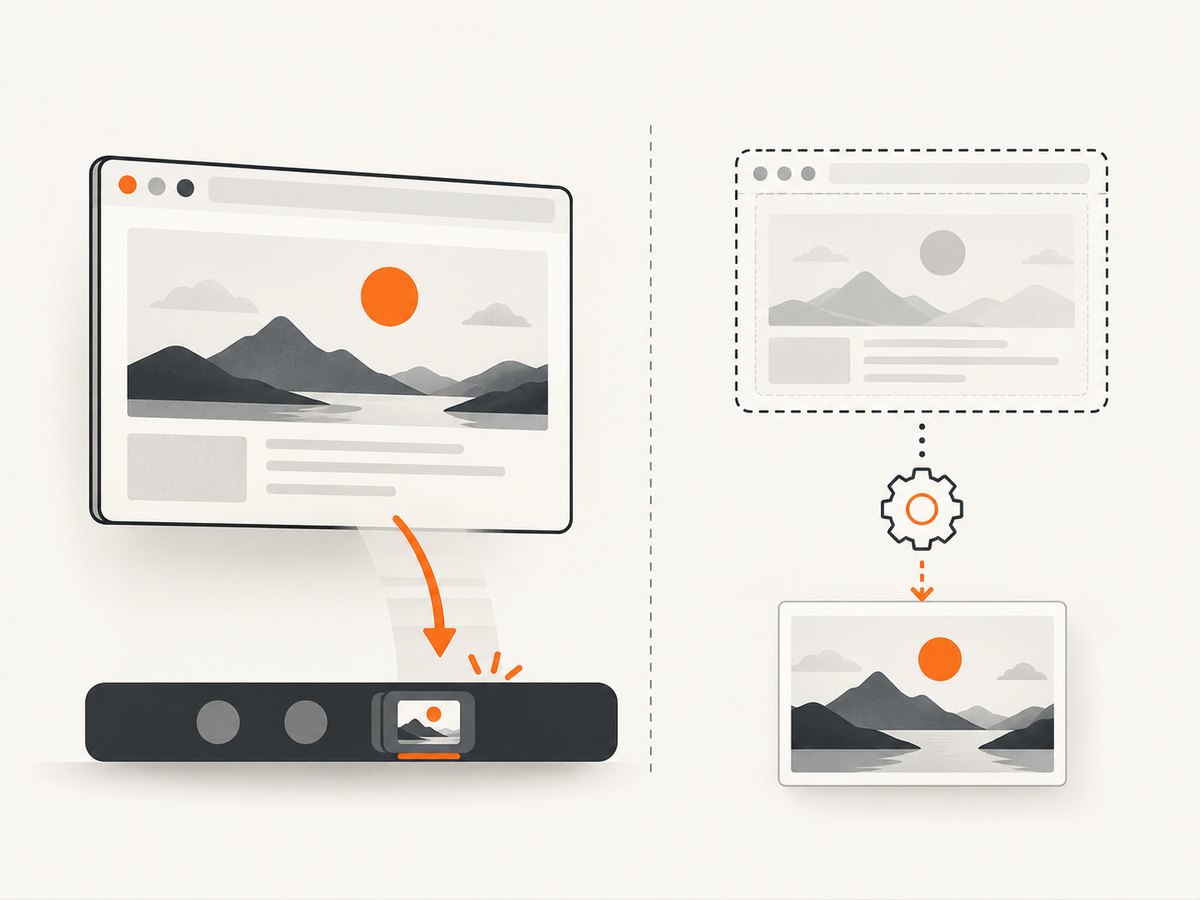
Headless mode avoids a visible window while using the same screenshot API. Configure it through browser options rather than relying on removed Selenium convenience methods.
from selenium import webdriver

options = webdriver.ChromeOptions()
options.add_argument("--headless")
options.add_argument("--window-size=1440,1000")

driver = webdriver.Chrome(options=options)
try:
    driver.get("https://example.com")
    driver.save_screenshot("/tmp/screenshot.png")
finally:
    driver.quit()
The viewport dimensions are illustrative. Choose dimensions that match the responsive layout you need, then verify the result in your installed Chrome, driver, and Selenium versions. A headed minimized browser and a headless browser can render differently because browser and display behavior differs.
5. Control the viewport and capture extent
Window size and screen resolution affect CSS breakpoints, fixed elements, font wrapping, and lazy loading. Set a deliberate size and keep it stable across runs.
# Set the outer browser window
 driver.set_window_size(1440, 1000)

# Or inspect the actual viewport used by the page
width = driver.execute_script("return window.innerWidth")
height = driver.execute_script("return window.innerHeight")
print(width, height)
A normal WebDriver screenshot generally captures the current viewport. Full-page behavior varies by browser and driver, so do not assume that save_screenshot includes the entire document. If you need a full-page image, use a browser-specific full-page facility or stitch scroll segments, and test sticky headers, lazy images, and fixed overlays.
Stabilize the page before capture
- Wait for
document.readyState == "complete"and then wait for the selector that proves your application is usable. - Disable or wait out transitions and carousels where visual consistency matters.
- Scroll through lazy-loaded regions before a full-document workflow.
- Close or hide consent dialogs only when your test is explicitly meant to capture the post-consent state.
- Use a consistent timezone, locale, authentication state, and test data.
6. Troubleshooting
| Symptom | Likely cause | Fix |
|---|---|---|
| Blank or black image after minimizing | Window-manager or display-server behavior; the driver may not expose minimized pixels. | Run headless, capture before minimizing, or test with the exact production display configuration. |
save_screenshot returns false |
Unwritable path, invalid filename, or driver failure. | Use an absolute path ending in .png, create the directory, check permissions, and inspect driver logs. |
| Screenshot has the wrong responsive layout | Viewport or outer window size differs between runs. | Set an explicit window size and print window.innerWidth and window.innerHeight. |
| Content is missing | Capture occurred before asynchronous data or lazy images loaded. | Wait for a page-specific selector, network-idle condition, or image completion; scroll lazy regions when needed. |
| Cookie banner or chat widget covers the page | The page is being captured in its initial visitor state. | Handle the banner in the test, hide known selectors with test CSS, or use a capture service that removes these overlays. |
| Headless command is ignored | Old convenience API or unsupported browser argument. | Pass the documented browser option argument and confirm installed browser and Selenium versions. |
| Intermittent timeout | Slow resources, bot checks, third-party scripts, or unstable test data. | Set explicit page and script timeouts, wait for a meaningful readiness condition, and capture diagnostics on failure. |
| Different results on CI | Different fonts, OS, GPU, viewport, locale, or display server. | Pin the environment, install required fonts, set locale and size, and compare screenshots from the CI image. |
7. Performance, reliability, and cost considerations
- Performance: Minimize and restore operations add window-manager work. Headless execution usually removes that UI work, but page loading and JavaScript remain the dominant costs.
- Reliability: A minimized headed capture depends on the window manager. Headless removes that dependency but still requires browser-version and viewport validation.
- Parallel runs: Isolate profiles, downloads, ports, and output paths. Shared profiles can cause session and rendering interference.
- Artifacts: Save the screenshot, browser logs, driver logs, URL, viewport, and environment metadata when a capture fails.
- Cost: Selenium itself is software you run, so account for browser hosts, CI minutes, storage, and maintenance. A hosted screenshot API can shift browser operations out of your infrastructure; compare request pricing and failure billing rules.
8. Or skip the browser setup
ScreenshotNeo provides a website screenshot API and MCP server. One GET request returns a PNG, JPEG, WebP, or PDF, so you do not need to provision WebDriver for a straightforward URL capture. Its cleanup steps accept cookie and consent banners and remove more than 60 known consent platforms, newsletter popups, and chat widgets; each step can be turned off. Bot checks, CAPTCHAs, blank pages, timeouts, failed loads, and cache hits cost nothing, and the response reports the result through X-Page-Verdict and X-Billed headers. An MCP server provides take_screenshot, get_page_info, and capture_pdf tools for Claude, Cursor, and other MCP clients.
See the ScreenshotNeo API documentation for all options, including full-page capture, CSS element capture, device presets, custom viewports, retina scale, waits, headers, cookies, user agents, authorization, timezone, geolocation, blocking rules, custom CSS and JavaScript, caching, signed links, async jobs, bulk capture, and usage data.
cURL
curl -G "https://api.screenshotneo.com/v1/shot" \
  -d access_key=YOUR_API_KEY \
  --data-urlencode url=https://stripe.com \
  -o shot.webp
Python
import requests

r = requests.get(
    "https://api.screenshotneo.com/v1/shot",
    params={"access_key": "YOUR_API_KEY", "url": "https://stripe.com"},
    timeout=90,
)
r.raise_for_status()
open("shot.webp", "wb").write(r.content)
Node.js
const q = new URLSearchParams({
  access_key: 'YOUR_API_KEY',
  url: 'https://stripe.com'
});
const res = await fetch(`https://api.screenshotneo.com/v1/shot?${q}`);
if (!res.ok) throw new Error(`HTTP ${res.status}`);
const bytes = Buffer.from(await res.arrayBuffer());
require('fs').writeFileSync('shot.webp', bytes);
There is a free plan with 1,000 screenshots per month and no card. Paid plans start at $5 for 3,000 shots; every feature is available on every plan. Create a free ScreenshotNeo account.
9. FAQ
Can I call minimize_window() and always get a valid screenshot?
No. Selenium documents the minimize command, but not a universal guarantee about pixels captured afterward. Validate your target environment or use headless mode.
Does headless mode produce the same image as a minimized headed browser?
Not necessarily. Browser versions, viewport calculations, fonts, GPU paths, and display configuration can affect rendering.
Which Python method returns image bytes instead of writing a file?
Use driver.get_screenshot_as_png(); use get_screenshot_as_base64() when a base64 representation is more convenient.
How do I make captures repeatable?
Pin browser and driver versions, set the viewport, locale, timezone, test data, waits, and output path, then retain logs and metadata with each artifact.
When is an API preferable to Selenium?
Use an API when you need URL-to-image or PDF capture without maintaining browser processes. ScreenshotNeo also provides cleanup, billing verdict headers, async jobs, bulk capture, and MCP tools.


