How to Fix Selenium Serenity Screenshots and Video Causing Delays or Hangs
Diagnose Serenity screenshot and video delays with a measured workflow, safer waits, browser restarts, and recorder checks.
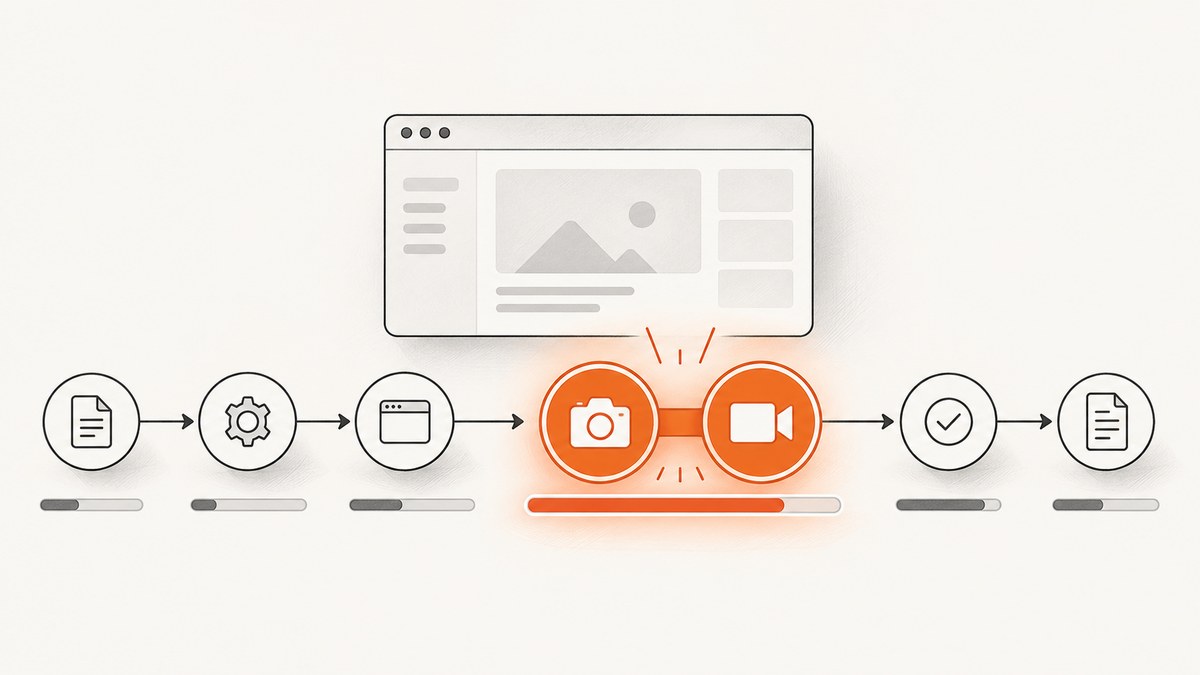
Short answer: first run the same test with serenity.take.screenshots=FOR_FAILURES and video disabled. If runtime returns to normal, capture volume or recording is the overhead. If it does not, inspect waits, collection loading, browser-session degradation, and memory. Then re-enable one feature at a time.
Serenity documents that recording many screenshots can slow execution (Screenshots). Video adds a second capture pipeline, so diagnose it separately from Selenium waits.
1. Establish where the time goes
- Run one representative test with timestamps around each step, screenshot creation, video start/stop, and artifact upload.
- Repeat with failure-only screenshots and with video disabled.
- Compare an early and late case in a data-driven run.
- Record browser, driver, Serenity, Selenium, JVM, container CPU/memory, headless mode, and the last completed step.
A timeout after a locator lookup points to a wait. A delay after a step completes points to screenshot encoding, video, or artifact handling. A slowdown that grows across iterations points to browser-session degradation or resource exhaustion.
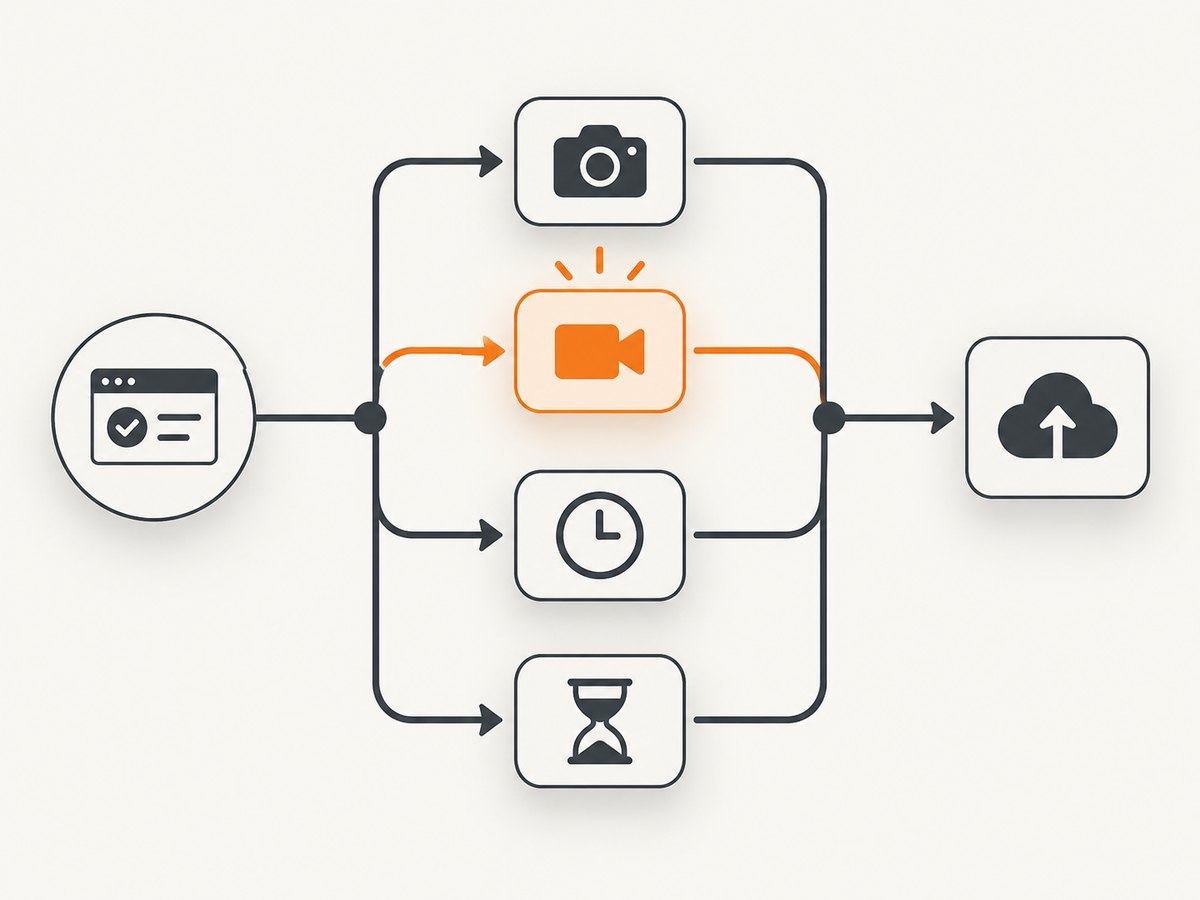
2. Set a low-overhead screenshot policy
The global property accepts these values:
| Value | Captures | Use |
|---|---|---|
FOR_EACH_ACTION |
Every action | Detailed interaction evidence; highest capture volume. |
BEFORE_AND_AFTER_EACH_STEP |
Two images per step | Step-level debugging. |
AFTER_EACH_STEP |
After each step | Readable reports with less volume. |
FOR_FAILURES |
Failure evidence | Best diagnostic baseline for routine runs. |
DISABLED |
None | Isolation or speed-sensitive smoke runs. |
Start with this serenity.properties file:
serenity.take.screenshots=FOR_FAILURES
# Add only when measurements show session degradation:
# serenity.restart.browser.frequency=10
# Inspect and remove accidental per-step pauses:
# serenity.step.delay=0
Use per-step or per-action screenshot annotations when only a few scenarios need rich evidence. Keep a slower diagnostic or nightly profile with more capture instead of paying that cost on every pull request.
3. Separate waits from capture overhead
Serenity warns that hard-coded waits slow suites and fail randomly when they are too short (Interacting with web pages). Replace sleeps with a condition that represents the state your next action needs.
// Java, Screenplay-style example
waitFor(Text.of("Status")).toContainText("Ready");
clickOn("Continue");
For WebDriver configuration, verify the implicit timeout and explicit wait conditions in the environment that actually runs the test. A long implicit timeout can make every missing-element lookup look like a hang; an explicit wait should target visibility, presence, enabled state, URL, or a known application event.
Collection loading can be the wait
Serenity page objects support Optimistic, Pessimistic, and Paranoid collection loading. Paranoid mode waits until all elements display and can be slow for long lists. If the last log line is a collection lookup, check the loading strategy before changing global timeouts.
# Keep timeout values explicit in serenity.conf and review them with the test logs
webdriver {
  timeouts {
    implicitlywait = 2 seconds
  }
}
Use a state-based wait for asynchronous content and reserve a fixed delay for a measured external limitation. Do not stack an implicit wait, a long explicit wait, and a sleep for the same condition.
4. Check browser-session degradation
Compare the first and last data-driven cases. Serenity documents browser restarts because some browsers, particularly Firefox, can slow over time due to memory leaks (system properties). If restarting restores the original speed, tune serenity.restart.browser.frequency for your browser, data set, and CI size; the correct interval is environment-specific.

# Example to validate experimentally; choose an interval from your measurements
serenity.restart.browser.frequency=10
Also inspect serenity.step.delay. It is a pause in milliseconds between steps. A nonzero value may be intentional for demonstrations, but it adds delay to every affected step.
5. Isolate Selenium video recording
Disable video for one run, then re-enable it without changing screenshot policy. If only video runs are slow, inspect the recorder path rather than Selenium locators.
For SeleniumHQ Docker Selenium, the documented topology uses one recorder container per browser container. Video capture is CPU-intensive, headless browser recording is unsupported, and recordings are written under /videos (Docker Selenium README).
- Match each browser container to exactly one recorder container.
- Check CPU limits and throttling on both containers.
- Confirm the browser is not headless when using that recorder path.
- Mount and collect
/videoswithout blocking the test process on a slow volume. - Use recorder and browser logs to distinguish browser completion from recorder stop or CI upload.
The supplied documentation does not prove that video universally causes hangs. Treat it as the cause only when timestamps show the delay during recording, stop, encoding, or artifact handling.
6. Prevent screenshot memory failures
Large screenshots consume JVM and container memory. An out-of-memory message is a resource failure, not a generic hang. Review heap, container limits, screen dimensions, retained report artifacts, and parallel-worker count before increasing Maven Surefire heap. Reduce capture frequency and image size in the diagnostic profile, then confirm the memory pattern with logs.
7. A repeatable diagnostic matrix
| Run | Screenshots | Video | What it tells you |
|---|---|---|---|
| A | FOR_FAILURES | Off | Baseline waits and browser cost. |
| B | DISABLED | Off | Screenshot encoding or memory overhead. |
| C | FOR_FAILURES | On | Video and recorder overhead. |
| D | FOR_EACH_ACTION | Off | Capture-volume sensitivity. |
| E | FOR_FAILURES | Off, restart enabled | Accumulating browser-session degradation. |
Keep browser, data, worker count, and CI allocation constant. Change one variable per run and save timestamps with the report.
8. Troubleshooting common symptoms
| Symptom | Likely cause | Fix |
|---|---|---|
| Every step is slower with detailed reports | Screenshot volume or encoding | Use FOR_FAILURES; scope detailed capture to selected steps. |
| Only failures hang while saving artifacts | Large image, low heap, or slow artifact volume | Check memory and I/O timestamps; reduce capture size/frequency. |
| Last log line is a locator lookup | Implicit/explicit wait or collection loading | Wait for a specific state; inspect Paranoid loading and timeout values. |
| Cases get slower over time | Browser-session degradation | Compare early/late cases; validate serenity.restart.browser.frequency. |
| Delay appears only with video | Recorder CPU, pairing, stop, or upload | Check one-recorder-per-browser, CPU, headless support, /videos, and logs. |
| Run reports a hang but process is uploading | CI artifact collection | Separate test completion from recorder stop and upload timestamps. |
| Firefox degrades in data-driven runs | Documented memory-leak pattern in long sessions | Restart sessions at a measured interval and compare memory. |
| Changing timeouts made failures much slower | Longer missing-element waits | Restore measured values and use targeted conditions. |
9. Configuration checklist
- Serenity, Selenium, browser, and driver versions captured.
serenity.take.screenshotsvalue recorded.serenity.step.delaychecked for unintended pauses.- Implicit and explicit waits documented.
- Collection loading strategy identified.
- Restart frequency tested only when slowdown accumulates.
- Video implementation, container pairing, CPU, headless mode, and output mount recorded.
- JVM and container memory limits compared with screenshot dimensions and parallelism.
- Last completed step and timestamps attached to the issue.
Or skip the browser setup
If the goal is dependable page images rather than browser-session diagnostics, ScreenshotNeo provides a single GET request. Its capture flow accepts consent banners and removes 60+ known consent platforms, newsletter popups, and chat widgets before the shot; each step can be turned off. Bot checks, blank pages, timeouts, failed loads, and cache hits are not billed, and response headers report the page verdict and billing status. It also provides an MCP server for AI agents with take_screenshot, get_page_info, and capture_pdf.
See the ScreenshotNeo API docs for all options. A direct call:
curl -G "https://api.screenshotneo.com/v1/shot" -d access_key=YOUR_API_KEY --data-urlencode url=https://stripe.com -o shot.webpimport requests
r = requests.get("https://api.screenshotneo.com/v1/shot", params={"access_key": "YOUR_API_KEY", "url": "https://stripe.com"}, timeout=90)
open("shot.webp", "wb").write(r.content)const q = new URLSearchParams({ access_key: 'YOUR_API_KEY', url: 'https://stripe.com' });
const res = await fetch(`https://api.screenshotneo.com/v1/shot?${q}`);Every feature is on every plan. The free plan includes 1,000 shots per month with no card; paid plans start at $5 for 3,000. Create a free ScreenshotNeo account.
FAQ
Should I disable screenshots or video first?
Run failure-only screenshots with video off, then add one feature at a time. This separates capture volume from recorder overhead.
Is a fixed sleep ever acceptable?
Only when a measured external constraint requires it. Prefer a condition tied to the page state.
What does a browser restart prove?
If speed and memory recover after restart, degradation is session-related. It does not identify the exact leak, so keep the interval under observation.
Can headless Docker Selenium record video?
The SeleniumHQ Docker Selenium README documents headless recording as unsupported for its recorder setup.
How do I know a failed page was billed by ScreenshotNeo?
Inspect the X-Page-Verdict and X-Billed response headers.


