How to Create a Selenium Test Evidence Report with NUnit
Build a durable Selenium evidence report with NUnit XML, screenshots, CI artifacts, troubleshooting, and a ScreenshotNeo shortcut.
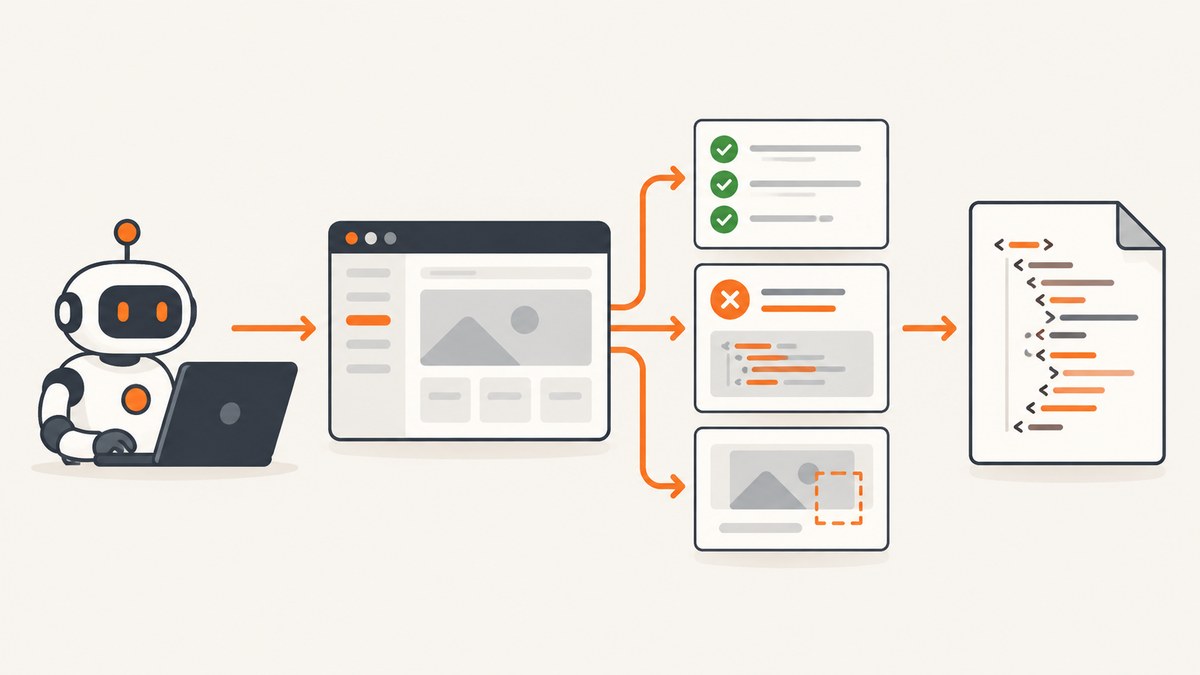
Direct answer: Selenium WebDriver drives the browser, but NUnit and your test runner produce the test evidence report. In a .NET test project, run the suite with the NUnit XML logger, preserve screenshots and logs as CI artifacts, and let your CI or reporting tool render the XML for people. The usual VSTest command is dotnet test --logger:nunit after adding NUnitXml.TestLogger.
Selenium’s own reporting guidance says that Selenium is not designed to report the status of test cases. Treat WebDriver as the browser automation layer and NUnit as the source of case status, assertions, durations, failures, output, and attachments. This separation makes the evidence useful both to a person reading a report and to a CI system ingesting machine-readable results.
What the evidence report should contain
A useful report answers five questions without opening the test source:
- Which test and suite ran, and what was the final status?
- How many tests passed, failed, skipped, or were inconclusive?
- When did the run start and end, how long did it take, and which runtime and operating system were used?
- Why did a failure occur, including the assertion message, stack trace, and captured output?
- Where are the screenshot, browser log, video, or other files that support the result?
NUnit’s documented result XML can represent run totals, status counts, assertion counts, timestamps, duration, engine and CLR details, suite environment information, failure messages, stack traces, captured output, command-line and filter information, and optional attachments. Not every adapter fills every optional field, so validate the output generated by your exact runner.
1. Create an NUnit Selenium project
Start with a test project and add Selenium WebDriver. Microsoft’s NUnit guide documents the project template, and Selenium’s .NET setup documentation uses dotnet test to run the suite.
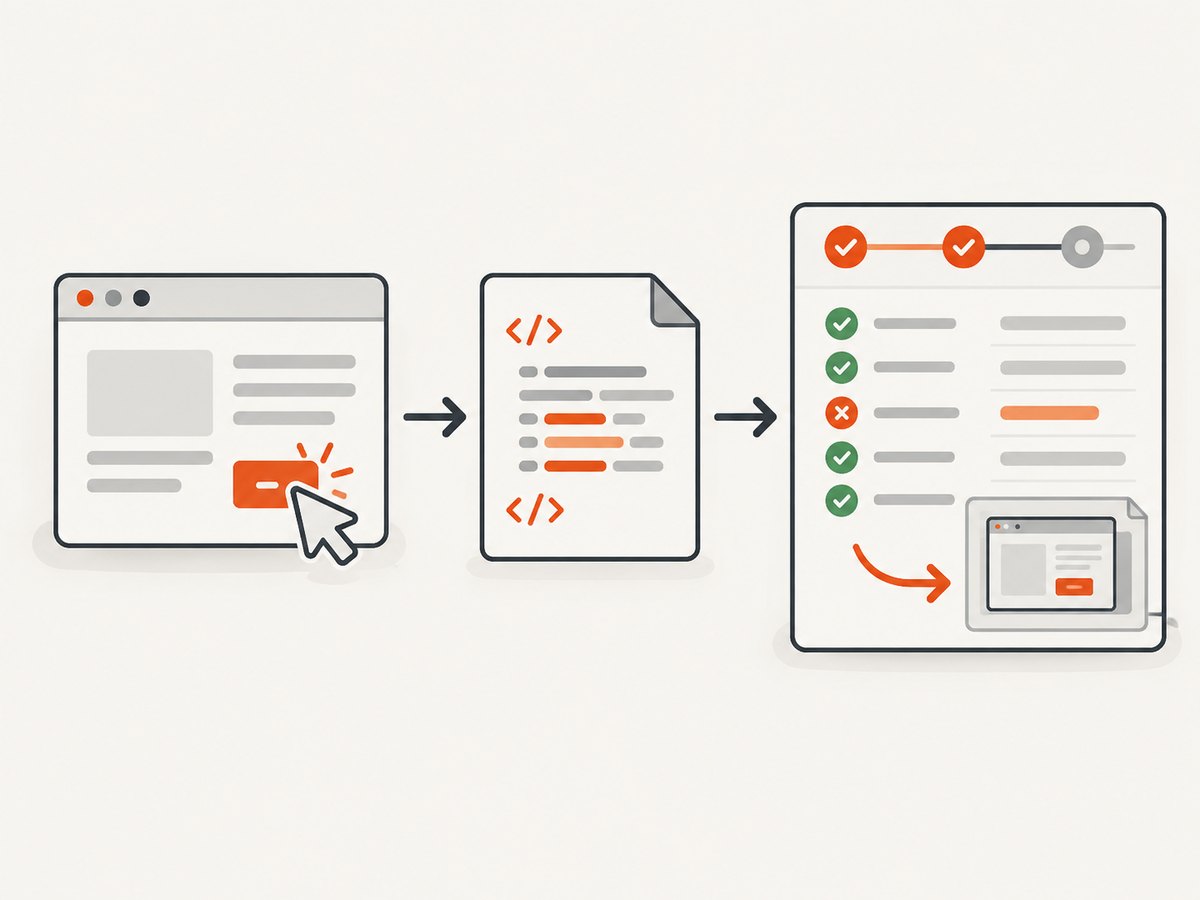
dotnet new nunit -n BrowserEvidence.Tests
cd BrowserEvidence.Tests
dotnet add package Selenium.WebDriver
dotnet add package Selenium.WebDriver.ChromeDriver
The ChromeDriver package is convenient for a local example. In CI, use the browser and driver installation method supported by your runner, or a Selenium Grid, and pin versions so a browser update does not silently change the evidence.
2. Write a test that saves evidence on failure
The following test is complete C# NUnit code. It opens a page, performs an assertion, and saves a PNG when the test fails. The screenshot file is an artifact you can publish beside the NUnit XML. The code deliberately keeps attachment publication separate from the test: NUnit XML supports attachment paths, but the exact attachment API depends on the adapter and runner.
using System;
using System.IO;
using NUnit.Framework;
using OpenQA.Selenium;
using OpenQA.Selenium.Chrome;

namespace BrowserEvidence.Tests;

[SetUpFixture]
public sealed class TestRunSetup
{
    public static string EvidenceDirectory { get; private set; } = "";

    [OneTimeSetUp]
    public void CreateEvidenceDirectory()
    {
        EvidenceDirectory = Path.Combine(
            TestContext.CurrentContext.WorkDirectory,
            "evidence");
        Directory.CreateDirectory(EvidenceDirectory);
    }
}

[TestFixture]
public sealed class HomePageTests
{
    private IWebDriver _driver = null!;

    [SetUp]
    public void SetUp()
    {
        var options = new ChromeOptions();
        options.AddArgument("--headless=new");
        options.AddArgument("--no-sandbox");
        options.AddArgument("--disable-dev-shm-usage");
        options.AddArgument("--window-size=1440,1000");
        _driver = new ChromeDriver(options);
    }

    [TearDown]
    public void TearDown()
    {
        var outcome = TestContext.CurrentContext.Result.Outcome.Status;
        if (outcome == NUnit.Framework.Interfaces.TestStatus.Failed)
        {
            var safeName = MakeSafeFileName(TestContext.CurrentContext.Test.Name);
            var path = Path.Combine(TestRunSetup.EvidenceDirectory, safeName + ".png");
            ((ITakesScreenshot)_driver).GetScreenshot().SaveAsFile(path);
            TestContext.WriteLine($"Screenshot: {path}");
        }

        _driver.Quit();
        _driver.Dispose();
    }

    [Test]
    public void HomePageHasExpectedTitle()
    {
        _driver.Navigate().GoToUrl("https://example.com");
        Assert.That(_driver.Title, Is.EqualTo("Example Domain"));
    }

    private static string MakeSafeFileName(string value)
    {
        foreach (var character in Path.GetInvalidFileNameChars())
            value = value.Replace(character, '_');
        return value;
    }
}
TestContext.WriteLine puts the screenshot path into NUnit’s captured output. Your CI job must also publish the evidence directory; a path in XML is not useful if the referenced file is discarded after the job.
3. Generate NUnit XML
Add the logger documented for the Visual Studio Test Platform (VSTest):
dotnet add package NUnitXml.TestLoggerRun the project and request NUnit XML:
dotnet test --logger:nunitThe logger documentation places the result under a TestResults directory relative to the project by default. Set an explicit path when your CI expects a fixed artifact name:
dotnet test --logger:"nunit;LogFilePath=test-results/nunit-result.xml"Quote the whole logger argument in shells where a semicolon separates commands. If your project uses Microsoft.Testing.Platform (MTP), the package documentation describes a different option, --report-spekt-nunit, with its filename argument. Confirm whether the project uses VSTest or MTP before copying a command; runner and package options can change.
4. Inspect and validate the result
After the run, check all three outputs:
- The XML file exists at the expected path.
- The totals and statuses match the tests and filters you intended to run.
- The screenshot and other evidence files exist and are included in the CI artifact bundle.
NUnit distinguishes the complete test-run totals from the test cases executed when a filter is applied. Record the command and filter in the job log so a reader understands why a report contains only part of the suite.
For a quick local inspection:
ls -la TestResults
ls -la test-results
find . -type f -path '*evidence*' -o -name '*.png'
The NUnit result XML reference documents the elements and attributes available in the format: NUnit Test Result XML Format.
5. Publish XML, screenshots, and logs in CI
Keep the machine-readable XML and the supporting files together. A robust CI job normally does this:
- Runs the test command even when a test fails, so the report is produced.
- Publishes
TestResults/**/*.xmlor your configured XML path as a test-result artifact. - Publishes
**/evidence/**/*, browser logs, and any HTML output as ordinary build artifacts. - Uses a stable artifact root that works on both local and CI machines.
- Retains artifacts long enough to investigate intermittent failures.
CI vendors differ in how they import NUnit XML and expose attachments. Configure the vendor’s NUnit result parser, then verify one intentionally failing test and open its screenshot from the archived job. Do not assume a relative path in XML will resolve after the CI system moves files; use a workspace-relative or fully rooted path supported by the logger and artifact collector.
6. Render a readable report
NUnit XML is a durable evidence format, not necessarily the final human-facing page. Your runner or CI service can summarize it, or a separate reporting layer can render HTML and trends. Selenium’s improved-reporting guidance points developers toward framework reporting and integrations such as Allure; check compatibility with your NUnit version, adapter, test platform, and attachment format before adopting a renderer.
Choose a reporting layer using these criteria:
| Criterion | What to verify |
|---|---|
| CI ingestion | Can it import NUnit XML and mark the job correctly? |
| Failure detail | Are messages, stack traces, output, duration, and environment preserved? |
| Attachments | Do screenshots open from the archived report, including on a different machine? |
| Sharing | Can a teammate view the report without the build workspace? |
| Version support | Does it support your adapter, NUnit schema, and VSTest or MTP runner? |
Capturing browser evidence reliably
Capture only when it helps diagnosis
Saving a screenshot after every passing test can create large artifacts and slow uploads. Capture on failure by default, then add checkpoints for a small number of high-value workflows. Include the test name, browser, viewport, commit, and timestamp in the filename or surrounding metadata.
Wait for the page state you are asserting
Fixed sleeps make evidence slow and flaky. Prefer explicit waits for the element or state that proves the step completed. If a screenshot captures a loading spinner, the image may be technically valid but diagnostically misleading.
Use deterministic browser settings
Set a known viewport, timezone, locale, and headless mode. Keep browser and driver versions compatible. If the application changes by region or account, record the relevant environment in the test output.
Protect sensitive data
Screenshots can contain names, tokens, email addresses, or payment data. Mask sensitive fields before capture where possible, use a test account, and restrict artifact access. Never print access tokens into NUnit output or CI logs.
Common errors and fixes
| Symptom | Likely cause | Fix |
|---|---|---|
Unknown logger: nunit |
The logger package is missing, incompatible, or the runner is not VSTest. | Add NUnitXml.TestLogger; confirm the test platform; use the documented MTP option when applicable. |
| No XML appears | The command ran from an unexpected directory or a custom path was ignored. | Set LogFilePath explicitly and publish the resulting directory. |
| ChromeDriver cannot start | Browser and driver versions differ, or CI lacks required sandbox permissions. | Pin compatible versions, install the browser in the image, and use the CI-supported headless arguments. |
| Screenshot path is broken in CI | The file was not published or the XML path is relative to a deleted workspace. | Publish the evidence directory and use a stable workspace-relative path; verify by opening the archived artifact. |
| Screenshot is blank or mid-navigation | The test captured before the required state was ready. | Wait for a specific element or condition instead of adding a long fixed delay. |
| Failures are marked passed | The assertion ran after teardown or the result was not allowed to propagate. | Keep assertions in the test body, let NUnit own the result, and use teardown only for evidence collection. |
| Report is missing output | Output was written to the process console rather than NUnit’s context. | Use TestContext.WriteLine for diagnostic text that must appear in NUnit XML. |
| Only some tests appear | A category, trait, or name filter was applied. | Inspect the command line and filter; compare executed counts with the suite totals. |
Performance, reliability, and cost notes
XML generation itself is usually small compared with browser startup and page loading. The larger costs are parallel browser processes, full-resolution screenshots, video, and artifact upload. Keep evidence local until teardown, compress large files where your CI supports it, and avoid redundant screenshots.
Parallel tests need isolated evidence names and directories. Include a unique test identifier or worker number to prevent two workers from overwriting the same PNG. Clean old evidence before a run so a failed test cannot accidentally point to a screenshot from an earlier build.
For reliability, make the report a required artifact even when the test command exits non-zero. In CI, use the platform’s “always publish” or equivalent behavior for result and evidence files. Treat missing XML or missing attachments as a pipeline defect worth surfacing separately from a product-test failure.
Or skip the browser setup
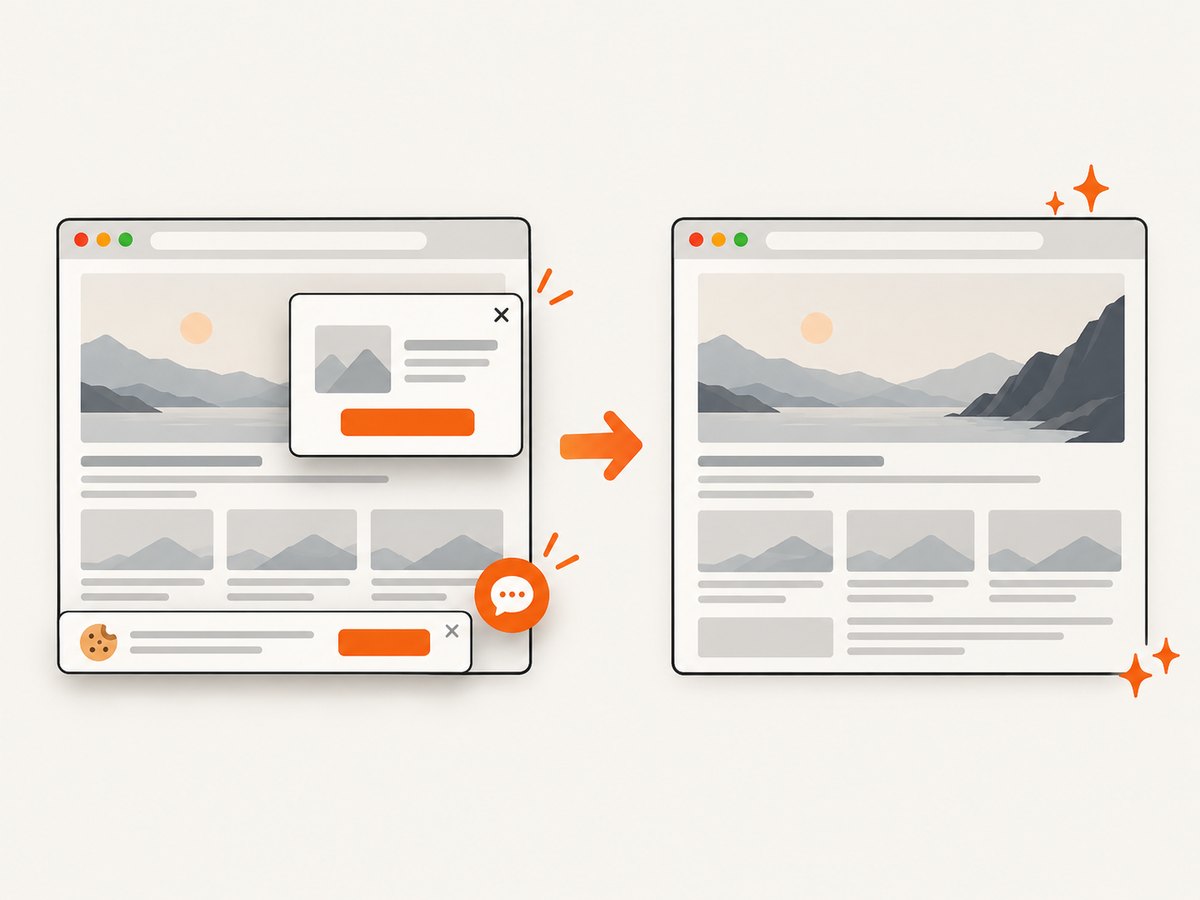
If your goal is a clean screenshot of a URL for evidence, documentation, or a failure link, ScreenshotNeo handles the browser capture through one request. It accepts consent banners before capture and removes more than 60 known consent platforms, newsletter popups, and chat widgets; each cleanup step can be disabled. Bot checks, blank pages, timeouts, failed loads, and cache hits are not billed, and the response identifies the page verdict and billing status with X-Page-Verdict and X-Billed headers.
See the ScreenshotNeo API documentation for the complete option list, including full-page and element capture, device presets, retina scale, dark mode, custom CSS and JavaScript, waits, request blocking, headers, cookies, user agents, timezone, geolocation, transparent backgrounds, resizing, caching, signed links, asynchronous jobs, bulk capture, usage, and PDF output.
curl -G "https://api.screenshotneo.com/v1/shot" -d access_key=YOUR_API_KEY --data-urlencode url=https://example.com -o evidence.webpimport requests
r = requests.get(
"https://api.screenshotneo.com/v1/shot",
params={"access_key": "YOUR_API_KEY", "url": "https://example.com"},
timeout=90,
)
r.raise_for_status()
open("evidence.webp", "wb").write(r.content)const q = new URLSearchParams({ access_key: 'YOUR_API_KEY', url: 'https://example.com' });
const res = await fetch(`https://api.screenshotneo.com/v1/shot?${q}`);
if (!res.ok) throw new Error(`Screenshot failed: ${res.status}`);
const image = Buffer.from(await res.arrayBuffer());
await Bun.write('evidence.webp', image);ScreenshotNeo also provides an MCP server with take_screenshot, get_page_info, and capture_pdf tools for Claude, Cursor, and other MCP clients. The free plan includes 1,000 screenshots per month with no card; paid plans start at $5 for 3,000. Create a free ScreenshotNeo account.
FAQ
Does Selenium generate the NUnit report?
No. Selenium drives the browser. NUnit, the adapter, logger, runner, and CI system create and present the test evidence.
Is NUnit XML the same as an HTML report?
No. XML is machine-readable evidence. A CI product or reporting layer can render it as HTML or another view.
Can NUnit XML contain screenshots?
The format supports attachment paths and descriptions. The test or runner must create the file, and CI must publish it where the path remains accessible.
Should every test save a screenshot?
Usually save on failure and at a few important checkpoints. Capturing every passing step increases storage and upload time without always improving diagnosis.
Why do VSTest and MTP use different logger commands?
They are different test platforms. Use the logger option documented for the platform configured by your project and package versions.


