Selenium with TestNG Framework Tutorial
Learn how Selenium WebDriver and TestNG fit together, then build, organize, run, debug, and scale Java browser tests.
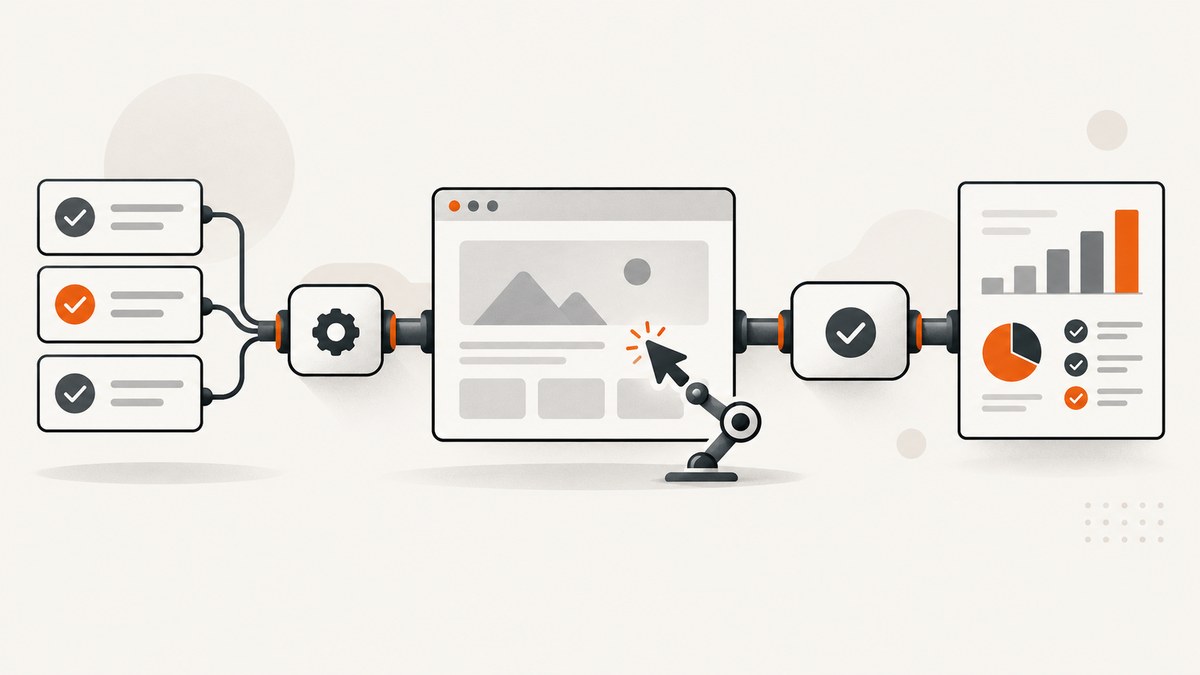
Direct answer: Selenium WebDriver controls a browser; TestNG organizes and runs the Java tests that use WebDriver. A working setup needs Java, the Selenium Java binding, a browser, and a browser driver. TestNG adds annotations, lifecycle hooks, groups, suite configuration, assertions, reporting, and parallel execution.
This Selenium with TestNG framework tutorial builds a small Java test, explains the testng.xml file, shows reliable setup and cleanup, and covers isolation, parallel execution, Grid, troubleshooting, performance, and cost. Selenium’s getting-started guide explains the browser, driver, language binding, and WebDriver roles. TestNG’s documentation covers suites, annotations, XML configuration, groups, and parallel modes.
1. Selenium WebDriver versus TestNG
| Component | Role |
|---|---|
| Java | The language in which the test is written. |
| Selenium WebDriver | The browser-control API and protocol. It opens pages, finds elements, clicks, types, reads state, and captures browser output. |
| Browser | Chrome, Firefox, Edge, or another supported browser that renders the application. |
| Browser driver | The browser-specific process that translates WebDriver commands for the browser. Selenium Manager can usually discover or obtain a compatible driver when using current Selenium releases. |
| TestNG | The Java test runner and organization layer: @Test methods, setup and teardown hooks, groups, suite files, dependencies, parallel execution, and reports. |
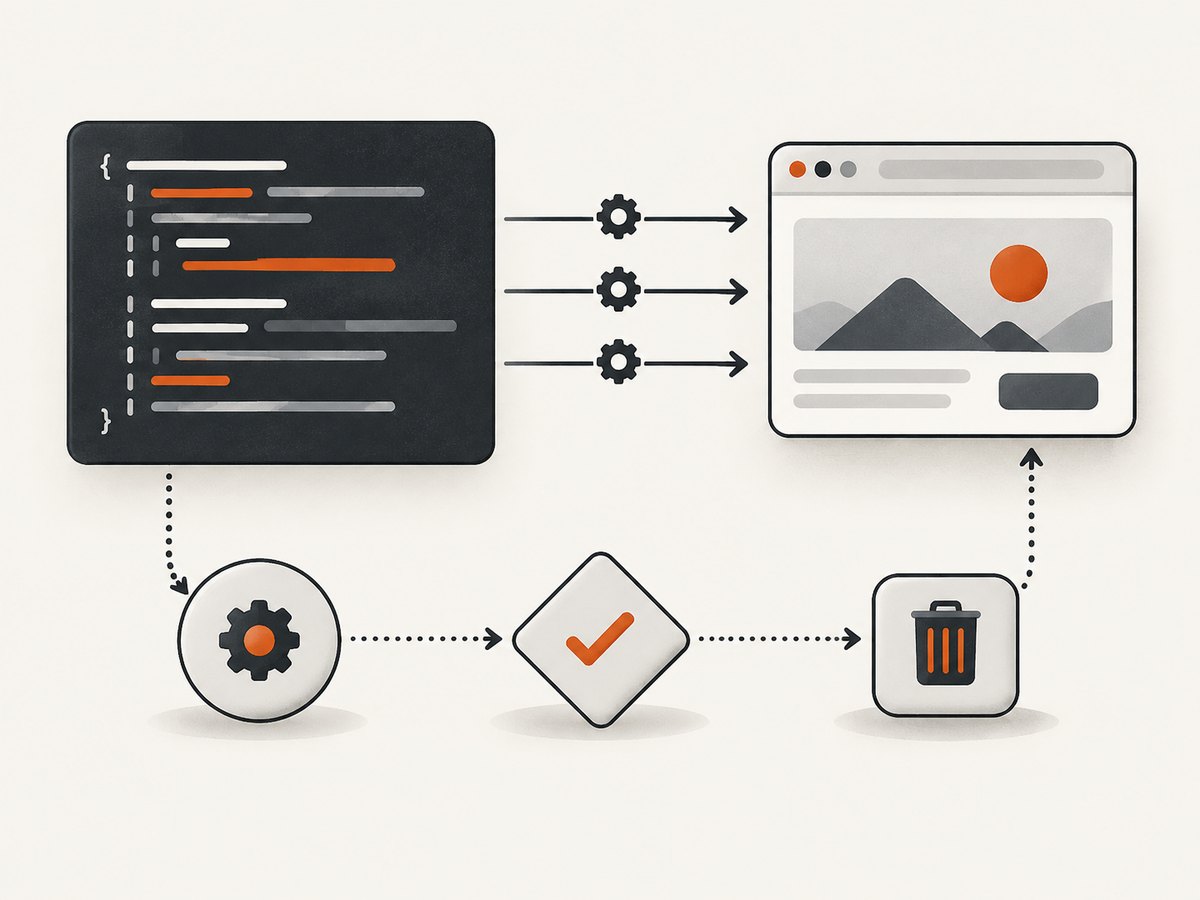
The basic TestNG hierarchy is suite → test → class → annotated test method. A testng.xml file selects classes, packages, or groups and controls execution. Build tools can also invoke TestNG without XML.
2. Create a Java project
Maven dependencies
Use a current Java baseline and current Selenium Java and TestNG releases confirmed from their official release pages before publishing or copying this file. The research available for this guide does not establish a permanent compatibility matrix, so keep the versions in properties and update them deliberately.
<project xmlns="http://maven.apache.org/POM/4.0.0"
         xmlns:xsi="http://www.w3.org/2001/XMLSchema-instance"
         xsi:schemaLocation="http://maven.apache.org/POM/4.0.0 https://maven.apache.org/xsd/maven-4.0.0.xsd">
  <modelVersion>4.0.0</modelVersion>
  <groupId>example</groupId>
  <artifactId>selenium-testng-demo</artifactId>
  <version>1.0-SNAPSHOT</version>

  <properties>
    <maven.compiler.release>17</maven.compiler.release>
    <selenium.version>REPLACE_WITH_CURRENT_SELENIUM_VERSION</selenium.version>
    <testng.version>REPLACE_WITH_CURRENT_TESTNG_VERSION</testng.version>
    <project.build.sourceEncoding>UTF-8</project.build.sourceEncoding>
  </properties>

  <dependencies>
    <dependency>
      <groupId>org.seleniumhq.selenium</groupId>
      <artifactId>selenium-java</artifactId>
      <version>${selenium.version}</version>
    </dependency>
    <dependency>
      <groupId>org.testng</groupId>
      <artifactId>testng</artifactId>
      <version>${testng.version}</version>
      <scope>test</scope>
    </dependency>
  </dependencies>

  <build>
    <plugins>
      <plugin>
        <groupId>org.apache.maven.plugins</groupId>
        <artifactId>maven-surefire-plugin</artifactId>
        <version>REPLACE_WITH_CURRENT_SUREFIRE_VERSION</version>
        <configuration>
          <suiteXmlFiles>
            <suiteXmlFile>testng.xml</suiteXmlFile>
          </suiteXmlFiles>
        </configuration>
      </plugin>
    </plugins>
  </build>
</project>
Gradle alternative
plugins {
    id 'java'
}

repositories {
    mavenCentral()
}

dependencies {
    testImplementation "org.seleniumhq.selenium:selenium-java:REPLACE_WITH_CURRENT_SELENIUM_VERSION"
    testImplementation "org.testng:testng:REPLACE_WITH_CURRENT_TESTNG_VERSION"
}

test {
    useTestNG()
}
Install Java and Maven or Gradle, install a supported browser, then let Selenium Manager handle driver discovery where supported. If your environment manages drivers itself, ensure the driver is on PATH and compatible with the browser.
3. Your first runnable Selenium TestNG test
Create src/test/java/example/HomePageTest.java:
package example;

import java.time.Duration;

import org.openqa.selenium.By;
import org.openqa.selenium.WebDriver;
import org.openqa.selenium.chrome.ChromeDriver;
import org.openqa.selenium.support.ui.ExpectedConditions;
import org.openqa.selenium.support.ui.WebDriverWait;
import org.testng.Assert;
import org.testng.annotations.AfterMethod;
import org.testng.annotations.BeforeMethod;
import org.testng.annotations.Test;

public class HomePageTest {
    private WebDriver driver;
    private WebDriverWait wait;

    @BeforeMethod
    public void setUp() {
        driver = new ChromeDriver();
        driver.manage().timeouts().implicitlyWait(Duration.ZERO);
        driver.manage().timeouts().pageLoadTimeout(Duration.ofSeconds(60));
        wait = new WebDriverWait(driver, Duration.ofSeconds(15));
        driver.manage().window().maximize();
    }

    @Test
    public void pageHasExpectedTitle() {
        driver.get("https://www.selenium.dev/");
        wait.until(ExpectedConditions.titleContains("Selenium"));
        Assert.assertTrue(driver.getTitle().contains("Selenium"),
                "The page title should contain Selenium");
    }

    @AfterMethod(alwaysRun = true)
    public void tearDown() {
        if (driver != null) {
            driver.quit();
        }
    }
}
Run it with mvn test or ./gradlew test. The test creates a fresh browser for each test method, waits for a meaningful condition, asserts an observable result, and always quits the browser.
4. TestNG annotations and lifecycle
TestNG provides configuration hooks at suite, test, group, class, and method scopes. Choose the smallest scope that matches the resource:
| Annotation | Runs | Typical use |
|---|---|---|
@BeforeSuite / @AfterSuite |
Once for the suite | Global reporting or environment setup. |
@BeforeTest / @AfterTest |
Before or after an XML <test> |
Resources shared by a selected XML test. |
@BeforeClass / @AfterClass |
Once per test class | Class-level fixtures when state sharing is intentional. |
@BeforeMethod / @AfterMethod |
Around every @Test method |
Fresh browser and clean state for independent UI tests. |
@BeforeGroups / @AfterGroups |
Around selected groups | Fixtures needed only by a group. |
Use alwaysRun = true for cleanup that must execute after failures. Avoid one shared static WebDriver for unrelated tests: it creates ordering, state, and thread-safety problems.
5. Create and run testng.xml
Create testng.xml at the project root:
<?xml version="1.0" encoding="UTF-8"?>
<!DOCTYPE suite SYSTEM "https://testng.org/testng-1.0.dtd">
<suite name="Web UI suite" verbose="1">
  <test name="Smoke tests">
    <classes>
      <class name="example.HomePageTest"/>
    </classes>
  </test>
</suite>
Run the XML suite with mvn test when the Surefire configuration above is present. You can also run TestNG from an IDE by selecting the XML file. The <test> element is a logical selection; it does not mean a single browser test.
Select tests with groups
import org.testng.annotations.Test;

public class CheckoutTest {
    @Test(groups = {"smoke", "checkout"})
    public void guestCanOpenCheckout() {
        // browser steps and assertions
    }

    @Test(groups = "regression")
    public void savedAddressIsReused() {
        // longer regression scenario
    }
}
<suite name="Smoke suite">
<test name="Smoke group">
<groups>
<run>
<include name="smoke"/>
</run>
</groups>
<packages>
<package name="example"/>
</packages>
</test>
</suite>6. Locators, waits, assertions, and test data
- Prefer stable IDs, accessible labels, or dedicated test attributes over brittle XPath tied to layout.
- Use explicit waits for a state: visibility, clickability, URL, title, or a custom condition.
- Do not combine long implicit waits with explicit waits; the delays compound and make failures harder to diagnose.
- Assert business outcomes, not only that a click returned.
- Keep test data isolated. Generate unique accounts or reset fixtures so tests can run in any order.
WebElement submit = wait.until(
    ExpectedConditions.elementToBeClickable(By.cssSelector("button[type='submit']")));
submit.click();
wait.until(ExpectedConditions.urlContains("/dashboard"));
Assert.assertTrue(driver.findElement(By.cssSelector("h1"))
        .getText().contains("Dashboard"));
7. Parallel execution with TestNG
TestNG can run methods, tests, classes, or instances in parallel. Select the unit based on state isolation, thread safety, browser capacity, and debugging cost. Selenium Grid is the option for distributing browsers across machines and platforms; Selenium describes Grid as part of its broader execution architecture.
| Mode | Good fit | Main risk |
|---|---|---|
methods |
Small, independent test methods | Shared class fields or fixtures collide. |
tests |
Independent XML <test> blocks |
Resources shared outside each block. |
classes |
Classes are isolated units | Static state and shared environments. |
instances |
Multiple object instances represent isolated data | Incorrect instance setup or shared backends. |
<suite name="Parallel suite" parallel="classes" thread-count="3">
  <test name="Browser tests">
    <packages>
      <package name="example"/>
    </packages>
  </test>
</suite>
Start with one thread, make tests independent, then increase thread-count only as browser CPU, memory, application capacity, and Grid slots allow. Parallelism can expose shared test data bugs and makes video, logs, and screenshots harder to correlate unless every artifact includes the test name and thread identifier.
8. Remote execution with Selenium Grid
Use local browsers while developing. Move to Grid when you need execution across machines, operating systems, browser versions, or isolated worker capacity. Replace the local driver with a remote driver and keep the rest of the test contract the same:
import java.net.URL;
import org.openqa.selenium.MutableCapabilities;
import org.openqa.selenium.remote.RemoteWebDriver;

MutableCapabilities capabilities = new MutableCapabilities();
capabilities.setCapability("browserName", "chrome");
WebDriver driver = new RemoteWebDriver(
        new URL("http://grid-host:4444"), capabilities);
Keep the Grid URL, credentials, browser capabilities, and artifact paths in environment variables or CI secrets. Do not hard-code credentials in testng.xml.
9. A maintainable project layout
selenium-testng-demo/
├── pom.xml
├── testng.xml
└── src/
    └── test/
        └── java/
            └── example/
                ├── BaseUiTest.java
                ├── HomePageTest.java
                └── CheckoutTest.java
A base class can centralize driver creation, but keep test-specific state in each test. Page objects are useful when several tests use the same page interactions; they should expose meaningful actions and avoid hiding assertions that belong in the test.
10. Troubleshooting common errors
| Symptom | Likely cause | Fix |
|---|---|---|
SessionNotCreatedException |
Browser and driver are incompatible, or capabilities are unsupported. | Update the browser/driver pair, let Selenium Manager resolve the driver, or pin a compatible pair in CI. |
IllegalStateException: The path to the driver executable... |
The driver is not discoverable. | Use a current Selenium release with Selenium Manager or put the driver on PATH. |
TimeoutException |
The condition never became true, the selector is wrong, or the page is slow. | Check the locator, wait for the correct state, capture page source and URL on failure, and set a justified timeout. |
NoSuchElementException |
The element is not rendered yet, is inside an iframe, or the locator changed. | Wait for it, switch to the correct iframe, and verify the locator in browser developer tools. |
StaleElementReferenceException |
The DOM re-rendered after the element was found. | Locate the element again after the update instead of retaining the old reference. |
| Tests pass alone but fail in the suite | Shared state, ordering assumptions, or data collisions. | Reset state per method, remove static drivers, use unique data, and run tests in a randomized order during diagnosis. |
| Parallel tests interfere | Shared WebDriver, static fields, accounts, files, or ports. | Create one driver per test thread and isolate every external resource. |
| Browser remains open after failure | Cleanup did not run or was not marked alwaysRun. |
Use @AfterMethod(alwaysRun = true) and null-check the driver. |
| Element is covered or not clickable | Cookie banner, modal, animation, or overlay. | Wait for the overlay to disappear, handle consent deliberately, then click the target. |
11. Reliability and performance checklist
- Use deterministic waits instead of arbitrary sleeps.
- Give every test a clear setup and cleanup boundary.
- Record browser, driver, Java, Selenium, TestNG, OS, URL, and build identifiers in CI logs.
- On failure, save the screenshot, page source, current URL, console or driver logs where available, and TestNG result metadata.
- Use a small smoke suite on every change and a larger regression suite on a scheduled or release pipeline.
- Reuse a browser only when state sharing is the explicit subject of the test; otherwise startup isolation is easier to reason about.
- Parallelize only after measuring resource saturation and verifying data isolation. There is no universal speedup percentage.
- Grid increases environment and debugging complexity, so standardize node images and browser versions.
12. Cost and capacity planning
Selenium and TestNG themselves are software libraries. Your operational costs come from browser machines or Grid capacity, CI minutes, storage for artifacts, and the application environment under test. More parallel workers consume more CPU and memory; excessive concurrency can also overload the application and create false failures. Set thread counts from available capacity and test duration rather than copying a default.
13. Or skip the browser setup
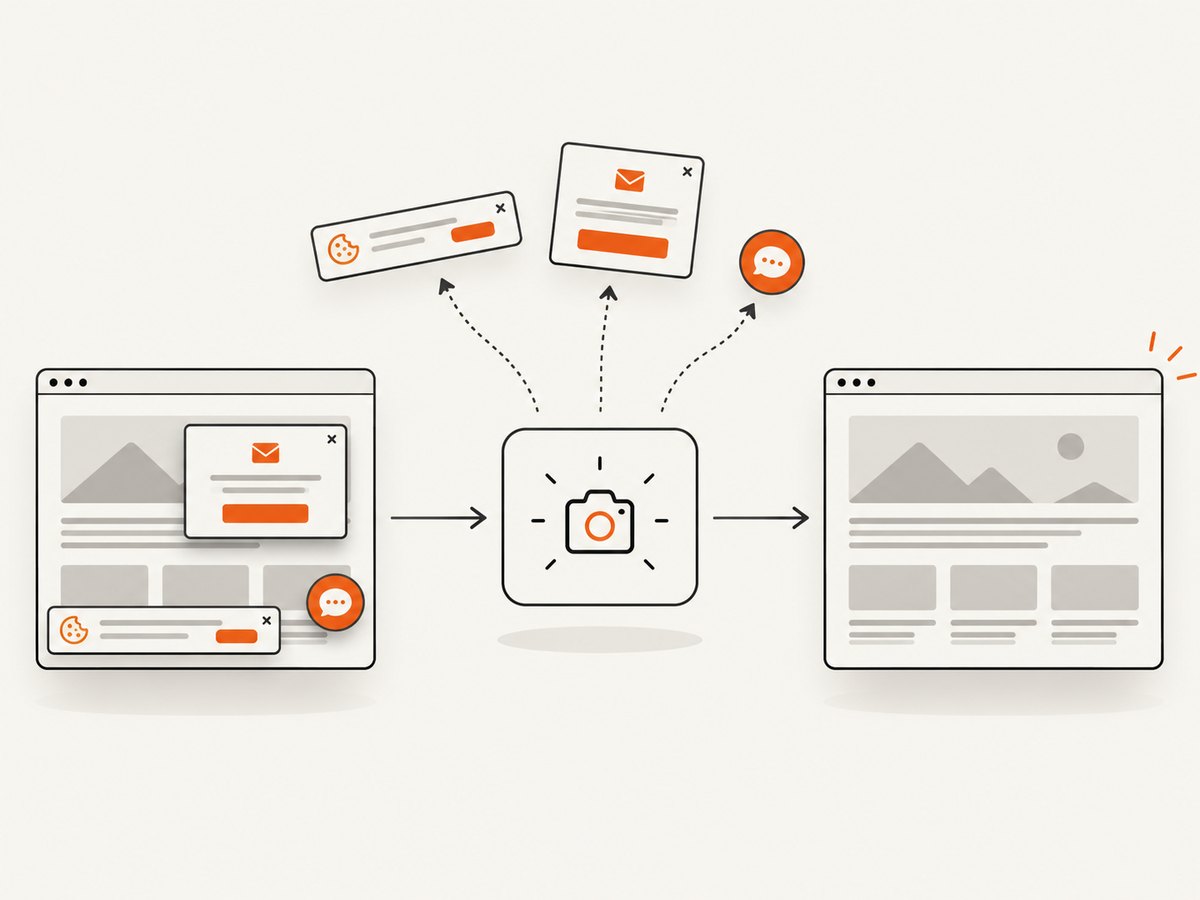
If you need a clean image or PDF of a URL rather than an interactive test, ScreenshotNeo provides a single GET request. Its API accepts the URL and returns PNG, JPEG, WebP, or PDF. Cookie and consent banners are accepted and removed before capture, along with more than 60 known consent platforms, newsletter popups, and chat widgets; each cleanup step can be turned off. Bot checks, blank pages, timeouts, failed loads, and cache hits are not billed, and the response identifies the result with X-Page-Verdict and X-Billed headers. It also offers an MCP server for AI agents, with take_screenshot, get_page_info, and capture_pdf tools.
See the ScreenshotNeo API documentation for all options.
curl -G "https://api.screenshotneo.com/v1/shot" -d access_key=YOUR_API_KEY --data-urlencode url=https://stripe.com -o shot.webpimport requests
r = requests.get("https://api.screenshotneo.com/v1/shot", params={"access_key": "YOUR_API_KEY", "url": "https://stripe.com"}, timeout=90)
open("shot.webp", "wb").write(r.content)const q = new URLSearchParams({ access_key: 'YOUR_API_KEY', url: 'https://stripe.com' });
const res = await fetch(`https://api.screenshotneo.com/v1/shot?${q}`);ScreenshotNeo includes full-page and element capture, device presets, retina scale, PDF controls, custom CSS and JavaScript, waits, request blocking, headers, cookies, user agents, timezone and geolocation, caching, signed links, async webhooks, bulk capture, usage data, and an OpenAPI specification. The Free plan includes 1,000 shots per month with no card; paid plans start at $5 for 3,000 shots. Create a free ScreenshotNeo account.
14. FAQ
Is TestNG required to use Selenium?
No. Selenium WebDriver can be used with other Java test frameworks or a custom runner. TestNG is useful when you want annotations, suite selection, groups, lifecycle hooks, reports, and parallel modes.
Should I use @BeforeClass or @BeforeMethod for the driver?
Use @BeforeMethod for independent browser tests. Use @BeforeClass only when sharing a session is deliberate and the class controls that shared state.
What belongs in testng.xml?
Put suite selection, classes or packages, groups, parameters, listeners, and parallel settings there. Keep secrets and environment-specific values outside source control.
When should I move from local browsers to Grid?
Move when you need multiple machines or platforms, more browser capacity than one machine provides, or a repeatable distributed CI environment. Stabilize and isolate local tests first.
Can ScreenshotNeo replace Selenium tests?
No. ScreenshotNeo captures pages and PDFs through an API. Selenium with TestNG remains the choice for interactive browser workflows, assertions, and end-to-end behavior.


