How to Name Selenium Screenshots Uniquely at Runtime
Use readable labels with UUIDs to prevent Selenium screenshot overwrites in local runs and parallel CI jobs.
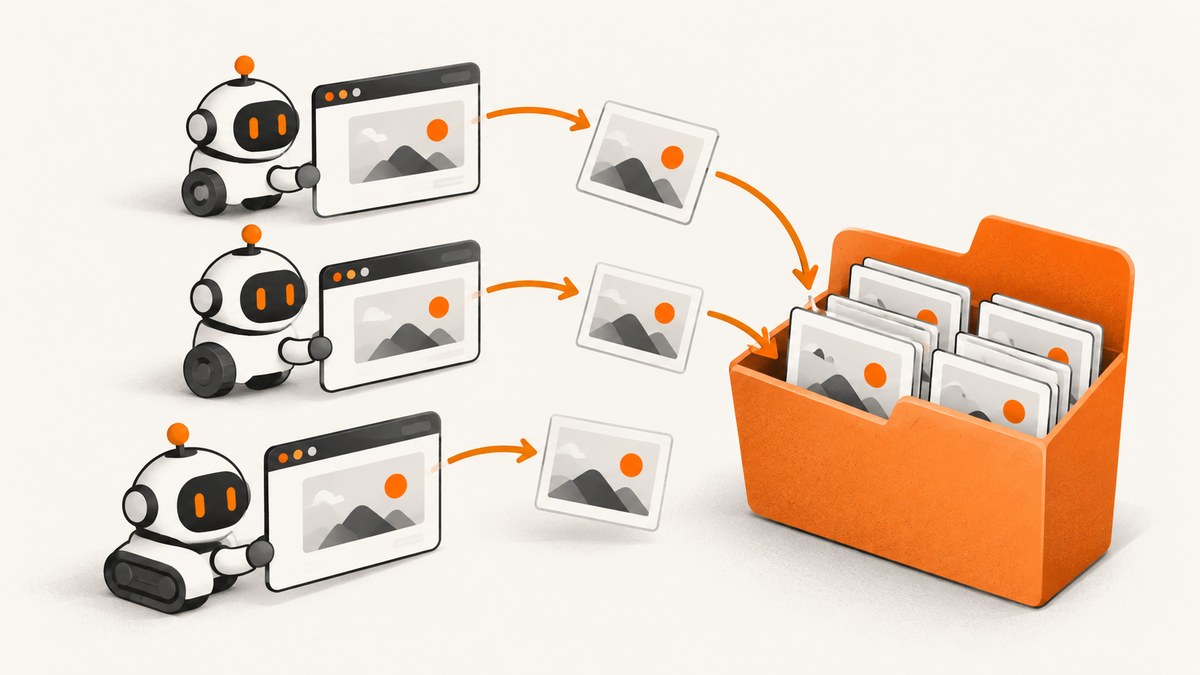
Use a short descriptive label plus a runtime-generated UUID, then append .png. For example: checkout-550e8400-e29b-41d4-a716-446655440000.png. Selenium lets your code choose the destination filename; it does not create a semantic unique name for you. A UUID suffix prevents accidental overwrites when tests repeat or run in parallel.
1. The recommended naming pattern
A practical filename is:
<test-or-page-label>-<optional-UTC-timestamp>-<UUID>.pngUse the UUID as the uniqueness mechanism. Add a timestamp when natural sorting helps people inspect CI artifacts. A timestamp by itself can collide when captures occur within the same clock resolution or on parallel workers, so treat it as metadata rather than the uniqueness guarantee.
- Label: identifies the page, test, or state, such as
checkout-error. - Timestamp: use UTC and a filesystem-safe format such as
20260930T142530Z. - UUID: generate it at capture time with Python
uuid4()or JavaUUID.randomUUID(). - Extension: keep
.png; Selenium’s Python documentation specifically expects a PNG filename and recommends a full path.
2. Python: save a uniquely named screenshot
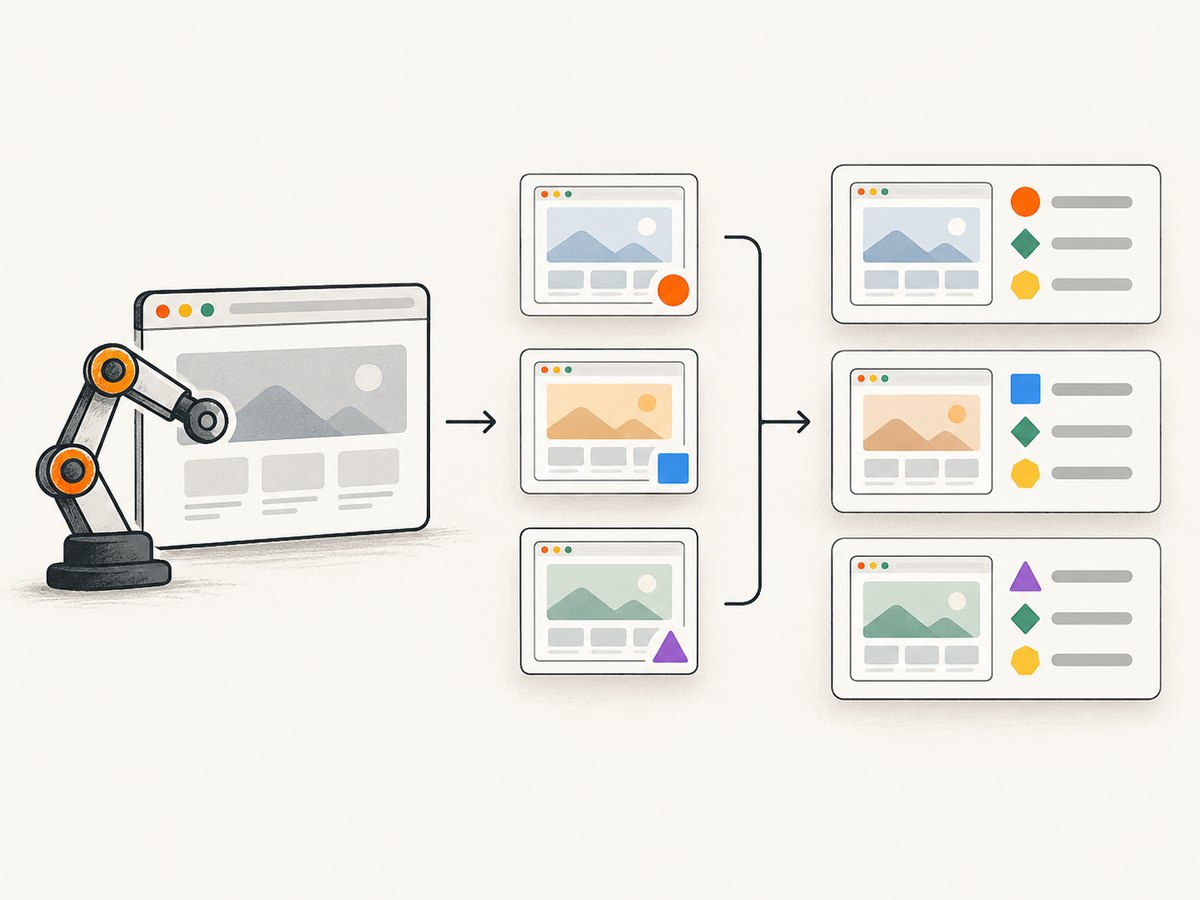
Selenium’s Python save_screenshot(filename) and get_screenshot_as_file(filename) save the current window as PNG and return False when an I/O error occurs. Check that result instead of assuming the file was written. See the Selenium Python WebDriver API.
from pathlib import Path
from uuid import uuid4

# driver is an already-created Selenium WebDriver
output_dir = Path("artifacts/screenshots")
output_dir.mkdir(parents=True, exist_ok=True)

filename = f"checkout-{uuid4()}.png"
path = output_dir / filename

saved = driver.save_screenshot(str(path))
if not saved:
    raise OSError(f"Could not save screenshot to {path}")

print(path)
uuid.uuid4() generates a random UUID using a cryptographically secure method according to the Python UUID documentation. Use uuid4() for filenames; avoid uuid1() when exposing node information is undesirable because Python documents that it may incorporate the computer’s network address.
Add a sortable UTC timestamp
from datetime import datetime, timezone
from pathlib import Path
from uuid import uuid4

stamp = datetime.now(timezone.utc).strftime("%Y%m%dT%H%M%SZ")
filename = f"checkout-{stamp}-{uuid4()}.png"
path = Path("artifacts/screenshots") / filename
path.parent.mkdir(parents=True, exist_ok=True)
if not driver.save_screenshot(str(path)):
    raise OSError(f"Screenshot write failed: {path}")
3. Java: compose the path and copy the screenshot
Java Selenium exposes screenshots through TakesScreenshot. The API documents getScreenshotAs(OutputType.FILE); Java documents UUID.randomUUID() as a type 4 UUID generated with a cryptographically strong pseudo-random number generator. See the Selenium Java TakesScreenshot API and Java UUID documentation.
import java.io.File;
import java.io.IOException;
import java.nio.file.Files;
import java.nio.file.Path;
import java.util.UUID;
import org.openqa.selenium.OutputType;
import org.openqa.selenium.TakesScreenshot;
import org.openqa.selenium.WebDriver;

// driver is an already-created WebDriver
Path outputDir = Path.of("artifacts", "screenshots");
Files.createDirectories(outputDir);

Path path = outputDir.resolve("checkout-" + UUID.randomUUID() + ".png");
File screenshot = ((TakesScreenshot) driver).getScreenshotAs(OutputType.FILE);
Files.copy(screenshot.toPath(), path);
System.out.println(path);
Create the directory before copying. If you want timestamps, format a UTC instant and place it before the UUID; retain the UUID even when a CI run identifier is present.
4. Naming choices and when to use them
| Pattern | Strength | Limitation | Use when |
|---|---|---|---|
<uuid>.png |
Shortest robust default | Harder to identify by eye | Artifacts are indexed elsewhere |
<label>-<uuid>.png |
Unique and readable | Slightly longer | Most test suites |
<label>-<timestamp>-<uuid>.png |
Readable, sortable, collision-resistant | Longest names | Large CI artifact folders |
<run>/<worker>/<label>-<uuid>.png |
Separates parallel jobs | Requires directory management | Many workers share storage |
<timestamp>.png |
Easy to read and sort | Can overwrite on fast or parallel captures | Only when a separate uniqueness check exists |
Sanitize labels
Keep labels filesystem-safe: replace slashes, control characters, and unbounded user input. Limit length, and do not put passwords, access tokens, session IDs, or personal data in filenames. A worker ID helps debugging but does not guarantee uniqueness; keep the UUID.
5. Prevent collisions across parallel workers
- Give each test process a separate run or worker directory when practical.
- Generate the UUID immediately before saving, rather than once at process startup.
- Use exclusive file creation if your storage layer supports it, especially when names come from external inputs.
- Keep the extension and path on the same filesystem operation; do not write every test to a shared fixed filename such as
latest.png. - Upload artifacts only after confirming the local write succeeded.
UUIDs make accidental clashes extremely unlikely in ordinary artifact workflows, but they do not replace directory permissions, write-result checks, retention policies, or cleanup.
6. Troubleshooting
| Symptom | Likely cause | Fix |
|---|---|---|
| Files overwrite one another | A constant name or timestamp-only name | Append a newly generated UUID to every capture. |
FileNotFoundError or copy failure |
Destination directory does not exist | Create it with mkdir(parents=True, exist_ok=True) or Files.createDirectories. |
Python returns False |
I/O error, unwritable path, or invalid filename | Use an absolute or verified path, check permissions, keep the .png suffix, and raise an error. |
Java cannot cast driver to TakesScreenshot |
The selected driver does not implement the interface | Use a WebDriver implementation that supports screenshots or capture through the supported driver API. |
| Artifacts are missing in CI | Relative path points outside the collected workspace | Resolve the artifact directory from the CI workspace and print the final path. |
| Names contain invalid characters | Raw test titles or URLs used as labels | Normalize labels to letters, digits, dot, underscore, and hyphen; truncate them. |
| Screenshot exists but is empty or incomplete | Capture happened before the page reached the required state | Wait for the relevant element or condition before calling the screenshot method; naming cannot correct a timing problem. |
7. Performance, reliability, and storage
- UUID generation is local and adds negligible work compared with browser rendering and PNG encoding.
- Full paths and pre-created directories reduce failures caused by the process’s current working directory.
- Use one screenshot per failure or checkpoint instead of capturing continuously; PNG files can consume substantial CI storage.
- Apply retention limits and compress or upload artifacts according to your CI system’s policy.
- For parallel jobs, avoid a shared mutable “current screenshot” filename. Separate directories plus UUID names simplify cleanup and uploads.
- Record the generated path in test logs so a failed assertion can be mapped to its artifact.
8. Or skip the browser setup
If you need a URL image rather than a screenshot tied to an existing Selenium session, ScreenshotNeo returns a PNG, JPEG, WebP, or PDF from one request. The ScreenshotNeo API documentation lists the capture options.
curl -G "https://api.screenshotneo.com/v1/shot" -d access_key=YOUR_API_KEY --data-urlencode url=https://stripe.com -o shot.webpimport requests
r = requests.get("https://api.screenshotneo.com/v1/shot", params={"access_key": "YOUR_API_KEY", "url": "https://stripe.com"}, timeout=90)
open("shot.webp", "wb").write(r.content)const q = new URLSearchParams({ access_key: 'YOUR_API_KEY', url: 'https://stripe.com' });
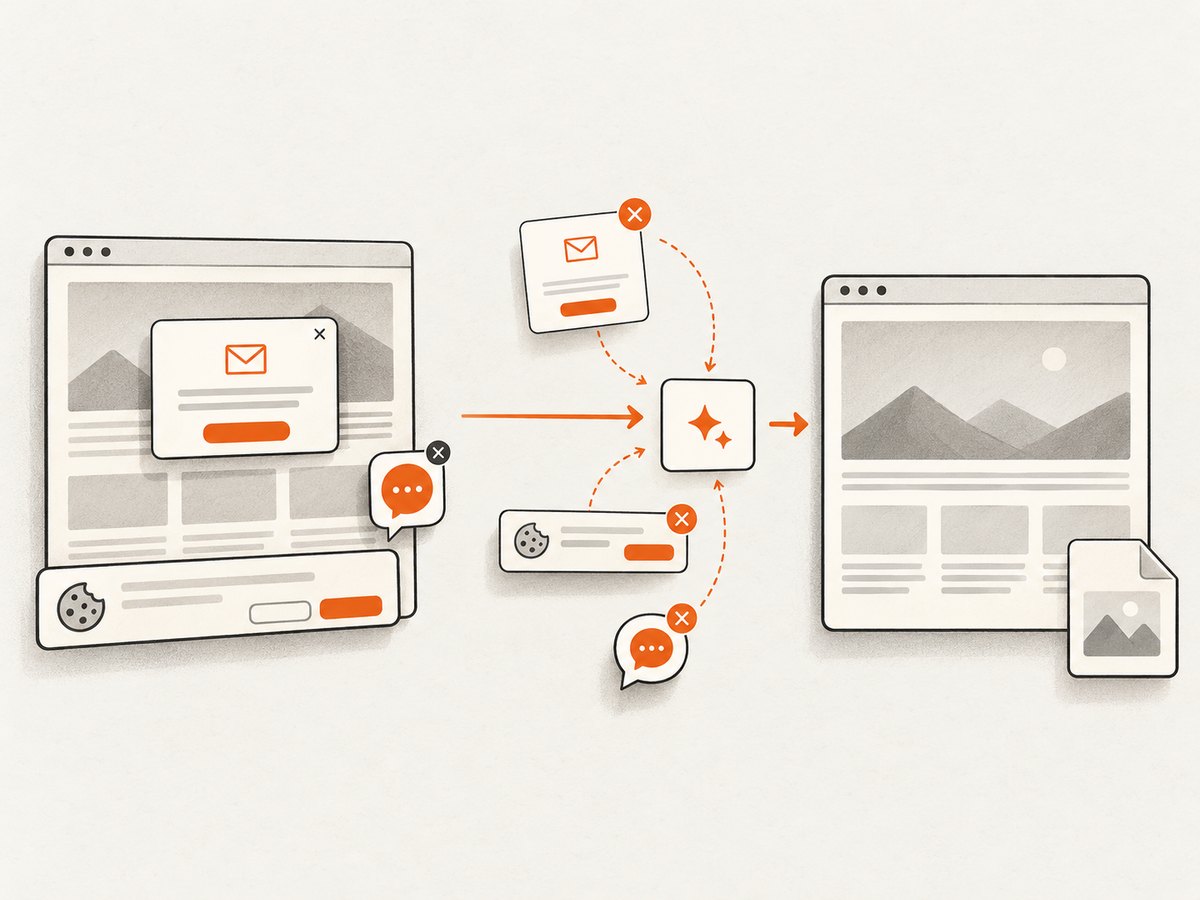
const res = await fetch(`https://api.screenshotneo.com/v1/shot?${q}`);ScreenshotNeo removes cookie banners, newsletter popups, and chat widgets before capture. Bot checks, blank pages, failed loads, timeouts, and cache hits are not billed, and response headers report the page verdict and billing status. Its MCP server lets Claude, Cursor, and other MCP clients call take_screenshot, get_page_info, and capture_pdf. The Free plan includes 1,000 screenshots per month with no card; paid plans start at $5 for 3,000. Create a free ScreenshotNeo account.
9. FAQ
Should I use UUID v4 or a timestamp?
Use UUID v4 for uniqueness. Add a UTC timestamp only when sorting or investigation benefits from it.
Does Selenium generate unique filenames automatically?
No. The save APIs accept the filename or destination path supplied by your code.
Is a worker ID enough?
No. Worker IDs can repeat across runs. Combine a run or worker directory with a UUID suffix.
Can I use UUIDs for JPEG screenshots?
The naming principle applies, but the Selenium APIs described here save PNG files. Keep the extension consistent with the bytes produced by the capture API.
Can a UUID guarantee a successful save?
No. It addresses naming collisions only. Check Selenium’s return value or catch the Java file-copy exception, and verify the destination is writable.


