How Selenium Captures Screenshots of Widevine-Protected Video
Selenium can capture browser and element screenshots, but its APIs do not guarantee that Widevine-protected video pixels will appear. Learn what affects the result and how to debug it safely.
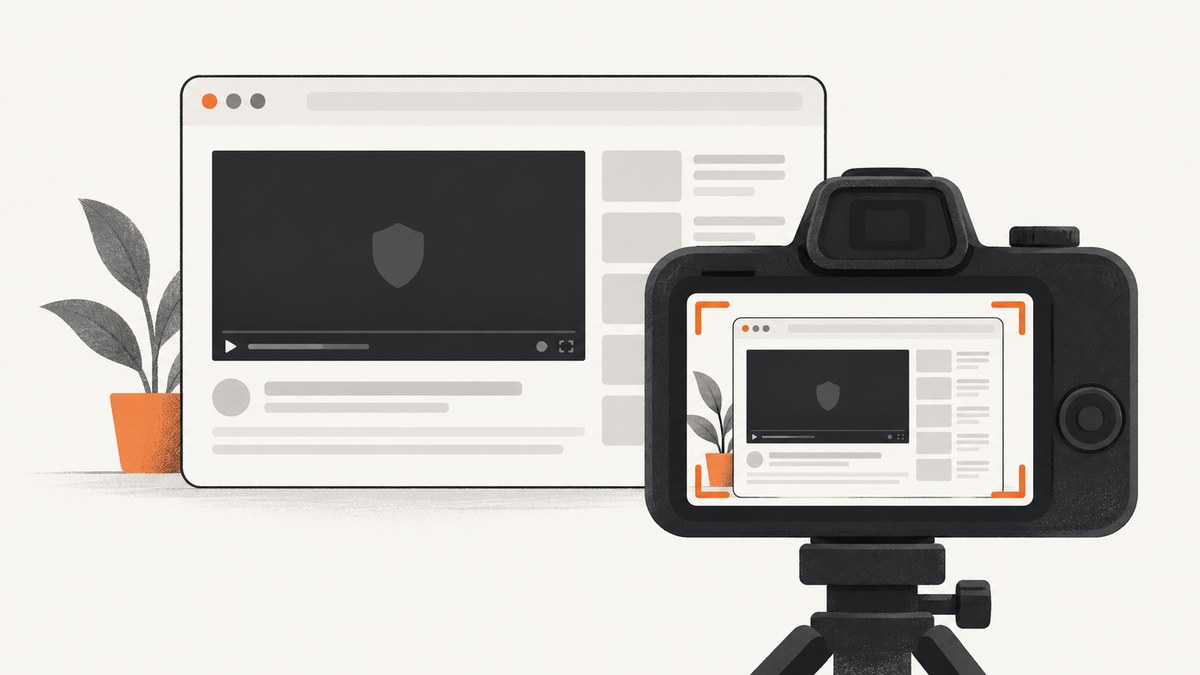
Selenium can capture screenshots of a browser context or an individual element, but those APIs do not guarantee that Widevine-protected video pixels will appear in the resulting image. Depending on the browser, operating system, device, graphics path, and playback policy, the video region may be black, missing, or otherwise unavailable to the capture. The available documentation does not establish one outcome for every setup.
Selenium screenshots are browser automation captures, not a DRM bypass. If you are testing a service you own or are authorized to test, use an ordinary page or test video to validate your screenshot workflow, and record the protected-video result as environment-dependent.
1. What Selenium captures
Selenium exposes screenshot operations for browser contexts and elements. Its Java TakesScreenshot API describes capturing a screenshot and storing it in different ways. Selenium’s documentation also shows element screenshot use and explains that the WebDriver screenshot endpoint returns Base64-encoded data. These describe how to request and receive a screenshot; they do not promise access to protected media pixels.
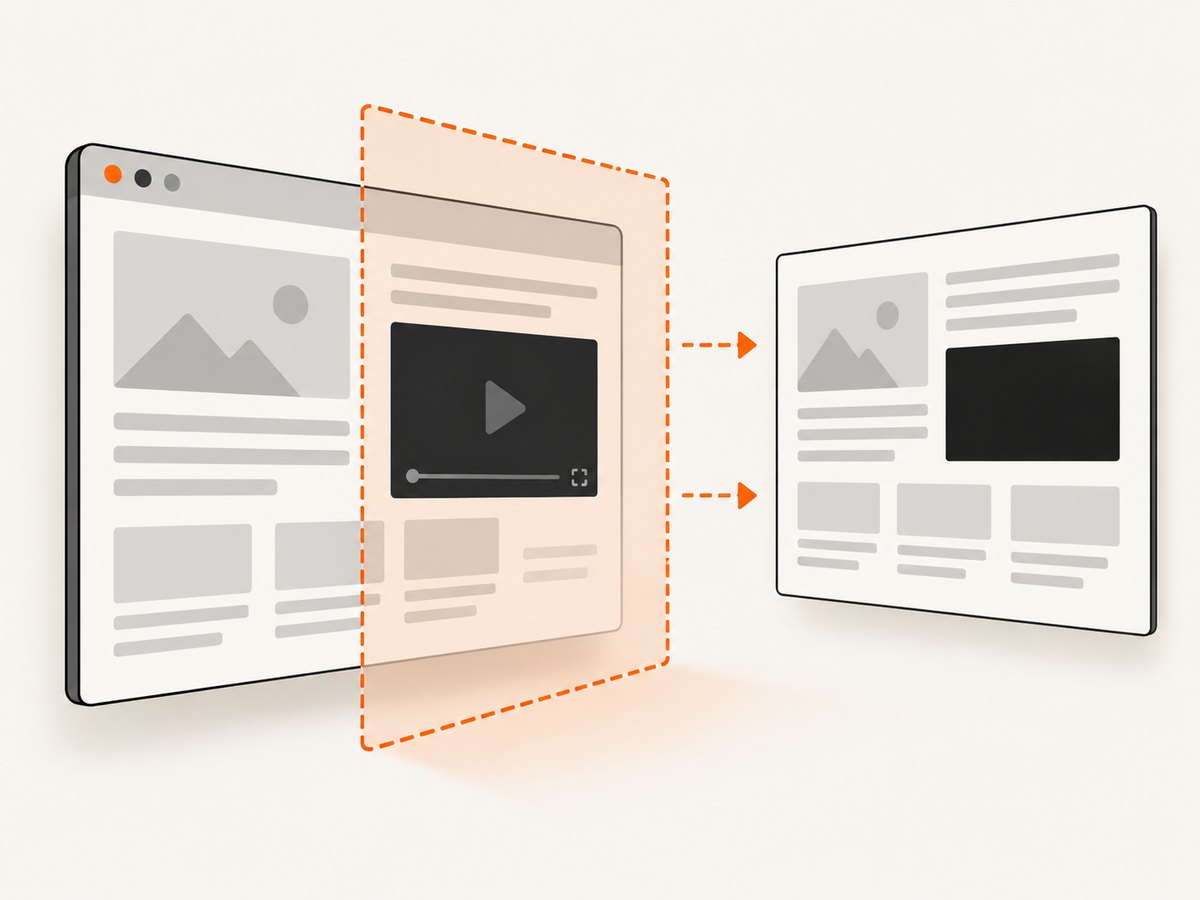
Widevine is Google’s DRM system for premium media. Its policy documentation describes output controls such as HDCP. The presence of such controls helps explain why capture behavior can depend on the playback and output path, but it does not specify exactly how each Selenium driver, browser version, CDM, operating system, or graphics configuration will behave.
| Question | What the sources support |
|---|---|
| Can Selenium request a screenshot? | Yes. It supports browser-context and element screenshot operations. |
| Will the protected video pixels be included? | Not guaranteed. A black or missing region is possible; no universal result is established. |
| Does Selenium’s API bypass DRM? | No. Its documented screenshot interface is a capture operation, not an access mechanism for protected media. |
| Does Chrome screen sharing settle the question? | No. getDisplayMedia() is a separate, user-mediated screen, window, or tab capture flow and makes no promise of access to protected pixels. |
2. Capture an authorized page with Selenium
The following Python example saves a screenshot of the current browser viewport after navigating to a page. It demonstrates Selenium’s ordinary screenshot workflow; it does not make protected video capturable. Install Selenium and a compatible browser driver in your environment first.
from pathlib import Path
from selenium import webdriver

options = webdriver.ChromeOptions()
# Use a visible browser while diagnosing rendering differences.
driver = webdriver.Chrome(options=options)
try:
    driver.set_window_size(1440, 1000)
    driver.get("https://example.com")
    output = Path("page.png")
    if not driver.save_screenshot(str(output)):
        raise RuntimeError("WebDriver did not save the screenshot")
    print(f"Saved {output.resolve()}")
finally:
    driver.quit()
For an element capture, locate the element and call its screenshot method. This is useful for isolating a page region, but it still does not guarantee that a protected video surface will be represented in the image.
from selenium import webdriver

with webdriver.Chrome() as driver:
    driver.get("https://example.com")
    element = driver.find_element("css selector", "main")
    element.screenshot("main.png")
What to record when investigating a blank video region
- Browser name and exact version, plus the Selenium language binding and driver version.
- Operating system, device type, and whether the browser is using hardware acceleration or a particular graphics path.
- The streaming service or test player and its playback/output policy.
- Which capture operation you used: Selenium browser screenshot, Selenium element screenshot, operating-system capture, or Chrome screen sharing.
- Whether the page itself rendered correctly and whether non-video elements appear in the same screenshot.
Change one factor at a time in an authorized test environment. A report from one platform is not a compatibility guarantee for another.
3. Keep capture mechanisms distinct
Chrome’s getDisplayMedia() flow asks the user to select a screen, window, or tab and has privacy controls for screen sharing. It is a different capture mechanism from Selenium’s browser screenshot operation. Neither interface documentation claims that it defeats Widevine protections.
Chrome also has an enterprise screenshot-prevention policy. Google’s support documentation describes it as a managed-browser feature with a Chrome Enterprise Premium license and platform qualifications. It is a separate data-protection control, not evidence of how Widevine behaves in Selenium. The documentation lists screenshot-prevention availability on Android, ChromeOS, iOS, and Chrome on Windows, Mac, and Linux; it describes screen-share prevention as supported on Windows only and says the setting is unavailable on Linux.
4. Troubleshooting
| Symptom | Likely explanation | What to do |
|---|---|---|
| Screenshot call succeeds, but video is black | The protected video surface may not be exposed to that capture path, or output policy and platform details may affect rendering. | Confirm ordinary page content is captured, record the environment details above, and compare only authorized test configurations. Do not interpret a successful API response as proof that protected pixels were accessible. |
| Video area is absent or incomplete | The browser may not have rendered the video at capture time, or the element capture may cover a different region than expected. | Wait for the page’s normal ready state, verify the element and its bounds, and take a screenshot of an ordinary test page to check the Selenium workflow. |
| Screenshot file is missing | The call may have returned false, the output path may be unexpected, or the process may lack write access. | Check the return value, use an explicit path, and confirm the parent directory is writable. |
| Capture works locally but differs in CI | Browser version, operating system, device, graphics path, or playback policy may differ. | Record and align those environment details where possible. Treat remaining variation as environment-specific; the reviewed sources do not supply a cross-platform guarantee. |
| Enterprise policy blocks a screenshot | A managed Chrome screenshot-prevention setting may apply. | Ask the organization’s Chrome administrator to confirm the applicable policy and licensing. Do not confuse that policy with Widevine output behavior. |
5. Reliability, performance, and cost
A successful Selenium screenshot call means the driver completed a capture request; it does not establish that every visual surface, especially protected media, is present. For reliable page automation, make capture timing explicit, use a fixed viewport, save output to a known path, and retain browser and driver version details with artifacts. When the protected region matters, validate behavior in the exact authorized environment where the result will be used.
Capture performance depends on browser startup, page loading, and rendering. This research does not provide benchmark figures, so do not assume a timing from one machine applies elsewhere. Selenium’s direct cost depends on the infrastructure and browser execution environment you choose; no universal price follows from the screenshot API itself.
6. Or skip the browser setup
For ordinary web-page screenshots, ScreenshotNeo is a website screenshot API and MCP server for developers. It does not provide access to Widevine-protected video pixels. Its clean-shot flow accepts cookie and consent banners like a visitor and removes more than 60 known consent platforms, newsletter popups, and chat widgets; each step can be turned off. Bot checks and CAPTCHAs, blank pages, timeouts, failed loads, and cache hits cost nothing, and responses identify the page verdict and billing status in headers. AI agents can use its MCP server tools: take_screenshot, get_page_info, and capture_pdf.
One GET request returns an image or PDF. See the API documentation.
curl -G "https://api.screenshotneo.com/v1/shot" -d access_key=YOUR_API_KEY --data-urlencode url=https://stripe.com -o shot.webpimport requests
r = requests.get("https://api.screenshotneo.com/v1/shot", params={"access_key": "YOUR_API_KEY", "url": "https://stripe.com"}, timeout=90)
open("shot.webp", "wb").write(r.content)const q = new URLSearchParams({ access_key: 'YOUR_API_KEY', url: 'https://stripe.com' });
const res = await fetch(`https://api.screenshotneo.com/v1/shot?${q}`);ScreenshotNeo removes cookie banners, popups, and chat widgets before the shot; bot checks, blank pages, and failed loads are never billed; its MCP server lets AI agents take screenshots; and 1,000 screenshots per month are free with no card. Paid plans start at $5 for 3,000 screenshots. Sign up for 1,000 free screenshots a month, with no card required.
7. FAQ
Will Selenium always return a black rectangle for Widevine video?
No universal result is established. Black or missing protected-video output is possible, but behavior can depend on the environment and playback policy.
Can I infer Widevine behavior from one Chrome platform report?
No. A Chrome Help Community post from April 26, 2022 described one user’s observations on Windows, macOS, and Linux. It is an individual report, not an official cross-platform compatibility statement.
Does a screenshot-prevention policy explain Widevine behavior?
No. Chrome’s managed screenshot-prevention policy is a separate enterprise control with its own license and platform qualifications.
Where should I start if I only need a screenshot of the page around a video?
Use Selenium’s normal browser or element screenshot operation, then verify that the surrounding page content appears. The protected video pixels may remain unavailable to the capture.
Sources
- Selenium Java API: TakesScreenshot
- Selenium documentation: Working with windows and tabs
- Google for Developers: Widevine DRM overview
- Google Widevine Help: Output controls and policies
- Chrome for Developers: Privacy-preserving screen sharing controls
- Google Chrome Enterprise and Education Help: Set Chrome policies for users or browsers
- Chrome Help Community: Blocking screen capturing / screen shots of DRM protected content on Chrome


