Why Selenium Runs the Wrong Browser and How to Fix It
Find why Selenium opens the wrong browser, installation, or version. Trace builders, binaries, drivers, Selenium Manager, and CI overrides.
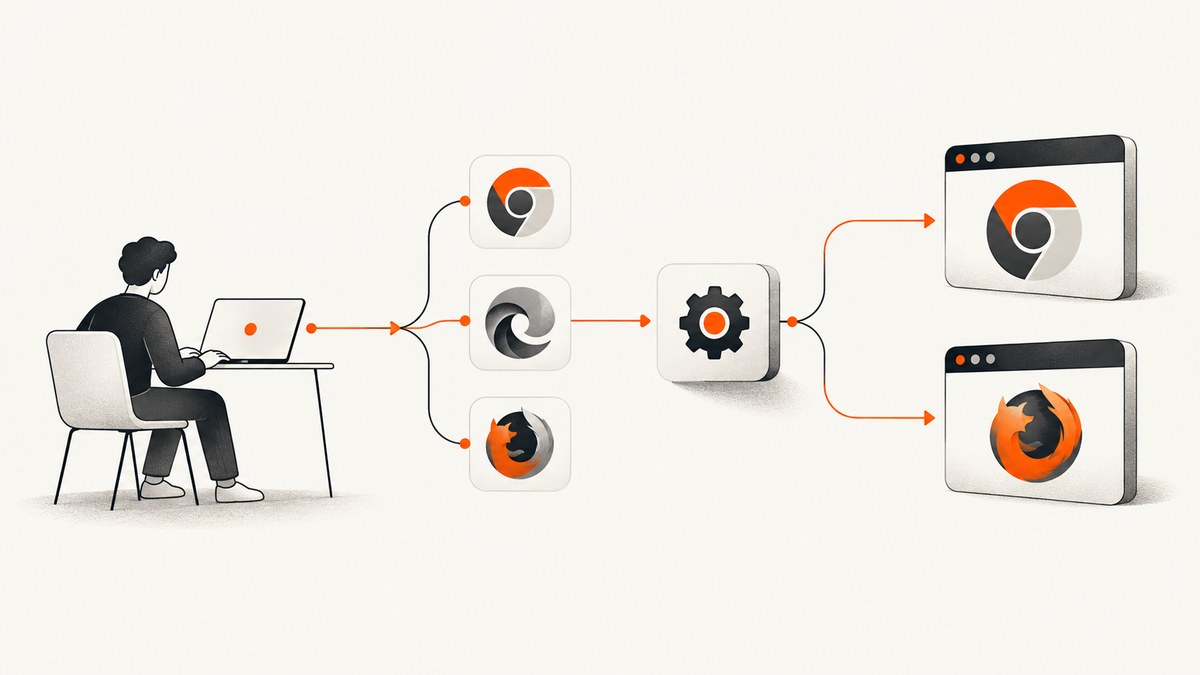
Direct answer: Selenium can open the “wrong browser” for three different reasons: your code requested another browser family, the requested family resolved to a different executable or channel, or the driver/browser versions do not match and the session fails before a window appears. Diagnose in that order: identify the requested browser, verify the options attached to that browser, print the resolved browser and driver paths, then correct explicit paths, PATH entries, Selenium Manager settings, or version pins.
This guide separates those cases and gives runnable examples for Python, JavaScript, and Java. Selenium’s exact option names vary by binding and release, so use the API reference for your binding when adapting a snippet.
1. Confirm which browser Selenium is asked to start
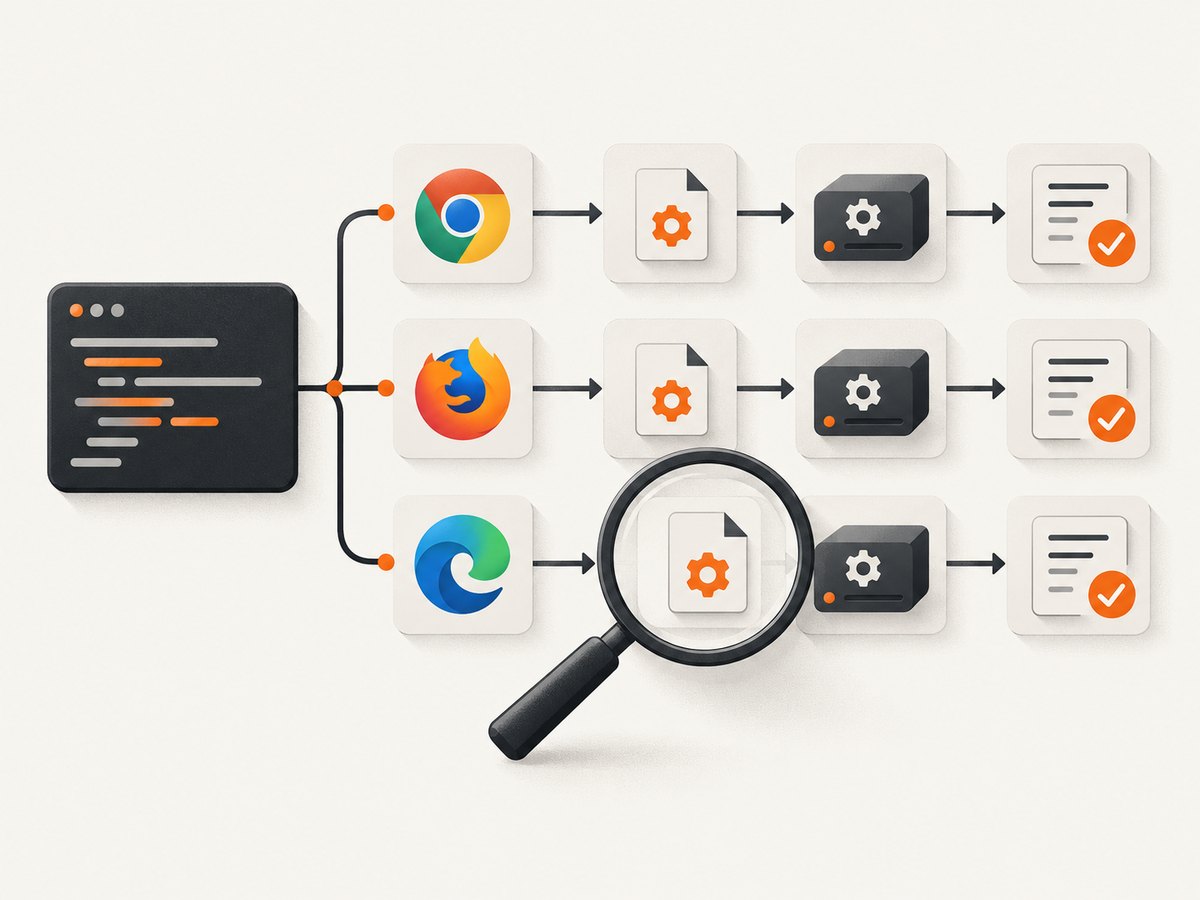
Start at the session constructor or builder. A browser installed on the machine does not determine the browser family; the code and framework configuration do.
Python
from selenium import webdriver
from selenium.webdriver.chrome.options import Options

options = Options()
# This selects Chrome; it does not select Firefox or Edge.
driver = webdriver.Chrome(options=options)
driver.get('https://example.com')
print(driver.capabilities)
driver.quit()
JavaScript (selenium-webdriver)
const {Builder} = require('selenium-webdriver');
const chrome = require('selenium-webdriver/chrome');

const options = new chrome.Options();
const driver = await new Builder()
  .forBrowser('chrome')
  .setChromeOptions(options)
  .build();
await driver.get('https://example.com');
console.log(await driver.getCapabilities());
await driver.quit();
In the JavaScript binding, options for browsers that are not selected by Builder.forBrowser() are dropped when build() runs. Attach Chrome options to a Chrome builder, Firefox options to a Firefox builder, and so on; do not create a Firefox options object and expect a Chrome session to consume it. See the JavaScript API reference.
Java
import org.openqa.selenium.WebDriver;
import org.openqa.selenium.chrome.ChromeDriver;
import org.openqa.selenium.chrome.ChromeOptions;

ChromeOptions options = new ChromeOptions();
WebDriver driver = new ChromeDriver(options);
driver.get("https://example.com");
System.out.println(driver.getCapabilities());
driver.quit();
If a test runner, container image, remote Grid, or wrapper library creates the driver for you, inspect its browser setting and environment overrides. Look for variables such as a browser name, a remote endpoint, or capabilities that replace your local constructor.
2. Make the intended browser executable explicit
A correct browser family can still launch the wrong installation: stable versus beta, system versus bundled, or an old copy left in a custom directory. Set an absolute binary path and verify that the test process can execute it.
Chrome
from selenium import webdriver
from selenium.webdriver.chrome.options import Options

options = Options()
options.binary_location = '/absolute/path/to/google-chrome'
driver = webdriver.Chrome(options=options)
print(driver.capabilities.get('browserVersion'))
driver.quit()
ChromeDriver documents the equivalent custom binary capability in ChromeOptions and capabilities. On Windows use a path such as C:\\Program Files\\Google\\Chrome\\Application\\chrome.exe; on macOS the executable is commonly inside the application bundle; on Linux use the actual executable path visible to the service account.
Firefox and Edge
# Firefox (Python)
from selenium import webdriver
from selenium.webdriver.firefox.options import Options as FirefoxOptions

firefox_options = FirefoxOptions()
firefox_options.binary_location = '/absolute/path/to/firefox'
driver = webdriver.Firefox(options=firefox_options)
driver.quit()

# Edge (Python)
from selenium.webdriver.edge.options import Options as EdgeOptions
edge_options = EdgeOptions()
edge_options.binary_location = '/absolute/path/to/msedge'
driver = webdriver.Edge(options=edge_options)
driver.quit()
Use the option supported by your binding’s current release. Selenium Manager also exposes browser-path configuration through settings such as browser-path, the SE_BROWSER_PATH environment variable, and browser-specific variants such as SE_CHROME_PATH. Prefer one deliberate source of truth rather than several competing overrides.
3. Find the driver Selenium actually selected
Selenium Manager is Selenium’s official driver manager and is shipped with Selenium releases since 4.6. It is a fallback: bindings invoke it when you have not already supplied a driver. A driver explicitly set in code, a system property, or an executable found through PATH can therefore win before Manager is consulted. Read the Selenium Manager documentation for current switches and defaults.
Turn on Manager debug or trace logging for your binding and capture the lines that report browser detection, driver discovery, and resolved paths. The evidence you need is:
- requested browser family;
- browser binary path and detected browser version;
- driver path and driver version;
- whether the driver came from an explicit setting, PATH, or Manager fallback;
- Selenium and binding versions.
Manager documents a default cache at ~/.cache/selenium and a metadata/configuration TTL of 3600 seconds. These are documented defaults, not a promise for every custom setup or future release. Do not delete the cache blindly; first prove that the cached executable is the one being used.
Manual driver paths
Older setups may call a driver executable directly, set a Java system property, or put a driver directory on PATH. The Unable to Locate Driver guide covers these arrangements. Remove an unintended PATH entry, correct the explicit path, or intentionally pin the driver when your build requires reproducibility.
4. Separate a different browser from a different version
| Symptom | Likely case | Evidence to collect |
|---|---|---|
| Firefox opens although Chrome was expected | Browser family or framework override | Constructor, builder, remote capabilities |
| Chrome opens, but the Beta/Dev/system copy appears | Binary path or channel selection | Resolved executable path and browserVersion |
| No window; “session not created” | Driver/browser compatibility or startup failure | Driver version, browser version, driver path |
| Profile, language, or flags look unexpected | Options attached to another builder or profile override | Final capabilities and option construction |
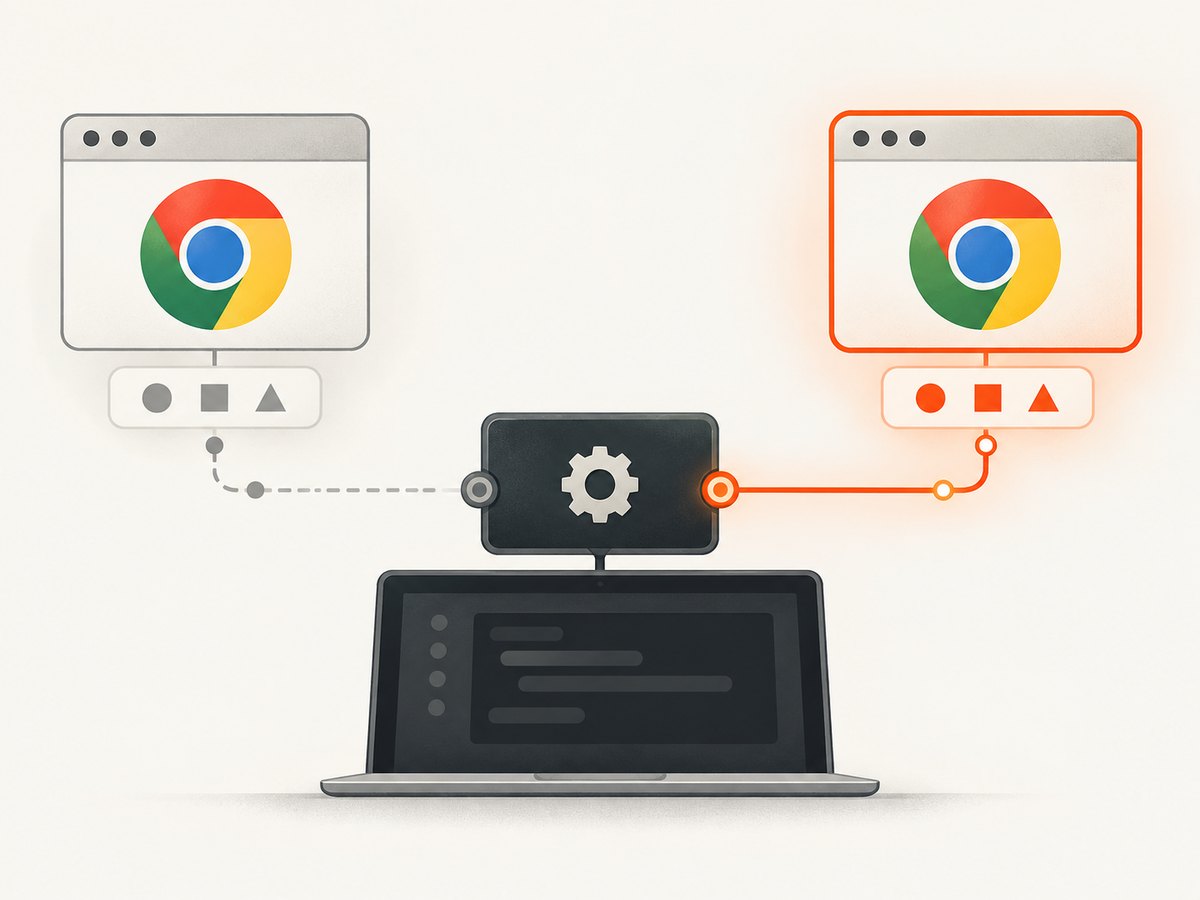
Selenium Manager can detect browser versions and resolve a corresponding driver. Its documentation uses the illustrative error This version of ChromeDriver only supports Chrome version 113 to show a mismatch. Treat the number as historical example, then inspect your installed versions rather than copying it.
5. Pin versions only after measuring the current state
When a release pipeline must be repeatable, configure browser version, driver version, or browser path through the Manager controls documented for your Selenium release. Pinning a driver while allowing an unrelated browser channel to auto-update can recreate the same failure. Record all three values (browser, driver, Selenium) in build logs.
If you use a container, run the version commands as the same user that runs tests. A browser visible to an interactive shell may be absent from a service account’s PATH. In a Grid, collect capabilities from the remote session: the node, not your workstation, decides which executable starts.
6. A minimal reproduction that reveals the mismatch
- Create a fresh virtual environment or clean project with the same Selenium binding version.
- Select the browser explicitly in code.
- Set an absolute binary path if multiple installations exist.
- Enable Manager debug logging and save the output.
- Print capabilities after session creation, especially browser name and version.
- Run the full test framework and compare its capabilities and paths.
If the minimal session is correct but the full suite is not, inspect framework configuration, environment variables, wrapper libraries, remote endpoints, and fixture scope. This comparison narrows the source; it does not by itself prove a framework defect.
7. Common errors and fixes
“Unable to obtain driver” or “Unable to locate driver”
Cause: no usable driver was supplied, PATH points at a missing executable, or Manager cannot resolve one. Fix: enable Manager logs, verify network and permissions where Manager must download, or provide a known driver path. Confirm the path belongs to the intended browser family.
“Session not created” with a version message
Cause: driver and browser versions are incompatible, often because the binary path selects another channel. Fix: print both versions, then align them through Manager’s browser/driver version settings or by updating the selected installation.
The requested flags have no effect
Cause: options were built for Firefox while the builder selected Chrome, or a wrapper replaced them. Fix: construct options for the selected browser and inspect final capabilities. In JavaScript, remember that non-selected options are dropped at build time.
The right browser family but wrong profile or language
Cause: a framework profile, user-data directory, or environment override is injected later. Fix: log the final options/capabilities, remove duplicate profile settings, and use a temporary profile for diagnosis.
Works locally, fails in CI
Cause: different PATH, user permissions, container packages, display settings, or remote node. Fix: print executable paths and versions in CI, run a minimal session as the CI user, and inspect the node’s capabilities. Keep the browser path absolute when the image contains multiple channels.
8. Reliability, performance, and cost considerations
Every new browser session has startup cost. Reuse a driver only when tests can safely share its profile and state; otherwise isolate sessions to prevent cookies, extensions, and flags from leaking between tests. For parallel runs, give each worker its own profile and verify that each node resolves the same browser channel.
Automatic resolution reduces manual maintenance but adds a dependency on Manager configuration, cache state, and (when downloading) network access. Pin versions in controlled builds, retain debug logs for failed sessions, and refresh pins deliberately when the browser channel changes. A screenshot taken after a failed session is not evidence that the intended browser rendered the page.
Or skip the browser setup
If your goal is a deterministic website image rather than interactive WebDriver control, ScreenshotNeo provides a single screenshot API request. It accepts the URL and returns PNG, JPEG, WebP, or PDF; its capture options include full-page lazy-image loading, element selectors, device presets, custom viewport and retina scale, dark mode, waits, custom headers/cookies/user agent, timezone/geolocation, blocking rules, custom CSS/JavaScript, click and hide actions, caching, signed links, asynchronous jobs, bulk capture, and PDF controls.
Use the same request from any shell or application:
curl -G "https://api.screenshotneo.com/v1/shot" -d access_key=YOUR_API_KEY --data-urlencode url=https://stripe.com -o shot.webpPython:
import requests
r = requests.get("https://api.screenshotneo.com/v1/shot", params={"access_key": "YOUR_API_KEY", "url": "https://stripe.com"}, timeout=90)
open("shot.webp", "wb").write(r.content)
Node.js:
const q = new URLSearchParams({ access_key: 'YOUR_API_KEY', url: 'https://stripe.com' });
const res = await fetch(`https://api.screenshotneo.com/v1/shot?${q}`);
See the ScreenshotNeo API documentation for parameters and response headers. Cookie and consent banners, newsletter popups, and chat widgets are removed before the shot; bot checks, blank pages, failed loads, timeouts, and cache hits are not billed, and response headers identify the page verdict and billing result. An MCP server provides take_screenshot, get_page_info, and capture_pdf for Claude, Cursor, and other MCP clients. The Free plan includes 1,000 screenshots per month with no card; paid plans start at $5 for 3,000.
Sign up free for ScreenshotNeo and get 1,000 screenshots a month with no card.
FAQ
Is Selenium using the driver in PATH or Selenium Manager’s cache?
It depends on whether your binding received an explicit driver. Enable Manager debug output and inspect the reported driver path; also print the executable discovered by your shell’s PATH tools.
Can I choose Chrome Beta?
Yes, if your binding supports a custom binary path, point it at the Beta executable and align the driver version. Verify the resolved path and version in capabilities.
Why does a screenshot show the wrong page but the browser is correct?
That is usually navigation, redirects, profile state, waits, or a remote node issue rather than browser-family selection. Log the final URL and page title, then reproduce with a minimal session.
Does Selenium Manager replace all manual driver management?
No. It is a fallback shipped with Selenium releases since 4.6; explicit drivers and PATH-based arrangements remain possible.


