Selenium with Xvfb vs PhantomJS: RAM and CPU on Raspberry Pi
There is no sourced, like-for-like Pi benchmark for Selenium with Xvfb versus PhantomJS. Learn what the evidence says and how to measure both on your board.
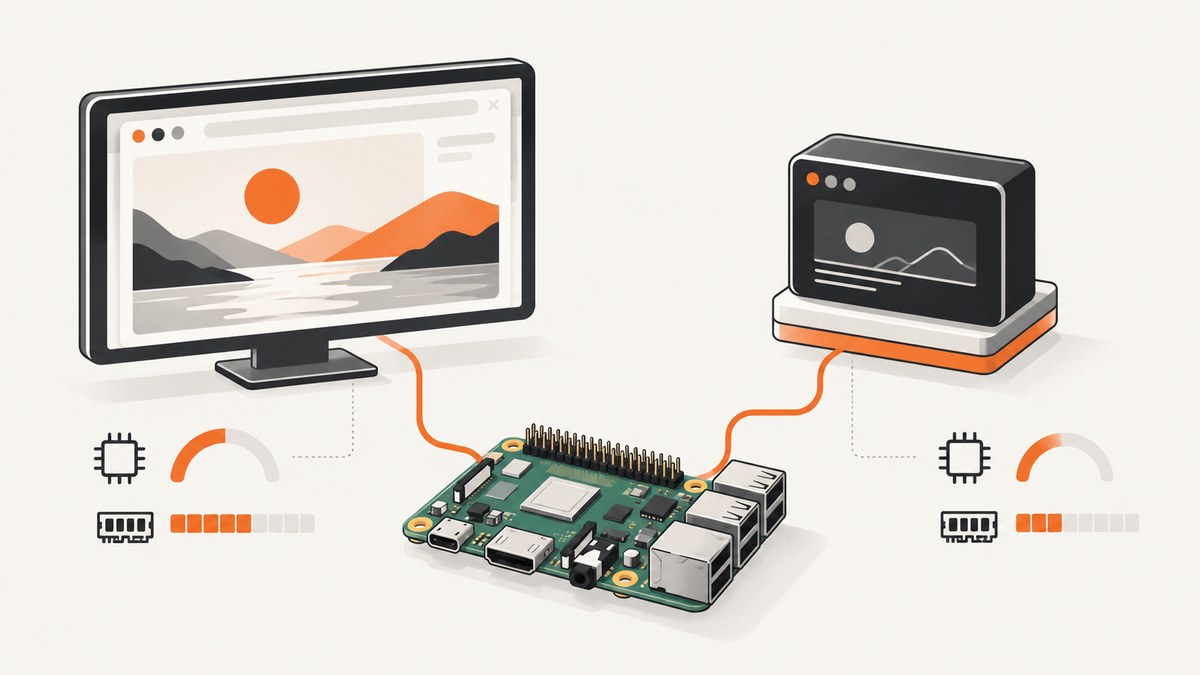
Short answer: There is no sourced, like-for-like measurement showing how much RAM or CPU Selenium with Xvfb uses versus PhantomJS on a Raspberry Pi. The available quantitative study compared Selenium configurations in a different environment; it did not test PhantomJS or a Pi. For a meaningful choice, first specify the browser Selenium drives, then measure both candidate setups on the same Pi with the same pages and workload.
There is also a terminology trap: Selenium is an automation API that controls a browser through a driver, while PhantomJS is a scriptable headless browser built on QtWebKit. “Selenium versus PhantomJS” compares different layers unless the Selenium browser and its display mode are named. PhantomJS development is suspended, and Selenium’s Python changelog records PhantomJS as deprecated in favor of Chrome or Firefox headless. That makes a new PhantomJS deployment a maintenance decision as well as a resource question. ScreenshotNeo is another option when the job is to capture a website screenshot rather than run a browser locally.
1. What is actually being compared?
Selenium sends commands to a browser-specific driver, which in turn controls an installed browser. A Selenium setup might use Chrome, Firefox, or another supported browser. The browser engine, browser version, driver, headless mode, and operating system all affect resource use. Xvfb supplies a virtual X display for software that expects a display server; it is not itself the browser.
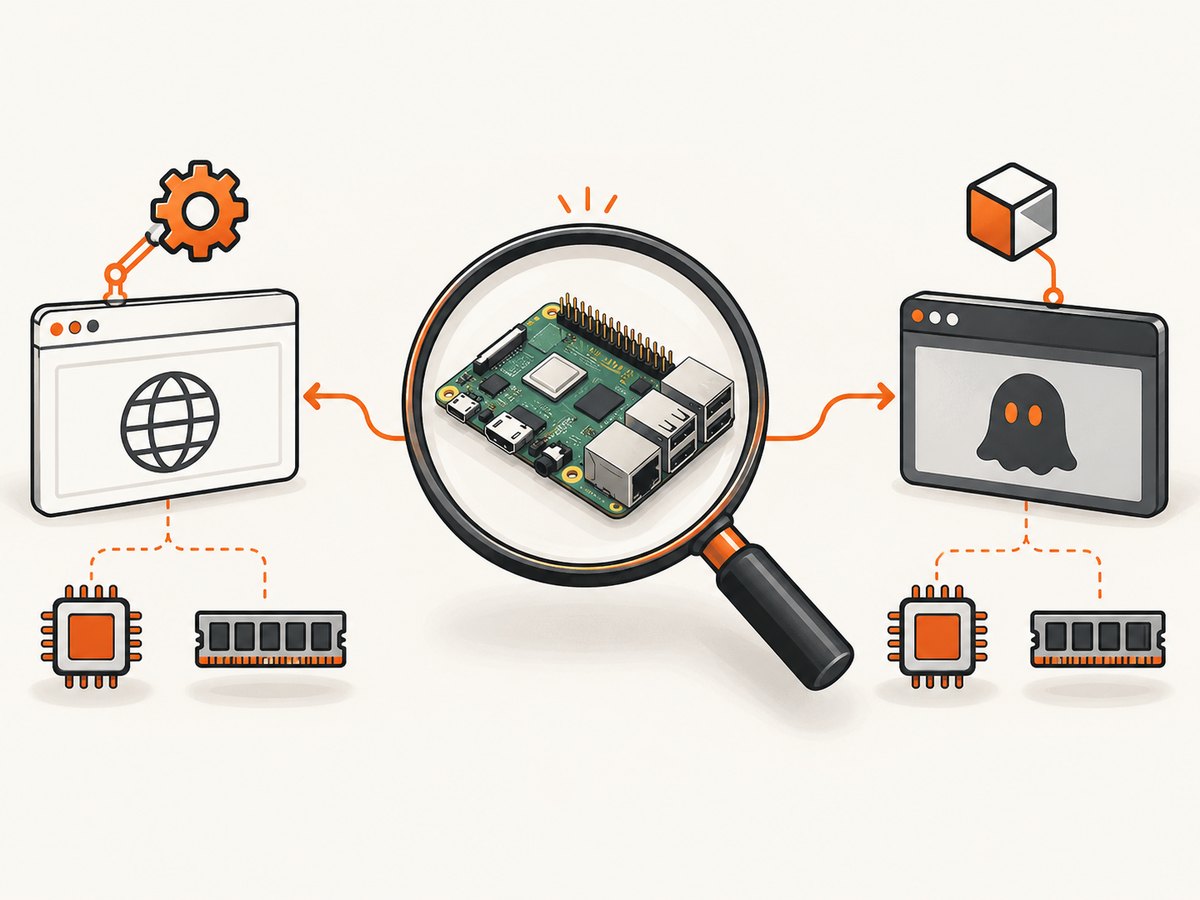
PhantomJS combines a JavaScript automation interface with its own QtWebKit-based browser. Its project homepage says development is suspended. The project’s FAQ gives a useful version boundary: PhantomJS 1.4 and earlier needed an X server, for which Xvfb was a workaround; PhantomJS 1.5 onward was documented as pure headless and not requiring X11/Xvfb. So “PhantomJS under Xvfb” may describe a legacy version or a particular packaging choice, not a universal requirement.
| Term | What it describes | Why it matters |
|---|---|---|
| Selenium | Automation API and ecosystem for controlling browsers | Name the browser and driver to make resource figures interpretable. |
| Xvfb | Virtual X server providing a display without a physical screen | It can add processes and display handling, but workload and browser dominate total usage. |
| PhantomJS | Scriptable headless browser using QtWebKit | It is a browser, not a Selenium browser driver; project development is suspended. |
| Native headless browser | A browser’s own headless operating mode | It may avoid a separate X display server; compare it directly with the Xvfb setup you intend to run. |
2. What the published numbers do—and do not—say
A 2019 Queen’s University study of Selenium-based load tests reported these median utilization figures for its tested configurations:
| Test configuration | Median CPU | Median memory |
|---|---|---|
| Headless browser | 49% | 5% |
| Regular browser | 121% | 12% |
| Xvfb browser | 92% | 8% |
In that experiment, its tested headless setup used less CPU and memory than its tested Xvfb setup. The comparison used ten browser instances in a specific load-test environment. These are utilization percentages, not a RAM requirement in gigabytes or a per-browser guarantee. They are not results for PhantomJS, a Raspberry Pi, or a single browser session. They show that configuration and workload can change the result; they cannot predict what a given Pi will use.
Selenium Grid documentation offers 1 CPU and 1 GB RAM per browser as a default planning recommendation, while explicitly cautioning that the values may not fit a particular context. Treat that as generic Grid guidance, not a minimum Raspberry Pi specification.
3. Which should you choose for a Raspberry Pi?
For new automation, start with a maintained browser
If you need current website compatibility, use Selenium with a browser version you can install and maintain on your Pi OS, and prefer that browser’s native headless mode when it meets your requirements. Selenium’s Python changelog historically deprecated PhantomJS and recommended Chrome or Firefox headless. Check the compatibility of the specific browser and driver releases you plan to deploy; the research here does not establish a working install recipe for every Pi model and OS image.
Keep PhantomJS only when legacy behavior justifies it
PhantomJS may still be relevant when an existing test suite depends on its QtWebKit behavior and migration has a real cost. But suspended development means you must weigh that short-term fit against compatibility, security maintenance, and the effort to keep an old browser stack usable. Do not assume it renders modern sites like current Chrome or Firefox.
Do not add Xvfb by default
For PhantomJS 1.5 and later, the project FAQ says Xvfb is unnecessary. For Selenium, determine whether your selected browser can run headless natively before adding a virtual display. Some software still requires a display server, and the answer depends on browser and configuration. If you do use Xvfb, measure its impact as part of the whole process tree rather than attributing every byte to the browser.
4. Measure your own board with a controlled comparison
A local benchmark is the only defensible way to answer “how much on my Pi?” Use the exact board, OS image, architecture, browser builds, and workload you will deploy. Run configurations serially on the same device so they compete for the same CPU and memory conditions.
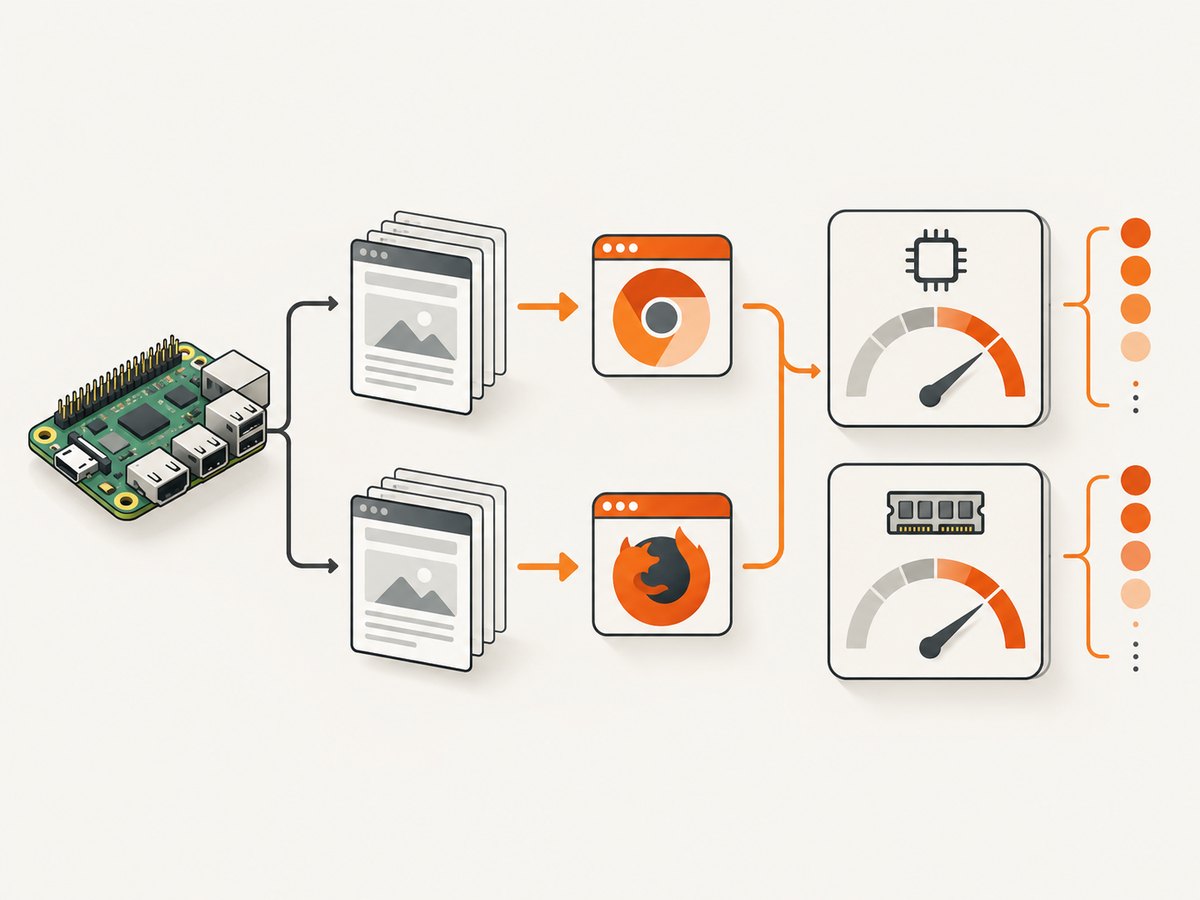
- Record the platform. Note Pi model and RAM, OS release and bitness, CPU architecture, available memory, swap configuration, browser and driver versions, and whether the system is otherwise idle.
- Define a repeatable workload. Choose representative URLs and the same navigation, wait condition, interactions, and screenshot or assertion work. Include a simple page and a heavier real target if both reflect production.
- Pin the candidate configurations. For example, compare Selenium with a named browser in native headless mode against that same browser under Xvfb. If PhantomJS matters, record its exact version and build. Keep concurrency equal.
- Measure distinct phases. Capture process and system CPU and resident memory during startup, page load, idle after load, and repeated work. Record peak values as well as typical values. Include child processes such as the driver, browser, and Xvfb.
- Repeat and report variation. Run several trials, note cold versus warm starts and cache state, then report median and range. Keep the page set and network conditions consistent as practical.
On Linux, /usr/bin/time -v can report elapsed time and maximum resident set size for a command. ps can inspect live processes, while top or pidstat can show CPU over time if those utilities are installed. These tools do not automatically give a perfect browser-only number: account for child processes and system pressure, and use the same method for every candidate.
# Example: inspect live browser-related processes while a run is active
ps -eo pid,ppid,%cpu,rss,comm,args --sort=-rss | head -20

# Example: record command-level peak RSS for a repeatable run
/usr/bin/time -v python3 benchmark.py
The commands are measurement examples, not a benchmark script or a claim of measured Pi results. For a reliable report, preserve the command, test URLs, versions, logs, and a short description of the measurement method.
5. Raspberry Pi setup friction: architecture and drivers
Selenium Manager is Selenium’s included driver manager, but its documentation says the default distributed Linux binary does not work on Raspberry Pi/ARM or 32-bit Linux. That is a driver-management limitation, not proof that Selenium itself cannot run on a Pi. The documented alternatives include using a custom manager path or locating the driver directly and configuring its path. The exact compatible driver and browser still depend on your architecture and versions.
The Selenium community also describes experimental multi-architecture images for arm64, armhf, and amd64, including Raspberry Pi platforms. These are community-maintained experimental images, not a guarantee of official support for a particular board.
# Python Selenium example when you have installed a compatible driver yourself.
# Provide the actual driver path for your OS, architecture, and browser version.
from selenium import webdriver
from selenium.webdriver.chrome.service import Service
from selenium.webdriver.chrome.options import Options

options = Options()
options.add_argument("--headless")
options.add_argument("--no-sandbox")
options.add_argument("--disable-dev-shm-usage")
service = Service(executable_path="/path/to/chromedriver")
driver = webdriver.Chrome(service=service, options=options)
try:
    driver.set_window_size(1280, 900)
    driver.get("https://example.com")
    driver.save_screenshot("page.png")
finally:
    driver.quit()
This is a runnable Selenium pattern once a compatible browser and driver are installed; replace the driver path with the real local path. The Chromium flags shown are commonly used in constrained or containerized environments, but they do not guarantee compatibility or lower resource consumption on every Pi. Avoid copying flags without understanding your security and runtime context.
To test an Xvfb configuration, launch the same script through your installed Xvfb wrapper, for example xvfb-run -a python3 benchmark.py, only if Xvfb is installed and the browser is configured to use a display. For a native headless comparison, run the script without the wrapper and configure the browser’s headless mode. Do not compare different pages, browser versions, or concurrency and call the result an Xvfb effect.
6. Cost, performance, and reliability trade-offs
Performance: Browser startup can be a large fixed cost on a small board. Reusing a browser can reduce repeated startup work, but a long-lived browser can accumulate memory or stale state; measure both per-job startup and sustained operation. More concurrent sessions increase contention and can push a memory-limited Pi into swapping. A swap-heavy result may avoid an immediate crash while making capture latency unpredictable.
Reliability: Pin versions and make failures visible. Record navigation timeouts, browser exits, driver errors, and out-of-memory events separately. A successful process launch does not establish that the rendered page is complete; wait for a meaningful selector or application-ready condition rather than a short arbitrary pause. Test target sites under the same network conditions expected in deployment.
Cost: Local software may have no per-screenshot API fee, but the device, power, storage, setup, maintenance, and failure recovery still have costs. A hosted screenshot API trades local browser administration for a per-plan allowance. Compare the total workload and required controls, not just RAM.
Privacy and network access: A local browser runs within the environment you configure, while a hosted capture service makes the request from that service’s infrastructure. Check whether the target is publicly reachable and whether its data handling requirements permit remote capture before choosing a hosted path.
7. Common errors and fixes
| Symptom | Likely cause | What to check or change |
|---|---|---|
| Selenium Manager fails on Pi or ARM | The documented default Linux manager binary is unsupported on Raspberry Pi/ARM and 32-bit Linux. | Use a compatible driver installed for the architecture and configure a custom manager path or explicit driver location. |
| “Cannot connect to X server” | A non-headless browser expects a display and no display server is available. | Use the browser’s supported native headless option, or install/configure Xvfb when a display is required. |
| PhantomJS fails because display is missing | Possibly PhantomJS 1.4 or earlier, which required X; another possibility is a build or launch mismatch. | Confirm exact version. The project FAQ says 1.5 onward is pure headless; check the package’s build details before adding Xvfb. |
| Browser or driver exits immediately | Architecture mismatch, incompatible versions, missing shared libraries, or unsupported binary. | Check uname -m, OS bitness, executable permissions, browser/driver compatibility, and the browser’s stderr output. |
| Memory climbs until the Pi becomes unresponsive | Concurrent browser instances, large pages, retained sessions, or swapping under memory pressure. | Reduce concurrency, close sessions reliably, sample per-process and system RSS, and test repeated runs for growth. |
| Screenshot is blank or incomplete | Capture happened before page content rendered, navigation failed, or the site returned a challenge page. | Check the actual page and navigation state, wait for a relevant selector, and distinguish page failure from capture failure in logs. |
8. Or skip the browser setup
If your goal is a website screenshot and you do not need local browser automation, ScreenshotNeo’s API takes a URL in one request and returns an image or PDF. For example, this cURL call saves a WebP screenshot:
curl -G "https://api.screenshotneo.com/v1/shot" -d access_key=YOUR_API_KEY --data-urlencode url=https://stripe.com -o shot.webpPython:
import requests
r = requests.get("https://api.screenshotneo.com/v1/shot", params={"access_key": "YOUR_API_KEY", "url": "https://stripe.com"}, timeout=90)
open("shot.webp", "wb").write(r.content)
Node.js:
const q = new URLSearchParams({ access_key: 'YOUR_API_KEY', url: 'https://stripe.com' });
const res = await fetch(`https://api.screenshotneo.com/v1/shot?${q}`);
if (!res.ok) throw new Error(`Screenshot request failed: ${res.status}`);
await require('node:fs/promises').writeFile('shot.webp', Buffer.from(await res.arrayBuffer()));
ScreenshotNeo removes cookie and consent banners, newsletter popups, and chat widgets before capture. Bot checks, blank pages, failed loads, timeouts, and cache hits are not billed; response headers report the page verdict and billing status. It also provides an MCP server so AI agents can take screenshots, and includes 1,000 screenshots a month free with no card; paid plans start at $5 for 3,000 screenshots. Sign up for the free plan.
9. FAQ
Is PhantomJS faster than Selenium on a Raspberry Pi?
The research does not establish that. Selenium must be paired with a named browser, and no sourced Pi comparison with PhantomJS was found. Benchmark the exact versions and workload you plan to use.
Does PhantomJS need Xvfb?
The PhantomJS FAQ says versions 1.4 and earlier needed an X server, while 1.5 onward was pure headless and did not need X11/Xvfb.
Do the published CPU and memory percentages predict my Pi’s RAM use?
No. They are study-specific utilization percentages from a Selenium load-test configuration, not per-process RAM amounts or Pi measurements.
Can I use Selenium on a Pi if Selenium Manager fails?
The documented Manager limitation concerns its default Linux binary on Pi/ARM and 32-bit Linux. Selenium’s documentation describes custom manager or direct driver-path workarounds; validate a compatible browser and driver for your system.
When is a screenshot API a better fit?
Consider one when you need screenshots of publicly reachable pages and do not require a local browser session or local-only data path. For local interaction, browser extensions, or private network targets, local automation may be necessary.
Sources and scope
- PhantomJS project homepage (browser architecture and suspended development).
- PhantomJS FAQ (X server requirement by version).
- Selenium Python changelog (PhantomJS deprecation note).
- Selenium Manager documentation (Pi/ARM and 32-bit Linux limitation and alternatives).
- Selenium Grid documentation (resource planning recommendation and caveat).
- The 2019 Queen’s University study figures are reported only as configuration-specific directional evidence; they are not PhantomJS or Raspberry Pi measurements.


